
Anime Chibi Fusion in Tokyo
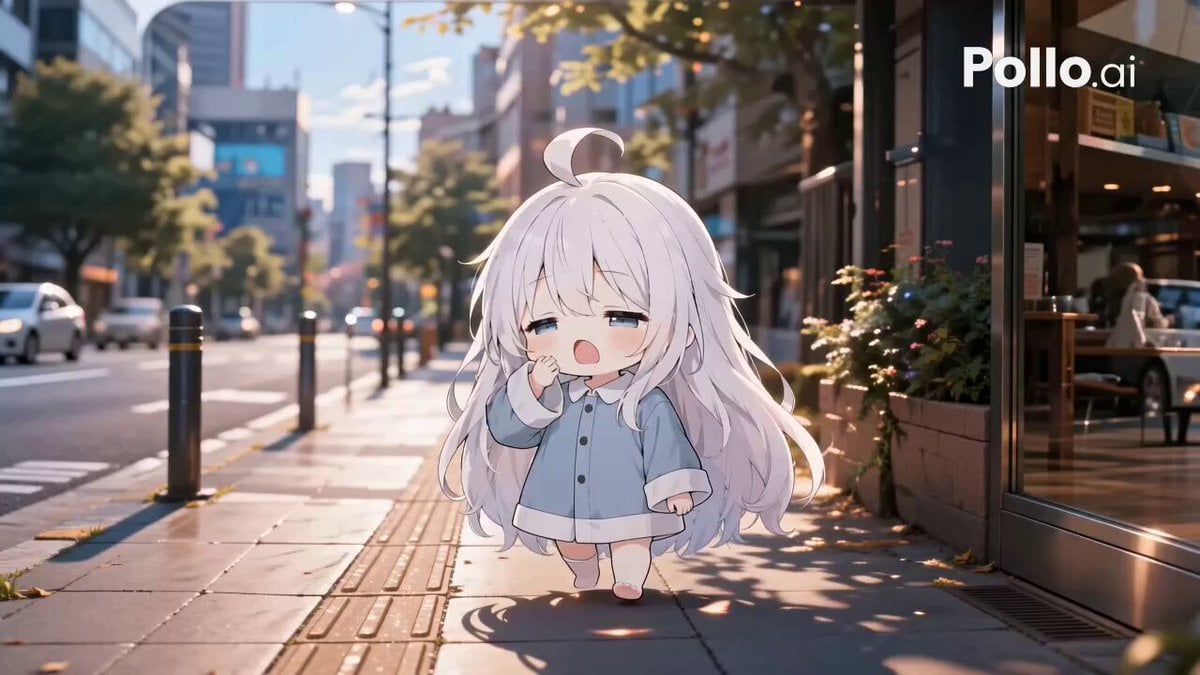
A comprehensive prompt for creating a cinematic fusion video where 2D anime chibi characters interact naturally with real-world Tokyo cityscapes and magical effects.
- Prompt included
- Model and format preset
- Free template
The prompt behind this video
Copy the exact prompt behind Anime Chibi Fusion in Tokyo, or open it in the studio and make it yours.
現実の東京街並みの中に、ちびキャラが存在し、2Dエフェクトが現実と強く融合した世界観。エフェクトは画面に貼りついたように見えず、実写の空間・光・遠近感に完全に溶け込み、キャラクターの動きや感情に呼応して自然に発生・変化する。現実とエフェクトとちびが一体となった、爽やかで軽やか、少し魔法のような融合映像。 エフェクトは大幅に増量し、以下のものを多層的に配置: - カラフルなリボン軌跡(ピンク・水色・黄色・白など) - 手描き風の白い線、点線、円弧、矢印、軌道線 - 軽いスケッチ風オーバーレイと幾何学図形 - 紙吹雪・粒子・光の粒 これらは実写の奥行きに沿って前後左右に存在し、キャラクターの動きに反応して発生・変化する。 カット構成: 1カット目:眠そうに目をこすりながら歩道に出てくる。彼女の周囲にカラフルなリボン軌跡と白い手描き線が優しく舞い、足元から粒子がふわっと立ち上がる。カメラがゆっくり前進。 2カット目:のんびり歩きながら、彼女の体からリボン軌跡が何本も自然に伸びて周囲をなぞるように流れる。紙吹雪と白い軌道線が彼女の周りを優しく包み込む。カメラが横からトラッキング。 3カット目:あくびをする瞬間に、口元から優しい光の粒子と白い円弧がふわっと広がる。顔の周りに手描き風の記号線や小さな図形が軽やかに浮かぶ。カメラがゆっくり寄る。 4カット目:お店や車の横を歩く際、リボン軌跡が看板や車を優しくなぞるように通り抜ける。白い点線や矢印が彼女の歩く軌跡を強調するように出現。カメラが横移動。 5カット目:公園の桜の前で手を伸ばすと、桜の花びらとカラフルなリボン軌跡が融合して大きく舞い上がる。彼女の周囲に光の粒と手描き円弧が優しく回転。カメラが少し寄る。 6カット目:ビルを見上げながら歩く。ビルの高さに沿って長いリボン軌跡が空に向かって伸び、青空に白い軌道線と幾何学図形が浮かぶ。彼女の体から優しい光の粒子が舞う。ローアングル気味のカメラ。 7カット目:水たまりをふわっとジャンプする瞬間、周囲に水しぶき+カラフルなリボン軌跡+白い手描き線が大きく広がる。粒子と光の粒が跳ねて美しく舞う。カメラが少し引いて捉える。 8カット目:夕暮れのベンチに座る。彼女を中心にリボン軌跡と手描き線が優しく包み込み、夕陽の光に溶け合うように粒子がゆっくり舞う。カメラがゆっくり横移動しながら柔らかく締めくくる。 全体として、現実の東京風景・ちびきゃら・エフェクトが強く融合した世界観。エフェクトは過剰にSFっぽくせず、爽やかで軽やかで、少し詩的. エフェクトの量と動きをかなり増やし、各カットで密度高く、キャラクターの動きや感情にしっかり反応させる。カメラも各カットで確実に動いている。
How to use Anime Chibi Fusion in Tokyo in 3 steps
- 1
Open
The prompt is already in the box next to the preview, with the template's model and format selected.
- 2…a portrait of your subject in softgolden-hour light, 85mm…
Personalize
Edit the subject and creative details for your destination.
- 3Generate
Generate
Press Generate — your video is created in PicX Studio, so you can compare it with the original and refine one variable at a time.
More like this
Templates with the same subject, style or setup. Open one to see its prompt.

Handheld Tokyo Travel Vlog - Seedance 2.5

MiniMax H3 Character Introduction

Japanese Pure Love Short Film

Smartphone Travel Vlog Tokyo Trip Identity Preserved

Studio Ghibli Dumpling Kitchen Cooking Scene

Chibi Boxing Match with Anime Action Style
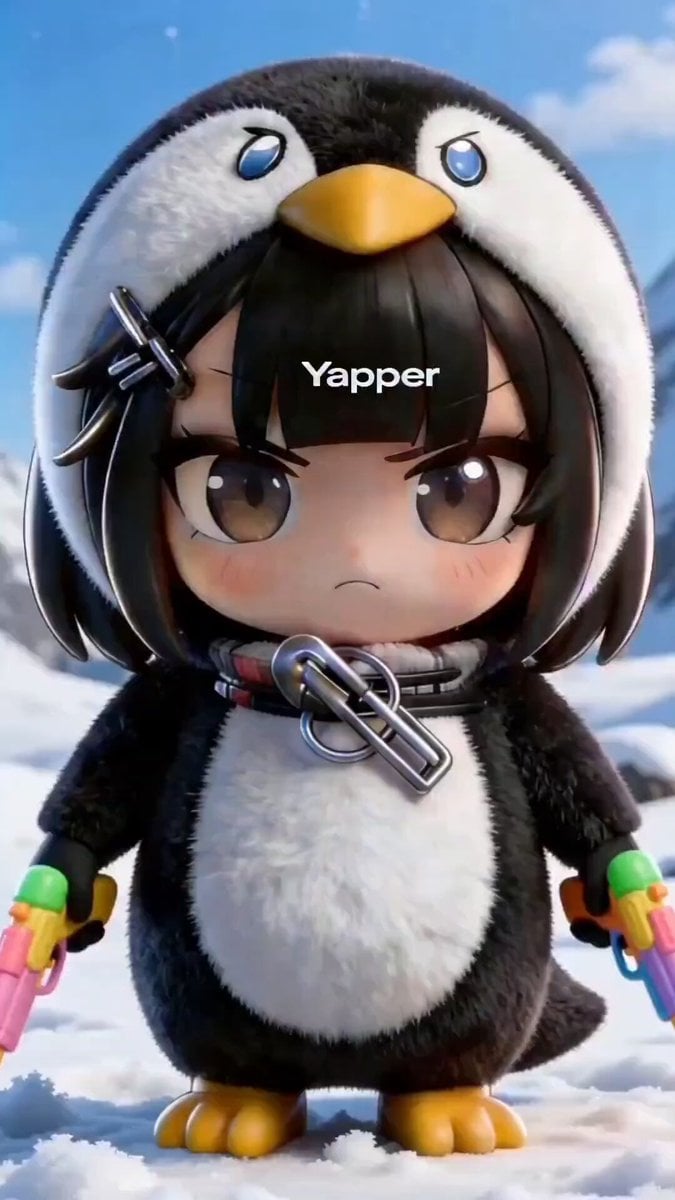
Chibi Anime Girl in Penguin Onesie Dancing in Snow
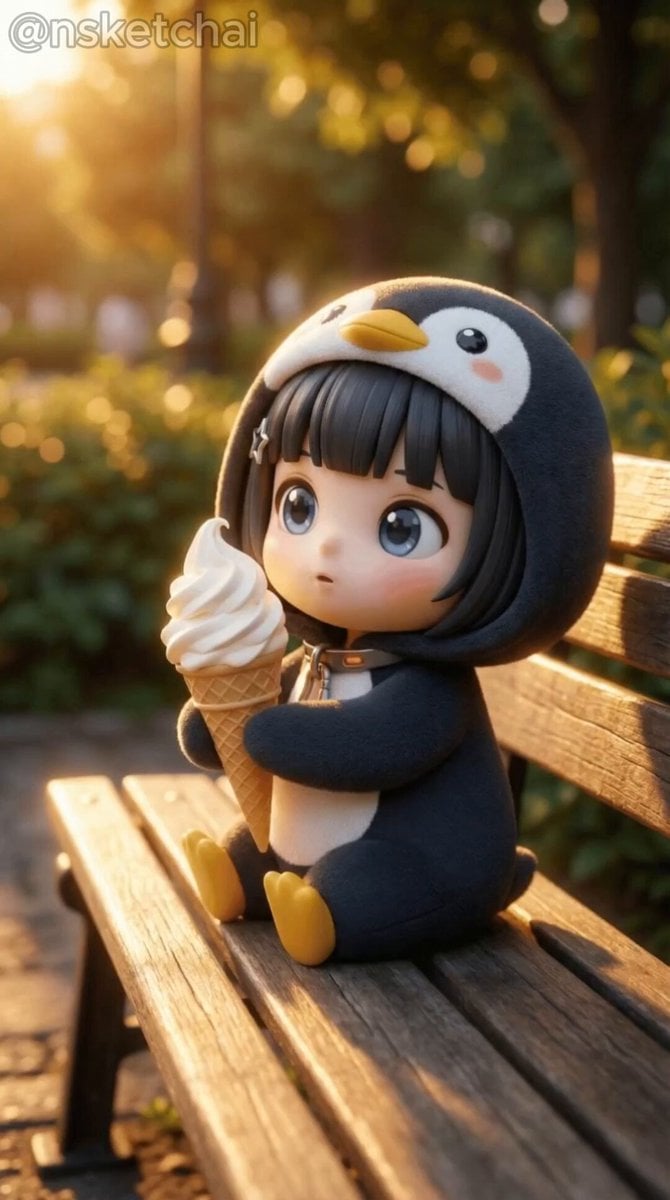
Chibi Anime Girl Ice Cream Tragedy Prompt
Chibi Firefly Anime Style
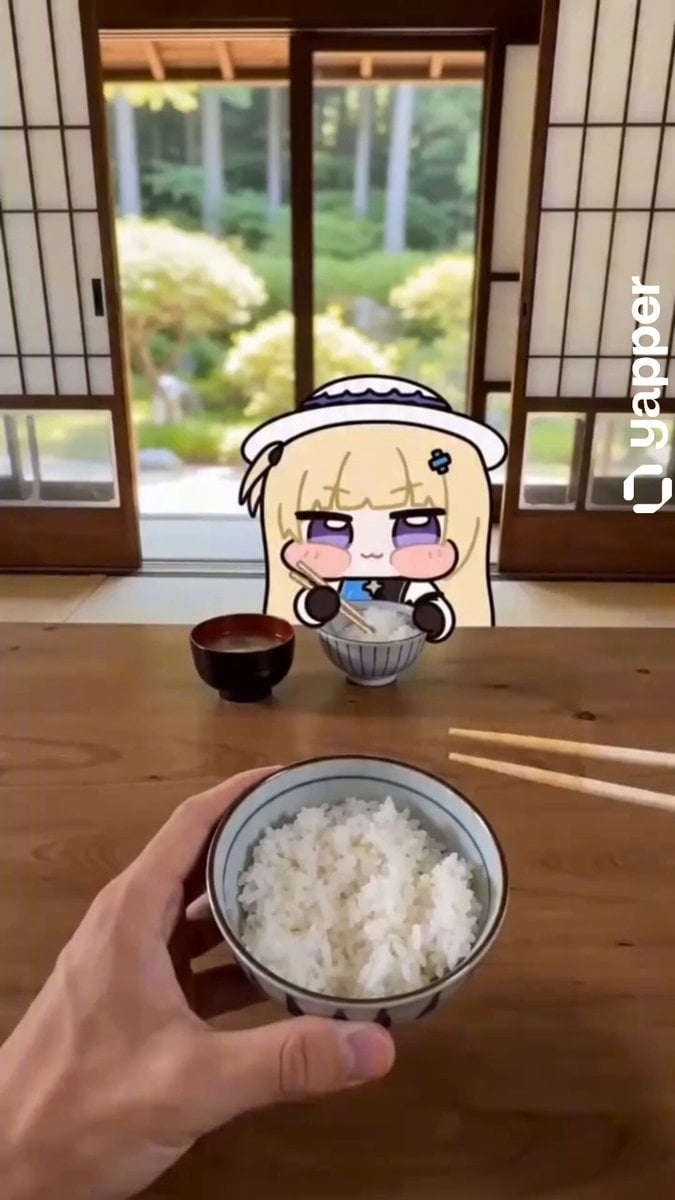
Chibi Phoebe Anime Description
Johnnywang Tokyo Time Freeze
Dim Sum Chase — Shrimp Dumpling Monster
Make it yours
Anime Chibi Fusion in Tokyo works as-is. These are the safest ways to change it without losing the look.
Change one field
Copy a single group, rewrite it, and generate again so you can see what that field is doing.
Keep the frame, change the subject
Hold the composition and light of Anime Chibi Fusion in Tokyo, then swap wardrobe, props or the person for a new take.
| If the result… | Why | Fix |
|---|---|---|
| The result drifts from the preview | Too many fields changed at once. | Reuse Anime Chibi Fusion in Tokyo as-is first, then change one group — subject, light, or setting. |
| The model over-stylizes the scene | The prose prompt leaves finish and camera underspecified. | Add one camera or lighting sentence and stay on Seedance 2.0. |
More Seedance 2.0 templates
Other prompts made for Seedance 2.0.

Comical Martial Arts Punch Scene

Maglev Train Action Sequence

Martial Arts Fight Sequence

Wuxia Protection and Trust Script

Vintage Korean Arcade MiniDV Vlog

Mercedes 190 SL Luxury Ad

Rainy Night Supernatural Reverse Comedy Video Script

Amazon Civilization Discovery

Futuristic South Asian City Transformation

Cozy Luxury Cafe Commercial
More video prompts
Fresh picks from across the catalog.
Universal Template: Young Man Walking in Autumn Forest (Cinematic Style)
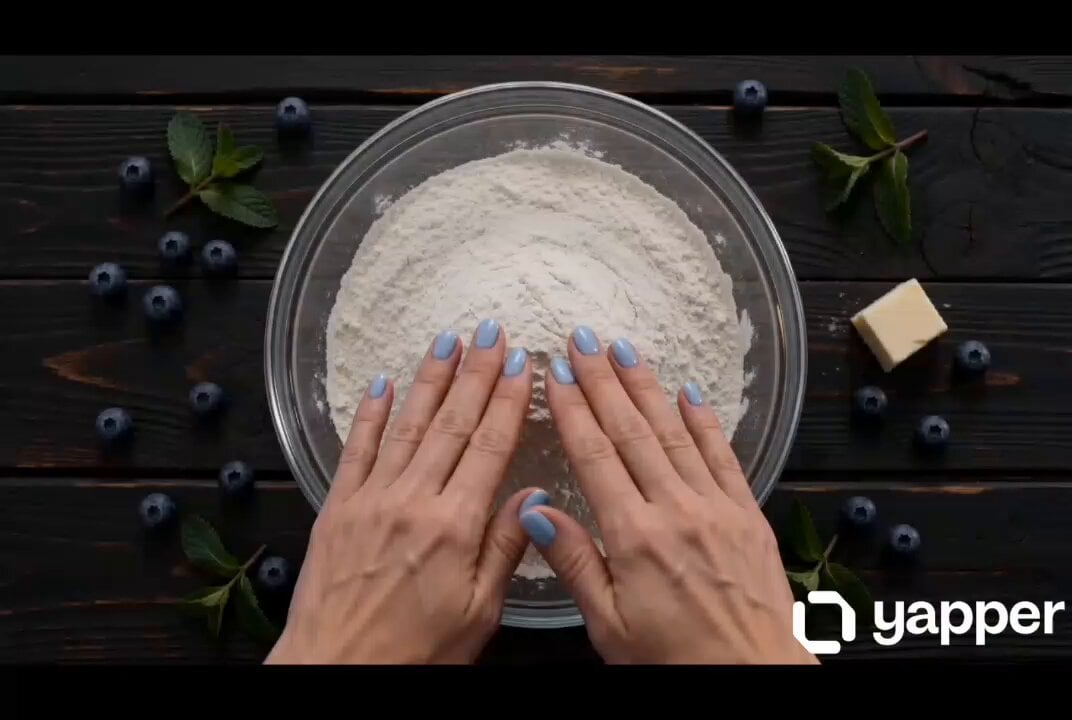
Blueberry Pie Baking Storyboard
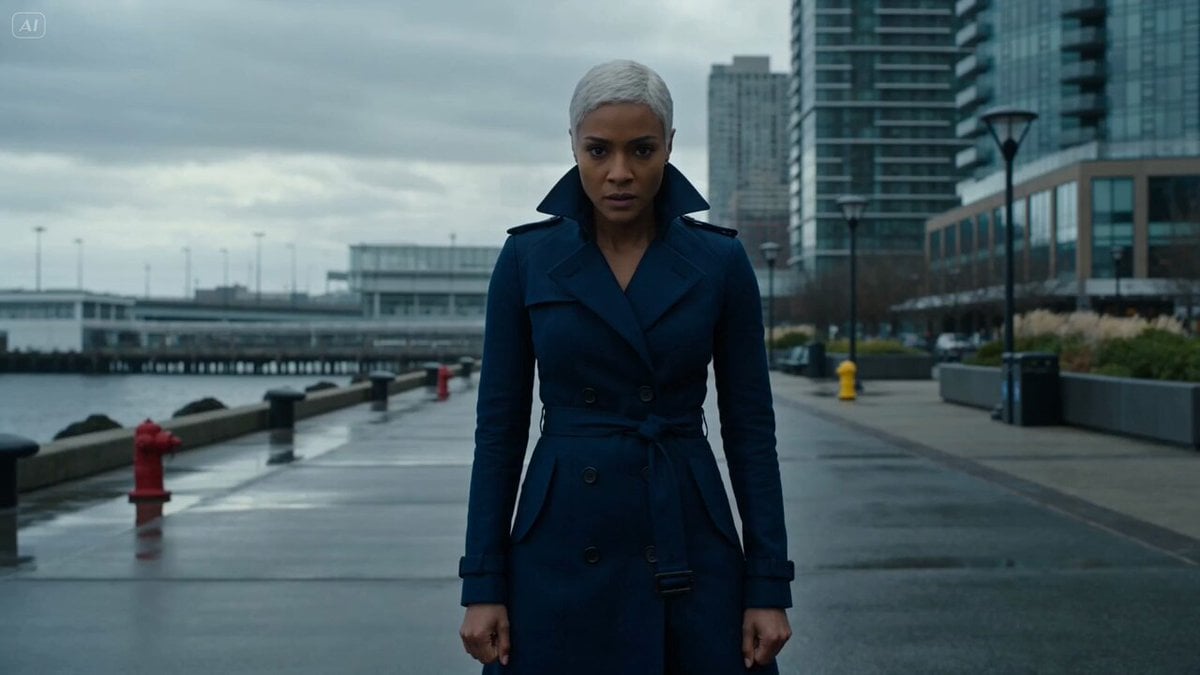
Hydraulic tidal-flow battle
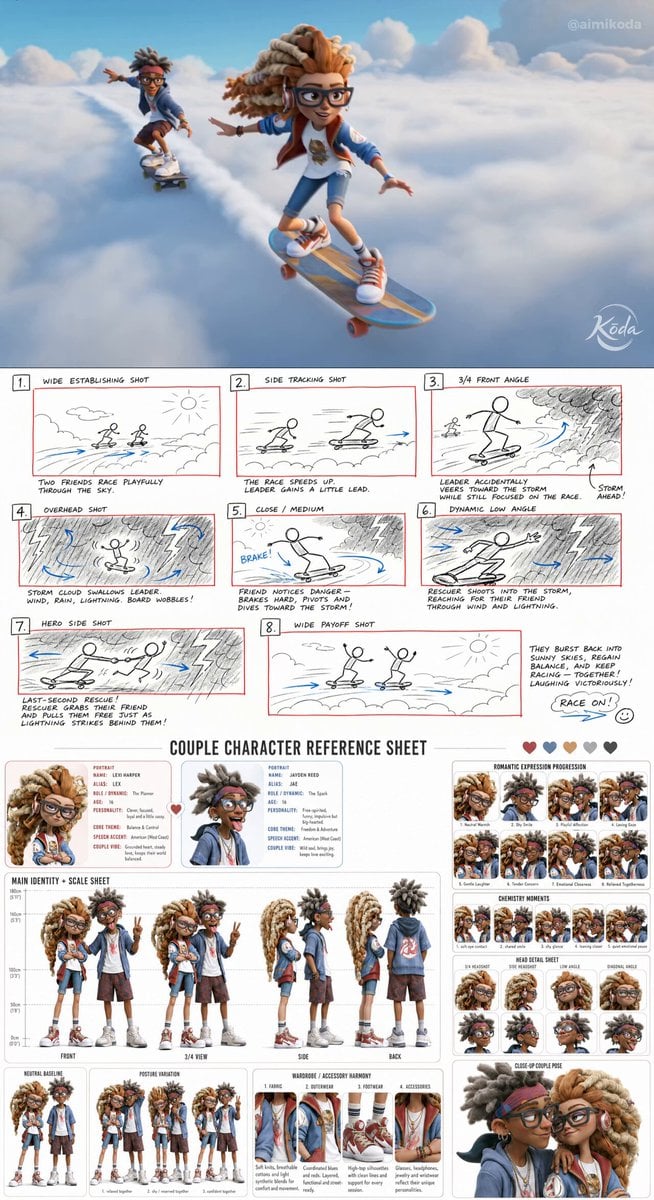
Stylized 3D Animation Adventure
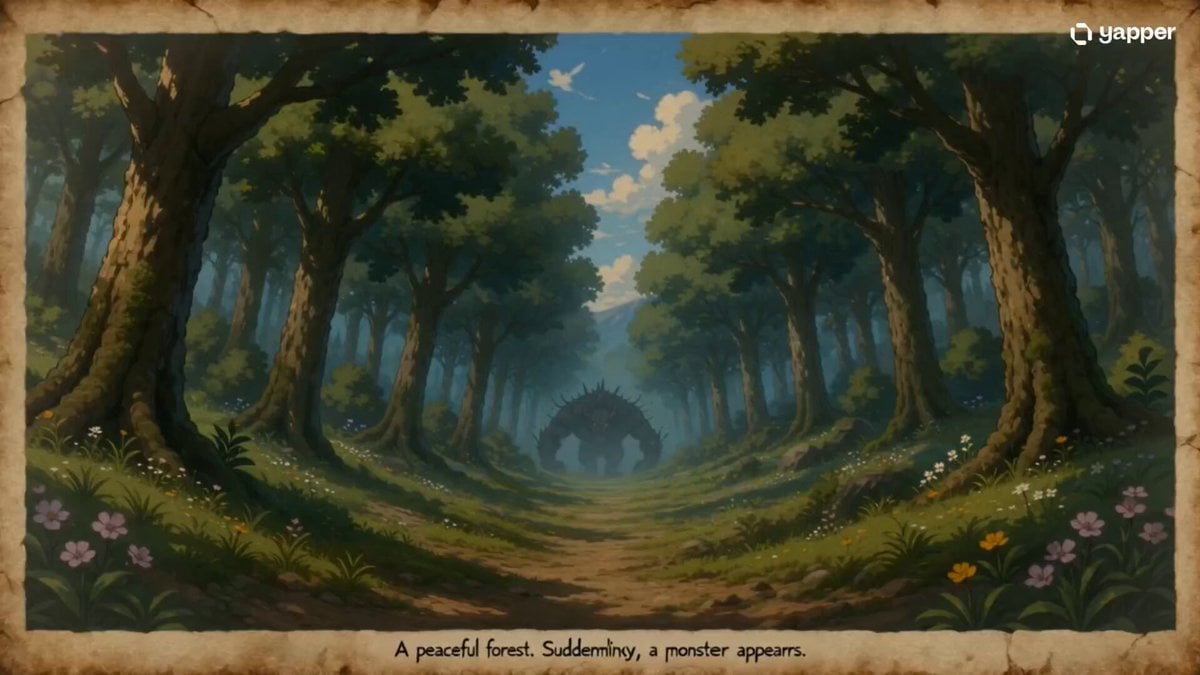
35mm Fast-Cut Memory Shot
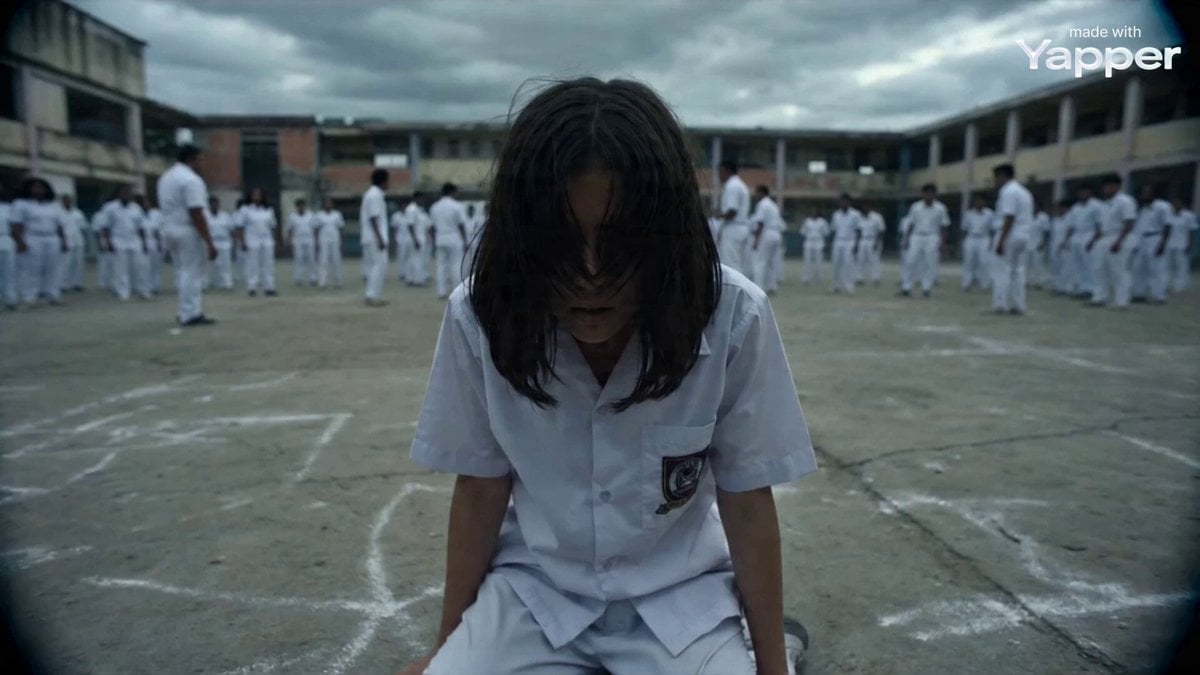
Documentary Style Video Prompt
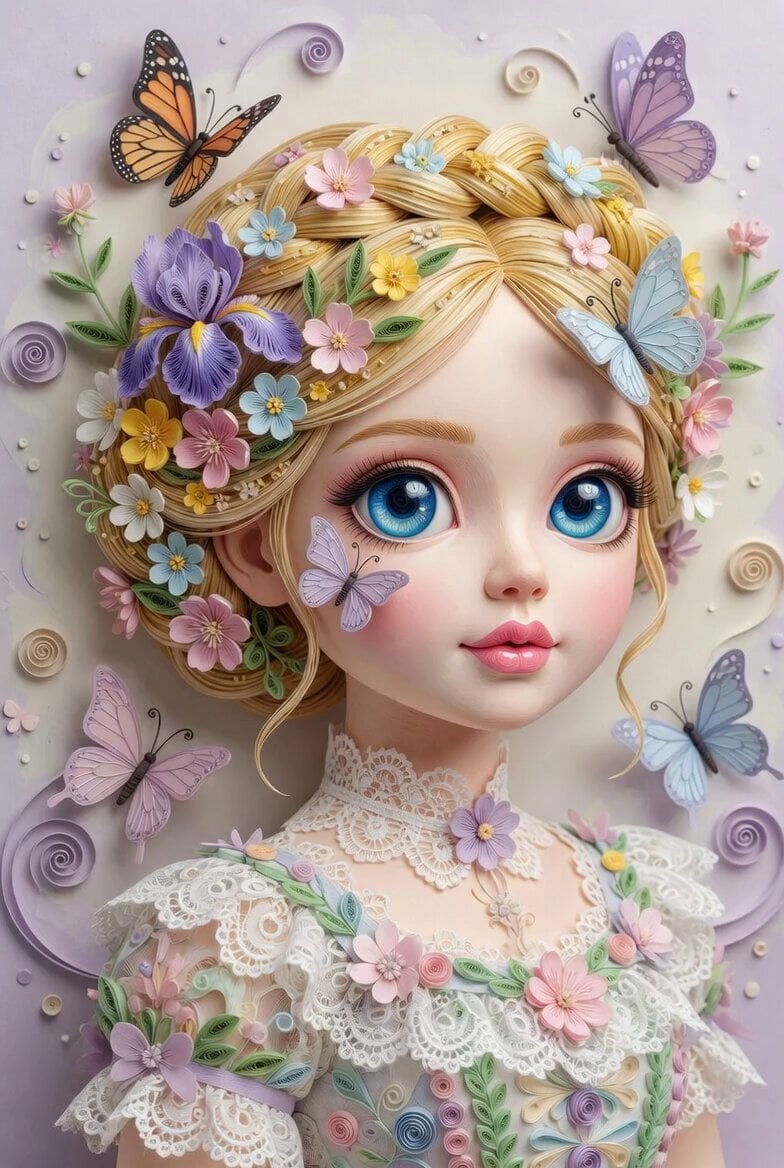
3D Paper Quilling Doll Prompt
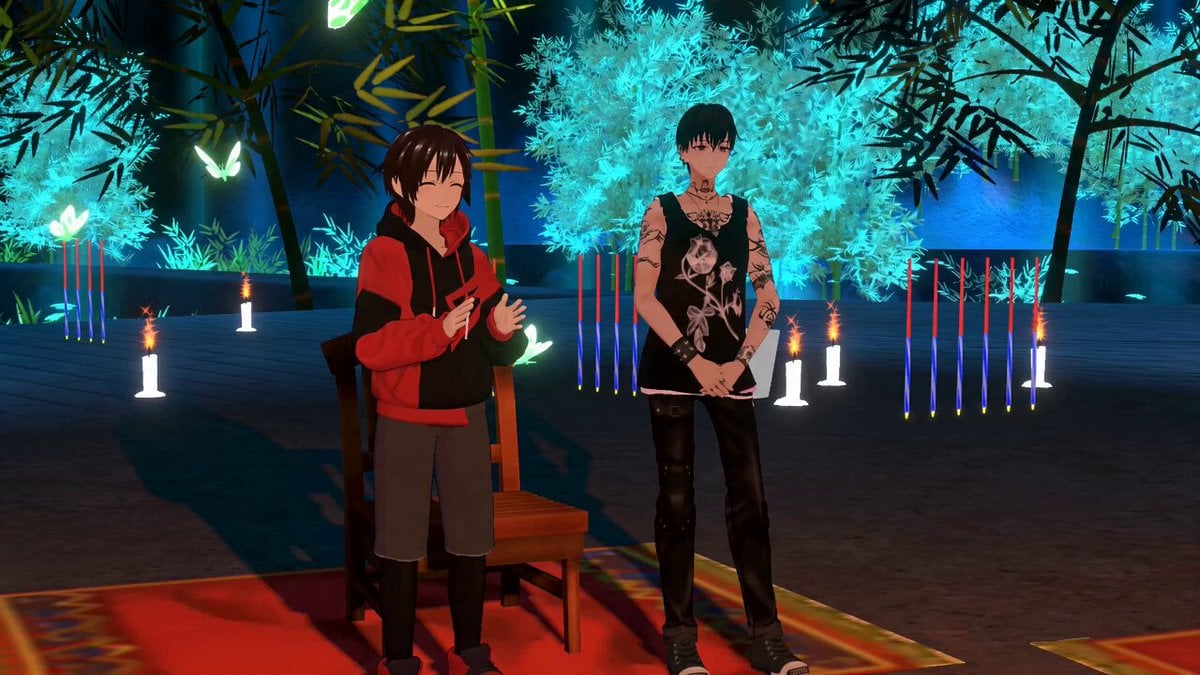
Dramatic Poetry Reading Handshake
Porsche 911 GT3 RS Night Racing — Neon City Streets

Ethereal Woman and White Peacock
Browse template categories
Anime Chibi Fusion in Tokyo questions
How do I use the Anime Chibi Fusion in Tokyo template?
Add your photo if the template asks for one, edit the prompt if you like — the template's model and format are already selected — and press Generate. Your version opens in PicX Studio.
Can I customize the Anime Chibi Fusion in Tokyo template?
Yes. You can change the subject, setting, lighting, mood, format, and available model controls before creating your video.
Is the Anime Chibi Fusion in Tokyo template free?
Opening and editing this template is free. Generating uses credits, shown on the Generate button when you are signed in.
Which AI model should I use?
Start with Seedance 2.0, which is the model associated with this template. You can compare another compatible model for a different finish.
Looking for something else? Browse all templates.

Your photo, any look
Thousands of ready templates for every top image and video model, from one credit balance.