
Realistic Talking Cat Interaction
A fun interaction video prompt for Seedance 2.0 mini that animates a pet cat to speak and react to its owner in a realistic home dining setting with lip-syncing.
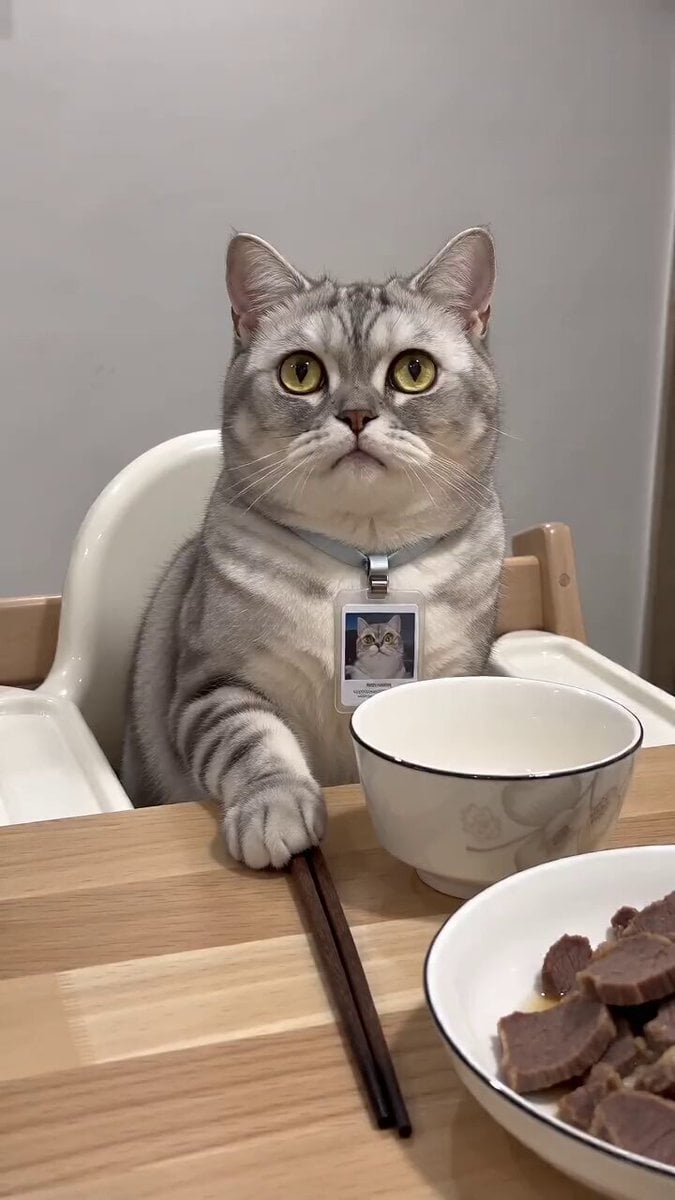
- Prompt included
- Model and format preset
- Free template
The prompt behind this video
Copy the exact prompt behind Realistic Talking Cat Interaction, or open it in the studio and make it yours.
生成视频:风格】竖屏真人实拍萌宠搞笑短视频,真实家居餐厅质感,柔和自然日光,手机固定机位、轻微手持感;拟人化表演但猫的身体比例、走路、毛发、光影和口型都是真实写实质感。无字幕、无文字、无水印,不穿模。 【时长】10 秒,9:16 竖屏。 【场景】明亮现代家居餐厅。浅木色餐桌位于画面下半部,桌上有白瓷饭碗、筷子、盛牛肉和配菜的白盘;背景放一张浅色儿童餐椅。镜头从餐桌对面平视拍摄,前半段拍到猫坐在餐椅,后半段拍猫从桌侧地面走近镜头。 【角色】一只真实猫;全片只出现这一只猫。它可拟人化地用前爪扶筷子、做出委屈和撒娇反应,但仍是四足真实猫,不站立成人形,不出现人手。猫的嘴巴必须与中文原声严格同步。猫的声音模仿小孩可爱的声音,主人是成年女性的声音 [00:00-00:02] 镜头 1:餐椅上的试探 固定中近景。猫坐在儿童餐椅内,餐桌前摆着饭碗和筷子;一只前爪轻扶筷子,抬眼认真看向镜头,语气带一点期待和试探,嘴巴自然同步。 台词口型: [00:00.15-00:01.03] “你爱我吗?” [00:01.07-00:01.83] 画外音女生的声音:“我不爱了。” [00:02-00:04.2] 镜头 2:生气离席 镜头保持原机位。猫皱眉、耳朵略向后、眼神不满,前爪放开筷子,边回怼边从餐椅跳到地面,从餐桌侧边走开;跳下与落地动作必须符合真实猫的身体运动。 台词口型: [00:02.07-00:04.19] 猫气呼呼、语速稍快:“那你不爱我,我也不爱你了。” [00:04.2-00:06.5] 镜头 3:撒娇哭着挽回 短暂停顿。猫走到餐桌侧前方后忽然回头望向镜头,刚才的生气瞬间转成委屈:眼眶湿润、眉眼耷拉、嘴角向下,鼻头轻轻抽动。它不是夸张嚎哭,而是可爱地带着哭腔、着急求和;一只前爪轻抬,像想挽留镜头外的人。 台词口型: [00:04.95-00:06.47] 画外音,急切地说:“我爱我爱,快回来吧。” [00:06.5-00:10] 镜头 4:哭着走近,傲娇答应 猫从餐桌侧边继续朝镜头小跑靠近,眼睛还带泪光,边走边有轻微委屈抽泣;镜头内猫脸逐渐变大、最后近距离占满画面。 台词口型: [00:08.03-00:08.27] 猫带鼻音、轻轻回应:“嗯。”(哭腔) [00:08.27-00:10.00] 不再说话,猫委屈巴巴地直视镜头,保留原声尾部的安静停顿,自然收尾。,9:16,10s
How to use Realistic Talking Cat Interaction in 3 steps
- 1
Open
The prompt is already in the box next to the preview, with the template's model and format selected.
- 2…a portrait of your subject in softgolden-hour light, 85mm…
Personalize
Edit the subject and creative details for your destination.
- 3Generate
Generate
Press Generate — your video is created in PicX Studio, so you can compare it with the original and refine one variable at a time.
More like this
Templates with the same subject, style or setup. Open one to see its prompt.
Emotional Breakdown and Fabric Interaction - Seedance 2.5
3D Animated Cat and Old Man - Seedance
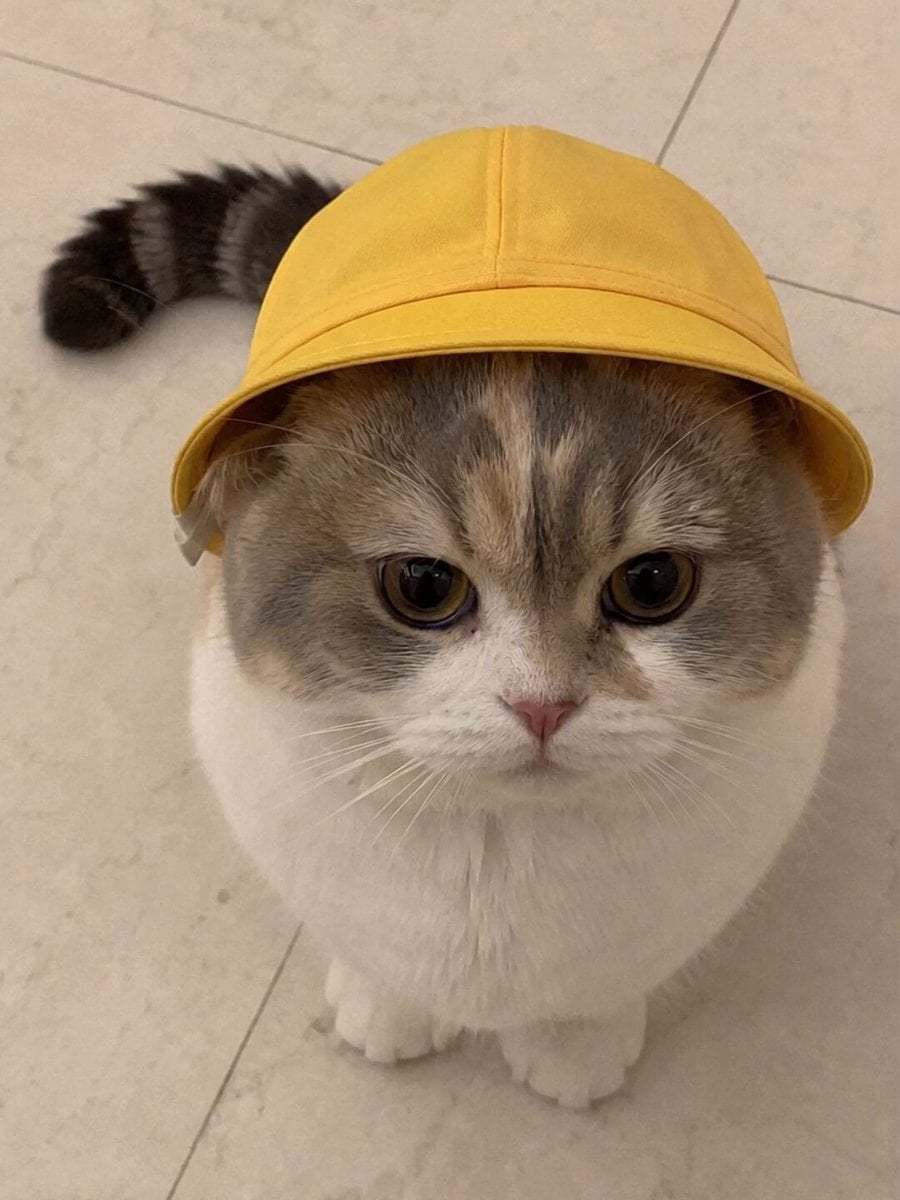
Talking Munchkin Cat Video Prompt
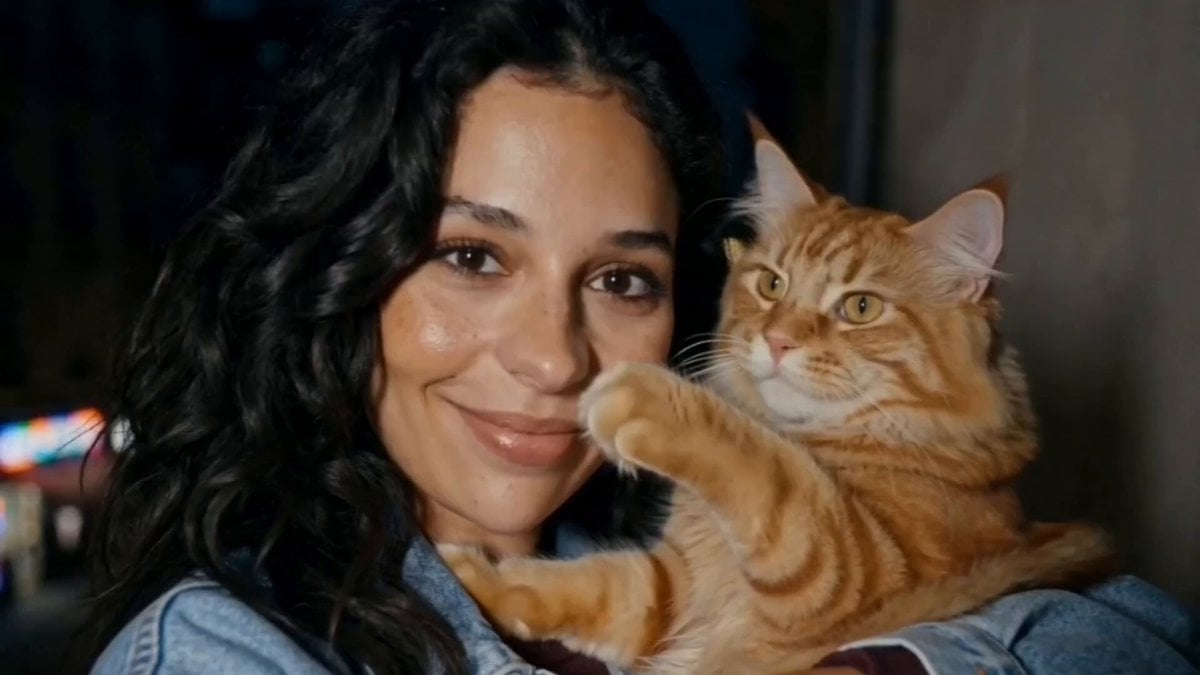
Girl and Cat Heartwarming Interaction
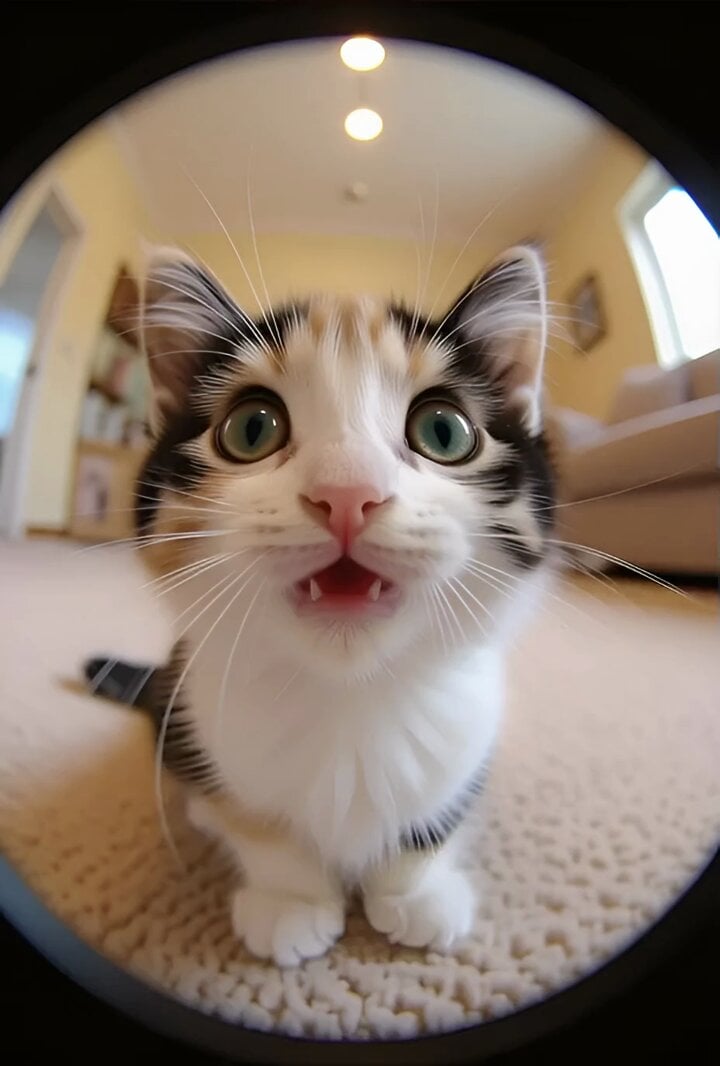
Cat interaction and tripping video prompt
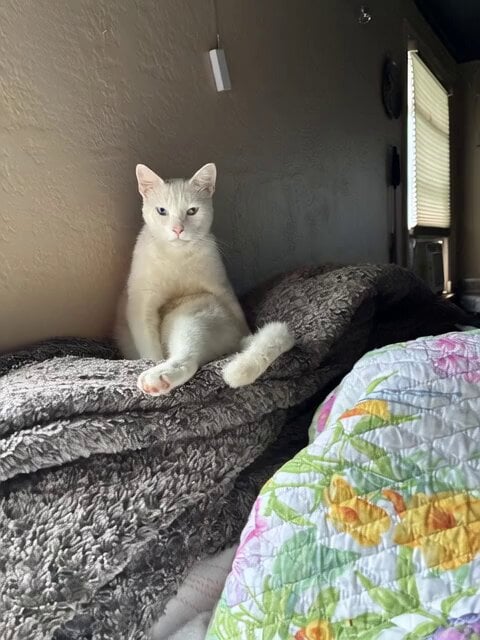
Cat Jumping and Talking Video Prompt
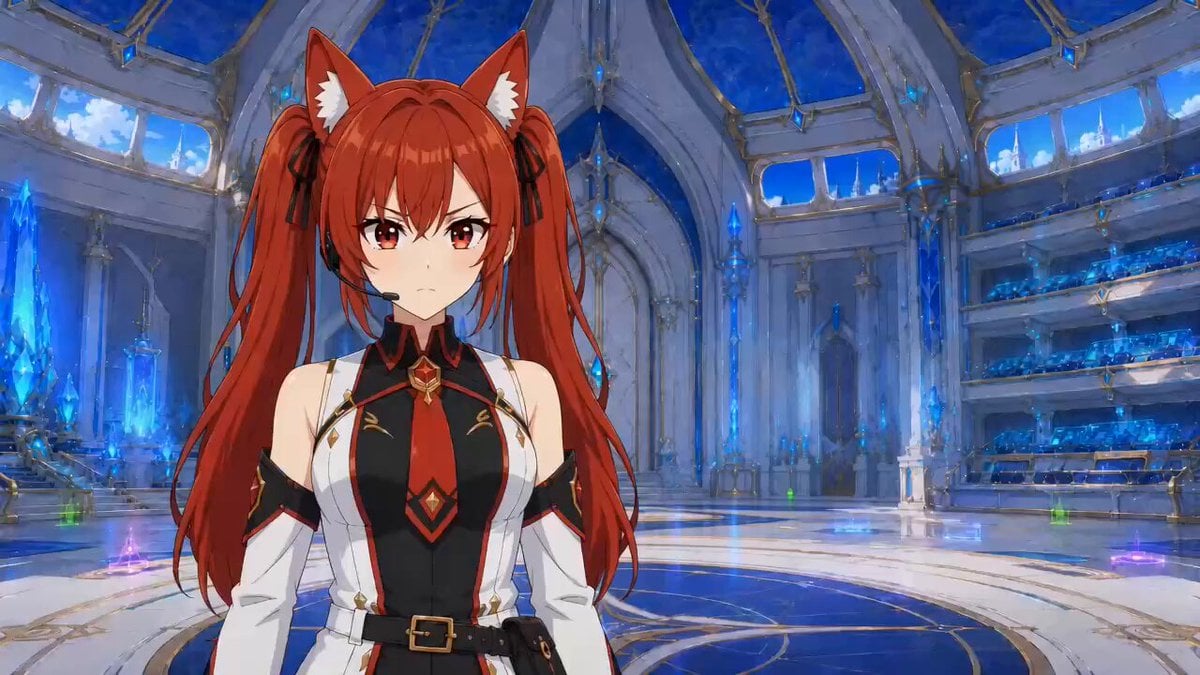
Hologram Interaction Scene Montage

Anime Drama Character Interaction Script
Anime Fluffy Cat Morning Routine
Futuristic Crystalline AI Creature Interaction
3D Animation Talking Dog

Coffee Cup Interaction Motion
Make it yours
Realistic Talking Cat Interaction works as-is. These are the safest ways to change it without losing the look.
Change one field
Copy a single group, rewrite it, and generate again so you can see what that field is doing.
Keep the frame, change the subject
Hold the composition and light of Realistic Talking Cat Interaction, then swap wardrobe, props or the person for a new take.
| If the result… | Why | Fix |
|---|---|---|
| The result drifts from the preview | Too many fields changed at once. | Reuse Realistic Talking Cat Interaction as-is first, then change one group — subject, light, or setting. |
| The model over-stylizes the scene | The prose prompt leaves finish and camera underspecified. | Add one camera or lighting sentence and stay on Seedance 2.0. |
More Seedance 2.0 templates
Other prompts made for Seedance 2.0.

Comical Martial Arts Punch Scene

Maglev Train Action Sequence

Martial Arts Fight Sequence

Wuxia Protection and Trust Script

Vintage Korean Arcade MiniDV Vlog

Mercedes 190 SL Luxury Ad

Rainy Night Supernatural Reverse Comedy Video Script

Amazon Civilization Discovery

Futuristic South Asian City Transformation

Cozy Luxury Cafe Commercial
More video prompts
Fresh picks from across the catalog.
Cinematic 4K Bridal Video

Hospital Corridor Emotional Scene

Tang Dynasty Beauty Garden Video
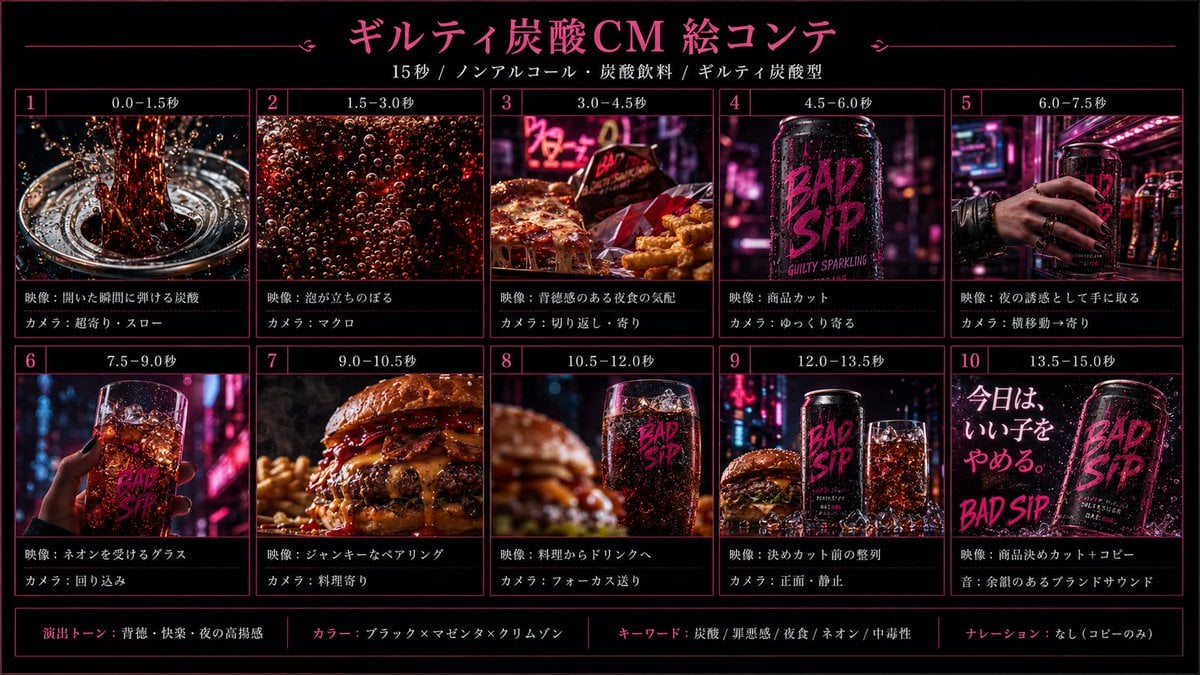
Cinematic Beverage Commercial Video Prompt
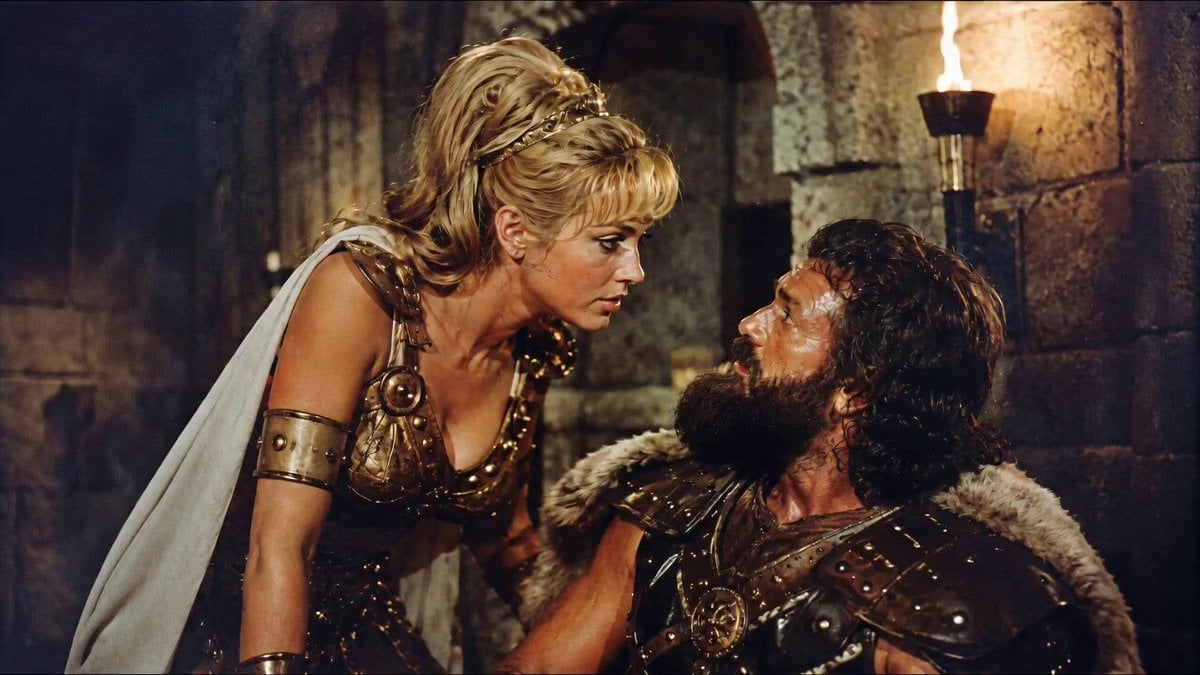
1960s Retro Cinematic Kiss Scene
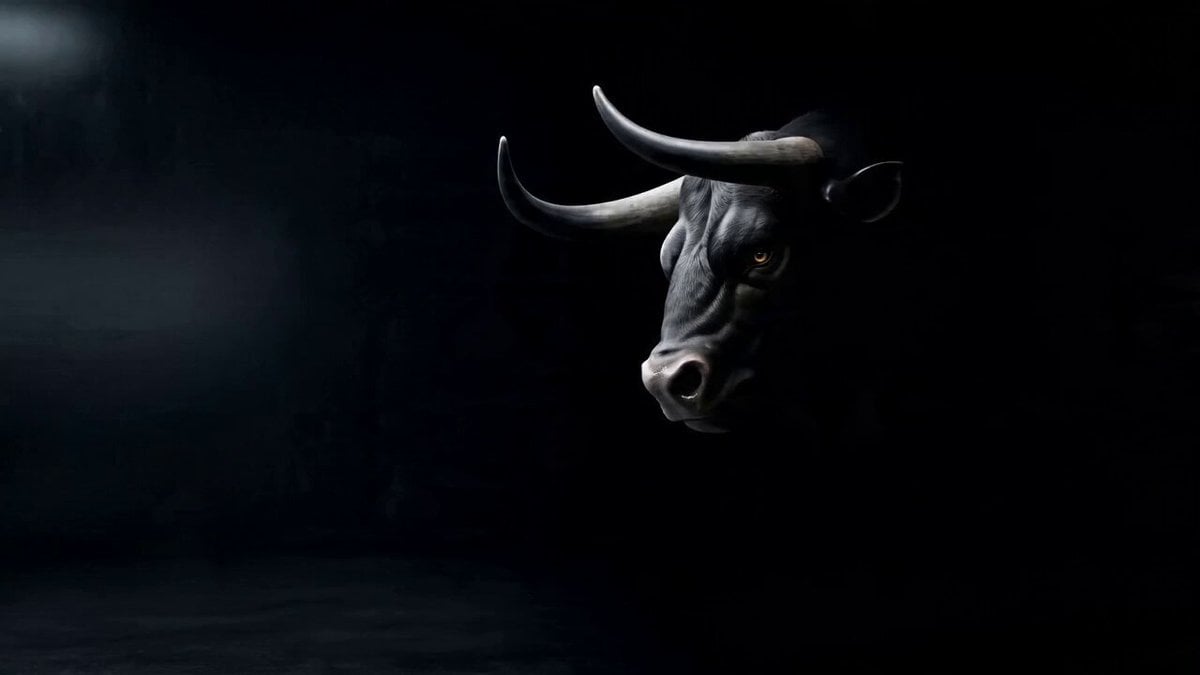
Cinematic Lamborghini Brand Creative Ad Video Generation Prompt
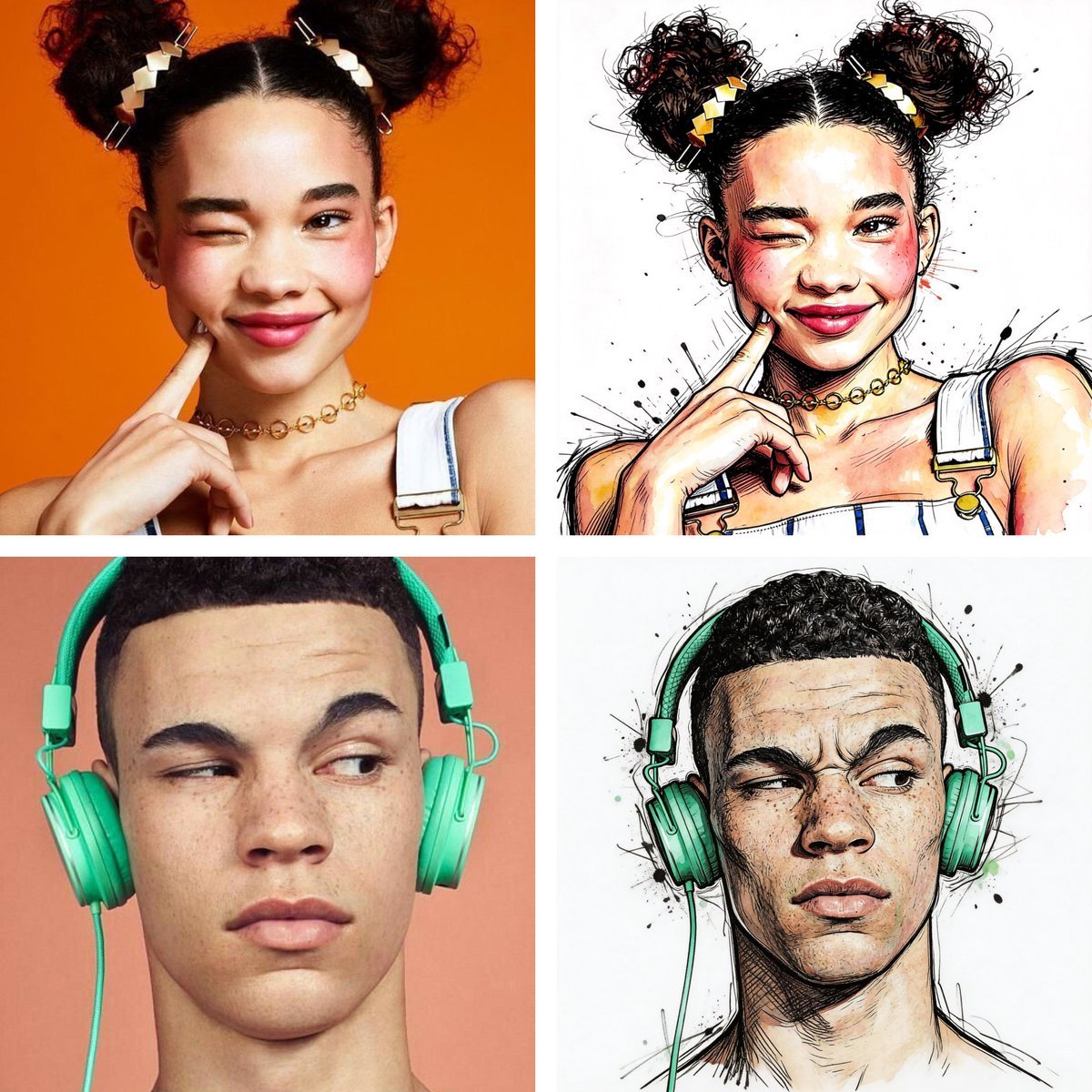
Ralph Steadman Style Illustration Prompt
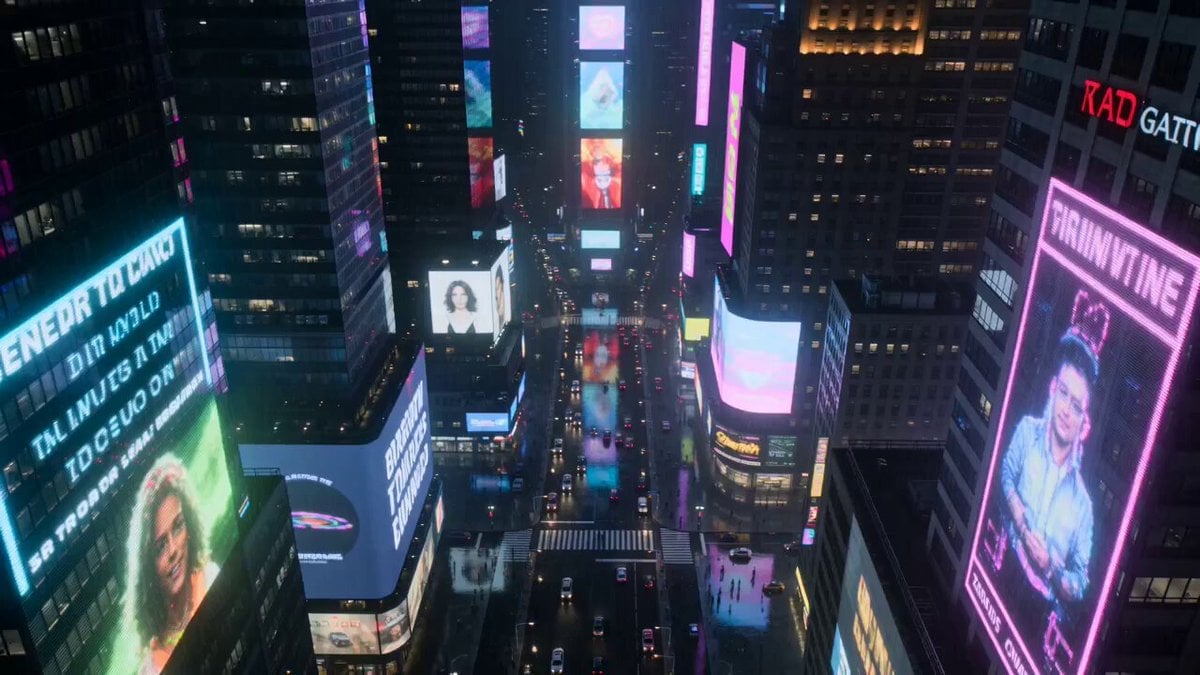
Neon City Rain Night
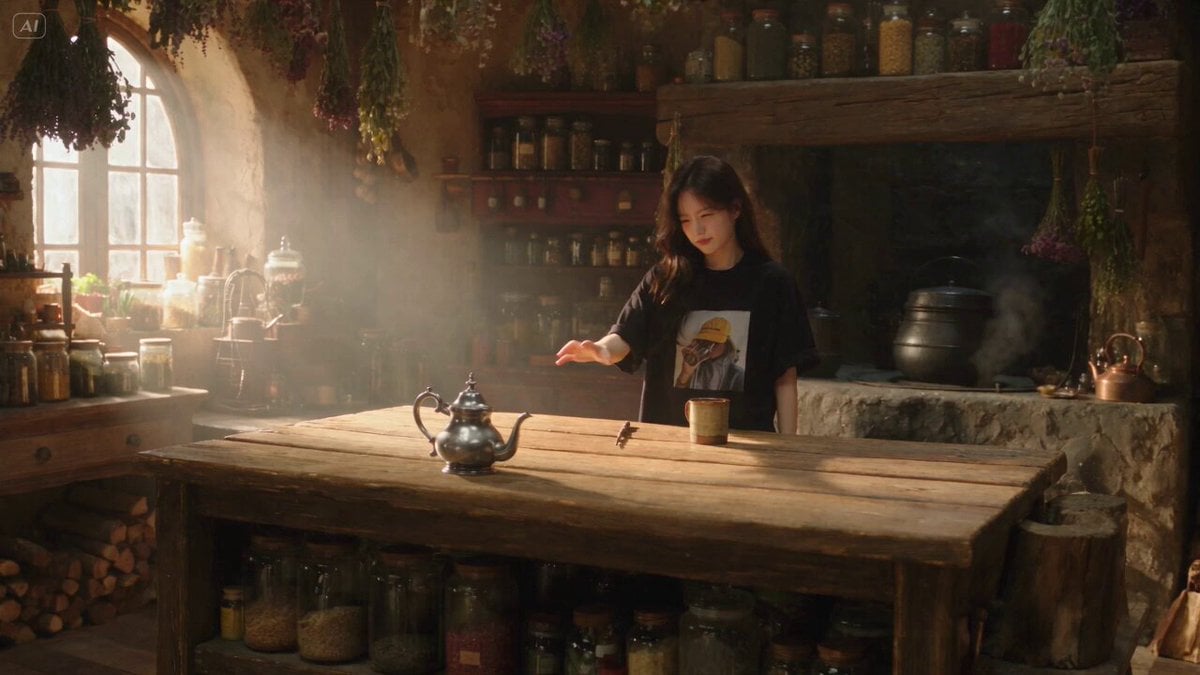
Enchanted Kitchen Tea Magic
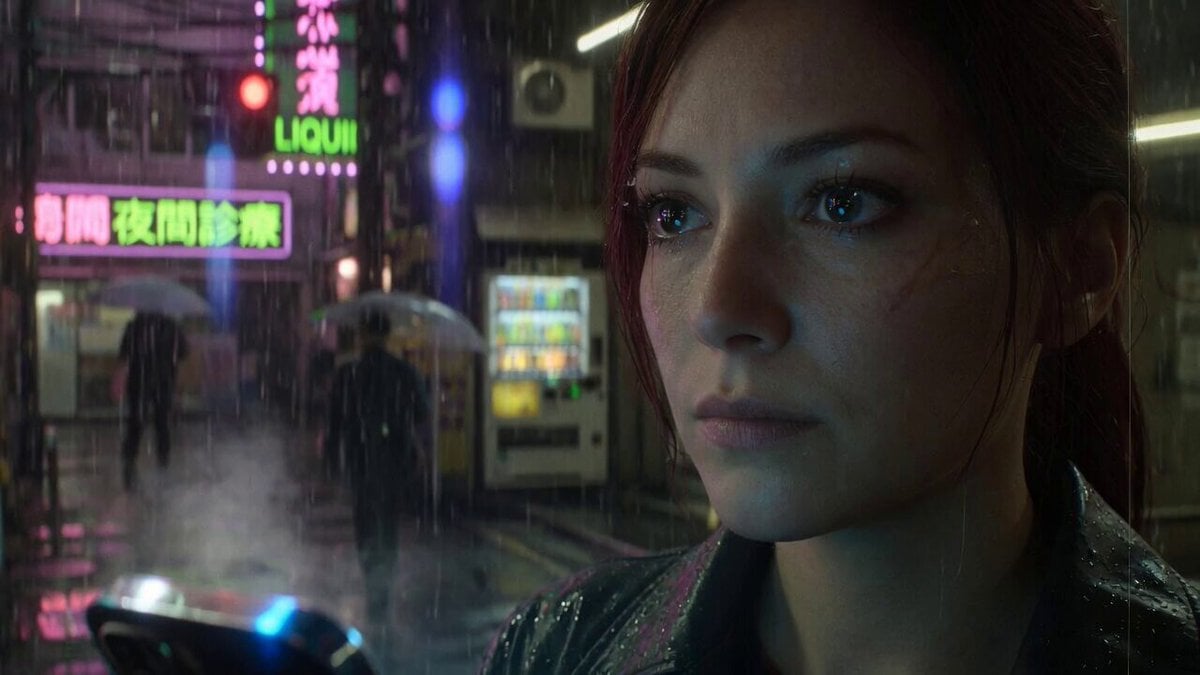
Grok Imagine Prompt: Cinematic Realism Base
Browse template categories
Realistic Talking Cat Interaction questions
How do I use the Realistic Talking Cat Interaction template?
Add your photo if the template asks for one, edit the prompt if you like — the template's model and format are already selected — and press Generate. Your version opens in PicX Studio.
Can I customize the Realistic Talking Cat Interaction template?
Yes. You can change the subject, setting, lighting, mood, format, and available model controls before creating your video.
Is the Realistic Talking Cat Interaction template free?
Opening and editing this template is free. Generating uses credits, shown on the Generate button when you are signed in.
Which AI model should I use?
Start with Seedance 2.0, which is the model associated with this template. You can compare another compatible model for a different finish.
Looking for something else? Browse all templates.

Your photo, any look
Thousands of ready templates for every top image and video model, from one credit balance.