
Hospital Corridor Emotional Scene
A detailed, multi-cut video prompt for Seedance 2.0 focusing on subtle human emotion, lighting, and color palette within a hospital setting, depicting a father's guilt and a family moment.

- Prompt included
- Model and format preset
- Free template
The prompt behind this video
Copy the exact prompt behind Hospital Corridor Emotional Scene, or open it in the studio and make it yours.
Testing lighting, "camera language," and subtle human emotion. Lighting: Cool hospital daylight, soft gray window light, slight green medical tint. Color Palette: Soft gray, muted blue, pale green, tired skin tones. Cut 1: A hospital corridor at dawn. A father rushes toward a pediatric room in office clothes, tie loosened, crushed flowers in hand. Cut 2: Through the doorway, he sees his daughter asleep with an IV; his wife sits beside the bed, exhausted. Cut 3: He freezes at the threshold, guilt flooding his face. She looks up and says nothing. Cut 4: The daughter wakes and whispers, “Did you miss it?” Cut 5: He kneels by the bed, tears in his eyes. “Not this.” Cut 6: The girl reaches for both parents; they meet over her hand in silence.
How to use Hospital Corridor Emotional Scene in 3 steps
- 1
Open
The prompt is already in the box next to the preview, with the template's model and format selected.
- 2…a portrait of your subject in softgolden-hour light, 85mm…
Personalize
Edit the subject and creative details for your destination.
- 3Generate
Generate
Press Generate — your video is created in PicX Studio, so you can compare it with the original and refine one variable at a time.
More like this
Templates with the same subject, style or setup. Open one to see its prompt.

Emotional Breakdown and Fabric Interaction - Seedance 2.5
Hospital Car Park Dialogue Lip Sync

Hospital Corridor Creature Horror
Hospital Corridor Horror Jumpscare
Emotional Hospital Interaction

Field Hospital Medic Breakdown
Sci-Fi Horror Hospital Alien Scene

Flooded Corridor Cinematic Film
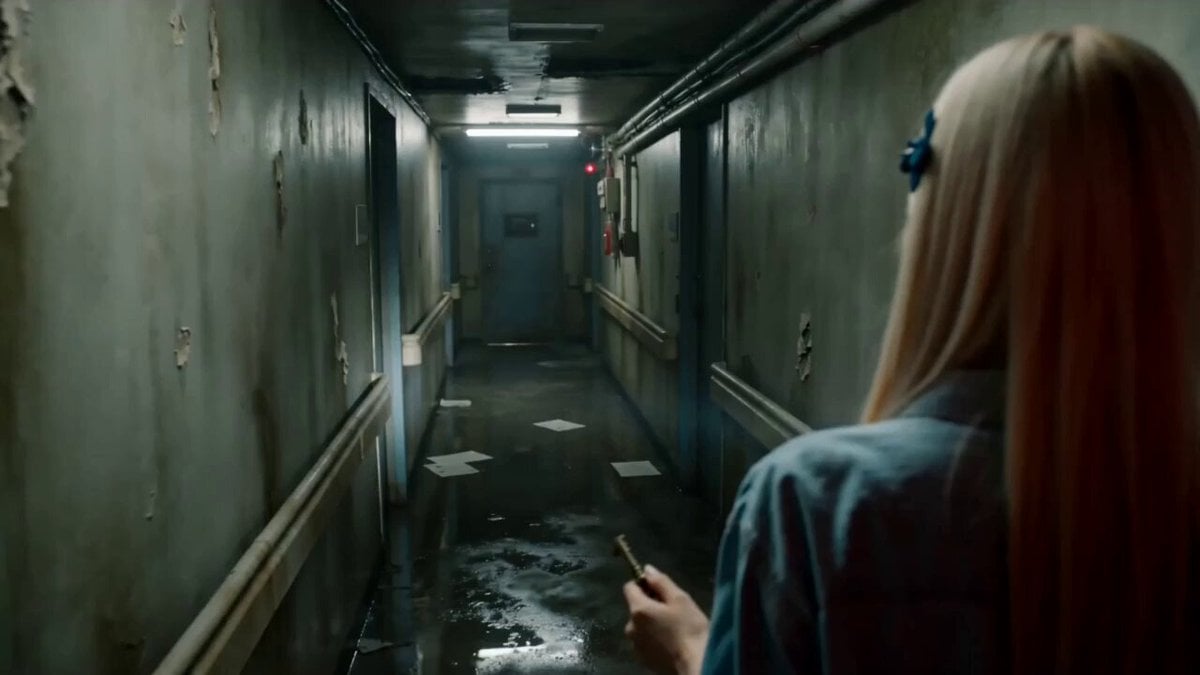
Abandoned Hospital Horror POV Film
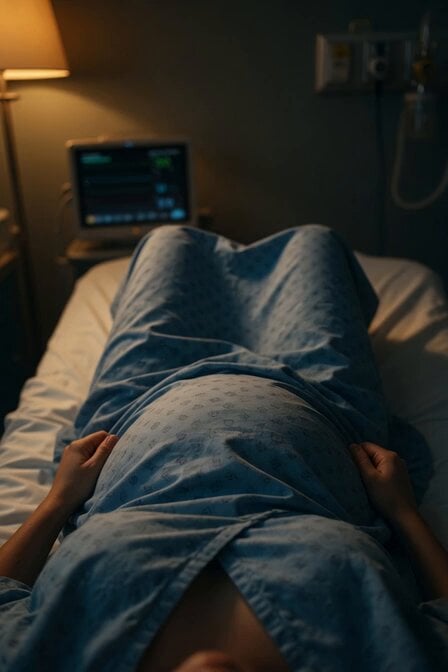
First Person Perspective Hospital Birth

Emo Punk Hospital Music Video
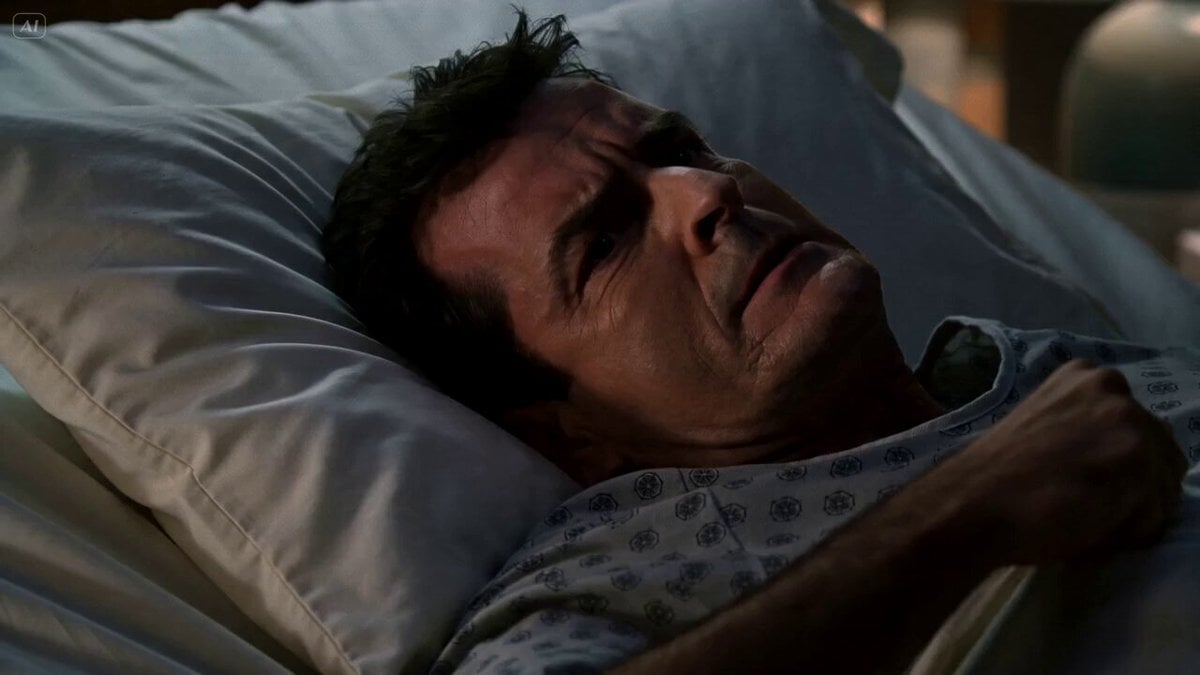
Cinematic Hospital Drama Script
Make it yours
Hospital Corridor Emotional Scene works as-is. These are the safest ways to change it without losing the look.
Change one field
Copy a single group, rewrite it, and generate again so you can see what that field is doing.
Keep the frame, change the subject
Hold the composition and light of Hospital Corridor Emotional Scene, then swap wardrobe, props or the person for a new take.
| If the result… | Why | Fix |
|---|---|---|
| The result drifts from the preview | Too many fields changed at once. | Reuse Hospital Corridor Emotional Scene as-is first, then change one group — subject, light, or setting. |
| The model over-stylizes the scene | The prose prompt leaves finish and camera underspecified. | Add one camera or lighting sentence and stay on Seedance 2.0. |
More Seedance 2.0 templates
Other prompts made for Seedance 2.0.

Comical Martial Arts Punch Scene

Maglev Train Action Sequence

Martial Arts Fight Sequence

Wuxia Protection and Trust Script

Vintage Korean Arcade MiniDV Vlog

Mercedes 190 SL Luxury Ad

Rainy Night Supernatural Reverse Comedy Video Script

Amazon Civilization Discovery

Futuristic South Asian City Transformation

Cozy Luxury Cafe Commercial
More video prompts
Fresh picks from across the catalog.
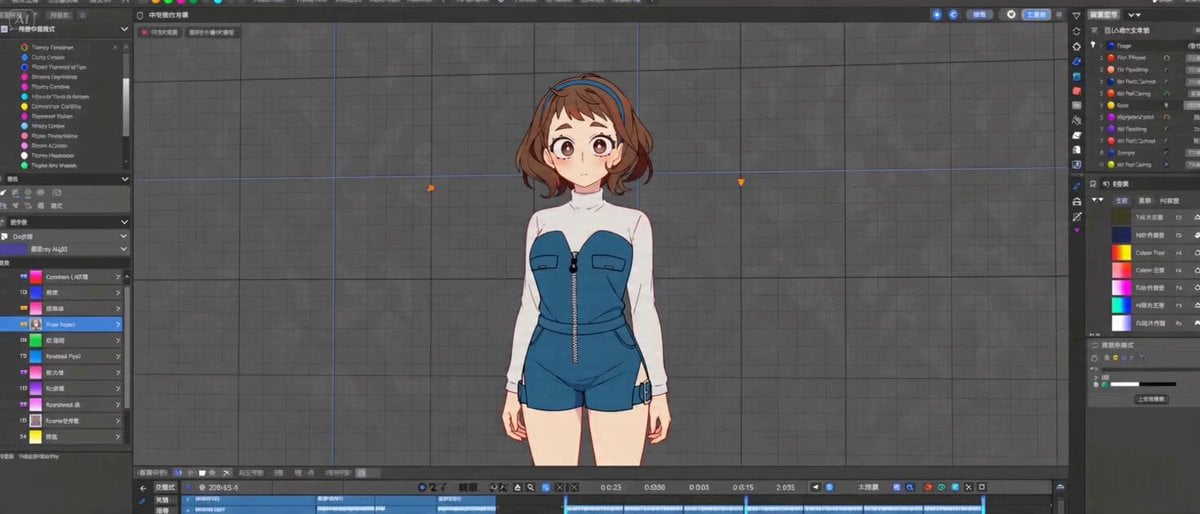
Cinematic 2D Anime Scene Prompt
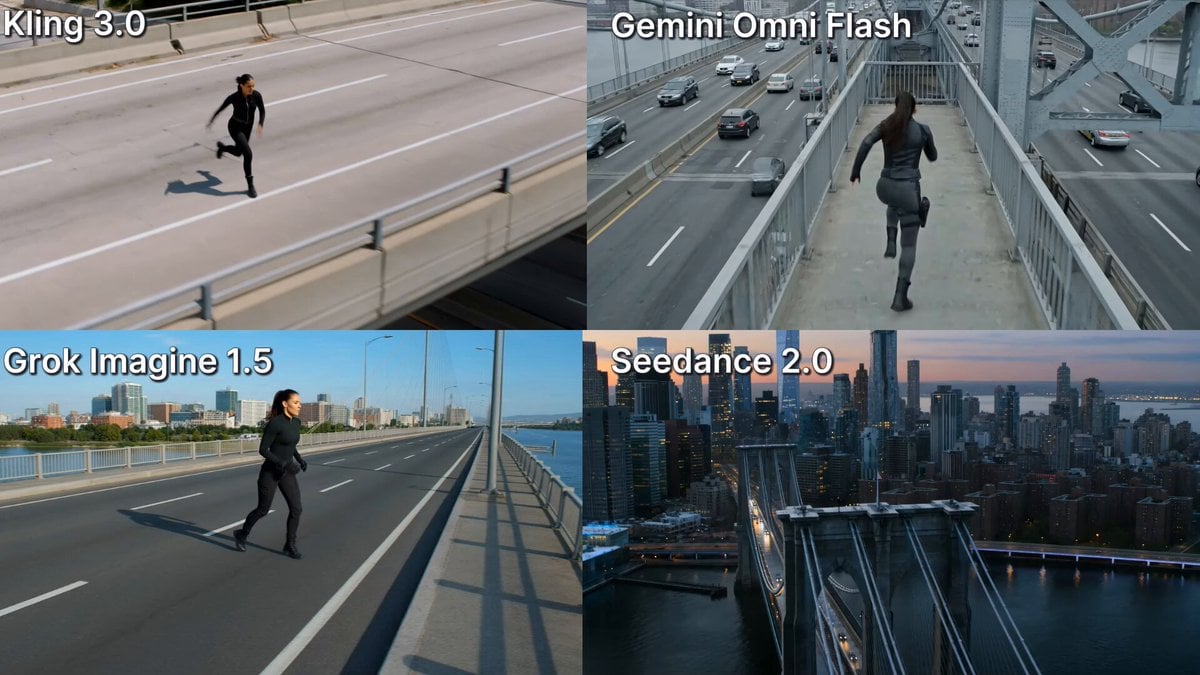
Action Stunt Scene: Bridge Jump

Skincare Beauty Cream Advertisement

Motion and background removal prompt
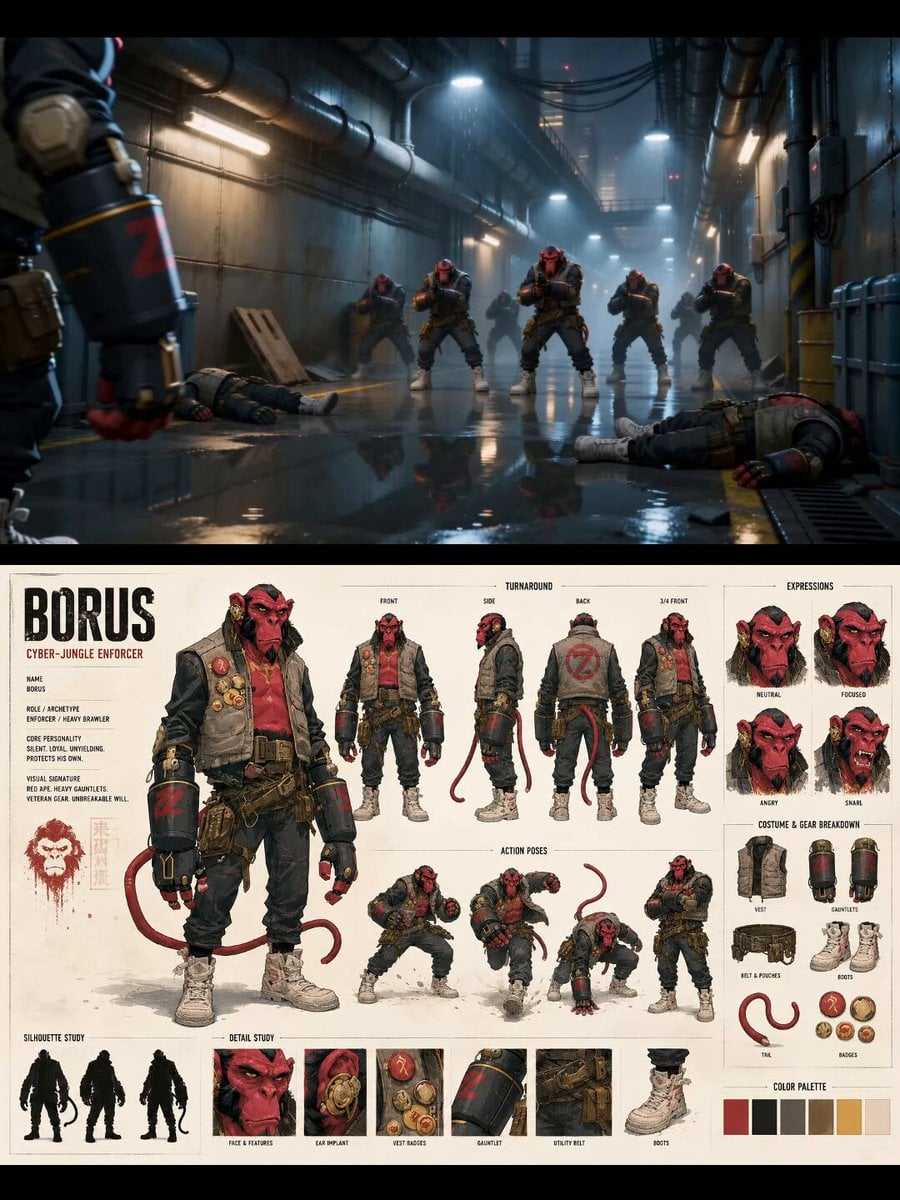
Borus Cyber Jungle Character Reference

Model on Horseback under Moonlight

High Voltage Klimt style video prompt with medieval elements

Man at a Bar with Moon Landing on TV
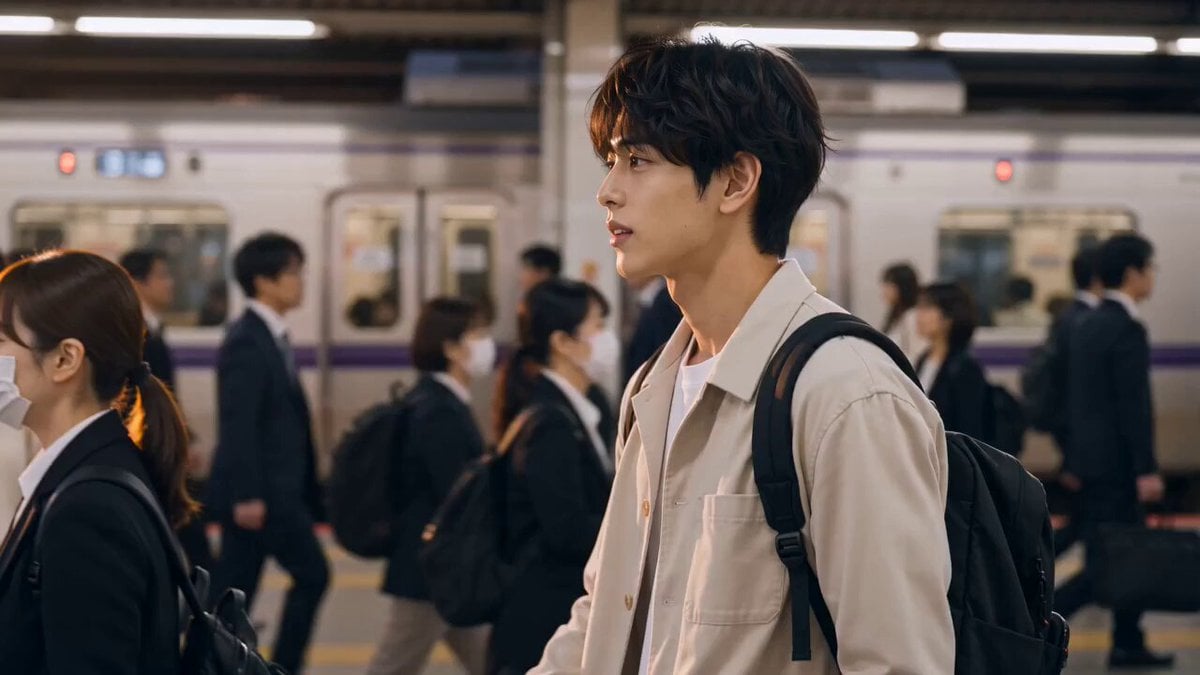
Emotional Wedding Movie Love Story

Butler Making Thai Tea Anime Sequence
Browse template categories
Hospital Corridor Emotional Scene questions
How do I use the Hospital Corridor Emotional Scene template?
Add your photo if the template asks for one, edit the prompt if you like — the template's model and format are already selected — and press Generate. Your version opens in PicX Studio.
Can I customize the Hospital Corridor Emotional Scene template?
Yes. You can change the subject, setting, lighting, mood, format, and available model controls before creating your video.
Is the Hospital Corridor Emotional Scene template free?
Opening and editing this template is free. Generating uses credits, shown on the Generate button when you are signed in.
Which AI model should I use?
Start with Seedance 2.0, which is the model associated with this template. You can compare another compatible model for a different finish.
Looking for something else? Browse all templates.

Your photo, any look
Thousands of ready templates for every top image and video model, from one credit balance.