
Hospital Corridor Creature Horror
A detailed 12-second horror sequence prompt for Seedance 2.0 featuring an abandoned hospital setting, a suspenseful fake-out, and a high-impact creature jump scare.

- Prompt included
- Model and format preset
- Premium template
The prompt behind this video
Copy the exact prompt behind Hospital Corridor Creature Horror, or open it in the studio and make it yours.
Hospital Corridor Fake-Out (12 Seconds)\n\nScene / Setting\n\nNight. Large abandoned Indian hospital corridor. Flickering fluorescent lights. Wheelchairs, rusted stretchers, peeling paint, long empty hallway. Everything clearly visible.\n\nCamera\n\nMedium shot from behind and beside an elderly Indian woman sitting in a wheelchair. Stable handheld smartphone footage. Slight shake.\n\nSubject / Action\n\nAn elderly Indian woman sits alone in a wheelchair in the middle of an abandoned hospital corridor.\n\nA nurse is pushing her.\n\nA voice calls from off-screen:\n\n“Sister, ek minute idhar aana!”\n\nThe nurse responds:\n\n“Ek second.”\n\nThe nurse walks away, leaving the elderly woman alone.\n\nThe woman watches her disappear.\n\nSilence.\n\nAt the far end of the corridor is a large cross-passage.\n\nThe woman stares toward it.\n\nA massive shadow slowly appears on the wall.\n\nThen an enormous creature walks across the distant opening.\n\nTall and inhuman.\n\nGlossy black skin.\n\nLong limbs.\n\nSlightly wet, slimy appearance.\n\nIts silhouette fills the entire cross-passage as it slowly walks from one side to the other.\n\nThe elderly woman freezes in terror.\n\nThe creature disappears from view.\n\nSilence.\n\nNothing happens.\n\nThe woman exhales in relief.\n\nThen she hears a faint sound above her.\n\nA wet scraping noise.\n\nShe slowly looks upward.\n\nSuddenly the same creature drops from the ceiling directly in front of her wheelchair.\n\nIts face fills the frame.\n\nIt releases a violent screech.\n\nThe woman screams.\n\nHard cut to black.\n\nAudio\n\nWheelchair sounds, distant hospital hum, flickering lights, wet scraping from above, final creature screech.\n\nStyle\n\nUltra-realistic horror, realistic creature movement, strong fake-out, fast escalation, high-impact jump scare, found-footage realism, no animation.
How to use Hospital Corridor Creature Horror in 3 steps
- 1
Open
The prompt is already in the box next to the preview, with the template's model and format selected.
- 2…a portrait of your subject in softgolden-hour light, 85mm…
Personalize
Edit the subject and creative details for your destination.
- 3Generate
Generate
Press Generate — your video is created in PicX Studio, so you can compare it with the original and refine one variable at a time.
More like this
Templates with the same subject, style or setup. Open one to see its prompt.
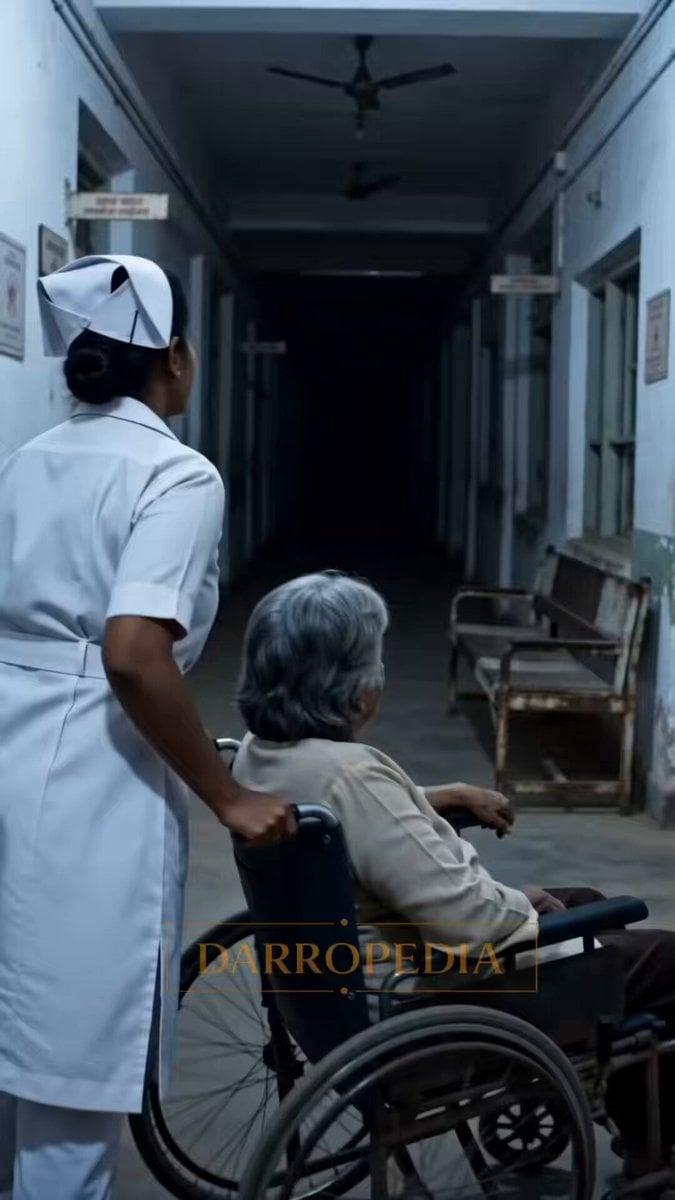
Hospital Corridor Horror Jumpscare
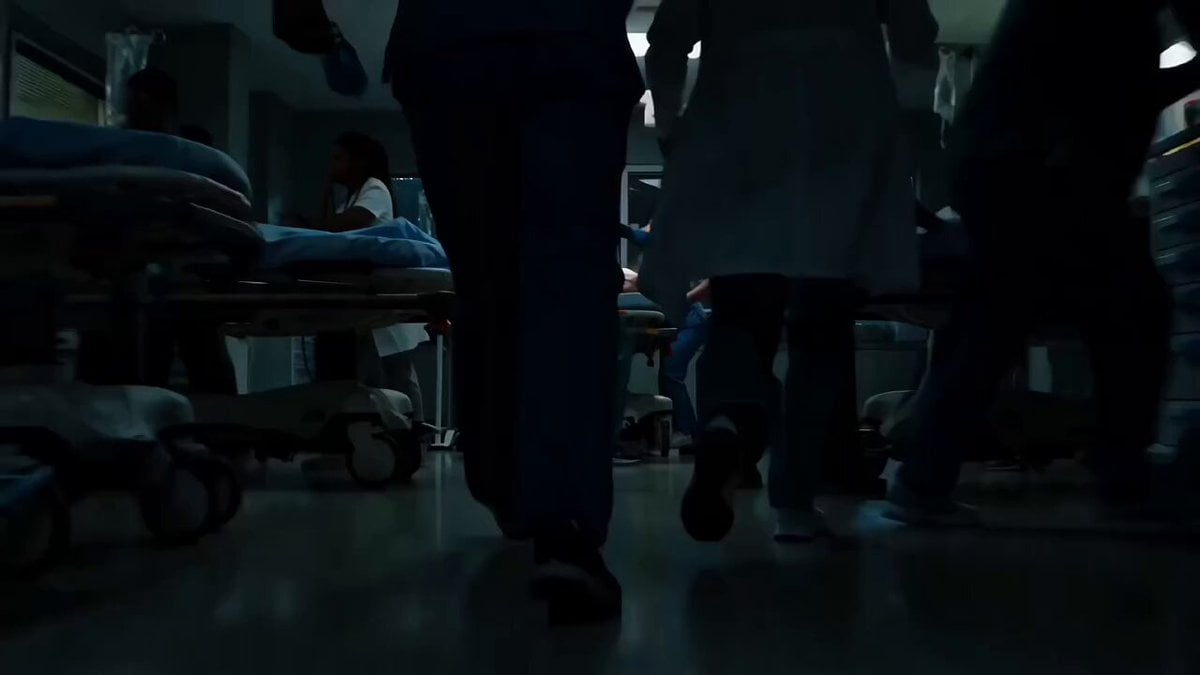
Sci-Fi Horror Hospital Alien Scene
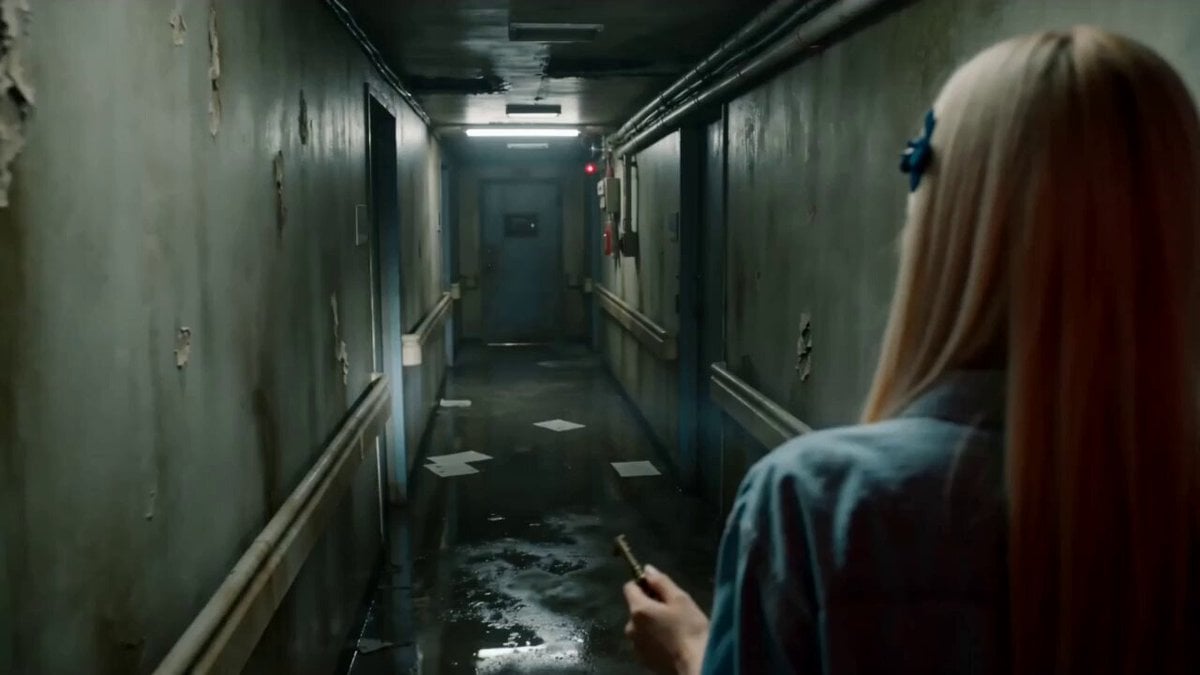
Abandoned Hospital Horror POV Film
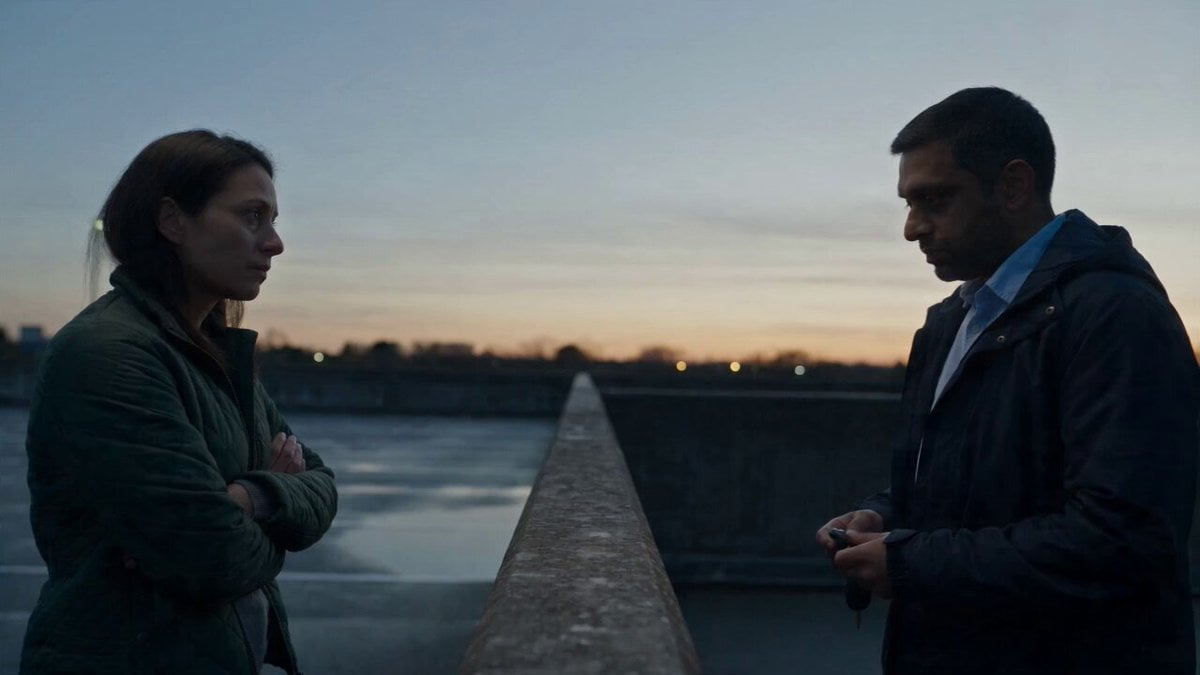
Hospital Car Park Dialogue Lip Sync

J-Horror Anime Creature
Garage CCTV Horror Creature

Home Horror Creature Sequence
Alien Creature Under Bus Horror

Laundromat Horror Creature Sequence
Found Footage Graveyard Creature Horror
Cinematic horror scene with creature attack

Hospital Corridor Emotional Scene
Make it yours
Hospital Corridor Creature Horror works as-is. These are the safest ways to change it without losing the look.
Change one field
Copy a single group, rewrite it, and generate again so you can see what that field is doing.
Keep the frame, change the subject
Hold the composition and light of Hospital Corridor Creature Horror, then swap wardrobe, props or the person for a new take.
| If the result… | Why | Fix |
|---|---|---|
| The result drifts from the preview | Too many fields changed at once. | Reuse Hospital Corridor Creature Horror as-is first, then change one group — subject, light, or setting. |
| The model over-stylizes the scene | The prose prompt leaves finish and camera underspecified. | Add one camera or lighting sentence and stay on Seedance 2.0. |
More Seedance 2.0 templates
Other prompts made for Seedance 2.0.

Comical Martial Arts Punch Scene

Maglev Train Action Sequence

Martial Arts Fight Sequence

Wuxia Protection and Trust Script

Vintage Korean Arcade MiniDV Vlog

Mercedes 190 SL Luxury Ad

Rainy Night Supernatural Reverse Comedy Video Script

Amazon Civilization Discovery

Futuristic South Asian City Transformation

Cozy Luxury Cafe Commercial
More video prompts
Fresh picks from across the catalog.
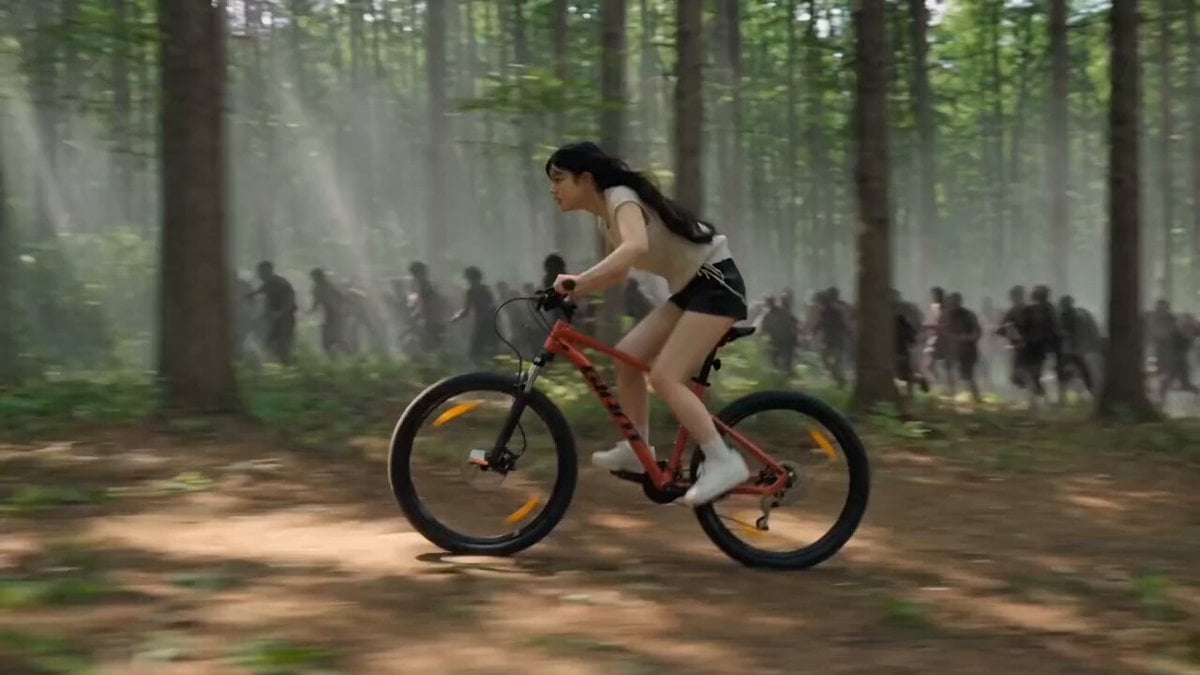
Woman Bicycle Zombie Chase Action Scene
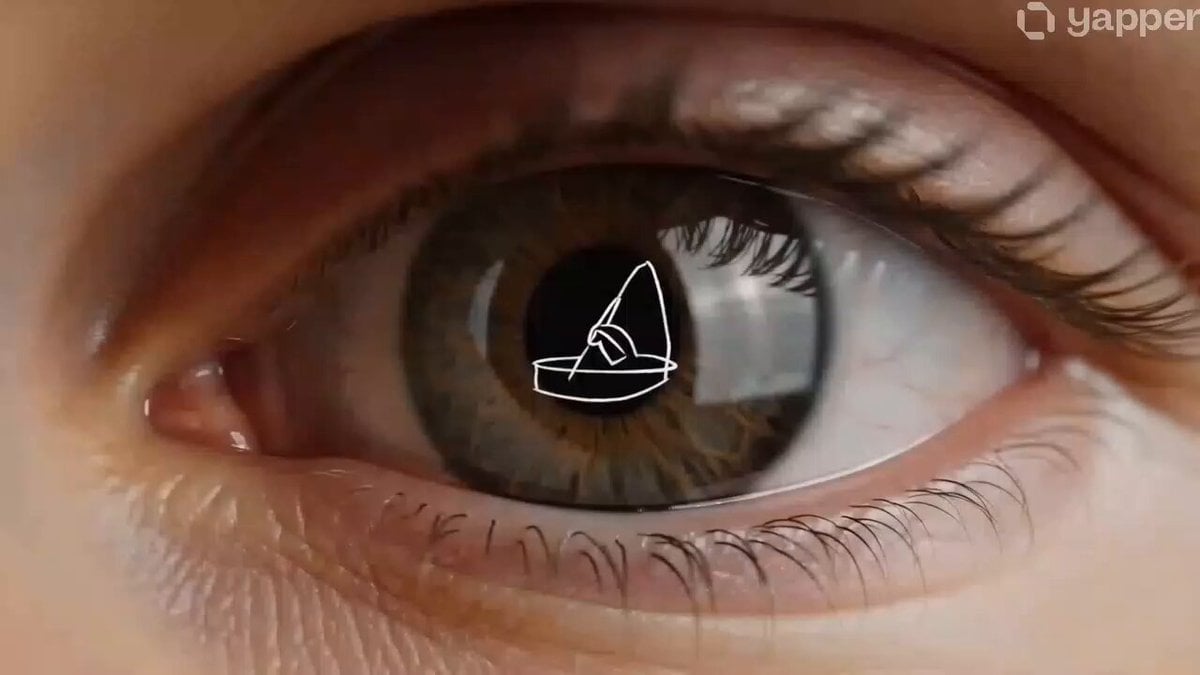
Product Evolution Eye Reflection
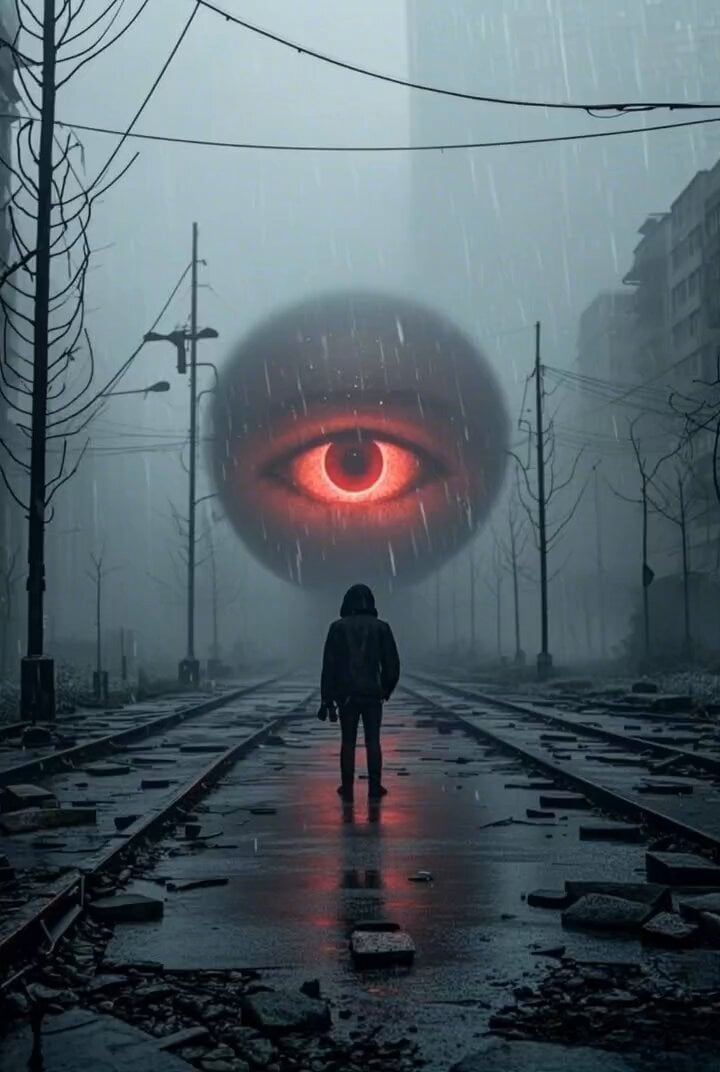
Dystopian city glowing eye

Subway Prank Video Storyboard Sequence

Cyber Desert Martial Arts Duel Anime

Multi-stage video generation prompt with camera movements

Narrative Horse Ride
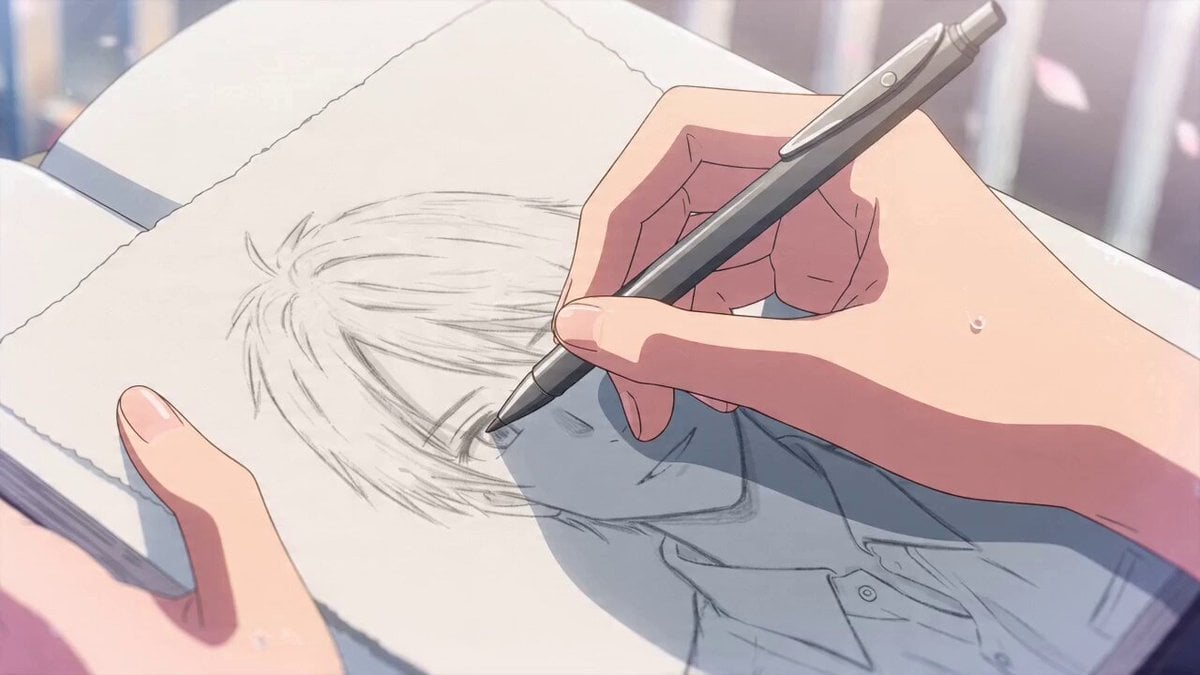
Cinematic Manga Romance: Confession on an Overpass
Charming Budgie and Floating Heart
Flying Witch Departure
Browse template categories
Hospital Corridor Creature Horror questions
How do I use the Hospital Corridor Creature Horror template?
Add your photo if the template asks for one, edit the prompt if you like — the template's model and format are already selected — and press Generate. Your version opens in PicX Studio.
Can I customize the Hospital Corridor Creature Horror template?
Yes. You can change the subject, setting, lighting, mood, format, and available model controls before creating your video.
Is the Hospital Corridor Creature Horror template free?
Opening and editing this template is free. Generating uses credits, shown on the Generate button when you are signed in.
Which AI model should I use?
Start with Seedance 2.0, which is the model associated with this template. You can compare another compatible model for a different finish.
Looking for something else? Browse all templates.

Your photo, any look
Thousands of ready templates for every top image and video model, from one credit balance.