
Home Horror Creature Sequence
A multi-shot horror sequence set in a house at night, featuring a mutated creature and intense suspense.

- Prompt included
- Model and format preset
- Premium template
The prompt behind this video
Copy the exact prompt behind Home Horror Creature Sequence, or open it in the studio and make it yours.
A hyper-real horror sequence set inside a quiet house at night. Warm, dim living-room lighting; TV glow flickering. Sound: low TV audio, distant night ambience, sudden distortion. Shot 1 (0–3s): A man and woman sit on a couch watching TV. The screen glitches, static cuts to a young girl screaming directly into camera. Audio distorts, too loud, too close. The parents freeze. ⸻ Shot 2 (3–6s): They exchange a look—panic hits. The man shouts: “Her room—now!” They rush down a dark hallway, camera following tight. The TV continues screaming behind them. ⸻ Shot 3 (6–9s): They burst into the child’s bedroom, door slams open. Bed is empty. Curtains still. The mother calls out the daughter’s name. No response. ⸻ Shot 4 (9–12s): The father drops low, checks under the bed. In the shadows, their daughter, wide-eyed, trembling, hand clamped over her mouth, whispering: “Don’t… make a sound.” A faint wet drip lands on the father’s cheek. ⸻ Shot 5 (12–15s): They slowly look up. On the ceiling above the bed,a mutated creature clings there, elongated limbs, slick skin. It screams, drops straight down. Frame fills with impact
How to use Home Horror Creature Sequence in 3 steps
- 1
Open
The prompt is already in the box next to the preview, with the template's model and format selected.
- 2…a portrait of your subject in softgolden-hour light, 85mm…
Personalize
Edit the subject and creative details for your destination.
- 3Generate
Generate
Press Generate — your video is created in PicX Studio, so you can compare it with the original and refine one variable at a time.
More like this
Templates with the same subject, style or setup. Open one to see its prompt.

Laundromat Horror Creature Sequence

Mysterious Home Exploration Vlog - Seedance 2.5

J-Horror Anime Creature
Garage CCTV Horror Creature
Alien Creature Under Bus Horror
Alien Creature Pursuit Sequence
1980s Trap Creature Sequence
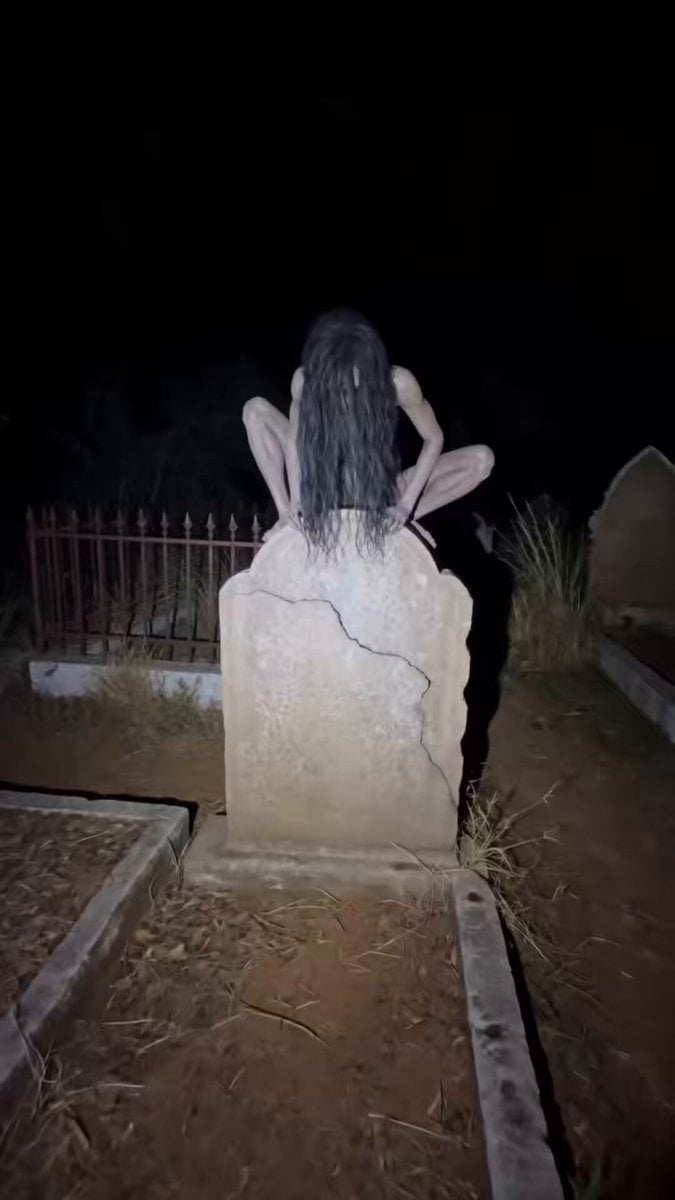
Found Footage Graveyard Creature Horror

Cinematic Cozy Rain Home Sequence

Hospital Corridor Creature Horror
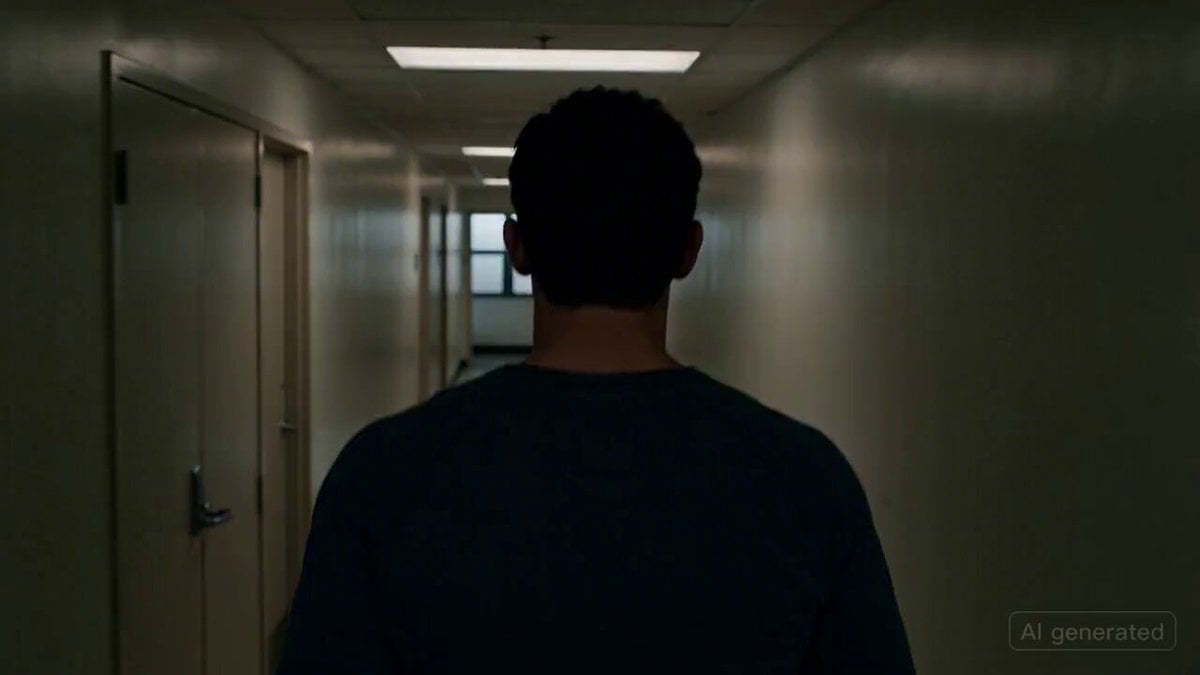
Cinematic horror scene with creature attack

Hyper-Realistic Cinematic Horror Sequence
Make it yours
Home Horror Creature Sequence works as-is. These are the safest ways to change it without losing the look.
Change one field
Copy a single group, rewrite it, and generate again so you can see what that field is doing.
Keep the frame, change the subject
Hold the composition and light of Home Horror Creature Sequence, then swap wardrobe, props or the person for a new take.
| If the result… | Why | Fix |
|---|---|---|
| The result drifts from the preview | Too many fields changed at once. | Reuse Home Horror Creature Sequence as-is first, then change one group — subject, light, or setting. |
| The model over-stylizes the scene | The prose prompt leaves finish and camera underspecified. | Add one camera or lighting sentence and stay on Seedance 2.0. |
More Seedance 2.0 templates
Other prompts made for Seedance 2.0.

Comical Martial Arts Punch Scene

Wuxia Protection and Trust Script

Vintage Korean Arcade MiniDV Vlog

Mercedes 190 SL Luxury Ad

Rainy Night Supernatural Reverse Comedy Video Script

Amazon Civilization Discovery

Futuristic South Asian City Transformation

Cozy Luxury Cafe Commercial

Cyber Ronin Nanotech Transformation Video

Desert Courier and Sandstorm Leviathan Chase
More video prompts
Fresh picks from across the catalog.

Misty Valley Cinematic Twist Video

AEW Women's Championship Wrestling Match
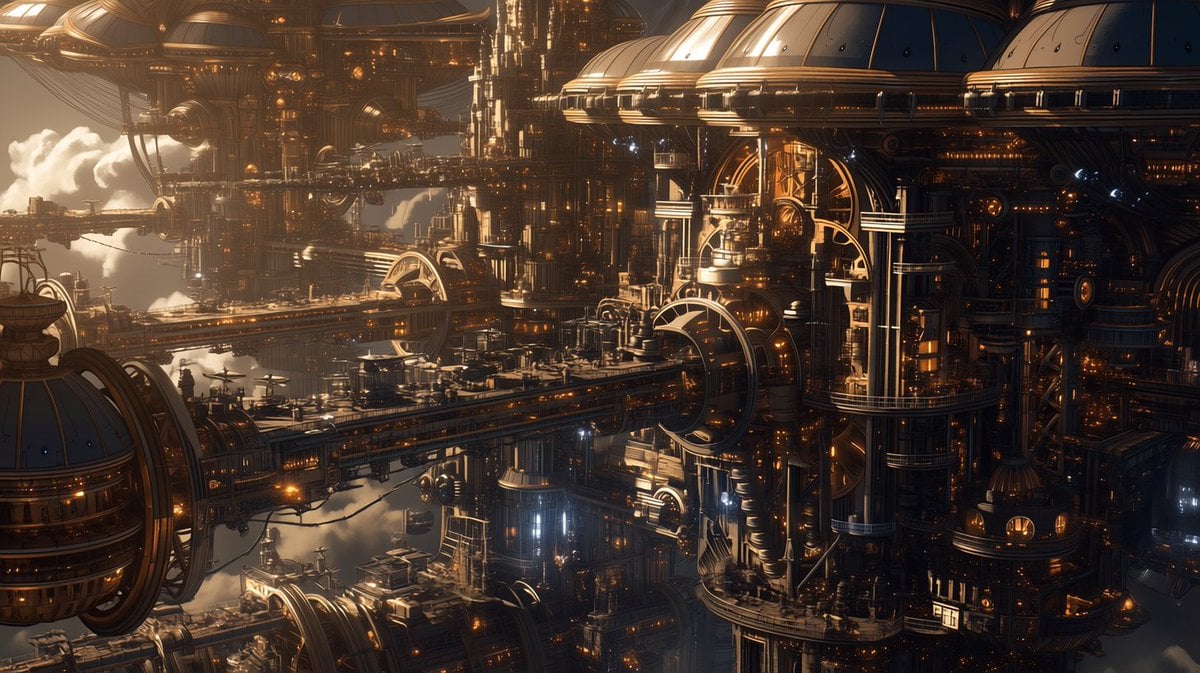
Free-Flying Characters Cinematic Video Prompt

xAI Logo inside the colossus 2 Datacenter

Alien Planet Morning Routine

Seedance 2.0 Video Prompt: High-Speed Skateboard Chase

Realistic Morning Routine Lifestyle Vlog - Seedance 2.5
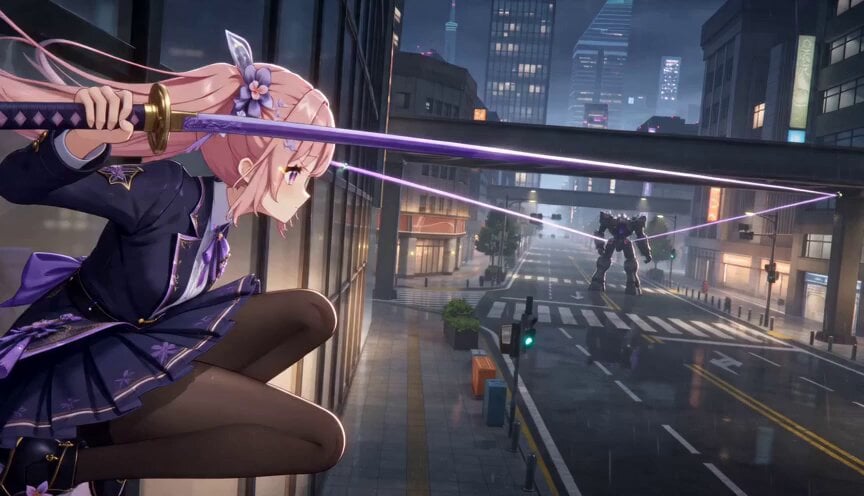
Cinematic 3D Anime Wire Action Sequence
Futuristic Spacecraft Console Interaction

Rally Car Coastal Drift Rescue
Browse template categories
Home Horror Creature Sequence questions
How do I use the Home Horror Creature Sequence template?
Add your photo if the template asks for one, edit the prompt if you like — the template's model and format are already selected — and press Generate. Your version opens in PicX Studio.
Can I customize the Home Horror Creature Sequence template?
Yes. You can change the subject, setting, lighting, mood, format, and available model controls before creating your video.
Is the Home Horror Creature Sequence template free?
Opening and editing this template is free. Generating uses credits, shown on the Generate button when you are signed in.
Which AI model should I use?
Start with Seedance 2.0, which is the model associated with this template. You can compare another compatible model for a different finish.
Looking for something else? Browse all templates.

Your photo, any look
Thousands of ready templates for every top image and video model, from one credit balance.