
Found Footage Graveyard Creature Horror
A terrifying found footage prompt for a graveyard encounter with a two-headed creature, using smartphone camera aesthetics and low-light lighting.
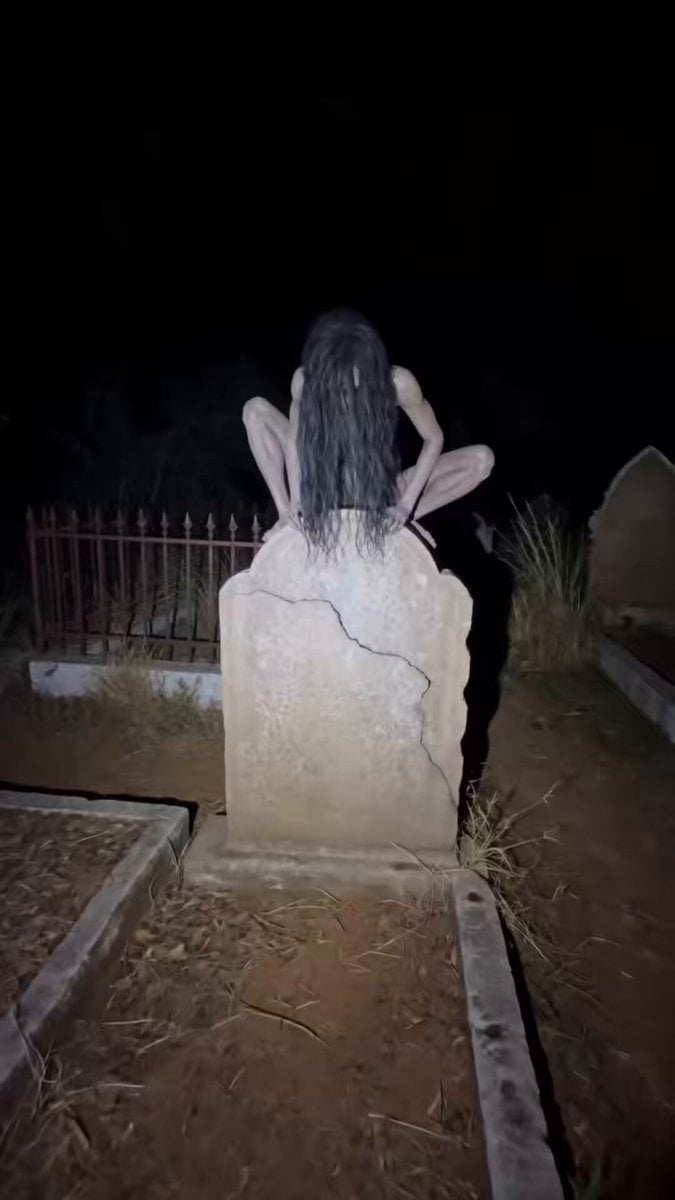
- Prompt included
- Model and format preset
- Free template
The prompt behind this video
Copy the exact prompt behind Found Footage Graveyard Creature Horror, or open it in the studio and make it yours.
Low-light handheld smartphone footage, heavy grain, slight motion blur. Harsh LED phone flashlight only. Natural audio: insects, distant dogs, wind moving dry leaves. Location: an old Indian graveyard with uneven mud paths, cracked tombstones, iron fencing, overgrown grass, and leaning graves. On top of a large, cracked tombstone, a woman is crouched unnaturally. Unnaturally thin body, grayish decaying skin with two heads clearly visible. Long tangled black hair hanging over her face. Milky white unfocused eyes. Mouth slightly open, revealing sharp Dracula-like fangs. A low guttural growl rises from her chest, mixing with the night sounds. Her head turns slowly toward the camera, hair sliding aside just enough to reveal her dead white eyes. Sudden violent movement as she launches off the tombstone, landing with a wet thud. Panicked retreat between graves. Camera jerks violently. She drags herself across the ground and over headstones, limbs bending at impossible angles, snarling, dirt and dry grass scraping beneath her movements. Abrupt extreme close-up. Her face slams into frame mid-screech, fangs fully exposed, eyes blank and lifeless, hair whipping forward. Instant cut to black.
How to use Found Footage Graveyard Creature Horror in 3 steps
- 1
Open
The prompt is already in the box next to the preview, with the template's model and format selected.
- 2…a portrait of your subject in softgolden-hour light, 85mm…
Personalize
Edit the subject and creative details for your destination.
- 3Generate
Generate
Press Generate — your video is created in PicX Studio, so you can compare it with the original and refine one variable at a time.
More like this
Templates with the same subject, style or setup. Open one to see its prompt.
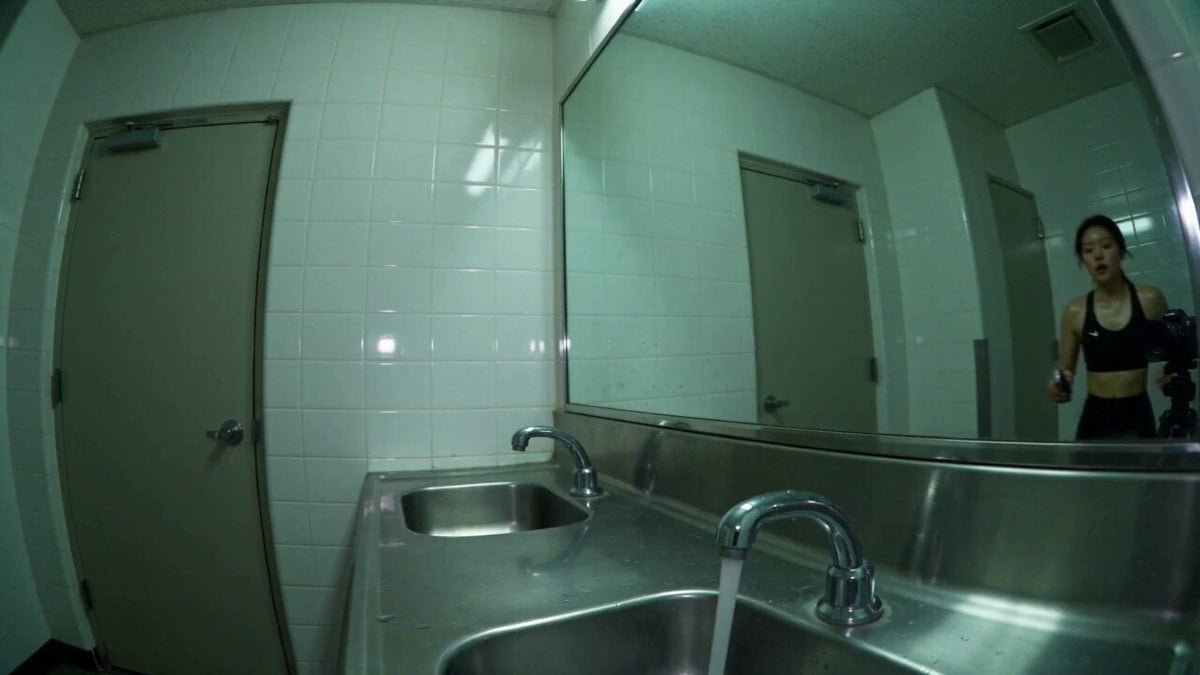
Gym Bathroom Found-Footage Horror
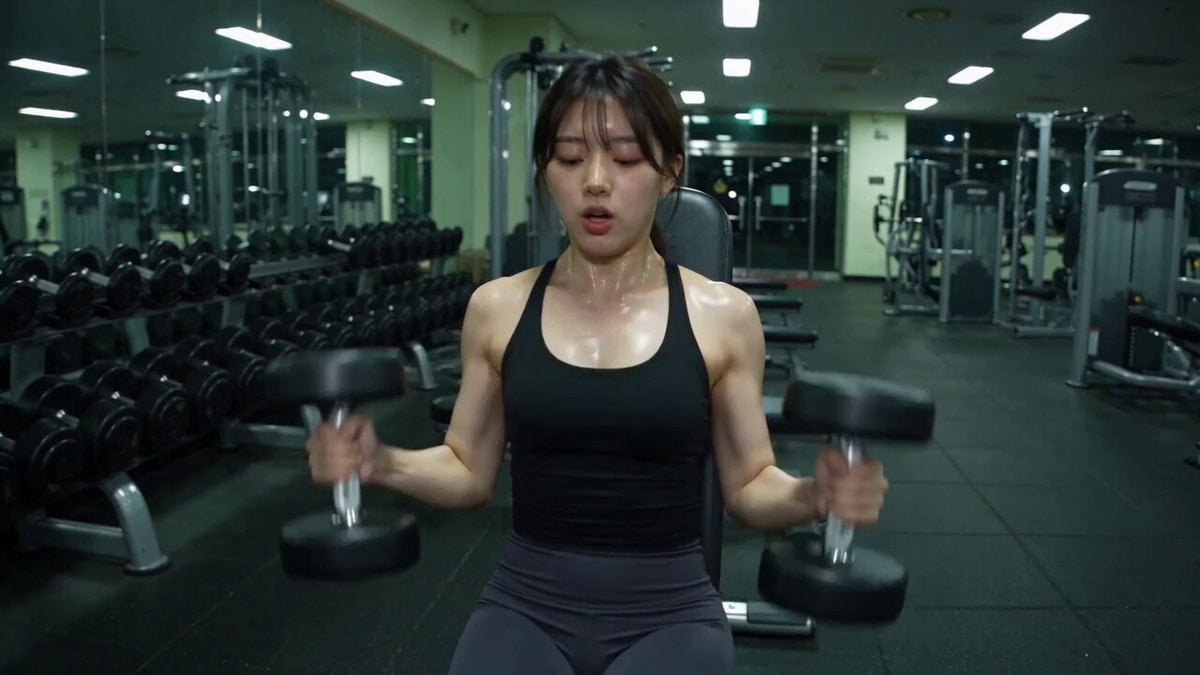
Late-Night Gym Found-Footage Horror
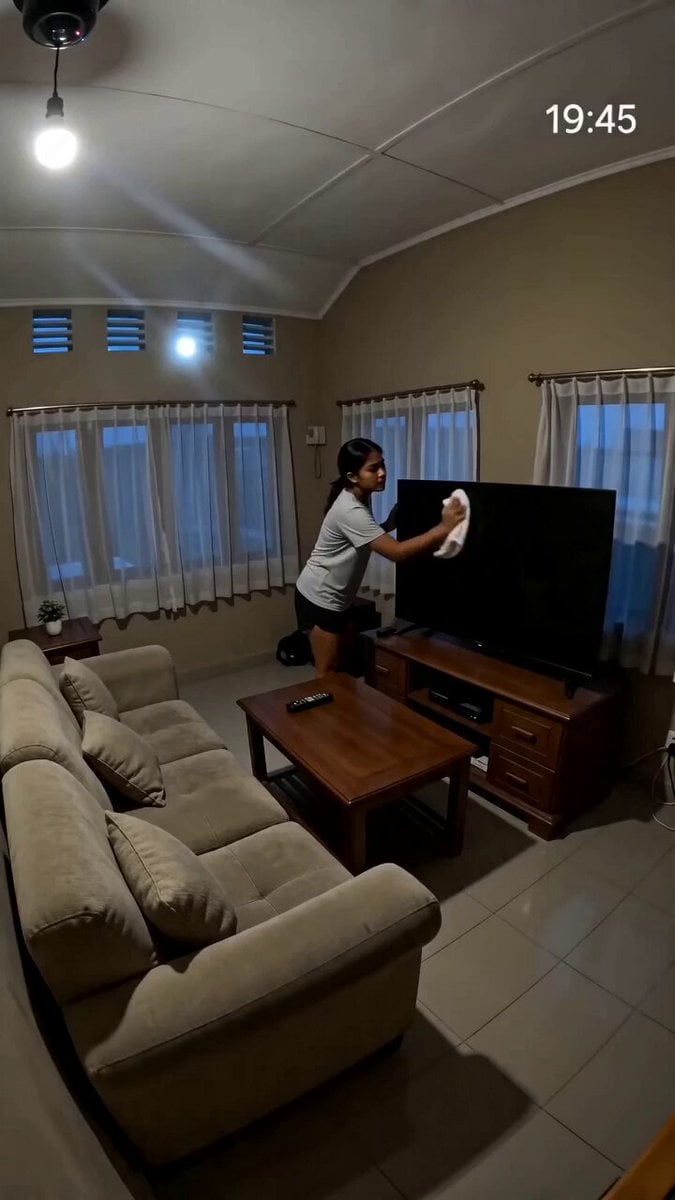
Security Camera Found Footage Horror
Found-Footage City Anomaly
2003 Found Footage MiniDV Tape
Pokemon Found Footage Documentary

J-Horror Anime Creature
Garage CCTV Horror Creature

Home Horror Creature Sequence
Alien Creature Under Bus Horror

Chaos in the Living Room Found Footage

Laundromat Horror Creature Sequence
Make it yours
Found Footage Graveyard Creature Horror works as-is. These are the safest ways to change it without losing the look.
Change one field
Copy a single group, rewrite it, and generate again so you can see what that field is doing.
Keep the frame, change the subject
Hold the composition and light of Found Footage Graveyard Creature Horror, then swap wardrobe, props or the person for a new take.
| If the result… | Why | Fix |
|---|---|---|
| The result drifts from the preview | Too many fields changed at once. | Reuse Found Footage Graveyard Creature Horror as-is first, then change one group — subject, light, or setting. |
| The model over-stylizes the scene | The prose prompt leaves finish and camera underspecified. | Add one camera or lighting sentence and stay on Seedance 2.0. |
More Seedance 2.0 templates
Other prompts made for Seedance 2.0.

Comical Martial Arts Punch Scene

Maglev Train Action Sequence

Martial Arts Fight Sequence

Wuxia Protection and Trust Script

Vintage Korean Arcade MiniDV Vlog

Mercedes 190 SL Luxury Ad

Rainy Night Supernatural Reverse Comedy Video Script

Amazon Civilization Discovery

Futuristic South Asian City Transformation

Cozy Luxury Cafe Commercial
More video prompts
Fresh picks from across the catalog.
French Bulldog Belly Rub

Kimchi Noodles Delivery Ad
AI Wedding Video Prompt: Minimalist Forest Style with Light Effects

Watercolor Painting of Gypsy Woman and White Horse
Spaceship Escape Action Scene
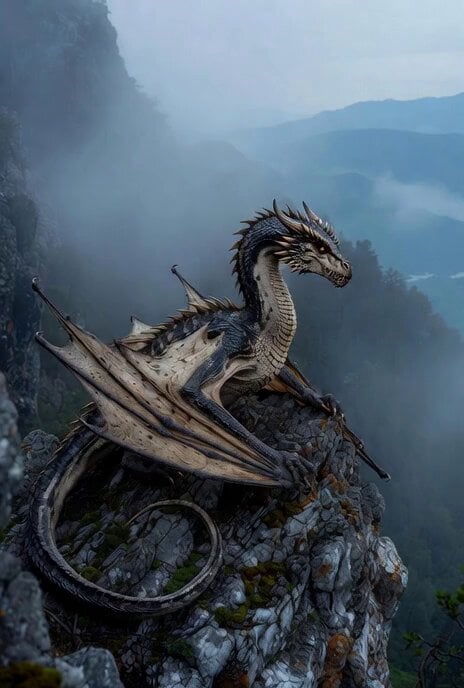
Dragon Flying Over Westminster Video Prompt
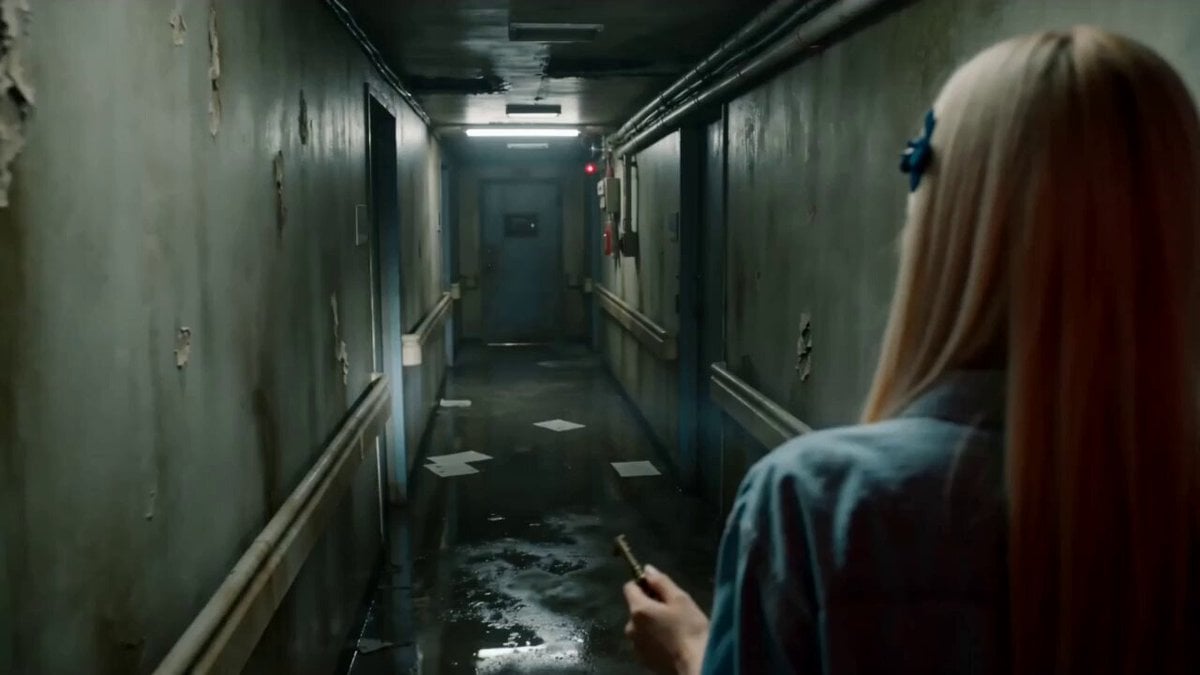
Abandoned Hospital Horror POV Film

Vintage Disney Style Pirate Crocodile Animation
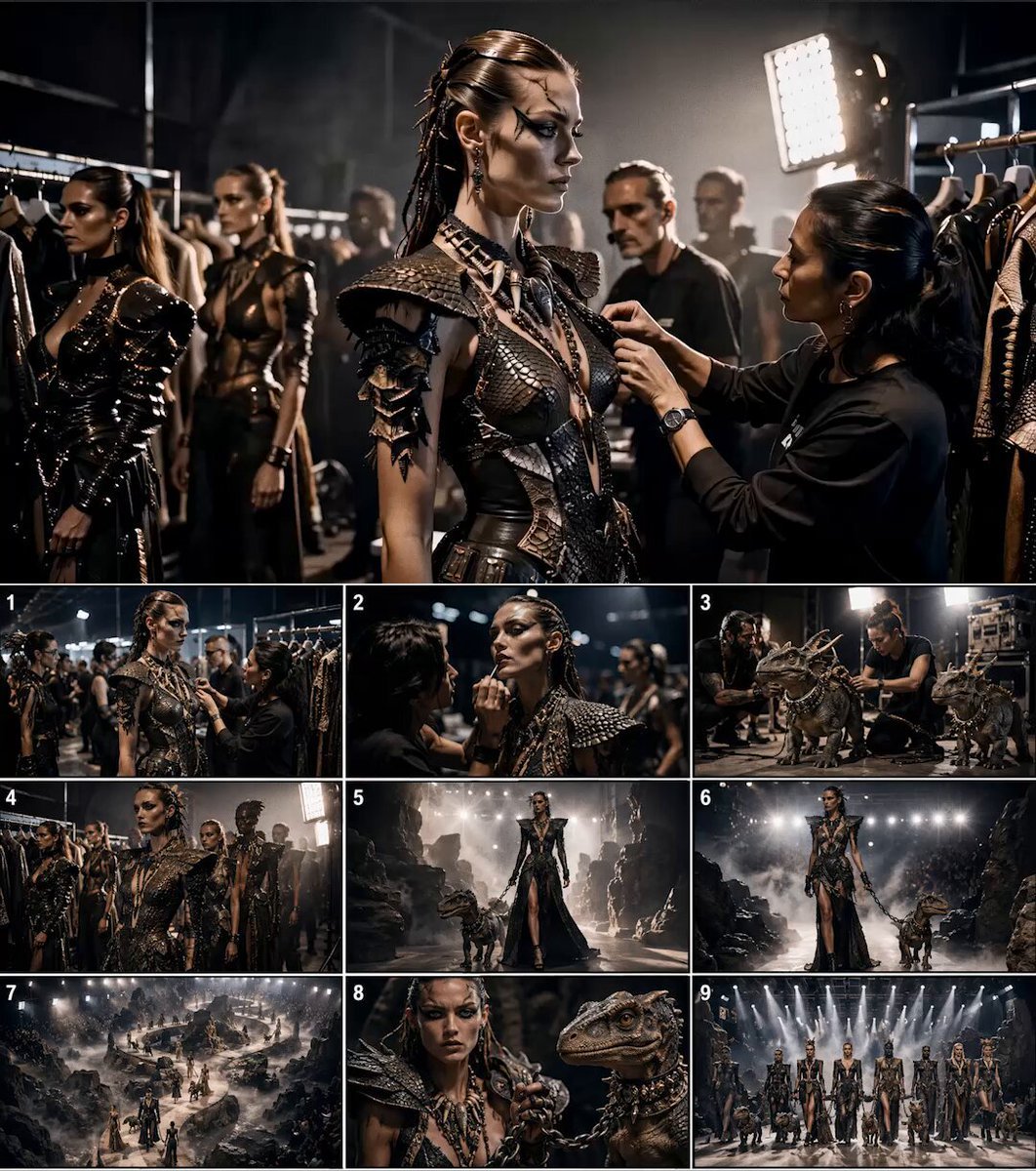
Paleolithic Haute Couture Fashion Film

Coffee Cup Interaction Motion
Browse template categories
Found Footage Graveyard Creature Horror questions
How do I use the Found Footage Graveyard Creature Horror template?
Add your photo if the template asks for one, edit the prompt if you like — the template's model and format are already selected — and press Generate. Your version opens in PicX Studio.
Can I customize the Found Footage Graveyard Creature Horror template?
Yes. You can change the subject, setting, lighting, mood, format, and available model controls before creating your video.
Is the Found Footage Graveyard Creature Horror template free?
Opening and editing this template is free. Generating uses credits, shown on the Generate button when you are signed in.
Which AI model should I use?
Start with Seedance 2.0, which is the model associated with this template. You can compare another compatible model for a different finish.
Looking for something else? Browse all templates.

Your photo, any look
Thousands of ready templates for every top image and video model, from one credit balance.