
Kimchi Noodles Delivery Ad
A warm and cozy commercial-style prompt for a Korean food delivery service, including scene breakdowns and voiceover instructions.
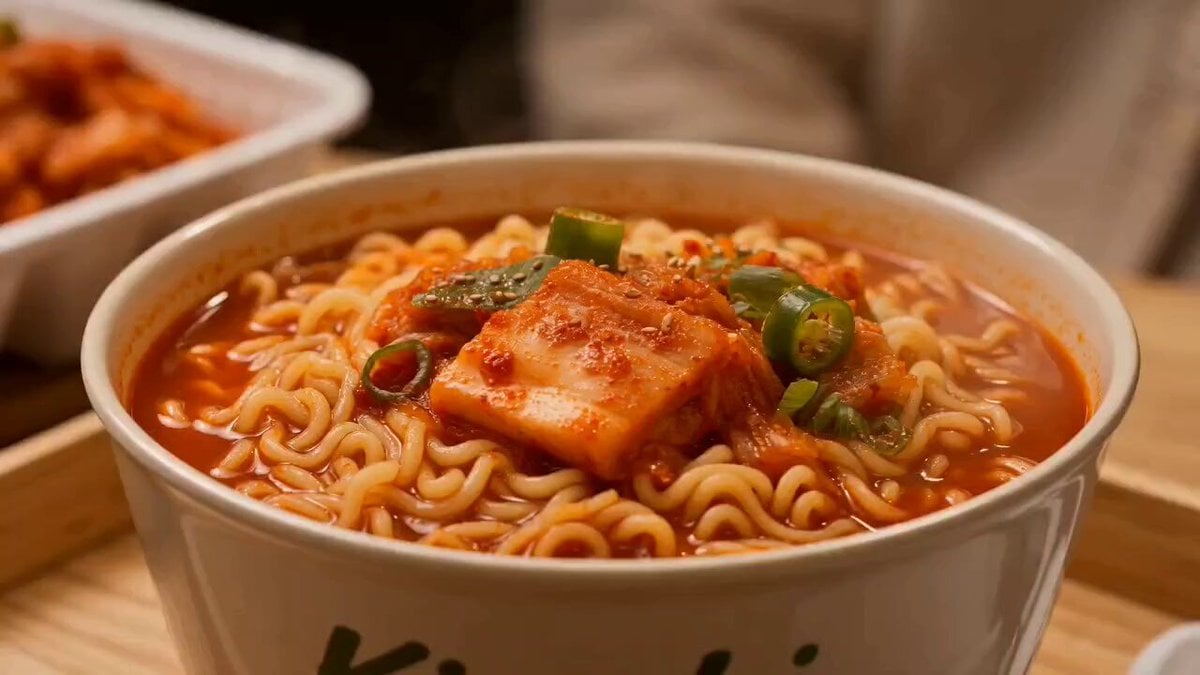
- Prompt included
- Model and format preset
- Premium template
The prompt behind this video
Copy the exact prompt behind Kimchi Noodles Delivery Ad, or open it in the studio and make it yours.
Style: cinematic, warm, cozy, ad-quality Format: 9: 16 or 1:1 Audio: Korean voice + soft lo-fi background Scene 1 (0: 00–0:02) Close-up of steaming kimchi noodles (slow motion steam). 🎙️ Voice (Korean, soft & inviting): “따뜻한 한 그릇, 준비됐어요.” (A warm bowl is ready.) Scene 2 (0: 02–0:04) Girl puts on helmet, smiles at camera. 🎙️ Dialogue (to camera, friendly): “지금 바로 가져다드릴게요!” (I’ll bring it to you right away!) Scene 3 (0: 04–0:06) Scooty ride through cozy street (tracking shot). 🎙️ Voiceover: “빠르고, 따뜻하게.” (Fast and warm.) Scene 4 (0: 06–0:08) Front cinematic shot riding toward camera. Light wind movement, smooth motion. Scene 5 (0: 08–0:10) She stops at the house, looks back, smiles. 🎙️ Dialogue (slightly playful): “주문하신 김치라면 왔어요!” (Your kimchi noodles have arrived!) 💬 Popup bubble: “Order Received!” Scene 6 (0: 10–0:12) Customer opens door, receives food (steam visible). 🎙️ Customer (happy tone): “와, 진짜 맛있겠다!” (Wow, this looks so delicious!) Scene 7 (0: 12–0:14) Customer takes a bite → satisfied reaction. 🎙️ Soft VO: “언제나 따뜻하게, 언제나 빠르게.” (Always warm, always fast.) Scene 8 (0 :14–0:15) Hero shot: girl + scooty + house + branding. 🎙️ Final line (confident): “김치라면, 언제든지.” (Kimchi noodles, anytime.) 🎵 Sound Design Soft lo-fi beat Light scooter engine Subtle “ding” on delivery Warm ambient neighborhood sounds
How to use Kimchi Noodles Delivery Ad in 3 steps
- 1
Open
The prompt is already in the box next to the preview, with the template's model and format selected.
- 2…a portrait of your subject in softgolden-hour light, 85mm…
Personalize
Edit the subject and creative details for your destination.
- 3Generate
Generate
Press Generate — your video is created in PicX Studio, so you can compare it with the original and refine one variable at a time.
More like this
Templates with the same subject, style or setup. Open one to see its prompt.

3D Animated Newspaper Delivery Short - Seedance 2.5
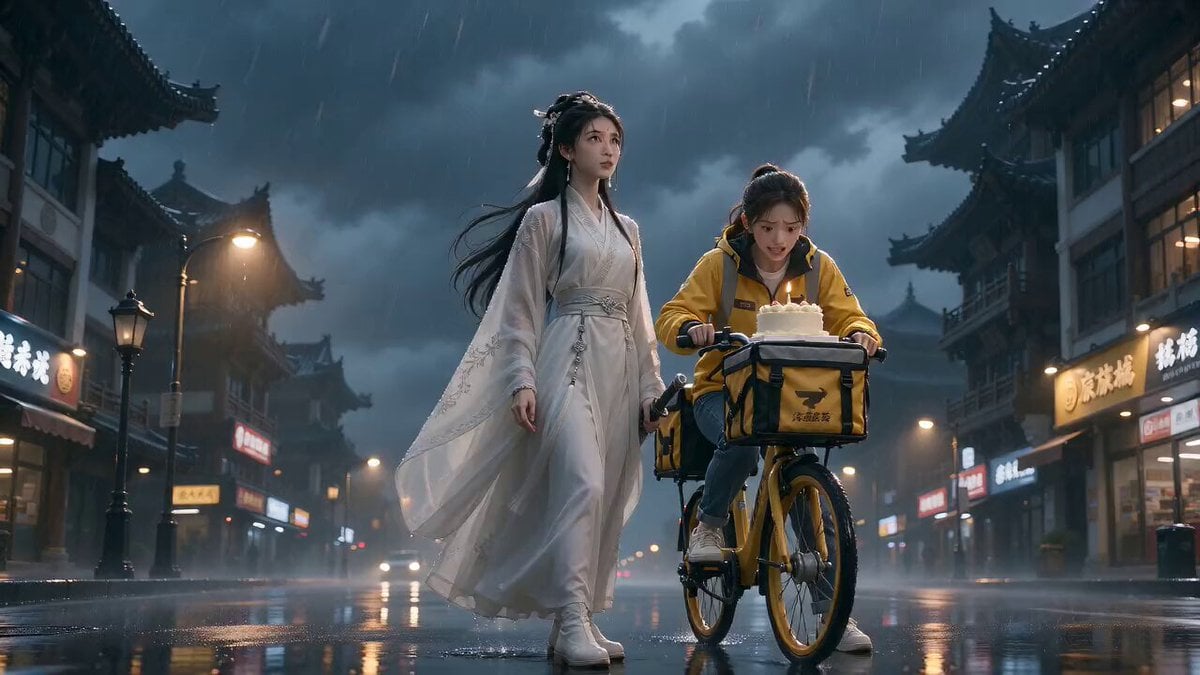
Cinematic Xianxia Cake Delivery Mission
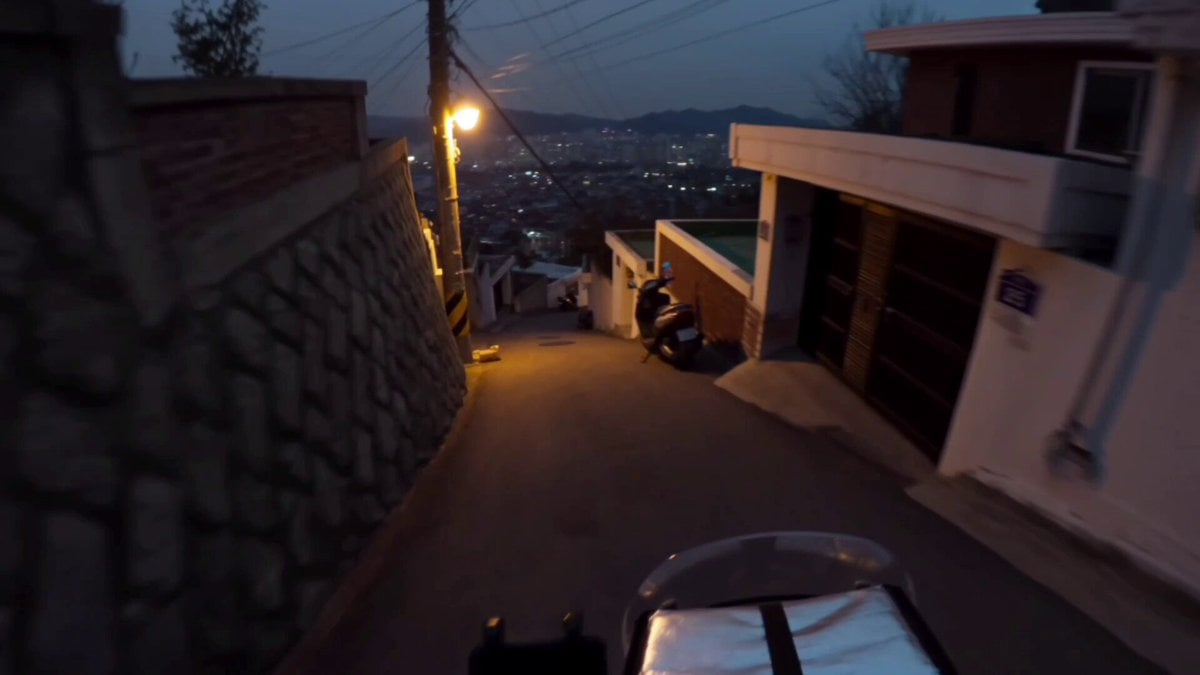
Korean Motorbike Delivery Action Video Prompt
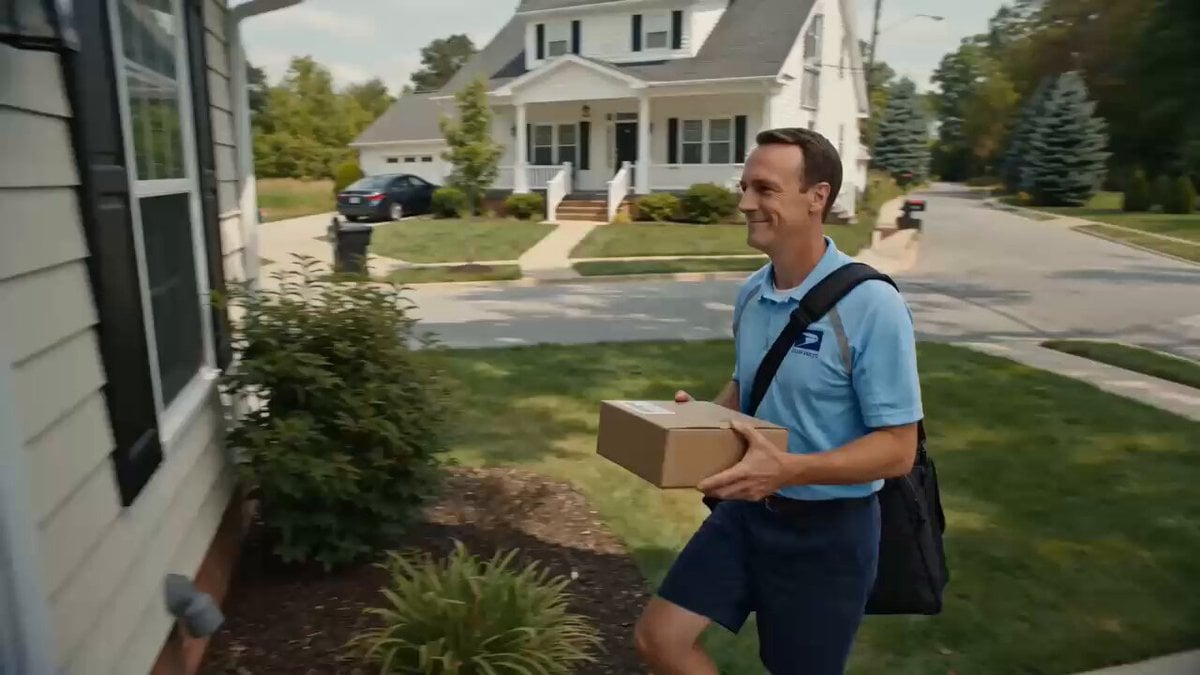
Superhuman Speed Delivery Man Cinematic Sequence
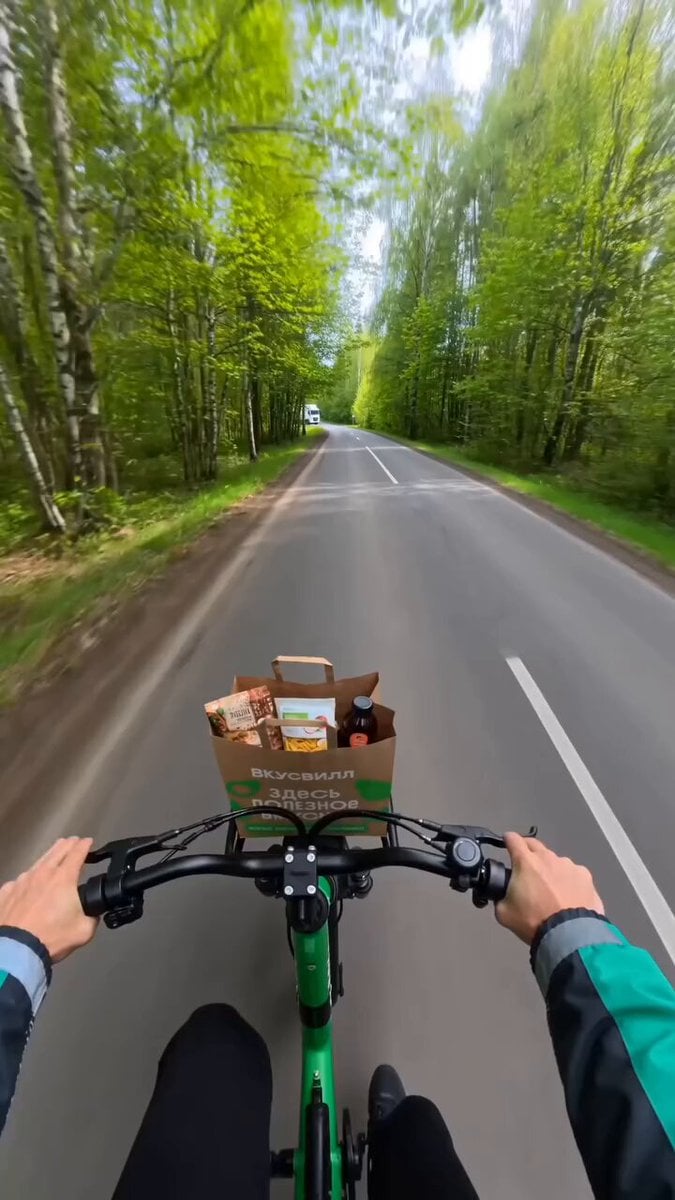
Delivery Courier Character Turnaround
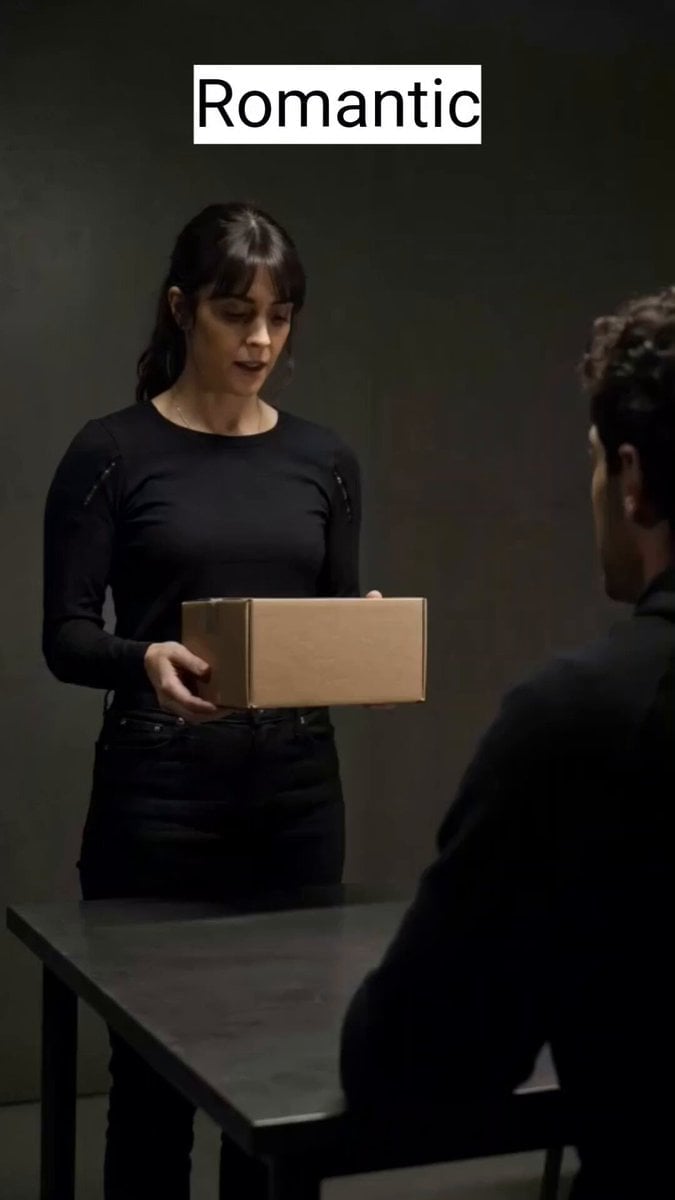
Delivery Scene Multi-Style Script
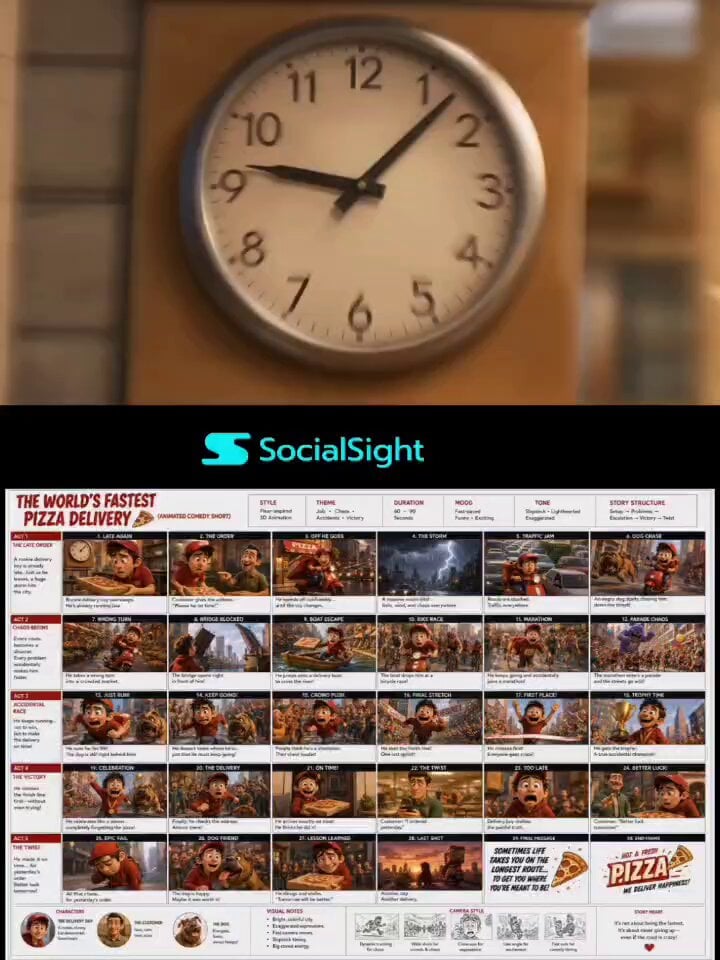
Chaotic Pizza Delivery Animated Short
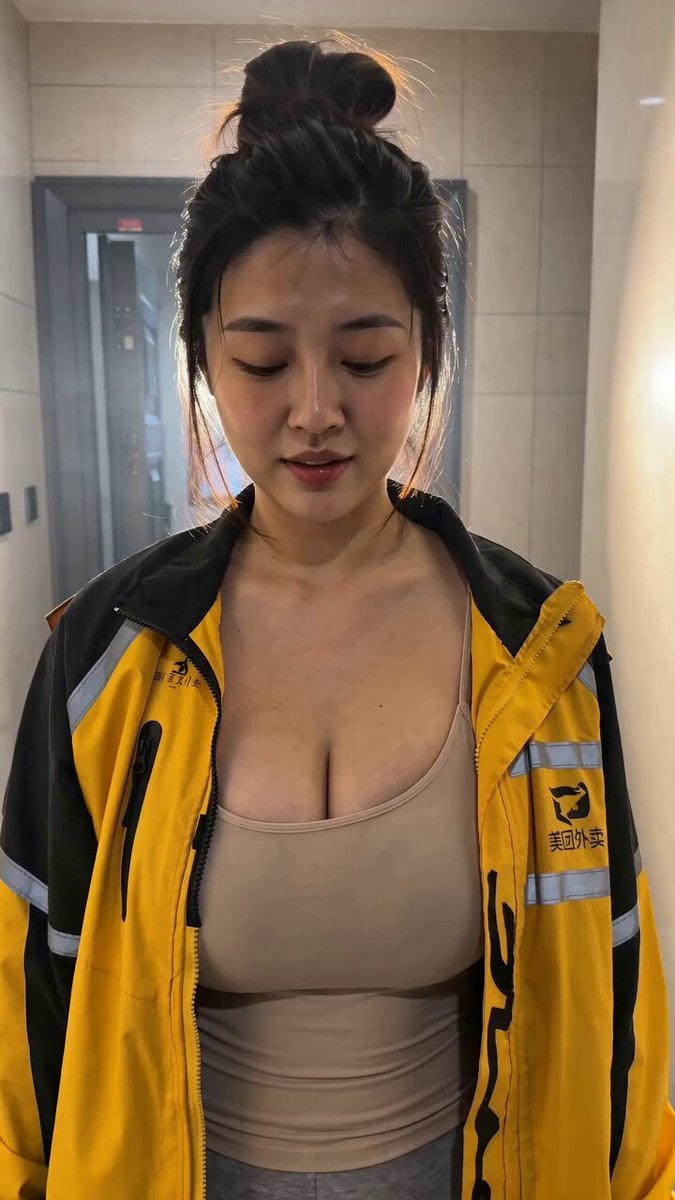
Seedance 2.0 Cinematic POV Delivery Prompt
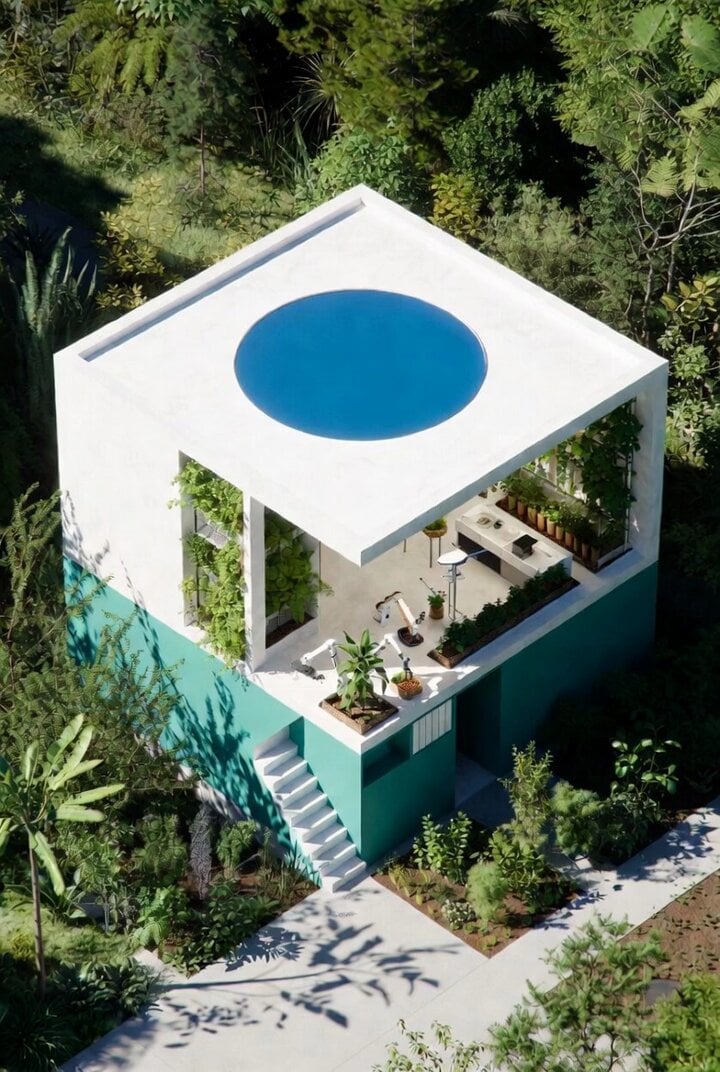
Futuristic Water Delivery Craft Video
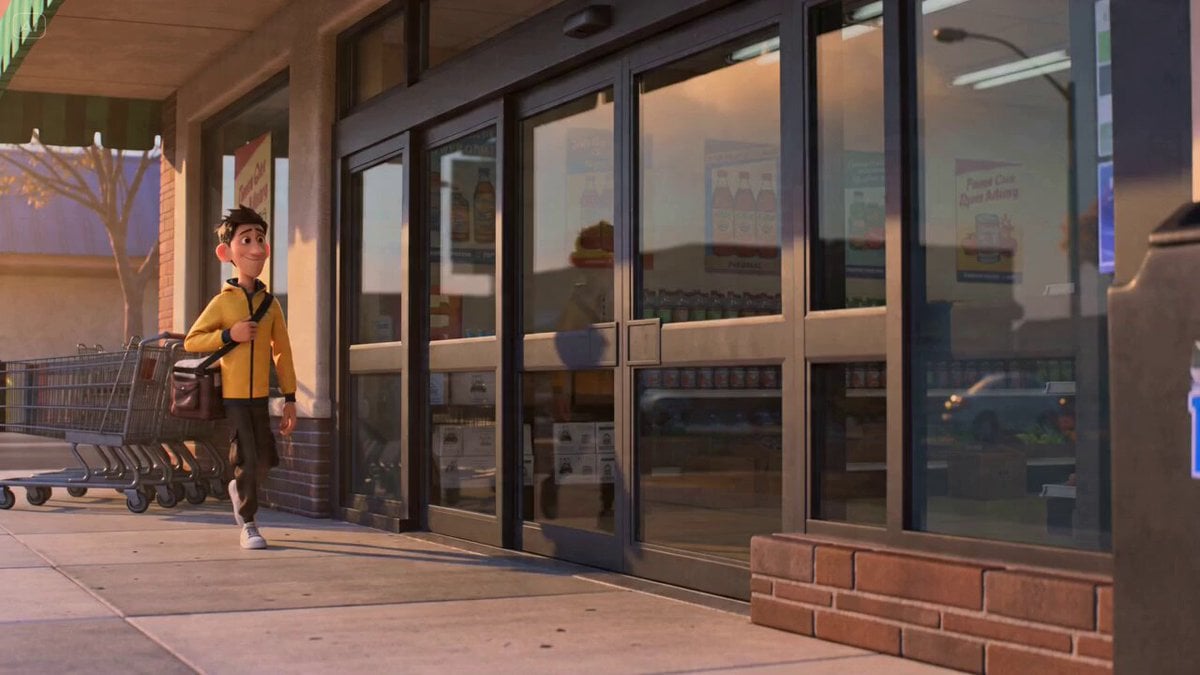
Second Cinematic Comedy Video Prompt: Delivery Courier Door Fail
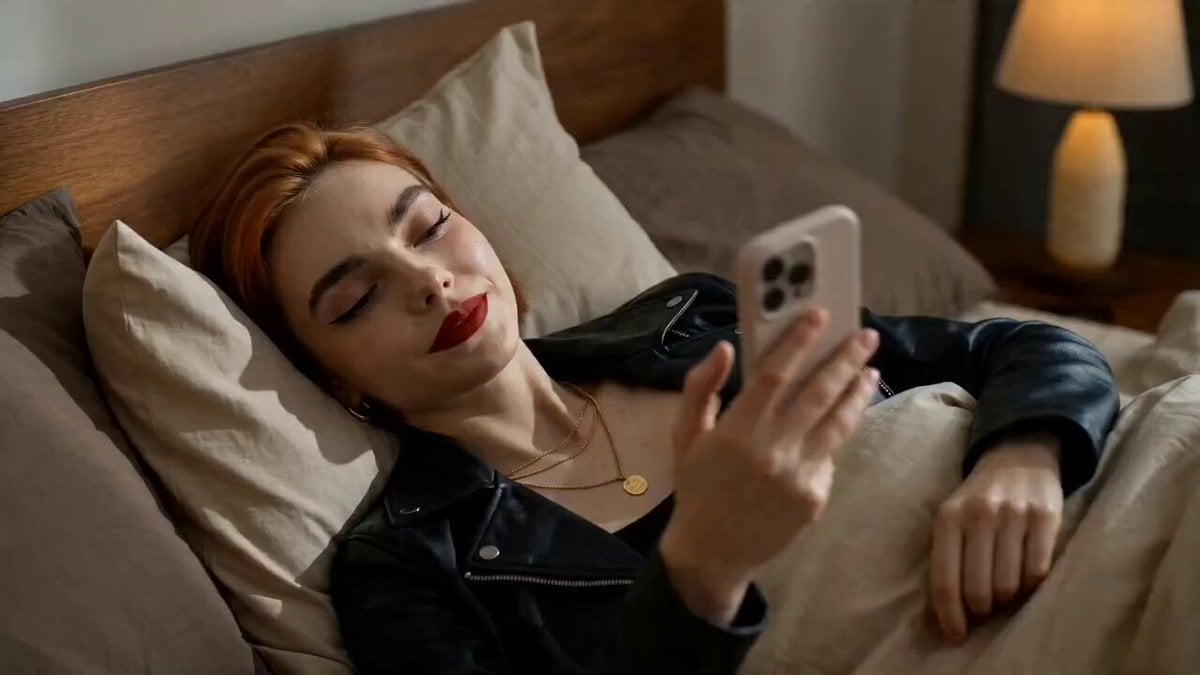
Food Delivery Rush Storyboard

Food Delivery Rush Cinematic Prompt
Make it yours
Kimchi Noodles Delivery Ad works as-is. These are the safest ways to change it without losing the look.
Change one field
Copy a single group, rewrite it, and generate again so you can see what that field is doing.
Keep the frame, change the subject
Hold the composition and light of Kimchi Noodles Delivery Ad, then swap wardrobe, props or the person for a new take.
| If the result… | Why | Fix |
|---|---|---|
| The result drifts from the preview | Too many fields changed at once. | Reuse Kimchi Noodles Delivery Ad as-is first, then change one group — subject, light, or setting. |
| The model over-stylizes the scene | The prose prompt leaves finish and camera underspecified. | Add one camera or lighting sentence and stay on Seedance 2.0. |
More Seedance 2.0 templates
Other prompts made for Seedance 2.0.

Comical Martial Arts Punch Scene

Maglev Train Action Sequence

Martial Arts Fight Sequence

Wuxia Protection and Trust Script

Vintage Korean Arcade MiniDV Vlog

Mercedes 190 SL Luxury Ad

Rainy Night Supernatural Reverse Comedy Video Script

Amazon Civilization Discovery

Futuristic South Asian City Transformation

Cozy Luxury Cafe Commercial
More video prompts
Fresh picks from across the catalog.
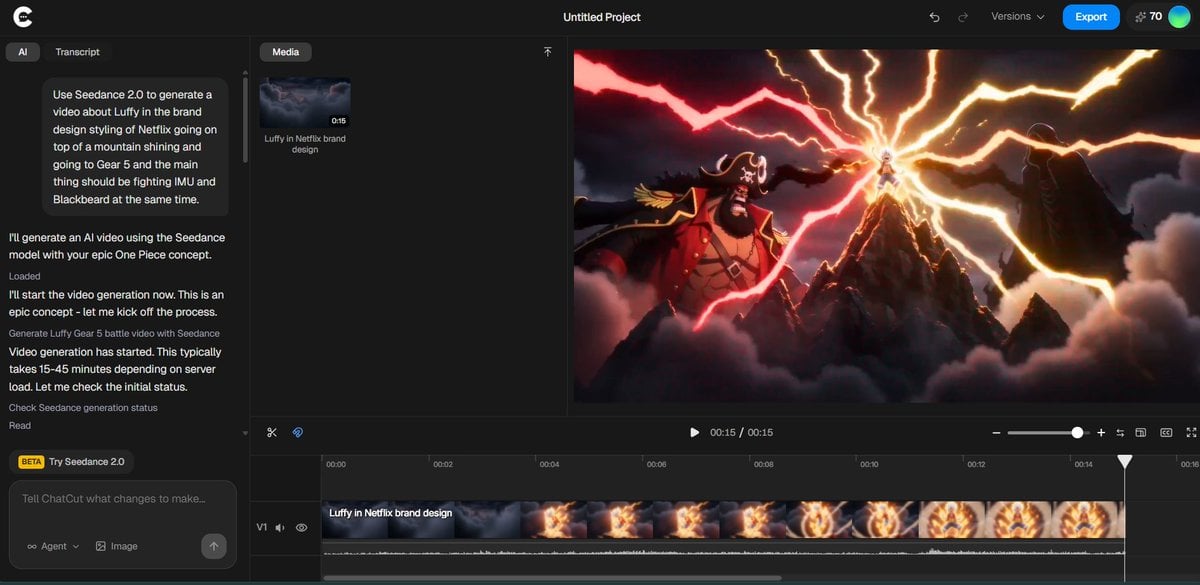
Luffy in Netflix Style Fighting Imu and Blackbeard

Futuristic Warrior Playing Grand Piano
Childhood Dream to Reality Transition Video Prompt
POV Coffee Hand-off Office Scene
Space Learning Center Show and Tell Video

Continuous 30-second Art Deco underwater temple video
The Seed - Time and Scale Transition
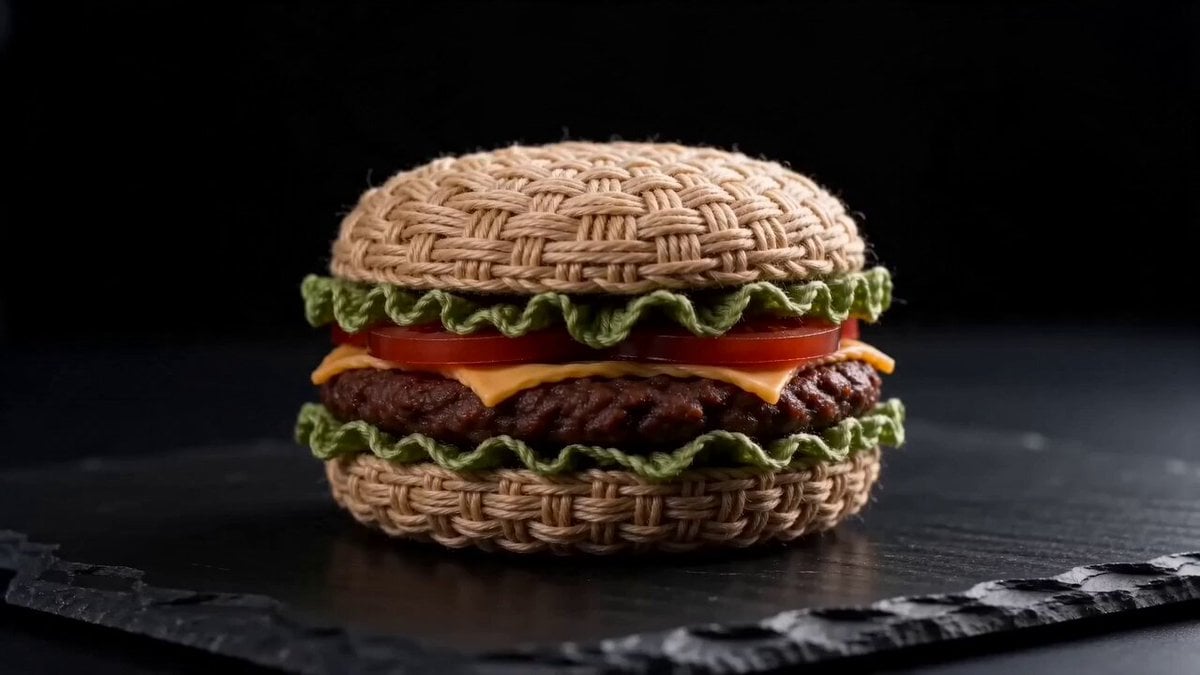
Woven Hamburger ASMR

Character Lip-Sync Request

Easter Bunnies Falling Through a Portal
Browse template categories
Kimchi Noodles Delivery Ad questions
How do I use the Kimchi Noodles Delivery Ad template?
Add your photo if the template asks for one, edit the prompt if you like — the template's model and format are already selected — and press Generate. Your version opens in PicX Studio.
Can I customize the Kimchi Noodles Delivery Ad template?
Yes. You can change the subject, setting, lighting, mood, format, and available model controls before creating your video.
Is the Kimchi Noodles Delivery Ad template free?
Opening and editing this template is free. Generating uses credits, shown on the Generate button when you are signed in.
Which AI model should I use?
Start with Seedance 2.0, which is the model associated with this template. You can compare another compatible model for a different finish.
Looking for something else? Browse all templates.

Your photo, any look
Thousands of ready templates for every top image and video model, from one credit balance.