
Continuous 30-second Art Deco underwater temple video
An extremely detailed Grok Imagine prompt for a 30-second continuous video using the 'extend from frame' feature.
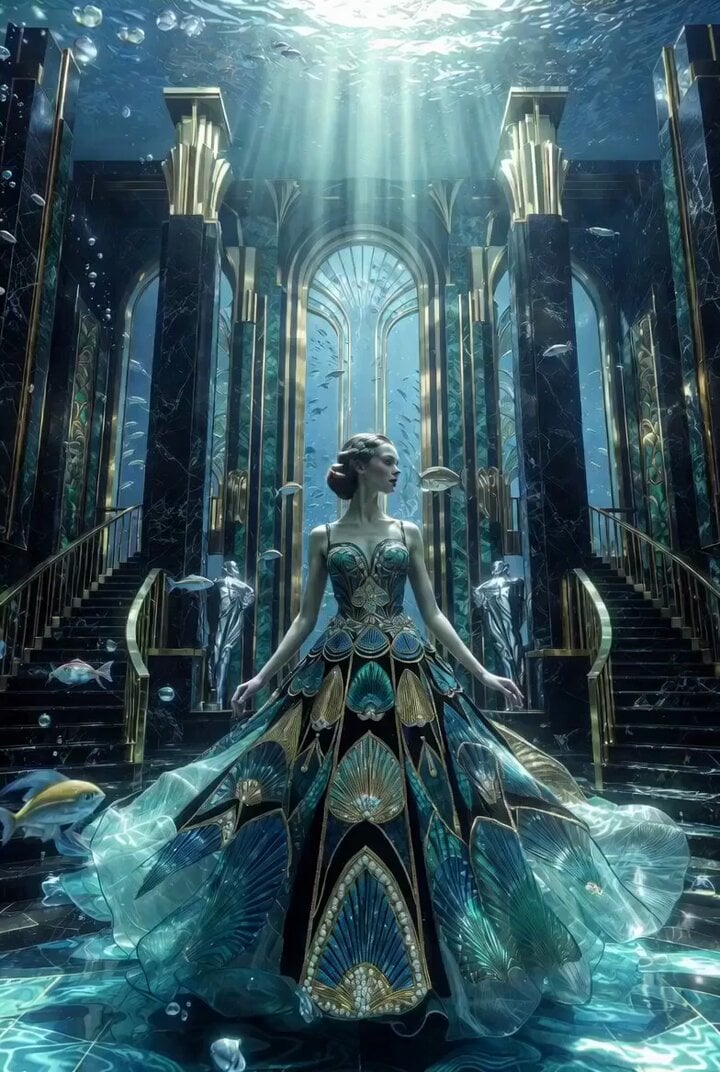
- Prompt included
- Model and format preset
- Free template
The prompt behind this video
Copy the exact prompt behind Continuous 30-second Art Deco underwater temple video, or open it in the studio and make it yours.
Ultra luxurious underwater Art Deco temple, an elegant european woman standing inside a submerged ceremonial hall beneath the ocean, wearing a dramatic teal, gold, and black couture gown designed with scalloped geometric panels, metallic threadwork, pearl encrusted embroidery, and symmetrical fan motifs inspired by art deco shell patterns, her dress flowing in the water with graceful weightless movement, hair sculpted into vintage finger waves held by a jeweled headband, surrounded by colossal deco pillars of black marble, green stone, and gold leaf accents, the hall illuminated by filtered shafts of sunlight descending through the water from above, enormous stained glass like deco windows revealing schools of shimmering fish outside, grand staircases on both sides with polished brass railings, walls engraved with stylized wave patterns, sea inspired geometric mosaics, radiant shell shaped reliefs, reflective tiled floors glowing with blue green highlights, floating bubbles catching light like diamonds, exotic fish moving past chrome statues and symmetrical archways, the entire composition perfectly balanced, regal and surreal, rich marine color palette with emerald, sapphire, turquoise, black, and gold, soft underwater haze adding depth, ultra detailed textures of stone, metal, glass, silk, and moving water, cinematic atmosphere, dreamlike yet precise, masterpiece, hyper realistic, deep perspective, luxury fantasy environment.
How to use Continuous 30-second Art Deco underwater temple video in 3 steps
- 1
Open
The prompt is already in the box next to the preview, with the template's model and format selected.
- 2…a portrait of your subject in softgolden-hour light, 85mm…
Personalize
Edit the subject and creative details for your destination.
- 3Generate
Generate
Press Generate — your video is created in PicX Studio, so you can compare it with the original and refine one variable at a time.
More like this
Templates with the same subject, style or setup. Open one to see its prompt.
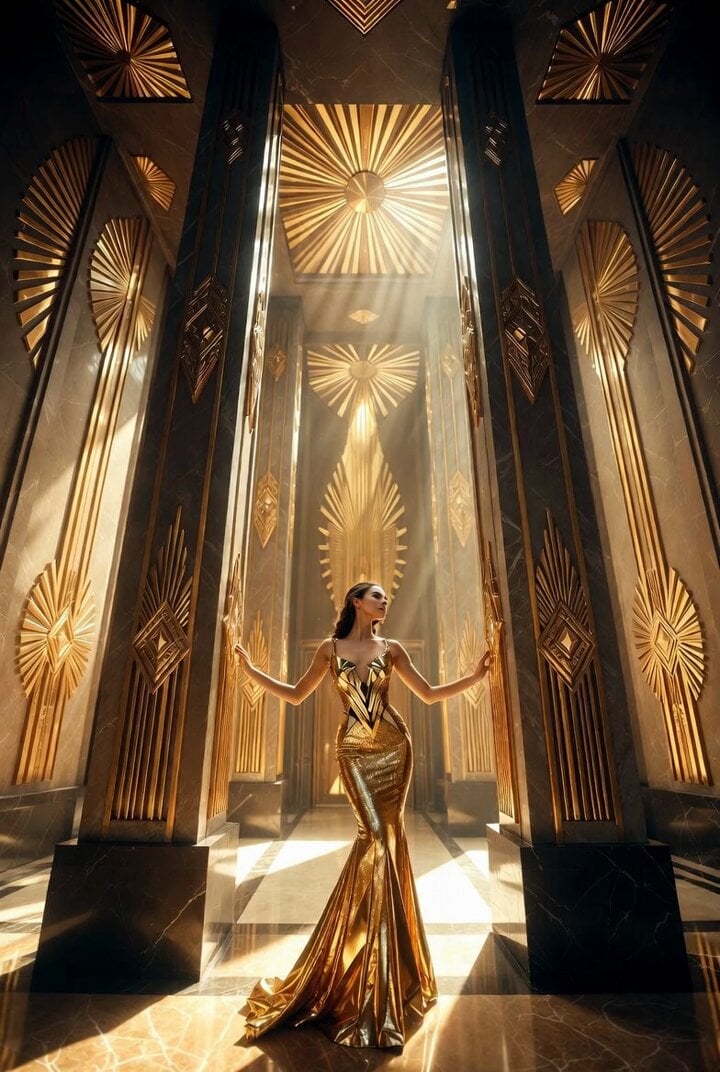
Detailed Grok Imagine prompt for Art Deco golden temple interior video
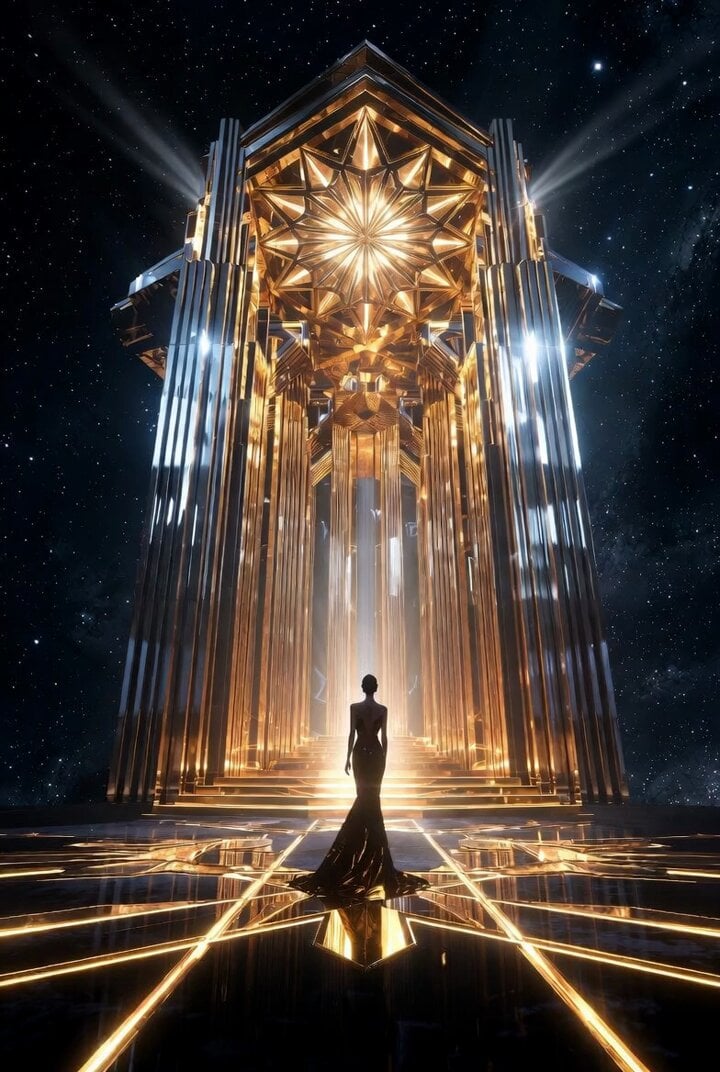
Detailed Grok Imagine prompt for Art Deco cosmic temple video
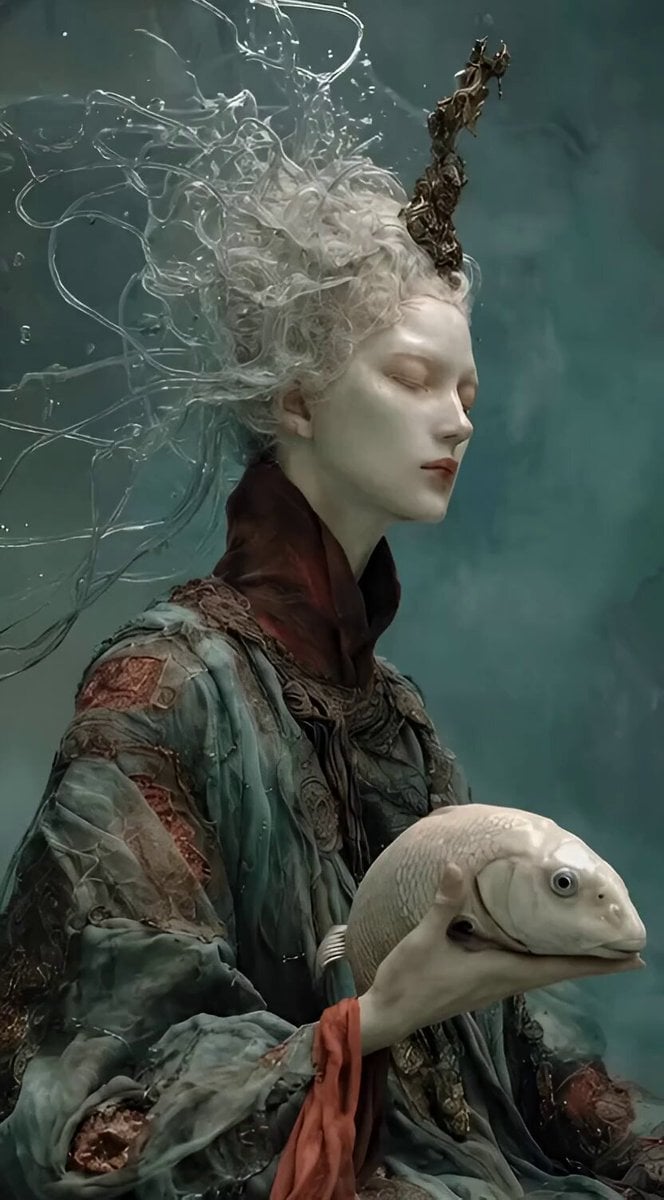
Ethereal Underwater Sorrow
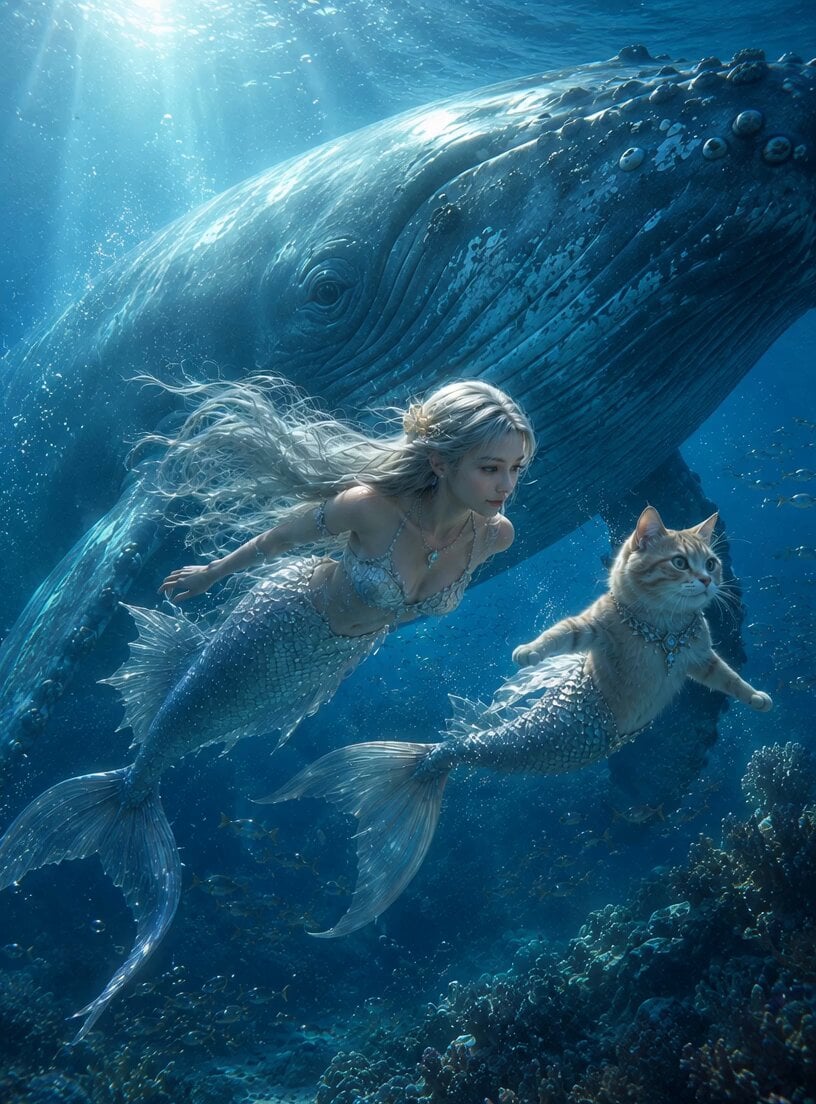
Mermaid and Cat Mermaid Underwater Fantasy
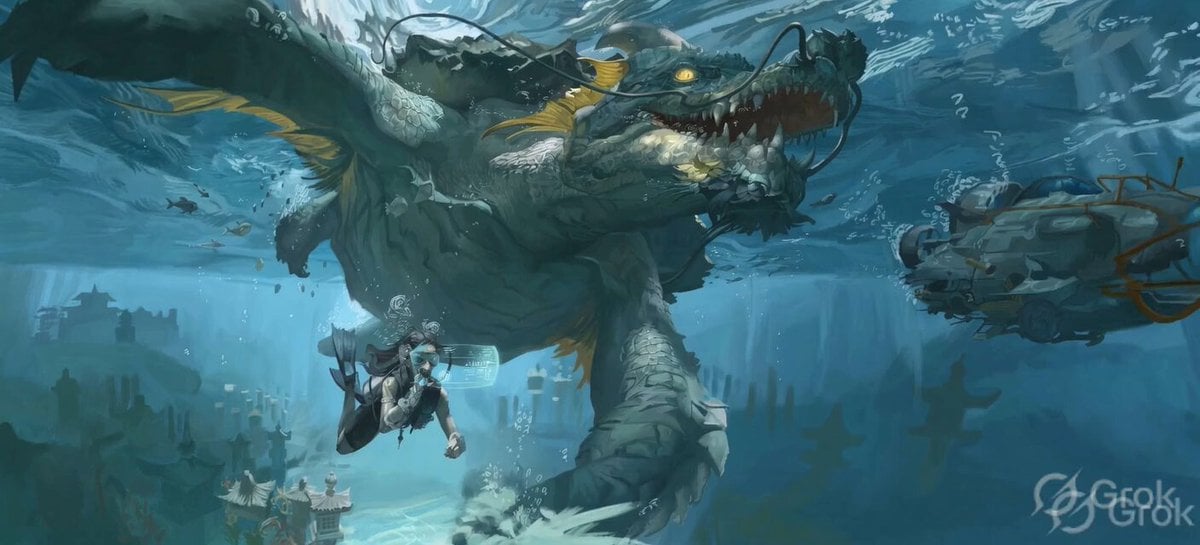
Ancient Underwater Dragon Encounter
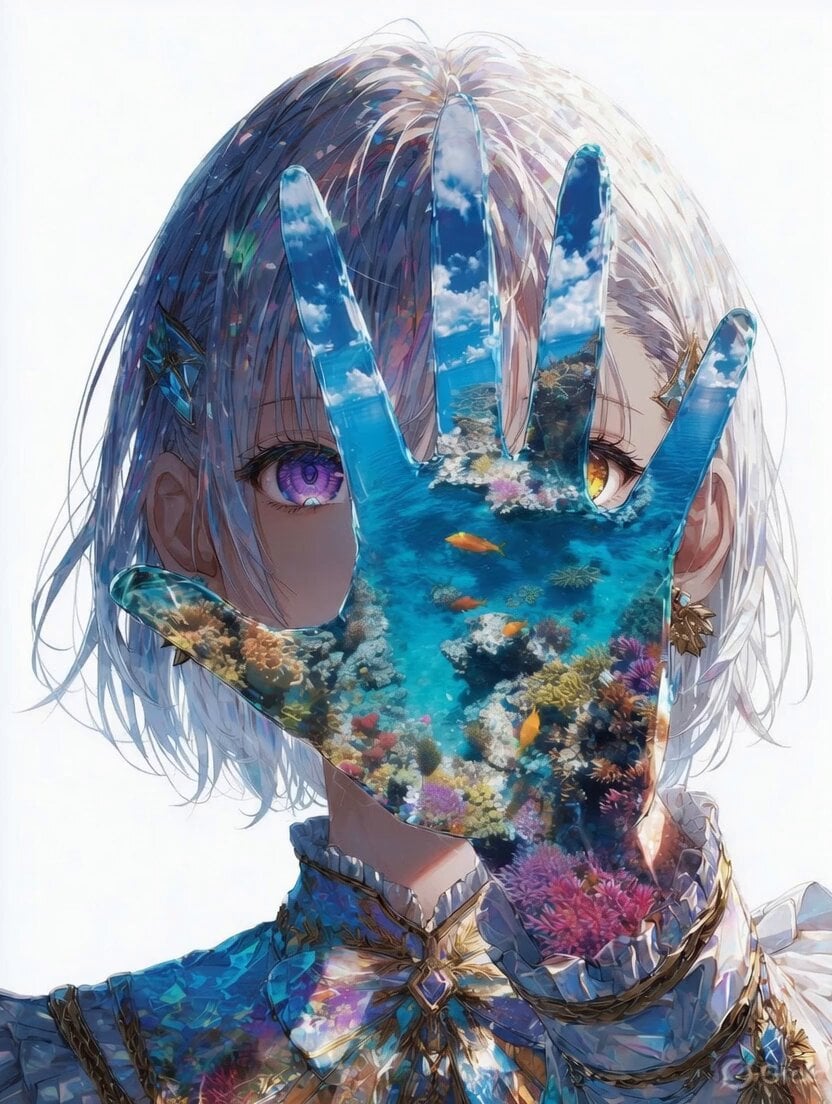
Mystical Underwater Sea Goddess

Complex 30-Second Animated Video Prompt

Second Daily Vlog Style Video of a Girl in a Cozy Bedroom
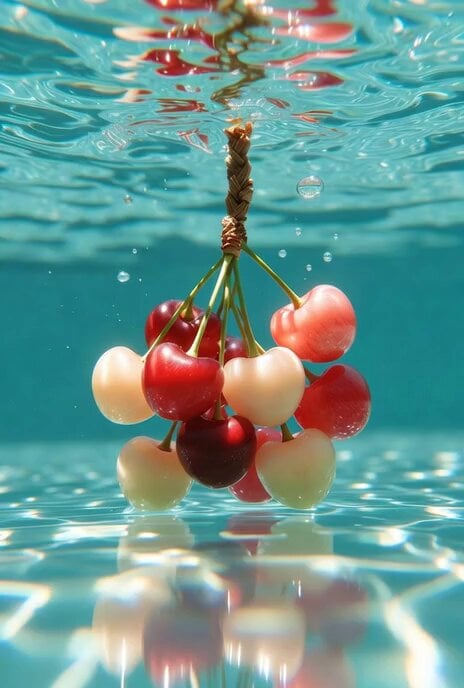
Cherries hanging underwater
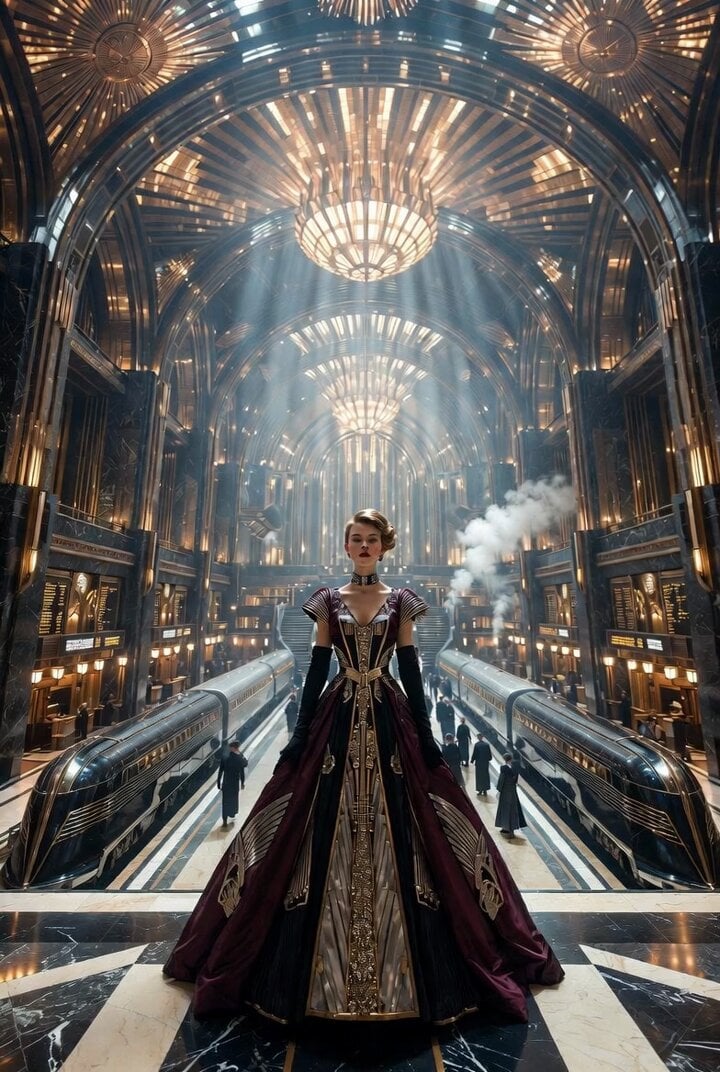
Epic Art Deco imperial railway station interior video
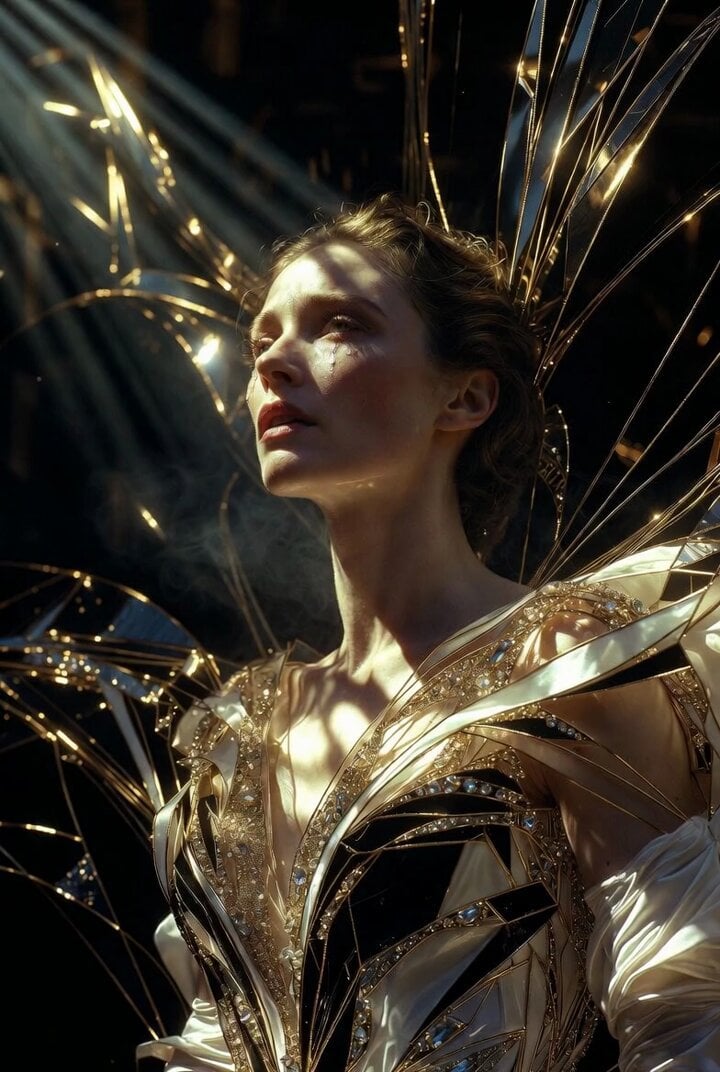
Grok Imagine Prompt: Ultra Luxurious Art Deco Imperial Opera Scene
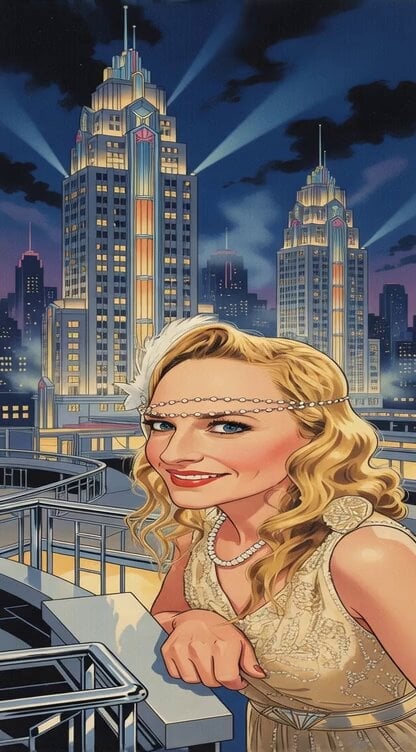
Transform image into Art Deco metropolis scene
Make it yours
Continuous 30-second Art Deco underwater temple video works as-is. These are the safest ways to change it without losing the look.
Change one field
Copy a single group, rewrite it, and generate again so you can see what that field is doing.
Keep the frame, change the subject
Hold the composition and light of Continuous 30-second Art Deco underwater temple video, then swap wardrobe, props or the person for a new take.
| If the result… | Why | Fix |
|---|---|---|
| The result drifts from the preview | Too many fields changed at once. | Reuse Continuous 30-second Art Deco underwater temple video as-is first, then change one group — subject, light, or setting. |
| The model over-stylizes the scene | The prose prompt leaves finish and camera underspecified. | Add one camera or lighting sentence and stay on Grok Imagine. |
More Grok Imagine templates
Other prompts made for Grok Imagine.

Kaleidoscopic Cosmic Dolphin Video

Horror Daffy Duck Video Transition

America 250th Anniversary Celebration

Glowing Water Forest Night Prompt

Soft Pink Roses Dreamer Prompt

Ninja Wizard Levitation Jump

Coffee Cup Interaction Motion

Voice Controlled Water Animation

Pterodactyl Transformation Journey

Candle Mandala Mirror Video
More video prompts
Fresh picks from across the catalog.
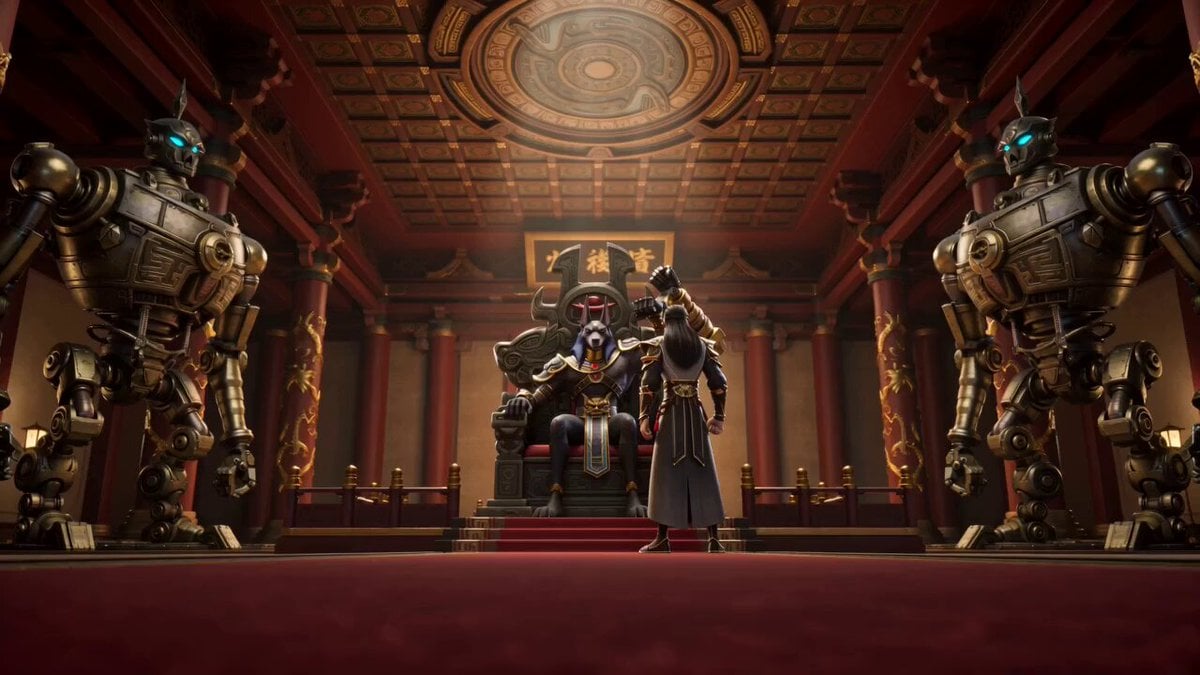
Anubis Tickle Scene

Plasticine Claymation Fisherman Animation
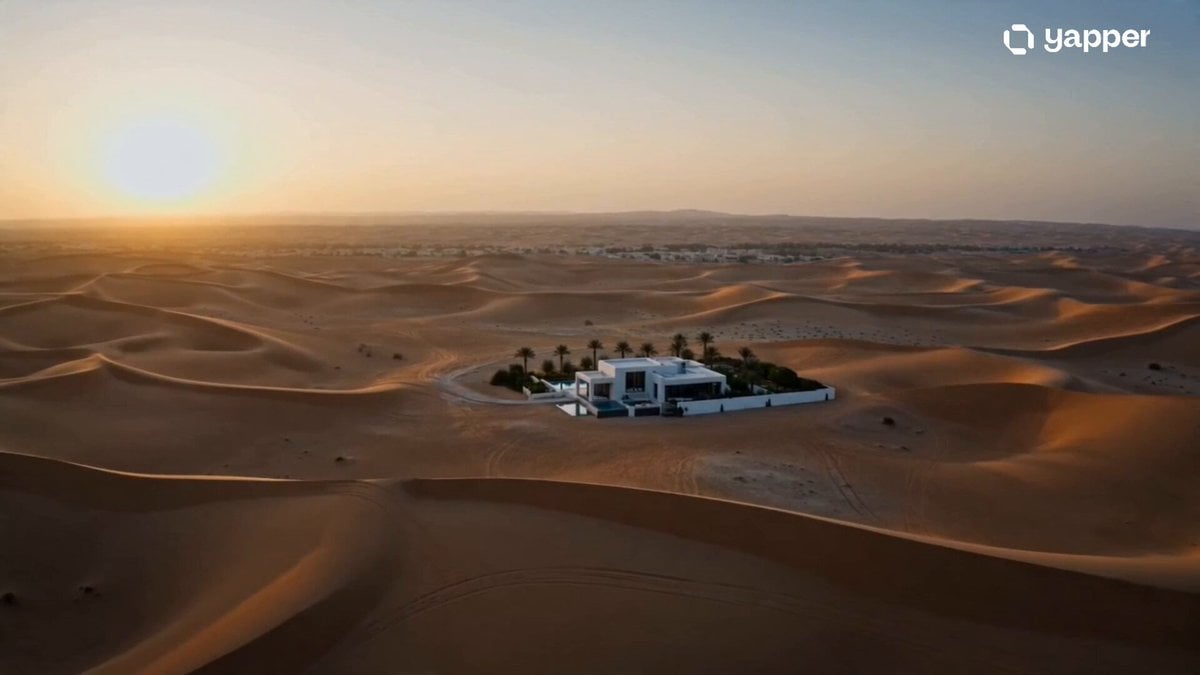
Luxury Desert Villa Sunrise Vlog
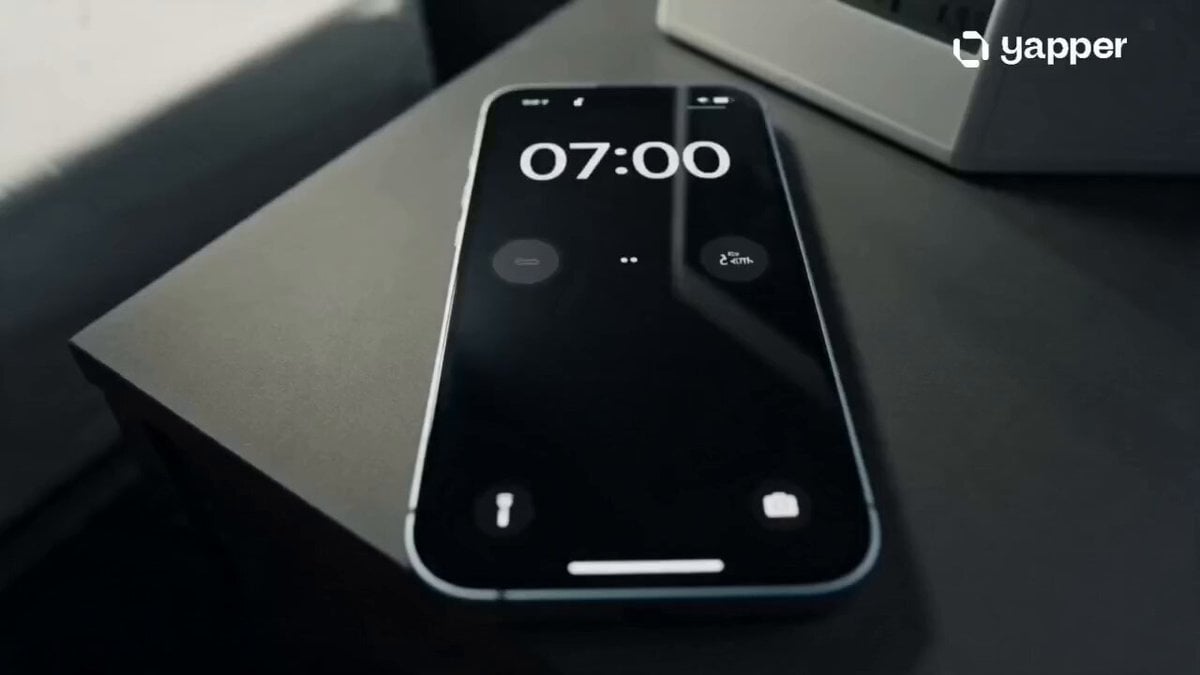
Football Match Day Cinematic POV Vlog
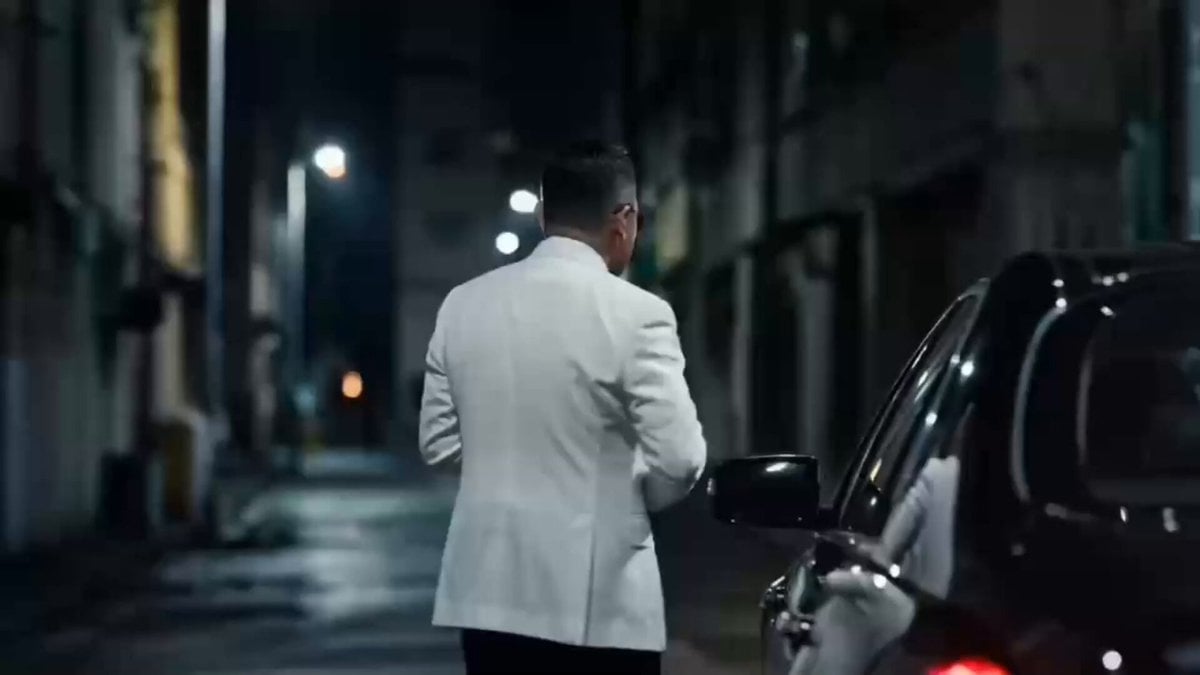
Storyboarding and Multi-Perspective Video Generation
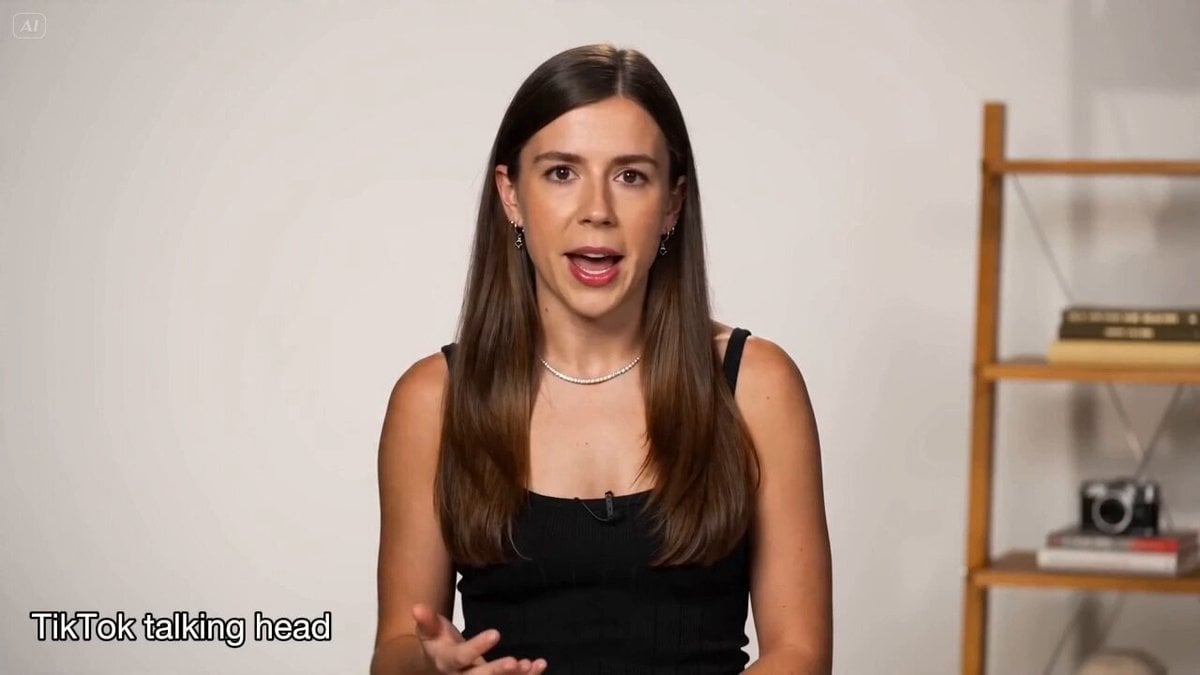
Social Media & UGC Content Prompts
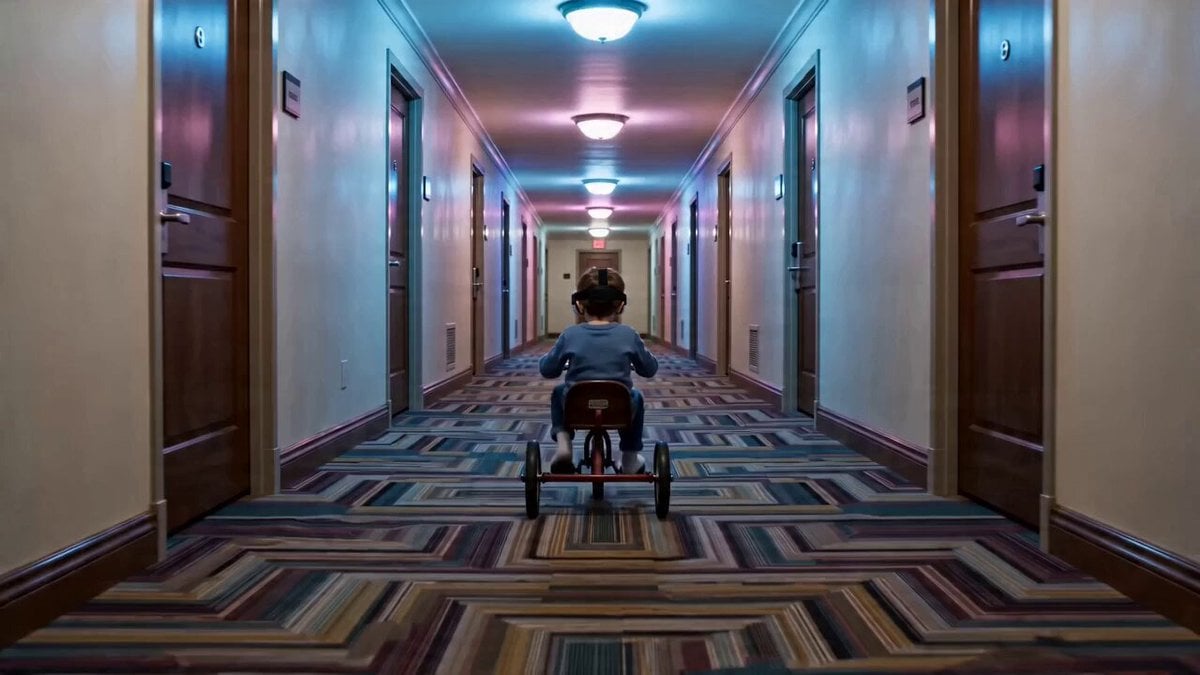
Digital Claustrophobia: The Shining Horror Short

Luxury Beauty Skincare ASMR
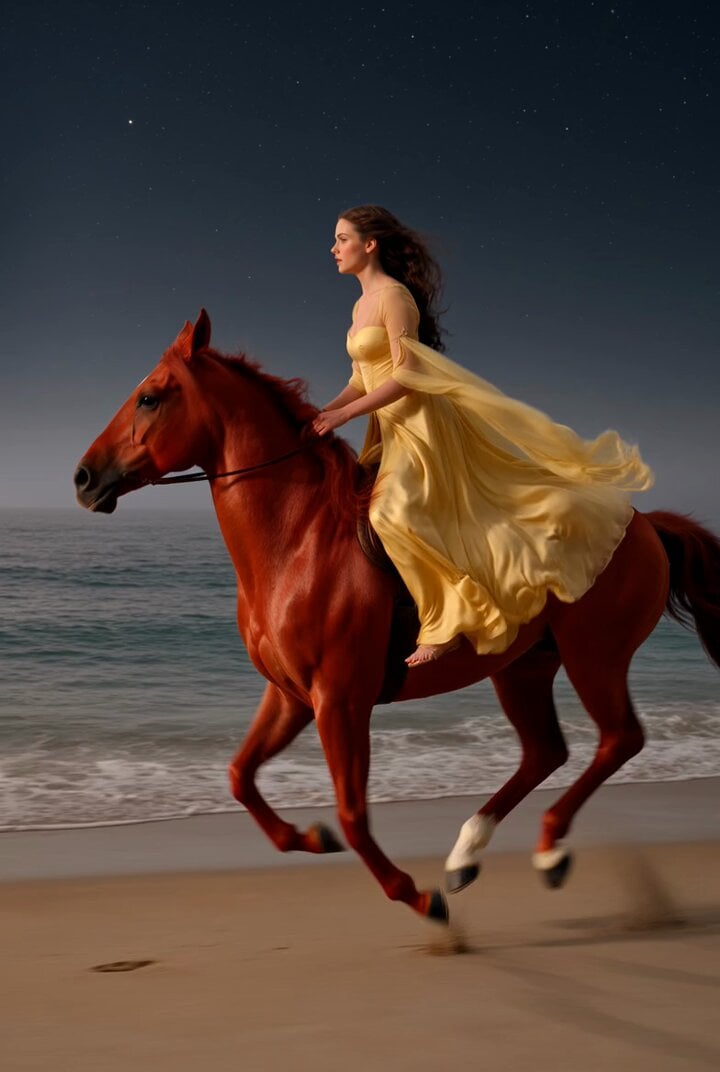
Video prompt of a lady riding a flying horse on the seashore
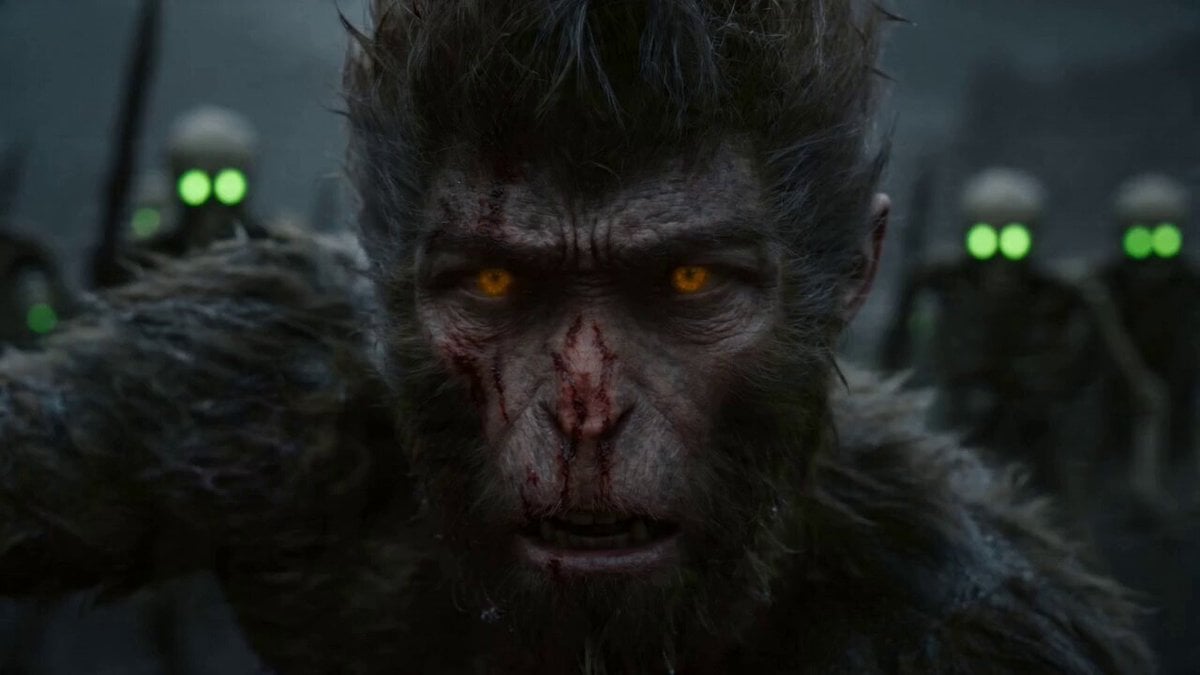
Epic Multi-Shot Sequence of Sun Wukong on a Mythological Battlefield
Browse template categories
Continuous 30-second Art Deco underwater temple video questions
How do I use the Continuous 30-second Art Deco underwater temple video template?
Add your photo if the template asks for one, edit the prompt if you like — the template's model and format are already selected — and press Generate. Your version opens in PicX Studio.
Can I customize the Continuous 30-second Art Deco underwater temple video template?
Yes. You can change the subject, setting, lighting, mood, format, and available model controls before creating your video.
Is the Continuous 30-second Art Deco underwater temple video template free?
Opening and editing this template is free. Generating uses credits, shown on the Generate button when you are signed in.
Which AI model should I use?
Start with Grok Imagine, which is the model associated with this template. You can compare another compatible model for a different finish.
Looking for something else? Browse all templates.

Your photo, any look
Thousands of ready templates for every top image and video model, from one credit balance.