
Plasticine Claymation Fisherman Animation
A detailed animation prompt for creating a handcrafted plasticine claymation video of a fisherman and a cat, featuring specific character movements and physics-based letter interactions.
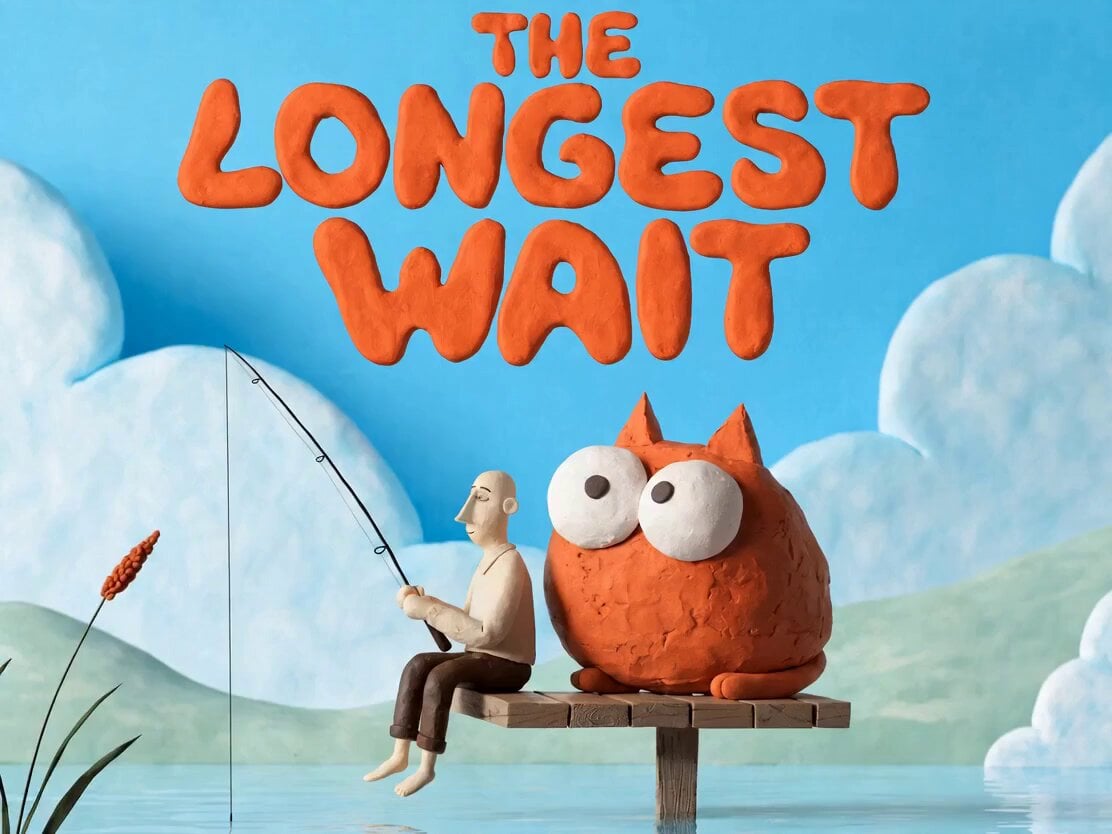
- Prompt included
- Model and format preset
- Free template
The prompt behind this video
Copy the exact prompt behind Plasticine Claymation Fisherman Animation, or open it in the studio and make it yours.
A whimsical handcrafted plasticine poster featuring a fisherman sitting calmly on the edge of a tiny wooden dock extending into a pastel blue lake, holding a fishing rod while staring at the water. Right beside him sits a chunky orange cat with enormous hopeful eyes, intensely focused on the fishing line and already imagining dinner. Soft rolling hills, oversized fluffy clouds and a few reeds create a clean and charming environment. Bright sky blue, mint green, cream and warm orange palette, handcrafted clay textures, stop-motion aesthetic, simple storytelling, highly readable composition with minimal details. Large playful typography reading 'THE LONGEST WAIT' occupies the upper third of the poster, balanced naturally with the clouds and open sky. The fern sways slowly. The cat's eyes move from right to left and from left to right. The fishing rod starts to bend downward as if a fish has taken the bait. The fisherman pulls the line up and catches a fish. As he lifts the fish out of the water, it slips off the hook and flies directly into the cat's mouth. The fisherman is surprised. After seeing the fish coming toward him, the cat opens its mouth and freezes in anticipation. After swallowing the fish, the cat stands up proudly and begins wagging its tail. The tail hits the letters of the title text. All of the letters start to wobble slightly and then fall into the water one after another. The letters do not change their shape or deform in any way, they simply fall into the water one by one. No camera zoom, no camera movement, no change in framing. All characters, objects and actions must remain in the same handcrafted plasticine claymation style as the original reference.
How to use Plasticine Claymation Fisherman Animation in 3 steps
- 1
Open
The prompt is already in the box next to the preview, with the template's model and format selected.
- 2…a portrait of your subject in softgolden-hour light, 85mm…
Personalize
Edit the subject and creative details for your destination.
- 3Generate
Generate
Press Generate — your video is created in PicX Studio, so you can compare it with the original and refine one variable at a time.
More like this
Templates with the same subject, style or setup. Open one to see its prompt.
Dim Sum Chase — Shrimp Dumpling Monster

3D Glossy Fairy Animation - Seedance 2.5

Silk Road Pomegranate Folk Animation

Multilingual Creative Typography Loop

Walking Factory with Rebel on Hoverbike - Wasteland
Cartoon Bullfight Arena — Girl vs Bull (Seedance)
Claymation Odysseus and Cyclops Animation
Stop-Motion Claymation Nutella Cafe

Claymation Cat World Transformation
Claymation Evolution Sequence
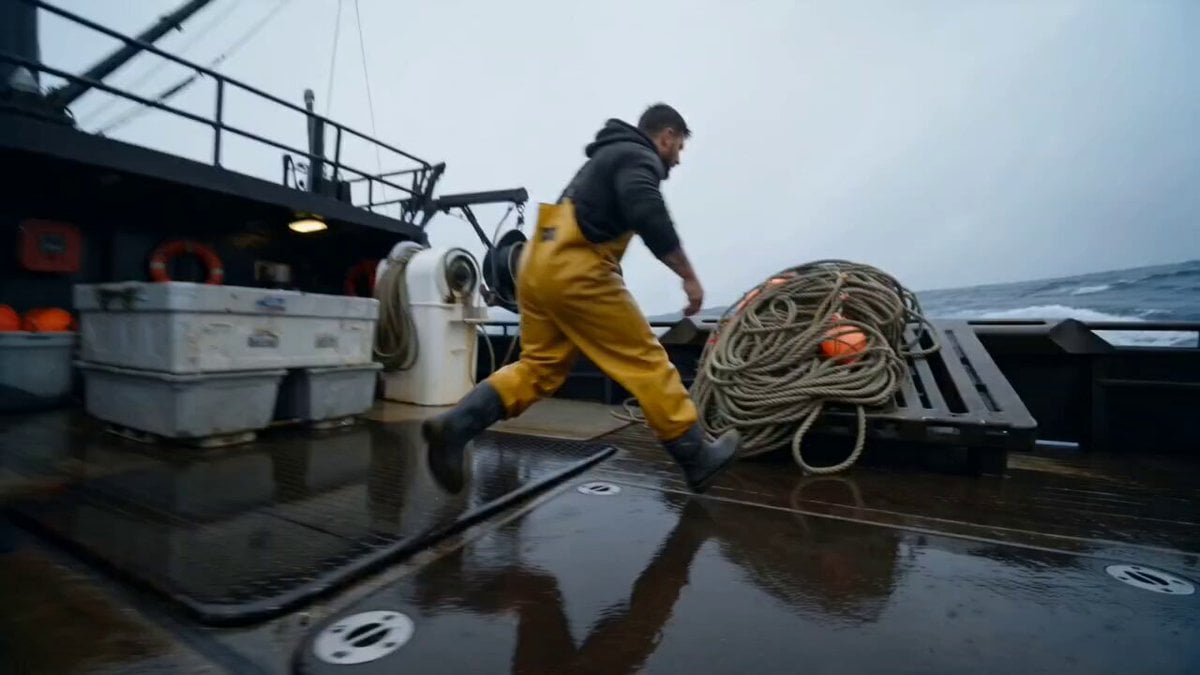
Deep-Sea Fisherman Documentary
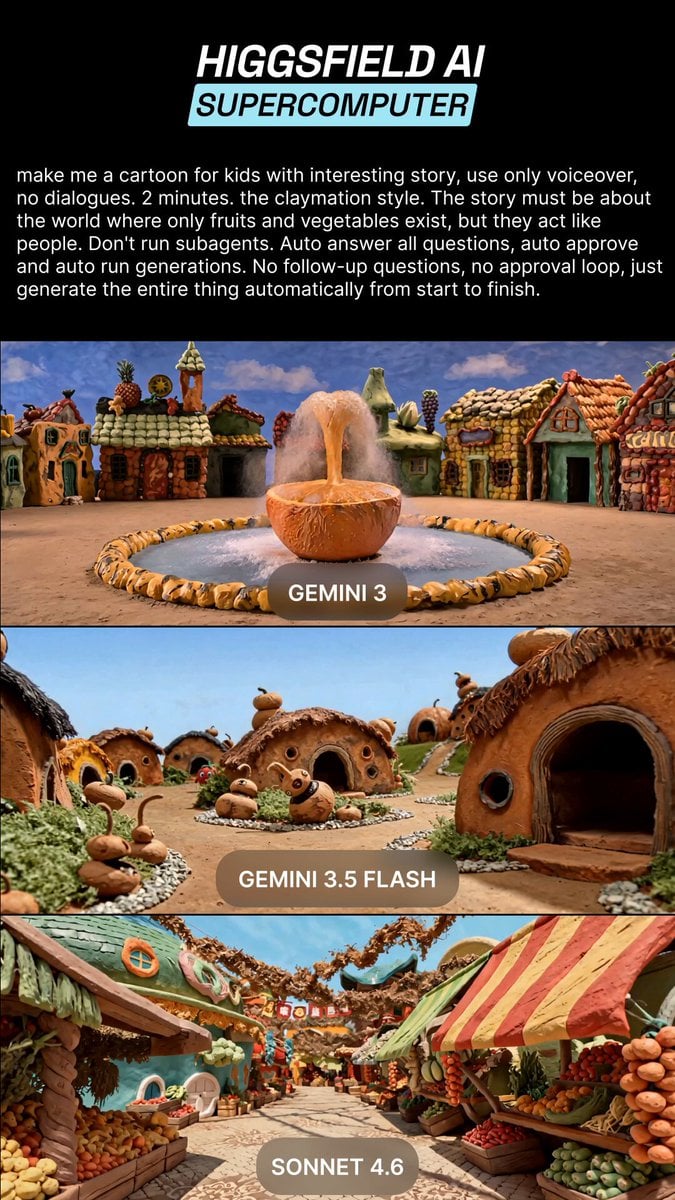
Claymation Fruit Kids Cartoon
Make it yours
Plasticine Claymation Fisherman Animation works as-is. These are the safest ways to change it without losing the look.
Change one field
Copy a single group, rewrite it, and generate again so you can see what that field is doing.
Keep the frame, change the subject
Hold the composition and light of Plasticine Claymation Fisherman Animation, then swap wardrobe, props or the person for a new take.
| If the result… | Why | Fix |
|---|---|---|
| The result drifts from the preview | Too many fields changed at once. | Reuse Plasticine Claymation Fisherman Animation as-is first, then change one group — subject, light, or setting. |
| The model over-stylizes the scene | The prose prompt leaves finish and camera underspecified. | Add one camera or lighting sentence and stay on Seedance 2.0. |
More Seedance 2.0 templates
Other prompts made for Seedance 2.0.

Comical Martial Arts Punch Scene

Maglev Train Action Sequence

Martial Arts Fight Sequence

Wuxia Protection and Trust Script

Vintage Korean Arcade MiniDV Vlog

Mercedes 190 SL Luxury Ad

Rainy Night Supernatural Reverse Comedy Video Script

Amazon Civilization Discovery

Futuristic South Asian City Transformation

Cozy Luxury Cafe Commercial
More video prompts
Fresh picks from across the catalog.
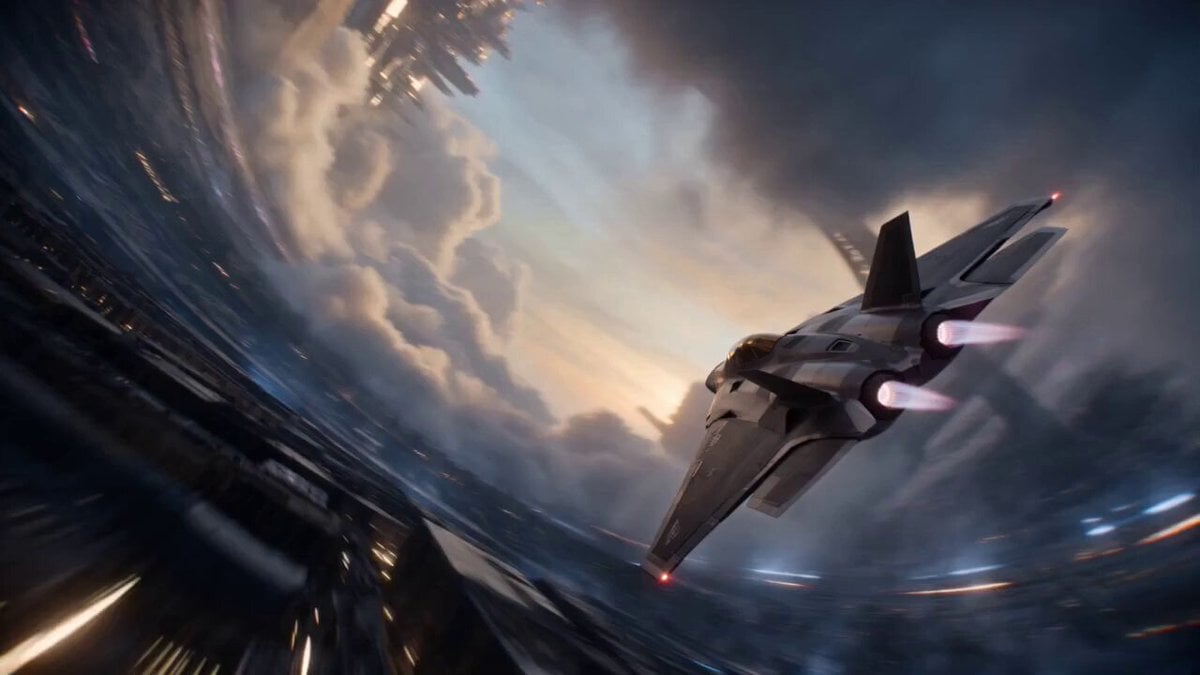
Cinematic Sci-Fi Ring World Action

Second Summoning Sequence: Fairy with Wand Summons Deer
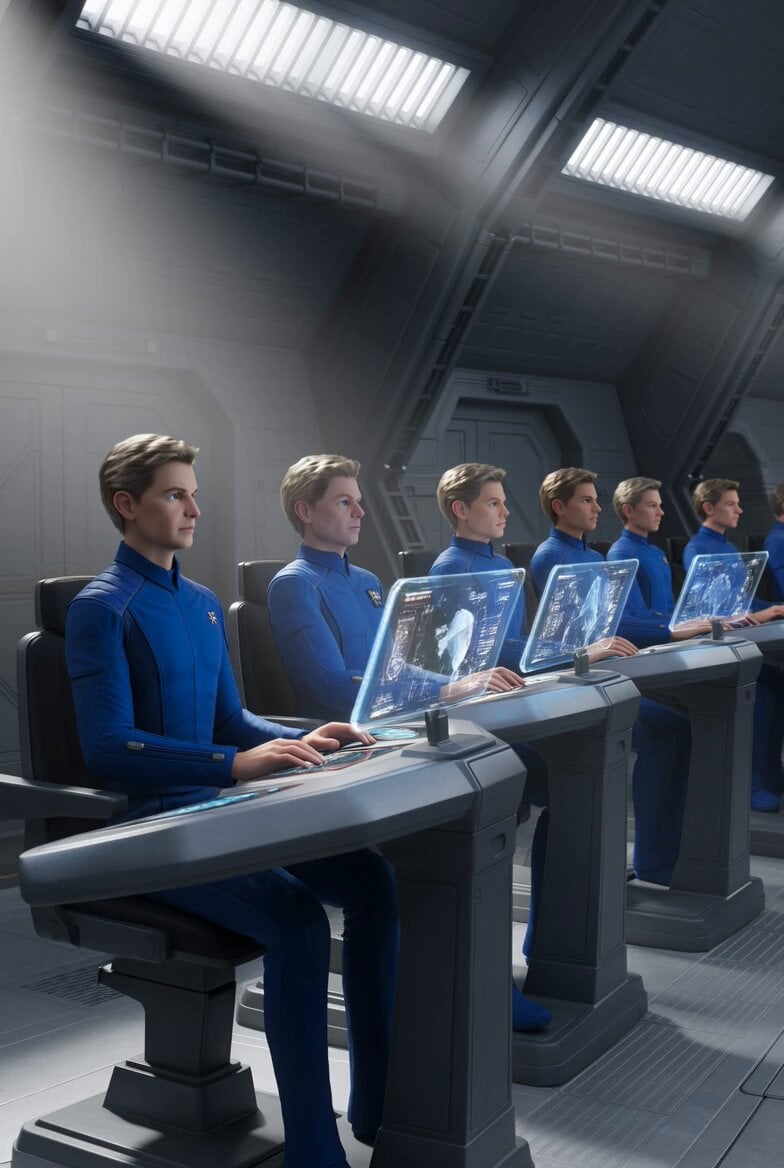
Galactic Federation Pleiadians Starship Animation
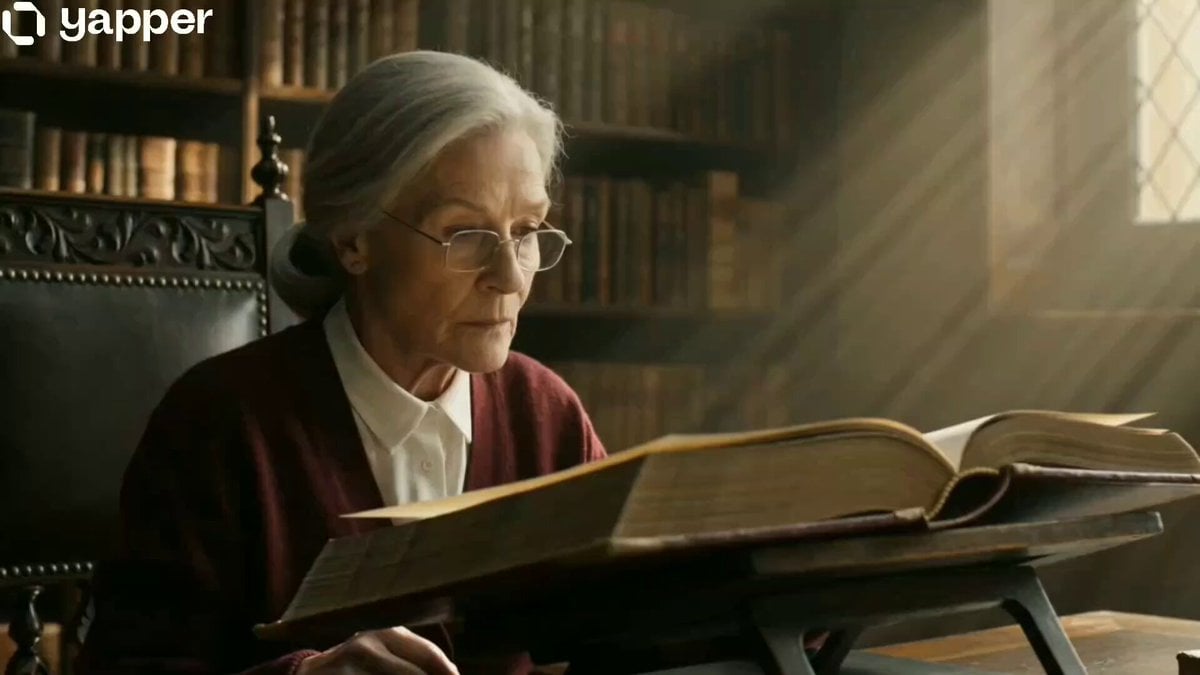
The Librarian's Miniature Book Adventure
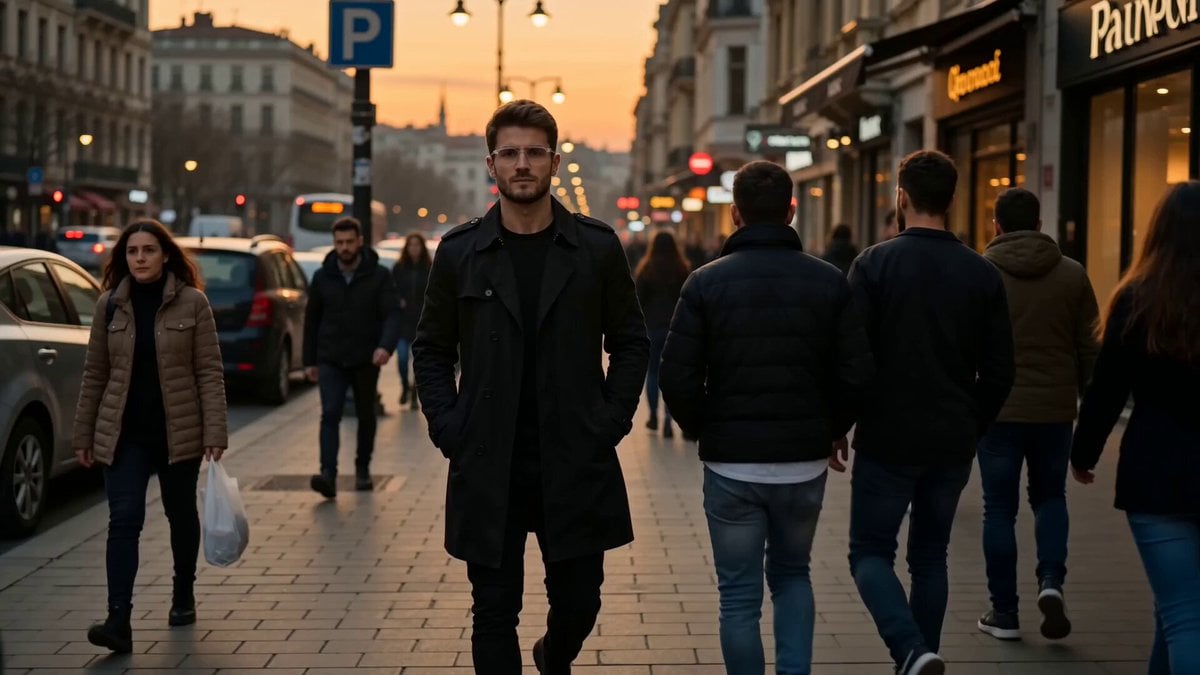
Istanbul sidewalk time-stealing sequence
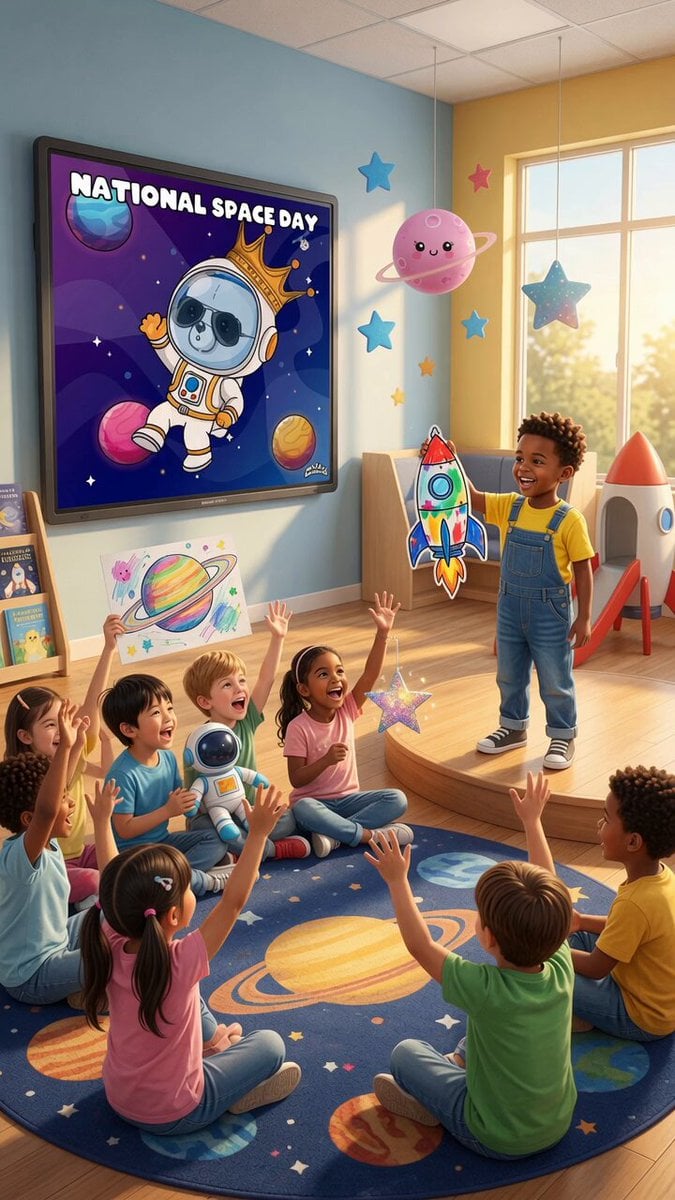
Space Learning Center Show and Tell Video
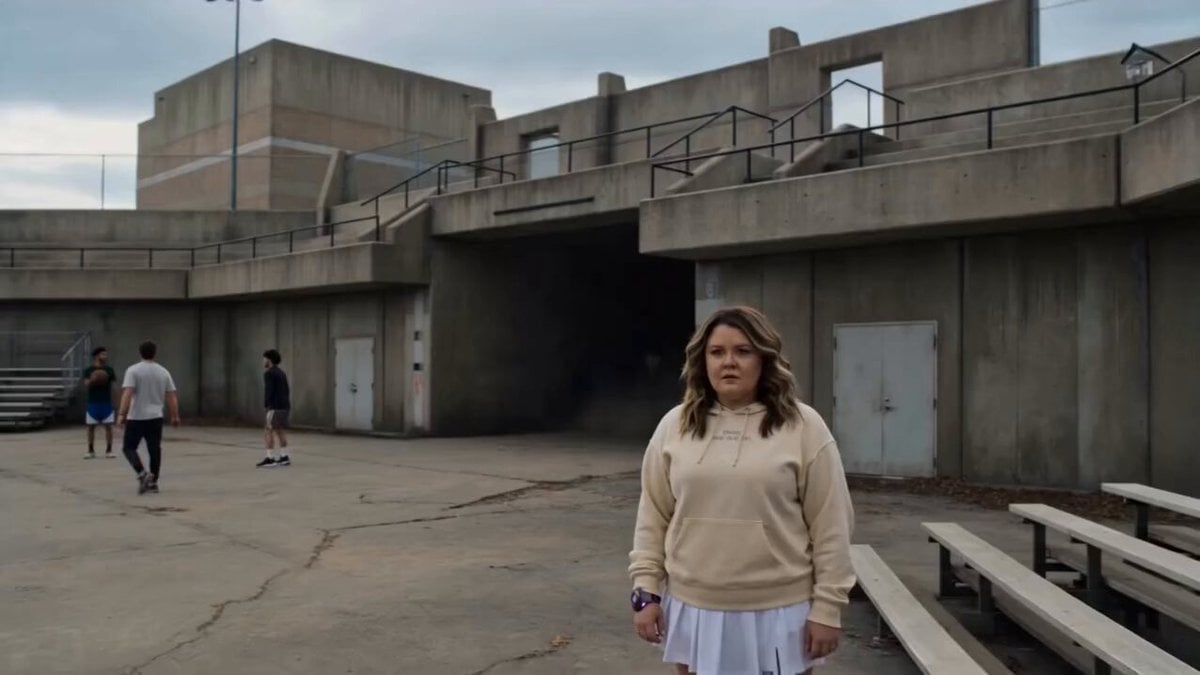
Sci-Fi Power Armor Suit-Up Scene
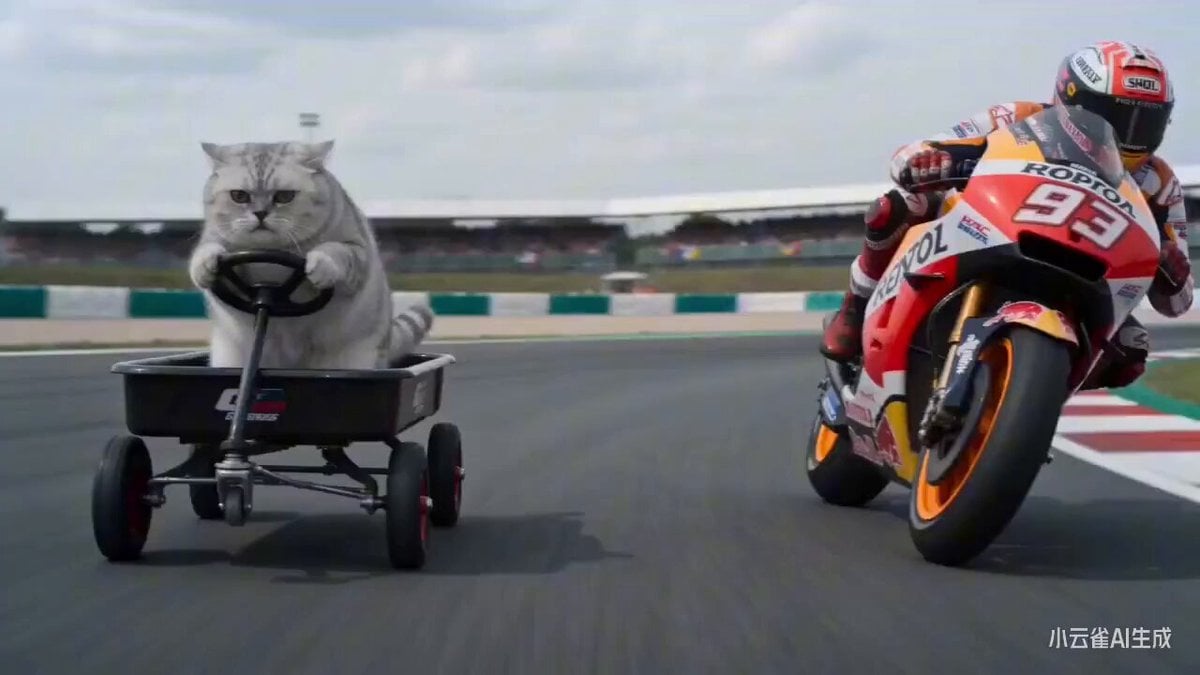
Kitten MotoGP Race Cinematic Prompt

Cinematic Street Racing Sequence for Seedance 2

Female Morning Fitness Lifestyle Vlog
Browse template categories
Plasticine Claymation Fisherman Animation questions
How do I use the Plasticine Claymation Fisherman Animation template?
Add your photo if the template asks for one, edit the prompt if you like — the template's model and format are already selected — and press Generate. Your version opens in PicX Studio.
Can I customize the Plasticine Claymation Fisherman Animation template?
Yes. You can change the subject, setting, lighting, mood, format, and available model controls before creating your video.
Is the Plasticine Claymation Fisherman Animation template free?
Opening and editing this template is free. Generating uses credits, shown on the Generate button when you are signed in.
Which AI model should I use?
Start with Seedance 2.0, which is the model associated with this template. You can compare another compatible model for a different finish.
Looking for something else? Browse all templates.

Your photo, any look
Thousands of ready templates for every top image and video model, from one credit balance.