
Stop-Motion Claymation Nutella Cafe
A charming prompt for a claymation-style animation of a miniature Nutella cafe building itself and being enjoyed by characters.

- Prompt included
- Model and format preset
- Free template
The prompt behind this video
Copy the exact prompt behind Stop-Motion Claymation Nutella Cafe, or open it in the studio and make it yours.
3D stop-motion claymation style, plasticine texture with visible soft fingerprint smudges, warm soft-box lighting, cozy pastel brown, cream, and warm wooden tones. Miniature diorama scale, tilt-shift depth of field, playful frame-by-frame animation feel. Scene Sequence & Action Scene 1 (Base Construction): A minimalist clay base and street tile platform build themselves layer by layer on a beige studio backdrop. Streetlamps and small potted plants pop up around the corners. Scene 2 (Structure & Branding): A small cafe building forms with brown walls and a striped awning. A large clay Nutella jar drops smoothly onto the top, transforming into the main "Nutella" illuminated store logo and roof structure. Scene 3 (Interior Details): A close-up pan inside showing a miniature espresso machine, shelves lined with mini Nutella jars, and a counter featuring a stack of pancakes topped with chocolate spread, a croissant, and a coffee cup. Scene 4 (Character Animation): Cute, chibi-style clay characters enter. A young boy and girl sit outside at a tiny wooden table. The boy uses a small knife to spread smooth, glossy Nutella over a stack of fluffy pancakes. Scene 5 (Final Reveal): Camera zooms out to reveal the full animated diorama: a vibrant, bustling miniature Nutella cafe with outdoor seating, streetlamps glowing, and multiple adorable characters enjoying their treats. Technical Camera & Lighting Smooth isometric and eye-level camera transitions, macro lens perspective, warm interior glow mixed with soft ambient studio lighting, high-detail clay texture rendering, 4k resolution, 24fps stop-motion rhythm
How to use Stop-Motion Claymation Nutella Cafe in 3 steps
- 1
Open
The prompt is already in the box next to the preview, with the template's model and format selected.
- 2…a portrait of your subject in softgolden-hour light, 85mm…
Personalize
Edit the subject and creative details for your destination.
- 3Generate
Generate
Press Generate — your video is created in PicX Studio, so you can compare it with the original and refine one variable at a time.
More like this
Templates with the same subject, style or setup. Open one to see its prompt.
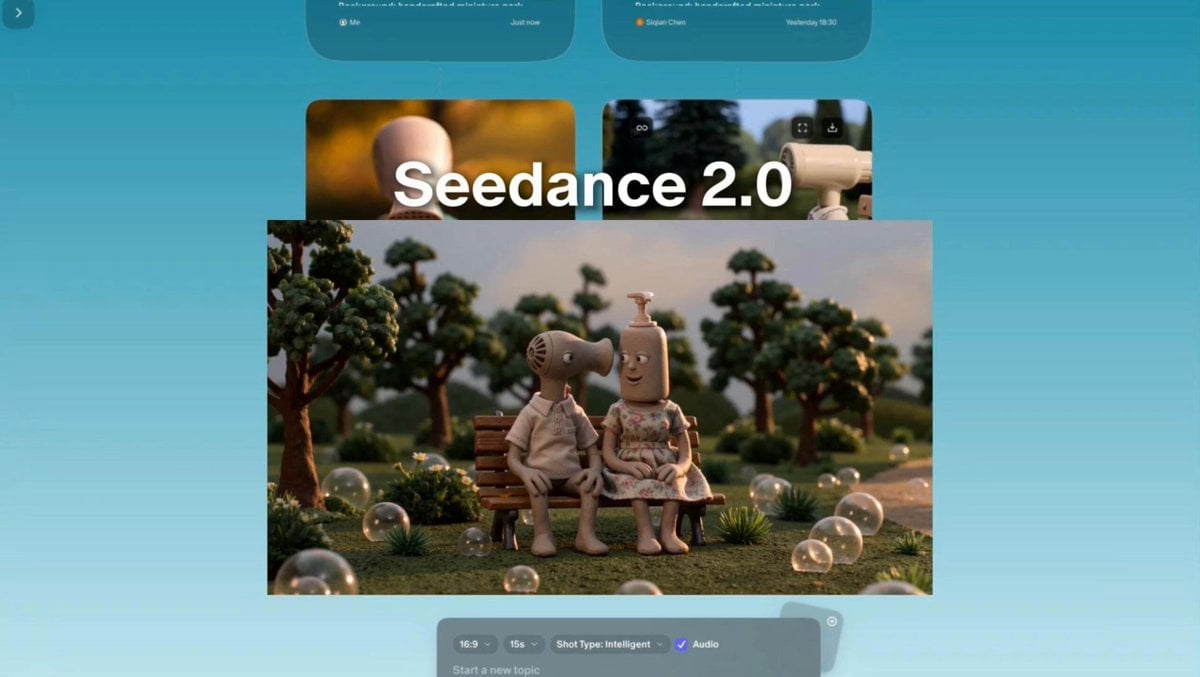
Stop-motion claymation style with miniature props
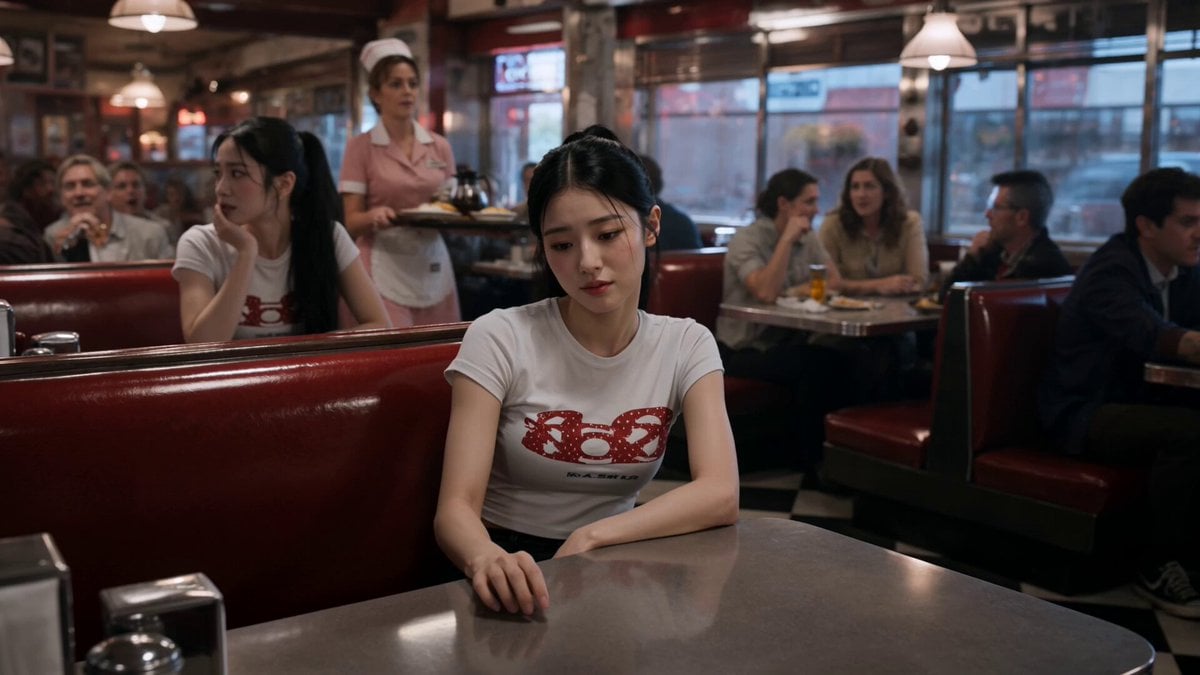
Slow-Motion 90s Diner Explosion - Seedance 2.5
Nano Banana Seedance Environment Render Walk
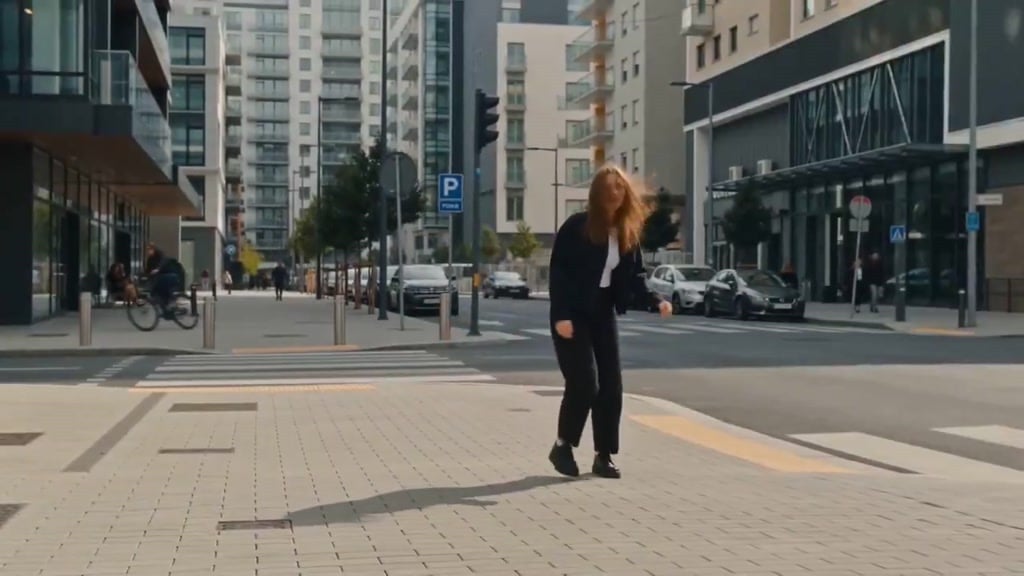
Seedance Wind Guides Path
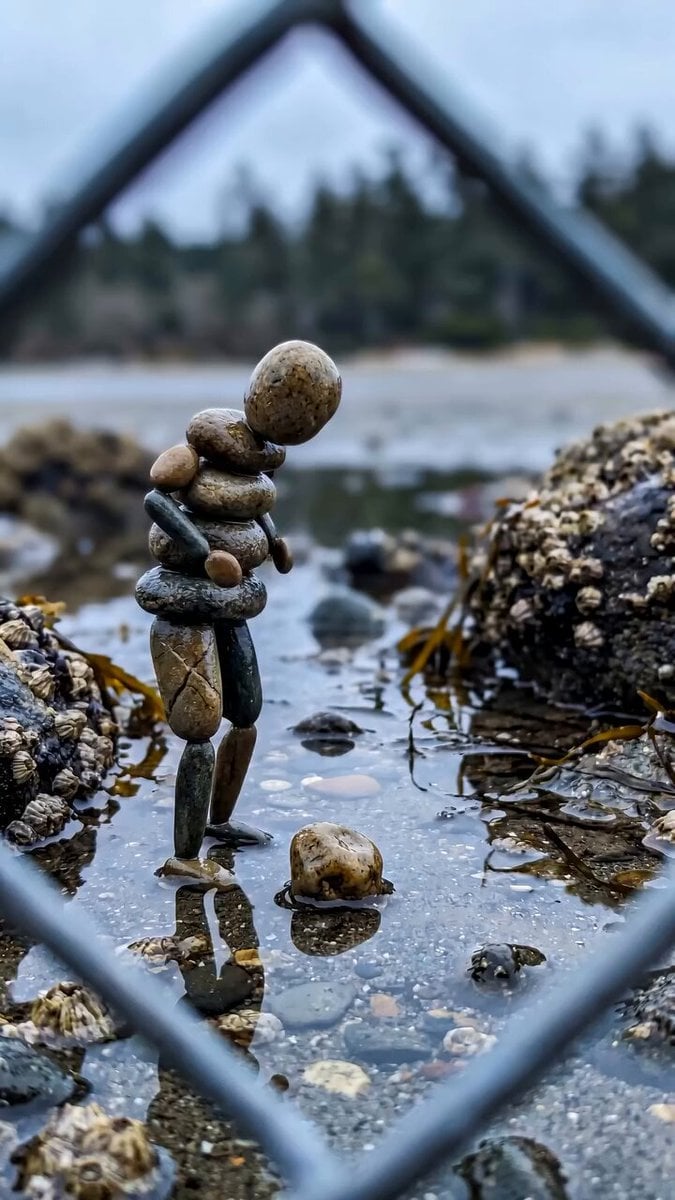
Stone Humanoid Stop Motion Animation
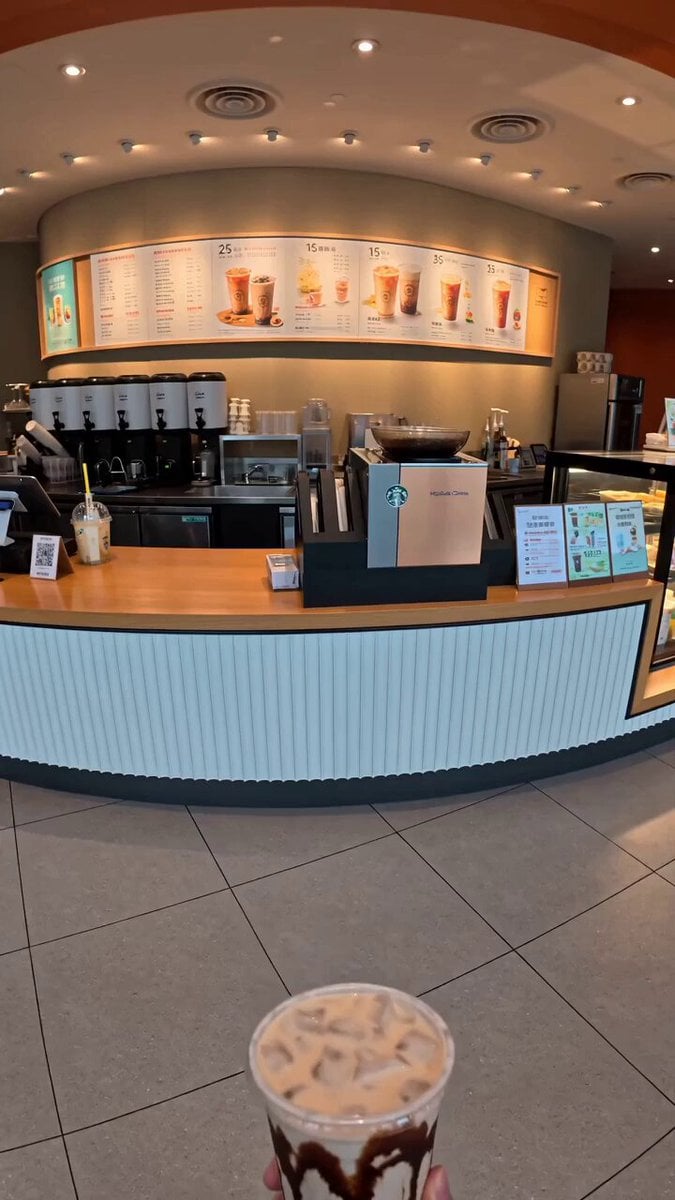
Food Summoning POV Stop-Motion Video
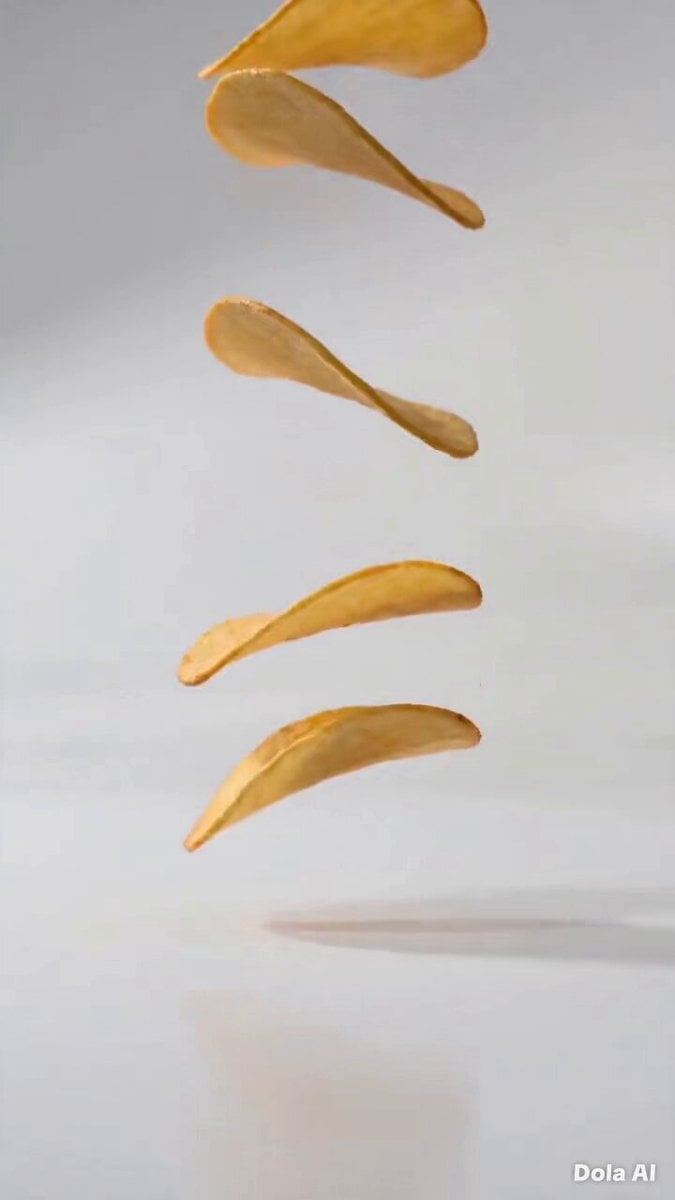
Stop-Motion Chip Stacking Animation
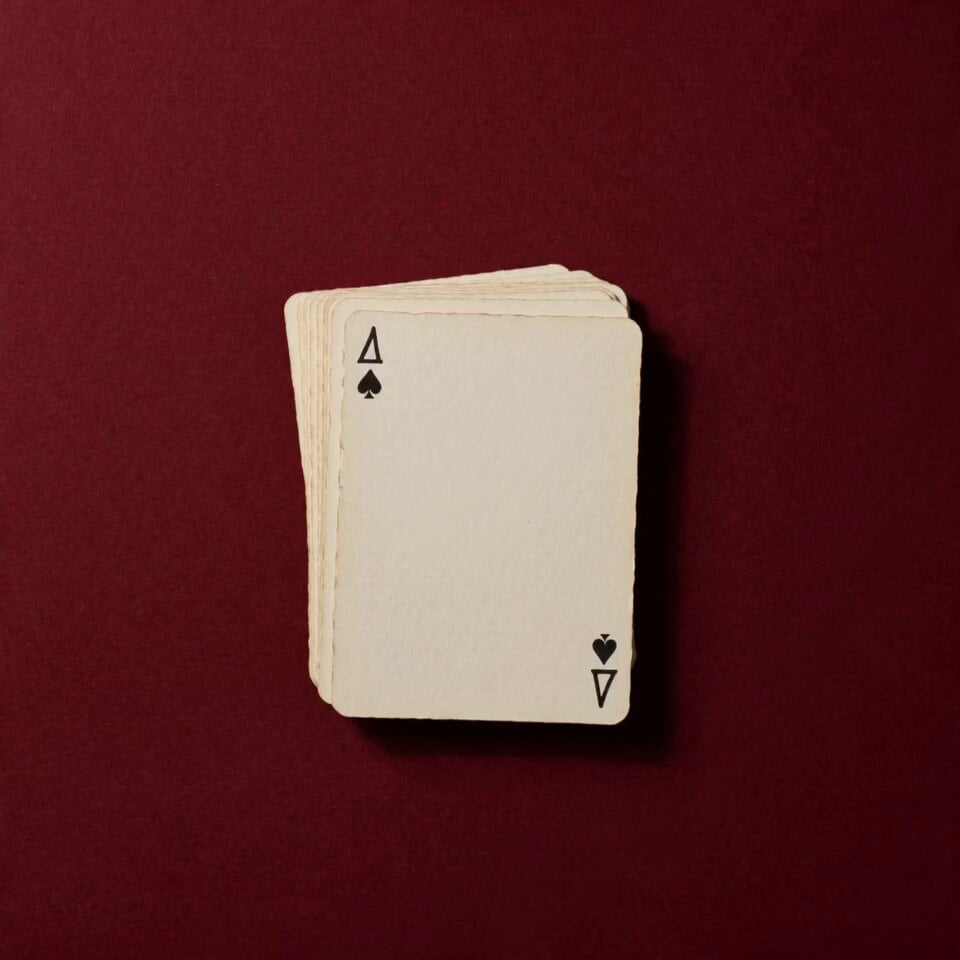
Stop Motion Playing Card Art Film

Hand-Painted Stop-Motion Blizzard Scene

Stop-Motion Wolf Attack Sequence
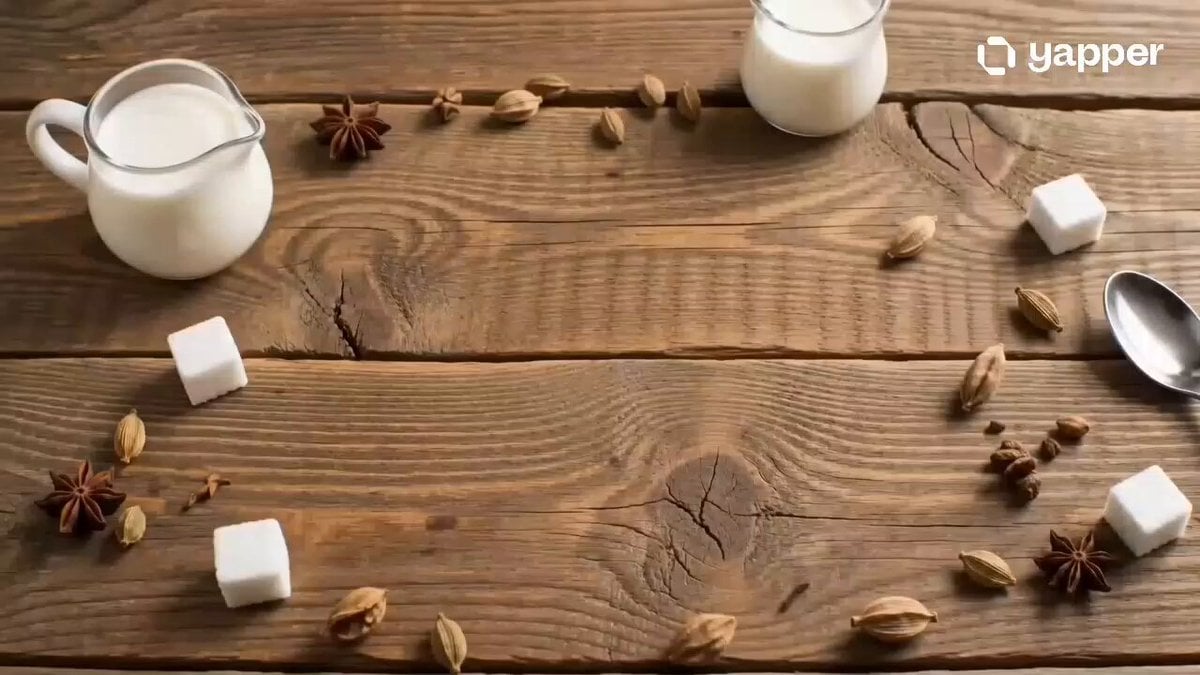
Chai Ritual Stop Motion
Coffee Stop-Motion Morning Ritual
Make it yours
Stop-Motion Claymation Nutella Cafe works as-is. These are the safest ways to change it without losing the look.
Change one field
Copy a single group, rewrite it, and generate again so you can see what that field is doing.
Keep the frame, change the subject
Hold the composition and light of Stop-Motion Claymation Nutella Cafe, then swap wardrobe, props or the person for a new take.
| If the result… | Why | Fix |
|---|---|---|
| The result drifts from the preview | Too many fields changed at once. | Reuse Stop-Motion Claymation Nutella Cafe as-is first, then change one group — subject, light, or setting. |
| The model over-stylizes the scene | The prose prompt leaves finish and camera underspecified. | Add one camera or lighting sentence and stay on Seedance 2.0. |
More Seedance 2.0 templates
Other prompts made for Seedance 2.0.

Comical Martial Arts Punch Scene

Maglev Train Action Sequence

Martial Arts Fight Sequence

Wuxia Protection and Trust Script

Vintage Korean Arcade MiniDV Vlog

Mercedes 190 SL Luxury Ad

Rainy Night Supernatural Reverse Comedy Video Script

Amazon Civilization Discovery

Futuristic South Asian City Transformation

Cozy Luxury Cafe Commercial
More video prompts
Fresh picks from across the catalog.

Documentary Tortilla Flip Action Sequence
Shanghai Night Tour Selfie Vlog
Conan the Barbarian Fantasy Scene
Cinematic Martial Arts Emotional Reversal
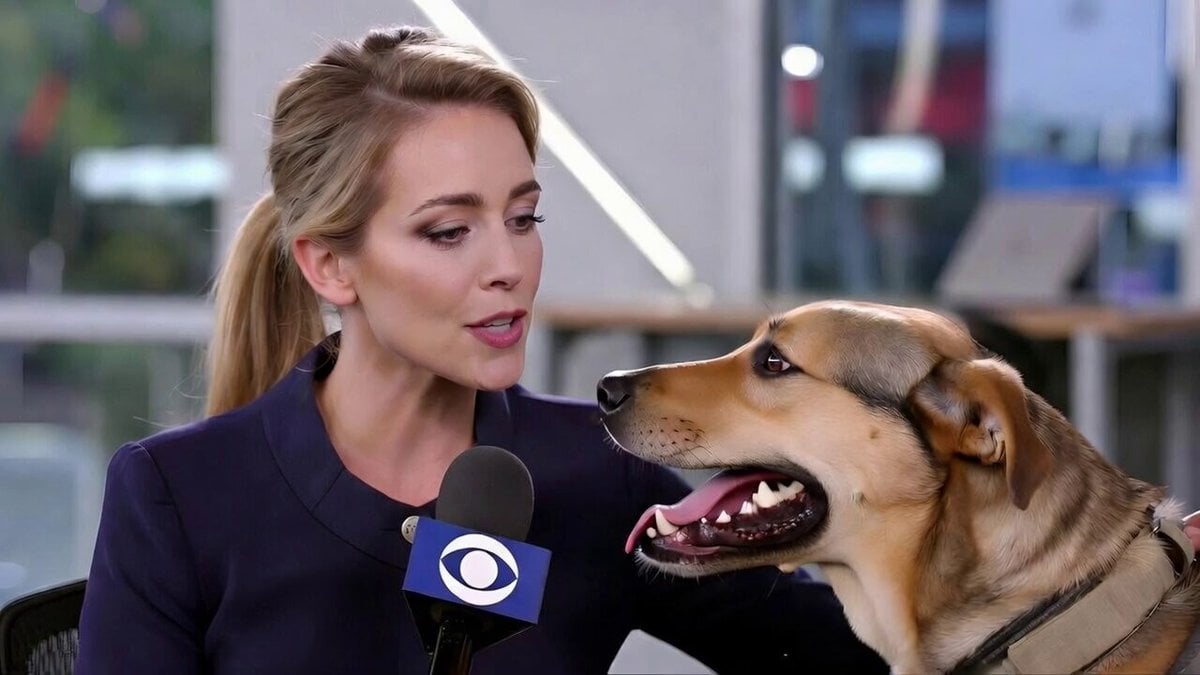
Realistic Dog News Interview
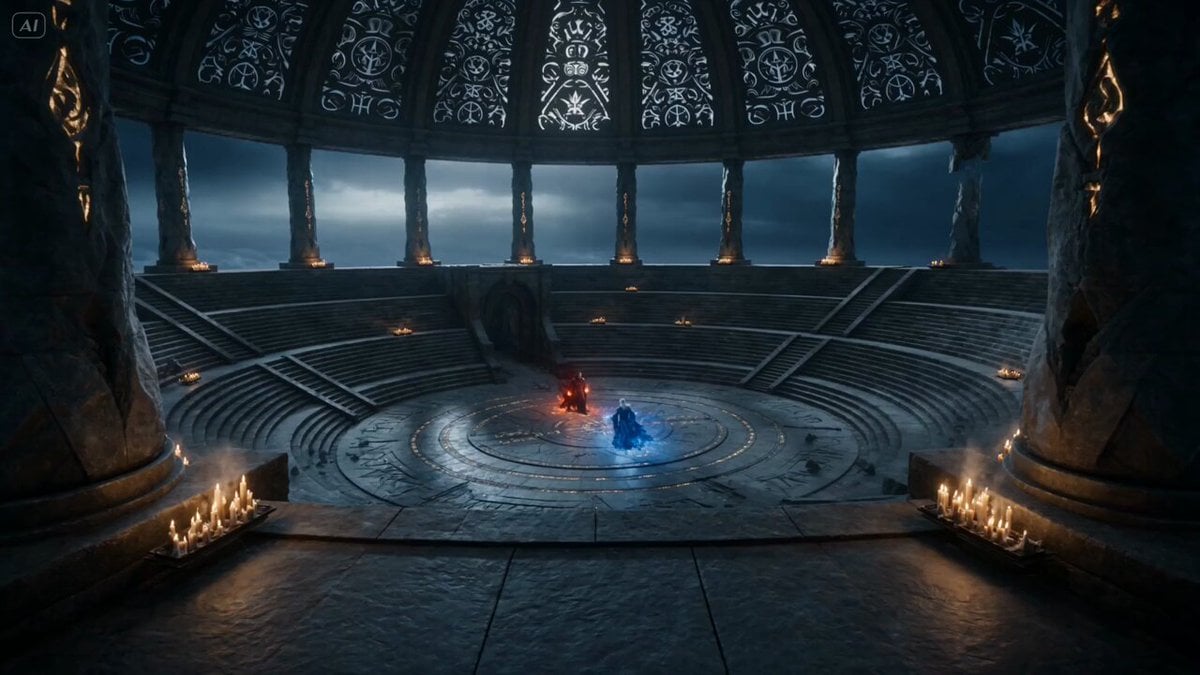
Dark Fantasy Mage Duel
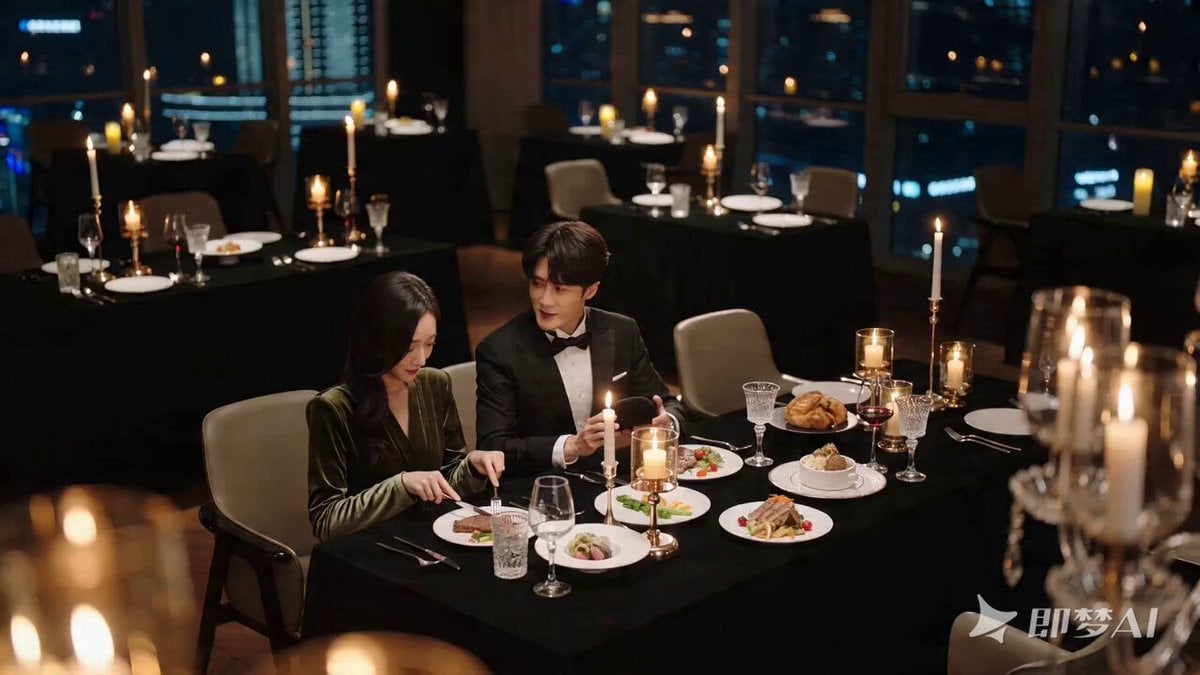
Romantic Proposal Scene Video Prompt for Seedance 2.0
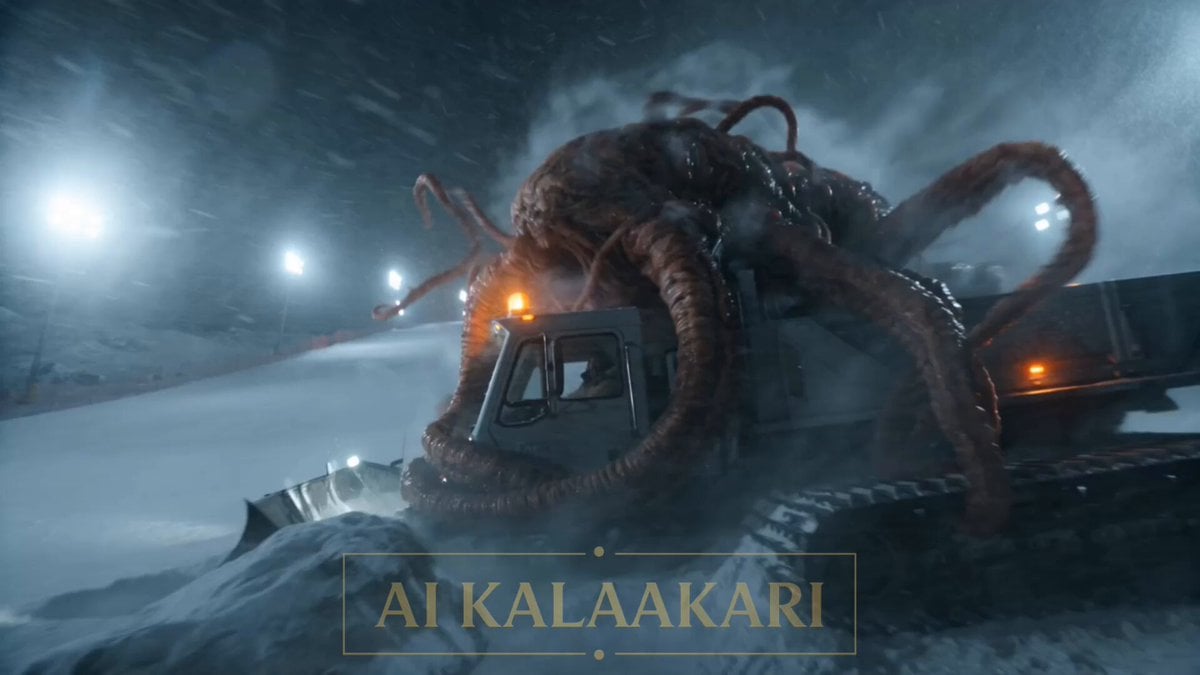
Alien Ski Station Night Ambush

Phoebe Chibi Expressive Animation Sequence
Arctic Motorcycle Ice Racing Thriller
Browse template categories
Stop-Motion Claymation Nutella Cafe questions
How do I use the Stop-Motion Claymation Nutella Cafe template?
Add your photo if the template asks for one, edit the prompt if you like — the template's model and format are already selected — and press Generate. Your version opens in PicX Studio.
Can I customize the Stop-Motion Claymation Nutella Cafe template?
Yes. You can change the subject, setting, lighting, mood, format, and available model controls before creating your video.
Is the Stop-Motion Claymation Nutella Cafe template free?
Opening and editing this template is free. Generating uses credits, shown on the Generate button when you are signed in.
Which AI model should I use?
Start with Seedance 2.0, which is the model associated with this template. You can compare another compatible model for a different finish.
Looking for something else? Browse all templates.

Your photo, any look
Thousands of ready templates for every top image and video model, from one credit balance.