How do I use the Food Summoning POV Stop-Motion Video template?
Edit the prompt in the box under the preview — the template's model and format are already selected — and press Generate. Your version appears right on this page.
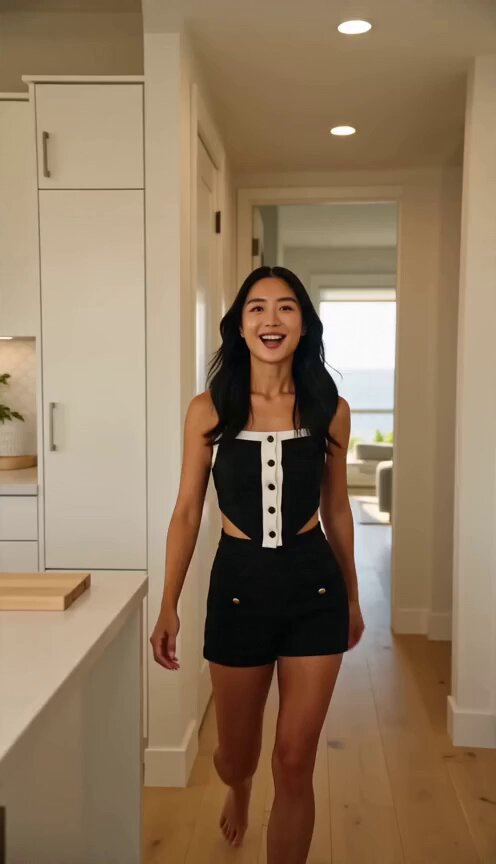
A creative video generation prompt for a POV-style video where food is summoned and a female character appears in stop-motion poses across various food locations.
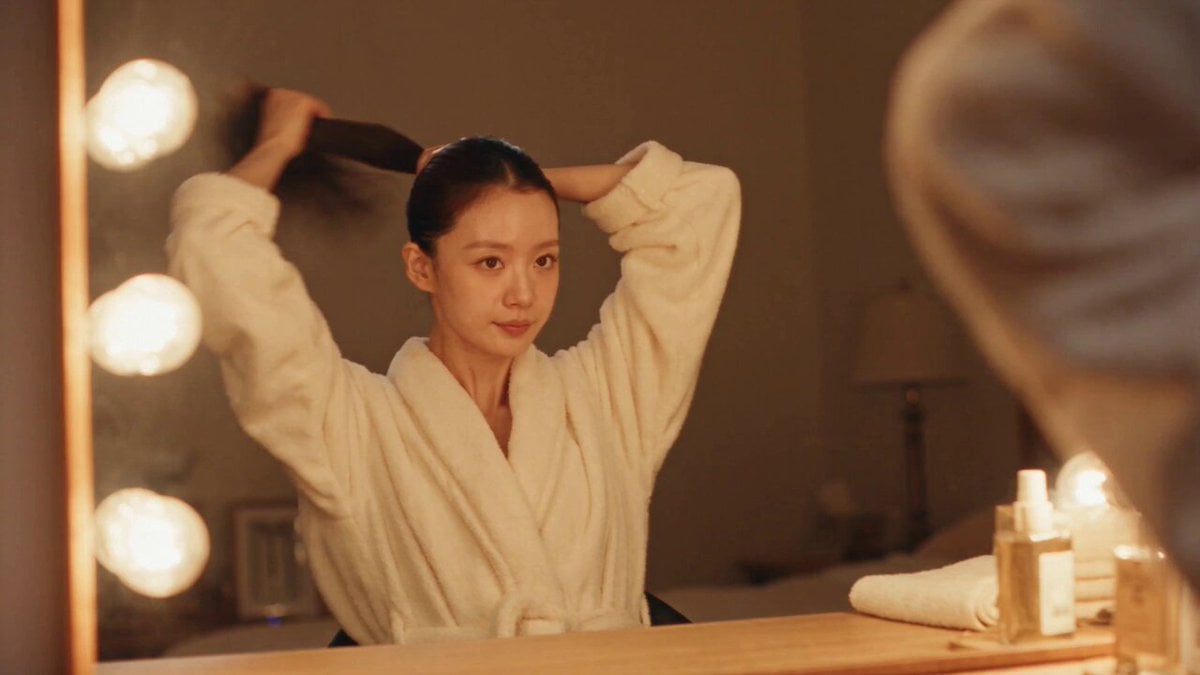
【风格】美食召唤定格变装(Food Summon Freeze Pose),DJI运动相机第一人称POV质感(Action-Cam Ultra Wide, 9:16 Vertical),真实手持广角畸变与自然光,时间静止假人感(Mannequin Time-Stop),抖音爆款梗节奏 【时长】10秒 【场景】六个美食场景依次切换:奶茶店→炭火烤肉店→川式火锅店→披萨店→甜品店→汉堡店 【角色】女主图片1(面部特征全程一致,每个场景换一套穿搭) 【核心机制】召唤+定格逻辑全片统一:每个场景先是无人空镜,持机人的手从镜头下方把食物伸向画面中央停住→半秒后女主凭空瞬间出现(硬切出现,无渐显),出现时动作停在半截——伸手接到一半、叼着、张嘴咬到一半——整个人像时间静止一样完全定格,身体、表情、发丝纹丝不动;唯一在动的是手持镜头的自然晃动与食物本身的热气、拉丝、滴落;定格保持约1秒后硬切下一场景 [00:00-00:01.5] 场景1:黑糖珍珠奶茶 奶茶店暖光吧台前空镜,手举一杯黑糖珍珠鲜奶伸向画面中央,黑糖浆正沿着杯壁缓缓挂壁下滑→女主穿米色针织开衫瞬间出现,定格在伸手接杯接到一半的姿势,眼睛盯着珍珠放光,纹丝不动。 [00:01.5-00:03.5] 场景2:炭火烤五花肉 烤肉店炭炉上五花肉滋滋冒油、边缘焦脆卷起,烟气升腾,对面座位空着;手用夹子夹起一块油亮的五花肉伸向空座→女主穿黑白条纹衫瞬间出现,定格在张嘴凑向肉片的半截动作,只有炭火烟气继续飘动。 [00:03.5-00:05] 场景3:红油毛肚火锅 火锅店里红油锅底翻滚冒泡,辣椒和花椒在汤面打转;手用筷子夹起一片裹满红油的毛肚伸向画面中央,红油还在往下滴→女主穿红色卫衣瞬间出现,定格在嘴张到最大、毛肚悬在嘴边一厘米的瞬间,锅里的红油继续咕嘟翻滚。 [00:05-00:07] 场景4:芝士拉丝披萨 披萨店木桌上一整盘刚出炉的厚芝士披萨;手拎起一角披萨向上提起,芝士拉出半米长的丝还连在盘里,热气蒸腾→女主穿黑色一字肩上衣瞬间出现,定格在仰头张嘴接芝士丝的姿势,拉丝在她嘴唇上方微微颤动。 [00:07-00:08.5] 场景5:爆浆熔岩蛋糕 甜品店大理石台面,手用勺子刚切开一颗巧克力熔岩蛋糕,深褐色流心正从切口涌出、缓缓淌到盘子里→女主穿奶白色连衣裙瞬间出现,定格在举勺凑近、挑眉看镜头的姿势,流心持续流淌。 [00:08.5-00:10] 场景6:双层芝士汉堡收尾 汉堡店暖光下,手举一个双层芝士牛肉汉堡,芝士从肉饼边缘融化垂落,肉汁在光下发亮→女主瞬间出现,定格在双手扶住汉堡、嘴张到最大即将咬下的瞬间,瞪圆眼睛,画面在这个定格上停住收束。 【音效】轻快俏皮BGM打底,每次定格出现配"咔"的快门音+轻微时间静止"嗡"声;空镜段食物音效放大——烤肉滋滋声、火锅咕嘟声、芝士拉丝的轻黏声、流心倾泻的稠滑声,结尾定格配上扬收束音
【风格】美食召唤定格变装(Food Summon Freeze Pose),DJI运动相机第一人称POV质感(Action-Cam Ultra Wide, 9:16 Vertical),真实手持广角畸变与自然光,时间静止假人感(Mannequin Time-Stop),抖音爆款梗节奏 【时长】10秒 【场景】六个美食场景依次切换:奶茶店→炭火烤肉店→川式火锅店→披萨店→甜品店→汉堡店 【角色】女主图片1(面部特征全程一致,每个场景换一套穿搭) 【核心机制】召唤+定格逻辑全片统一:每个场景先是无人空镜,持机人的手从镜头下方把食物伸向画面中央停住→半秒后女主凭空瞬间出现(硬切出现,无渐显),出现时动作停在半截——伸手接到一半、叼着、张嘴咬到一半——整个人像时间静止一样完全定格,身体、表情、发丝纹丝不动;唯一在动的是手持镜头的自然晃动与食物本身的热气、拉丝、滴落;定格保持约1秒后硬切下一场景 [00:00-00:01.5] 场景1:黑糖珍珠奶茶 奶茶店暖光吧台前空镜,手举一杯黑糖珍珠鲜奶伸向画面中央,黑糖浆正沿着杯壁缓缓挂壁下滑→女主穿米色针织开衫瞬间出现,定格在伸手接杯接到一半的姿势,眼睛盯着珍珠放光,纹丝不动。 [00:01.5-00:03.5] 场景2:炭火烤五花肉 烤肉店炭炉上五花肉滋滋冒油、边缘焦脆卷起,烟气升腾,对面座位空着;手用夹子夹起一块油亮的五花肉伸向空座→女主穿黑白条纹衫瞬间出现,定格在张嘴凑向肉片的半截动作,只有炭火烟气继续飘动。 [00:03.5-00:05] 场景3:红油毛肚火锅 火锅店里红油锅底翻滚冒泡,辣椒和花椒在汤面打转;手用筷子夹起一片裹满红油的毛肚伸向画面中央,红油还在往下滴→女主穿红色卫衣瞬间出现,定格在嘴张到最大、毛肚悬在嘴边一厘米的瞬间,锅里的红油继续咕嘟翻滚。 [00:05-00:07] 场景4:芝士拉丝披萨 披萨店木桌上一整盘刚出炉的厚芝士披萨;手拎起一角披萨向上提起,芝士拉出半米长的丝还连在盘里,热气蒸腾→女主穿黑色一字肩上衣瞬间出现,定格在仰头张嘴接芝士丝的姿势,拉丝在她嘴唇上方微微颤动。 [00:07-00:08.5] 场景5:爆浆熔岩蛋糕 甜品店大理石台面,手用勺子刚切开一颗巧克力熔岩蛋糕,深褐色流心正从切口涌出、缓缓淌到盘子里→女主穿奶白色连衣裙瞬间出现,定格在举勺凑近、挑眉看镜头的姿势,流心持续流淌。 [00:08.5-00:10] 场景6:双层芝士汉堡收尾 汉堡店暖光下,手举一个双层芝士牛肉汉堡,芝士从肉饼边缘融化垂落,肉汁在光下发亮→女主瞬间出现,定格在双手扶住汉堡、嘴张到最大即将咬下的瞬间,瞪圆眼睛,画面在这个定格上停住收束。 【音效】轻快俏皮BGM打底,每次定格出现配"咔"的快门音+轻微时间静止"嗡"声;空镜段食物音效放大——烤肉滋滋声、火锅咕嘟声、芝士拉丝的轻黏声、流心倾泻的稠滑声,结尾定格配上扬收束音
Edit the prompt in the box under the preview — the template's model and format are already selected — and press Generate. Your version appears right on this page.
Yes. You can change the subject, setting, lighting, mood, format, and available model controls before creating your video.
Opening and editing this template is free. Generating uses credits, shown on the Generate button when you are signed in.
Start with Seedance 2.0, which is the model associated with this template. You can compare another compatible model for a different finish.
Follow a topic to a crawlable collection of related PicX Studio templates.