
Grok Imagine Chibi Template Prompt for Image-to-Video
A detailed Japanese prompt for the Grok Imagine 'Chibi' template, used to convert an input image into a 3D animated chibi character video.
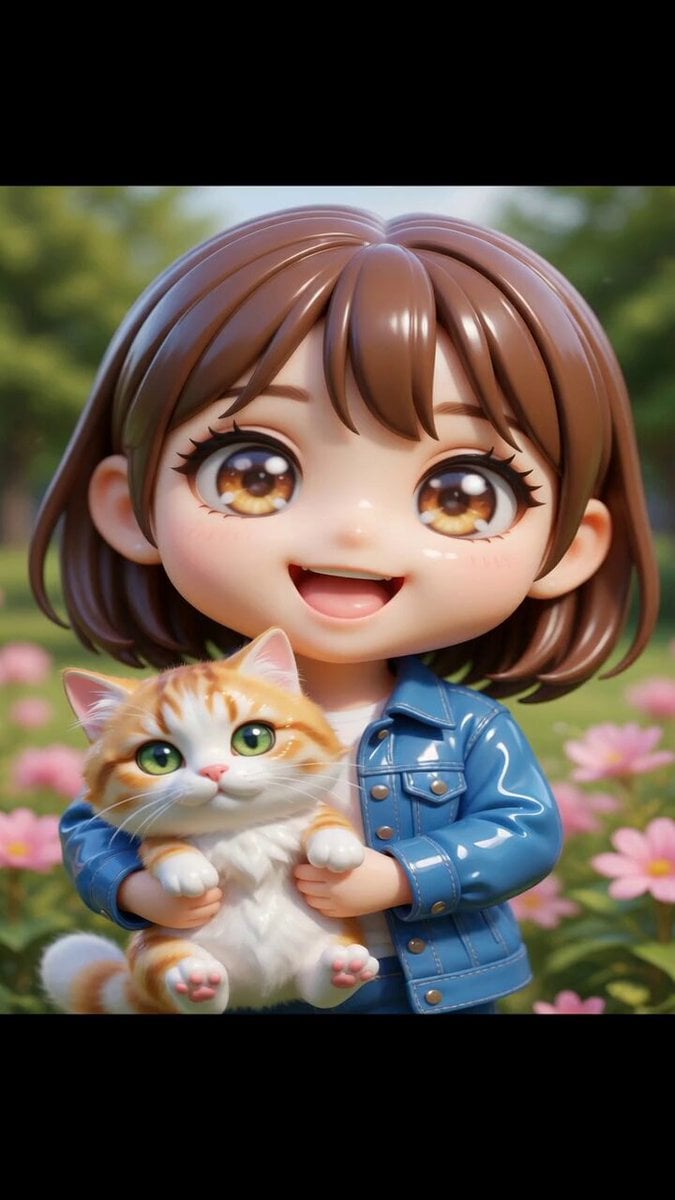
- Prompt included
- Model and format preset
- Premium template
The prompt behind this video
Copy the exact prompt behind Grok Imagine Chibi Template Prompt for Image-to-Video, or open it in the studio and make it yours.
被写体を可愛いアニメ調のちびキャラクターに変換し、清潔感のある3Dモデルとしてレンダリングしてください。元の人物の人種、民族、肌の色、認識できる顔の特徴(髪型、髪の色、服装の色を含む)を完全に保持します。キャラクターは元の入力と同じ人物であることが明確で、同じ肌の色と民族的な外見を保ったまま、ちび形式に変換してください。 キャラクターはクラシックなちび比例にしてください:非常に大きな頭部、小さな胴体、簡略化された可愛い顔立ち、そして大きく表情豊かなアニメスタイルの目。被写体の顔の特徴をちびスタイルに変換しつつ、認識できる似顔を維持します。 フレームは胸から上を捉え、カメラを少し近づけてクロップし、上半身と頭部がフレームの大部分を占めるようにしてください。キャラクターはカメラを真正面から見つめ、エネルギッシュで表情豊かなアニメスタイルのポーズを取らせます。 カメラアングルは少しダイナミックにし、微妙な傾きやオフ軸パースペクティブを使用してください。現代のアニメプロモーションアートのような雰囲気で。カメラをキャラクターの顔より少し低めに設定し、遊び心のあるローアングルにして、キャラクターを生き生きと魅力的に見せます。 キャラクターを高品質の光沢のある3Dアニメスタイルモデルとしてレンダリングしてください。磨き上げられたBlenderレンダーやプレミアムなコレクタブルフィギュアのような見た目に。素材は滑らかで反射があり、おもちゃのような質感にし、強いハイライト、柔らかい反射、光沢のある表面にしてください。 全体の見た目は明らかに3Dレンダリングされたキャラクターで、平面的な2Dイラストではなくしてください。明るいアニメスタイルのシェーディングと、鮮やかでありながら洗練された色使いを使い、プレミアムなアニメ美学を与えてください。 最終的な画像は、ダイナミックで光沢のある3Dちびキャラクター・レンダーとなり、磨かれた素材、鮮やかな色、プレミアムなコレクタブル美学を備えつつ、元の被写体の人種、肌の色、認識できる同一性を明確に維持してください。 セリフ日本語オンリーで、英語禁止。 ↓ 「ここにセリフを書いてくださいね」
How to use Grok Imagine Chibi Template Prompt for Image-to-Video in 3 steps
- 1
Open
The prompt is already in the box next to the preview, with the template's model and format selected.
- 2…a portrait of your subject in softgolden-hour light, 85mm…
Personalize
Edit the subject and creative details for your destination.
- 3Generate
Generate
Press Generate — your video is created in PicX Studio, so you can compare it with the original and refine one variable at a time.
More like this
Templates with the same subject, style or setup. Open one to see its prompt.

Grok-imagine 1.5 Digital Human Video Script
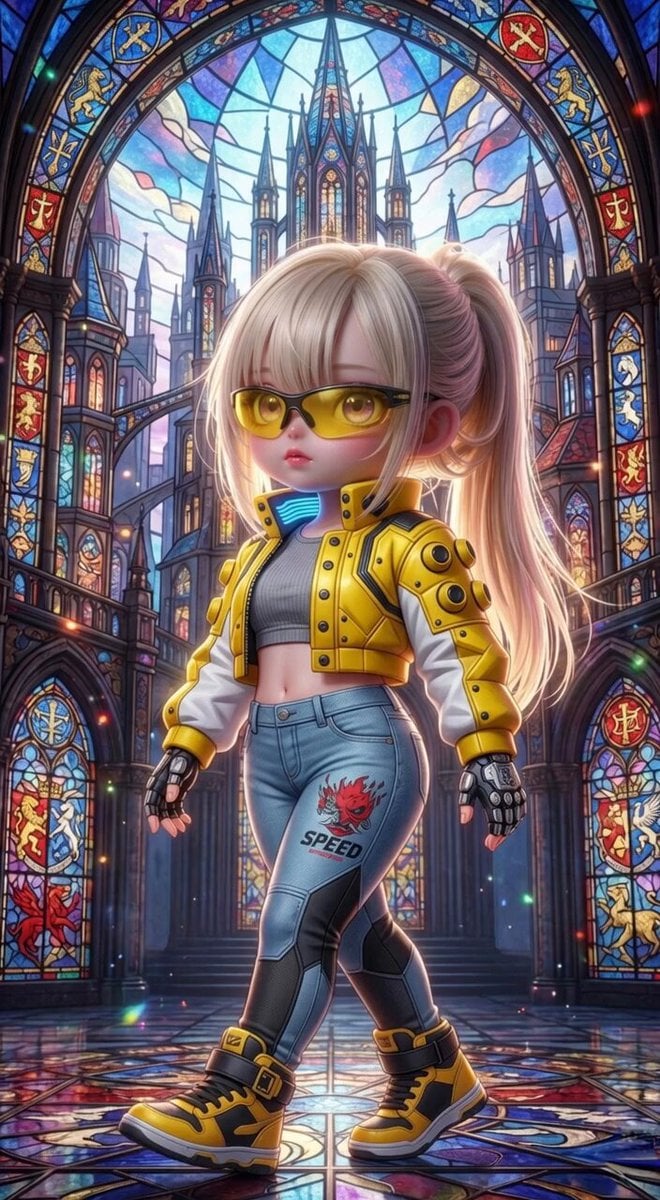
Grok Imagine Mechanical and Ethereal Creature Prompts
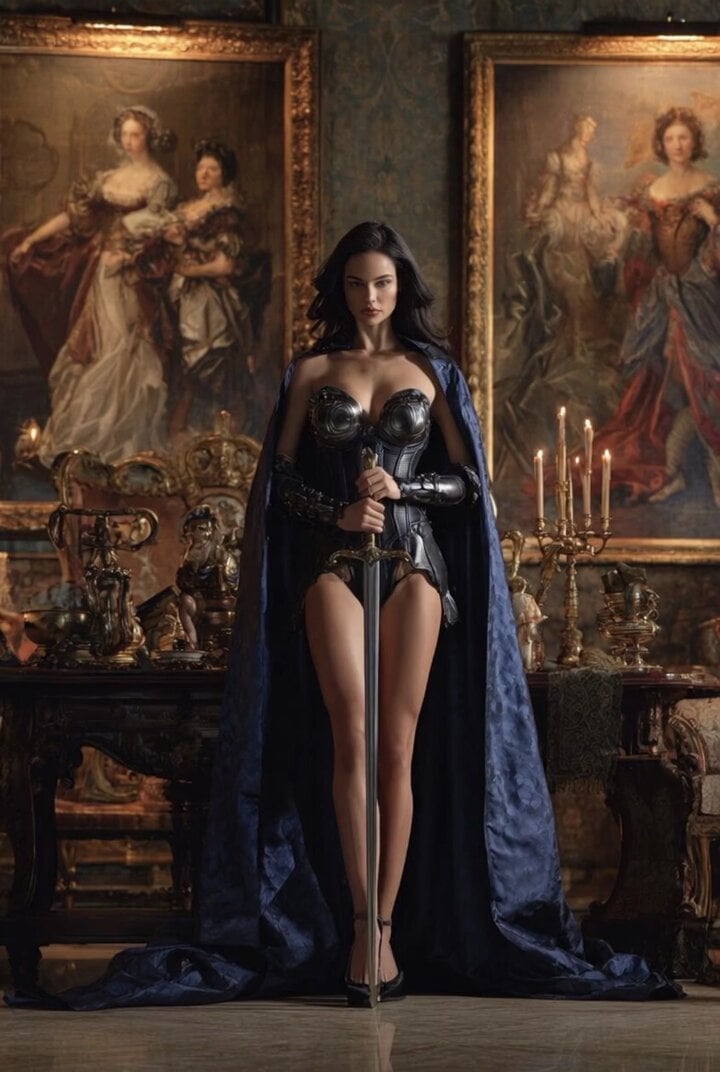
Grok Imagine Video of a Graceful Warrior
Grok Imagine prompt with negative constraints and scenario
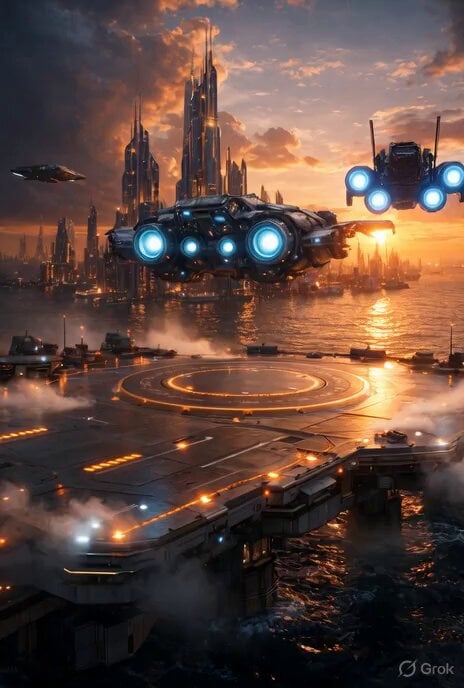
Grok Imagine prompt for cinematic VFX scene (Scene 2 - Landing)
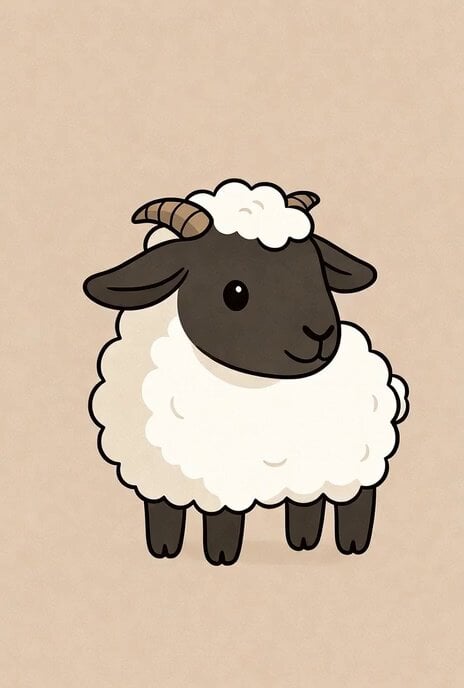
Grok Imagine video prompt part 1: Morning routine
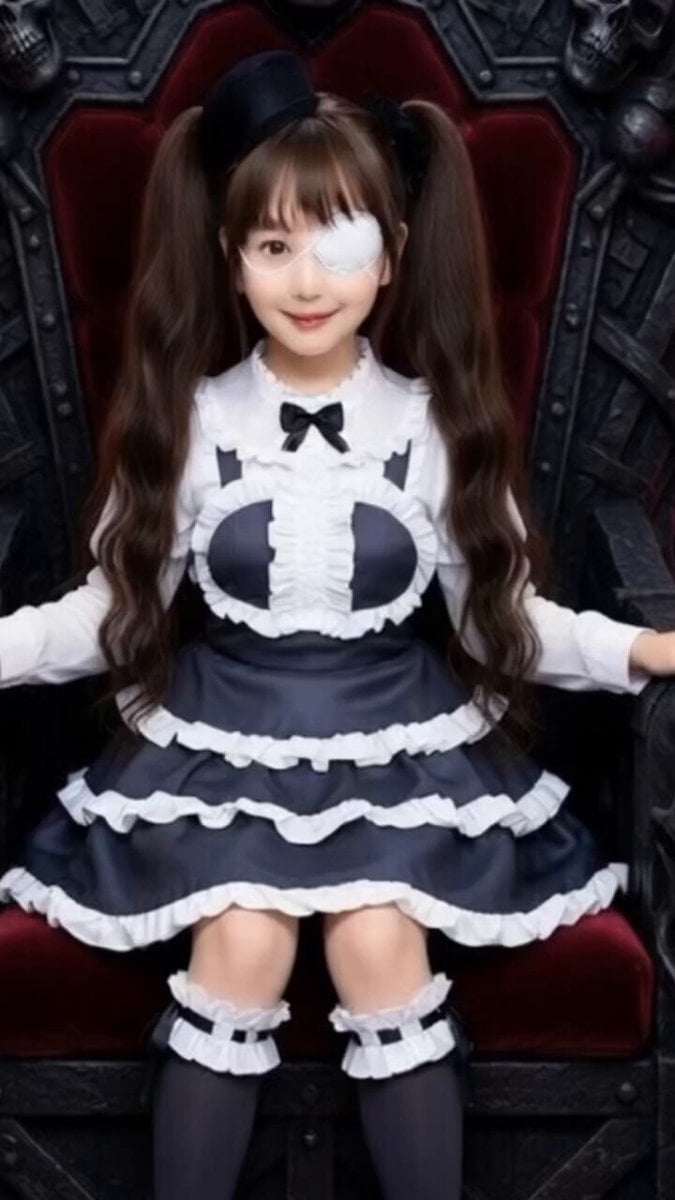
Grok Imagine Prompt: Yurine Kingdom Apocalypse Day
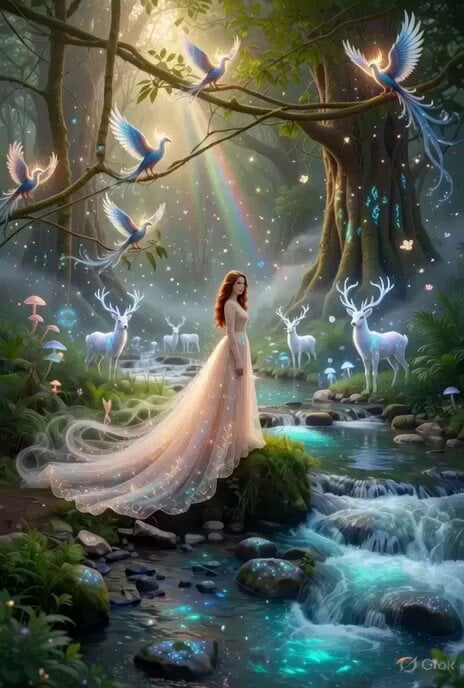
Enchanting Forest Grok Imagine Video Prompt
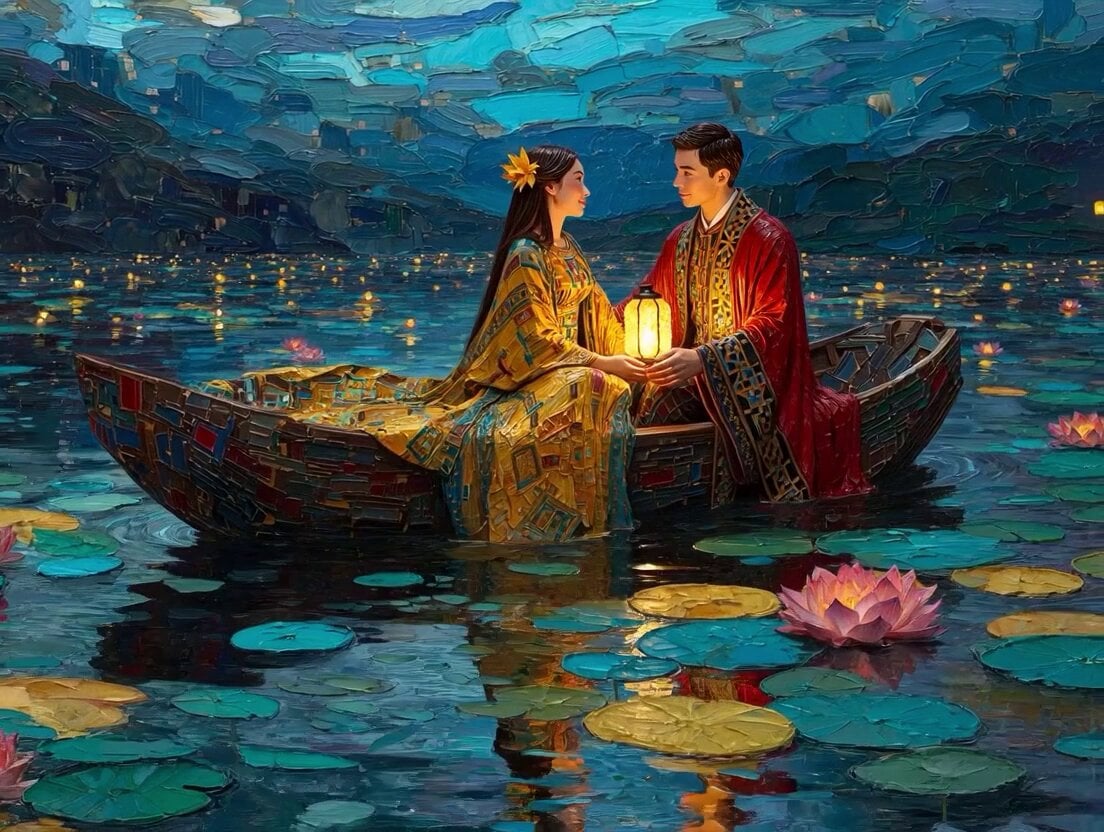
Klimt-Inspired Impasto Painting of Lovers (Midjourney/Grok Imagine)
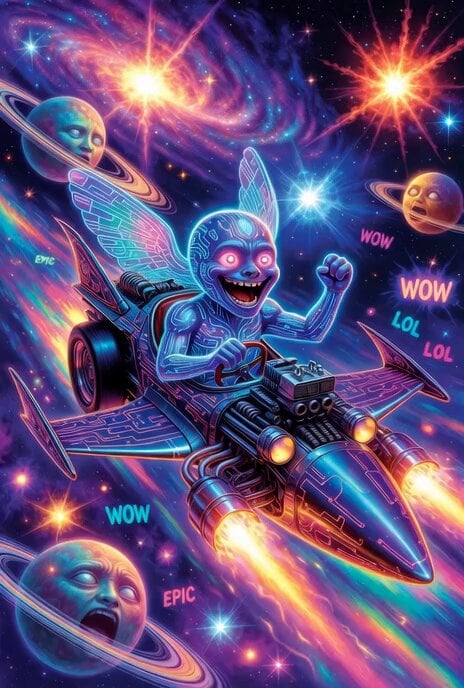
Grok Imagine prompt: Grok driving a cosmic hot rod spaceship

Grok Imagine Prompt: Linux, Containers/K8s, and OpenClaw OS Concepts
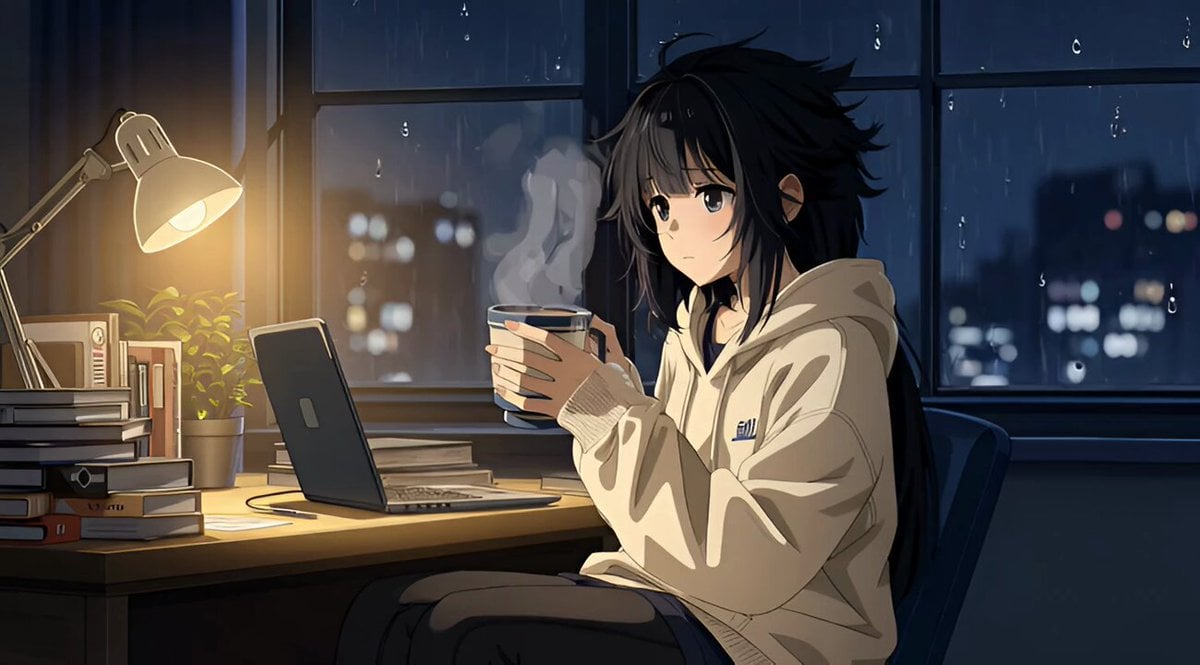
Grok Imagine R2V Multi-Image Reference Tutorial
Make it yours
Grok Imagine Chibi Template Prompt for Image-to-Video works as-is. These are the safest ways to change it without losing the look.
Change one field
Copy a single group, rewrite it, and generate again so you can see what that field is doing.
Keep the frame, change the subject
Hold the composition and light of Grok Imagine Chibi Template Prompt for Image-to-Video, then swap wardrobe, props or the person for a new take.
| If the result… | Why | Fix |
|---|---|---|
| The result drifts from the preview | Too many fields changed at once. | Reuse Grok Imagine Chibi Template Prompt for Image-to-Video as-is first, then change one group — subject, light, or setting. |
| The model over-stylizes the scene | The prose prompt leaves finish and camera underspecified. | Add one camera or lighting sentence and stay on Grok Imagine. |
More Grok Imagine templates
Other prompts made for Grok Imagine.

Kaleidoscopic Cosmic Dolphin Video

Horror Daffy Duck Video Transition

America 250th Anniversary Celebration

Glowing Water Forest Night Prompt

Soft Pink Roses Dreamer Prompt

Ninja Wizard Levitation Jump

Coffee Cup Interaction Motion

Voice Controlled Water Animation

Pterodactyl Transformation Journey

Candle Mandala Mirror Video
More video prompts
Fresh picks from across the catalog.
Warrior vs Jungle Gorilla Battle
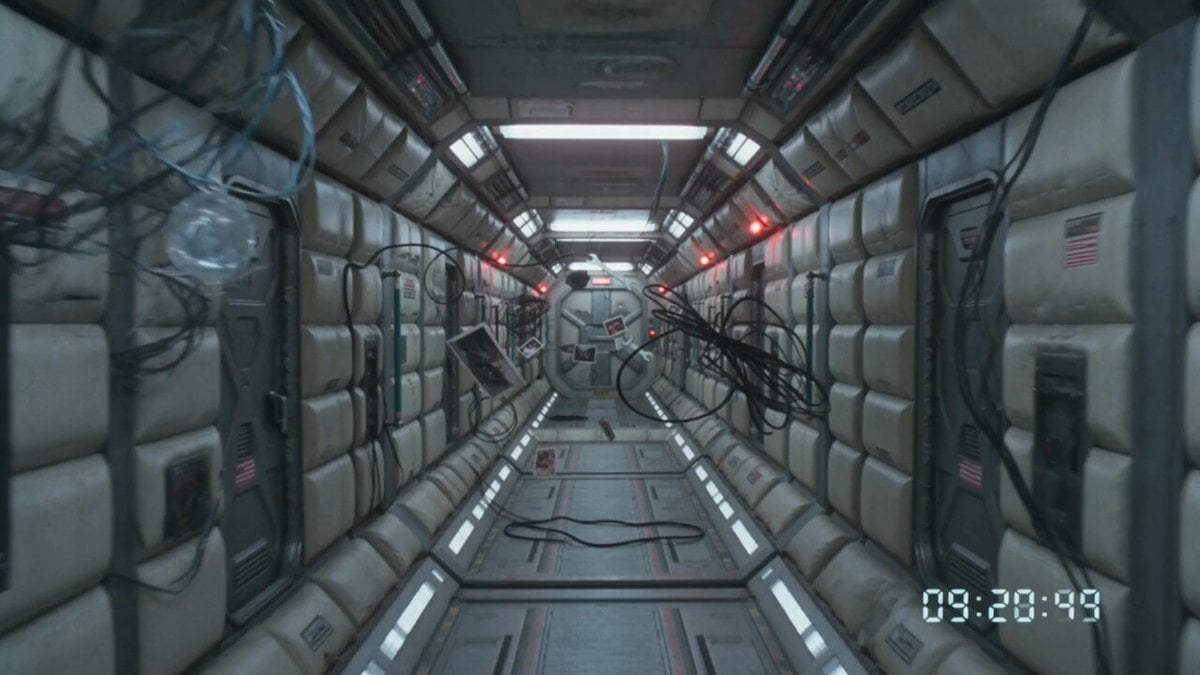
80s VHS Orbital Station Horror
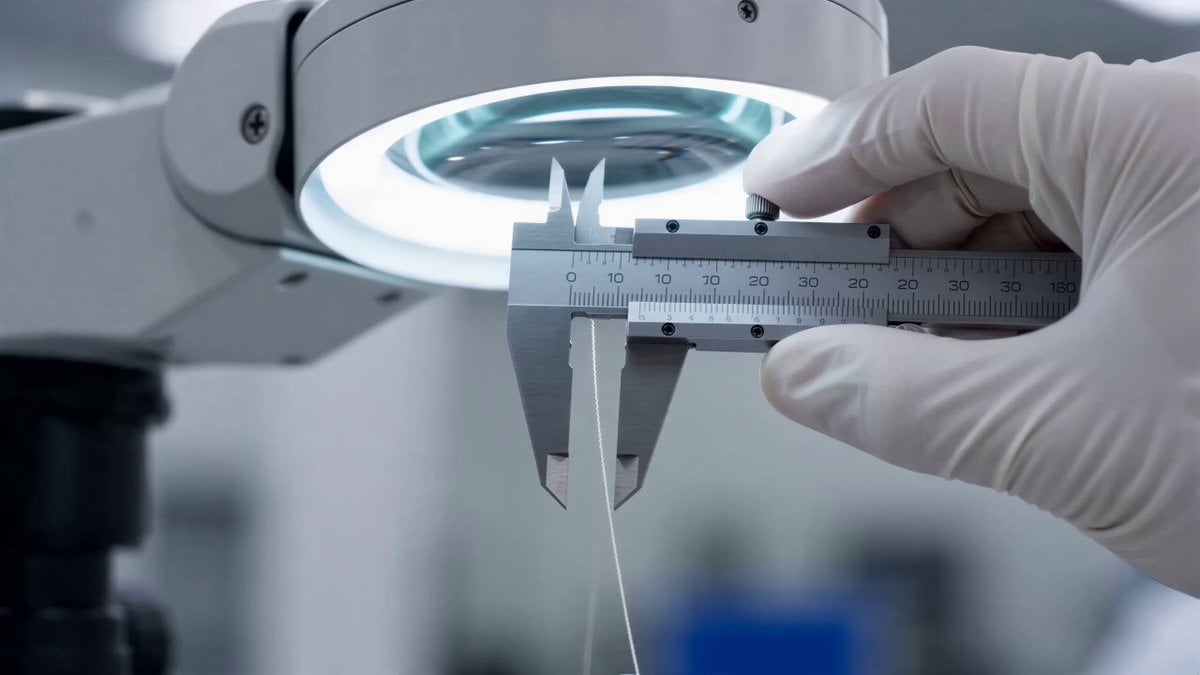
Seedance 2.0 prompt for a lunar landing scene
Neon City Rooftop Action Sequence

Boyfriend POV Travel Vlog Prompt for Seedance 2.0
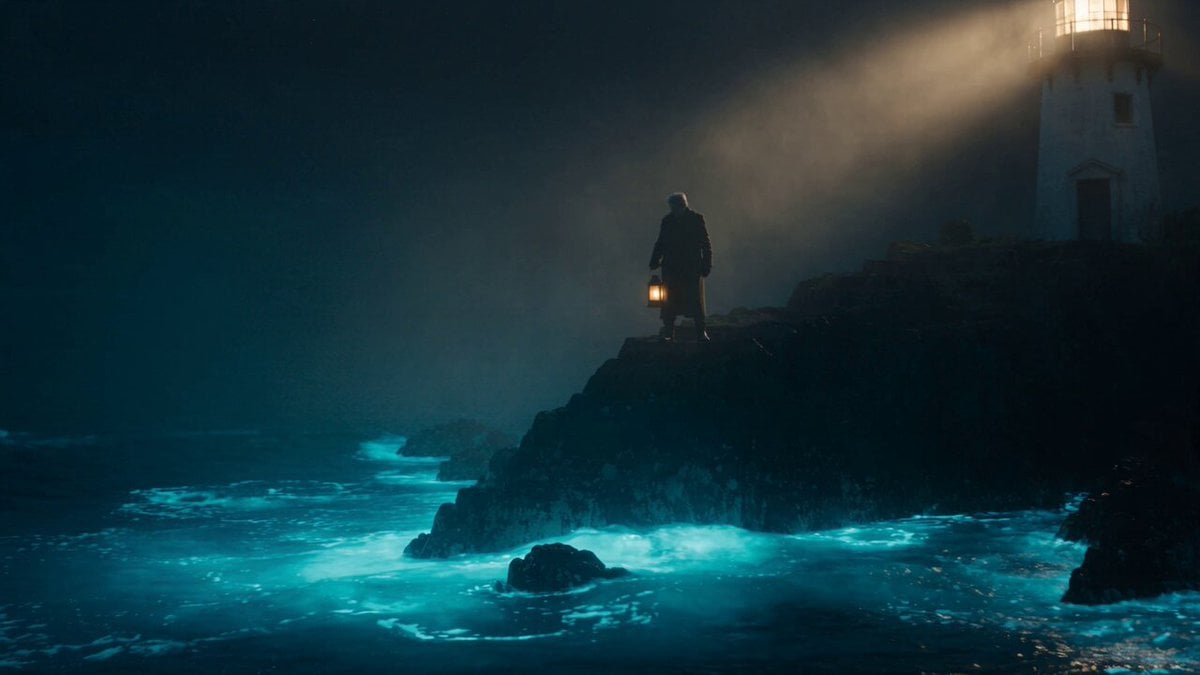
Cinematic Bioluminescent Ocean Lighthouse Prompt
Penguin Girl Ink Drawing Animation Video
Cinematic Morning Routine Bedroom
Sci-Fi Disaster Movie Scene - Seedance 2.5
Photorealistic Superhero Cat Prompt
Browse template categories
Grok Imagine Chibi Template Prompt for Image-to-Video questions
How do I use the Grok Imagine Chibi Template Prompt for Image-to-Video template?
Add your photo if the template asks for one, edit the prompt if you like — the template's model and format are already selected — and press Generate. Your version opens in PicX Studio.
Can I customize the Grok Imagine Chibi Template Prompt for Image-to-Video template?
Yes. You can change the subject, setting, lighting, mood, format, and available model controls before creating your video.
Is the Grok Imagine Chibi Template Prompt for Image-to-Video template free?
Opening and editing this template is free. Generating uses credits, shown on the Generate button when you are signed in.
Which AI model should I use?
Start with Grok Imagine, which is the model associated with this template. You can compare another compatible model for a different finish.
Looking for something else? Browse all templates.

Your photo, any look
Thousands of ready templates for every top image and video model, from one credit balance.