How do I use the 80s VHS Orbital Station Horror template?
Edit the prompt in the box under the preview — the template's model and format are already selected — and press Generate. Your version appears right on this page.
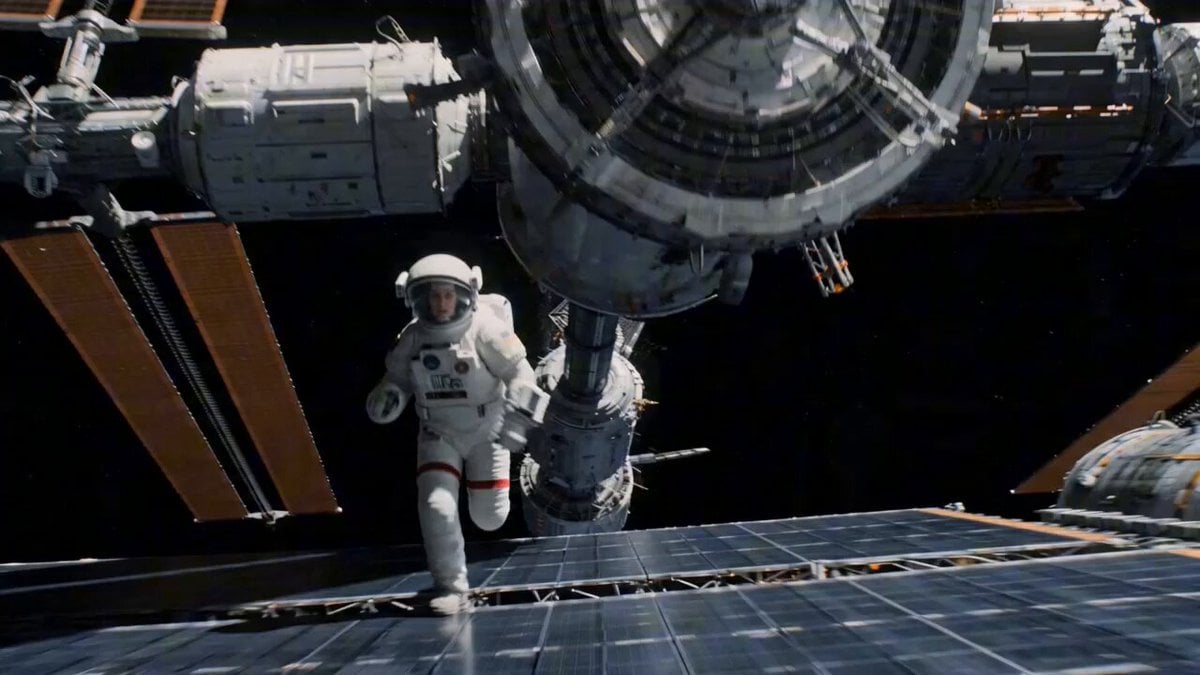
A prompt for generating nostalgic, grainy VHS-style footage from inside an abandoned 1980s space station with eerie movements.
Old VHS-style footage from inside an abandoned orbital station in the 1980s. The image is grainy, warped, with tracking lines, washed-out colors, and timestamp burn-in. The camera floats slowly through empty corridors, cables drifting in zero gravity, warning lights blinking silently. At the 2-second mark, the tape glitches and the corridor appears longer than before. A sealed airlock door opens by itself at the far end. The camera drifts closer, passing floating tools, old photographs, and frozen droplets of water. Final moment: the camera enters the airlock and reveals Earth outside the window ,but Earth is completely dark. Analog sci-fi horror, VHS noise, zero-gravity atmosphere, retro space realism, eerie silence, cinematic degraded footage.
Old VHS-style footage from inside an abandoned orbital station in the 1980s. The image is grainy, warped, with tracking lines, washed-out colors, and timestamp burn-in. The camera floats slowly through empty corridors, cables drifting in zero gravity, warning lights blinking silently. At the 2-second mark, the tape glitches and the corridor appears longer than before. A sealed airlock door opens by itself at the far end. The camera drifts closer, passing floating tools, old photographs, and frozen droplets of water. Final moment: the camera enters the airlock and reveals Earth outside the window ,but Earth is completely dark. Analog sci-fi horror, VHS noise, zero-gravity atmosphere, retro space realism, eerie silence, cinematic degraded footage.
Edit the prompt in the box under the preview — the template's model and format are already selected — and press Generate. Your version appears right on this page.
Yes. You can change the subject, setting, lighting, mood, format, and available model controls before creating your video.
Opening and editing this template is free. Generating uses credits, shown on the Generate button when you are signed in.
Start with Seedance 2.0, which is the model associated with this template. You can compare another compatible model for a different finish.
Follow a topic to a crawlable collection of related PicX Studio templates.