
Cinematic Horror at Jakarta KRL Commuter Line Station
A highly detailed cinematic horror prompt for Seedance 2.0, describing a scene at the Jakarta KRL Commuter Line station at night where a Kuntilanak (Indonesian ghost) emerges from a poster, causing bystanders to scatter…
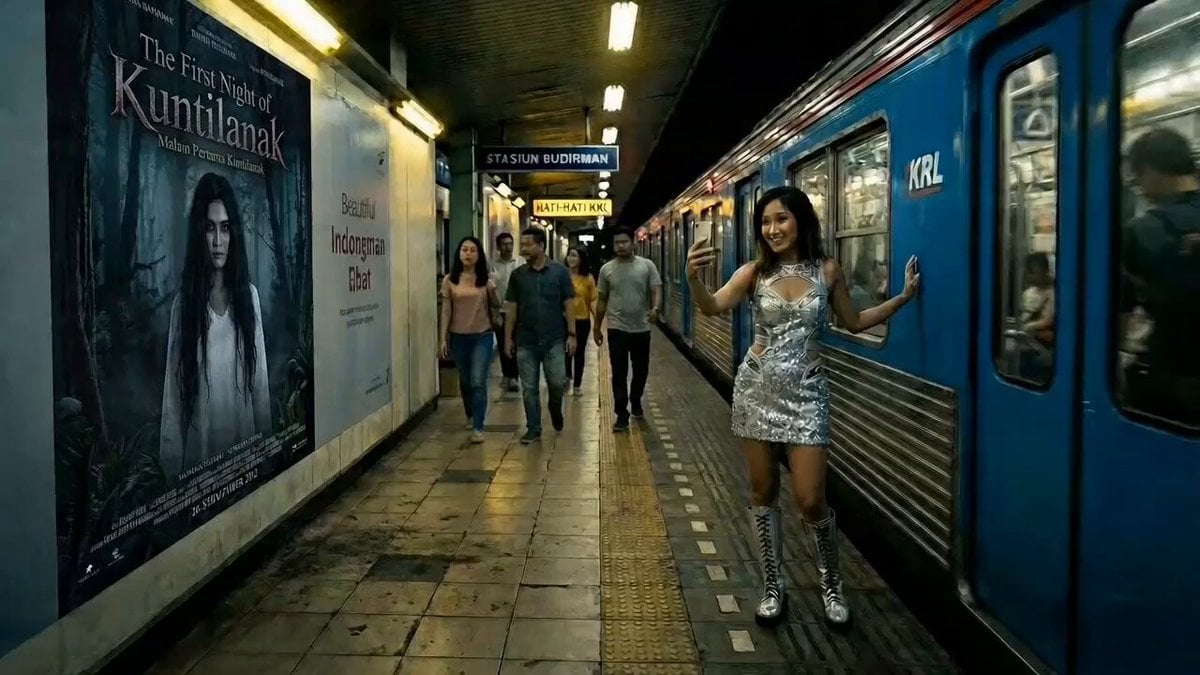
- Prompt included
- Model and format preset
- Free template
The prompt behind this video
Copy the exact prompt behind Cinematic Horror at Jakarta KRL Commuter Line Station, or open it in the studio and make it yours.
cinematic horror. Jakarta KRL Commuter Line station at night, Sudirman station platform, harsh yellow-white fluorescent overhead lighting, worn dirty tiled floor, blue KRL train car parked at platform, Indonesian signage on walls. A young woman in [reference outfit] poses next to the train car taking a selfie, smiling. On the train wall behind her, a large advertisement poster shows a beautiful woman's face. The poster surface begins to ripple and crack. Long black wet hair pushes through the glossy paper. A pale hand with black fingernails tears through. A kuntilanak in torn white kebaya crawls out of the poster completely, feet never touching the ground, long hair covering her face, head tilted at an unnatural angle. Bystanders on the platform scream and scatter. The woman drops her phone and runs. POV handheld tracking shot, she sprints through the platform, quick glance back, the kuntilanak glides at impossible speed closing the distance, hair flowing, white kebaya tattered. Emergency lights flicker red. Train doors slam shut. Dead end. Wide shot the woman presses her back against the closed train doors, nowhere to go. The kuntilanak stops. Slowly raises her head. Two hollow black eyes beneath the hair. Shaky handheld cam, motion blur, high contrast shadows, horror aesthetic, cinematic.
How to use Cinematic Horror at Jakarta KRL Commuter Line Station in 3 steps
- 1
Open
The prompt is already in the box next to the preview, with the template's model and format selected.
- 2…a portrait of your subject in softgolden-hour light, 85mm…
Personalize
Edit the subject and creative details for your destination.
- 3Generate
Generate
Press Generate — your video is created in PicX Studio, so you can compare it with the original and refine one variable at a time.
More like this
Templates with the same subject, style or setup. Open one to see its prompt.
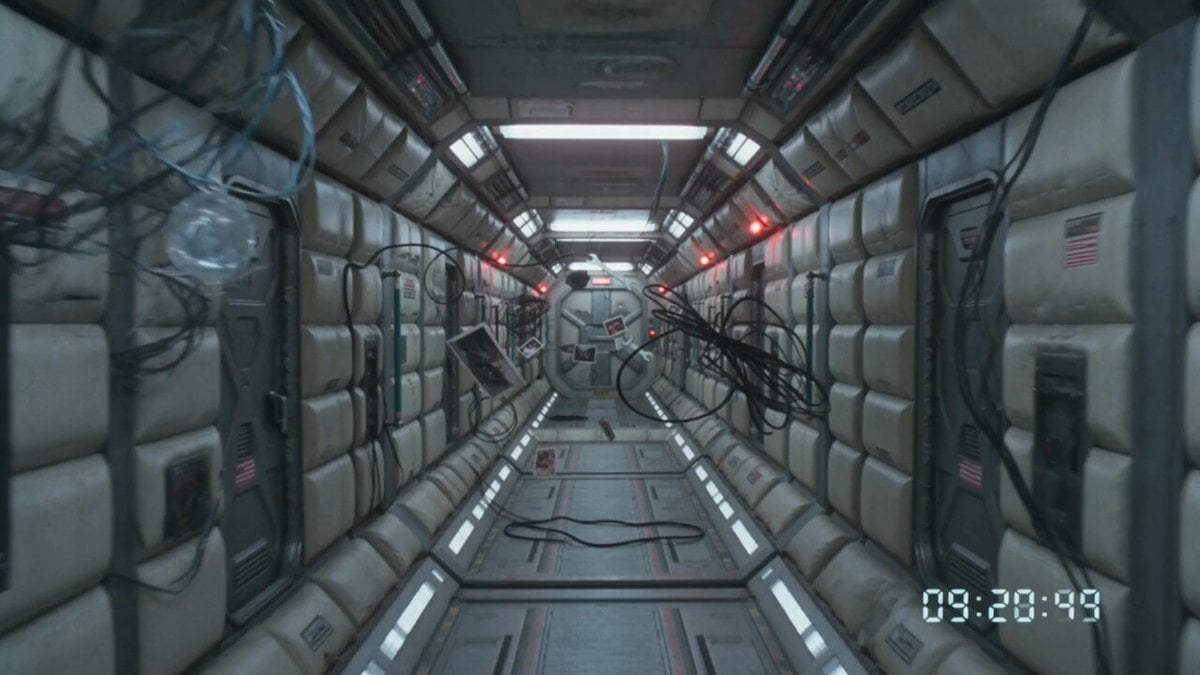
80s VHS Orbital Station Horror
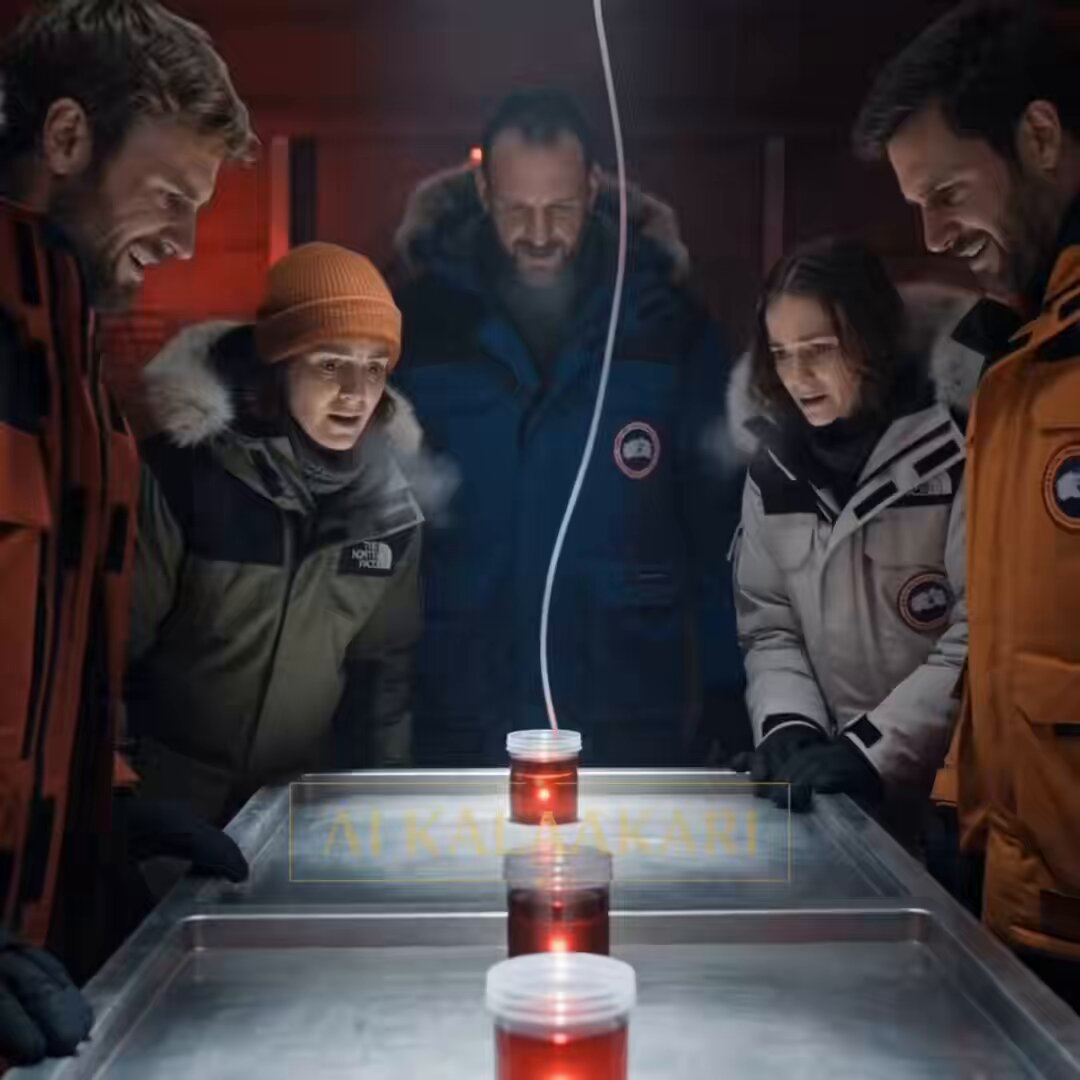
Antarctic Research Station Blood Test Horror
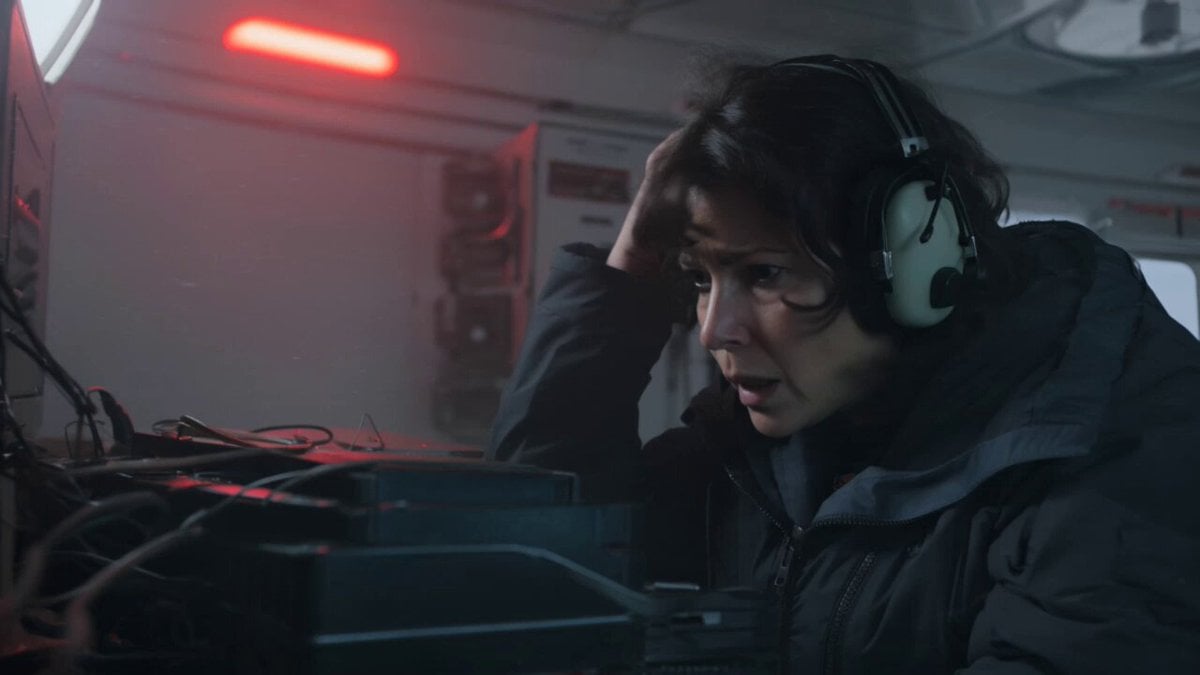
Kling 3.0 Antarctic Station Sci-Fi Horror Prompt
Rainforest Thriller — Searching the Unseen
Chibi Cave Adventure — He Doesn't Know What's Coming
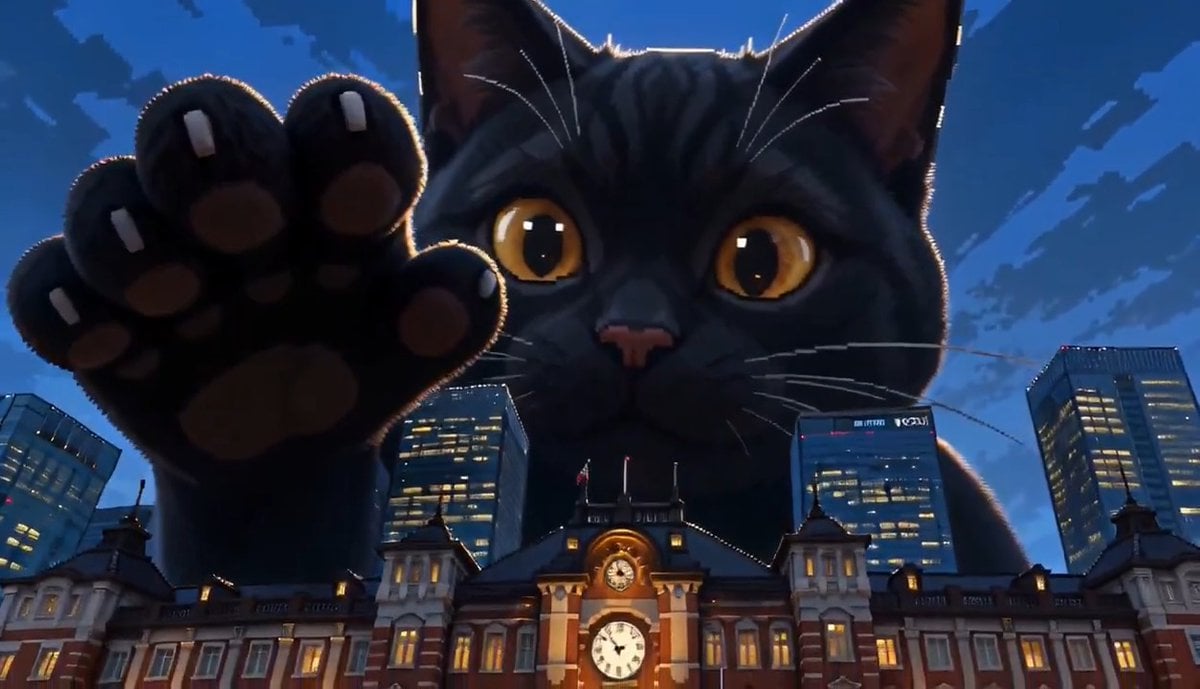
Giant Cat at Tokyo Station Video Prompt
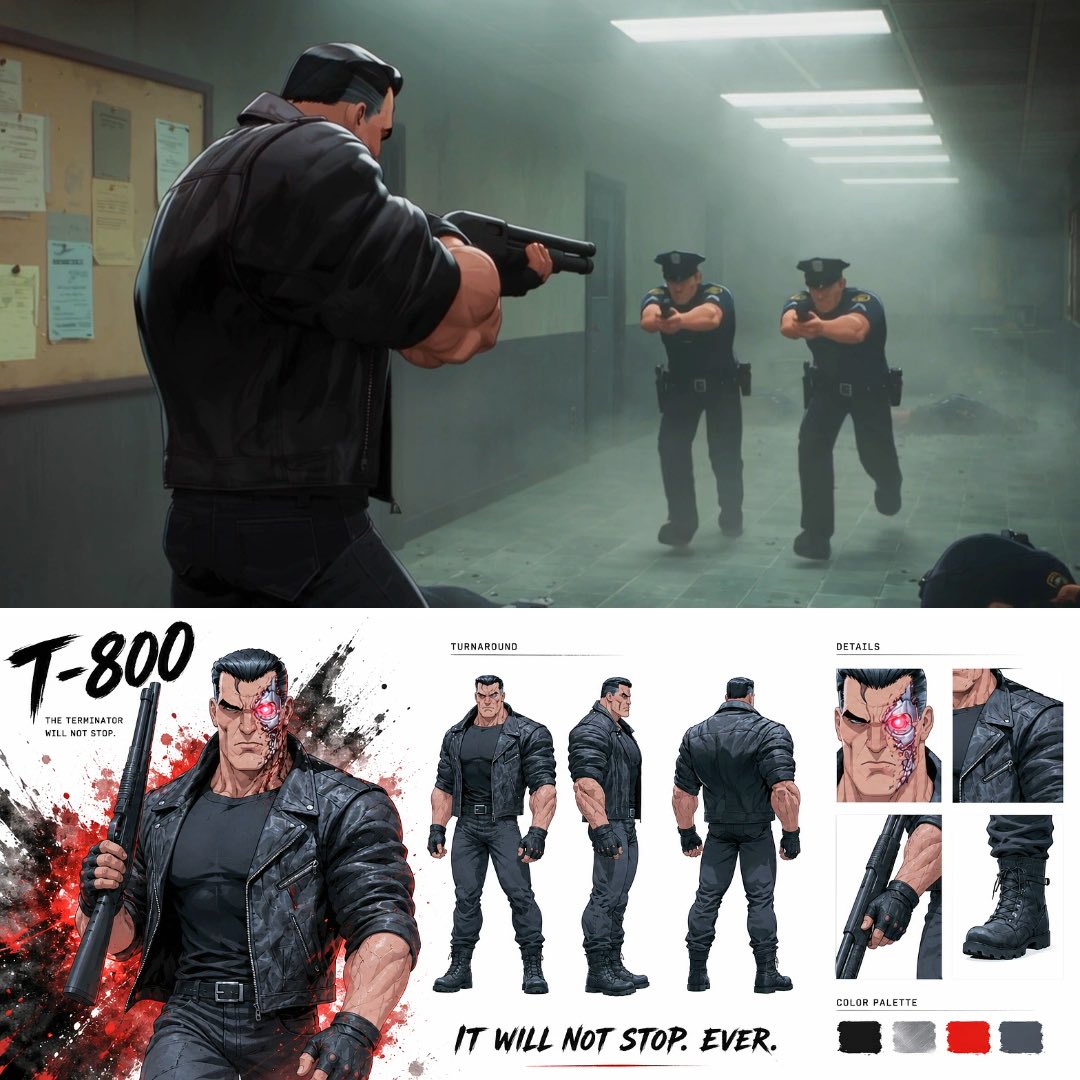
Noir Anime Police Station Interior
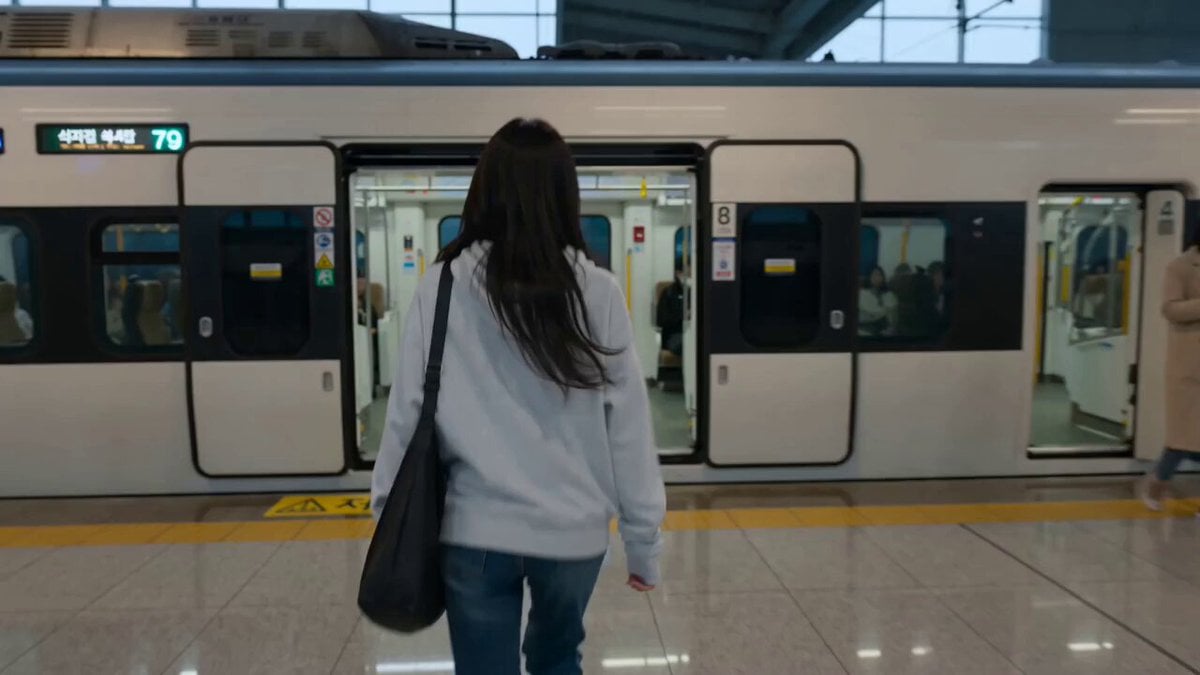
Train Station Lifestyle Vlog

MiniDV Coastal Train Station Vlog
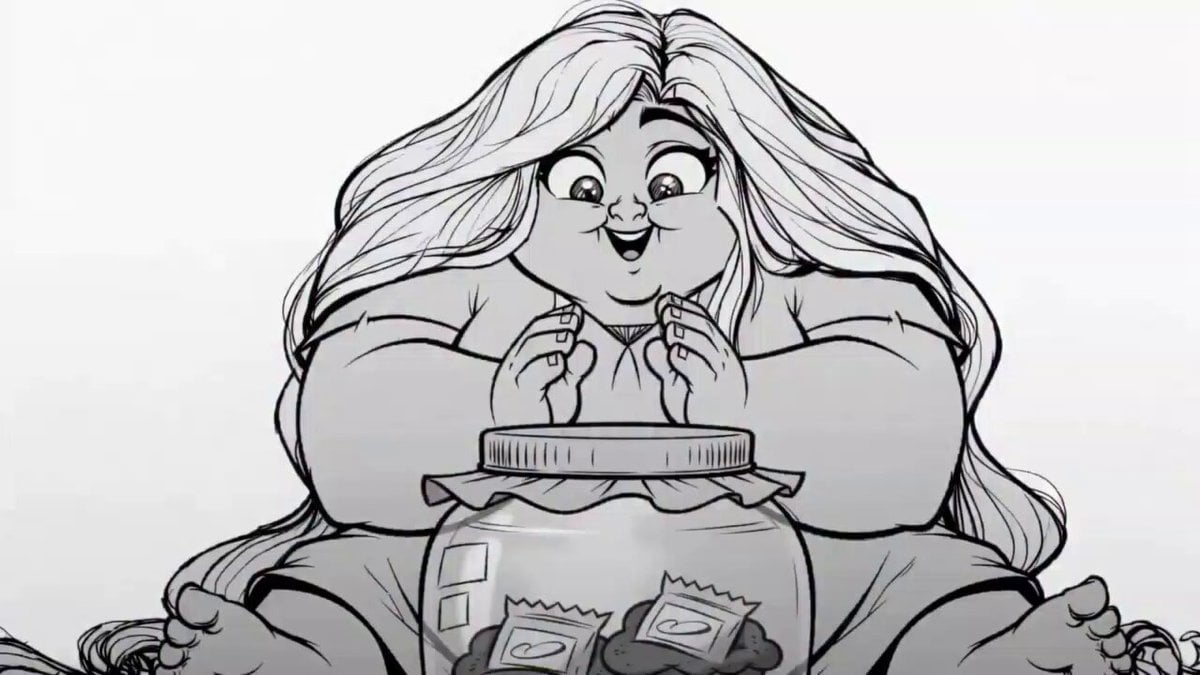
2D Line Art Girl Candy Jar Animation
Jakarta Sunset Cyberpunk Action
Futuristic Space Station Transformation Video
Make it yours
Cinematic Horror at Jakarta KRL Commuter Line Station works as-is. These are the safest ways to change it without losing the look.
Change one field
Copy a single group, rewrite it, and generate again so you can see what that field is doing.
Keep the frame, change the subject
Hold the composition and light of Cinematic Horror at Jakarta KRL Commuter Line Station, then swap wardrobe, props or the person for a new take.
| If the result… | Why | Fix |
|---|---|---|
| The result drifts from the preview | Too many fields changed at once. | Reuse Cinematic Horror at Jakarta KRL Commuter Line Station as-is first, then change one group — subject, light, or setting. |
| The model over-stylizes the scene | The prose prompt leaves finish and camera underspecified. | Add one camera or lighting sentence and stay on Seedance 2.0. |
More Seedance 2.0 templates
Other prompts made for Seedance 2.0.

Comical Martial Arts Punch Scene

Maglev Train Action Sequence

Martial Arts Fight Sequence

Wuxia Protection and Trust Script

Vintage Korean Arcade MiniDV Vlog

Mercedes 190 SL Luxury Ad

Rainy Night Supernatural Reverse Comedy Video Script

Amazon Civilization Discovery

Futuristic South Asian City Transformation

Cozy Luxury Cafe Commercial
More video prompts
Fresh picks from across the catalog.

Ultra-Realistic LEGO Santa Claus Photograph

Space Kitten Astronaut
Urban Alleyway Skateboarders Tracking Shot
Surreal Transformation to Cosmic Romance
Futuristic Military Gunship Combat Scene

Scorpion to Luxury Stiletto Transformation
Excited Dogs Greeting Video
Urban Fantasy Armor Transformation
Lone Medieval Knight in Snowy Field Video Prompt
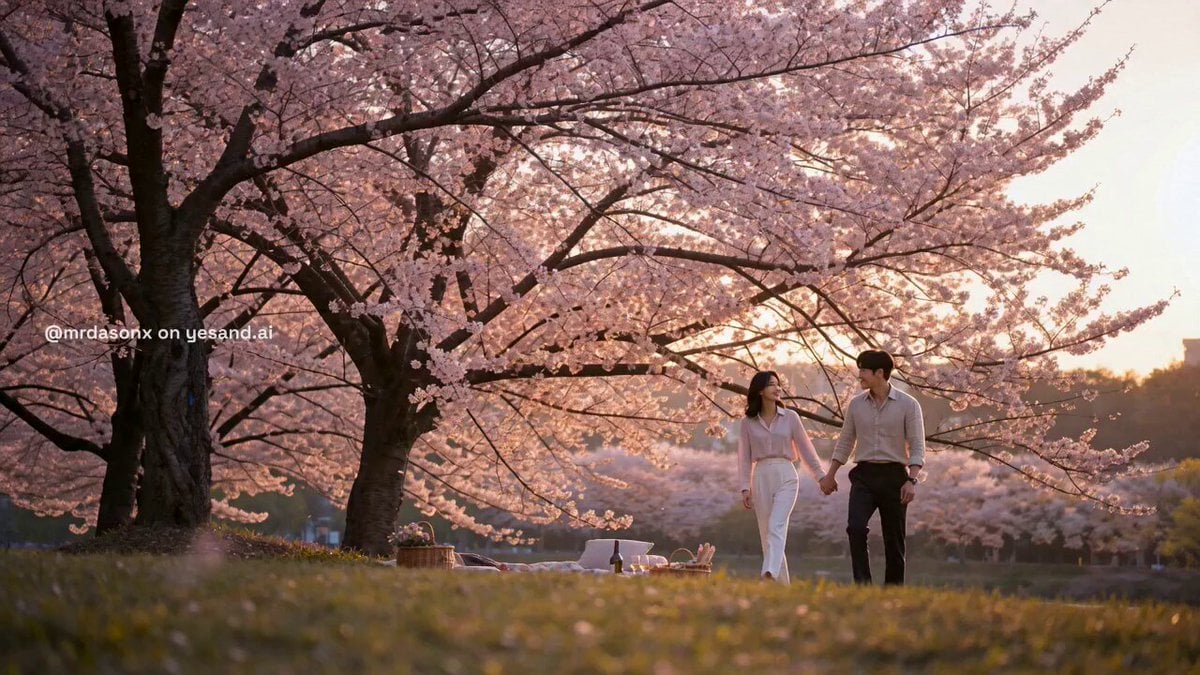
Korean Couple Sunset Picnic
Browse template categories
Cinematic Horror at Jakarta KRL Commuter Line Station questions
How do I use the Cinematic Horror at Jakarta KRL Commuter Line Station template?
Add your photo if the template asks for one, edit the prompt if you like — the template's model and format are already selected — and press Generate. Your version opens in PicX Studio.
Can I customize the Cinematic Horror at Jakarta KRL Commuter Line Station template?
Yes. You can change the subject, setting, lighting, mood, format, and available model controls before creating your video.
Is the Cinematic Horror at Jakarta KRL Commuter Line Station template free?
Opening and editing this template is free. Generating uses credits, shown on the Generate button when you are signed in.
Which AI model should I use?
Start with Seedance 2.0, which is the model associated with this template. You can compare another compatible model for a different finish.
Looking for something else? Browse all templates.

Your photo, any look
Thousands of ready templates for every top image and video model, from one credit balance.