
Train Station Lifestyle Vlog
A narrative video prompt using Seedance 2.0 to create a vertical vlog-style story about a woman at a modern train station.
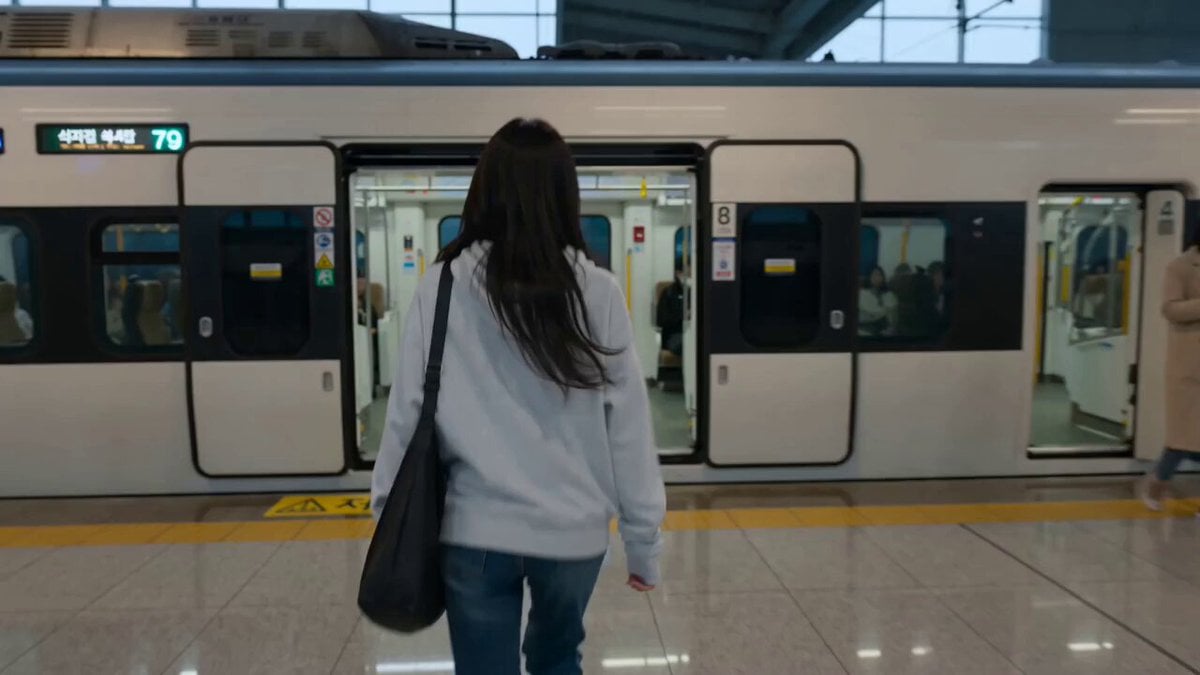
- Prompt included
- Model and format preset
- Free template
The prompt behind this video
Copy the exact prompt behind Train Station Lifestyle Vlog, or open it in the studio and make it yours.
Create a 15-second ultra-realistic vertical lifestyle video using the reference image. Keep the exact same woman, facial identity, hairstyle, outfit, body proportions, and appearance throughout. Story: A rainy afternoon at a modern train station. She walks toward the platform and notices her train leaving, slightly quickening her pace. She arrives just as the doors close and watches it depart, mildly disappointed. She exhales, gives a tiny amused smile, and checks the departure board. She discovers the next train arrives in a few minutes, relaxes, gives the camera a playful subtle shrug, then sits on a nearby bench and calmly checks her phone. Shots: Natural cinematic cuts: rear three-quarter walking shot → side platform shot → front close-up → over-the-shoulder departure board → final front tracking shot. Performance: Understated, believable acting. Emotional progression: focused → realization → mild disappointment → amusement → relief. Natural blinking, breathing, eye movement, walking, and body language. Environment: Modern clean station, rainy gray daylight through large windows, wet floor reflections, distant passengers, realistic moving train, soft station ambience. Camera & style: Authentic handheld smartphone footage, subtle camera movement, natural autofocus, realistic depth of field, photorealistic Korean lifestyle vlog aesthetic, cinematic but candid, natural skin texture and colors, 24fps. Avoid: Face/identity changes, outfit changes, exaggerated acting or running, distorted hands, extra fingers, unnatural walking, unrealistic train movement, floating objects, sudden lighting/environment changes, excessive camera shake.
How to use Train Station Lifestyle Vlog in 3 steps
- 1Upload ImagePNG, JPG or paste
Add your photo
Upload the photo the template builds on. The prompt, model and format are already set.
- 2…a portrait of your subject in softgolden-hour light, 85mm…
Personalize
Edit the subject and creative details for your destination.
- 3Generate
Generate
Press Generate — your video is created in PicX Studio, so you can compare it with the original and refine one variable at a time.
More like this
Templates with the same subject, style or setup. Open one to see its prompt.
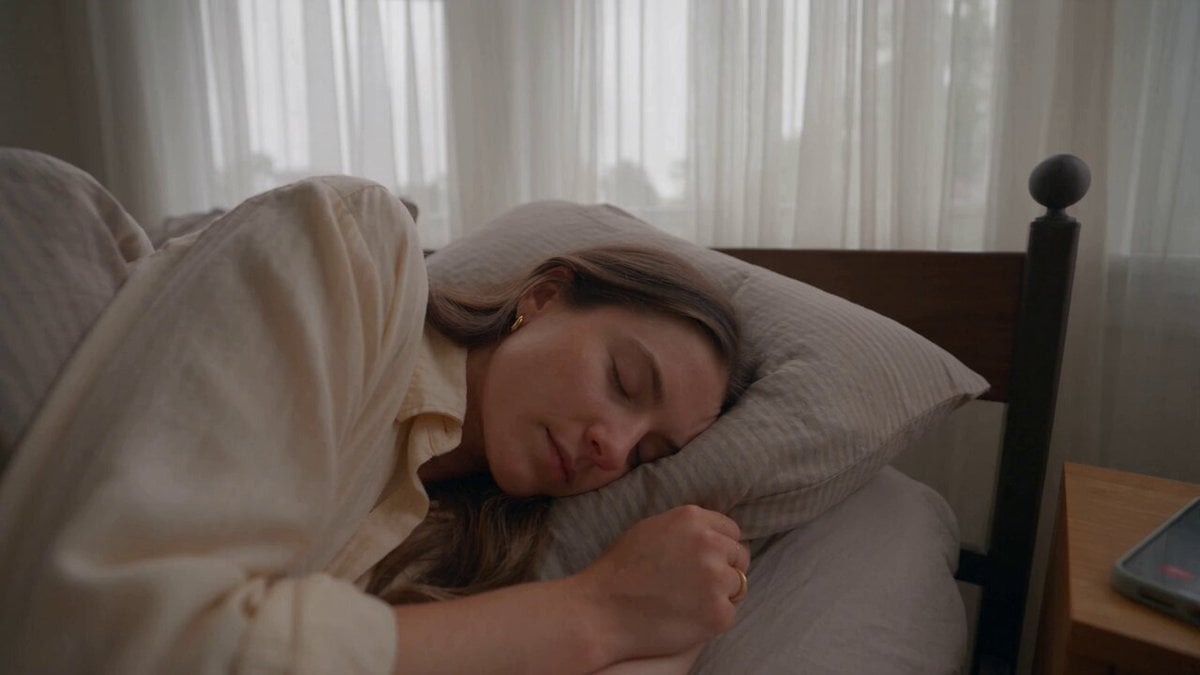
Realistic Morning Routine Lifestyle Vlog - Seedance 2.5
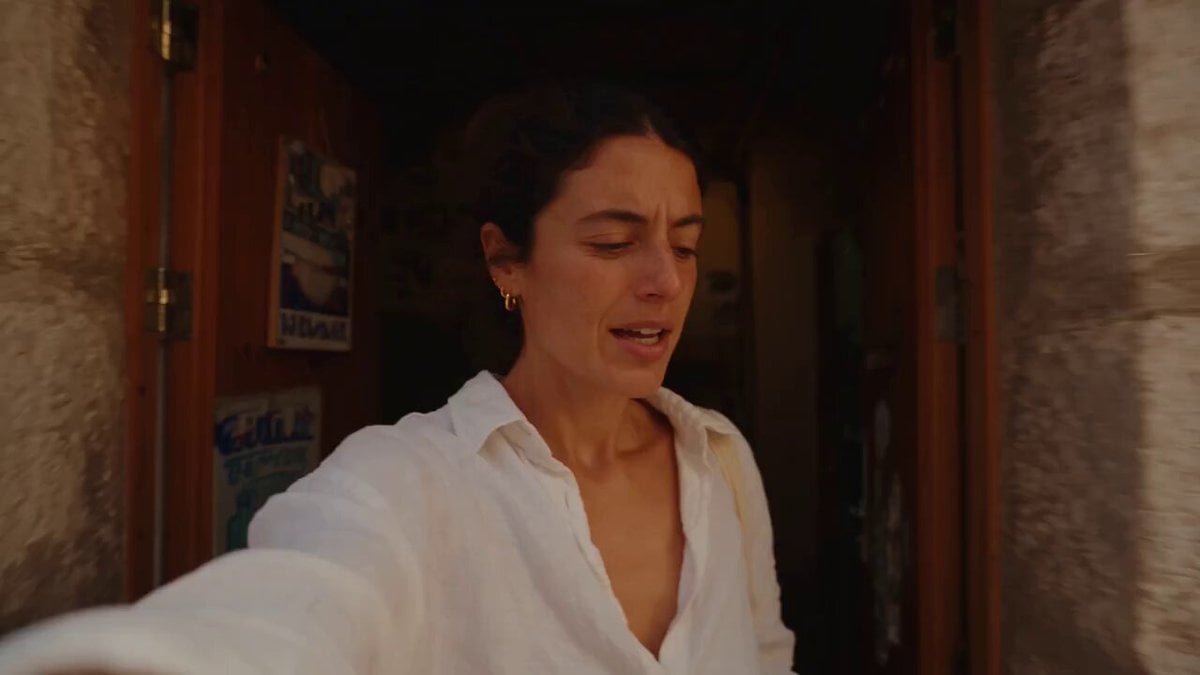
Mediterranean Morning Coffee Run Vlog (Seedance 2.5)
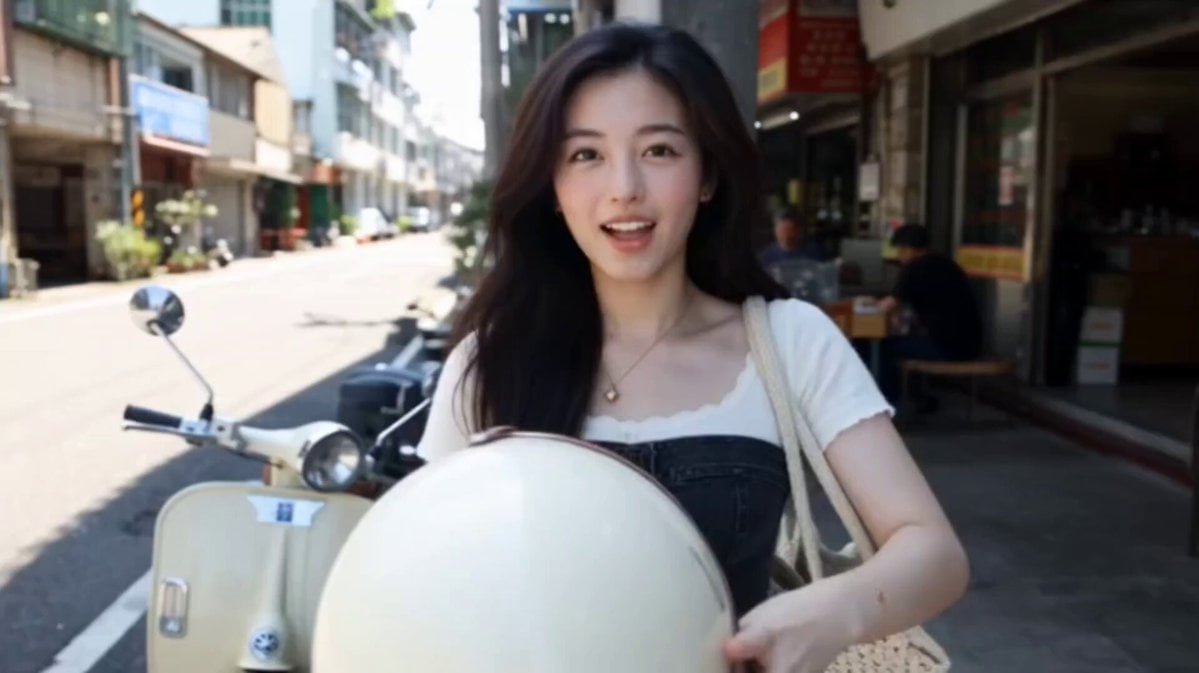
Kenting Lifestyle Travel Vlog

MiniDV Coastal Train Station Vlog

Luxury Lifestyle Day Vlog
Morning Routine Lifestyle Vlog
Mediterranean Coffee Run Vlog - Seedance 2.5

Mysterious Home Exploration Vlog - Seedance 2.5

Handheld Tokyo Travel Vlog - Seedance 2.5
Nostalgic MiniDV Convenience Store Vlog - Seedance 2.5
Nostalgic Ghibli Japanese Train Station

Luxury Airport Travel Vlog
Make it yours
Train Station Lifestyle Vlog works as-is. These are the safest ways to change it without losing the look.
Change one field
Copy a single group, rewrite it, and generate again so you can see what that field is doing.
Keep the frame, change the subject
Hold the composition and light of Train Station Lifestyle Vlog, then swap wardrobe, props or the person for a new take.
| If the result… | Why | Fix |
|---|---|---|
| The result drifts from the preview | Too many fields changed at once. | Reuse Train Station Lifestyle Vlog as-is first, then change one group — subject, light, or setting. |
| The model over-stylizes the scene | The prose prompt leaves finish and camera underspecified. | Add one camera or lighting sentence and stay on Seedance 2.0. |
More Seedance 2.0 templates
Other prompts made for Seedance 2.0.

Comical Martial Arts Punch Scene

Maglev Train Action Sequence

Martial Arts Fight Sequence

Wuxia Protection and Trust Script

Vintage Korean Arcade MiniDV Vlog

Mercedes 190 SL Luxury Ad

Rainy Night Supernatural Reverse Comedy Video Script

Amazon Civilization Discovery

Futuristic South Asian City Transformation

Cozy Luxury Cafe Commercial
More video prompts
Fresh picks from across the catalog.
Sci-Fi Anti-Gravity Rider Video
Stormy Sea Action Mutation Sequence
Stone Colossus Desert Riders — Golden Fire Reveal
Realistic City Street Story Cinematic Video - Seedance
Claude Prompt: Predictive Insights and Scenario Analysis
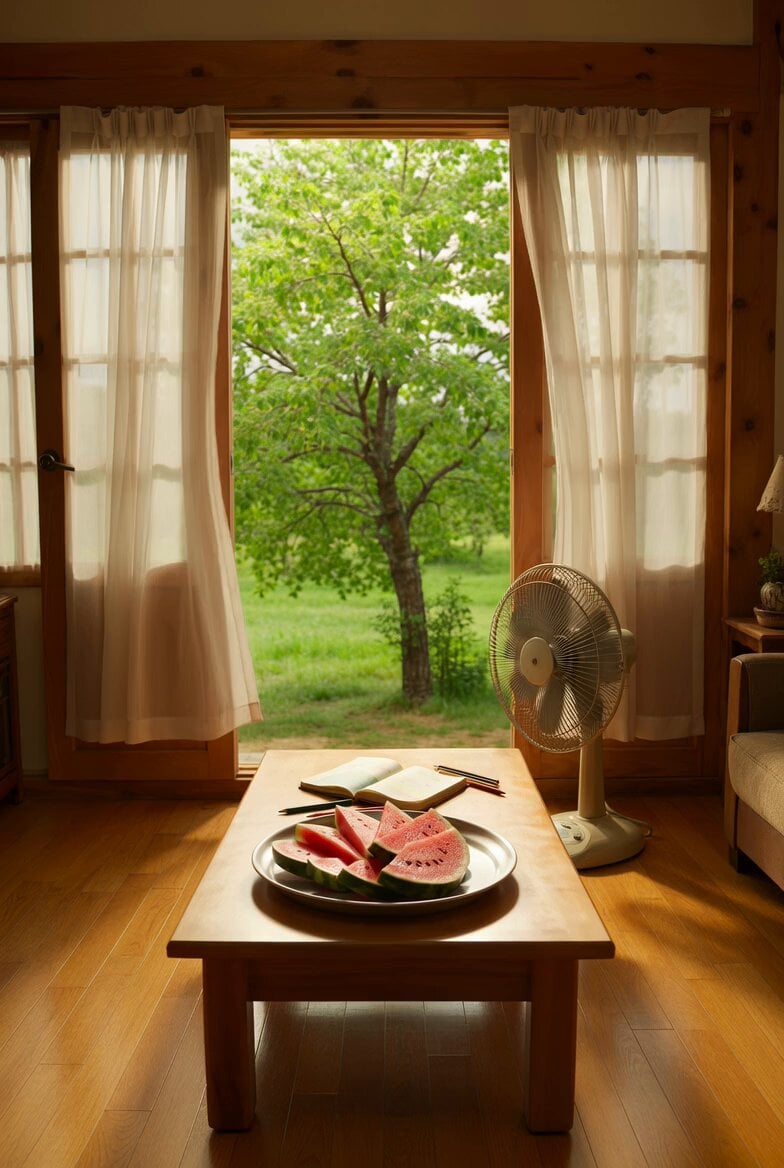
Nostalgic Korean Summer House Video

Omegle Split-Screen Interaction
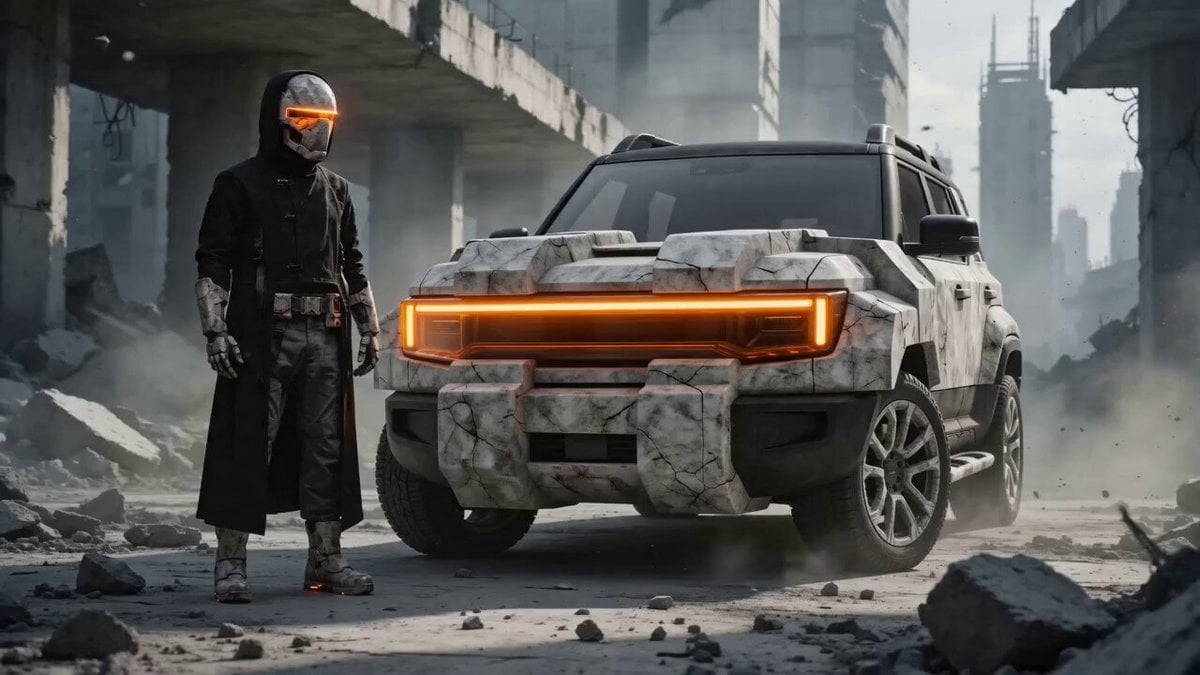
Brutalist Dystopian SUV Escape

90s Anime Telekinetic Supervillain

Desert Truck Racing Action Sequence
Browse template categories
Train Station Lifestyle Vlog questions
How do I use the Train Station Lifestyle Vlog template?
Add your photo if the template asks for one, edit the prompt if you like — the template's model and format are already selected — and press Generate. Your version opens in PicX Studio.
Can I customize the Train Station Lifestyle Vlog template?
Yes. You can change the subject, setting, lighting, mood, format, and available model controls before creating your video.
Is the Train Station Lifestyle Vlog template free?
Opening and editing this template is free. Generating uses credits, shown on the Generate button when you are signed in.
Which AI model should I use?
Start with Seedance 2.0, which is the model associated with this template. You can compare another compatible model for a different finish.
Looking for something else? Browse all templates.

Your photo, any look
Thousands of ready templates for every top image and video model, from one credit balance.