
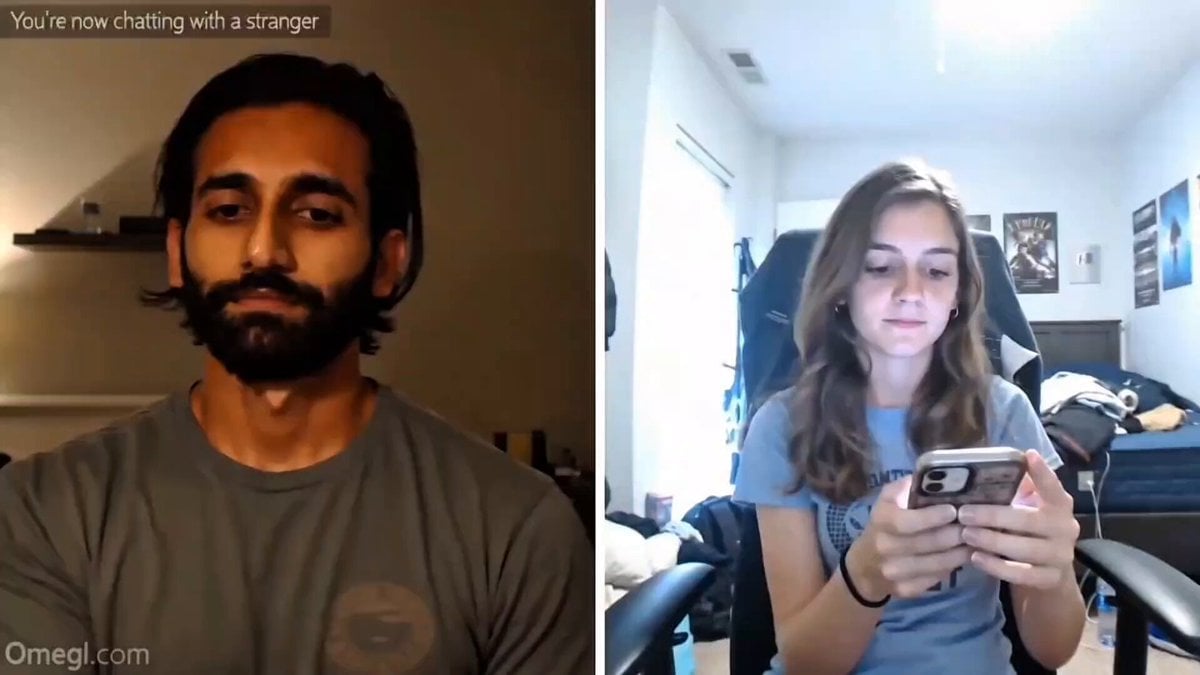
Omegle Split-Screen Interaction
A highly complex prompt for simulating a realistic Omegle video call interaction with specific character movements, props, and technical artifacts for high realism.

- Prompt included
- Model and format preset
- Free template
The prompt behind this video
Copy the exact prompt behind Omegle Split-Screen Interaction, or open it in the studio and make it yours.
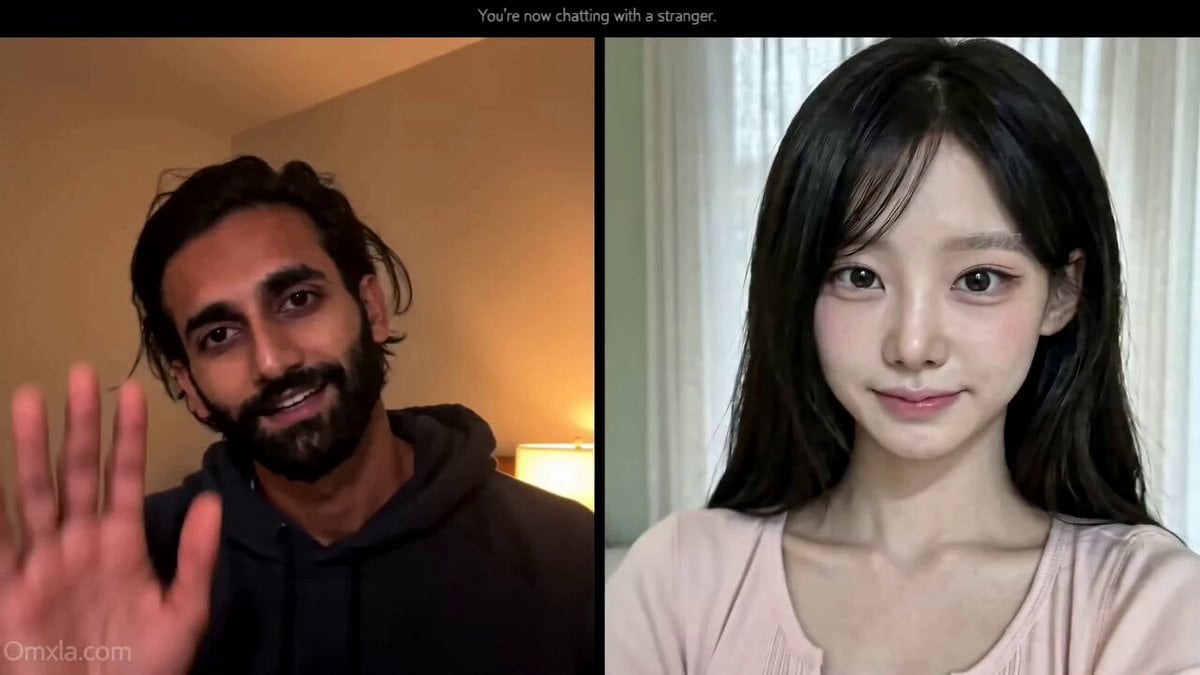
Horizontal 16:9 screen-recorded Omegle session, split-screen layout, LEFT panel shows a young South Asian male content creator in a casual fit sitting in a clean indoor room with sharp 4K webcam quality, natural skin texture, soft ambient lighting and subtle idle micro-movement, RIGHT panel flashes 0.2 seconds of black loading screen then instantly snaps to a remarkably beautiful Korean girl in her early 20s with a casual home setting and messy real room behind her, slight surprise expression as she realizes she just connected, creator on left gives a small casual wave and says hi how are you, she adjusts her phone angle causing compression artifacts to spike, says good with a small smile, creator then holds up a plain slightly bent A5 white paper with the blank side fully facing the webcam, handwritten text hidden on the reverse side not visible to camera, he says say anything random in a calm casual tone, Korean girl tilts her head thinks for one beat then says hair dryer, creator stays completely neutral with no smirk, then slowly rotates the paper 180 degrees toward the webcam revealing bold handwritten black marker text reading HAIR DRYER in slightly uneven casual real-looking handwriting, paper occupies center-left of frame with creator's calm face visible above it, no zoom no VFX just a slow deliberate rotation, Korean girl does an immediate double-take with her hand flying to her mouth, wide eyes, pulls phone closer causing autofocus to briefly rack out and compression artifacts to spike, she says no way this is AI in genuine disbelief, creator sets the paper down leans back slightly and gives a small quiet knowing exhale-laugh, minimal and unperformed, then right panel flashes gray Omegle text reading stranger has disconnected followed by 0.2 seconds of black loading then a random guy in his mid-30s with a confused expression instantly pops up on the right panel, creator glances at him gives the same small quiet laugh then looks back at the camera, hard cut to black, Omegle logo watermark bottom-left throughout, Stranger label top-right of right panel, skip button visible bottom-right, live call timer running, HEVC compression artifacts and handheld phone shake on right panel throughout, light screen-recording grain overlay on full frame, no beauty filter, no cinematic lighting, no AI skin, no plastic texture, hyper-realistic.
How to use Omegle Split-Screen Interaction in 3 steps
- 1
Open
The prompt is already in the box next to the preview, with the template's model and format selected.
- 2…a portrait of your subject in softgolden-hour light, 85mm…
Personalize
Edit the subject and creative details for your destination.
- 3Generate
Generate
Press Generate — your video is created in PicX Studio, so you can compare it with the original and refine one variable at a time.
More like this
Templates with the same subject, style or setup. Open one to see its prompt.
Omegle Style Split Screen Magic
Emotional Breakdown and Fabric Interaction - Seedance 2.5
Synchronized Split-Screen Racing Video
Human and AI Collaboration Split-Screen
Daily Routine Split-Screen Comparison
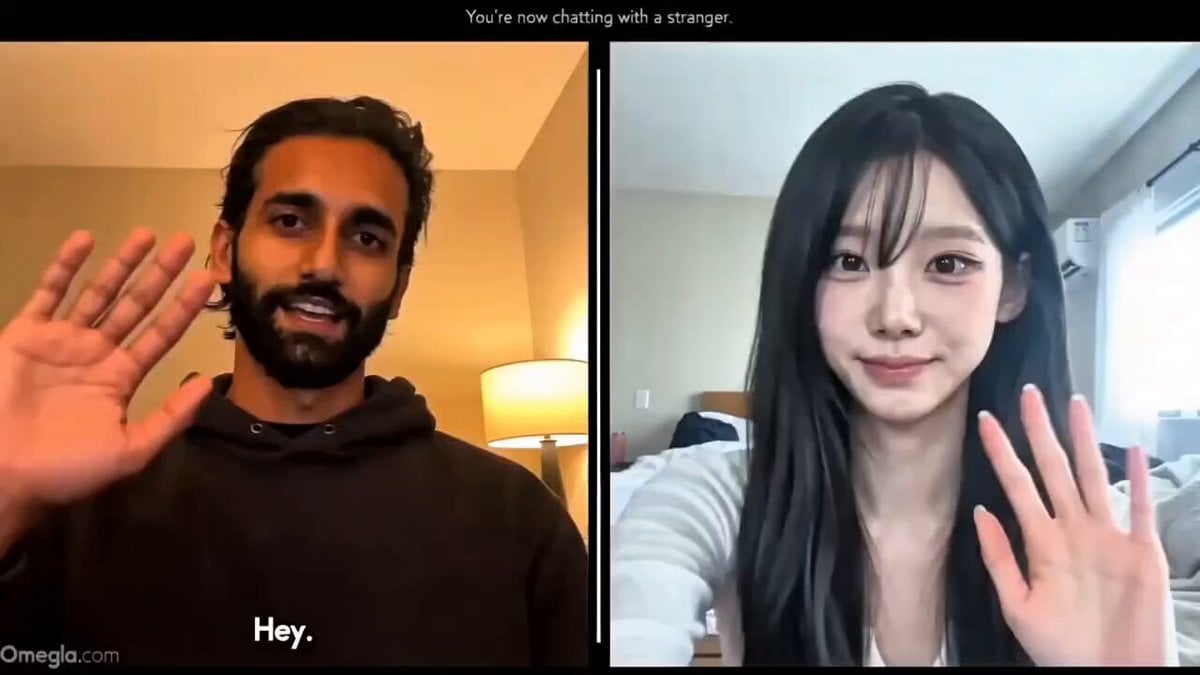
Realistic Omegle Chat Interaction
Jeep Speeding Off-Screen Action
4DX Cinema ScreenX Master Prompt
Cosplay Gaming Loading Screen
Hippo Boat Split Charge

Soccer Motion Screen Shatter
Omegle Conversation Reveal
Make it yours
Omegle Split-Screen Interaction works as-is. These are the safest ways to change it without losing the look.
Change one field
Copy a single group, rewrite it, and generate again so you can see what that field is doing.
Keep the frame, change the subject
Hold the composition and light of Omegle Split-Screen Interaction, then swap wardrobe, props or the person for a new take.
| If the result… | Why | Fix |
|---|---|---|
| The result drifts from the preview | Too many fields changed at once. | Reuse Omegle Split-Screen Interaction as-is first, then change one group — subject, light, or setting. |
| The model over-stylizes the scene | The prose prompt leaves finish and camera underspecified. | Add one camera or lighting sentence and stay on Seedance 2.0. |
More Seedance 2.0 templates
Other prompts made for Seedance 2.0.

Comical Martial Arts Punch Scene

Maglev Train Action Sequence

Martial Arts Fight Sequence

Wuxia Protection and Trust Script

Vintage Korean Arcade MiniDV Vlog

Mercedes 190 SL Luxury Ad

Rainy Night Supernatural Reverse Comedy Video Script

Amazon Civilization Discovery

Futuristic South Asian City Transformation

Cozy Luxury Cafe Commercial
More video prompts
Fresh picks from across the catalog.
Ghibli Inspired Starbucks Commercial
Woman and Robot in Space
K-pop Style Dance MV in Tokyo
Studio Ghibli Inspired Rainy Garden
Woman Staring Out Window Video Prompt
Wings of Amethyst Fire
Cyber Warrior Mech Combat
Pink Lipstick 3D Product Commercial
Giant Prehistoric Beast Wakes Up in the Desert
Beat-Synced Routine Video Prompt with Character Reference
Browse template categories
Omegle Split-Screen Interaction questions
How do I use the Omegle Split-Screen Interaction template?
Add your photo if the template asks for one, edit the prompt if you like — the template's model and format are already selected — and press Generate. Your version opens in PicX Studio.
Can I customize the Omegle Split-Screen Interaction template?
Yes. You can change the subject, setting, lighting, mood, format, and available model controls before creating your video.
Is the Omegle Split-Screen Interaction template free?
Opening and editing this template is free. Generating uses credits, shown on the Generate button when you are signed in.
Which AI model should I use?
Start with Seedance 2.0, which is the model associated with this template. You can compare another compatible model for a different finish.
Looking for something else? Browse all templates.

Your photo, any look
Thousands of ready templates for every top image and video model, from one credit balance.