
Cyber Warrior Mech Combat
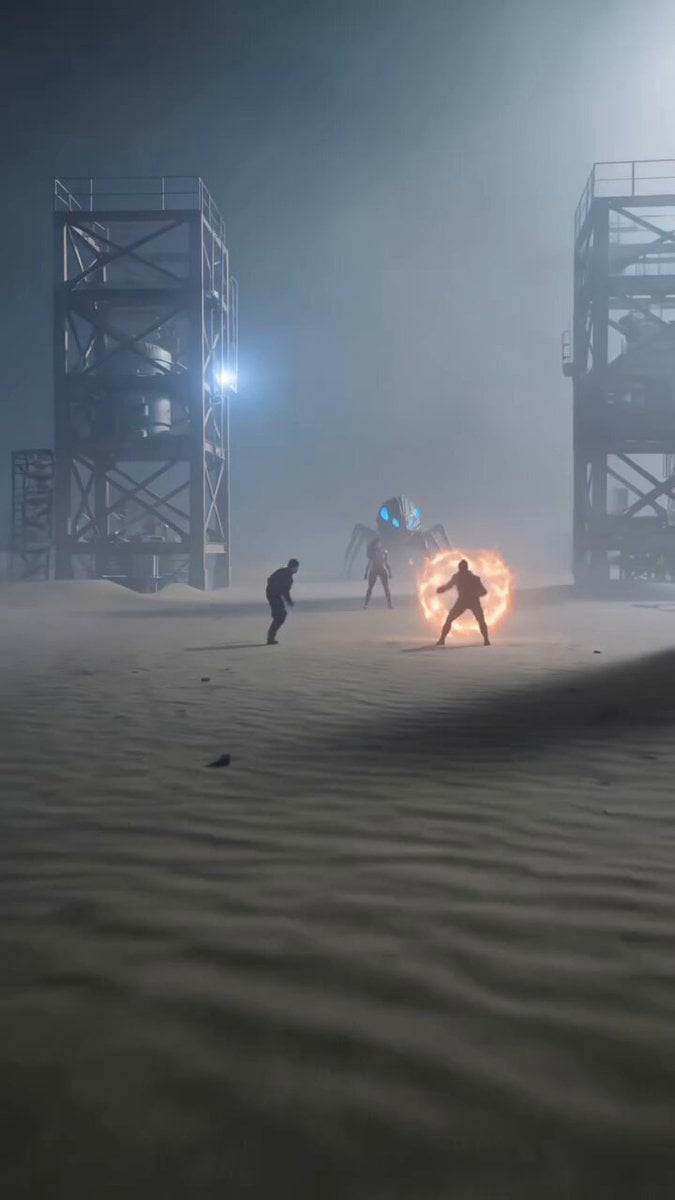
A detailed sci-fi action prompt featuring martial arts combat, energy shields, and a female cyber-warrior with a spider mech in a desert setting.
- Prompt included
- Model and format preset
- Free template
The prompt behind this video
Copy the exact prompt behind Cyber Warrior Mech Combat, or open it in the studio and make it yours.
A cinematic, action-packed CGI sci-fi sequence set in a dusty desert outpost surrounded by large metal industrial scaffolding towers under a hazy, foggy sky. Two male martial arts fighters are locked in combat, one wielding glowing fiery orange energy shields and blast rings. Standing between them is a powerful East Asian female cyber-warrior in high-tech black and gold metallic body armor alongside a large, glowing blue-eyed mechanical spider mech. The camera cuts to an intense close-up of the female warrior's face, showcasing her long black hair, luminous white glowing rings around her pupils, and glowing orange circuitry veins running down her neck and collarbone. She charges forward through the sand, leaps high into the air, and transforms into a fiery orange energy shockwave ring as she flies across the sky. A small blue-lit robotic spider burrows into the desert sand, and she crashes down directly onto it with a massive fiery explosion impact. As the flames and dust clear, she rises into a dramatic superhero crouch in a sand crater, wind blowing through her hair. Hyper-realistic 8k resolution, photorealistic visual effects, high-contrast cinematic color grading, motion blur, volumetric fog, dynamic action movie aesthetic, shot on 35mm lens, 9:16 vertical ratio.
How to use Cyber Warrior Mech Combat in 3 steps
- 1
Open
The prompt is already in the box next to the preview, with the template's model and format selected.
- 2…a portrait of your subject in softgolden-hour light, 85mm…
Personalize
Edit the subject and creative details for your destination.
- 3Generate
Generate
Press Generate — your video is created in PicX Studio, so you can compare it with the original and refine one variable at a time.
More like this
Templates with the same subject, style or setup. Open one to see its prompt.
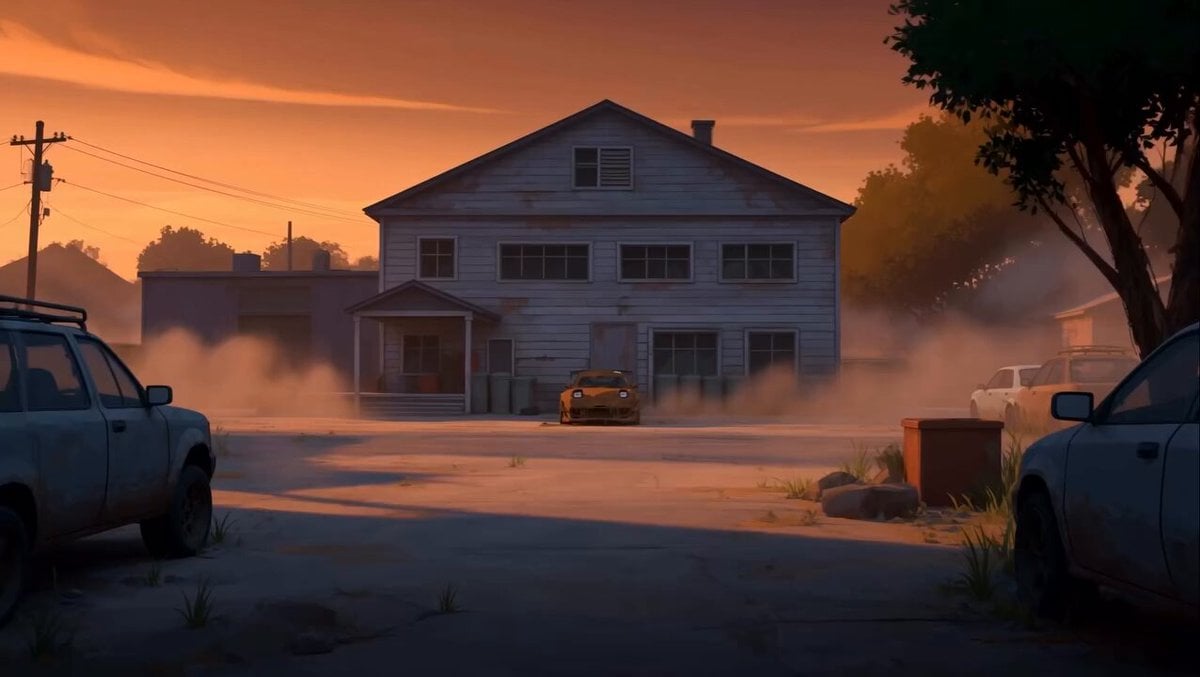
RX-7 to Mech Transformation Cyberpunk
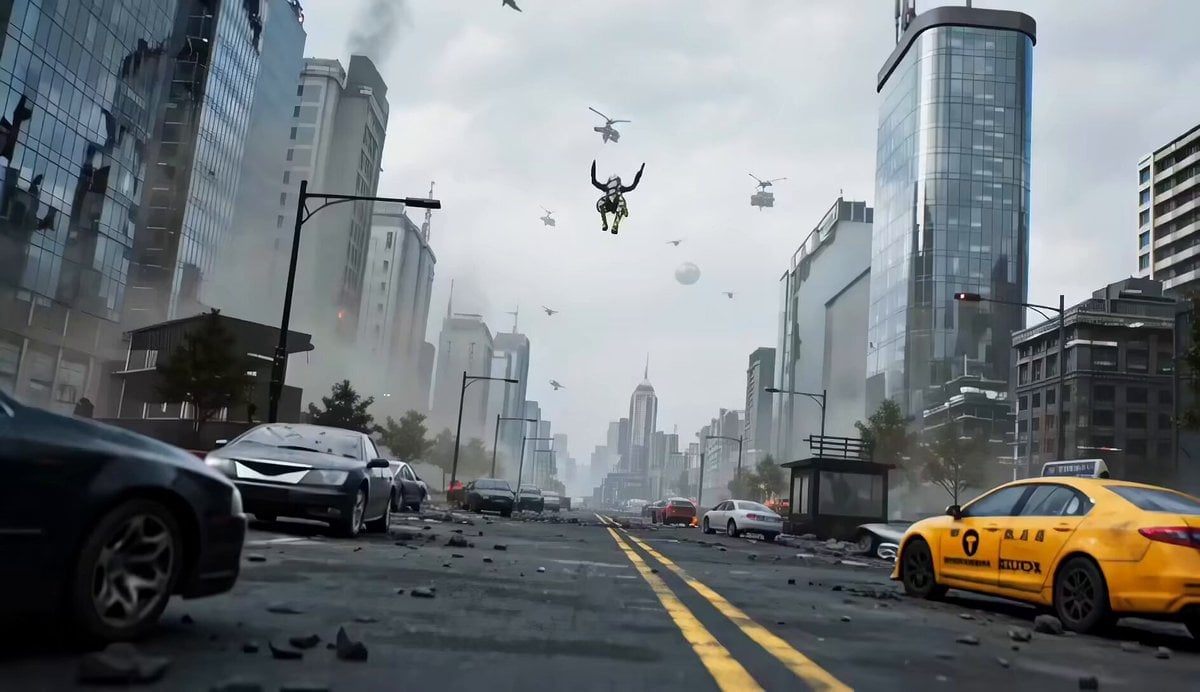
Mecha vs Titan Dragon Cinematic Combat
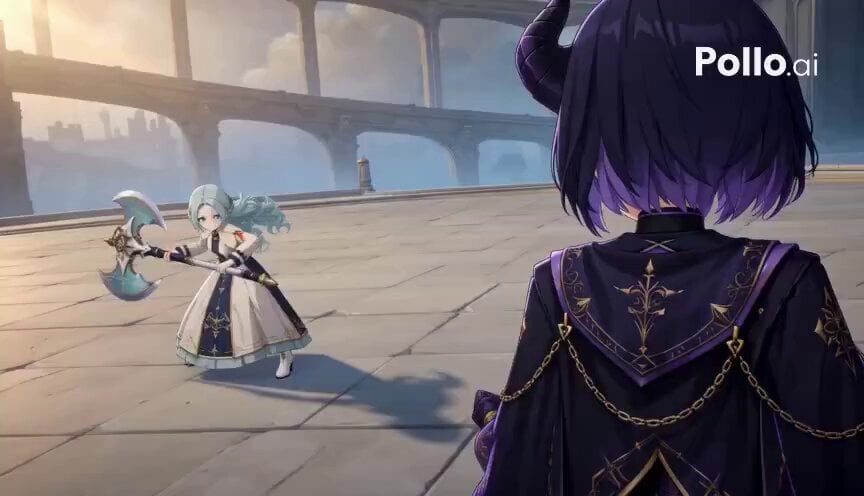
3D Toon Warrior Combat
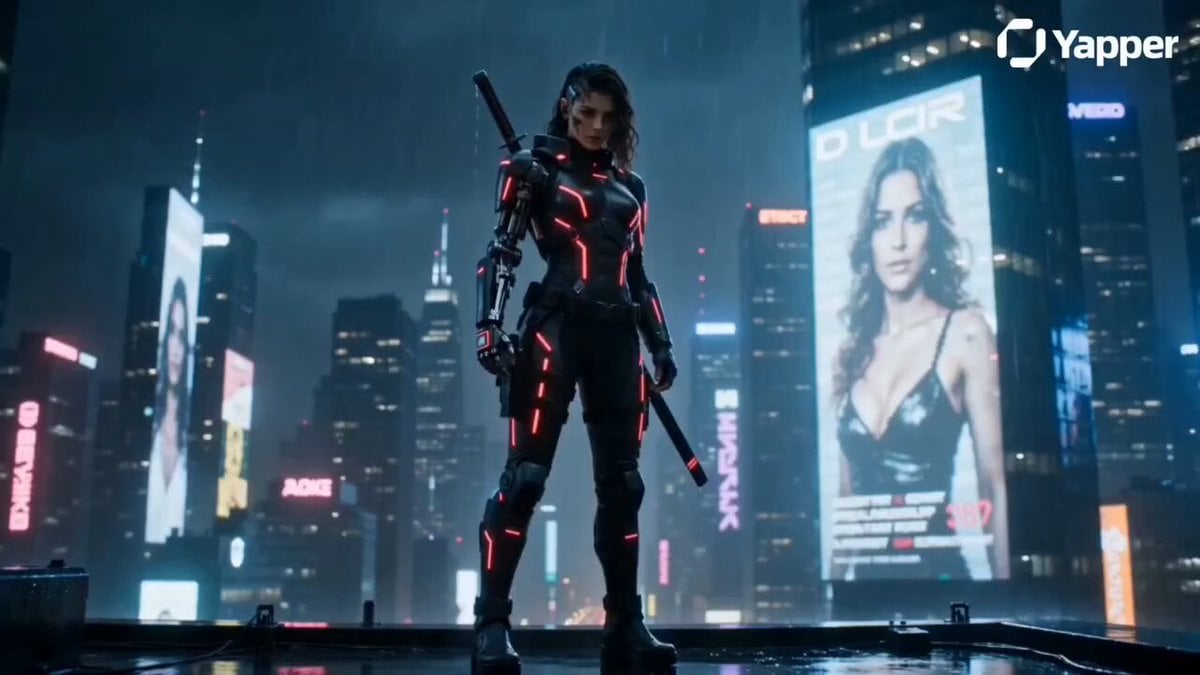
Cyberpunk Warrior Narrative
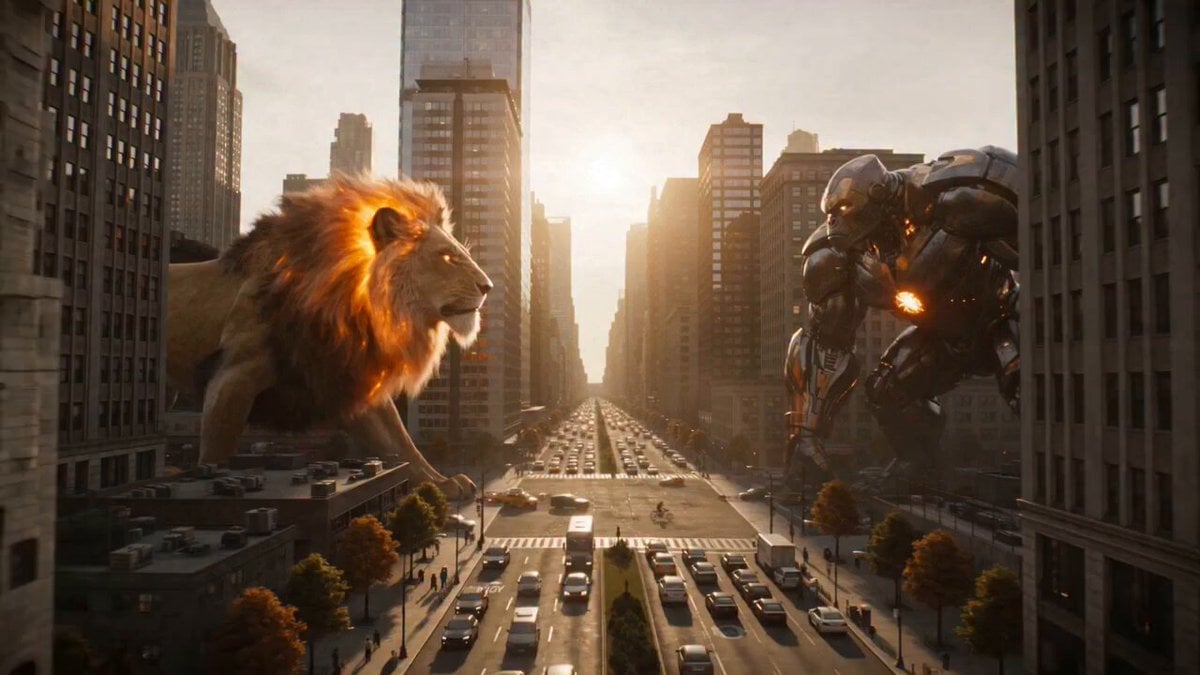
Fire Lion vs Mech Warrior
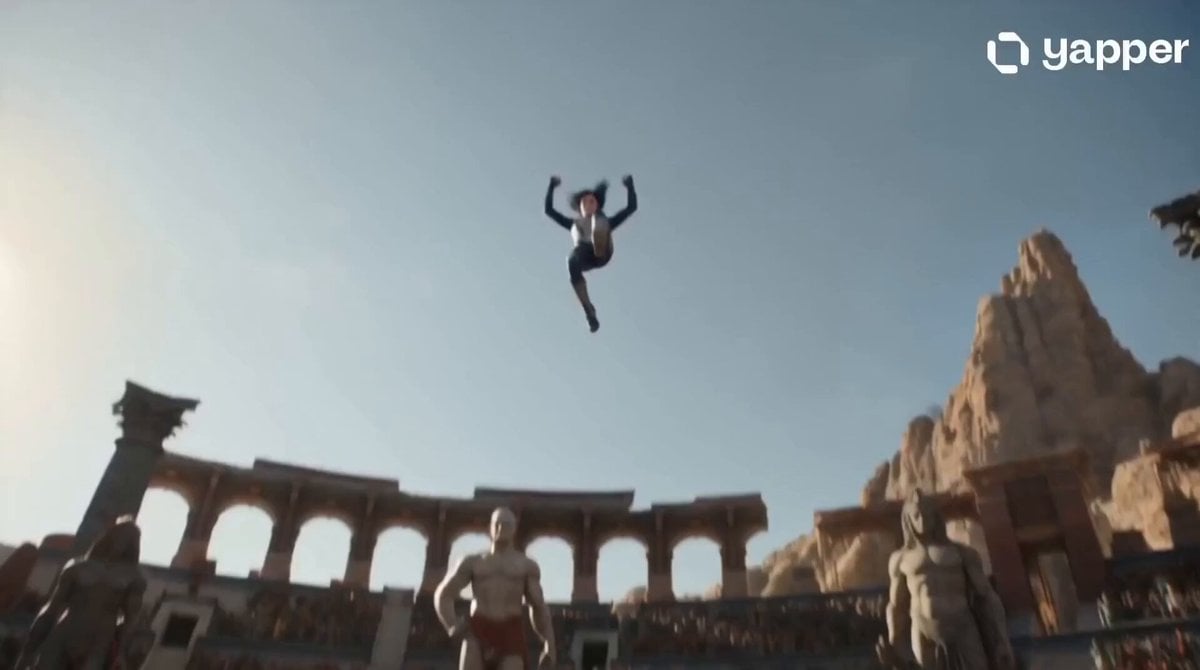
Celestial Warrior Combat Scene
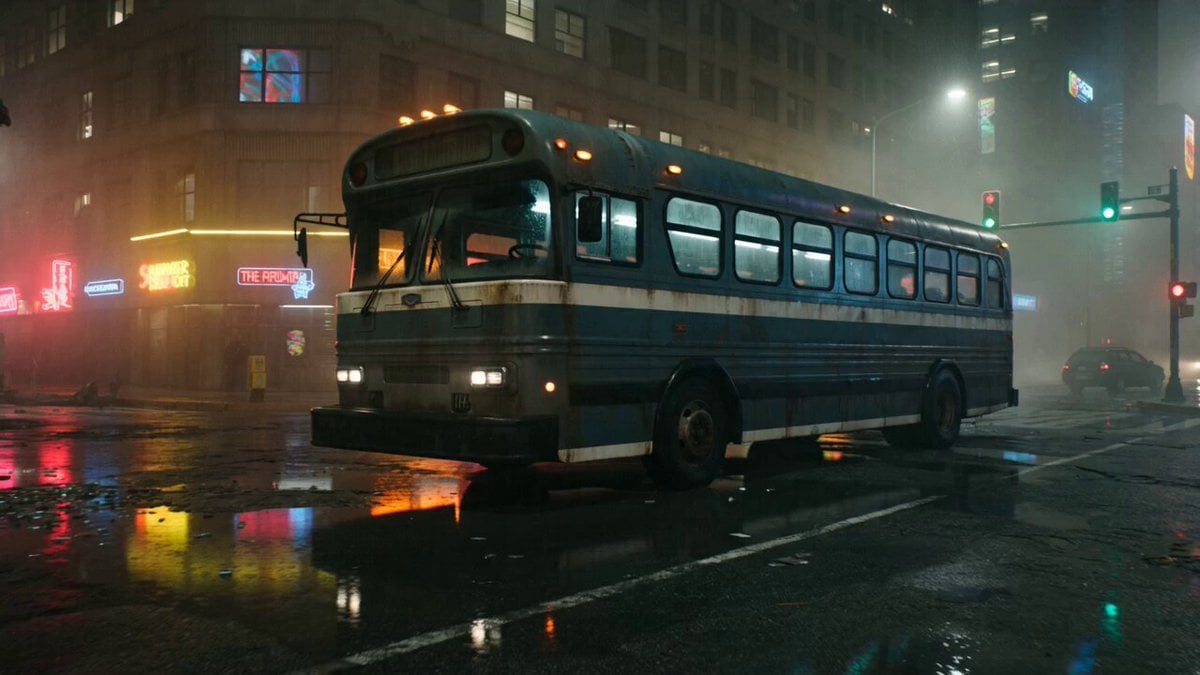
Gritty Cyberpunk Mecha Transformation
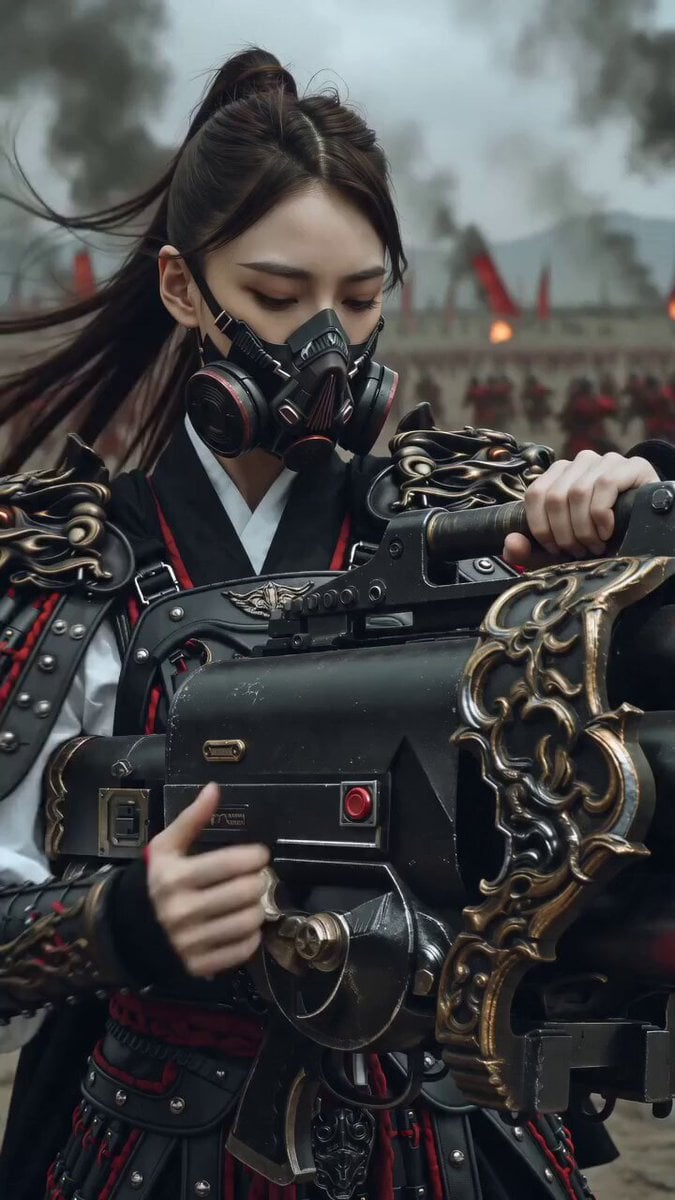
East Asian Female Warrior Mecha Transformation
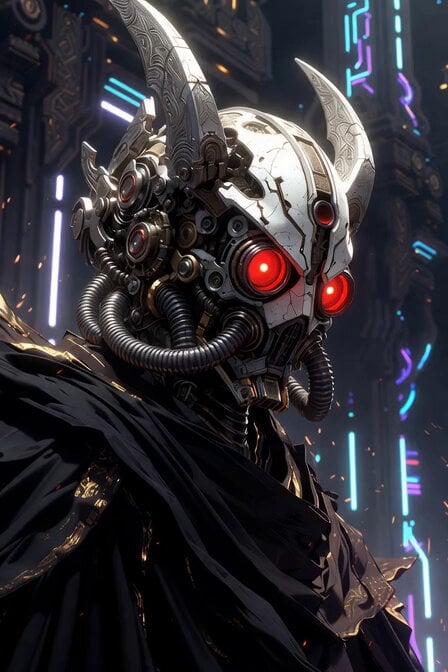
Sacred Cyber Warrior Transformation
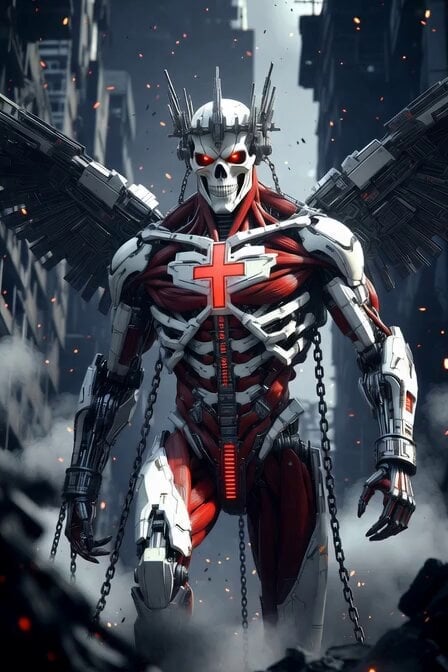
Cybernetic Skeleton Warrior Cinematic
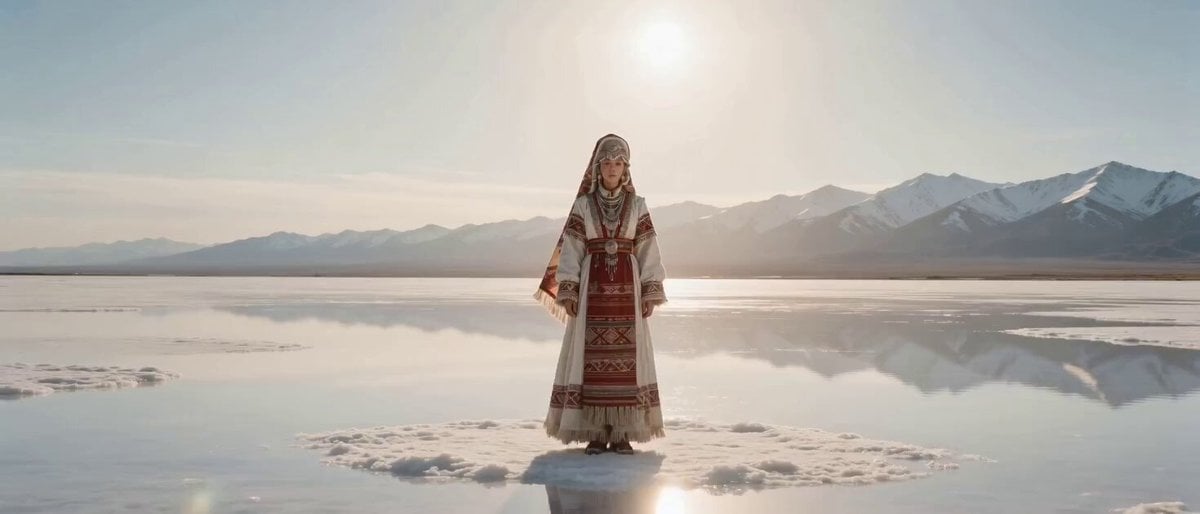
Sci-Fi Transformation Scene: Ancient Goddess to Cyberpunk Warrior
Cinematic Mecha Warrior in Wuxia Style Video Prompt
Make it yours
Cyber Warrior Mech Combat works as-is. These are the safest ways to change it without losing the look.
Change one field
Copy a single group, rewrite it, and generate again so you can see what that field is doing.
Keep the frame, change the subject
Hold the composition and light of Cyber Warrior Mech Combat, then swap wardrobe, props or the person for a new take.
| If the result… | Why | Fix |
|---|---|---|
| The result drifts from the preview | Too many fields changed at once. | Reuse Cyber Warrior Mech Combat as-is first, then change one group — subject, light, or setting. |
| The model over-stylizes the scene | The prose prompt leaves finish and camera underspecified. | Add one camera or lighting sentence and stay on Seedance 2.0. |
More Seedance 2.0 templates
Other prompts made for Seedance 2.0.

Comical Martial Arts Punch Scene

Maglev Train Action Sequence

Martial Arts Fight Sequence

Wuxia Protection and Trust Script

Vintage Korean Arcade MiniDV Vlog

Mercedes 190 SL Luxury Ad

Rainy Night Supernatural Reverse Comedy Video Script

Amazon Civilization Discovery

Futuristic South Asian City Transformation

Cozy Luxury Cafe Commercial
More video prompts
Fresh picks from across the catalog.
Prompt: VIDEO RECONSTRUCTION METADATA - Duration:
Romantic Bedroom Selfie Vlog
Boxing Gym Character Reference
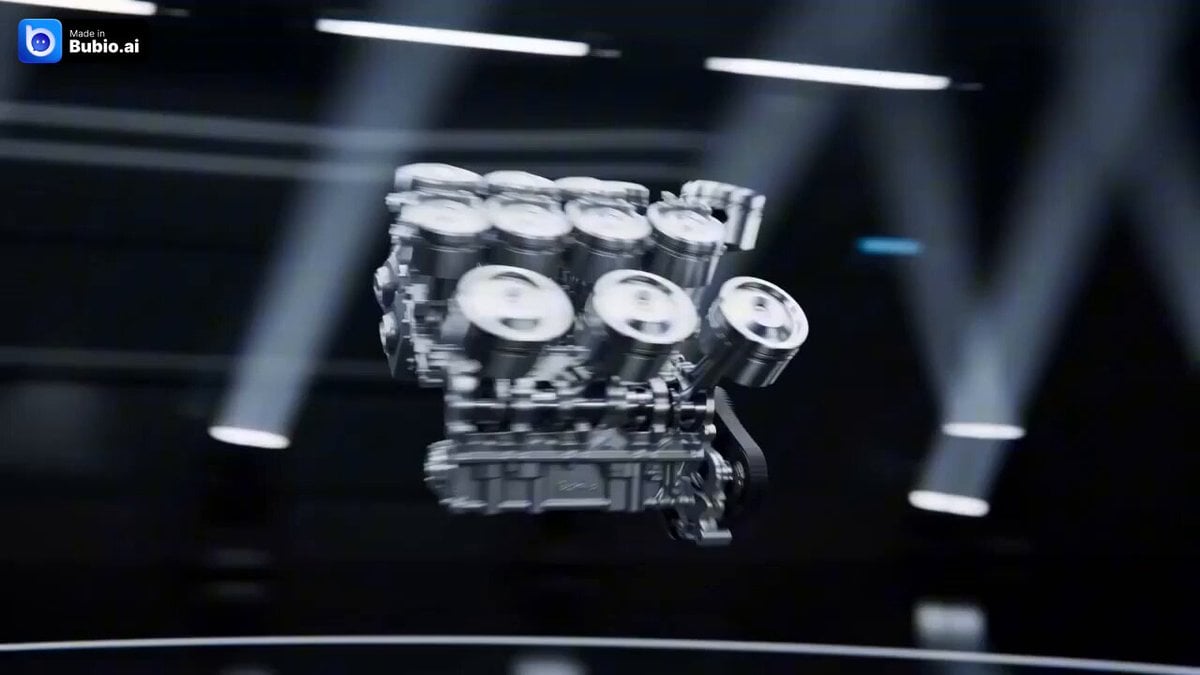
Futuristic Lamborghini Assembly Commercial Prompt
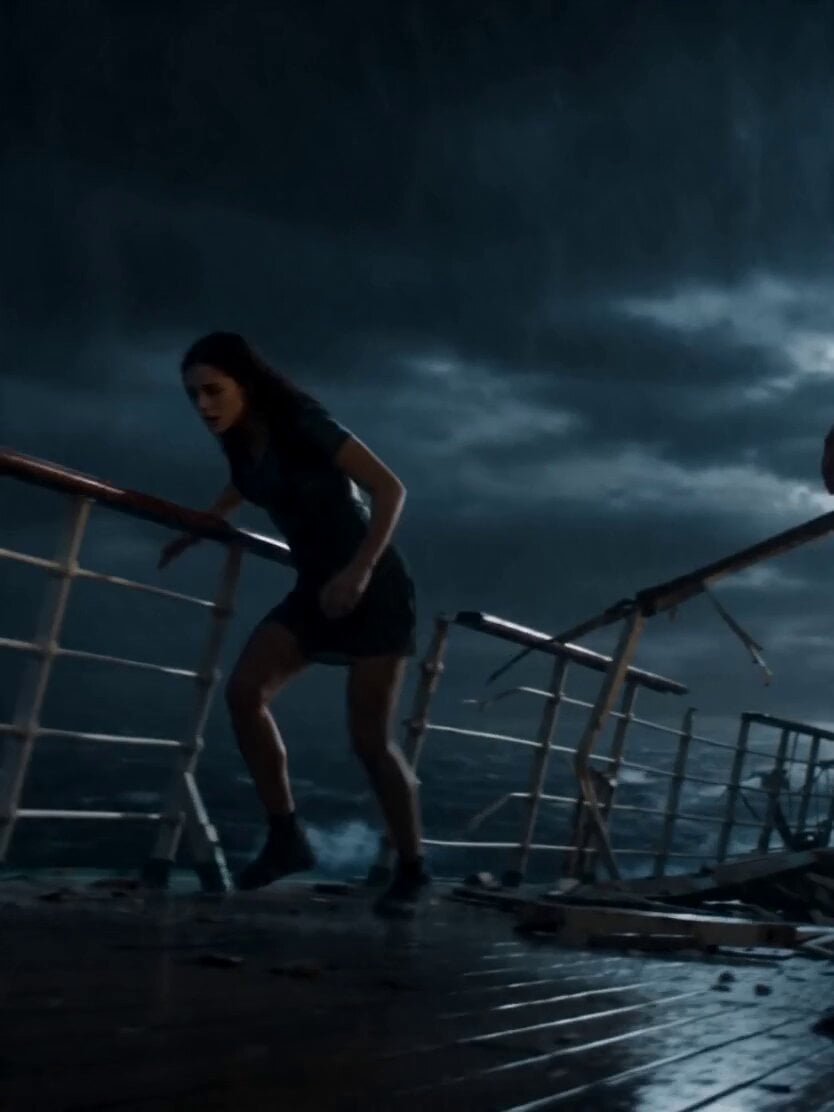
Stormy Sea Action Mutation Sequence
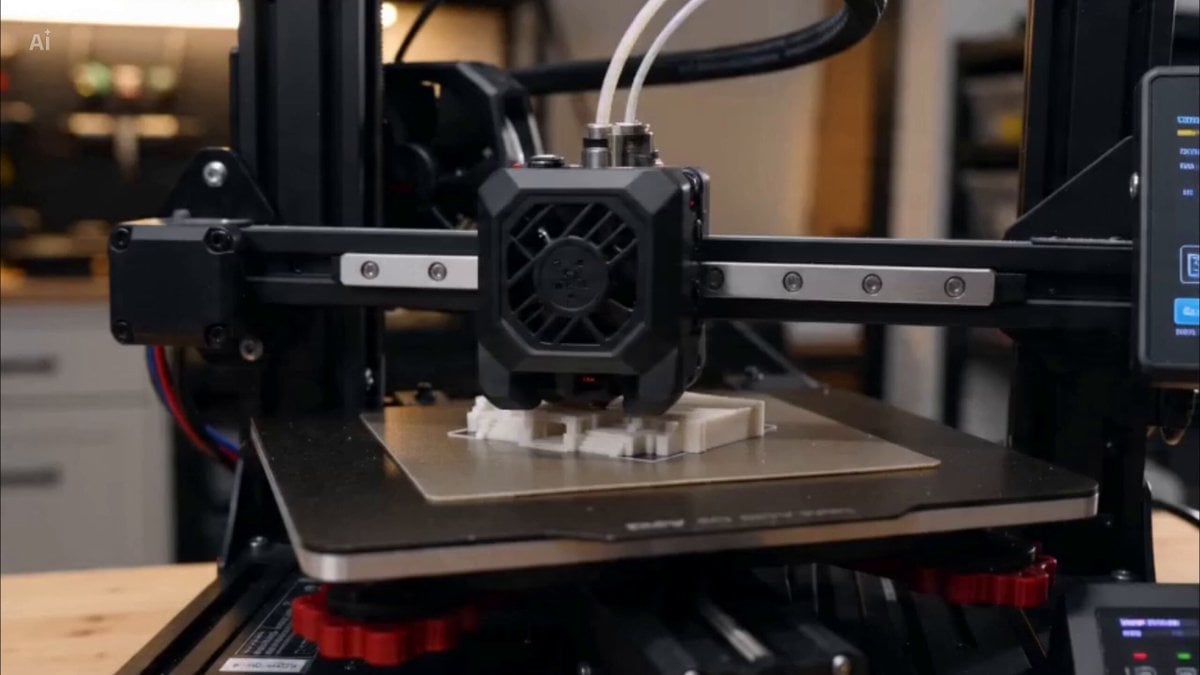
3D Printer Time-lapse Prompt
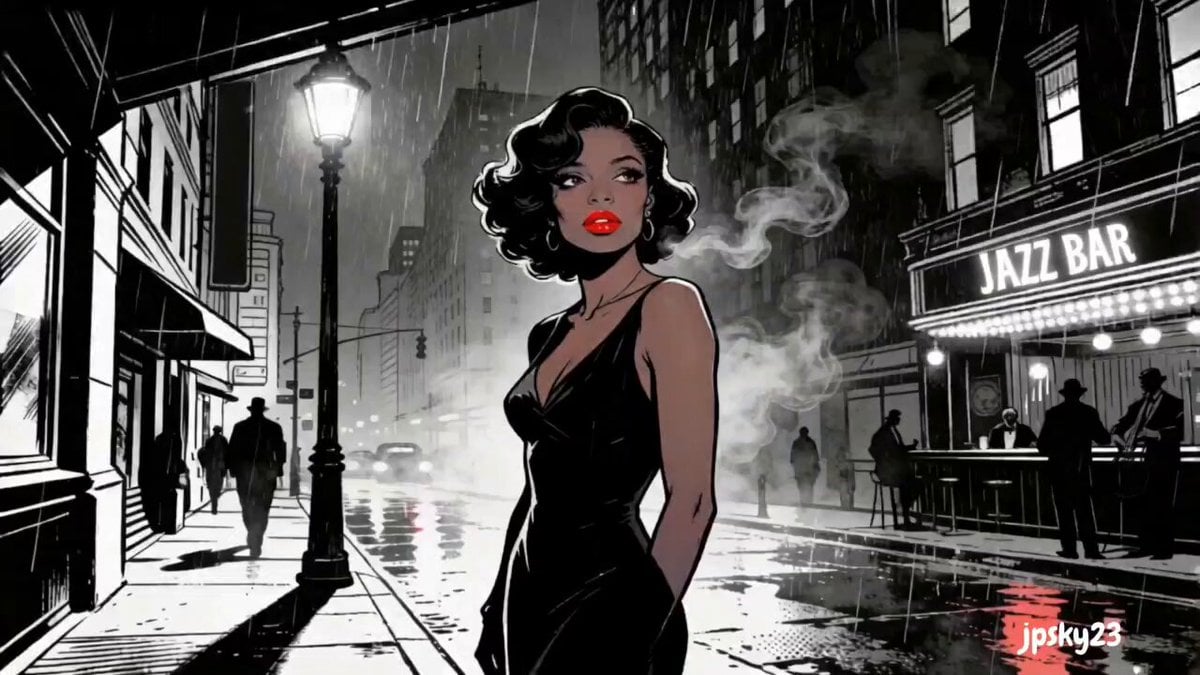
Cinematic Rainy Sidewalk Meeting

Seedance 2.0 prompt for a premium lifestyle commercial video
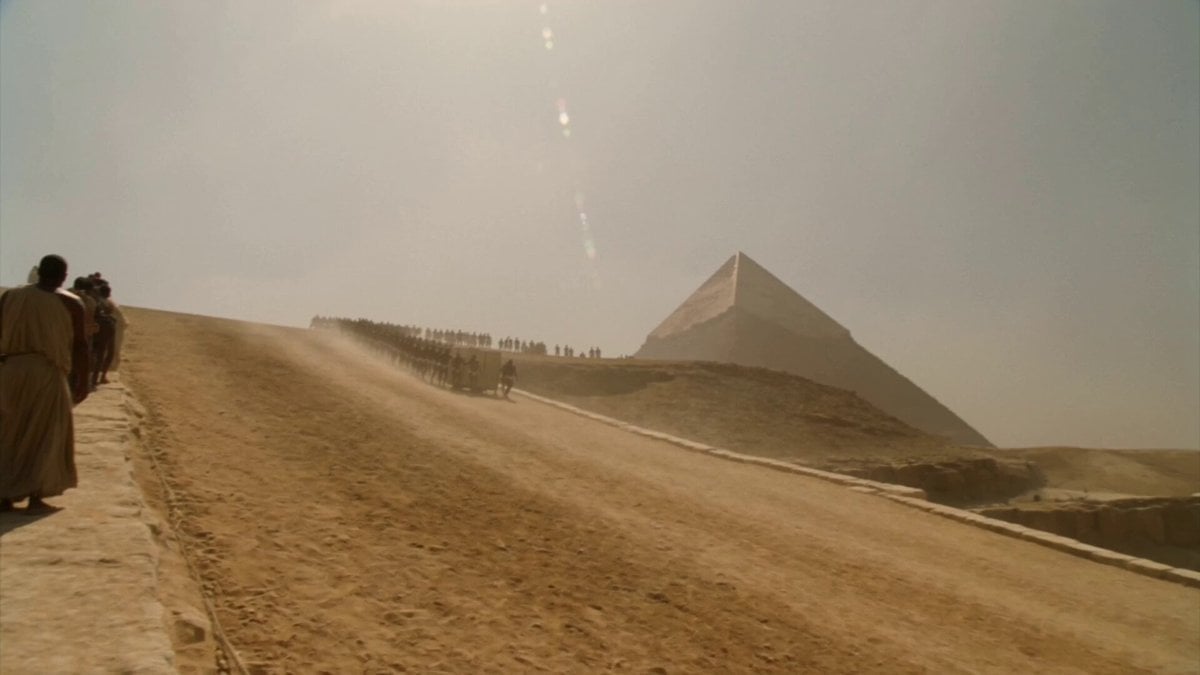
Great Pyramid Construction Documentary Footage

Justice Scale and Coffee
Browse template categories
Cyber Warrior Mech Combat questions
How do I use the Cyber Warrior Mech Combat template?
Add your photo if the template asks for one, edit the prompt if you like — the template's model and format are already selected — and press Generate. Your version opens in PicX Studio.
Can I customize the Cyber Warrior Mech Combat template?
Yes. You can change the subject, setting, lighting, mood, format, and available model controls before creating your video.
Is the Cyber Warrior Mech Combat template free?
Opening and editing this template is free. Generating uses credits, shown on the Generate button when you are signed in.
Which AI model should I use?
Start with Seedance 2.0, which is the model associated with this template. You can compare another compatible model for a different finish.
Looking for something else? Browse all templates.

Your photo, any look
Thousands of ready templates for every top image and video model, from one credit balance.