How do I use the Cybernetic Skeleton Warrior Cinematic template?
Edit the prompt in the box under the preview — the template's model and format are already selected — and press Generate. Your version appears right on this page.
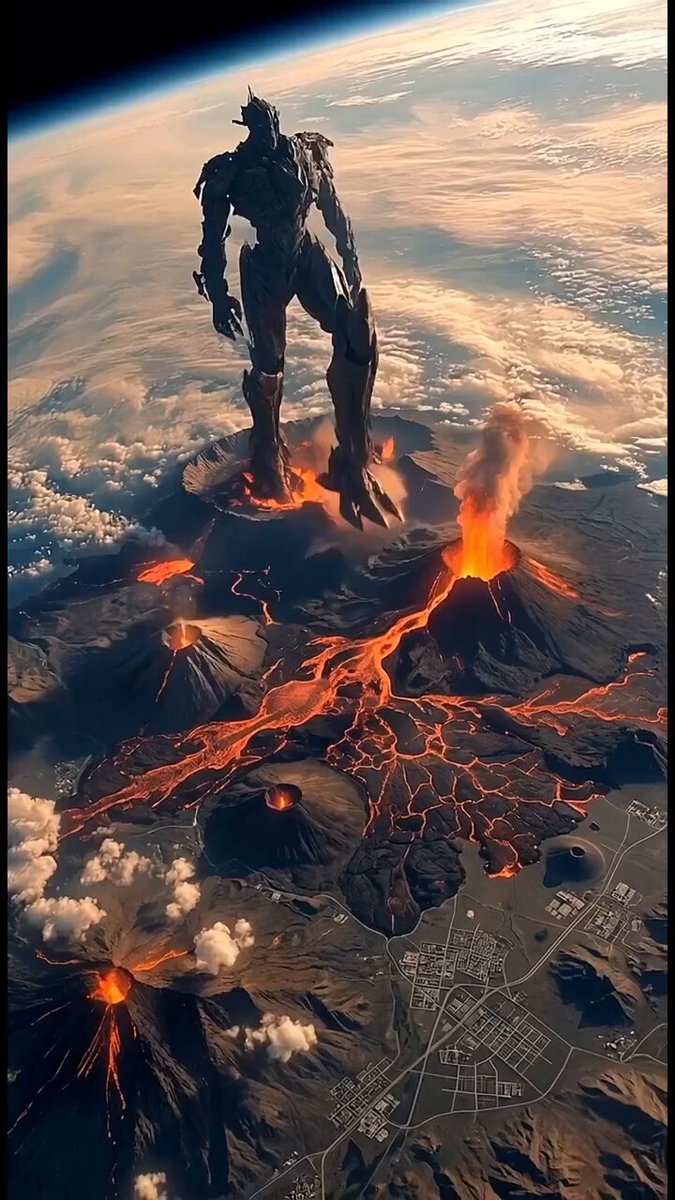
An epic sci-fi prompt for a biomechanical warrior advancing through a cyberpunk city, featuring heavy atmospheric details like raining ash and neon reflections.
Cinematic 6-second photorealistic video, next-level Transformers-style sci-fi cyberpunk masterpiece. A colossal biomechanical cyber-skeleton warrior with glowing red eyes, razor-sharp metallic skull face, and a crown of jagged spires slowly advances toward camera through a dense, raining ash-filled cyberpunk megacity at night. Massive mechanical wings made of dark chrome and black carbon fiber slowly spread and flap with powerful force, sending sparks and debris flying. His exposed red muscle-like cabling and white armored plating gleam under neon reflections, bright red glowing cross emblem pulsing on his chest. Heavy metal chains swing from his shoulders and arms as he walks with menacing confidence, heavy footsteps cracking the ground. Dramatic low-angle tracking shot circling around him, intense volumetric god rays cutting through thick smoke and floating embers, flying sparks, and holographic billboards in the background. Ultra-detailed, photorealistic textures, 8K, IMAX quality, cinematic color grading with deep blues, crimson reds and metallic silvers, intense motion, epic scale, breathtaking atmosphere --ar 16:9 --stylize 250 --v 6
Cinematic 6-second photorealistic video, next-level Transformers-style sci-fi cyberpunk masterpiece. A colossal biomechanical cyber-skeleton warrior with glowing red eyes, razor-sharp metallic skull face, and a crown of jagged spires slowly advances toward camera through a dense, raining ash-filled cyberpunk megacity at night. Massive mechanical wings made of dark chrome and black carbon fiber slowly spread and flap with powerful force, sending sparks and debris flying. His exposed red muscle-like cabling and white armored plating gleam under neon reflections, bright red glowing cross emblem pulsing on his chest. Heavy metal chains swing from his shoulders and arms as he walks with menacing confidence, heavy footsteps cracking the ground. Dramatic low-angle tracking shot circling around him, intense volumetric god rays cutting through thick smoke and floating embers, flying sparks, and holographic billboards in the background. Ultra-detailed, photorealistic textures, 8K, IMAX quality, cinematic color grading with deep blues, crimson reds and metallic silvers, intense motion, epic scale, breathtaking atmosphere --ar 16:9 --stylize 250 --v 6
Edit the prompt in the box under the preview — the template's model and format are already selected — and press Generate. Your version appears right on this page.
Yes. You can change the subject, setting, lighting, mood, format, and available model controls before creating your video.
Opening and editing this template is free. Generating uses credits, shown on the Generate button when you are signed in.
Start with Grok Imagine, which is the model associated with this template. You can compare another compatible model for a different finish.
Follow a topic to a crawlable collection of related PicX Studio templates.