
Crying Medusa Girl Video Sequence
An emotional video sequence of a Medusa girl trying to hold back tears before breaking down, with handheld camera movement.
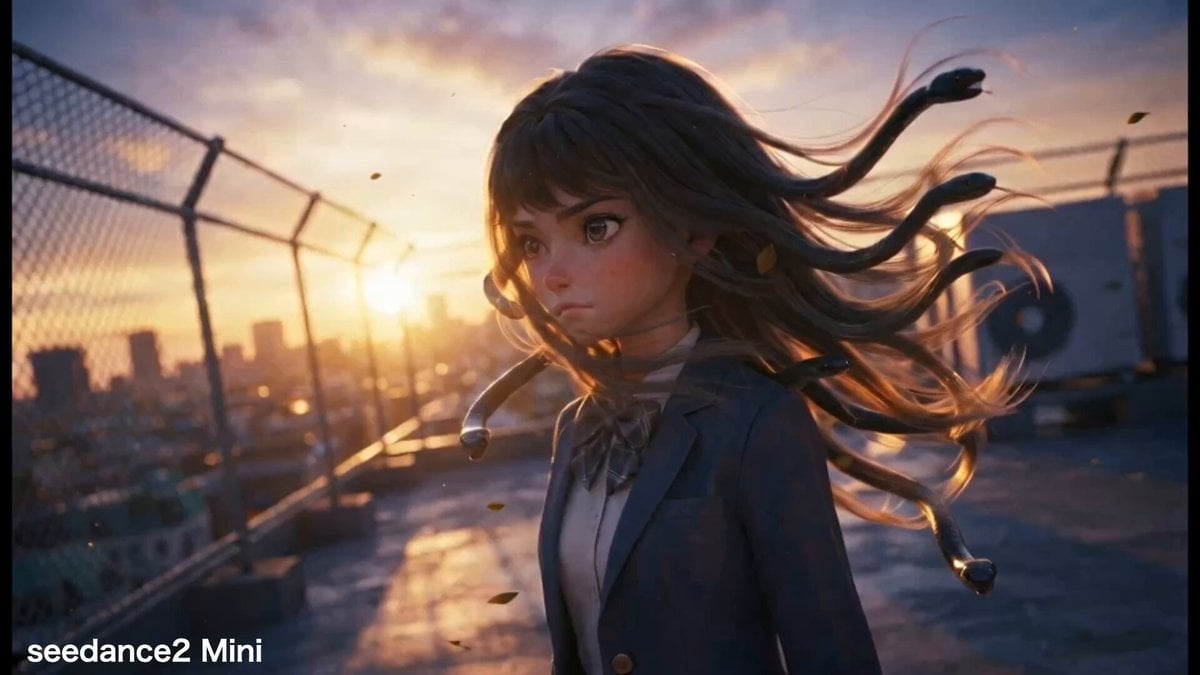
- Prompt included
- Model and format preset
- Free template
The prompt behind this video
Copy the exact prompt behind Crying Medusa Girl Video Sequence, or open it in the studio and make it yours.
the reference image as the first frame. Maintain a subtle, continuous shake from the handheld camera. Throughout the scene, the subject’s hair gently sways in the breeze. Sequence of Actions: The subject is holding back her sobs. She is desperately trying not to cry. Her lips are tightly pursed, her jaw is trembling, and her chest rises and falls rapidly as she takes sharp breaths. Tears well up in her eyes but do not spill over. After a brief pause Despite her desperate efforts to hold back, her emotions erupt. She closes her eyes tightly, opens her mouth, and sobs quietly. Tears stream down both cheeks. She tilts her head down slightly. (Hands, fingers, and arms must not appear in the frame.) The snakes in her hair also hang their heads sadly, as if sensing the girl’s emotions. Her eyes are slightly open and looking downward; her mouth remains open as she breathes heavily, exhausted. A sob escapes her. The camera follows the girl and slowly circles around to face her directly, with a backlit lens flare shimmering beautifully.
How to use Crying Medusa Girl Video Sequence in 3 steps
- 1Upload ImagePNG, JPG or paste
Add your photo
Upload the photo the template builds on. The prompt, model and format are already set.
- 2…a portrait of your subject in softgolden-hour light, 85mm…
Personalize
Edit the subject and creative details for your destination.
- 3Generate
Generate
Press Generate — your video is created in PicX Studio, so you can compare it with the original and refine one variable at a time.
More like this
Templates with the same subject, style or setup. Open one to see its prompt.
Cartoon Bullfight Arena — Girl vs Bull (Seedance)

Anime Girl Wall Running Escape Sequence

Crystal Girl Crying Silver Tears

Grok Imagine video prompt for a crying anime girl

Crying Anime Girl Lip-Sync Prompt

Maglev Train Action Sequence

Martial Arts Fight Sequence

Cinematic Samurai Duel Sequence
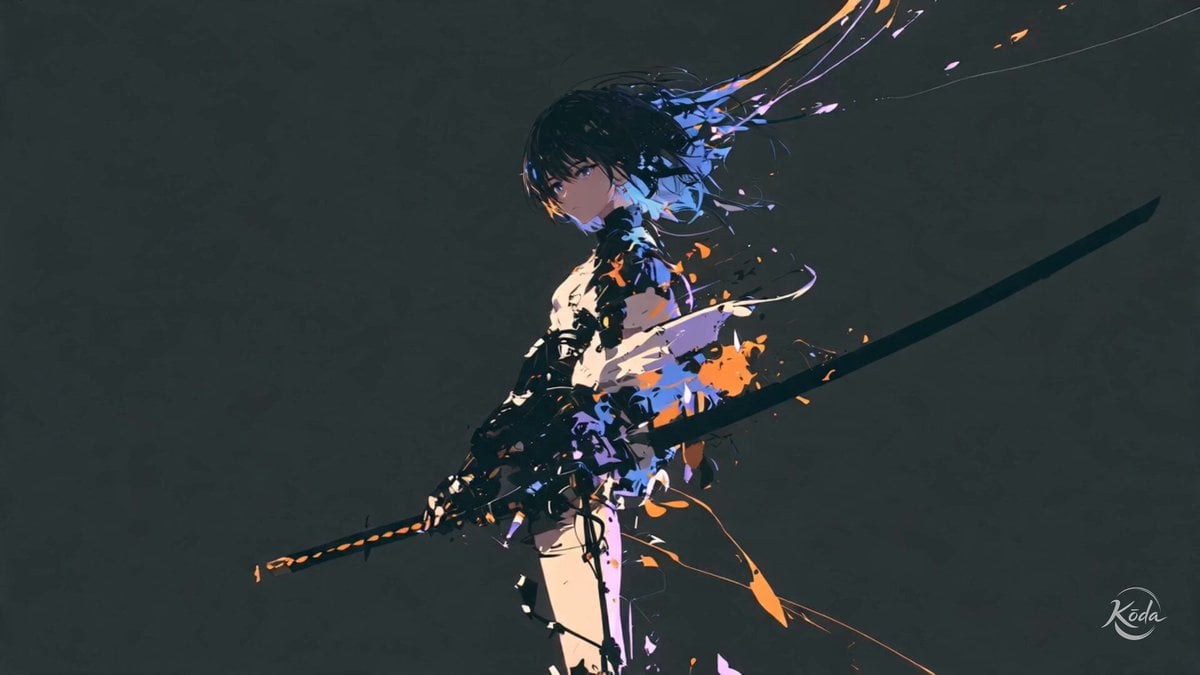
Cinematic Swordswoman Action Sequence

Cinematic Phoenix Summon Sequence
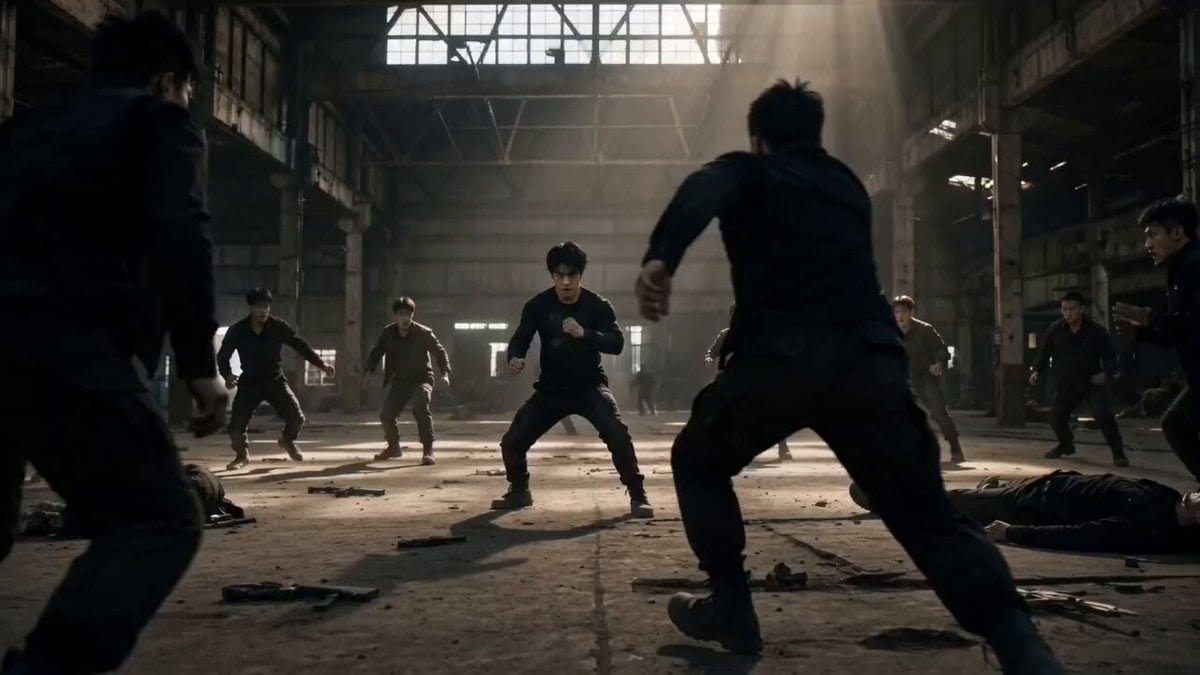
Martial Arts Warehouse Combat Sequence
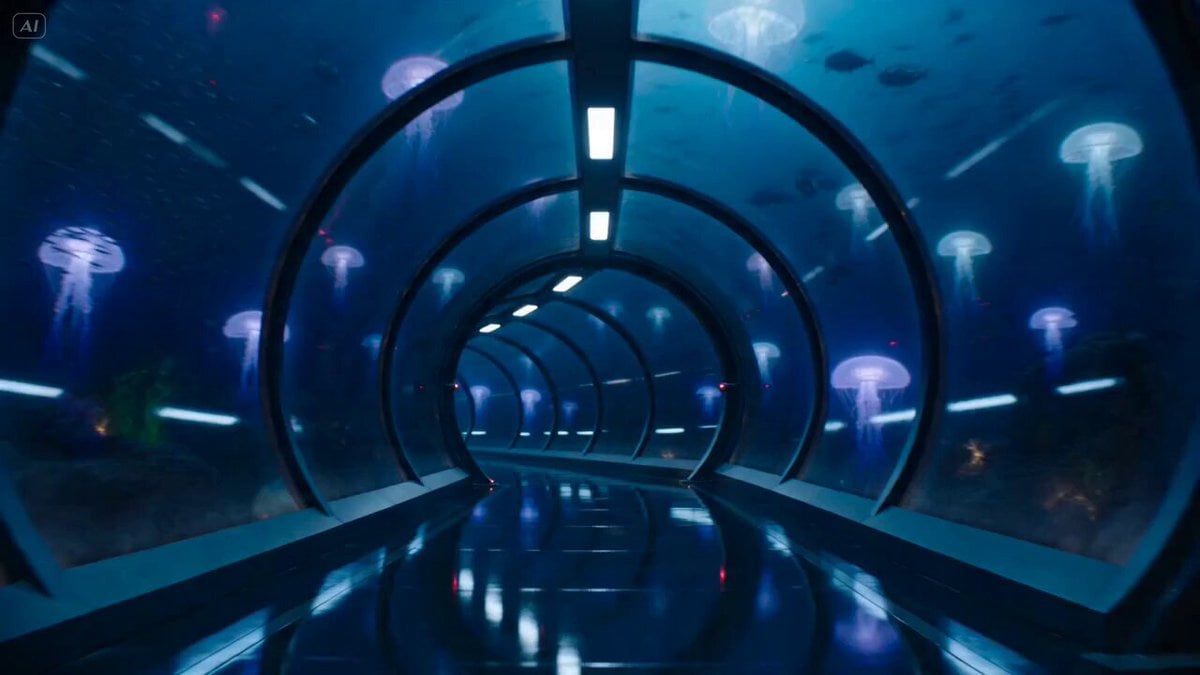
Underwater Glass Tunnel Action Sequence
Make it yours
Crying Medusa Girl Video Sequence works as-is. These are the safest ways to change it without losing the look.
Change one field
Copy a single group, rewrite it, and generate again so you can see what that field is doing.
Keep the frame, change the subject
Hold the composition and light of Crying Medusa Girl Video Sequence, then swap wardrobe, props or the person for a new take.
| If the result… | Why | Fix |
|---|---|---|
| The result drifts from the preview | Too many fields changed at once. | Reuse Crying Medusa Girl Video Sequence as-is first, then change one group — subject, light, or setting. |
| The model over-stylizes the scene | The prose prompt leaves finish and camera underspecified. | Add one camera or lighting sentence and stay on Seedance 2.0. |
More Seedance 2.0 templates
Other prompts made for Seedance 2.0.

Comical Martial Arts Punch Scene

Wuxia Protection and Trust Script

Vintage Korean Arcade MiniDV Vlog

Mercedes 190 SL Luxury Ad

Rainy Night Supernatural Reverse Comedy Video Script

Amazon Civilization Discovery

Futuristic South Asian City Transformation

Cozy Luxury Cafe Commercial

Cyber Ronin Nanotech Transformation Video
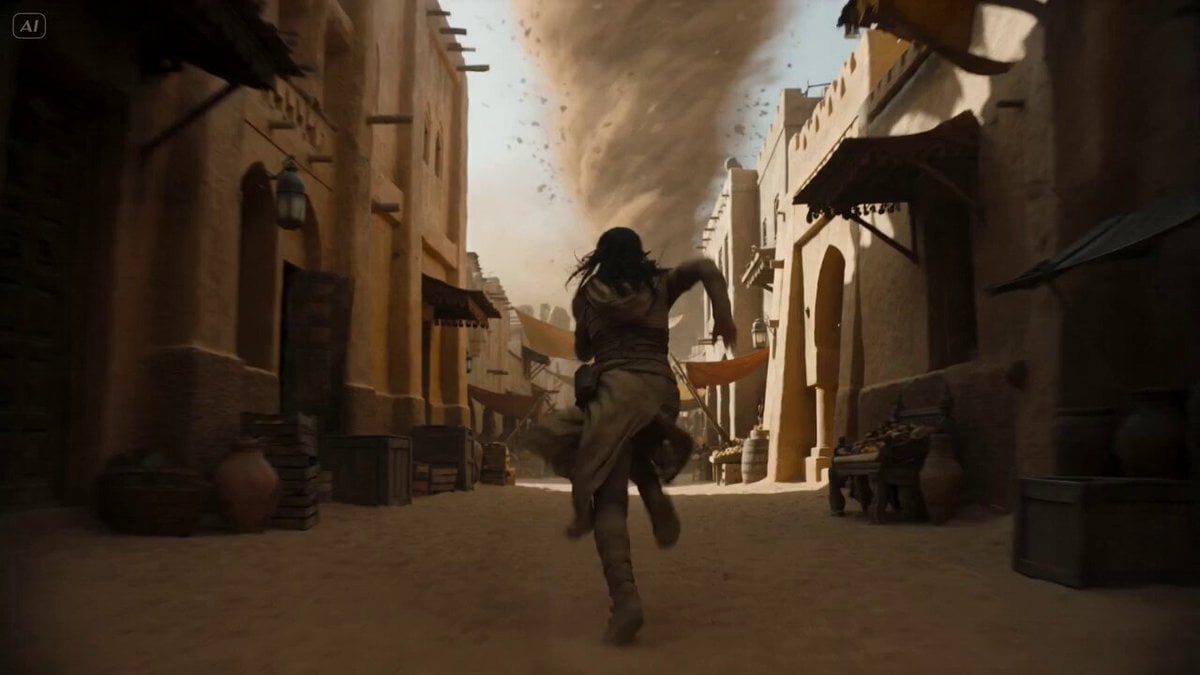
Desert Courier and Sandstorm Leviathan Chase
More video prompts
Fresh picks from across the catalog.

Cinematic Pizza Storefront Commercial

Sheep Gathering at Sunrise Video

Pastel Pink-Blue Dyson Swarm
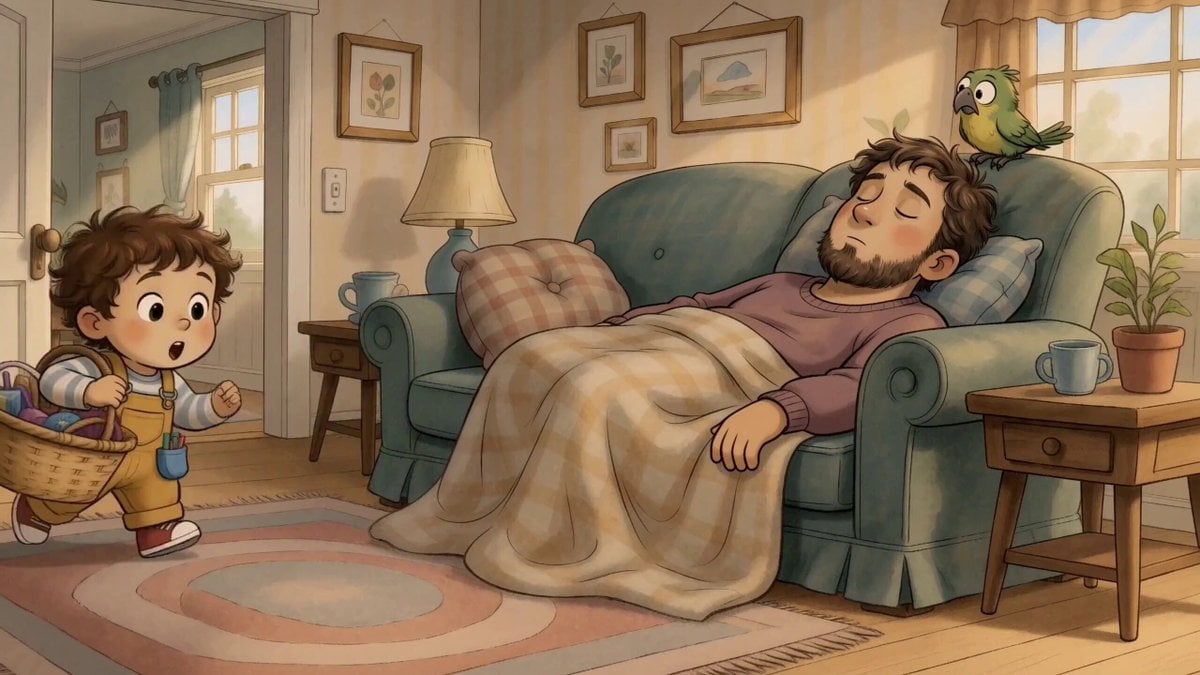
Storyboard Image to Video Reference

Cinematic Slice-of-Life Comedy: Dropping a Coffee Mug

Baseball Crowd Broadcast Portrait

Xianxia Horror to Comedy Rehearsal

Energy Bow Jungle Edit

Sports Anime Goal Storyboard Sequence

Pouring Black Coffee Close-up
Browse template categories
Crying Medusa Girl Video Sequence questions
How do I use the Crying Medusa Girl Video Sequence template?
Add your photo if the template asks for one, edit the prompt if you like — the template's model and format are already selected — and press Generate. Your version opens in PicX Studio.
Can I customize the Crying Medusa Girl Video Sequence template?
Yes. You can change the subject, setting, lighting, mood, format, and available model controls before creating your video.
Is the Crying Medusa Girl Video Sequence template free?
Opening and editing this template is free. Generating uses credits, shown on the Generate button when you are signed in.
Which AI model should I use?
Start with Seedance 2.0, which is the model associated with this template. You can compare another compatible model for a different finish.
Looking for something else? Browse all templates.

Your photo, any look
Thousands of ready templates for every top image and video model, from one credit balance.