
Crying Anime Girl Lip-Sync Prompt
A comical and exaggerated anime video prompt for Seedance 2.0 featuring a girl crying profusely with specific dialogue and lip-syncing instructions.

- Prompt included
- Model and format preset
- Free template
The prompt behind this video
Copy the exact prompt behind Crying Anime Girl Lip-Sync Prompt, or open it in the studio and make it yours.
High-quality Japanese anime, masterpiece, ultra-high definition, best quality animation, cinematic, a cute anime girl crying loudly with a comically exaggerated expression, a huge amount of tears bursting forcefully from her eyes to the left and right, flying outward in a wide arc like a parabola, continuing to arc symmetrically left and right, tears sparkling as they burst in the air, crying with her mouth wide open, her cheeks puffed out, her eyebrows twisted to an extreme, her expression exaggeratedly distorted, over-the-top reaction, highly charged emotional expression, bright, pop-style lighting, vivid colors, fun, upbeat anime direction, close-up composition, anime-specific exaggerated movement and timing, saying her line while crying: "なおさんが、なおさんがかわいそう" "渾身のギャグを書いたのに、誰も突っ込んでくれないなんて" with lip sync, emotional and exaggerated anime acting
How to use Crying Anime Girl Lip-Sync Prompt in 3 steps
- 1
Open
The prompt is already in the box next to the preview, with the template's model and format selected.
- 2…a portrait of your subject in softgolden-hour light, 85mm…
Personalize
Edit the subject and creative details for your destination.
- 3Generate
Generate
Press Generate — your video is created in PicX Studio, so you can compare it with the original and refine one variable at a time.
More like this
Templates with the same subject, style or setup. Open one to see its prompt.
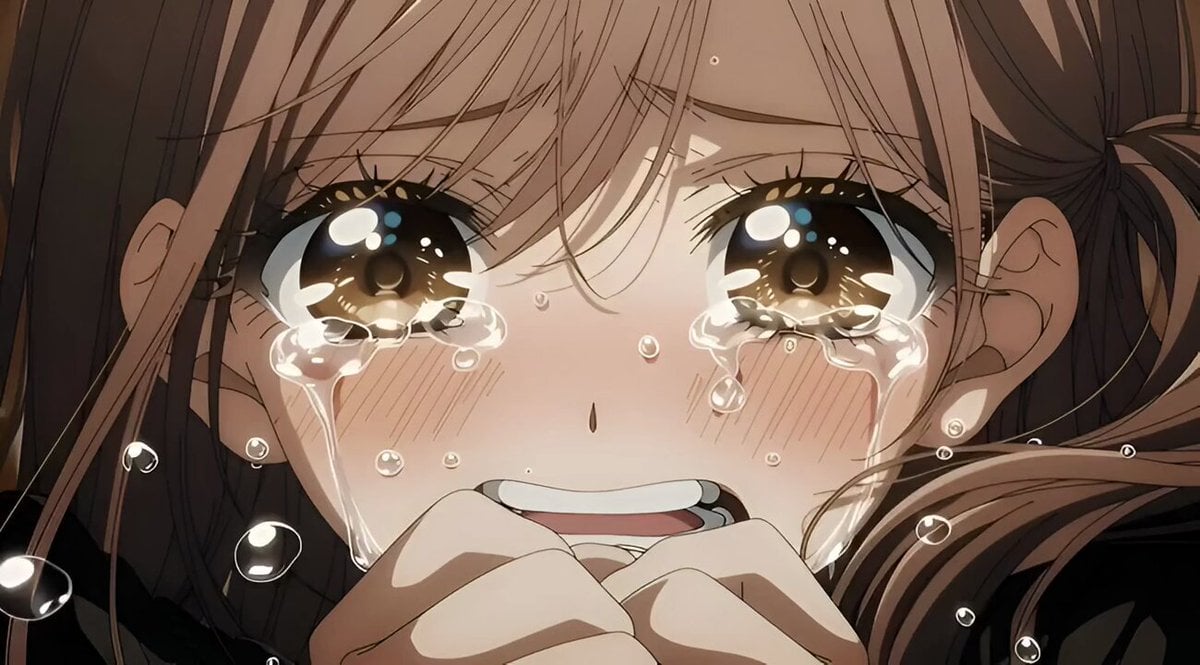
Grok Imagine video prompt for a crying anime girl
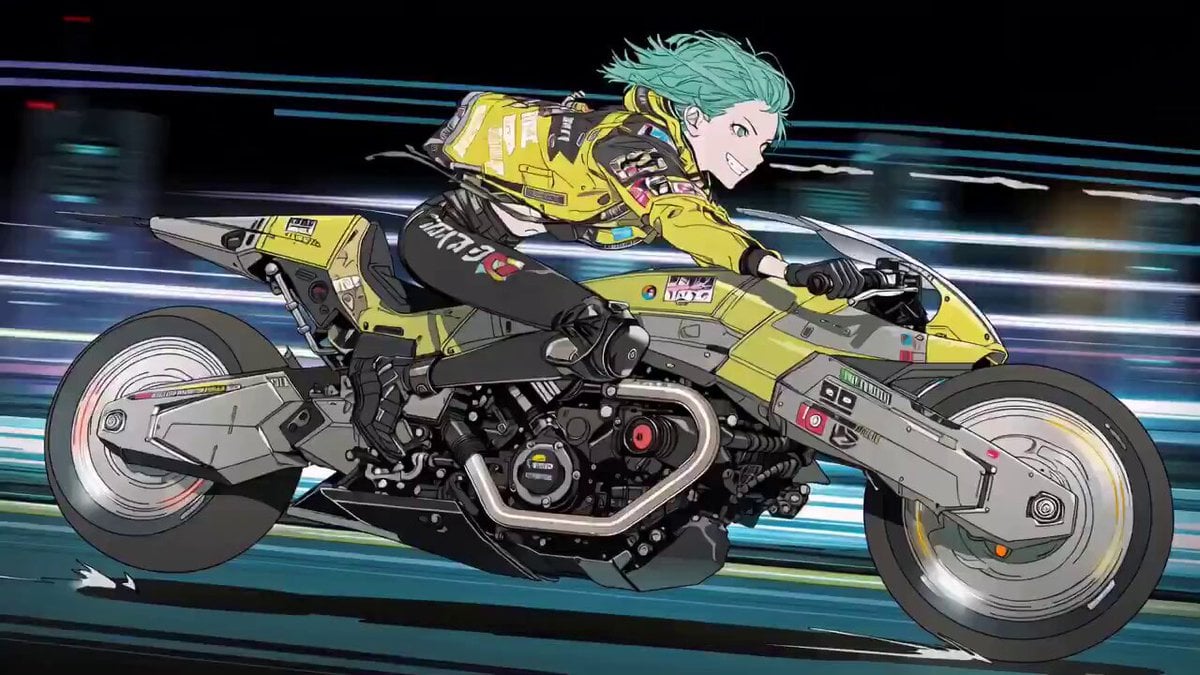
Cyberpunk Anime Trailer Test Prompt with Lip Sync
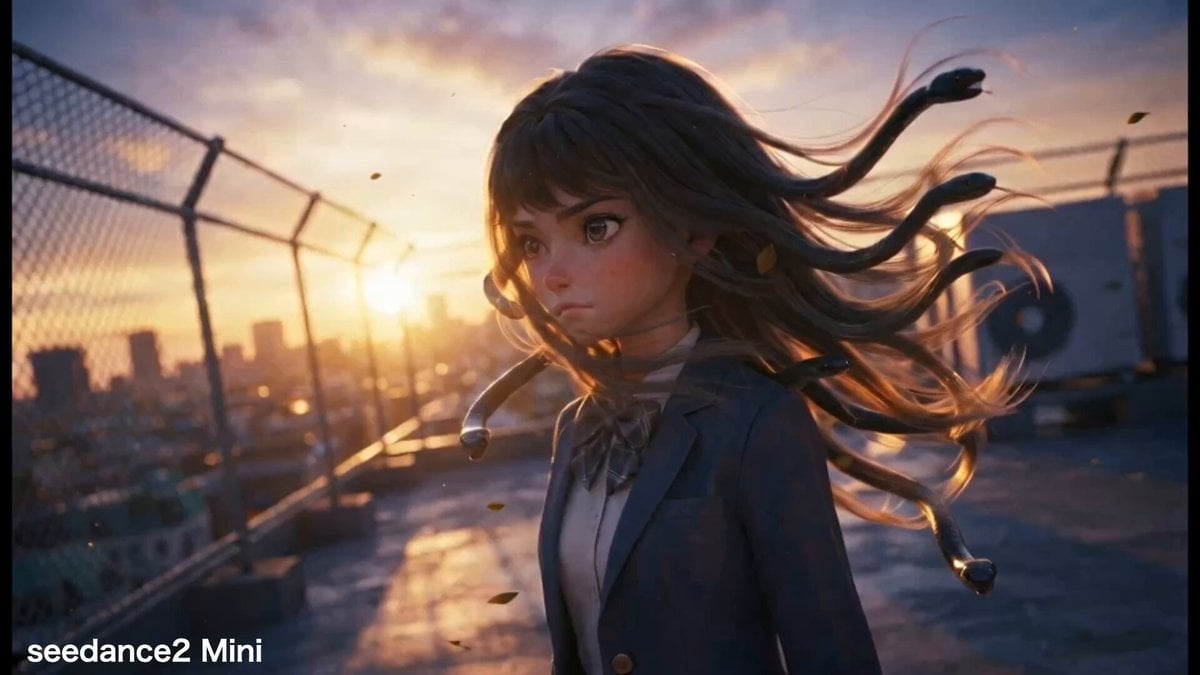
Crying Medusa Girl Video Sequence
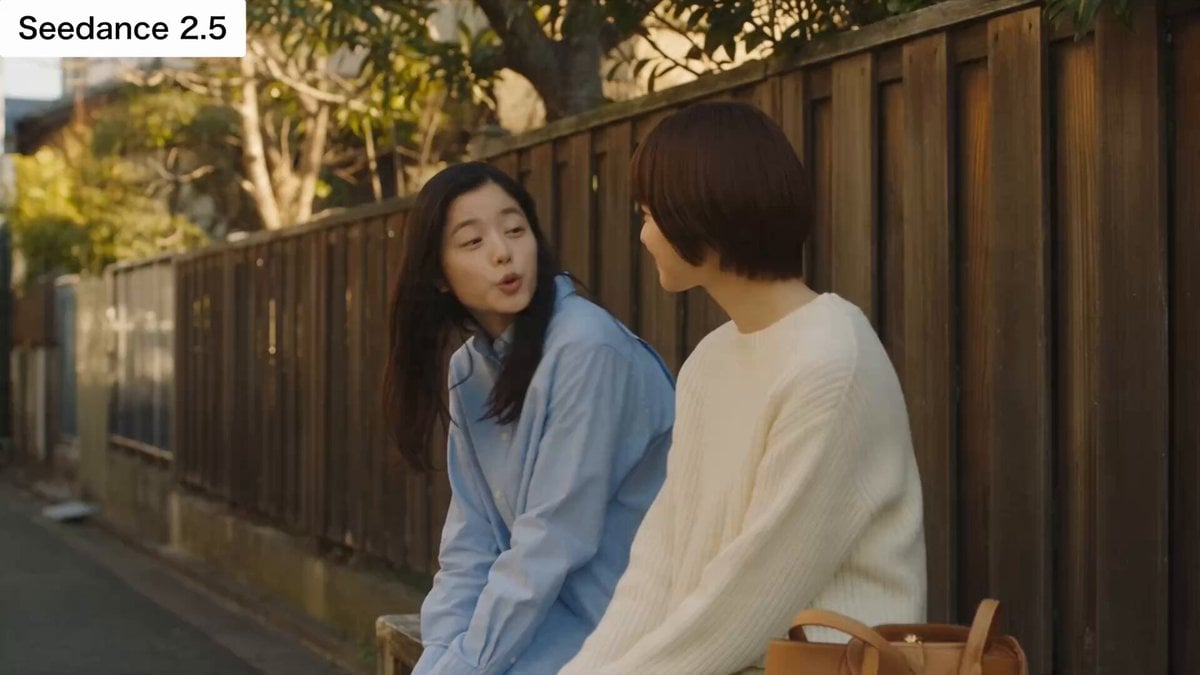
Japanese Slice-of-Life Conversation with Lip Sync
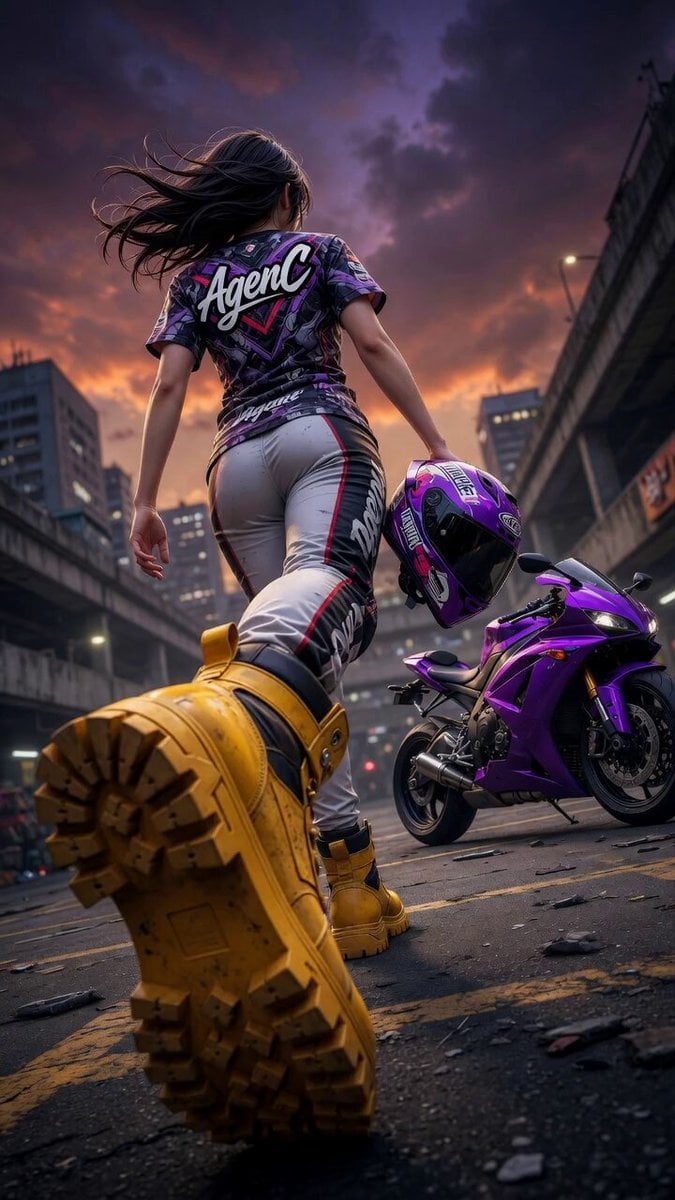
Cinematic Anime Racing Girl in Urban Parking Lot
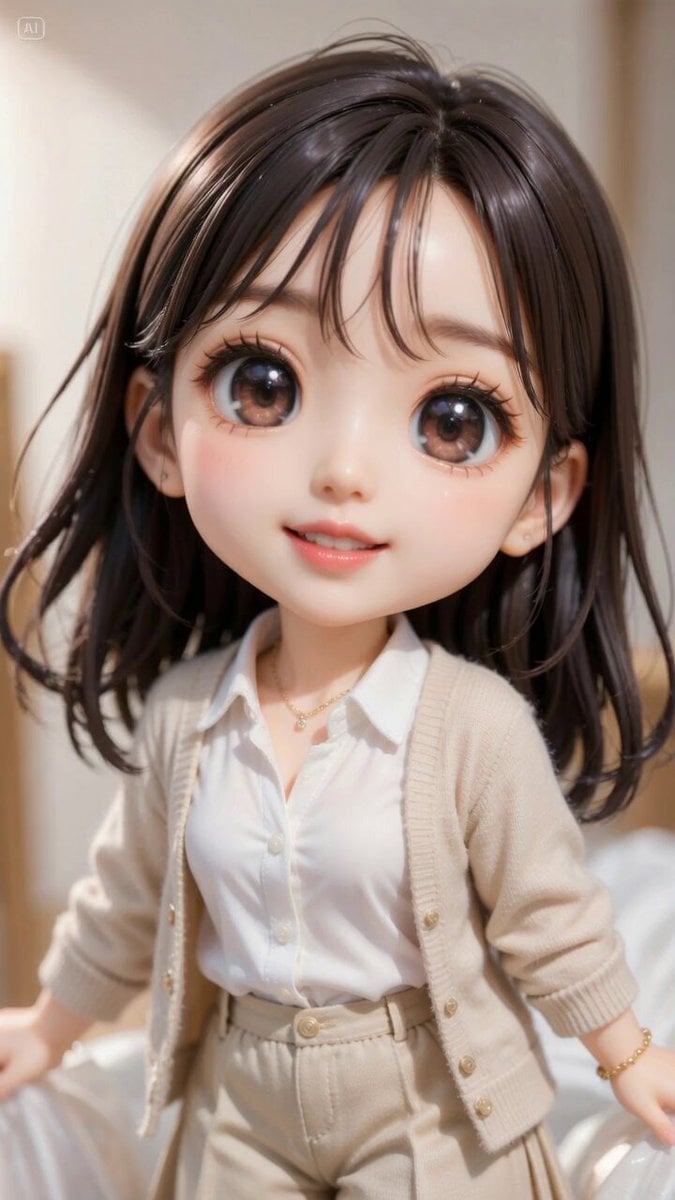
Excited Japanese Announcement Lip-Sync
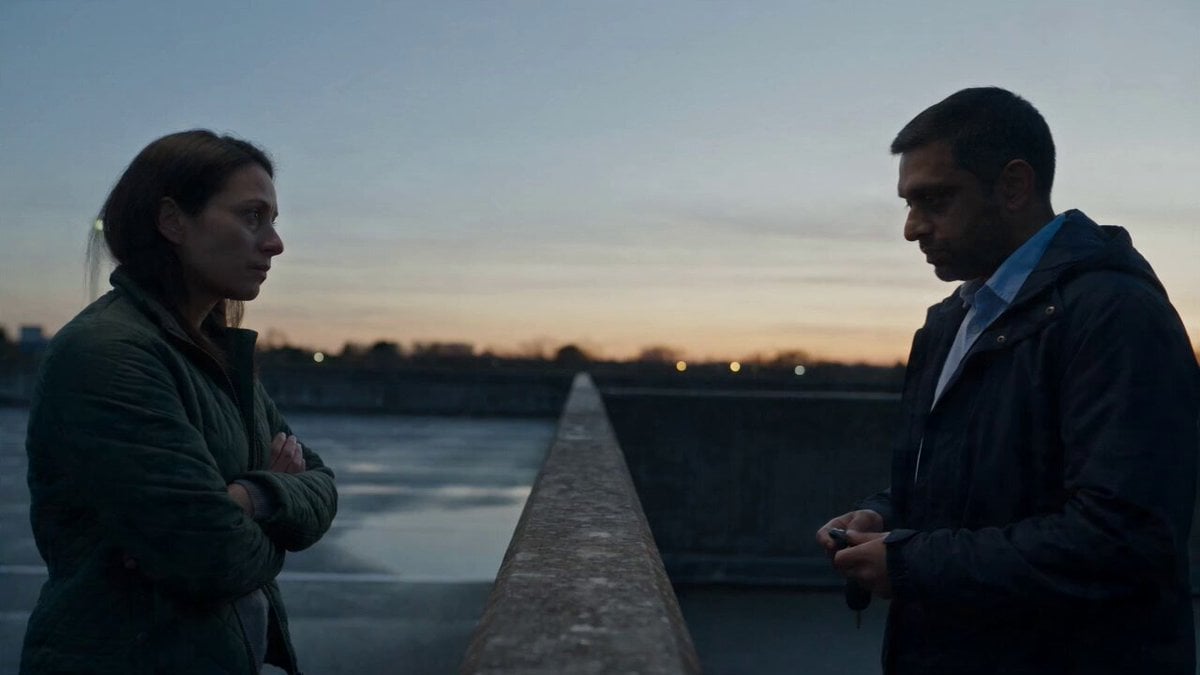
Hospital Car Park Dialogue Lip Sync
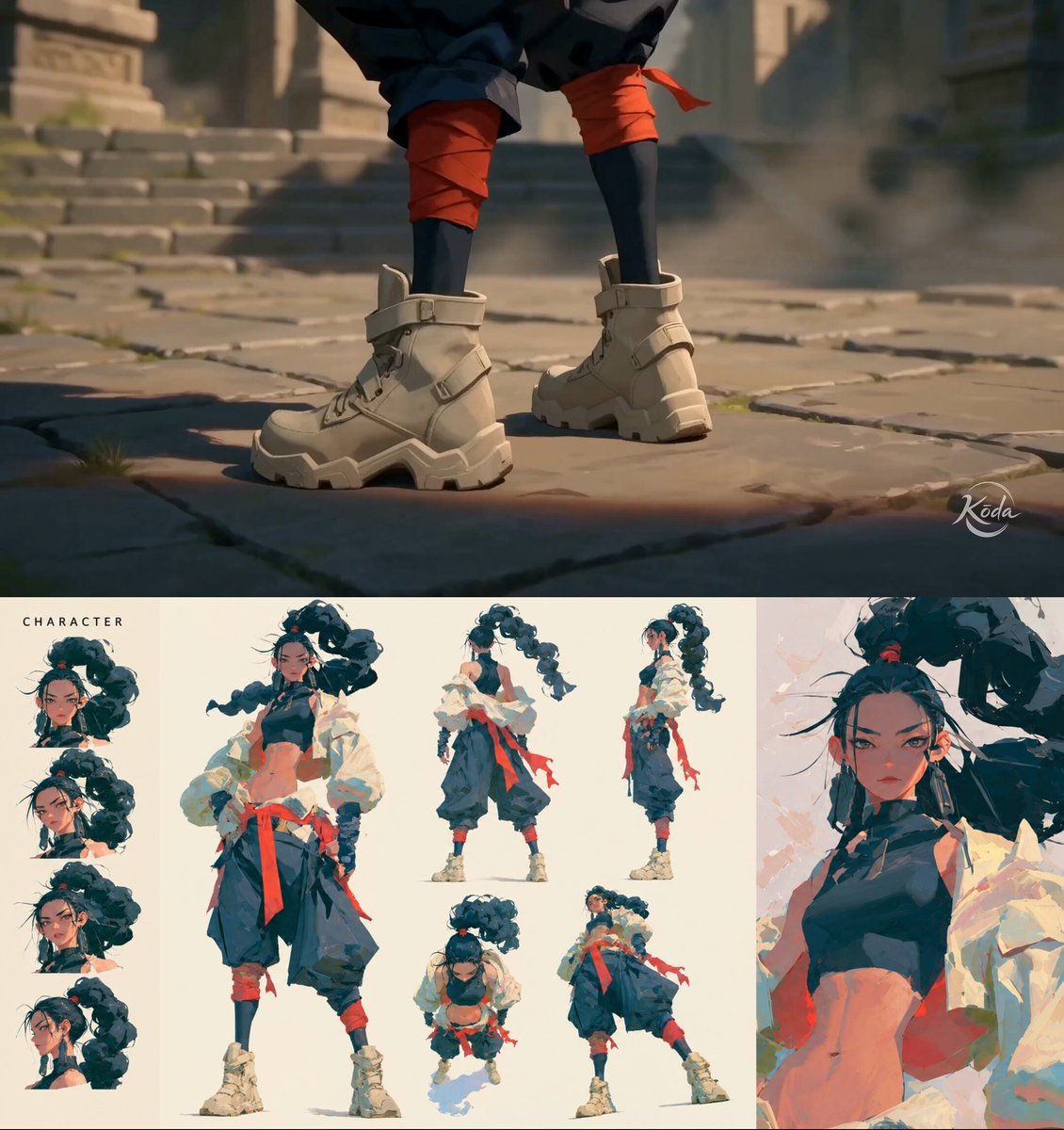
MiniMax H3 Character Introduction
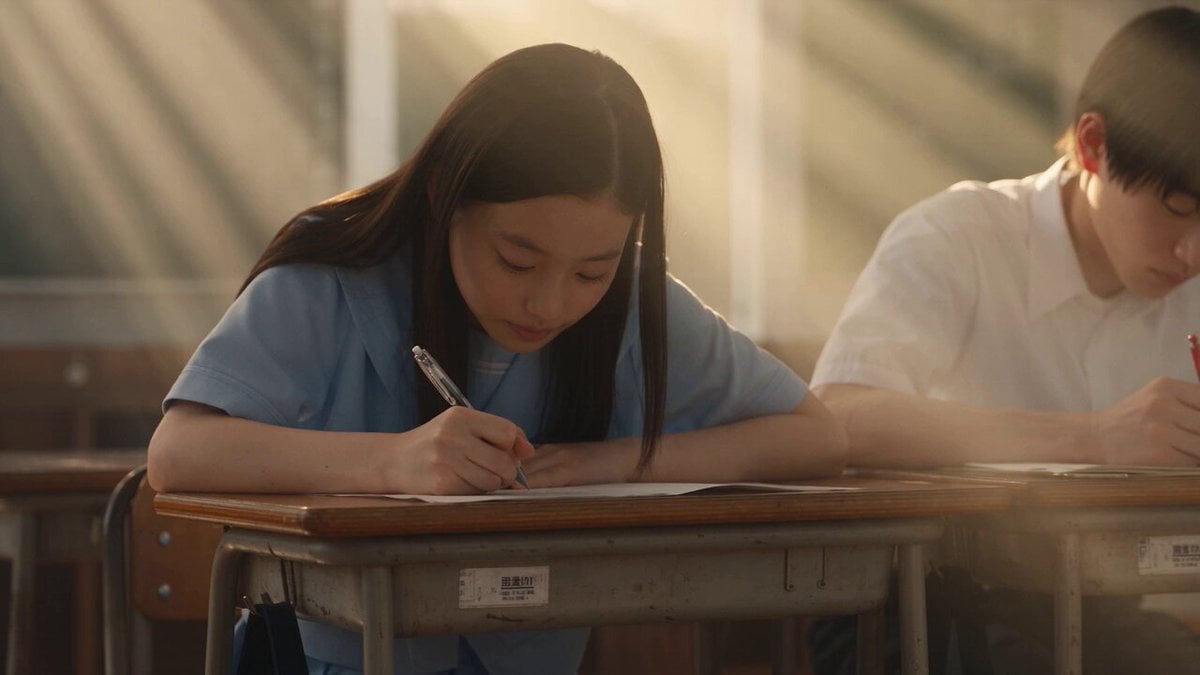
Japanese Pure Love Short Film
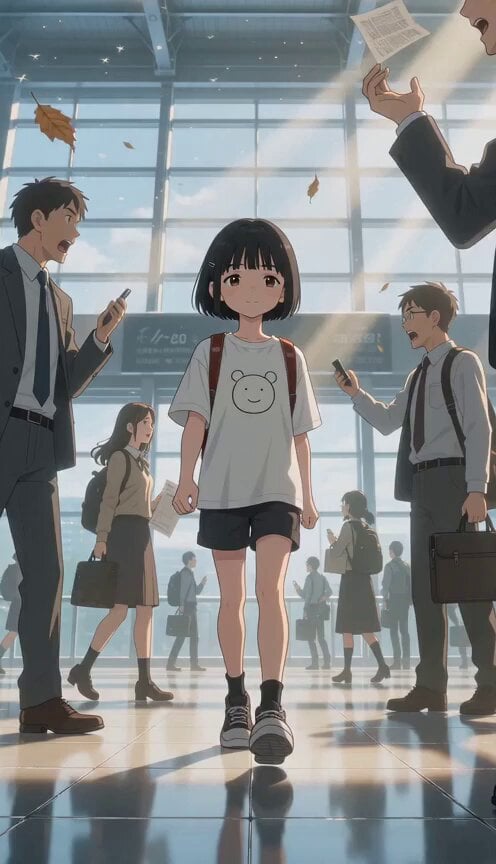
Slow Motion Station Anime Girl
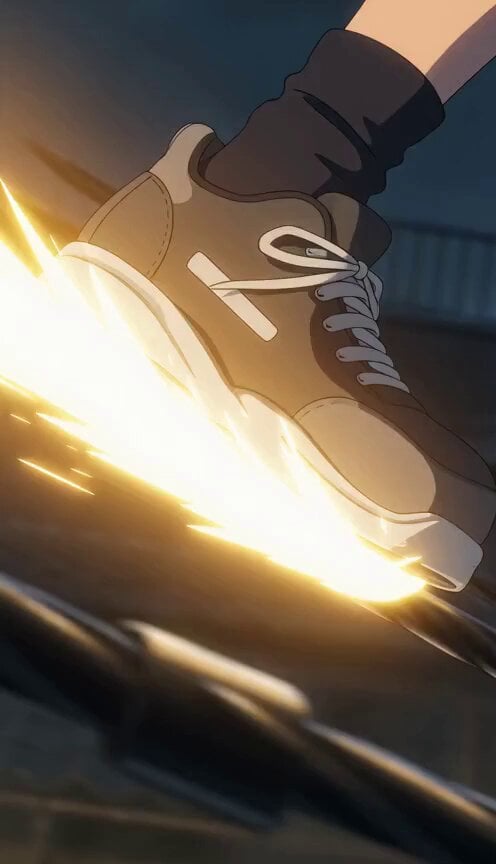
Anime Girl Sliding on Power Lines
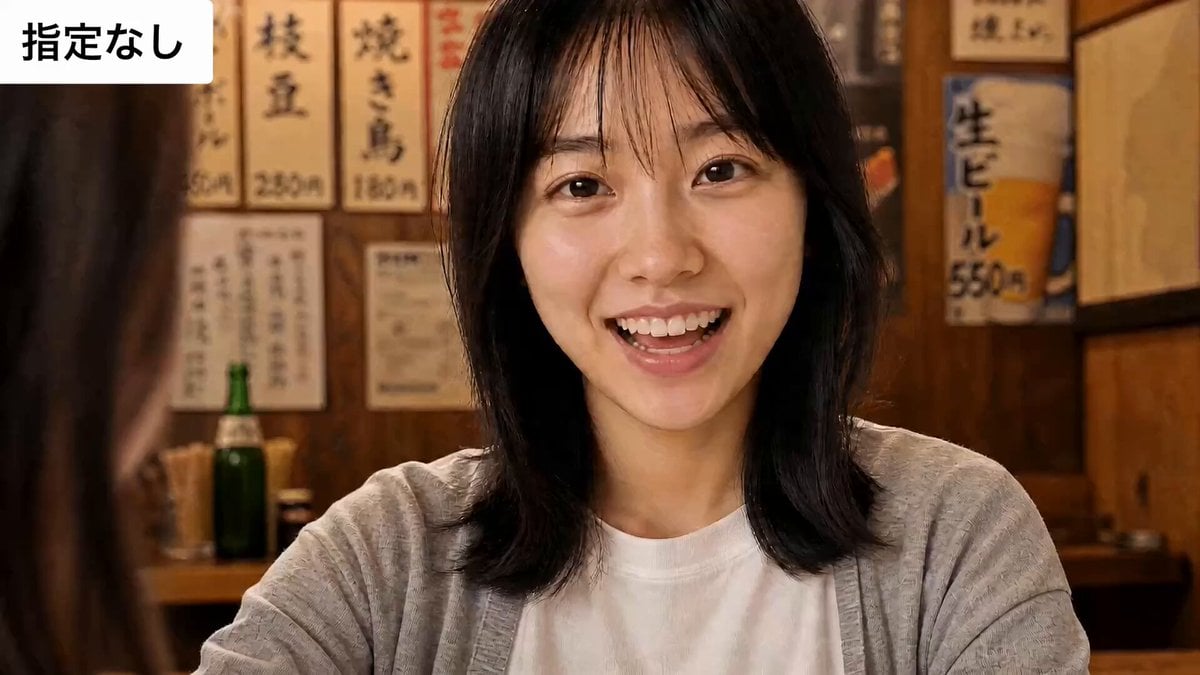
Sarcastic Lip Sync Reaction
Make it yours
Crying Anime Girl Lip-Sync Prompt works as-is. These are the safest ways to change it without losing the look.
Change one field
Copy a single group, rewrite it, and generate again so you can see what that field is doing.
Keep the frame, change the subject
Hold the composition and light of Crying Anime Girl Lip-Sync Prompt, then swap wardrobe, props or the person for a new take.
| If the result… | Why | Fix |
|---|---|---|
| The result drifts from the preview | Too many fields changed at once. | Reuse Crying Anime Girl Lip-Sync Prompt as-is first, then change one group — subject, light, or setting. |
| The model over-stylizes the scene | The prose prompt leaves finish and camera underspecified. | Add one camera or lighting sentence and stay on Seedance 2.0. |
More Seedance 2.0 templates
Other prompts made for Seedance 2.0.

Comical Martial Arts Punch Scene

Maglev Train Action Sequence

Martial Arts Fight Sequence

Wuxia Protection and Trust Script

Vintage Korean Arcade MiniDV Vlog

Mercedes 190 SL Luxury Ad

Rainy Night Supernatural Reverse Comedy Video Script

Amazon Civilization Discovery

Futuristic South Asian City Transformation

Cozy Luxury Cafe Commercial
More video prompts
Fresh picks from across the catalog.

Seedance 2.0 Chinese Fantasy CG Prompt: Calligraphy Magic
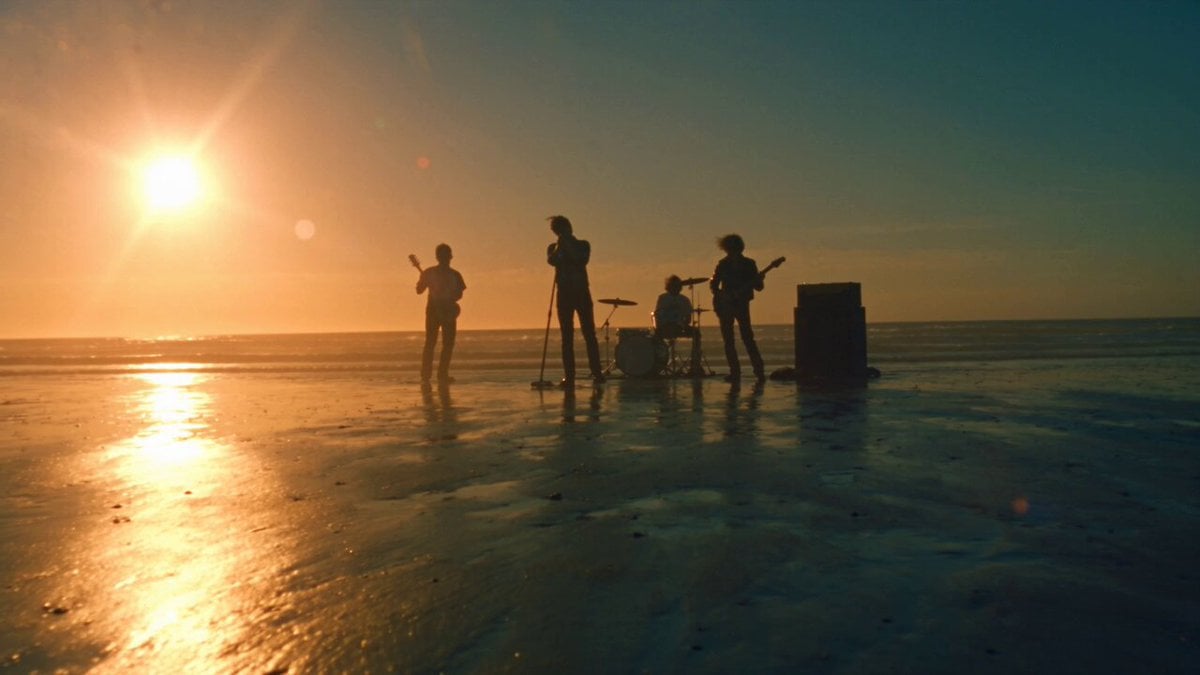
Cinematic Hip-Hop Beach Music Video
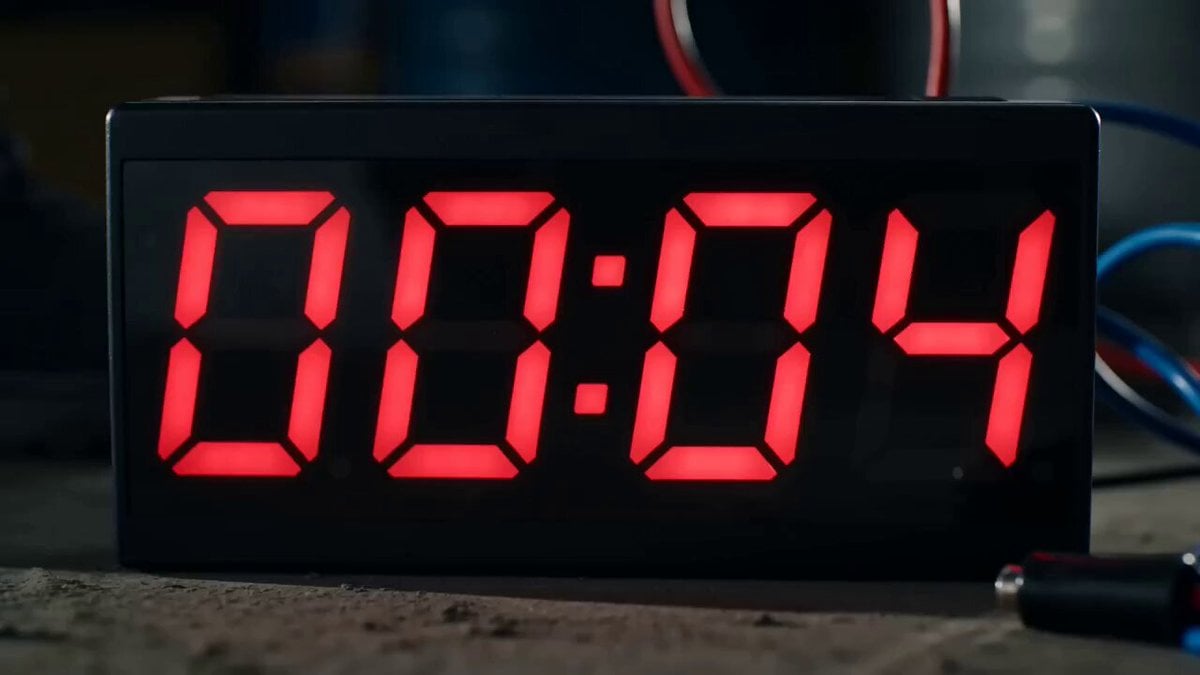
Thai Style Comedy Twist Commercial
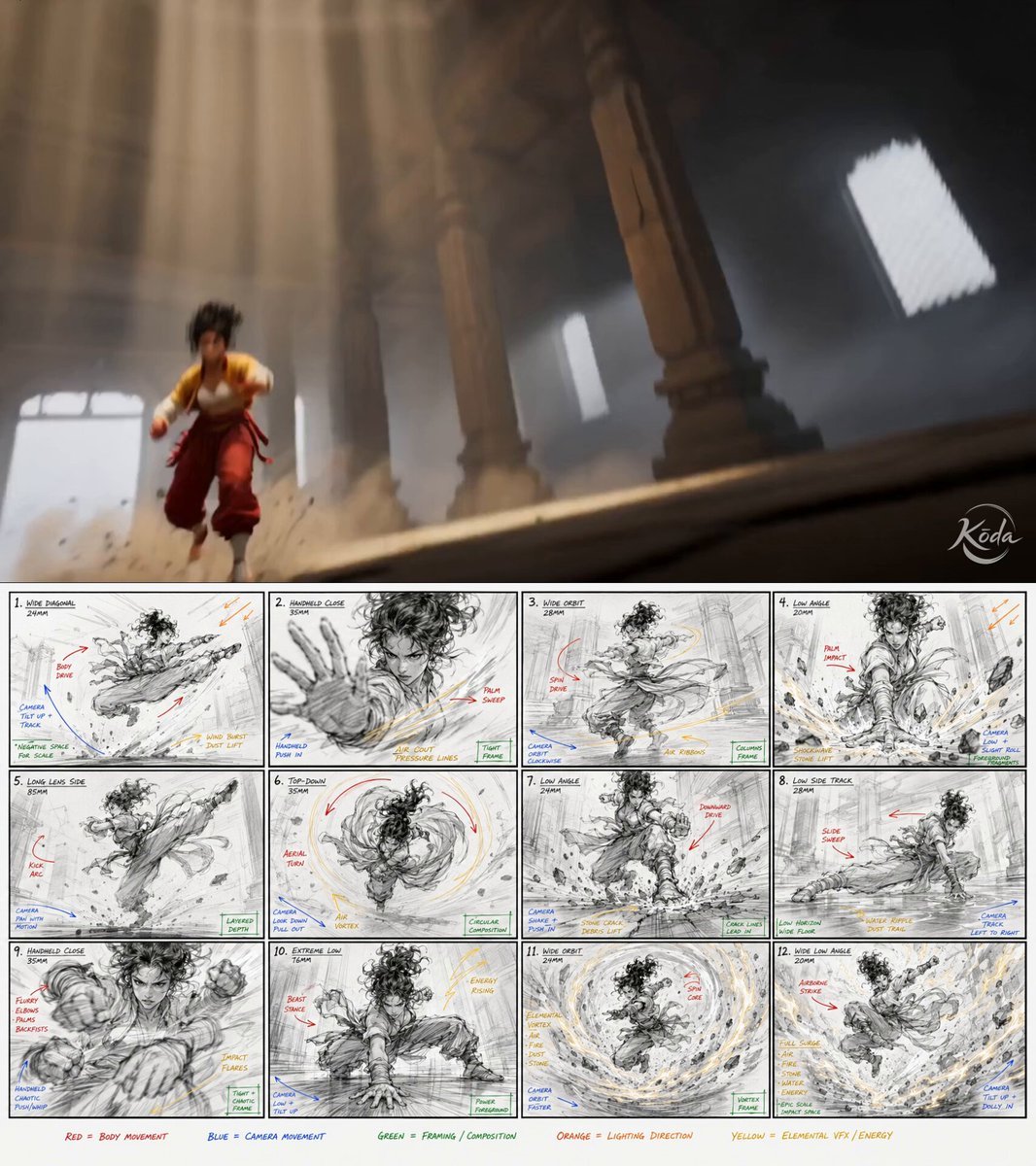
Cinematic Kung Fu Action Video
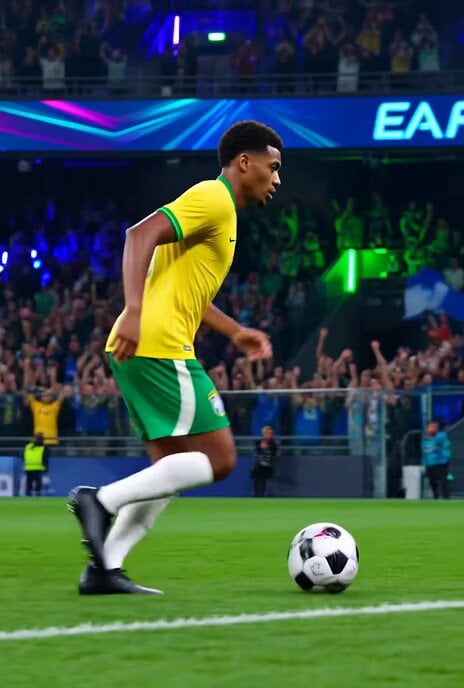
Brazilian Soccer Player Bicycle Kick Video Prompt
Water Game Show Crab Squat Challenge
Cyberpunk Warrior Armor Transformation
Anime Stumble Impact Scene
Character Name Repetition Prompt (Serina and Suzumi)
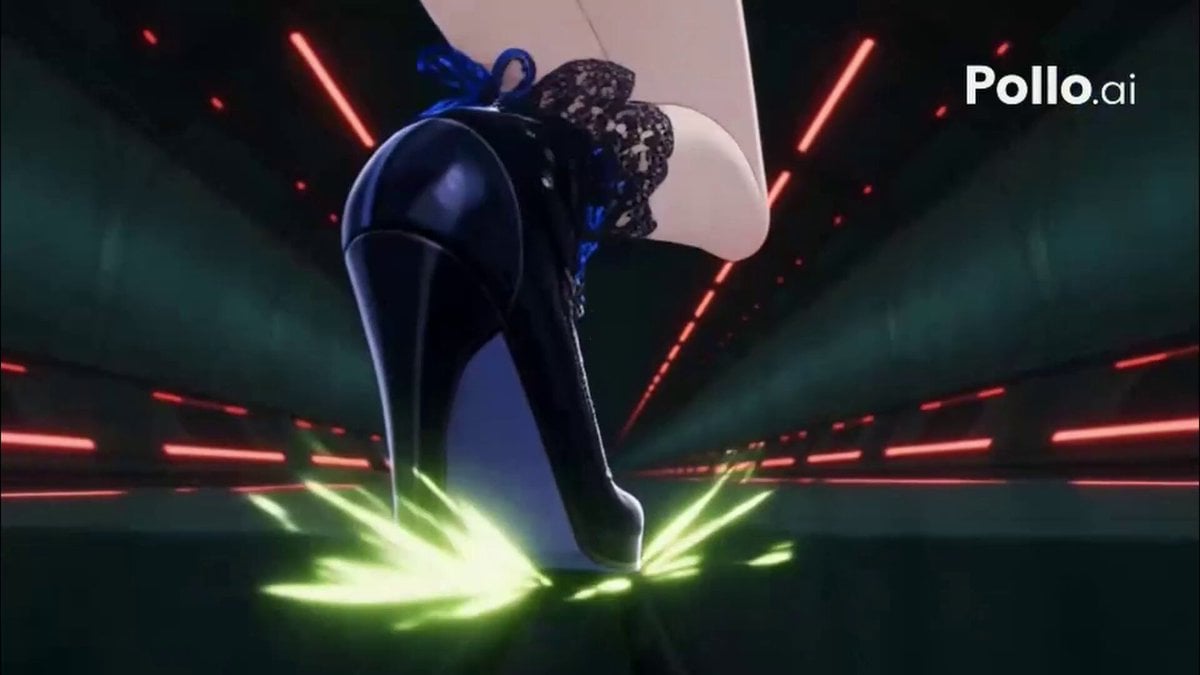
Futuristic Close Combat 2D Action Anime
Browse template categories
Crying Anime Girl Lip-Sync Prompt questions
How do I use the Crying Anime Girl Lip-Sync Prompt template?
Add your photo if the template asks for one, edit the prompt if you like — the template's model and format are already selected — and press Generate. Your version opens in PicX Studio.
Can I customize the Crying Anime Girl Lip-Sync Prompt template?
Yes. You can change the subject, setting, lighting, mood, format, and available model controls before creating your video.
Is the Crying Anime Girl Lip-Sync Prompt template free?
Opening and editing this template is free. Generating uses credits, shown on the Generate button when you are signed in.
Which AI model should I use?
Start with Seedance 2.0, which is the model associated with this template. You can compare another compatible model for a different finish.
Looking for something else? Browse all templates.

Your photo, any look
Thousands of ready templates for every top image and video model, from one credit balance.