How do I use the Cyberpunk Warrior Armor Transformation template?
Edit the prompt in the box under the preview — the template's model and format are already selected — and press Generate. Your version appears right on this page.
A detailed cinematic prompt for a sci-fi video featuring a cyberpunk warrior whose tactical suit transforms with mechanical precision in a rainy futuristic city.
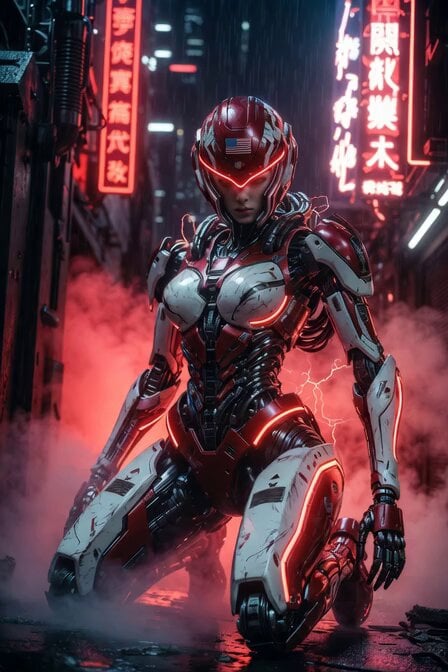
Cinematic 6-second photorealistic video, ultra-detailed 8K, next-level sci-fi Transformers aesthetic. A stunning blonde female cyberpunk warrior in sleek black tactical armor with glowing hot-pink neon lines, hooded cloak dramatically flowing, half-face respirator mask, stands powerfully in the center of a dark futuristic city street at night. Rain is falling, neon reflections on wet ground. She activates her suit: advanced next-gen Transformers technology engages — her armor plates shift, unfold, and transform with mechanical precision and glowing energy. Metallic segments rapidly reconfigure from form-fitting tactical suit into full battle mode with shoulder cannons, extending blades, and hovering thrusters. Her cloak transforms into energy wings as pink neon pulses intensify. Dynamic camera movement: slow dramatic orbit combined with subtle dolly zoom, cinematic lighting with volumetric god rays, lens flares, and rain particles. Hyper-realistic textures, reflective wet armor, sparks and energy arcs during transformation. Moody cyberpunk atmosphere, intense yet elegant. Shot on IMAX 70mm, directed by Denis Villeneuve, photorealistic, masterpiece, best quality.
Cinematic 6-second photorealistic video, ultra-detailed 8K, next-level sci-fi Transformers aesthetic. A stunning blonde female cyberpunk warrior in sleek black tactical armor with glowing hot-pink neon lines, hooded cloak dramatically flowing, half-face respirator mask, stands powerfully in the center of a dark futuristic city street at night. Rain is falling, neon reflections on wet ground. She activates her suit: advanced next-gen Transformers technology engages — her armor plates shift, unfold, and transform with mechanical precision and glowing energy. Metallic segments rapidly reconfigure from form-fitting tactical suit into full battle mode with shoulder cannons, extending blades, and hovering thrusters. Her cloak transforms into energy wings as pink neon pulses intensify. Dynamic camera movement: slow dramatic orbit combined with subtle dolly zoom, cinematic lighting with volumetric god rays, lens flares, and rain particles. Hyper-realistic textures, reflective wet armor, sparks and energy arcs during transformation. Moody cyberpunk atmosphere, intense yet elegant. Shot on IMAX 70mm, directed by Denis Villeneuve, photorealistic, masterpiece, best quality.
Edit the prompt in the box under the preview — the template's model and format are already selected — and press Generate. Your version appears right on this page.
Yes. You can change the subject, setting, lighting, mood, format, and available model controls before creating your video.
Opening and editing this template is free. Generating uses credits, shown on the Generate button when you are signed in.
Start with Grok Imagine, which is the model associated with this template. You can compare another compatible model for a different finish.
Follow a topic to a crawlable collection of related PicX Studio templates.