
Sacred Cyber Warrior Transformation
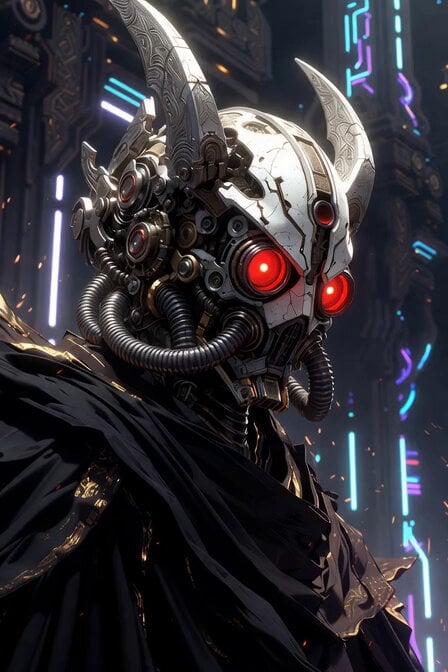
A complex 6-second cinematic video prompt detailing the transformation of a sacred mecha warrior in a futuristic temple.
- Prompt included
- Model and format preset
- Premium template
The prompt behind this video
Copy the exact prompt behind Sacred Cyber Warrior Transformation, or open it in the studio and make it yours.
A breathtaking 6-second cinematic video of next-level Transformers. Start with an extreme close-up on an ultra-detailed cybernetic warrior wearing a sleek white-and-silver mechanical helmet inspired by the reference image: glowing red circular optic lenses spinning with energy, intricate exposed gears and pistons, multiple thick flexible breathing tubes, ornate silver horns and spikes, black flowing robe with golden sacred symbols. The helmet has a sacred yet menacing design. The warrior dramatically transforms in real-time: armor plates shift and unfold with mechanical precision, glowing energy lines pulse across the body, new weapon systems emerge from the shoulders and arms, wings of energy and metal unfold. Sparks, electric arcs, and holographic runes fly everywhere. The background is a dark futuristic cyber-temple with neon blue and purple lighting, floating debris and energy particles. Dynamic camera: starts tight on the helmet, then smoothly pulls back and orbits around the transforming warrior as he rises into a powerful battle stance, red eyes flaring brighter. Epic slow-motion at peak transformation (around 3-4 seconds), intense motion blur on moving parts, god rays, cinematic color grading, hyper-realistic details, 8K quality, dramatic orchestral sound design implied. Style: ultra-realistic, photorealistic, cyberpunk meets sacred sci-fi, insane level of mechanical detail, flawless animation, masterpiece. Duration: exactly 6 seconds, 24fps, smooth motion.
How to use Sacred Cyber Warrior Transformation in 3 steps
- 1Upload ImagePNG, JPG or paste
Add your photo
Upload the photo the template builds on. The prompt, model and format are already set.
- 2…a portrait of your subject in softgolden-hour light, 85mm…
Personalize
Edit the subject and creative details for your destination.
- 3Generate
Generate
Press Generate — your video is created in PicX Studio, so you can compare it with the original and refine one variable at a time.
More like this
Templates with the same subject, style or setup. Open one to see its prompt.
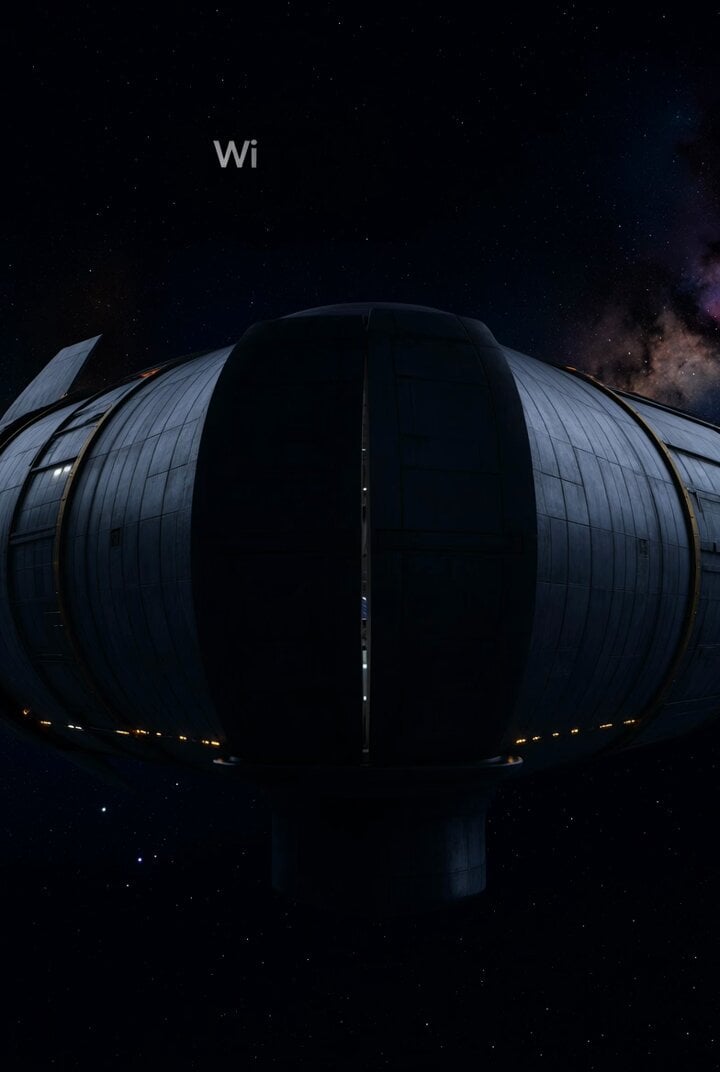
SpaceX Cyber Truck transformation video prompt
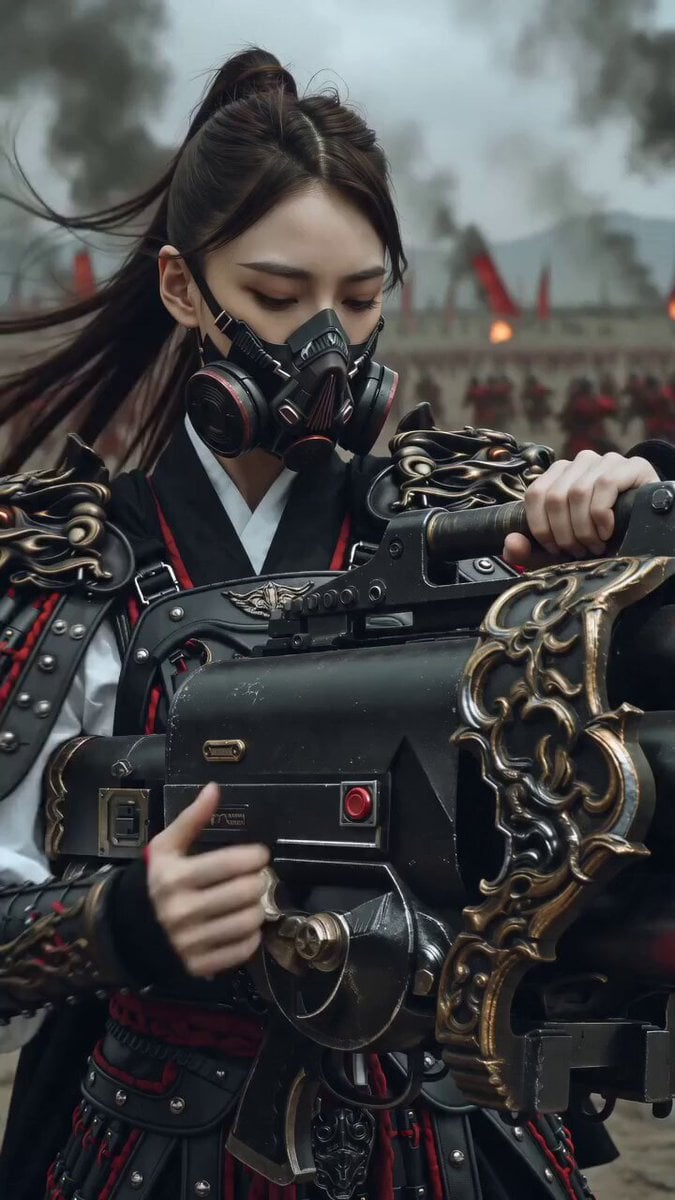
East Asian Female Warrior Mecha Transformation
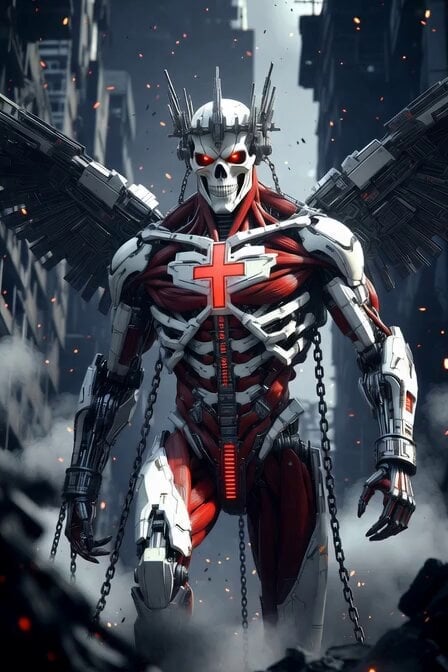
Cybernetic Skeleton Warrior Cinematic

Pterodactyl Transformation Journey

Cyber Ronin Nanotech Transformation Video

Cyberpunk Guerrilla Girl Video Generation
Sacred Geometry Seed of Life Video Prompt
Crypto memecoin degen trading in a cyberpunk high-rise bachelor pad
Grand Sacred Imperial Capital at the Edge of the Cosmos
Mysterious Japanese Warrior
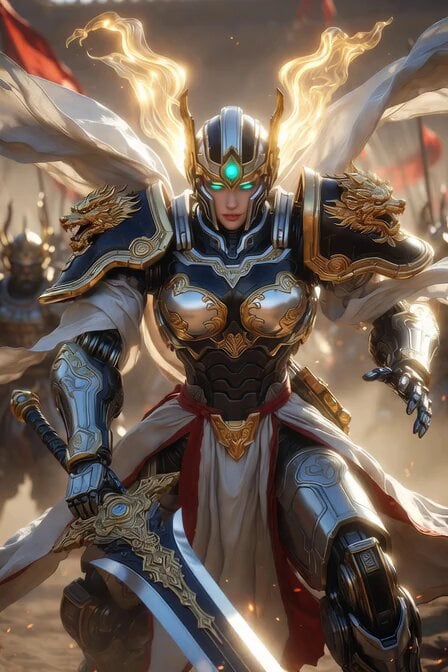
Imperial Dragon Mecha Warrior
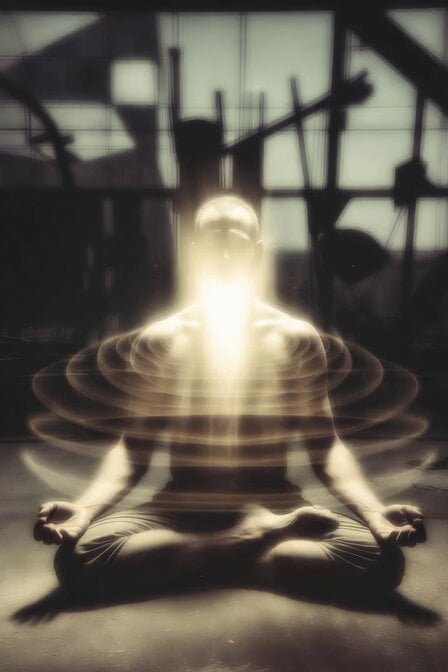
Cyber Prophet Meditation
Make it yours
Sacred Cyber Warrior Transformation works as-is. These are the safest ways to change it without losing the look.
Change one field
Copy a single group, rewrite it, and generate again so you can see what that field is doing.
Keep the frame, change the subject
Hold the composition and light of Sacred Cyber Warrior Transformation, then swap wardrobe, props or the person for a new take.
| If the result… | Why | Fix |
|---|---|---|
| The result drifts from the preview | Too many fields changed at once. | Reuse Sacred Cyber Warrior Transformation as-is first, then change one group — subject, light, or setting. |
| The model over-stylizes the scene | The prose prompt leaves finish and camera underspecified. | Add one camera or lighting sentence and stay on Grok Imagine. |
More Grok Imagine templates
Other prompts made for Grok Imagine.

Mecha Runway Tap Dance Video Prompt

Quantum Inventor in Sonoran Desert

Emotional Angry Couple Drama

Train Zooming in Star Field Video Prompt

Detailed multi-part video prompt

Interior View Video Generation Prompt
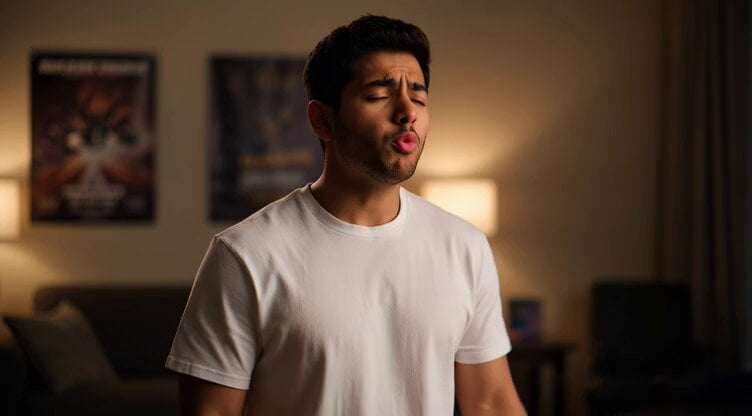
GTA 6 never came out in 1 million years

Bitcoin liferaft video prompt

Woman floating down, opening eyes and looking deeply into the viewer's eyes

Utopian World of Harmony and Peace
More video prompts
Fresh picks from across the catalog.
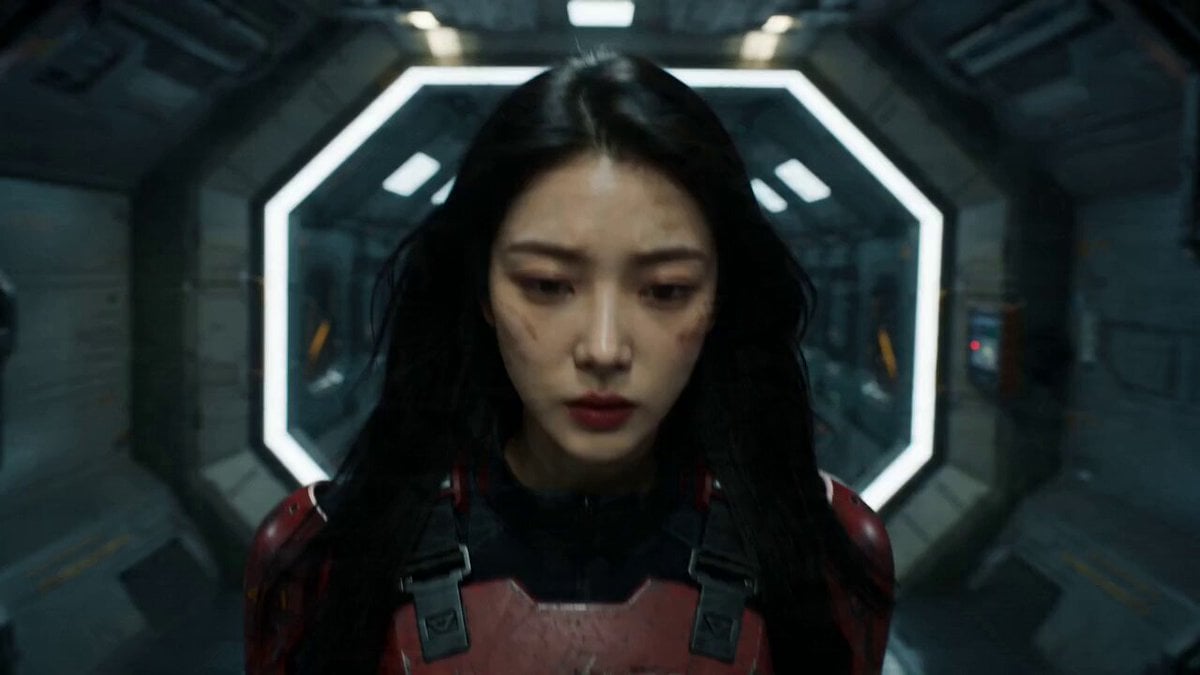
Gundam Transformation Video Prompt (Seedance 2.0)

Cinematic 4K Military CGI Scene

Horror Mystery Animated Short Film

Woman Eating Candy and Blowing a Kiss
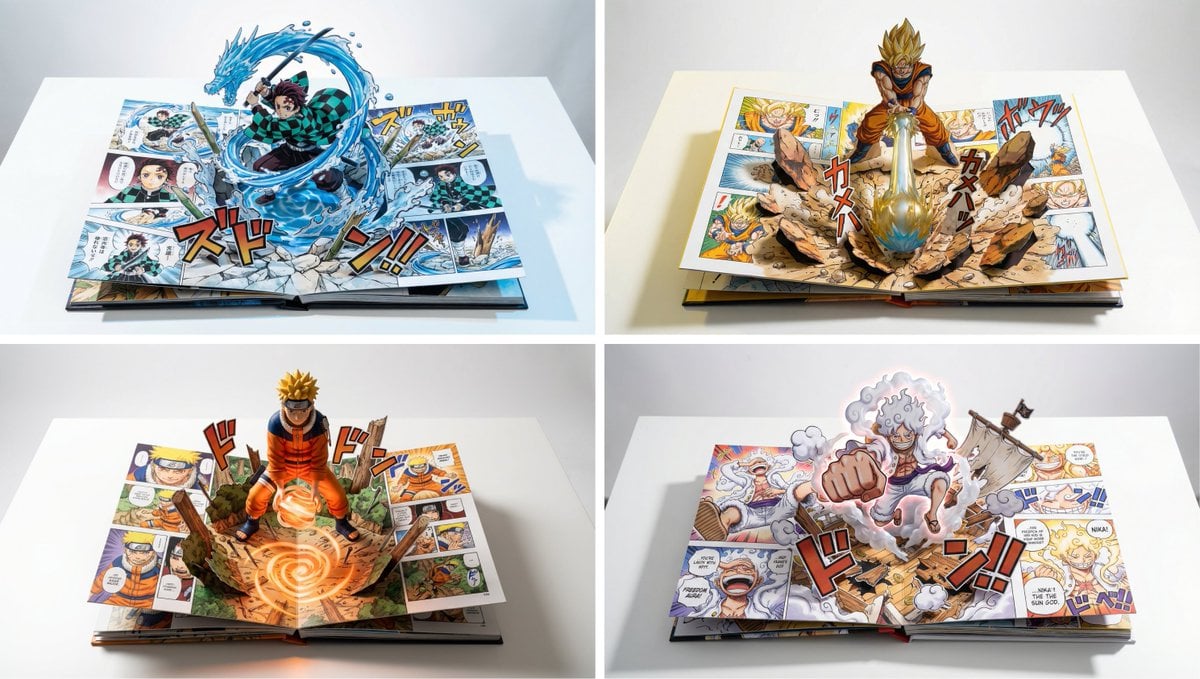
Hyper-realistic Pop-Up Book Product Shot Prompt

Video Generation Prompt: Princess Leia Slave Outfit with Alien

Robotic Arm Releasing a Flower Seed in a Starry Scene
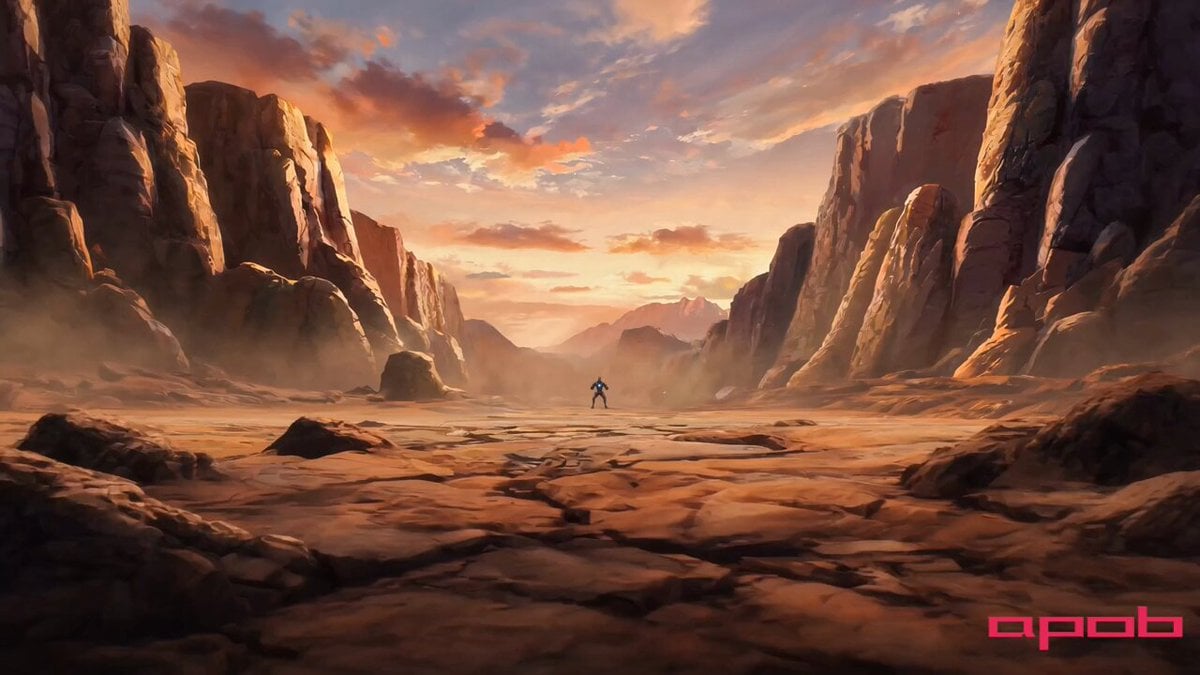
Cinematic Anime Video Scene
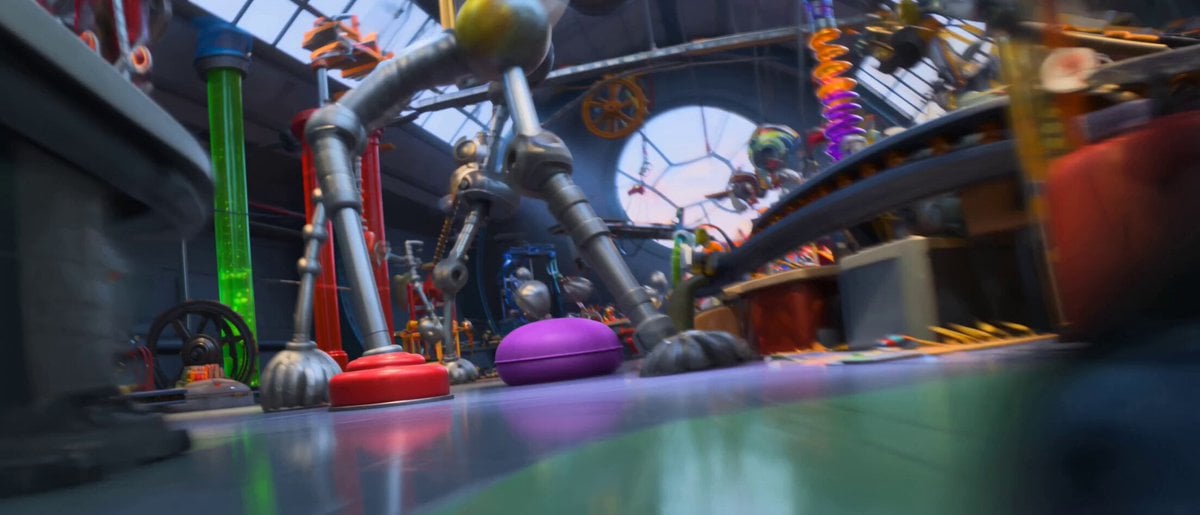
Pixar Style Robot Inventor Animation
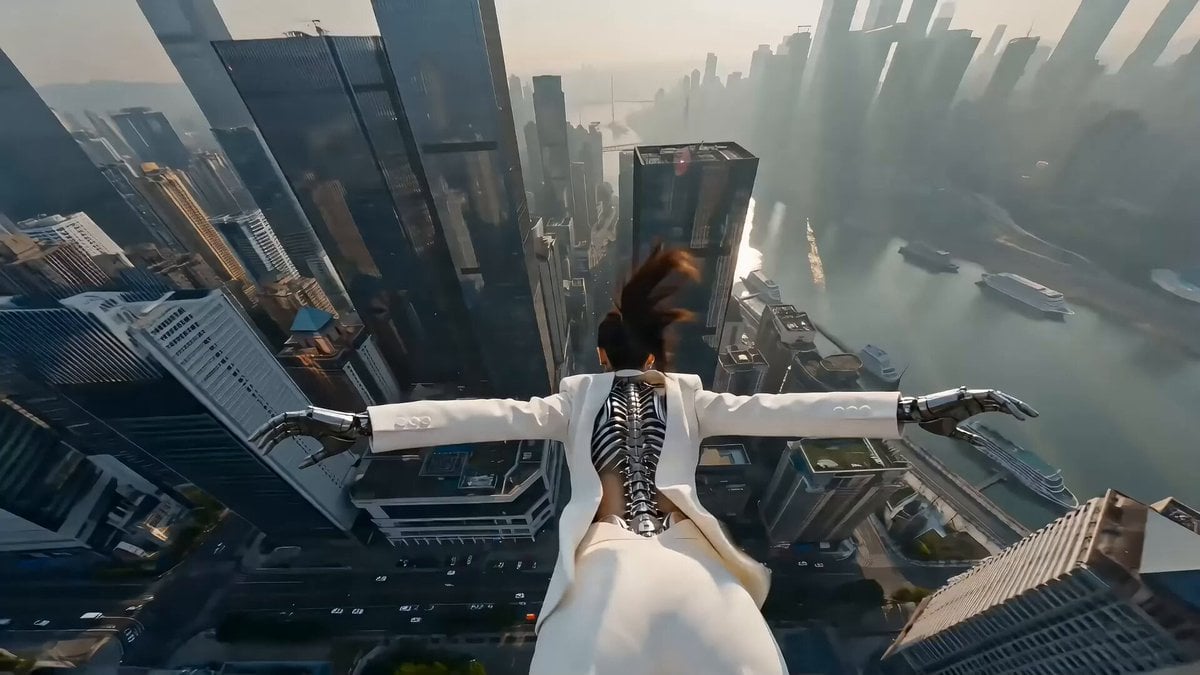
Cyberpunk Action Scene: Freefall and Car Interception Prompt (Chapter 2)
Browse template categories
Sacred Cyber Warrior Transformation questions
How do I use the Sacred Cyber Warrior Transformation template?
Add your photo if the template asks for one, edit the prompt if you like — the template's model and format are already selected — and press Generate. Your version opens in PicX Studio.
Can I customize the Sacred Cyber Warrior Transformation template?
Yes. You can change the subject, setting, lighting, mood, format, and available model controls before creating your video.
Is the Sacred Cyber Warrior Transformation template free?
Opening and editing this template is free. Generating uses credits, shown on the Generate button when you are signed in.
Which AI model should I use?
Start with Grok Imagine, which is the model associated with this template. You can compare another compatible model for a different finish.
Looking for something else? Browse all templates.

Your photo, any look
Thousands of ready templates for every top image and video model, from one credit balance.