
Imperial Dragon Mecha Warrior
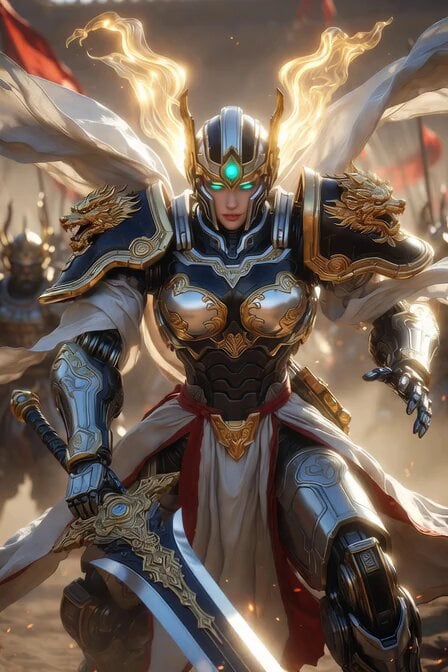
A high-detail prompt for an 8K cinematic video of a female mecha warrior inspired by ancient Chinese imperial dragon designs.
- Prompt included
- Model and format preset
- Premium template
The prompt behind this video
Copy the exact prompt behind Imperial Dragon Mecha Warrior, or open it in the studio and make it yours.
Cinematic photorealistic 6-second video, ultra-detailed 8K, next-level Transformers-style female warrior in a hyper-advanced mecha suit inspired by ancient Chinese imperial dragons. She is a sleek, powerful female cybernetic being in full-body silver-black-gold armor with glowing cyan visor eyes, intricate mechanical joints, and ornate golden dragon/lion shoulder pauldrons that emit flowing liquid-gold energy. Glowing golden runes and flame-like energy patterns pulse across her chest, arms, and legs. She wears flowing white silk battle robes with red accents that billow dramatically in the wind. In her right hand she wields a massive ornate glowing energy sword. Scene opens on a dusty ancient Chinese battlefield at golden hour, with traditional armored soldiers and red banners in the soft background. Camera starts in a dramatic low-angle heroic close-up on her helmet and glowing eyes, then smoothly orbits around her body while she slowly raises her sword in a powerful ready stance. Golden energy surges through her armor, bright pulses traveling across the plates. She takes one heavy, ground-shaking step forward as the camera dynamically pulls back into a wide cinematic shot, revealing her full imposing figure and the chaotic battlefield behind her. Dust and embers swirl around her legs. Subtle mechanical whirring and energy hum SFX. Ultra-realistic materials, intricate metal textures, volumetric god rays, cinematic color grading, shot on Arri Alexa 65 + anamorphic lenses, IMAX quality, hyper-detailed, photorealistic, epic and majestic atmosphere, 24fps, smooth motion, perfect anatomy and mechanical details.
How to use Imperial Dragon Mecha Warrior in 3 steps
- 1
Open
The prompt is already in the box next to the preview, with the template's model and format selected.
- 2…a portrait of your subject in softgolden-hour light, 85mm…
Personalize
Edit the subject and creative details for your destination.
- 3Generate
Generate
Press Generate — your video is created in PicX Studio, so you can compare it with the original and refine one variable at a time.
More like this
Templates with the same subject, style or setup. Open one to see its prompt.
East Asian Female Warrior Mecha Transformation

Mecha Runway Tap Dance Video Prompt
Epic Art Deco imperial railway station interior video
Grok Imagine Prompt: Ultra Luxurious Art Deco Imperial Opera Scene
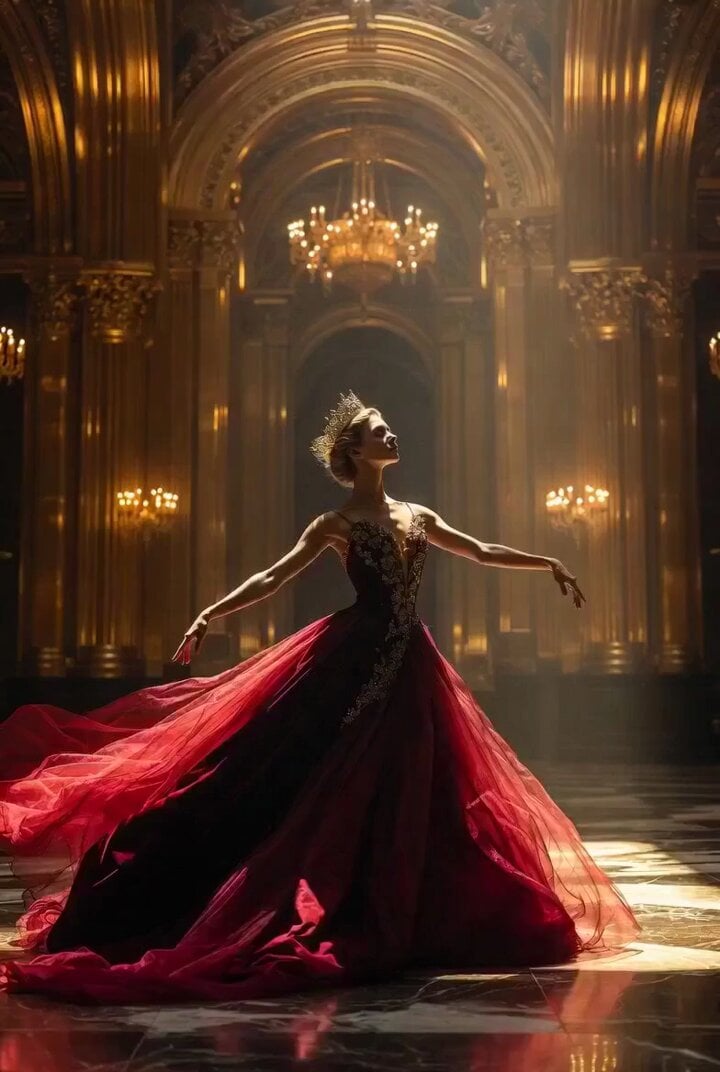
Ultra Cinematic Portrait of a Divine Imperial Ballerina
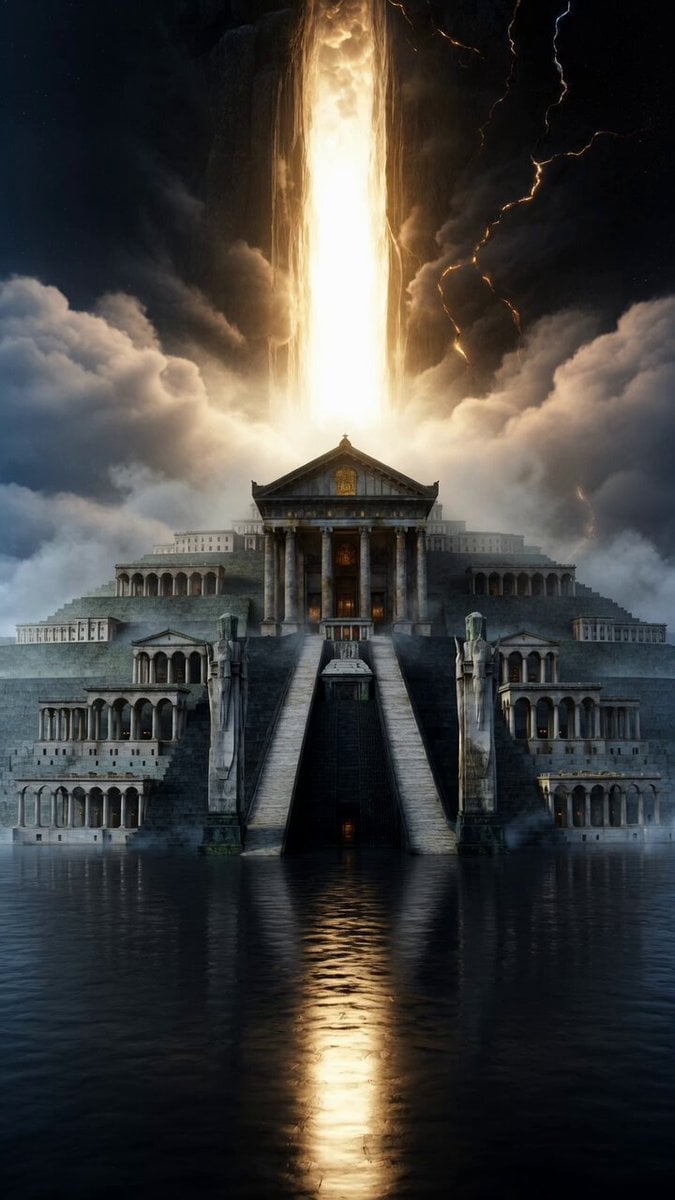
Grand Sacred Imperial Capital at the Edge of the Cosmos
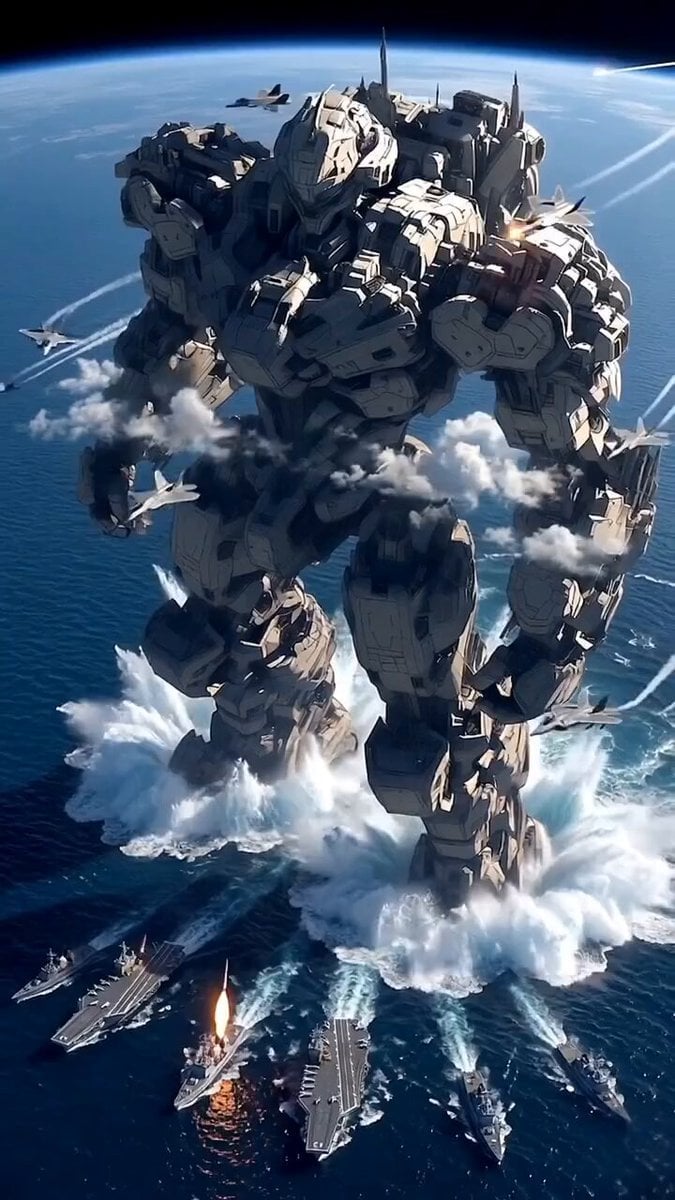
Giant Mecha Naval Battle
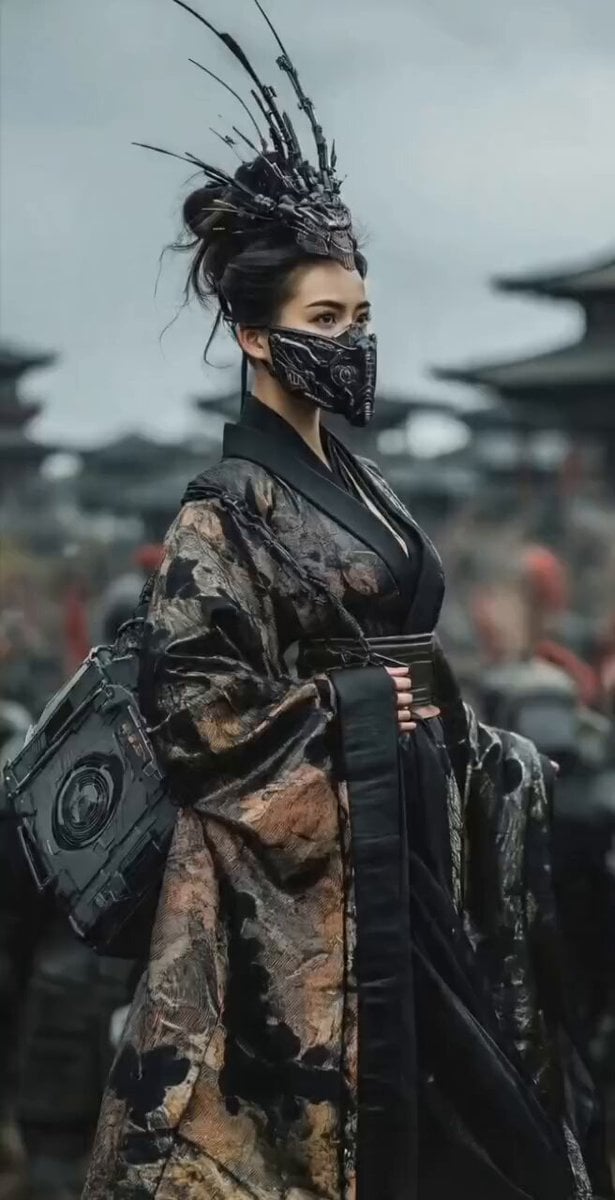
Mysterious Japanese Warrior
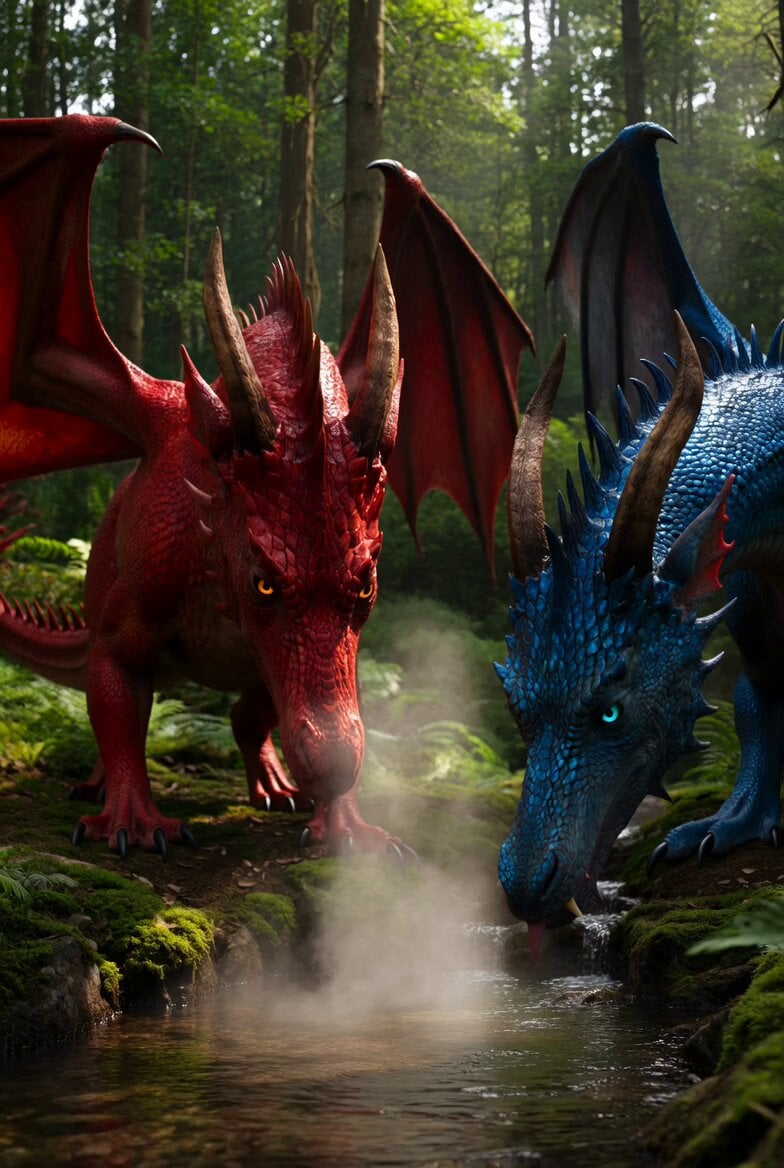
Dragons drinking from a stream
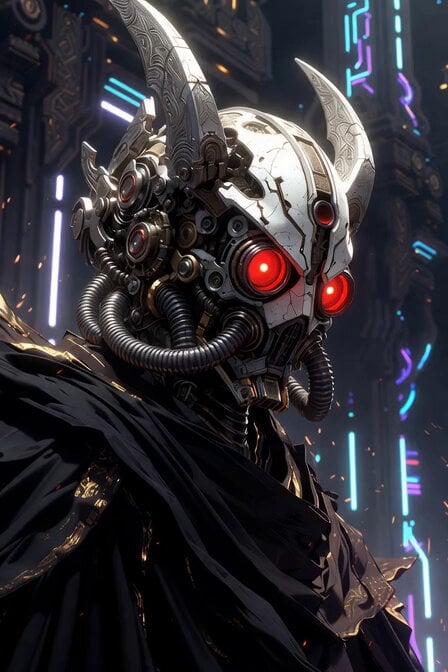
Sacred Cyber Warrior Transformation
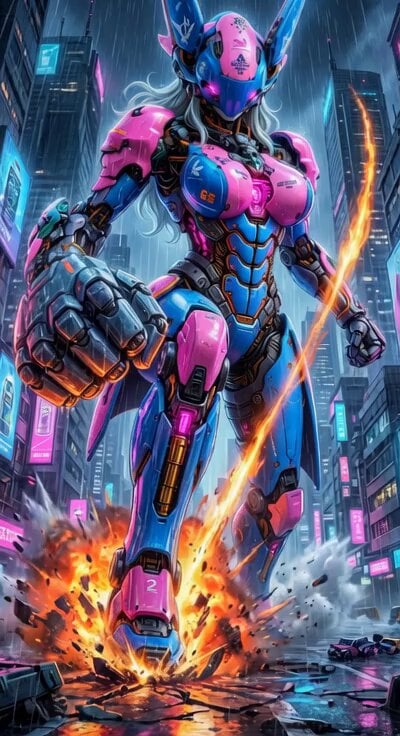
Cyberpunk Mecha Action Scene
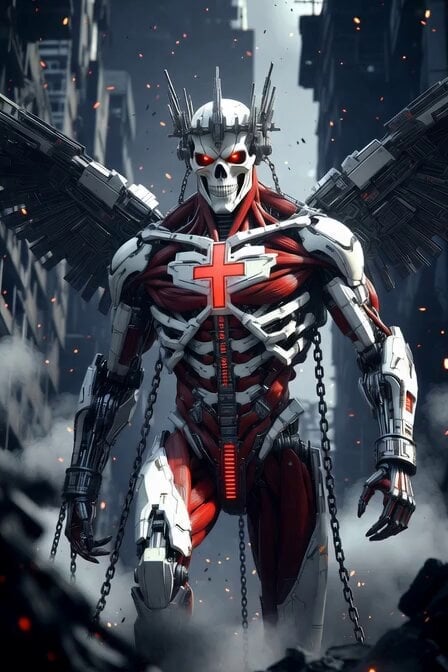
Cybernetic Skeleton Warrior Cinematic
Make it yours
Imperial Dragon Mecha Warrior works as-is. These are the safest ways to change it without losing the look.
Change one field
Copy a single group, rewrite it, and generate again so you can see what that field is doing.
Keep the frame, change the subject
Hold the composition and light of Imperial Dragon Mecha Warrior, then swap wardrobe, props or the person for a new take.
| If the result… | Why | Fix |
|---|---|---|
| The result drifts from the preview | Too many fields changed at once. | Reuse Imperial Dragon Mecha Warrior as-is first, then change one group — subject, light, or setting. |
| The model over-stylizes the scene | The prose prompt leaves finish and camera underspecified. | Add one camera or lighting sentence and stay on Grok Imagine. |
More Grok Imagine templates
Other prompts made for Grok Imagine.

Ninja Wizard Levitation Jump

Coffee Cup Interaction Motion

Voice Controlled Water Animation

Pterodactyl Transformation Journey

Candle Mandala Mirror Video

Psychedelic Purple Disc World Video
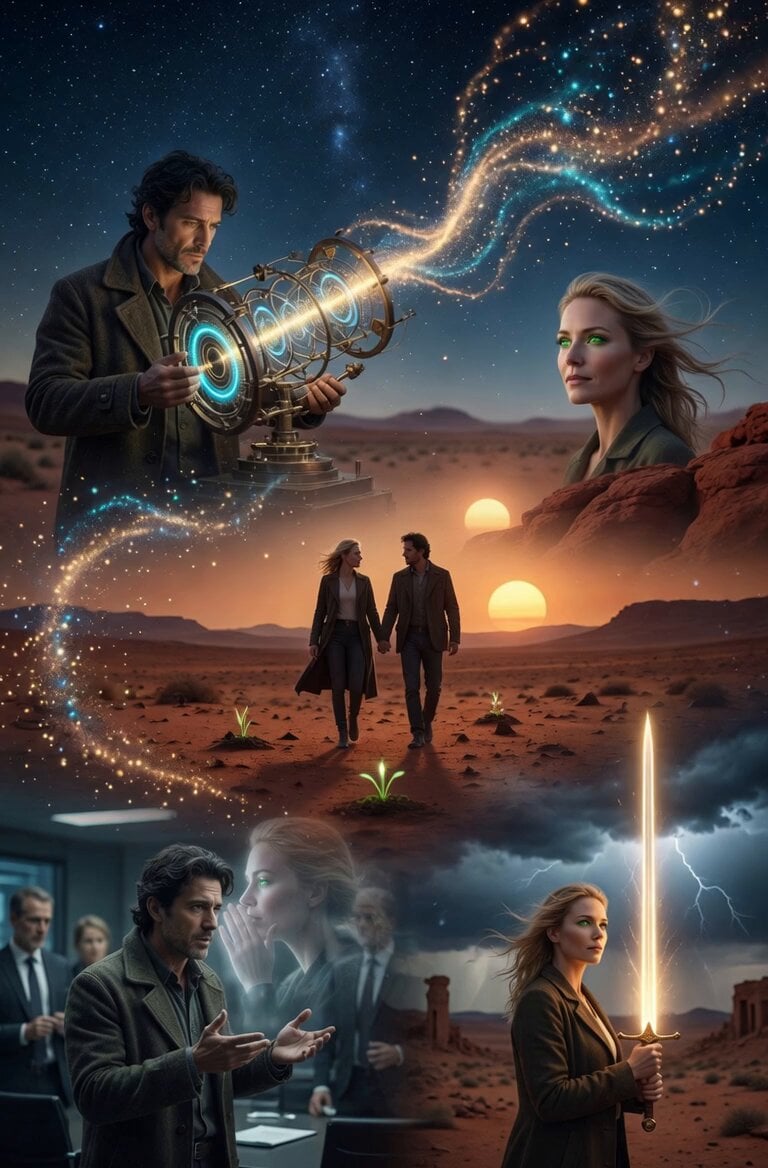
Quantum Inventor in Sonoran Desert

Emotional Angry Couple Drama
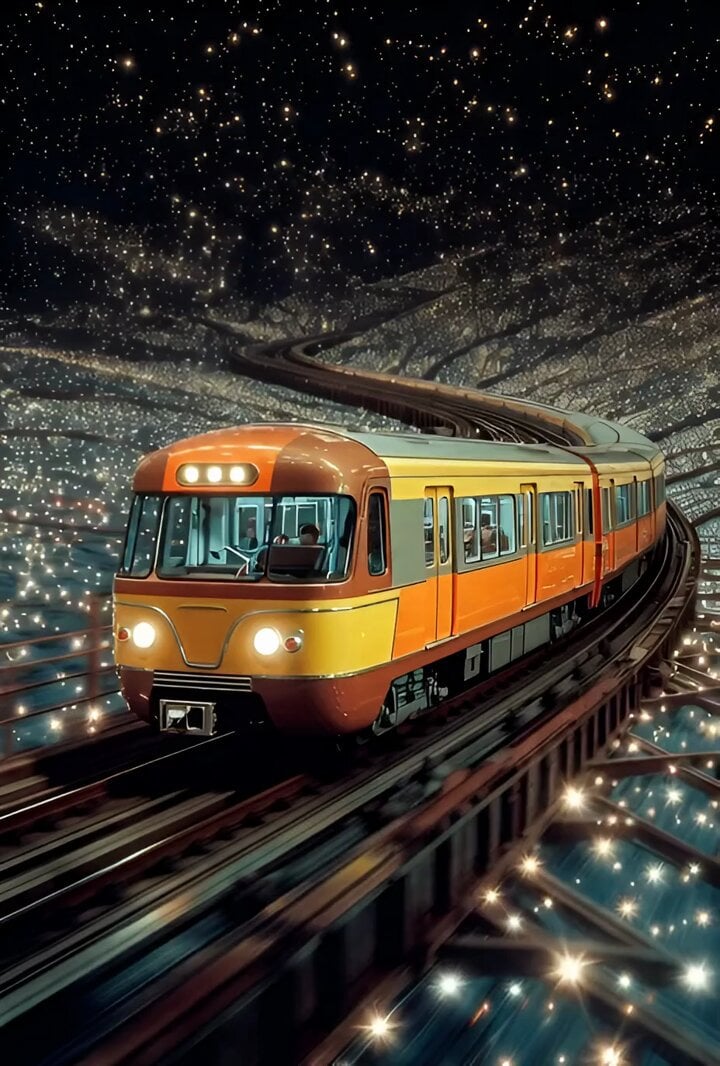
Train Zooming in Star Field Video Prompt

Cyberpunk Guerrilla Girl Video Generation
More video prompts
Fresh picks from across the catalog.
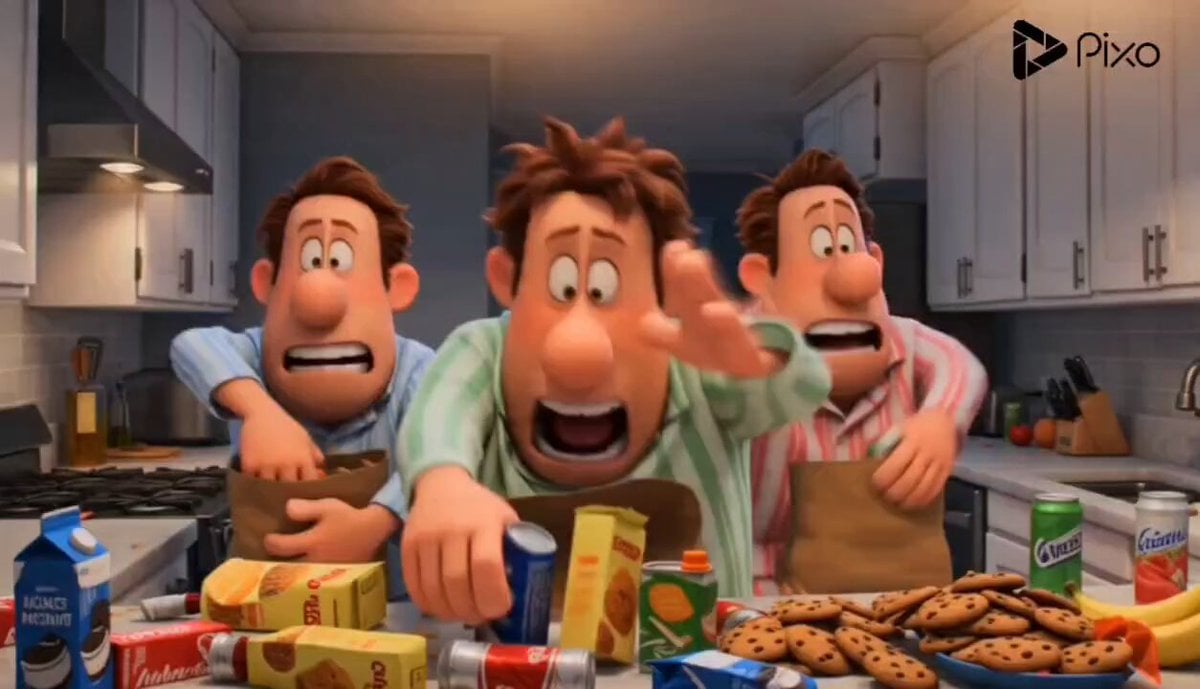
Cartoon Kitchen Snack Chaos
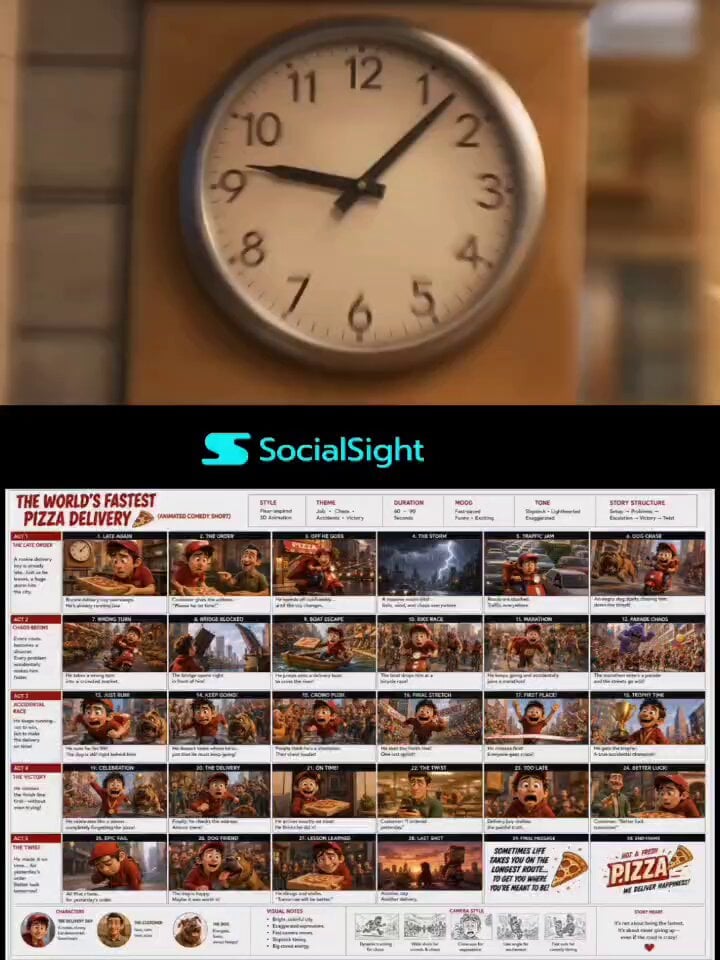
Chaotic Pizza Delivery Animated Short
Fantasy Rabbit Hole Adventure Sequence

Minimalist Menswear Editorial GRWM

Fresco Artwork and Crystal Tiles Video
Petrol Pump Worker Storyboard

Exhausted Employee Meme Video
Nostalgic Summer Chalk Animation VFX
My Body Was Heavy as Lead
Morning Beauty Ritual Vlog
Browse template categories
Imperial Dragon Mecha Warrior questions
How do I use the Imperial Dragon Mecha Warrior template?
Add your photo if the template asks for one, edit the prompt if you like — the template's model and format are already selected — and press Generate. Your version opens in PicX Studio.
Can I customize the Imperial Dragon Mecha Warrior template?
Yes. You can change the subject, setting, lighting, mood, format, and available model controls before creating your video.
Is the Imperial Dragon Mecha Warrior template free?
Opening and editing this template is free. Generating uses credits, shown on the Generate button when you are signed in.
Which AI model should I use?
Start with Grok Imagine, which is the model associated with this template. You can compare another compatible model for a different finish.
Looking for something else? Browse all templates.

Your photo, any look
Thousands of ready templates for every top image and video model, from one credit balance.