
Ultra Cinematic Portrait of a Divine Imperial Ballerina
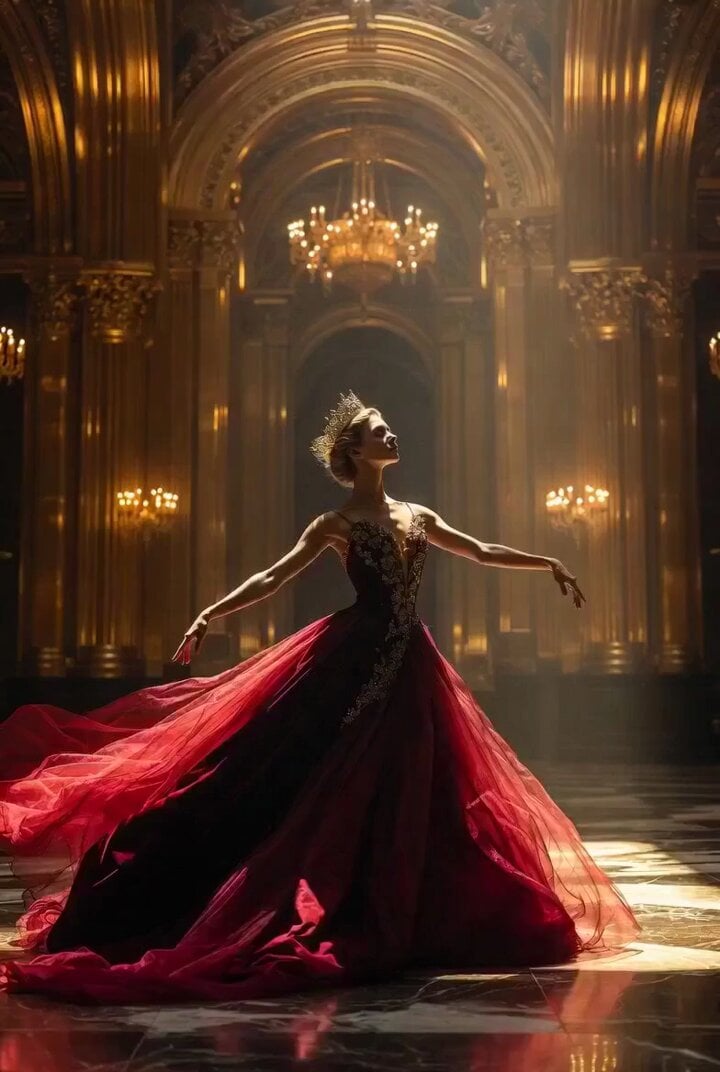
An extremely detailed cinematic prompt for Grok Imagine, intended for a 30-second continuous video using 'extend from frame', describing a divine imperial ballerina in a couture crimson gown at the center of a…
- Prompt included
- Model and format preset
- Free template
The prompt behind this video
Copy the exact prompt behind Ultra Cinematic Portrait of a Divine Imperial Ballerina, or open it in the studio and make it yours.
Ultra cinematic masterpiece portrait of a divine imperial ballerina standing alone at the center of a colossal royal opera palace, architecture blending high baroque, imperial Byzantine, and futuristic art deco symmetry, towering arches stretching infinitely upward, golden columns engraved with sacred geometry, massive crystal chandeliers emitting warm golden light reflecting across polished black marble floors, the environment perfectly symmetrical and monumental, evoking power and eternity the dancer wears an extremely detailed couture crimson velvet ballet gown, layered silk fabrics flowing like liquid, embroidered with ultra intricate gold filigree patterns inspired by ancient empires, tiny gemstone inlays reflecting light dynamically, a long trailing cape extending across the floor with embroidered mythological symbols, the bodice structured yet elegant,accentuating grace and strength her crown is an elaborate masterpiece of carved gold and ivory, shaped like a radiant halo, with delicate chains and lace casting patterned shadows across her face, her expression serene yet powerful, eyes slightly lowered, embodying divine control and timeless authority lighting is dramatic and cinematic strong directional golden light beams entering from high cathedral windows, volumetric light rays cutting through floating dust particles, high contrast shadows sculpting facial features, subtle rim lighting outlining her silhouette, ultra realistic skin texture with micro details, 85mm lens, shallow depth of field, film grain, 8k resolution, IMAX composition.
How to use Ultra Cinematic Portrait of a Divine Imperial Ballerina in 3 steps
- 1
Open
The prompt is already in the box next to the preview, with the template's model and format selected.
- 2…a portrait of your subject in softgolden-hour light, 85mm…
Personalize
Edit the subject and creative details for your destination.
- 3Generate
Generate
Press Generate — your video is created in PicX Studio, so you can compare it with the original and refine one variable at a time.
More like this
Templates with the same subject, style or setup. Open one to see its prompt.

Cinematic Portrait Study 3

Cinematic Portrait Study
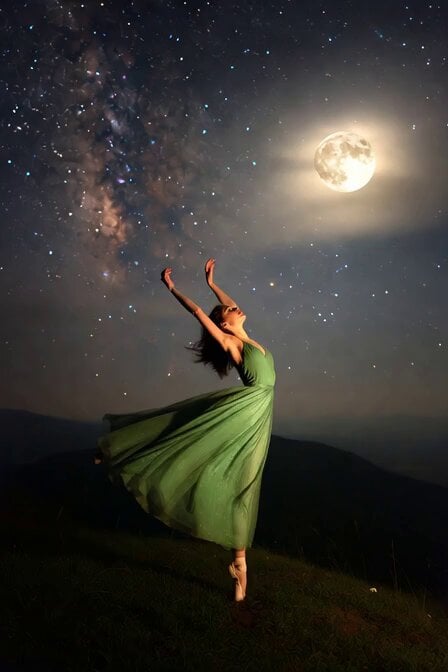
Moonlit Ballerina Hilltop Dance
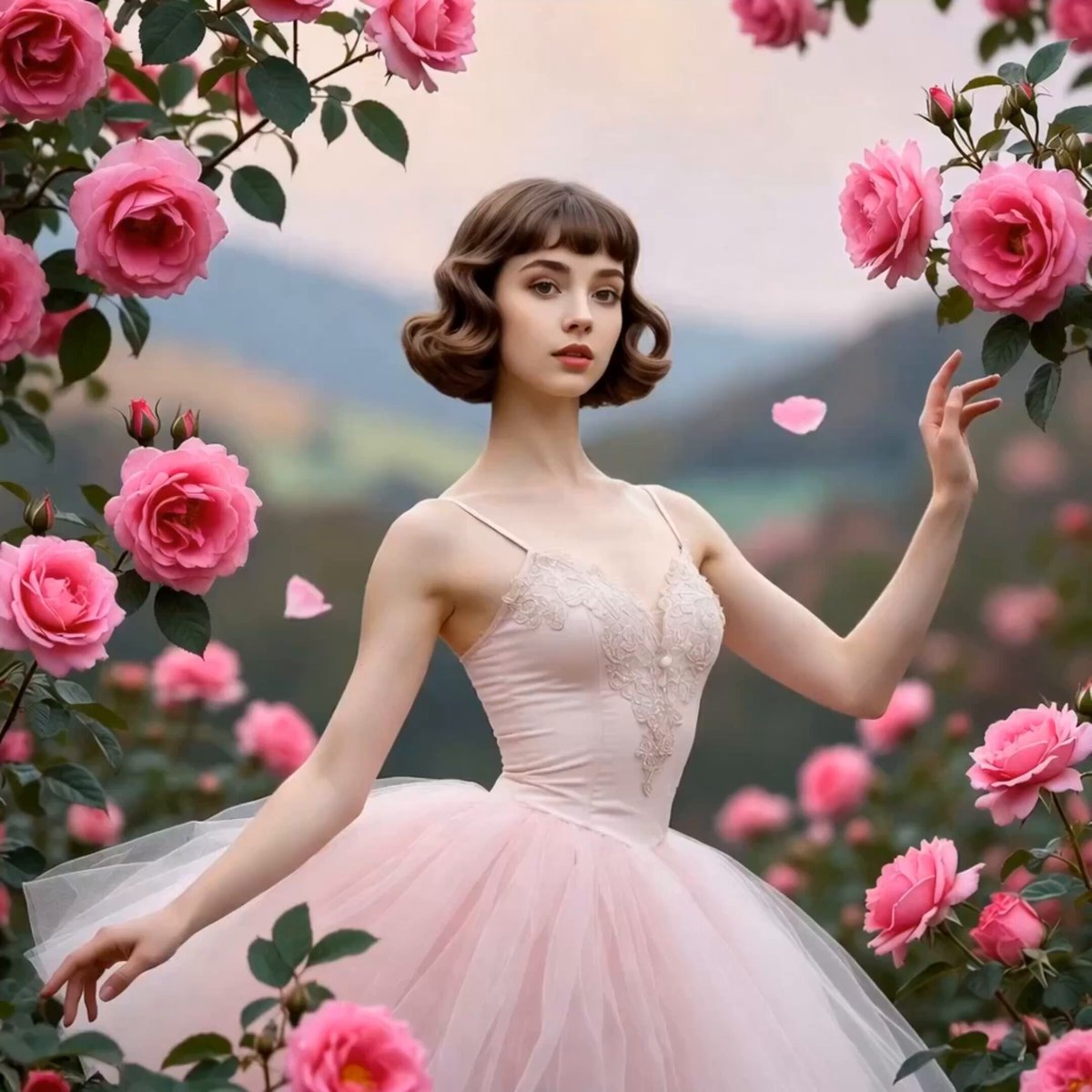
Ballerina Among Pink Roses
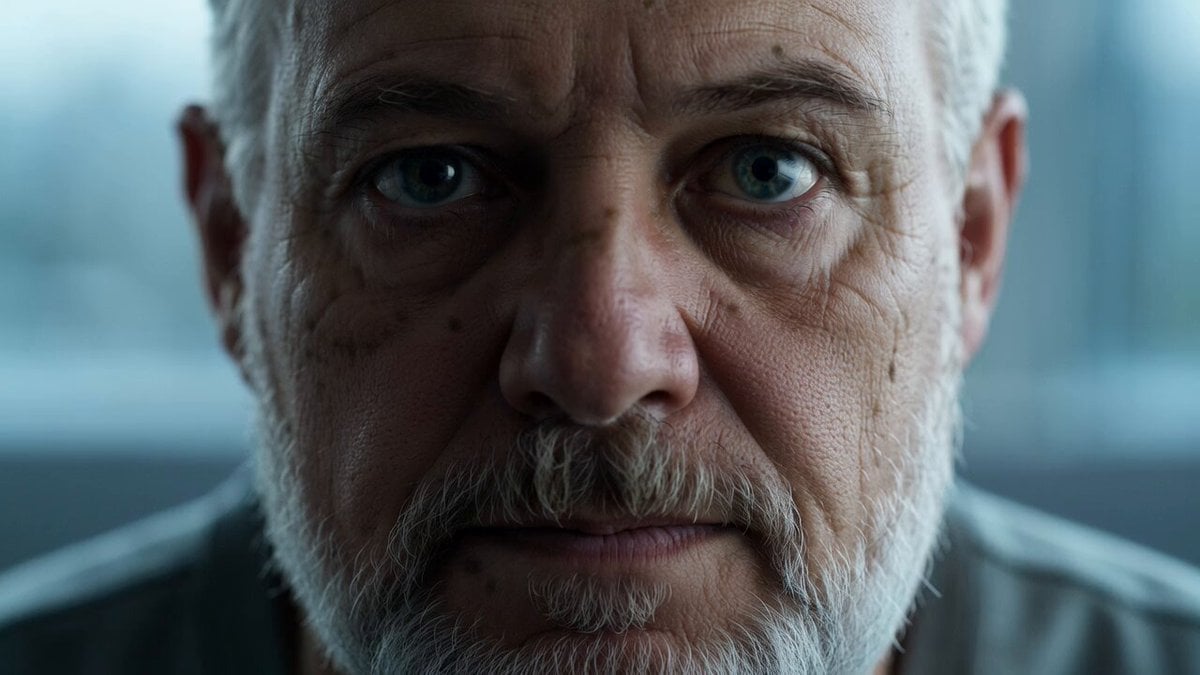
Reflective Elderly Man Documentary Portrait
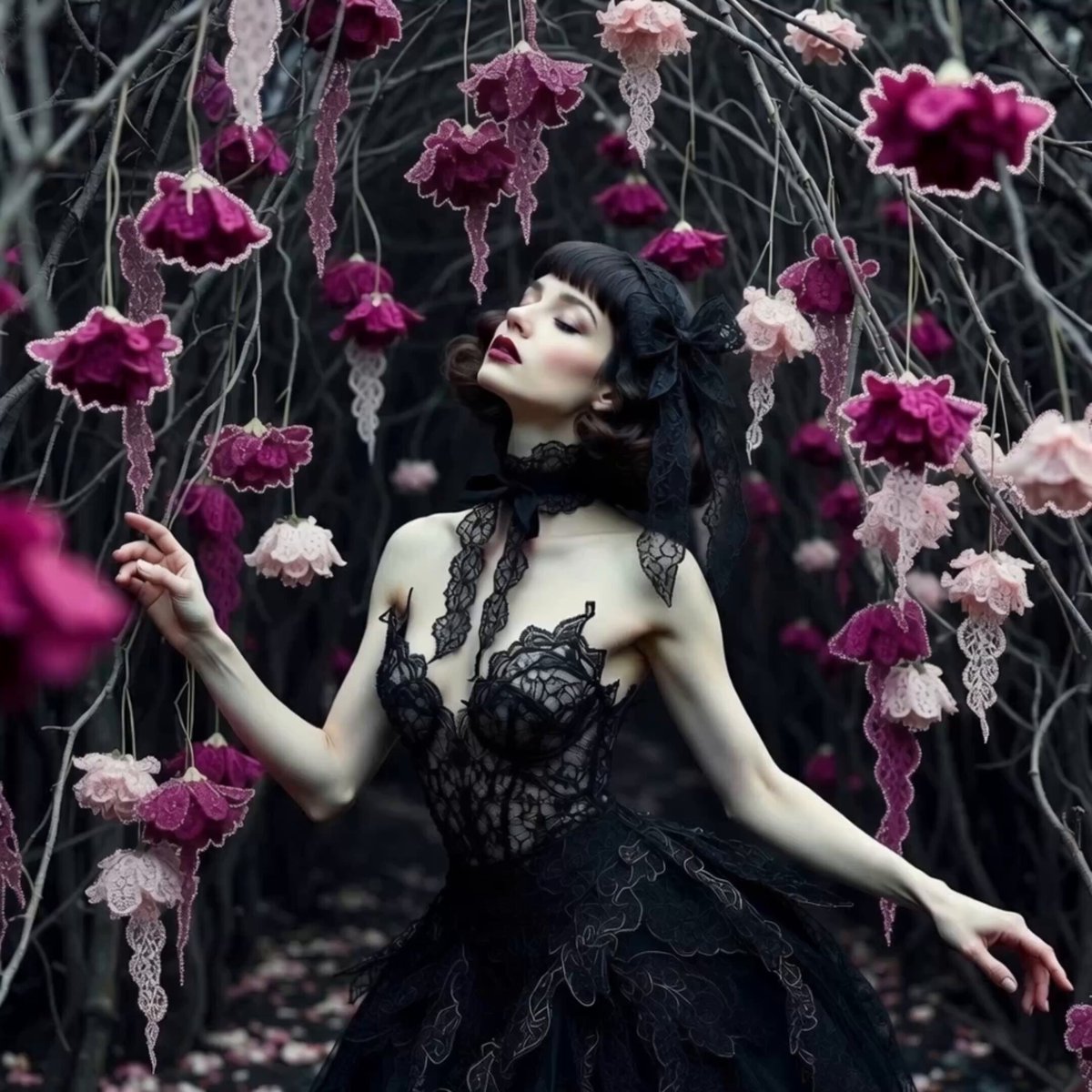
Ballerina in Midnight Lace
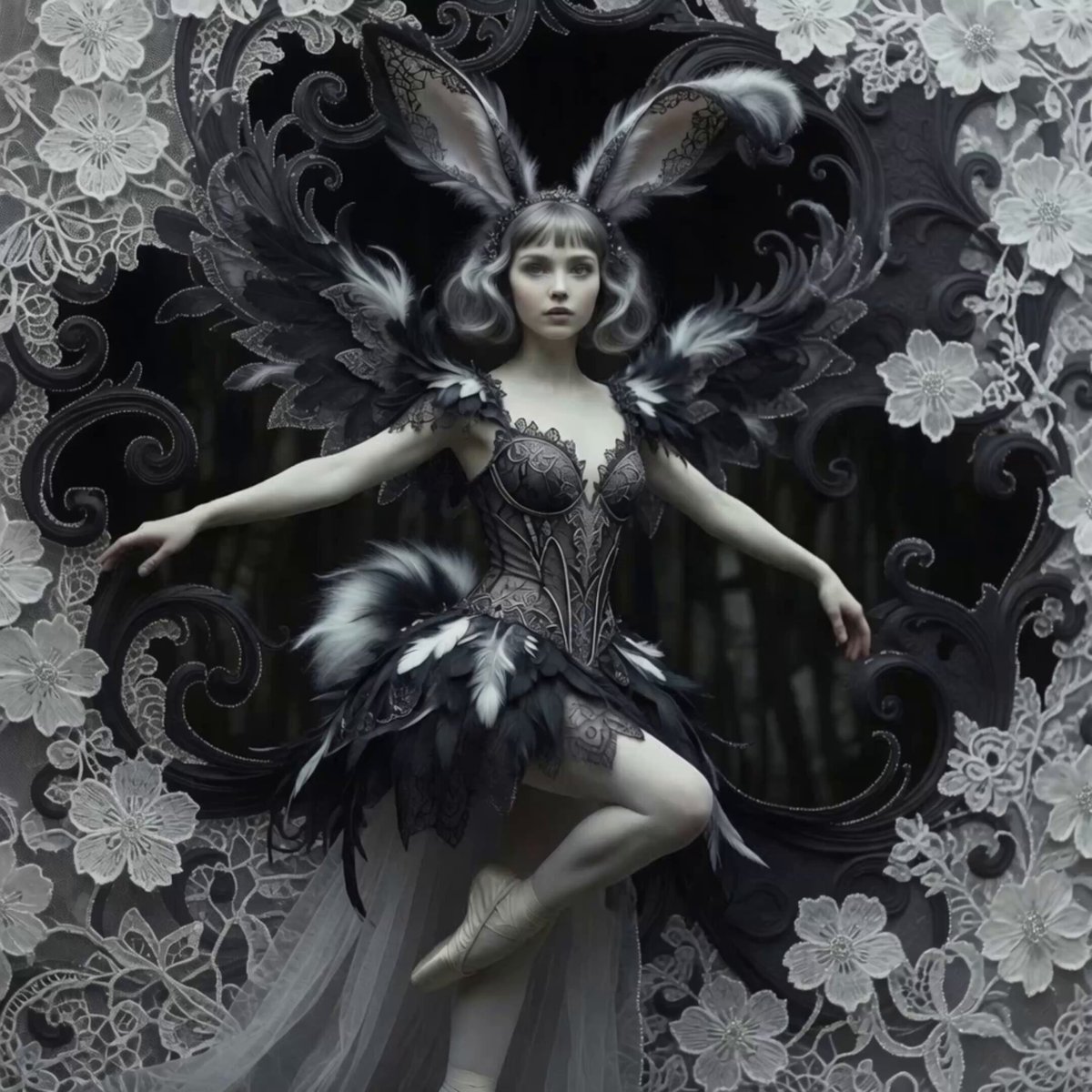
Bunny Ballerina in Sparking Blooms
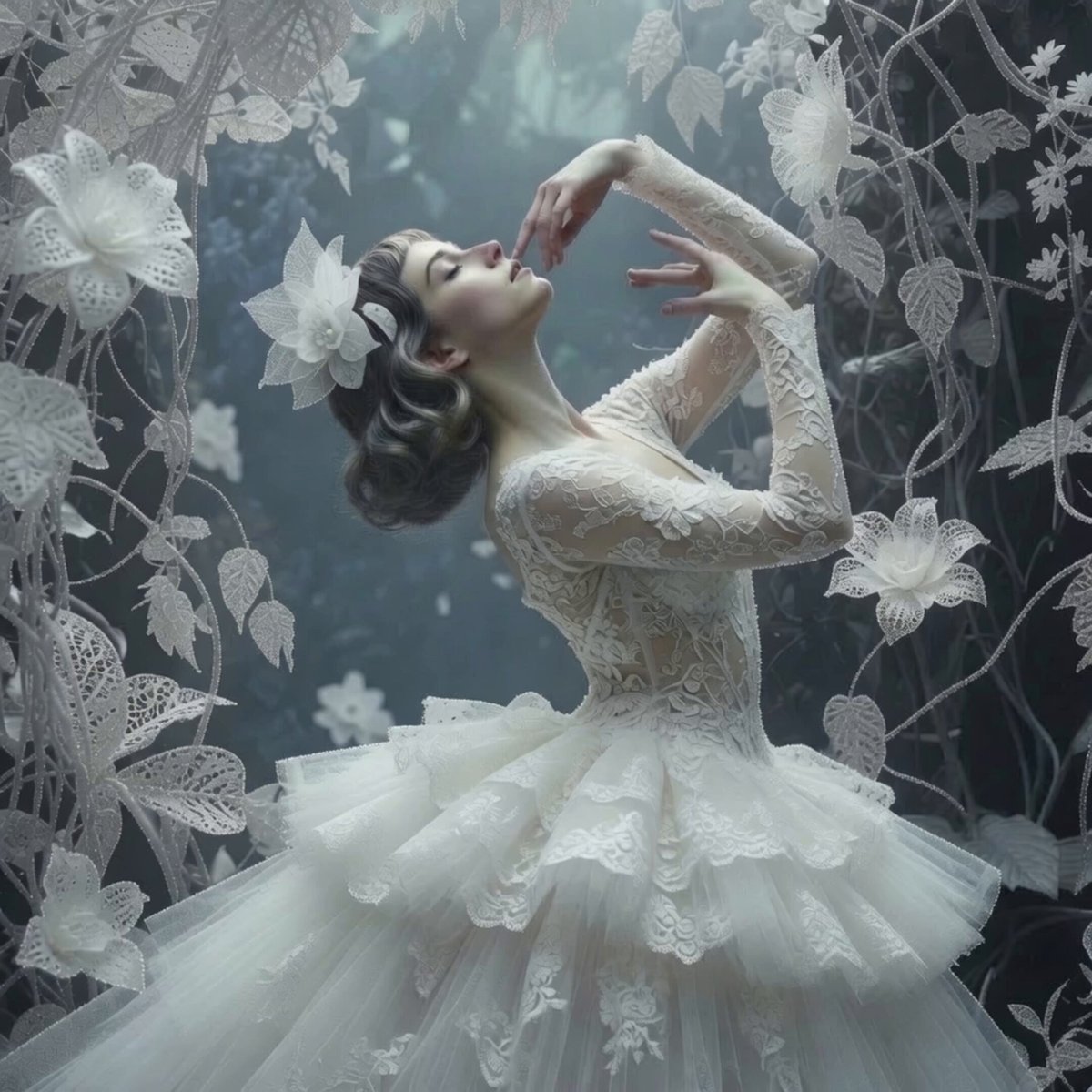
Ethereal Ballerina Garden Dance
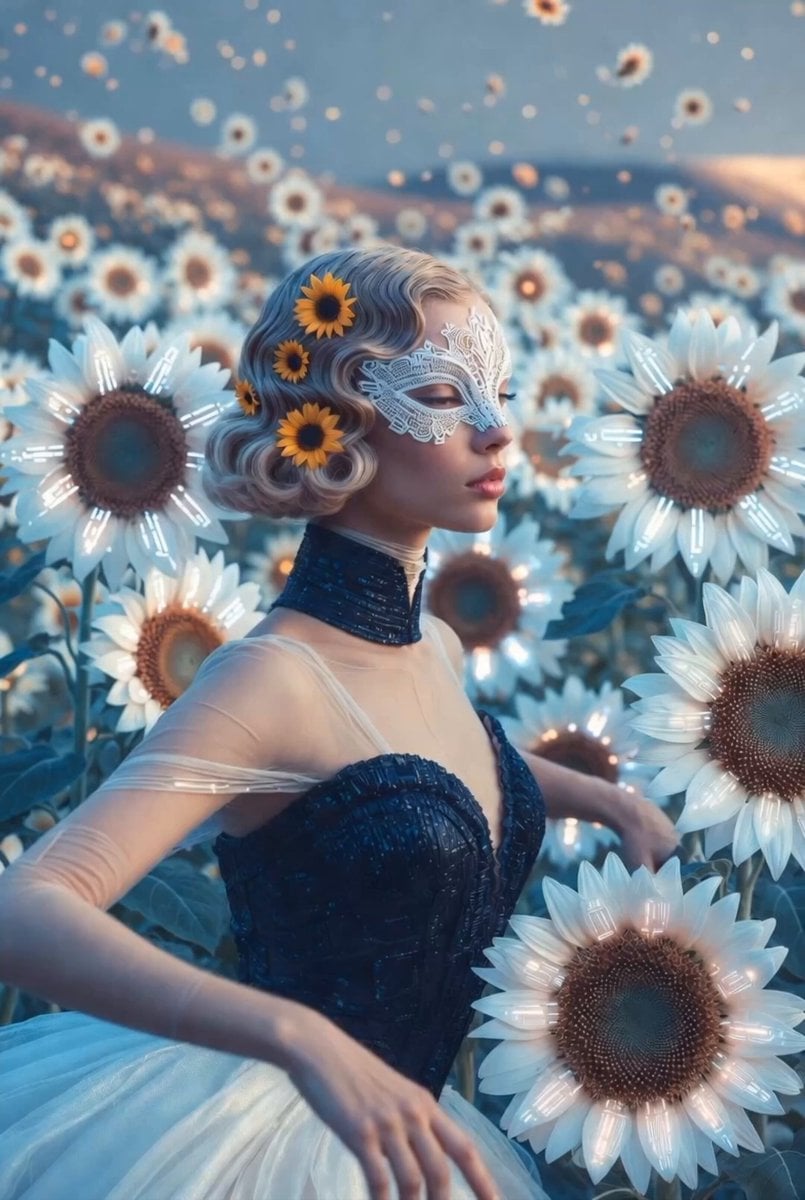
Sunflower spirit ballerina in a dreamy pastel garden video generation
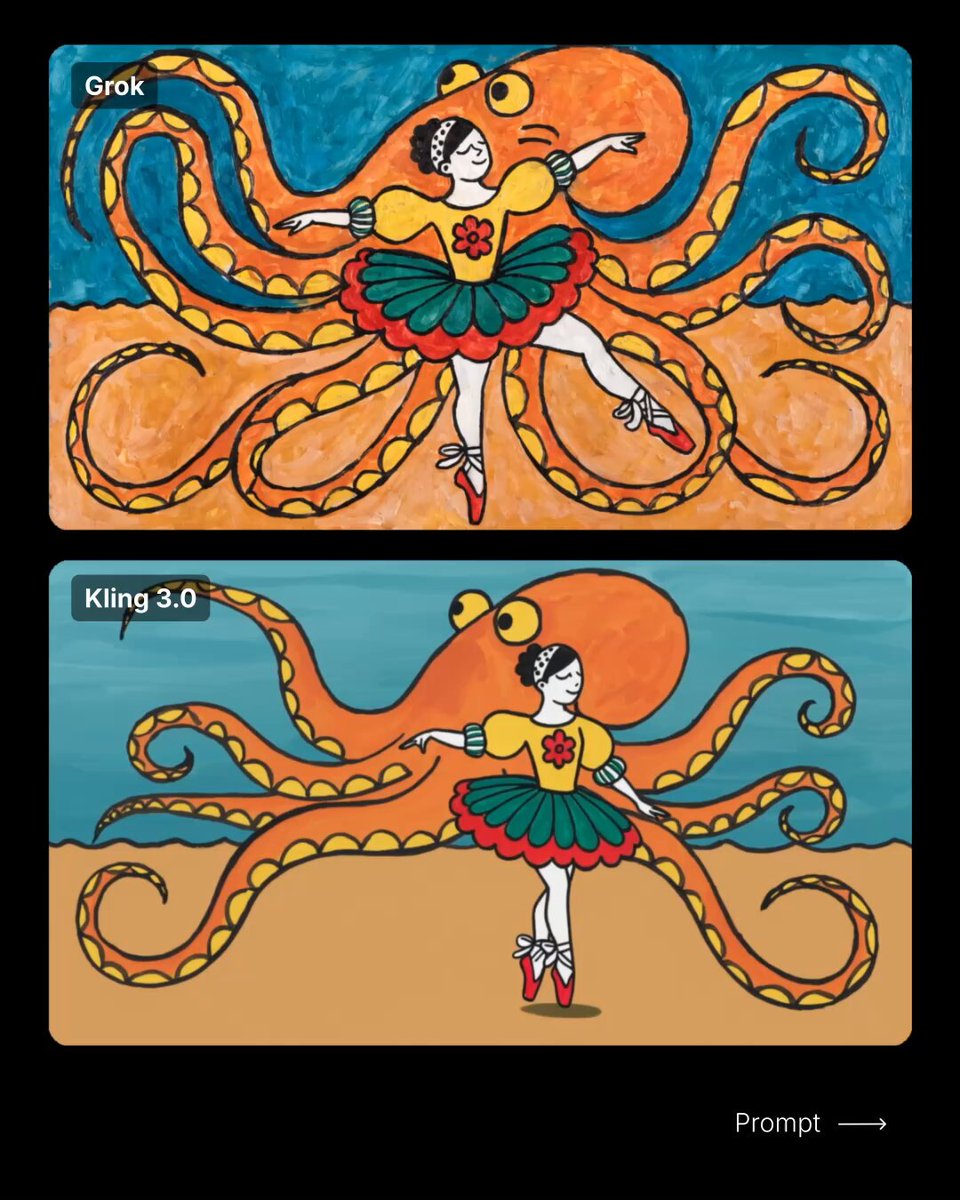
Ballerina Wandering Video Prompt
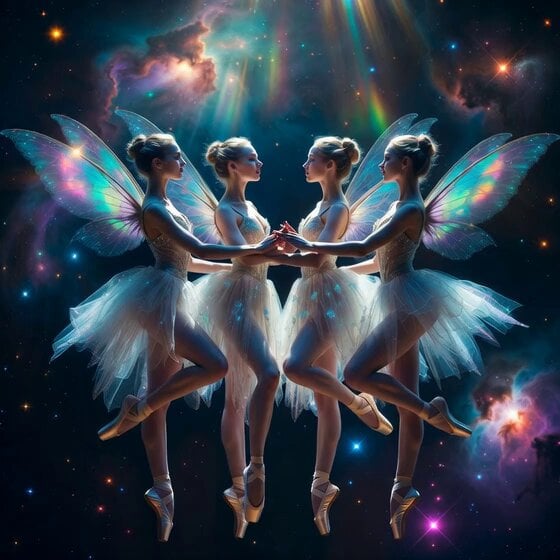
Fairy Ballerinas in Space Video Prompt
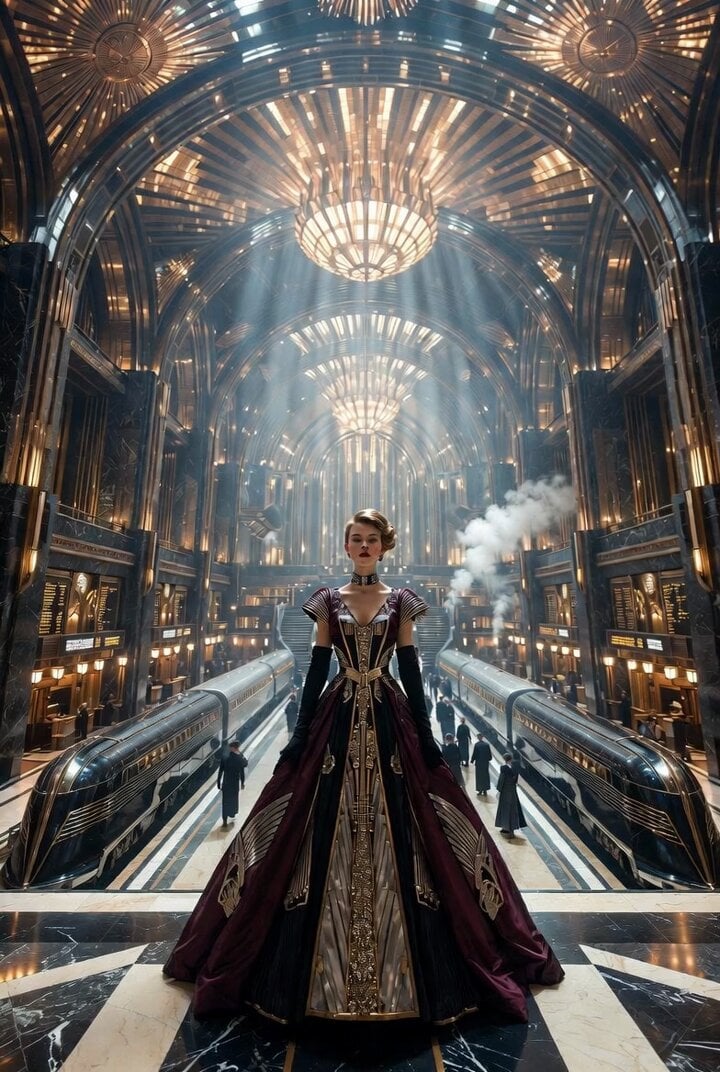
Epic Art Deco imperial railway station interior video
Make it yours
Ultra Cinematic Portrait of a Divine Imperial Ballerina works as-is. These are the safest ways to change it without losing the look.
Change one field
Copy a single group, rewrite it, and generate again so you can see what that field is doing.
Keep the frame, change the subject
Hold the composition and light of Ultra Cinematic Portrait of a Divine Imperial Ballerina, then swap wardrobe, props or the person for a new take.
| If the result… | Why | Fix |
|---|---|---|
| The result drifts from the preview | Too many fields changed at once. | Reuse Ultra Cinematic Portrait of a Divine Imperial Ballerina as-is first, then change one group — subject, light, or setting. |
| The model over-stylizes the scene | The prose prompt leaves finish and camera underspecified. | Add one camera or lighting sentence and stay on Grok Imagine. |
More Grok Imagine templates
Other prompts made for Grok Imagine.

Horror Daffy Duck Video Transition

America 250th Anniversary Celebration

Glowing Water Forest Night Prompt

Soft Pink Roses Dreamer Prompt

Ninja Wizard Levitation Jump

Coffee Cup Interaction Motion

Voice Controlled Water Animation

Pterodactyl Transformation Journey

Candle Mandala Mirror Video

Psychedelic Purple Disc World Video
More video prompts
Fresh picks from across the catalog.
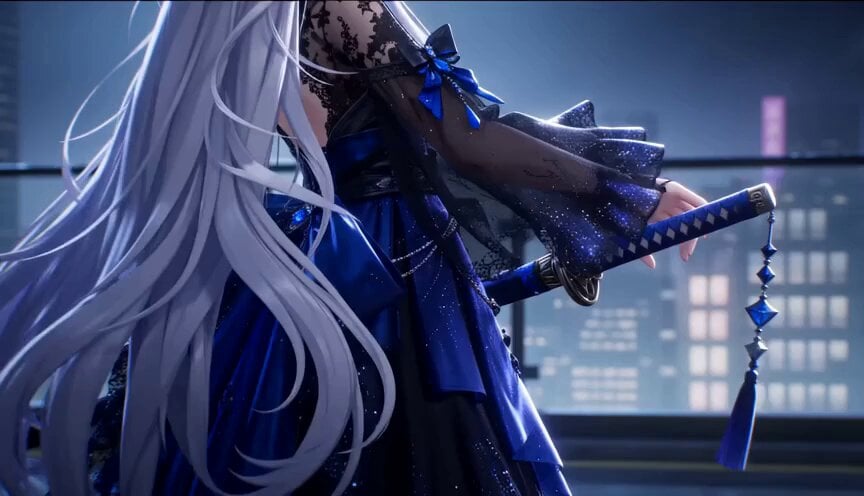
Gothic Anime Sword Slash
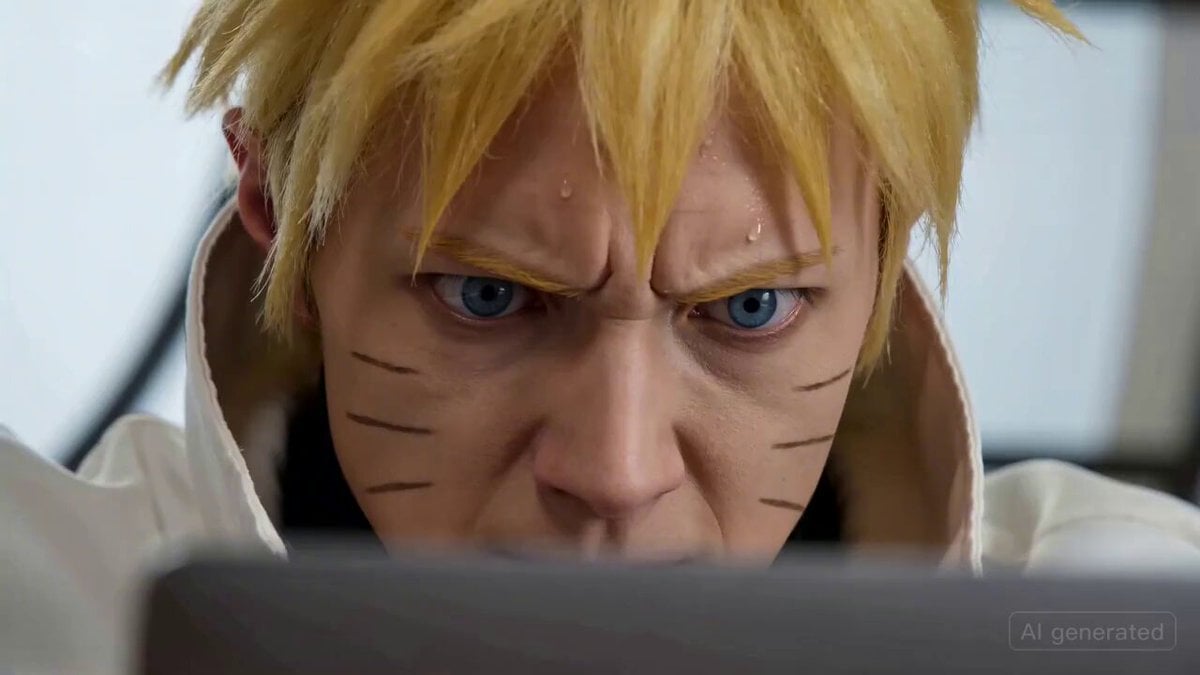
Naruto coding intensely and throwing a laptop
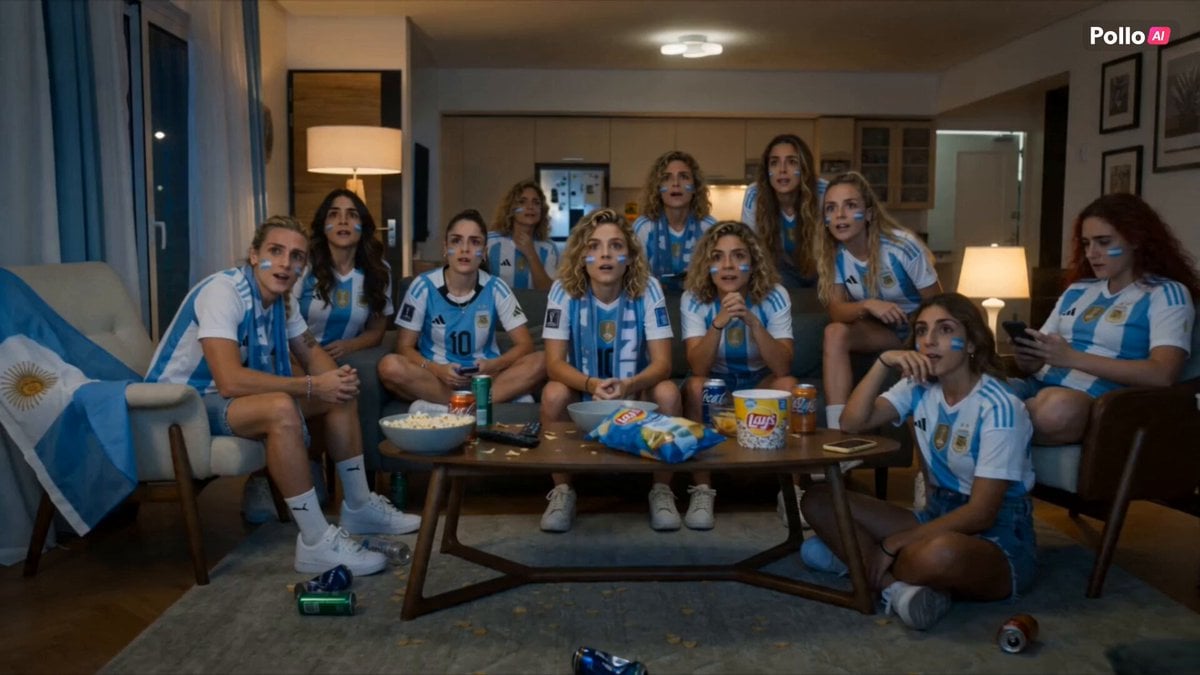
Lays World Cup 2026 Commercial
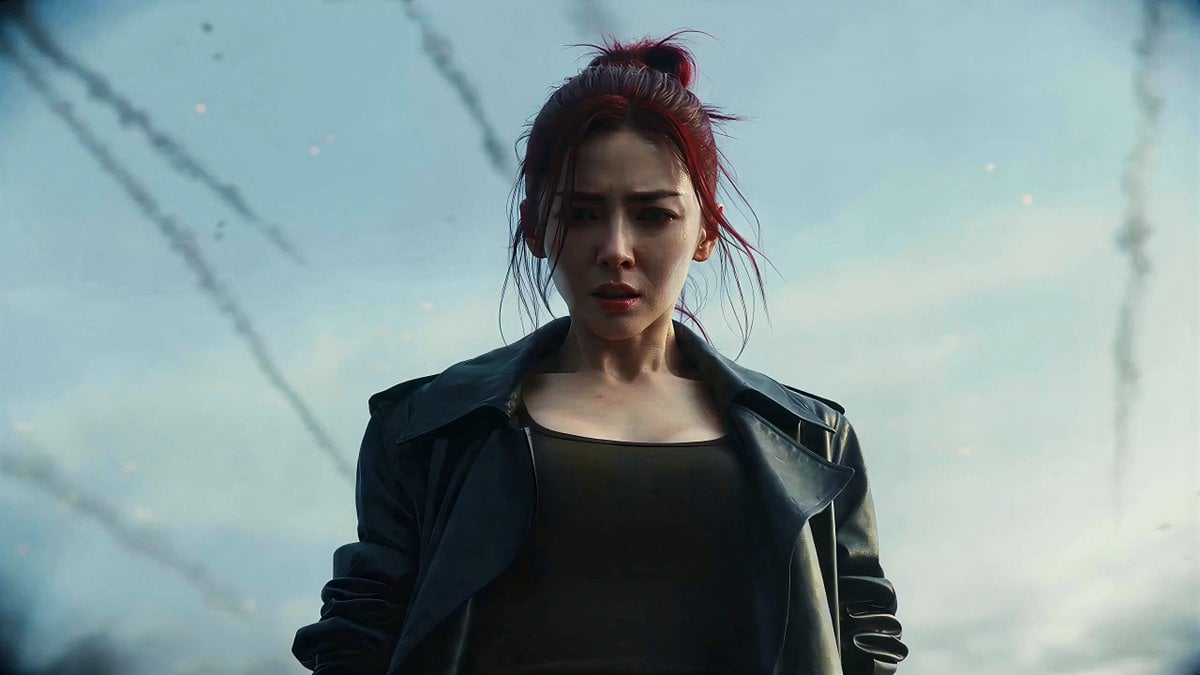
Kamen Rider-Style Transformation Sequence

Calligraphy Dragon Transformation Scene

Complex 30-Second Animated Video Prompt

Hyperrealistic Soap Bubbles in a Park

Injured Kitten Rescue Story Video
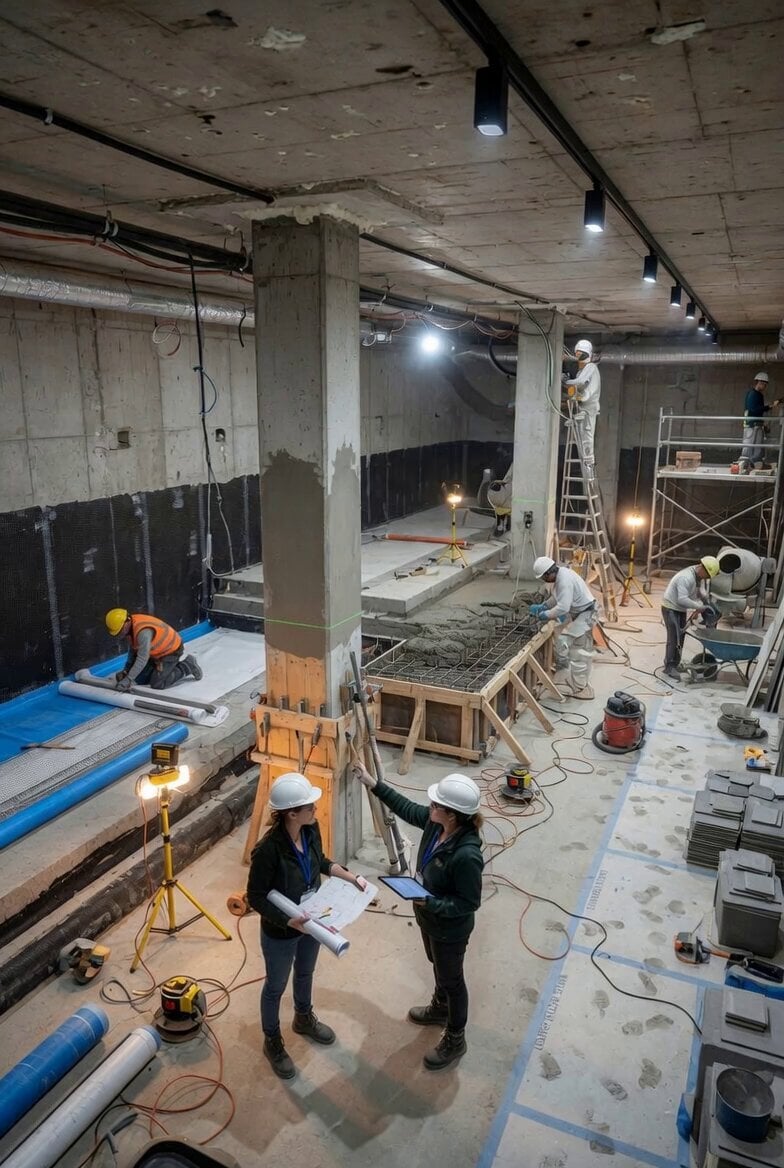
Stable Scene Lock Bunker Room
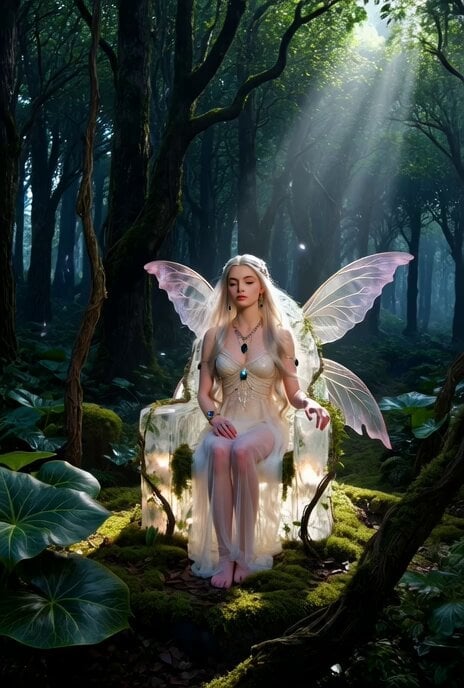
Ethereal Fairy-Elf on a Crystal Throne Video
Browse template categories
Ultra Cinematic Portrait of a Divine Imperial Ballerina questions
How do I use the Ultra Cinematic Portrait of a Divine Imperial Ballerina template?
Add your photo if the template asks for one, edit the prompt if you like — the template's model and format are already selected — and press Generate. Your version opens in PicX Studio.
Can I customize the Ultra Cinematic Portrait of a Divine Imperial Ballerina template?
Yes. You can change the subject, setting, lighting, mood, format, and available model controls before creating your video.
Is the Ultra Cinematic Portrait of a Divine Imperial Ballerina template free?
Opening and editing this template is free. Generating uses credits, shown on the Generate button when you are signed in.
Which AI model should I use?
Start with Grok Imagine, which is the model associated with this template. You can compare another compatible model for a different finish.
Looking for something else? Browse all templates.

Your photo, any look
Thousands of ready templates for every top image and video model, from one credit balance.