
Reflective Elderly Man Documentary Portrait
An extremely detailed video prompt for a photorealistic, emotional close-up portrait with synchronized speech and natural movements.
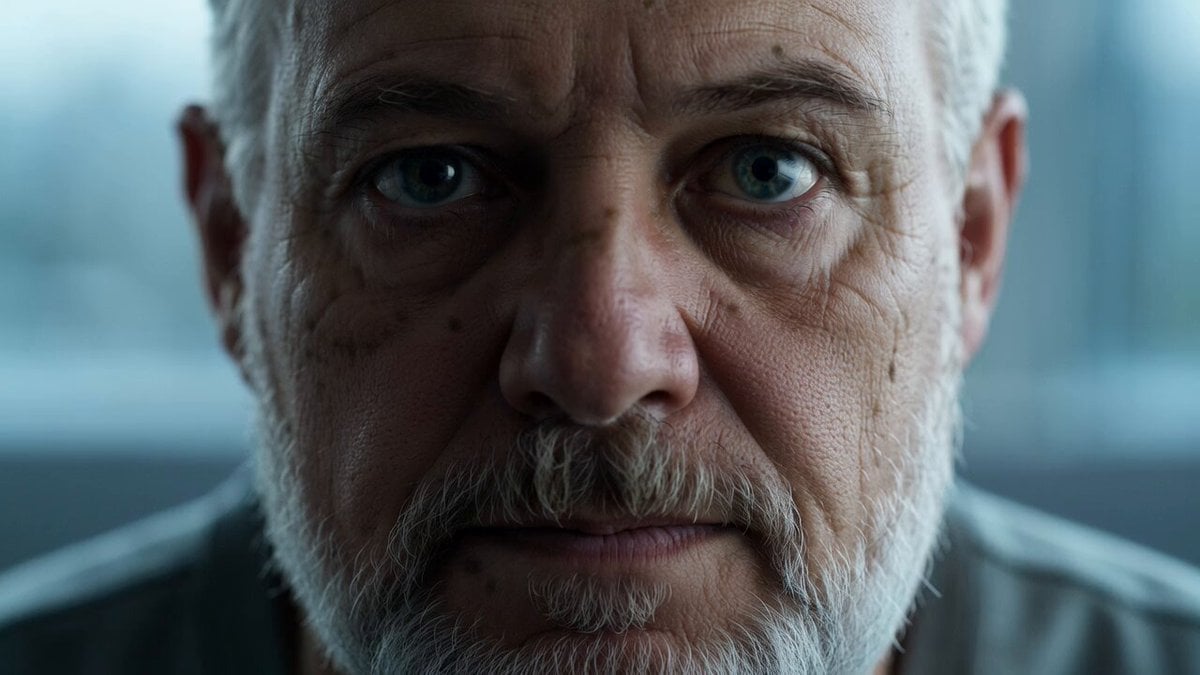
- Prompt included
- Model and format preset
- Free template
The prompt behind this video
Copy the exact prompt behind Reflective Elderly Man Documentary Portrait, or open it in the studio and make it yours.
An intimate extreme close up portrait of an elderly man with deeply weathered skin, a silver gray beard, expressive blue gray eyes, and a quiet, reflective expression. His face fills nearly the entire frame, revealing fine wrinkles, natural skin texture, age spots, and subtle imperfections with exceptional photorealistic realism. Soft diffused daylight enters from one side, gently sculpting his facial features while creating delicate shadows around the eyes and cheekbones. Cool desaturated blue and teal color grading, shallow depth of field, softly blurred background, cinematic composition, authentic emotional documentary photography, 85mm portrait lens, f/1.8 aperture, razor sharp eye focus, subtle film grain, high dynamic range, raw, timeless atmosphere. The camera holds a single continuous extreme close-up with an almost imperceptible slow push in. The man breathes naturally, blinks occasionally, and makes subtle micro-expressions as memories surface. His eyes glisten slightly, and a faint, thoughtful smile appears near the end. His lips move with perfectly synchronized speech while maintaining calm eye contact with the camera. Every facial movement feels authentic and understated. Dialogue (15 seconds): “When I was young, I chased success because I thought it would last forever. Now I know… the moments you share with people you love are the only things that time can never take away.” Natural conversational pacing with gentle pauses, perfect lip synchronization, realistic facial muscle movement, subtle eye movement, soft breathing, documentary style performance, no exaggerated acting, no subtitles, no on screen text, no background music, only quiet room ambience and the warmth of his natural voice.
How to use Reflective Elderly Man Documentary Portrait in 3 steps
- 1
Open
The prompt is already in the box next to the preview, with the template's model and format selected.
- 2…a portrait of your subject in softgolden-hour light, 85mm…
Personalize
Edit the subject and creative details for your destination.
- 3Generate
Generate
Press Generate — your video is created in PicX Studio, so you can compare it with the original and refine one variable at a time.
More like this
Templates with the same subject, style or setup. Open one to see its prompt.

Cinematic Portrait Study 3

Cinematic Portrait Study
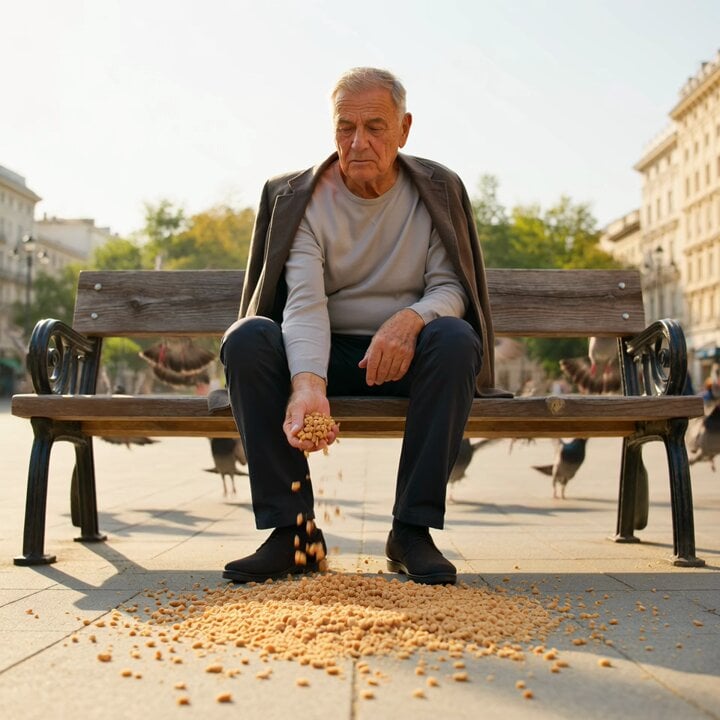
Elderly Man Feeding Pigeons Video Prompt

Elderly Man Playing Piano with Dynamic Camera Movement

Ghostbusters Final Battle with Michelin Man
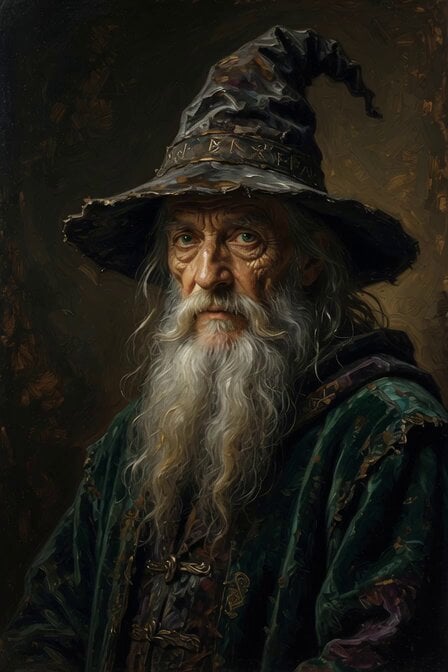
Elderly Wizard Oil Painting

Candle Mandala Mirror Video
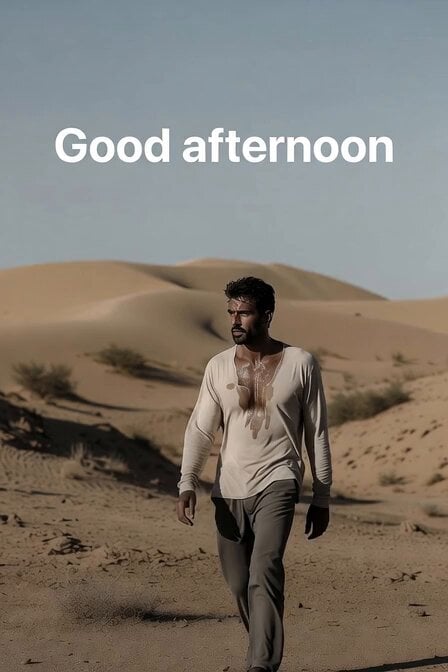
Sweating Man in Desert Greeting
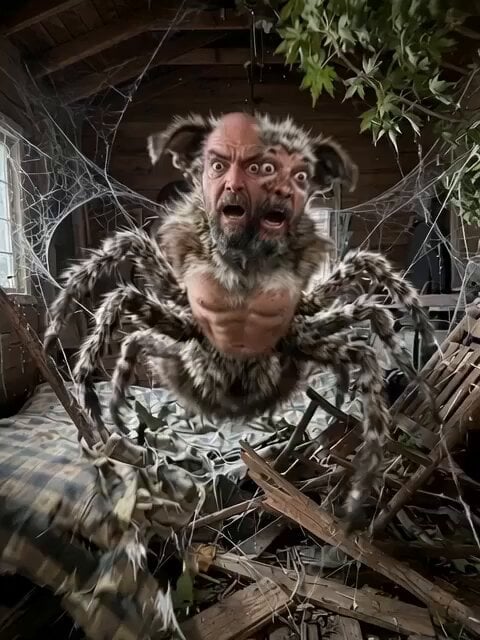
Spiderwolf Man Purgatory Rescue
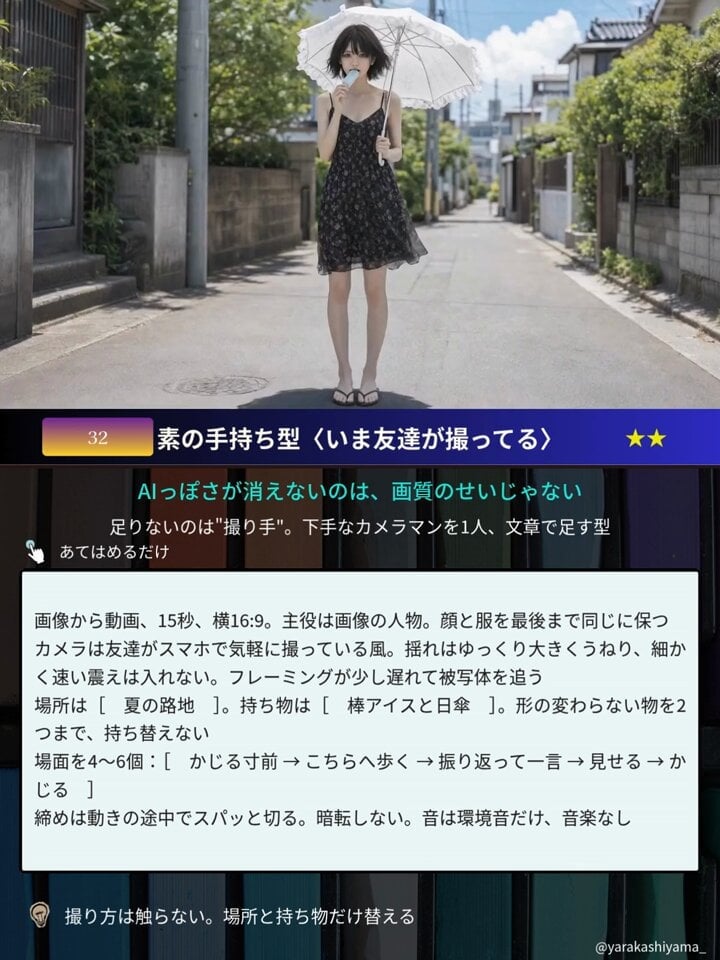
Aesthetic Japanese Woman Video Portrait

Woman floating down, opening eyes and looking deeply into the viewer's eyes
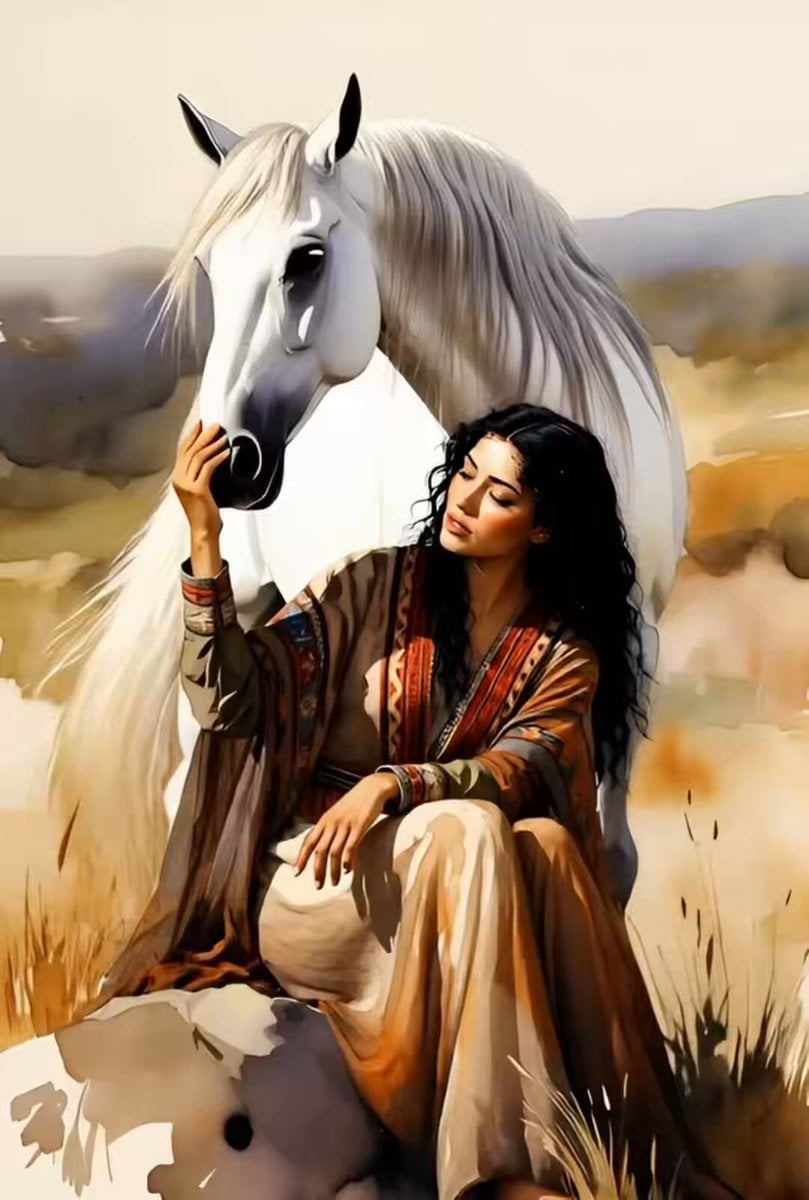
Watercolor Painting of Gypsy Woman and White Horse
Make it yours
Reflective Elderly Man Documentary Portrait works as-is. These are the safest ways to change it without losing the look.
Change one field
Copy a single group, rewrite it, and generate again so you can see what that field is doing.
Keep the frame, change the subject
Hold the composition and light of Reflective Elderly Man Documentary Portrait, then swap wardrobe, props or the person for a new take.
| If the result… | Why | Fix |
|---|---|---|
| The result drifts from the preview | Too many fields changed at once. | Reuse Reflective Elderly Man Documentary Portrait as-is first, then change one group — subject, light, or setting. |
| The model over-stylizes the scene | The prose prompt leaves finish and camera underspecified. | Add one camera or lighting sentence and stay on Grok Imagine. |
More Grok Imagine templates
Other prompts made for Grok Imagine.

Horror Daffy Duck Video Transition

America 250th Anniversary Celebration

Glowing Water Forest Night Prompt

Soft Pink Roses Dreamer Prompt

Ninja Wizard Levitation Jump

Coffee Cup Interaction Motion

Voice Controlled Water Animation

Pterodactyl Transformation Journey

Psychedelic Purple Disc World Video

Mecha Runway Tap Dance Video Prompt
More video prompts
Fresh picks from across the catalog.
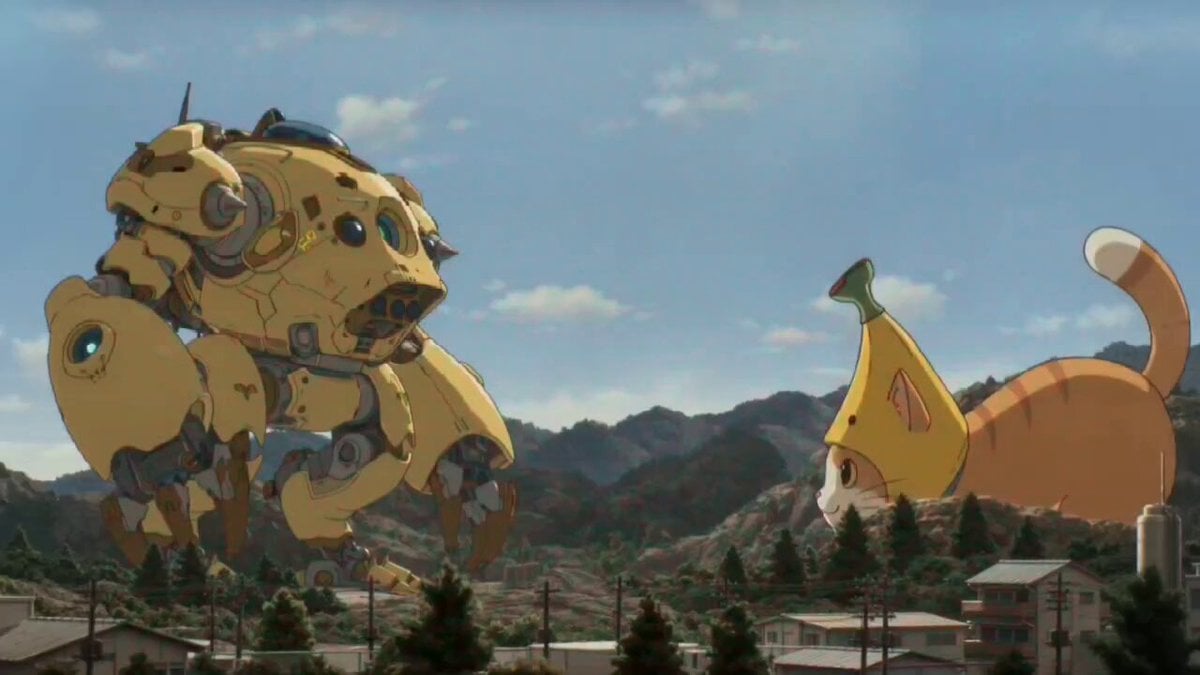
Kaiju Battle Video Generation Prompt for Seedance 2

Pickle Monologue and Walk
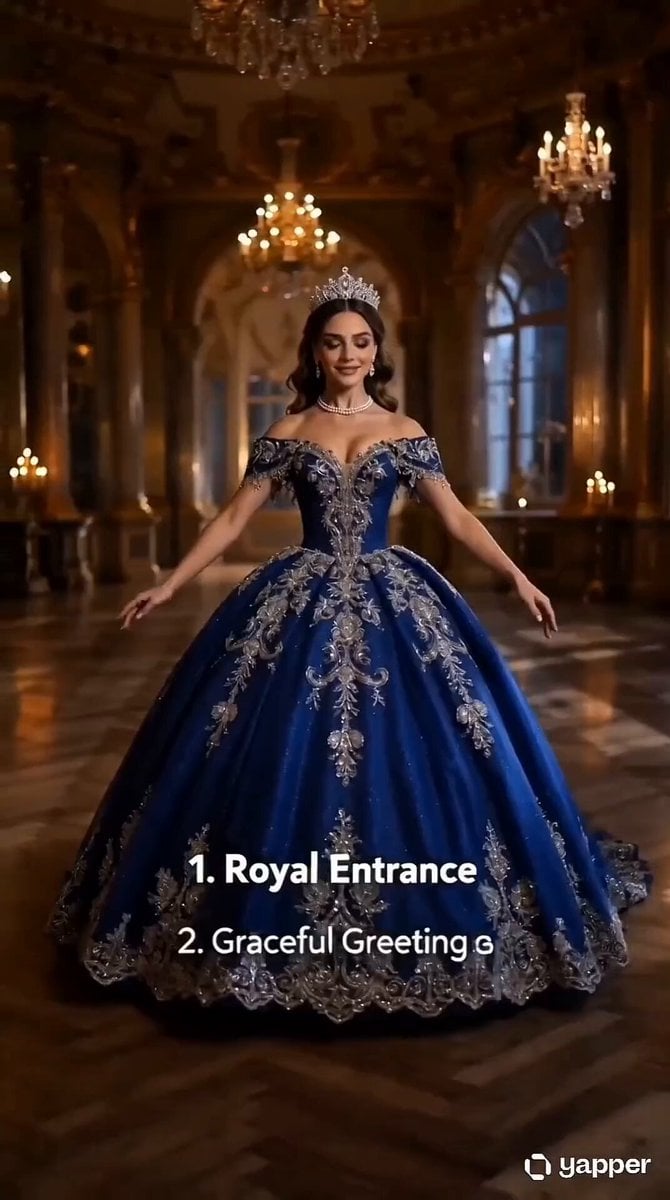
Royal Princess Ballroom Dance Sequence

Vast Interstellar Action Nebula Video Prompt
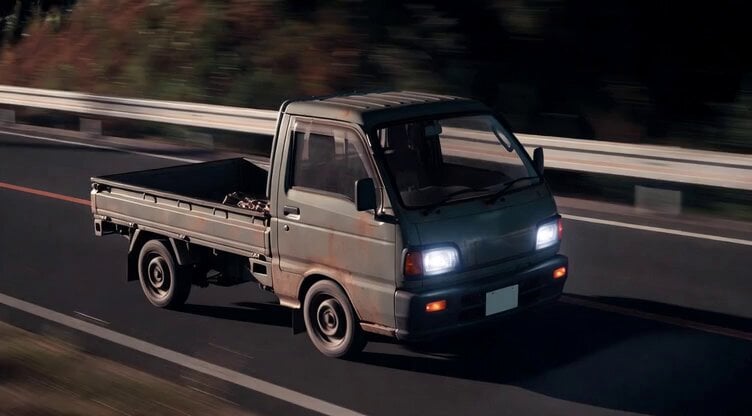
Kei Truck Street Racer Drifting on Japanese Highway
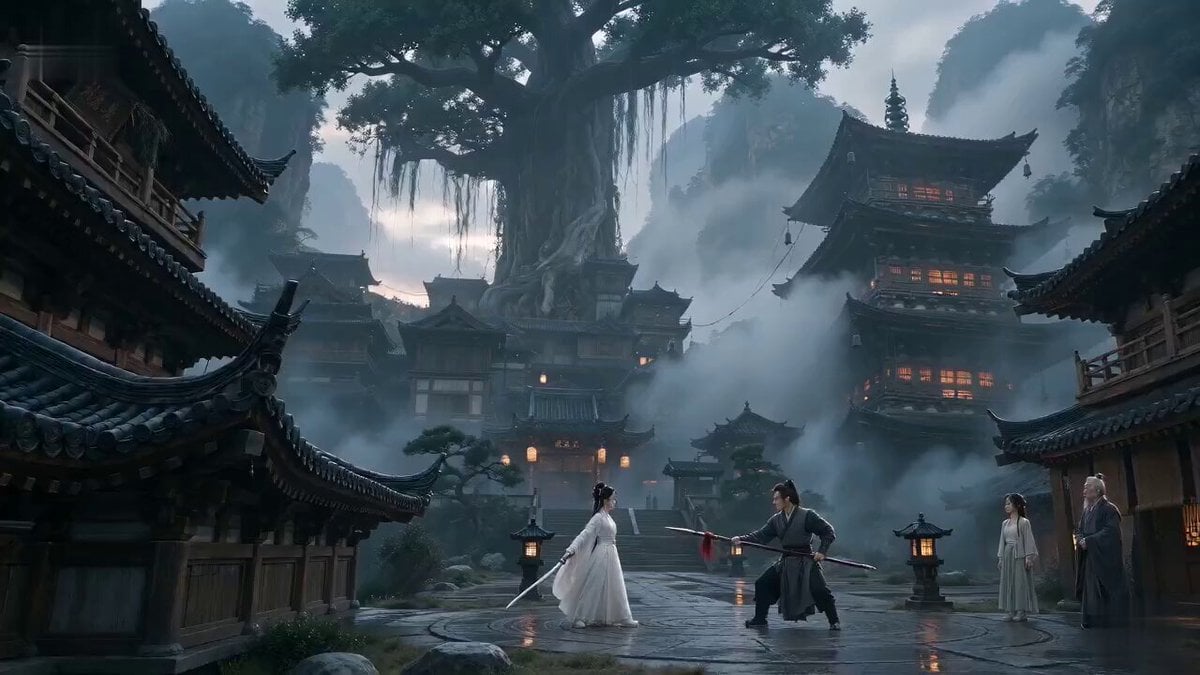
Advanced Xianxia Martial Arts Action Design
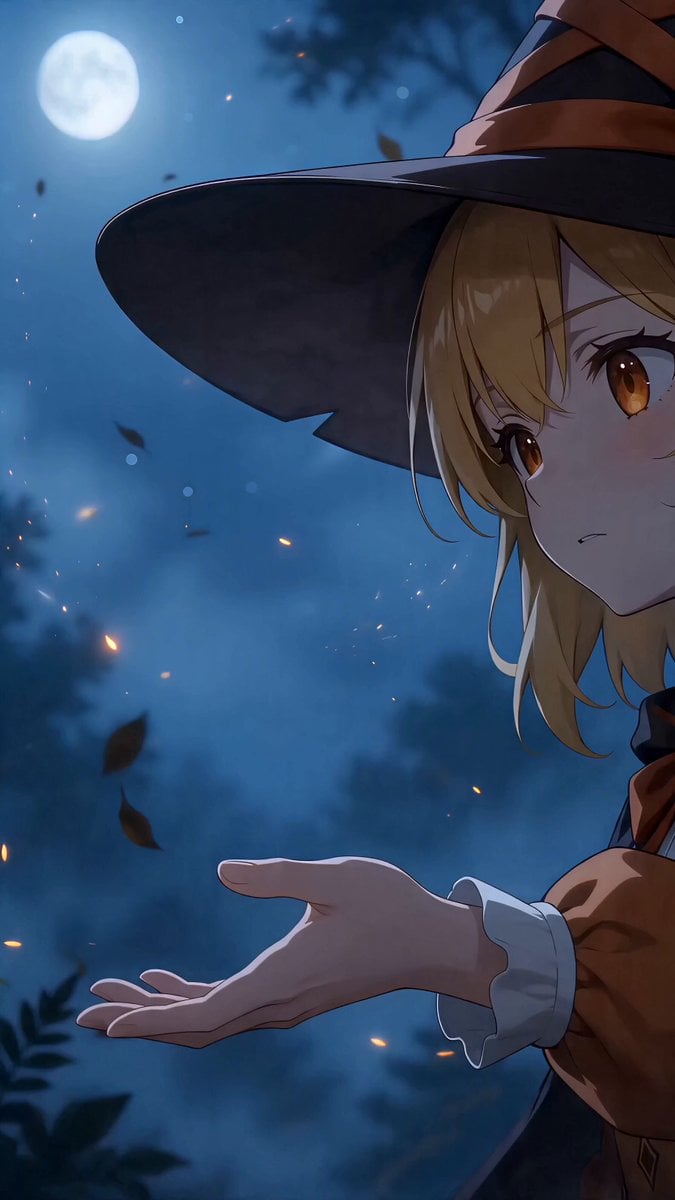
Cinematic Phoenix Summon Sequence
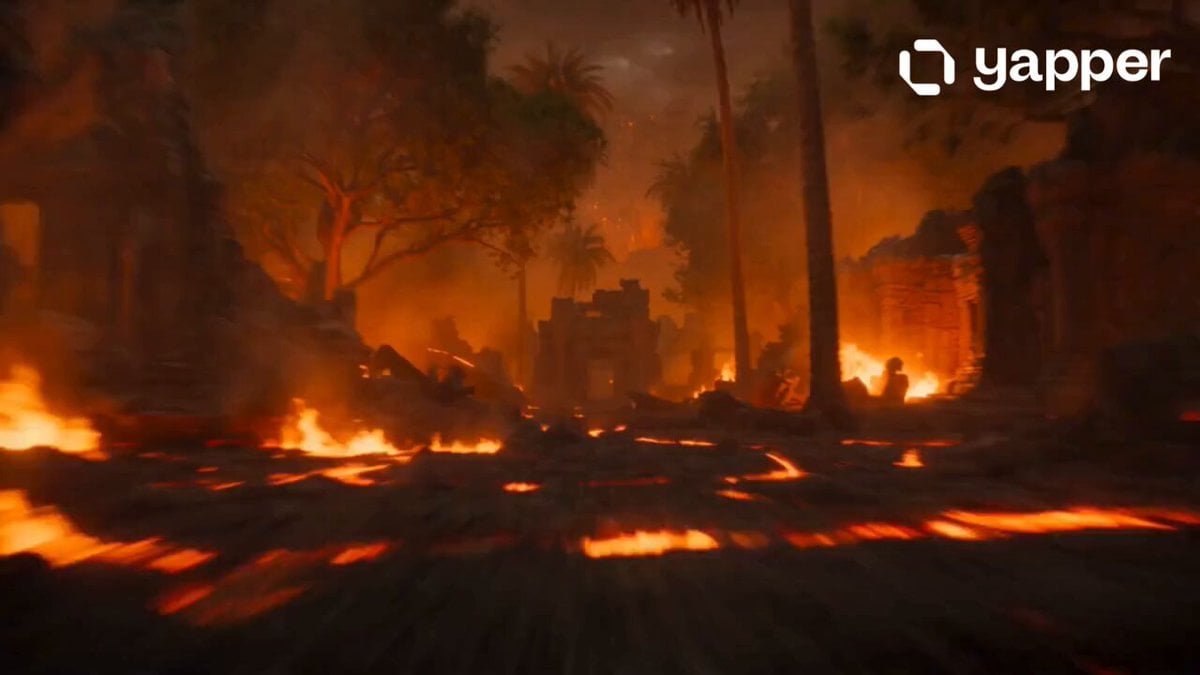
Armored Dinosaur Volcanic Jungle
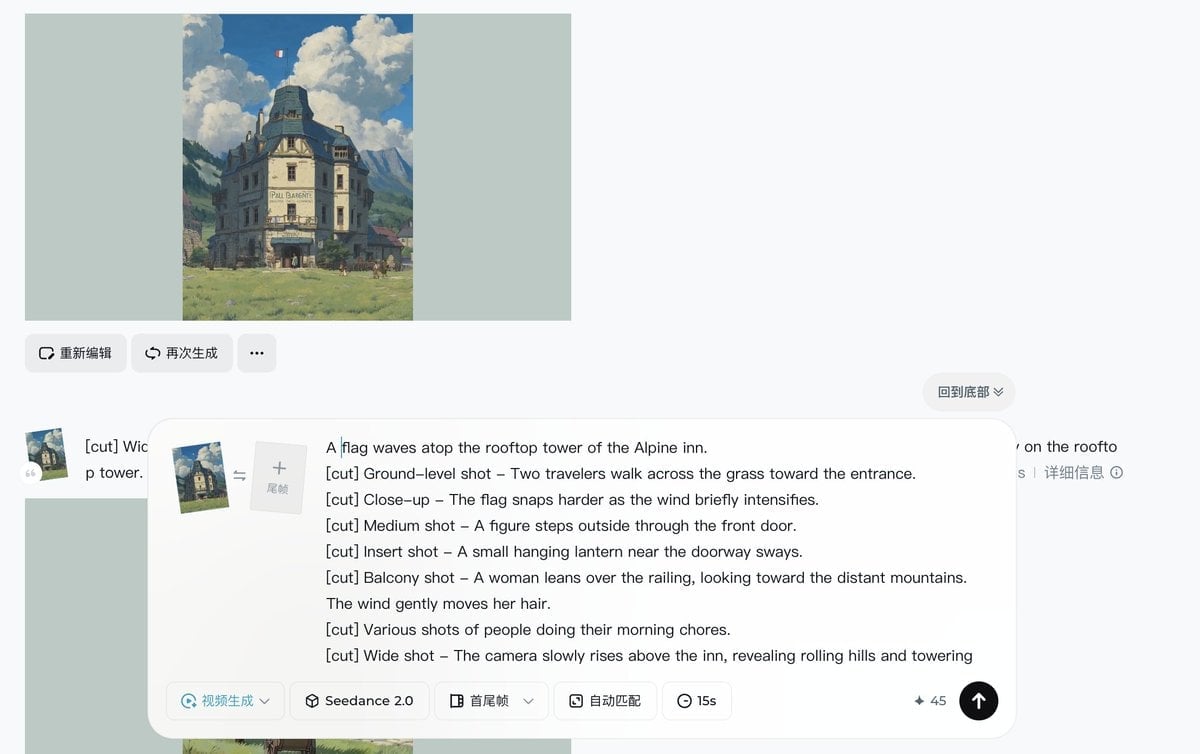
Ghibli-style Alpine inn scene
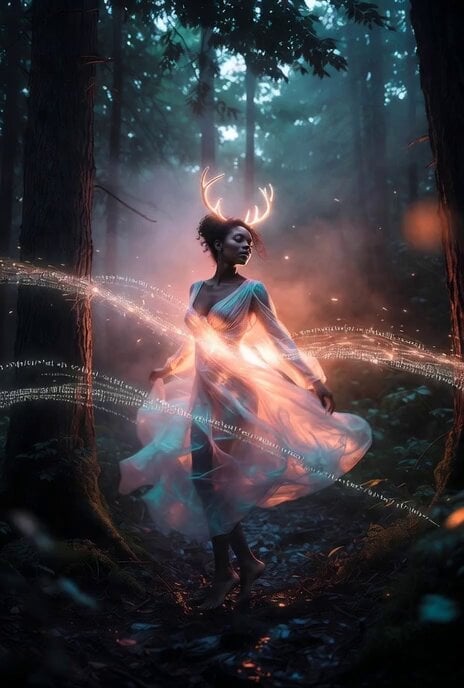
Ethereal Neo-Soul Forest Dance
Browse template categories
Reflective Elderly Man Documentary Portrait questions
How do I use the Reflective Elderly Man Documentary Portrait template?
Add your photo if the template asks for one, edit the prompt if you like — the template's model and format are already selected — and press Generate. Your version opens in PicX Studio.
Can I customize the Reflective Elderly Man Documentary Portrait template?
Yes. You can change the subject, setting, lighting, mood, format, and available model controls before creating your video.
Is the Reflective Elderly Man Documentary Portrait template free?
Opening and editing this template is free. Generating uses credits, shown on the Generate button when you are signed in.
Which AI model should I use?
Start with Grok Imagine, which is the model associated with this template. You can compare another compatible model for a different finish.
Looking for something else? Browse all templates.

Your photo, any look
Thousands of ready templates for every top image and video model, from one credit balance.