How do I use the Ghibli-style Alpine inn scene template?
Edit the prompt in the box under the preview — the template's model and format are already selected — and press Generate. Your version appears right on this page.
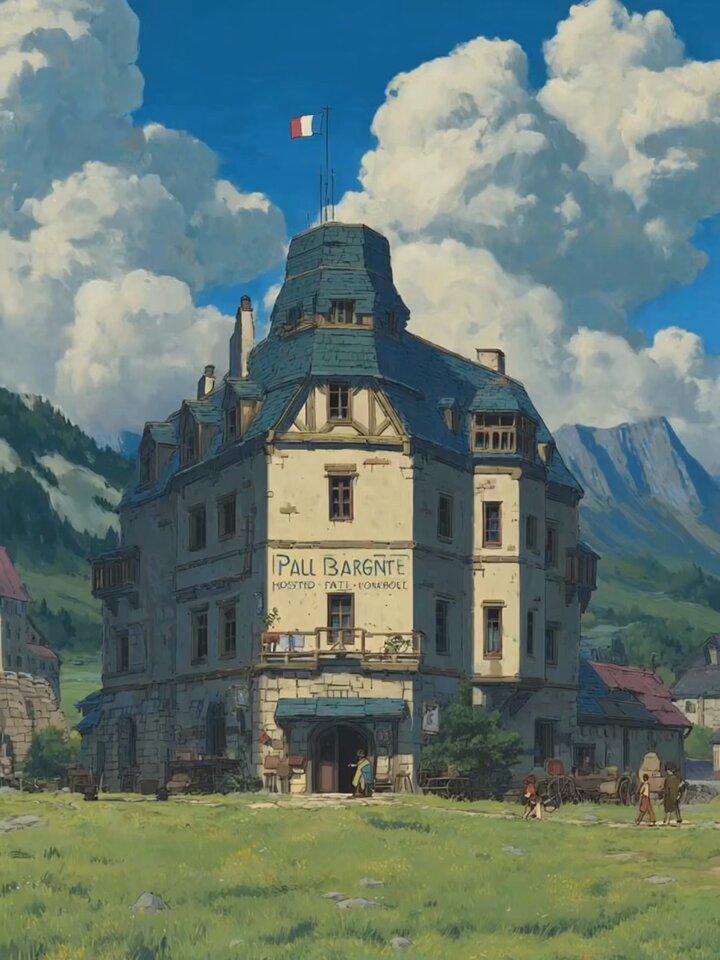
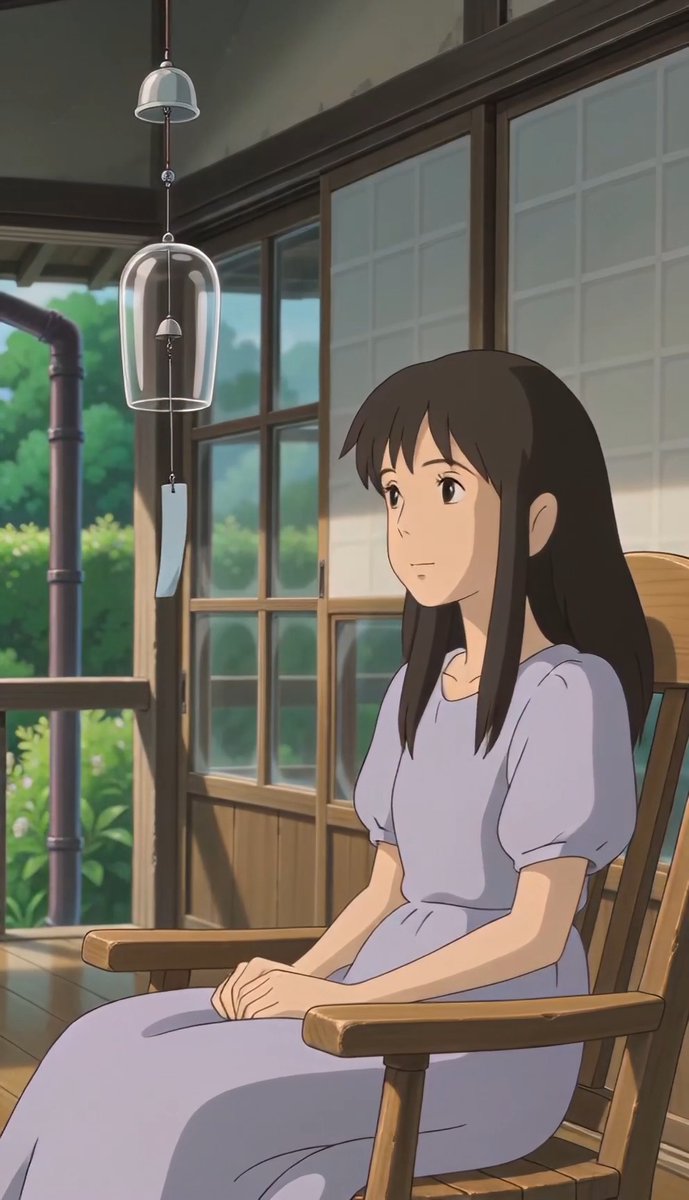
A multi-shot prompt for Seedance 2.0 to create a Ghibli-style animation of an Alpine inn, detailing various camera cuts and actions, and specifying the lack of music or dialogue.

A flag waves atop the rooftop tower of the Alpine inn. [cut] Ground-level shot - Two travelers walk across the grass toward the entrance. [cut] Close-up - The flag snaps harder as the wind briefly intensifies. [cut] Medium shot - A figure steps outside through the front door. [cut] Insert shot - A small hanging lantern near the doorway sways. [cut] Balcony shot - A woman leans over the railing, looking toward the distant mountains. The wind gently moves her hair. [cut] Various shots of people doing their morning chores. [cut] Wide shot - The camera slowly rises above the inn, revealing rolling hills and towering mountains in the background. Clouds cast moving shadows across the valley. No music, no talking.
A flag waves atop the rooftop tower of the Alpine inn. [cut] Ground-level shot - Two travelers walk across the grass toward the entrance. [cut] Close-up - The flag snaps harder as the wind briefly intensifies. [cut] Medium shot - A figure steps outside through the front door. [cut] Insert shot - A small hanging lantern near the doorway sways. [cut] Balcony shot - A woman leans over the railing, looking toward the distant mountains. The wind gently moves her hair. [cut] Various shots of people doing their morning chores. [cut] Wide shot - The camera slowly rises above the inn, revealing rolling hills and towering mountains in the background. Clouds cast moving shadows across the valley. No music, no talking.
Edit the prompt in the box under the preview — the template's model and format are already selected — and press Generate. Your version appears right on this page.
Yes. You can change the subject, setting, lighting, mood, format, and available model controls before creating your video.
Opening and editing this template is free. Generating uses credits, shown on the Generate button when you are signed in.
Start with Seedance 2.0, which is the model associated with this template. You can compare another compatible model for a different finish.
Follow a topic to a crawlable collection of related PicX Studio templates.