How do I use the Alpine Avalanche Escape Stunt Storyboard template?
Edit the prompt in the box under the preview — the template's model and format are already selected — and press Generate. Your version appears right on this page.
A detailed, time-coded prompt for Seedance 2.0 describing a high-stakes motorcycle stunt in the Swiss Alps, involving a rider escaping a massive avalanche by accelerating through a tunnel and launching off a broken…
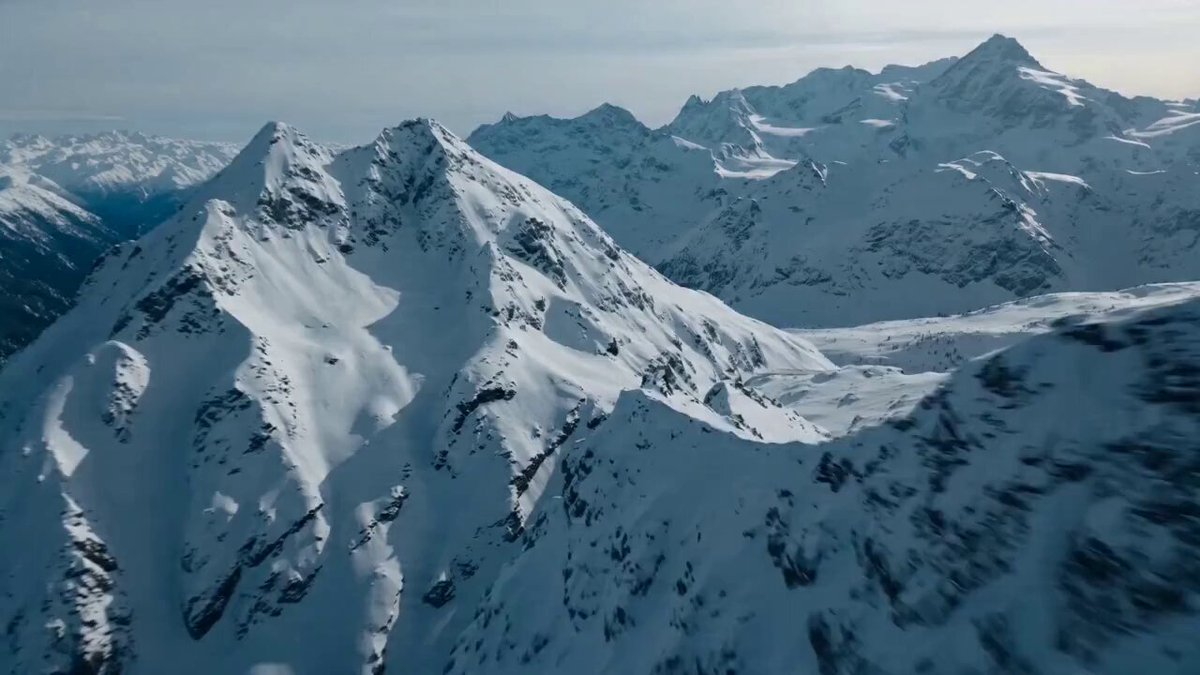
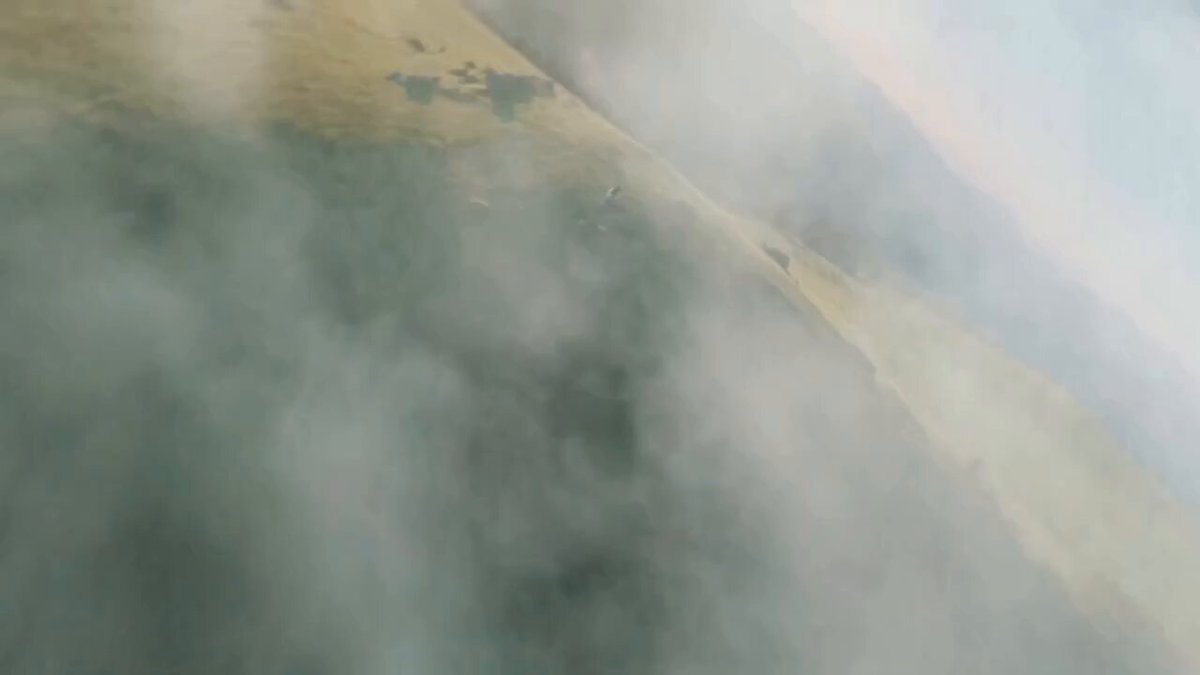
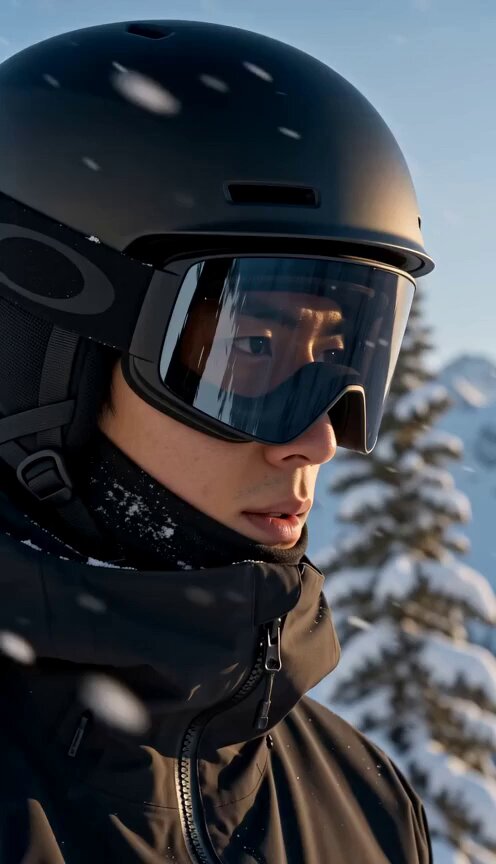
A man in his early 30s, stubble beard, wearing a black armored motorcycle suit with reflective alpine stripes and a tinted racing visor, races a superbike along a narrow mountain highway carved into a cliffside in the Swiss Alps. Snow whips across the road as the camera tracks low beside the motorcycle tires gripping the frozen asphalt. At the 2-second mark a thunderous crack echoes across the mountain — an avalanche begins collapsing above the road. A massive wall of snow pours over the cliff behind him while chunks of ice crash onto the highway. The rider accelerates through a narrow tunnel opening just as the avalanche spills across the road. Exiting the tunnel he launches off a broken section of highway, the bike airborne above a deep alpine valley before landing on the next stretch of road. Alpine avalanche escape stunt, frozen cliffside highway, airborne motorcycle jump, cinematic snow debris chaos, 4K.
A man in his early 30s, stubble beard, wearing a black armored motorcycle suit with reflective alpine stripes and a tinted racing visor, races a superbike along a narrow mountain highway carved into a cliffside in the Swiss Alps. Snow whips across the road as the camera tracks low beside the motorcycle tires gripping the frozen asphalt. At the 2-second mark a thunderous crack echoes across the mountain — an avalanche begins collapsing above the road. A massive wall of snow pours over the cliff behind him while chunks of ice crash onto the highway. The rider accelerates through a narrow tunnel opening just as the avalanche spills across the road. Exiting the tunnel he launches off a broken section of highway, the bike airborne above a deep alpine valley before landing on the next stretch of road. Alpine avalanche escape stunt, frozen cliffside highway, airborne motorcycle jump, cinematic snow debris chaos, 4K.
Edit the prompt in the box under the preview — the template's model and format are already selected — and press Generate. Your version appears right on this page.
Yes. You can change the subject, setting, lighting, mood, format, and available model controls before creating your video.
Opening and editing this template is free. Generating uses credits, shown on the Generate button when you are signed in.
Start with Seedance 2.0, which is the model associated with this template. You can compare another compatible model for a different finish.
Follow a topic to a crawlable collection of related PicX Studio templates.