How do I use the Rally Car Avalanche Escape Scene template?
Edit the prompt in the box under the preview — the template's model and format are already selected — and press Generate. Your version appears right on this page.
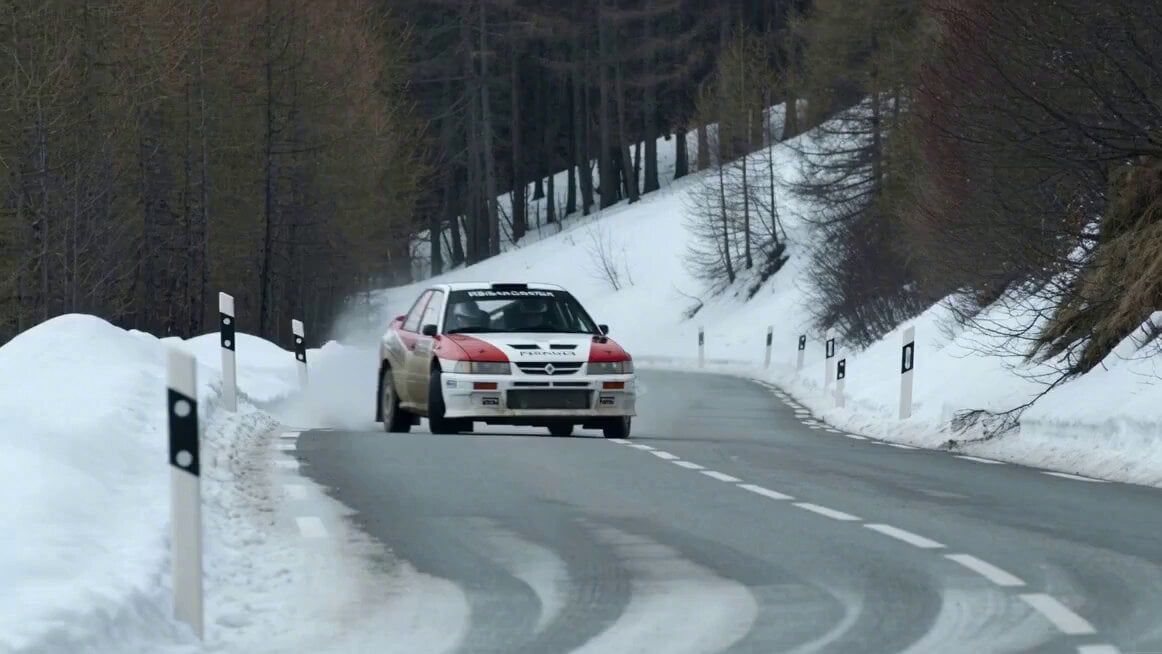
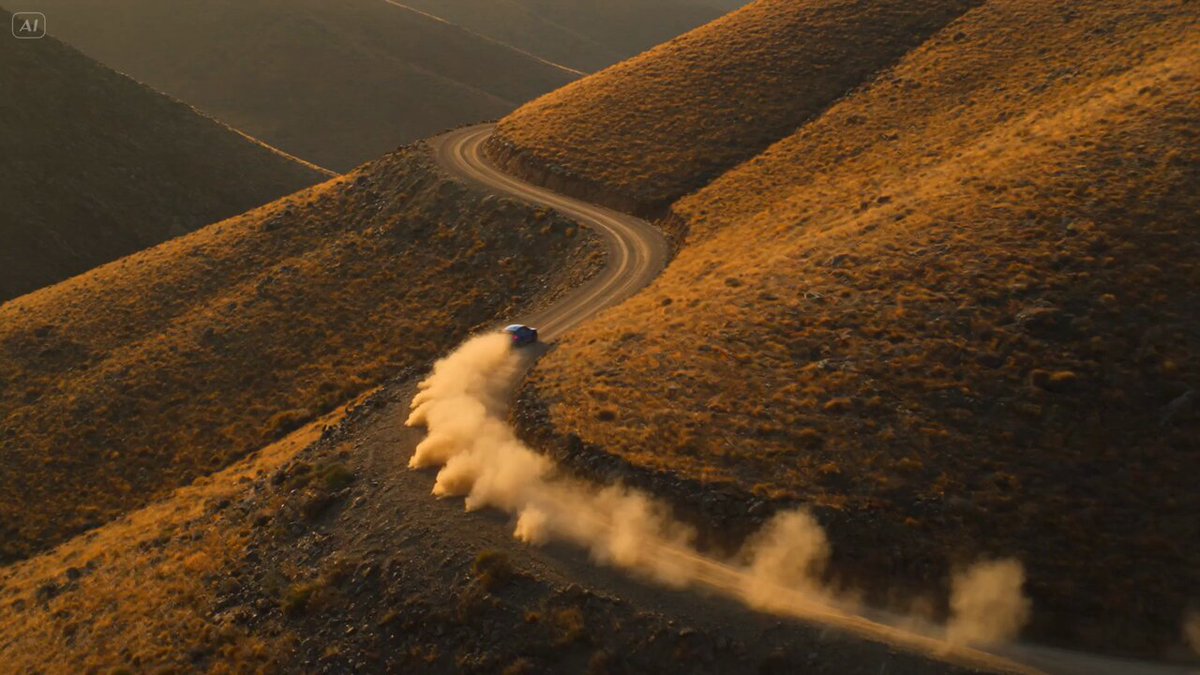
A cinematic unbroken action shot of a rally car escaping an avalanche on a narrow cliff road, including optional song lyrics for audio synchronization.
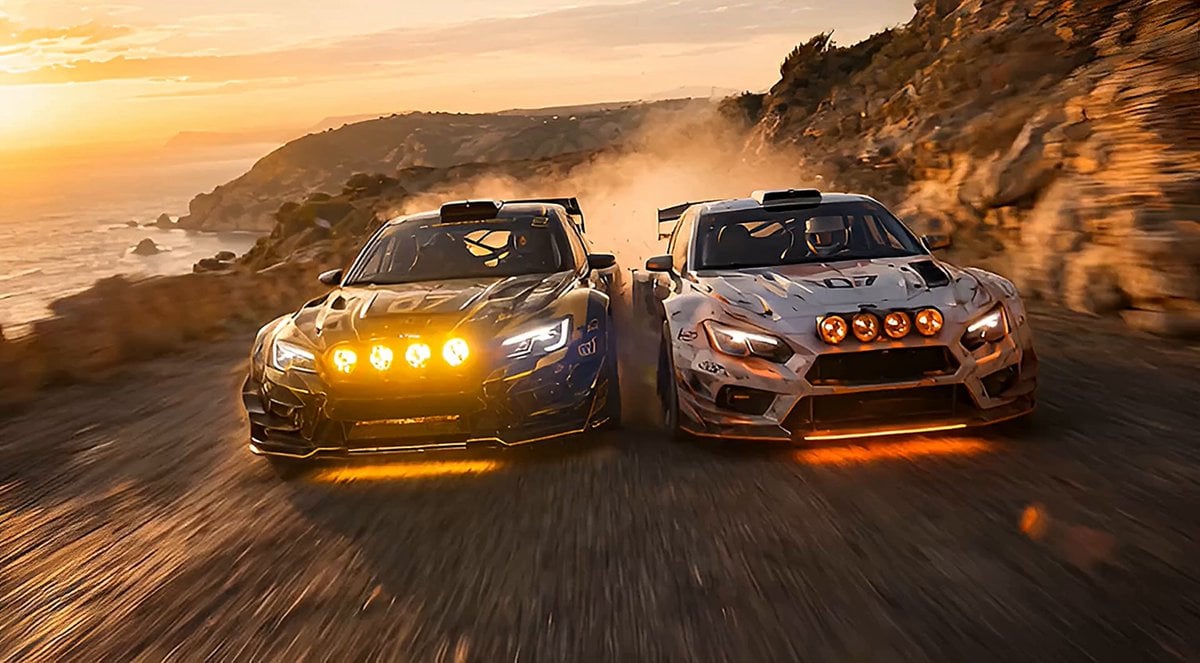
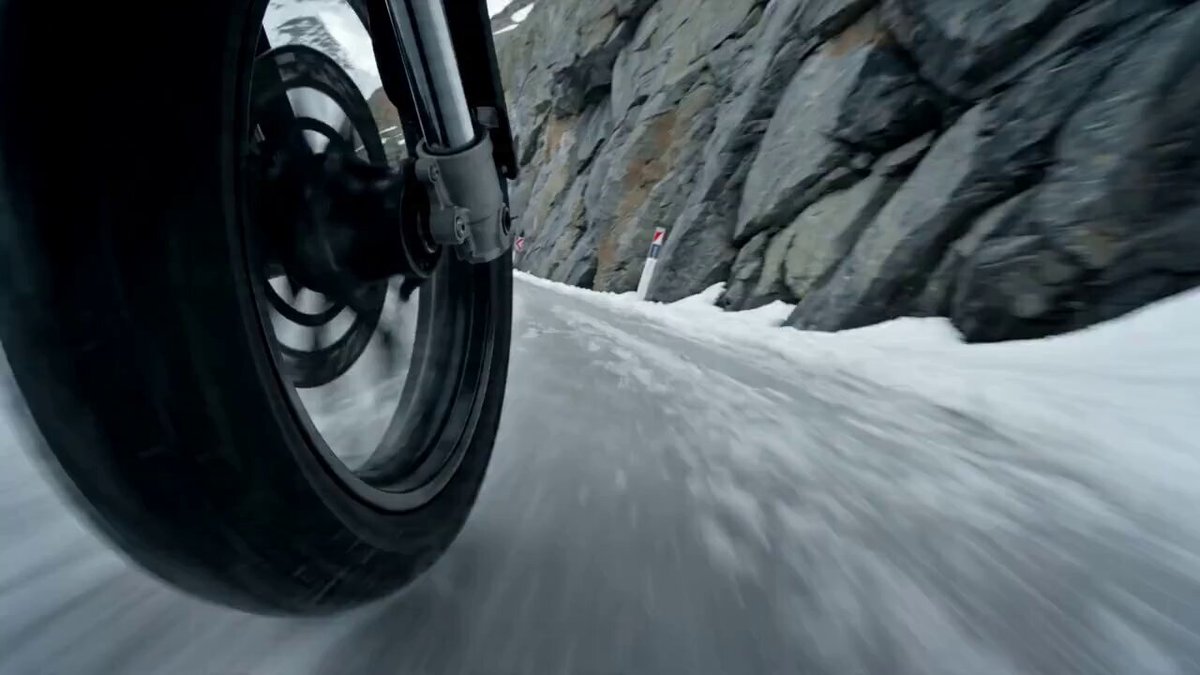
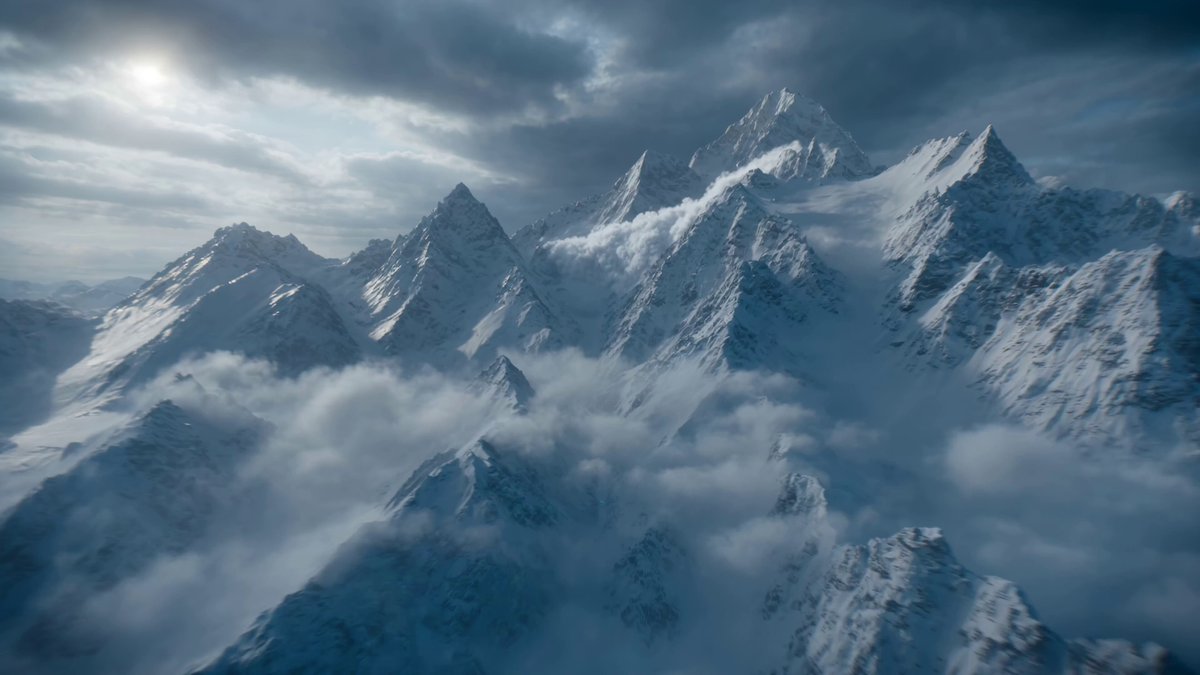
"PASSIONATE FEMALE ROCK VOICEOVER SINGING SONG LYRICS \" FLUX THREE VS SEEDANCE TWO WHO IS GONNA WIN\" Hyper realistic blockbuster cinematic 15 second action sequence in one true unbroken continuous shot, with no cuts, no morphing, and no scene transitions. A rally car races along a narrow alpine cliff road in bright cold daylight, escaping a falling avalanche and trying to reach a tunnel before the route is buried. The camera begins high above in a wide aerial view revealing snow peaks, sheer drops, and the winding road, then physically dives toward the car into a close tracking chase. It glides beside the doors, drops low near the spinning tires as snow sprays, rises overhead to reveal the avalanche rushing behind, then arcs outward into a high circling drone like view before descending again into a front facing backward tracking move. The shot remains seamless throughout as the car drifts around icy switchbacks, clips loose snow, and bursts toward the tunnel just ahead of the collapsing slope.
"PASSIONATE FEMALE ROCK VOICEOVER SINGING SONG LYRICS \" FLUX THREE VS SEEDANCE TWO WHO IS GONNA WIN\" Hyper realistic blockbuster cinematic 15 second action sequence in one true unbroken continuous shot, with no cuts, no morphing, and no scene transitions. A rally car races along a narrow alpine cliff road in bright cold daylight, escaping a falling avalanche and trying to reach a tunnel before the route is buried. The camera begins high above in a wide aerial view revealing snow peaks, sheer drops, and the winding road, then physically dives toward the car into a close tracking chase. It glides beside the doors, drops low near the spinning tires as snow sprays, rises overhead to reveal the avalanche rushing behind, then arcs outward into a high circling drone like view before descending again into a front facing backward tracking move. The shot remains seamless throughout as the car drifts around icy switchbacks, clips loose snow, and bursts toward the tunnel just ahead of the collapsing slope.
Edit the prompt in the box under the preview — the template's model and format are already selected — and press Generate. Your version appears right on this page.
Yes. You can change the subject, setting, lighting, mood, format, and available model controls before creating your video.
Opening and editing this template is free. Generating uses credits, shown on the Generate button when you are signed in.
Start with Seedance 2.0, which is the model associated with this template. You can compare another compatible model for a different finish.
Follow a topic to a crawlable collection of related PicX Studio templates.