
Epic fantasy movie scene generation using SJinn Seedance 2.0
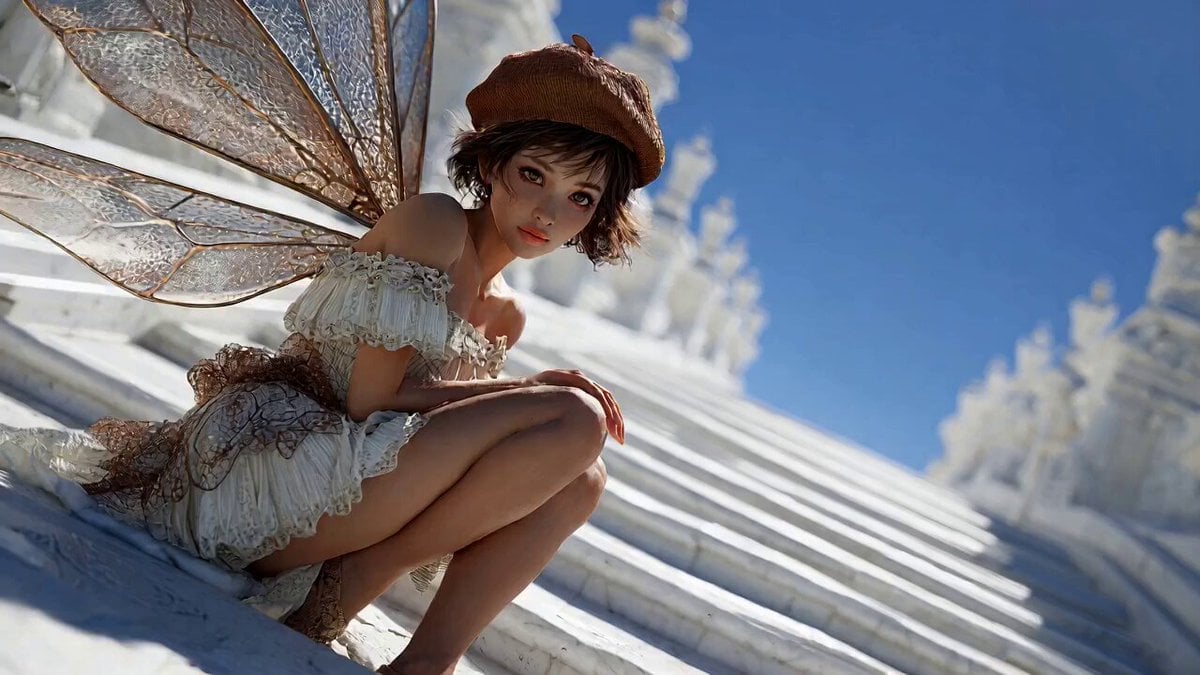
A detailed multi-shot prompt designed to generate a 15-second continuous action sequence, structured with a clear narrative arc (Kishōtenketsu) and cinematic quality, featuring a fairy, a monster, and a warrior on a…
- Prompt included
- Model and format preset
- Premium template
The prompt behind this video
Copy the exact prompt behind Epic fantasy movie scene generation using SJinn Seedance 2.0, or open it in the studio and make it yours.
【映像構成】ファンタジー映画のクライマックスを再現した、起承転結のある15秒間(4ショット)の連続アクション映像。 【映像スタイル】超高品質なフォトリアル・シネマティック映像。突き抜けるような青空、物理演算に基づいた衣装のなびき、ダイナミックなカメラワーク。 【キャラクター】 1. 妖精:茶色のベレー帽、白いドレス、背中に虹色の透明な羽。 2. モンスター:巨大で禍々しい影のような怪物。 3. 戦士:銀の甲冑を纏った、白髪ロングヘアの絶世の美女。巨大な翼を持つ飛ぶ恐竜(ワイバーン)に跨っている。 【Shot 1: 緊迫の逃走】(初期フレームから開始)白亜の巨大な階段にうずくまっていた妖精が、背後の異変に「ハッ」として立ち上がり、必死に階段を駆け上がっていく。カメラは背後から彼女を激しく追いかける。 【Shot 2: モンスターの追撃】階段の下から巨大なモンスターが恐ろしいスピードで這い上がり、少女の足元にまで迫る。階段の石が砕け散る中、少女は塔の頂上へと追い詰められる。 【Shot 3: 決死のダイブ】塔の端に到達した少女。一瞬だけ躊躇するが、意を決して後ろを振り向かずに真っ逆さまに空へと身を投じる。カメラは彼女の傍らを並走しながら、急速に地面へ向かって落下するPOV視点。 【Shot 4: 翼の救出】塔の下方、眩しい光の中から飛ぶ恐竜に乗った白髪の女戦士が猛スピードで現れる。戦士は手を伸ばして空中で少女をガッシリと受け止め、力強く抱きかかえる。 【Shot 5: 希望の空へ】戦士を乗せた飛竜が大きく翼を広げ、急上昇して画面を横切る。二人は眼下に広がる白亜の美しい街並みに向かって、風を切りながら優雅に飛んでいく。逆光の中で二人のシルエットが輝いて終わる。
How to use Epic fantasy movie scene generation using SJinn Seedance 2.0 in 3 steps
- 1
Open
The prompt is already in the box next to the preview, with the template's model and format selected.
- 2…a portrait of your subject in softgolden-hour light, 85mm…
Personalize
Edit the subject and creative details for your destination.
- 3Generate
Generate
Press Generate — your video is created in PicX Studio, so you can compare it with the original and refine one variable at a time.
More like this
Templates with the same subject, style or setup. Open one to see its prompt.
Dragon Rescue — Volcanic Kingdom Collapse (Seedance)
Swordsman vs Shadow Monster — Bamboo Forest Battle
Stone Colossus Desert Riders — Golden Fire Reveal
Sea Serpent vs Crab Titan — Ocean Battle
Sci-Fi Disaster Movie Scene - Seedance 2.5

Dragon Rider Cinematic Flight — Seedance 2.5
Griffin Knight Mountain Kingdom — Seedance 2.0
The Ark — Seedance 2.0 Epic Trailer
Ice Queen — Frozen Battlefield Time Control (Seedance)
Colossal Sea Creature — Stormy Shore Charge (Seedance)
Skybridge Rescue — Supertall Tower Collapse (Seedance)
Tiny Figure Climbing a Giant — Low Angle Seedance
Make it yours
Epic fantasy movie scene generation using SJinn Seedance 2.0 works as-is. These are the safest ways to change it without losing the look.
Change one field
Copy a single group, rewrite it, and generate again so you can see what that field is doing.
Keep the frame, change the subject
Hold the composition and light of Epic fantasy movie scene generation using SJinn Seedance 2.0, then swap wardrobe, props or the person for a new take.
| If the result… | Why | Fix |
|---|---|---|
| The result drifts from the preview | Too many fields changed at once. | Reuse Epic fantasy movie scene generation using SJinn Seedance 2.0 as-is first, then change one group — subject, light, or setting. |
| The model over-stylizes the scene | The prose prompt leaves finish and camera underspecified. | Add one camera or lighting sentence and stay on Seedance 2.0. |
More Seedance 2.0 templates
Other prompts made for Seedance 2.0.

Comical Martial Arts Punch Scene

Maglev Train Action Sequence

Martial Arts Fight Sequence

Wuxia Protection and Trust Script

Vintage Korean Arcade MiniDV Vlog

Mercedes 190 SL Luxury Ad

Rainy Night Supernatural Reverse Comedy Video Script

Amazon Civilization Discovery

Futuristic South Asian City Transformation

Cozy Luxury Cafe Commercial
More video prompts
Fresh picks from across the catalog.
Berry Village Drone Ad
Cinematic Underwater Office Zoom Out Prompt
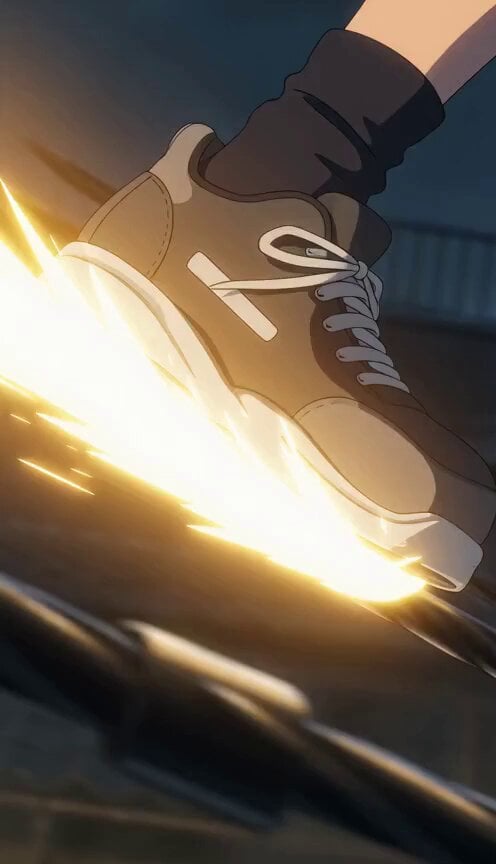
Anime Girl Sliding on Power Lines
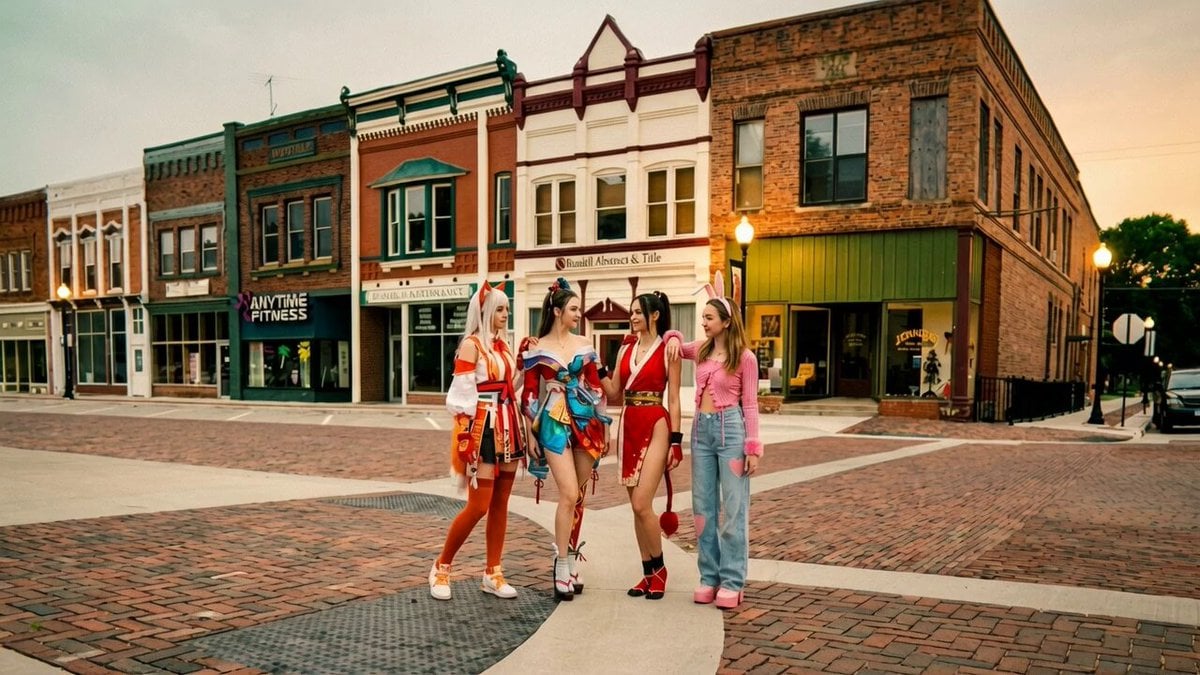
Synchronized TikTok Dance to Fight Chaos
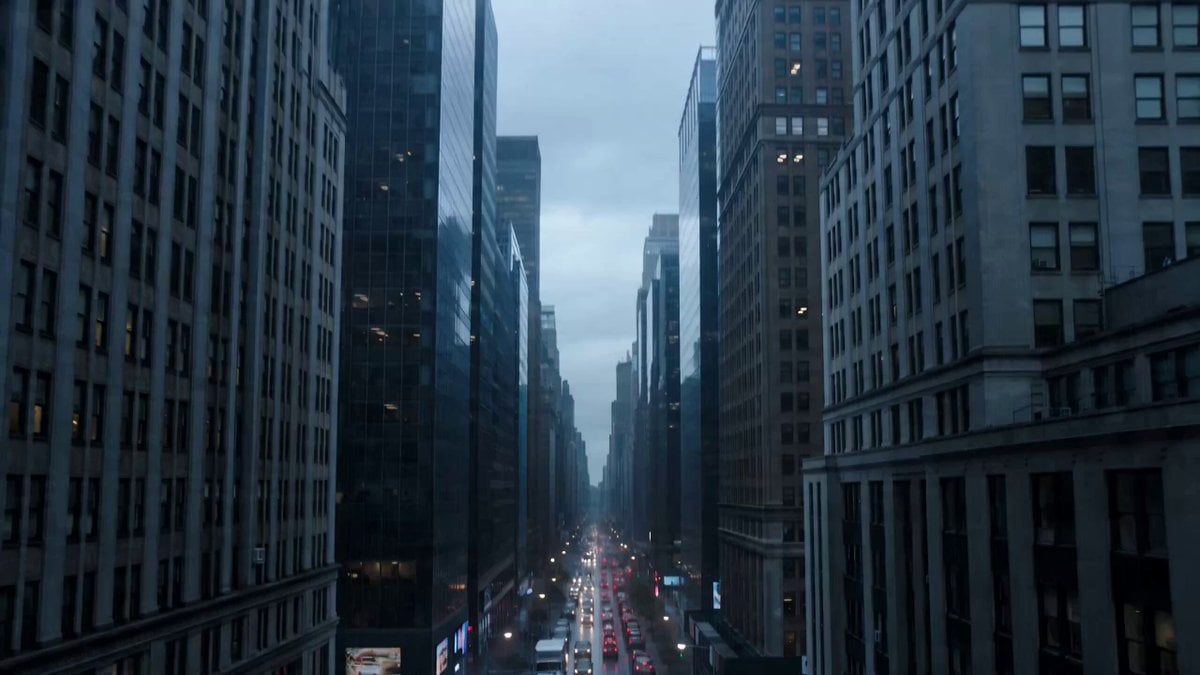
Quantum Reality Fracture Sci-Fi Horror Prompt

GRWM Gym Edition Video Sequence
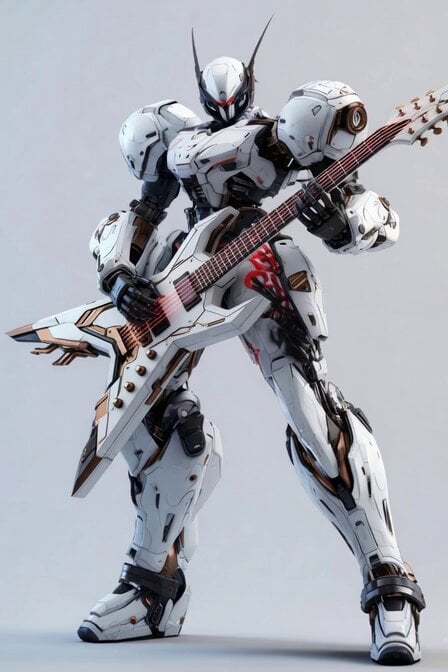
Mecha Rockstar Cinematic
Gouache Style Painterly 2.5D Animation
Last Elevator Megacity Action
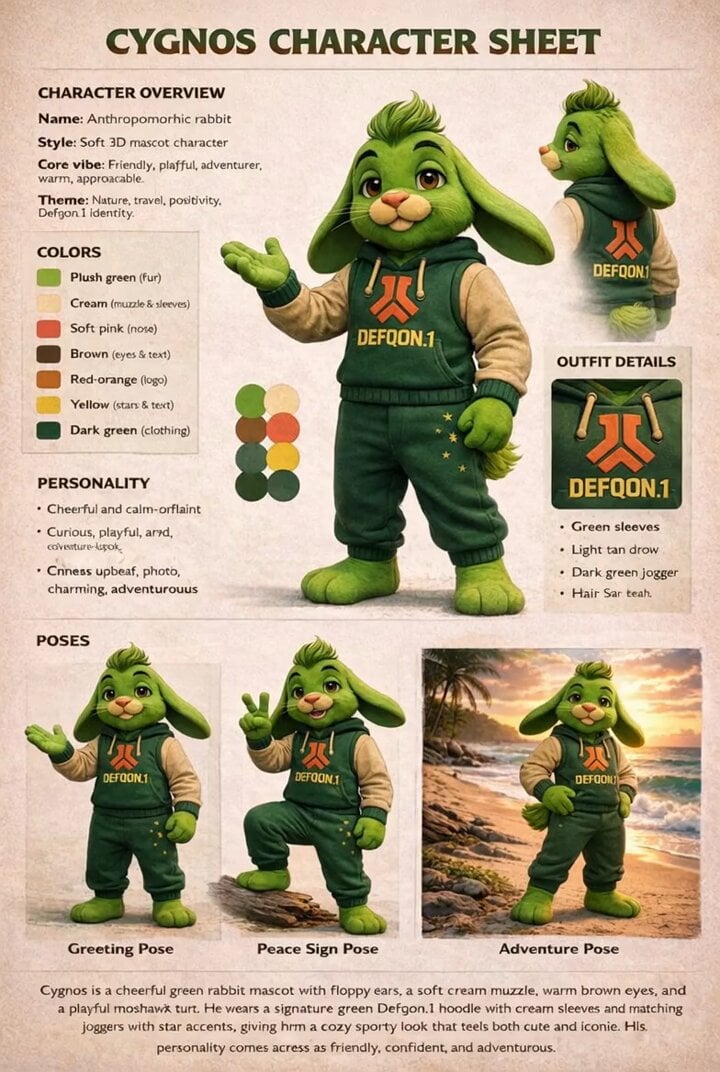
Cygnos Skating Scene
Browse template categories
Epic fantasy movie scene generation using SJinn Seedance 2.0 questions
How do I use the Epic fantasy movie scene generation using SJinn Seedance 2.0 template?
Add your photo if the template asks for one, edit the prompt if you like — the template's model and format are already selected — and press Generate. Your version opens in PicX Studio.
Can I customize the Epic fantasy movie scene generation using SJinn Seedance 2.0 template?
Yes. You can change the subject, setting, lighting, mood, format, and available model controls before creating your video.
Is the Epic fantasy movie scene generation using SJinn Seedance 2.0 template free?
Opening and editing this template is free. Generating uses credits, shown on the Generate button when you are signed in.
Which AI model should I use?
Start with Seedance 2.0, which is the model associated with this template. You can compare another compatible model for a different finish.
Looking for something else? Browse all templates.

Your photo, any look
Thousands of ready templates for every top image and video model, from one credit balance.