How do I use the Last Elevator Megacity Action template?
Edit the prompt in the box under the preview — the template's model and format are already selected — and press Generate. Your version appears right on this page.
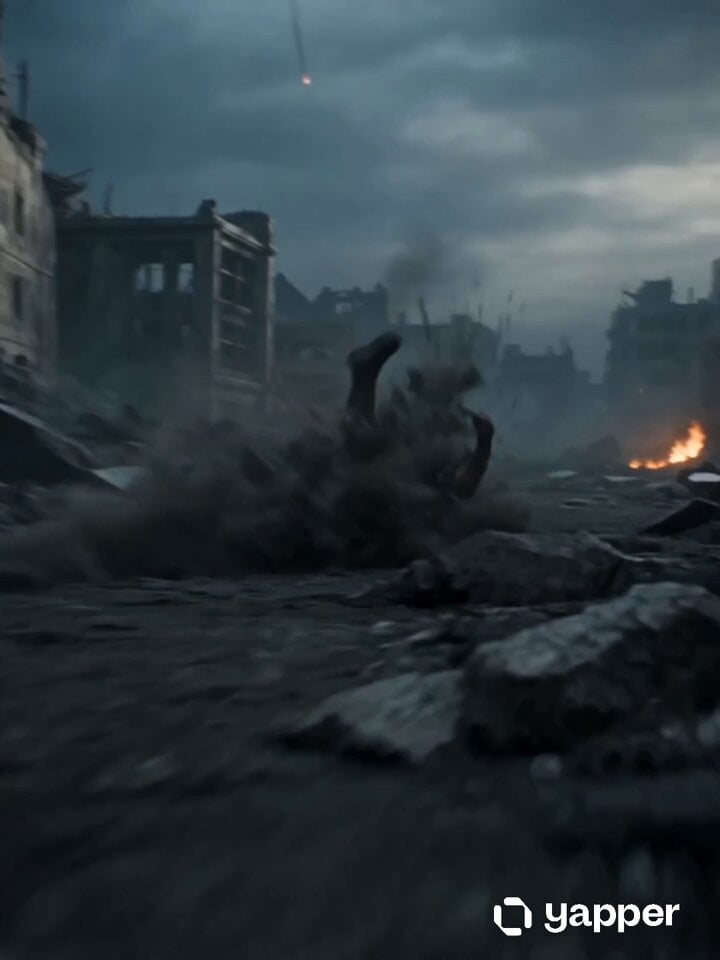
A high-action cinematic prompt featuring an ultra-realistic retrofuturistic city and an elevator chase involving armored transformations and drones.
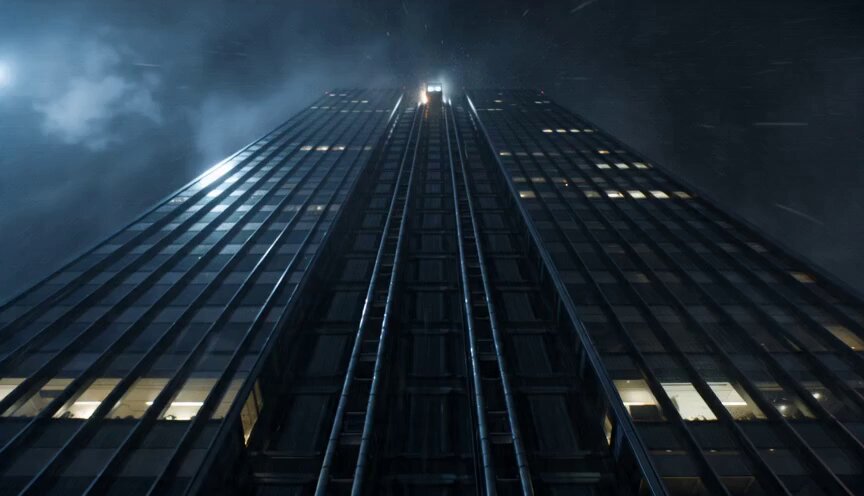
Ultra-realistic retrofuturistic megacity at night, colossal orbital tower rising beyond storm clouds, warning lights flashing along its height, rain and neon haze below. A glass high-speed elevator rockets upward along the outside of the tower at extreme speed, city lights shrinking rapidly beneath it. Inside the elevator, a bruised female survivor struggles to stay upright, breathing hard, determined. Broken steel cables rip free from the cabin walls and spiral around her body, forming sleek magnetic armor with glowing seams. Security drones force open the elevator doors and rush inside, metal claws sparking against the frame. Camera starts outside beside the elevator, racing upward at violent speed, then passes through shattered glass into the cabin. She ducks the first strike and drives a powerful punch into a drone, launching it into the wall in a shower of sparks. A second drone lunges forward. She catches it mid-air and slams it into the ceiling as alarms flash red. The elevator shakes violently, clouds rushing past outside. Doors tear open near the upper atmosphere. Final frame: she stands in armored silhouette among broken drones, clouds far below, stars above.
Ultra-realistic retrofuturistic megacity at night, colossal orbital tower rising beyond storm clouds, warning lights flashing along its height, rain and neon haze below. A glass high-speed elevator rockets upward along the outside of the tower at extreme speed, city lights shrinking rapidly beneath it. Inside the elevator, a bruised female survivor struggles to stay upright, breathing hard, determined. Broken steel cables rip free from the cabin walls and spiral around her body, forming sleek magnetic armor with glowing seams. Security drones force open the elevator doors and rush inside, metal claws sparking against the frame. Camera starts outside beside the elevator, racing upward at violent speed, then passes through shattered glass into the cabin. She ducks the first strike and drives a powerful punch into a drone, launching it into the wall in a shower of sparks. A second drone lunges forward. She catches it mid-air and slams it into the ceiling as alarms flash red. The elevator shakes violently, clouds rushing past outside. Doors tear open near the upper atmosphere. Final frame: she stands in armored silhouette among broken drones, clouds far below, stars above.
Edit the prompt in the box under the preview — the template's model and format are already selected — and press Generate. Your version appears right on this page.
Yes. You can change the subject, setting, lighting, mood, format, and available model controls before creating your video.
Opening and editing this template is free. Generating uses credits, shown on the Generate button when you are signed in.
Start with Seedance 2.0, which is the model associated with this template. You can compare another compatible model for a different finish.
Follow a topic to a crawlable collection of related PicX Studio templates.