
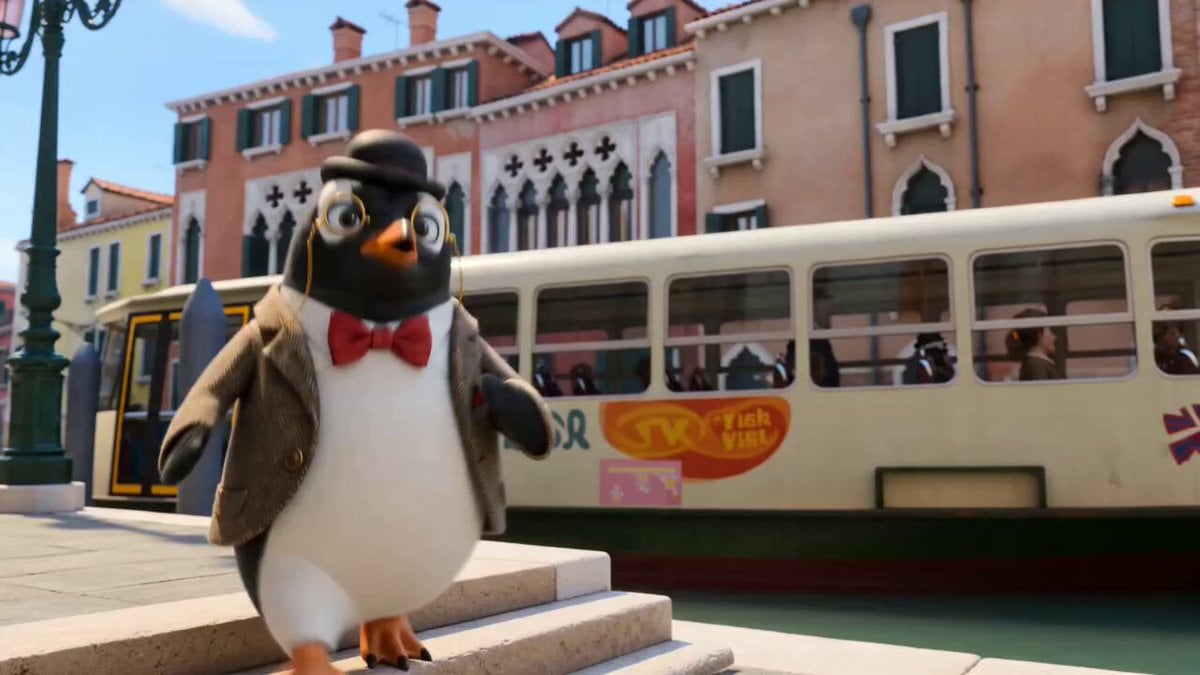
Reggie in Venice Canal Tour
A detailed narrative prompt for a character named Reggie exploring Venice via gondola with comedic reactions and dramatic gestures.
- Prompt included
- Model and format preset
- Free template
The prompt behind this video
Copy the exact prompt behind Reggie in Venice Canal Tour, or open it in the studio and make it yours.
Reggie steps off a vaporetto or onto a canal-side, adjusts monocle, delivers a “Welcome to Venice” line. Slow push-in as he marvels at canals, calling it “London if someone forgot the roads.” Spots a gondola and insists he needs “the cinematic entrance.” Wide shot: he clambers into gondola, nearly tipping it, tries to stay dignified. Cut to him seated, posing for camera, doing dramatic “influencer hand gestures.” Gondolier starts singing; Reggie reacts with faux sophistication, then genuine awe. Pigeons swoop overhead; quick cut of Reggie ducking, then pretending it was planned. Passing under a bridge, he tries to deliver a serious history fact and clearly gets it wrong. POV shot looking up at old buildings; Reggie calls it “the world’s fanciest water maze.” Gondola brushes another gondola; brief awkward overlap, Reggie throws in a cheeky compliment or British sarcasm. Jump cut to Reggie at a small floating café/bar, balancing espresso on the edge. Extreme close-up: Reggie sips espresso, eyes widen at the strength, yet he pretends it’s “absolutely delightful.” Quick montage: mini bites of cicchetti, approving nods, then one dramatic overreaction to a strong flavour. Sunset shot on a small bridge; Reggie leans on the railing, bowler slightly askew. Final line to camera, something like “Ten out of ten, but still no idea where the roads went,” with a jaunty waddle away.
How to use Reggie in Venice Canal Tour in 3 steps
- 1
Open
The prompt is already in the box next to the preview, with the template's model and format selected.
- 2…a portrait of your subject in softgolden-hour light, 85mm…
Personalize
Edit the subject and creative details for your destination.
- 3Generate
Generate
Press Generate — your video is created in PicX Studio, so you can compare it with the original and refine one variable at a time.
More like this
Templates with the same subject, style or setup. Open one to see its prompt.
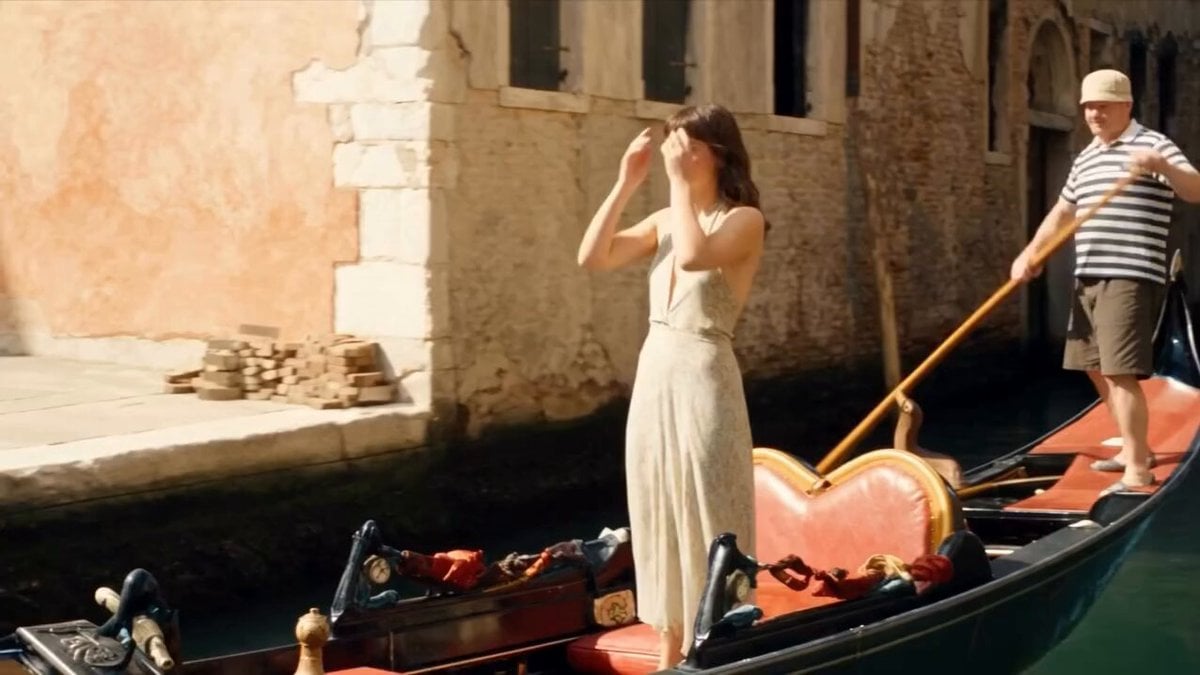
Venice Gondola to Dragon Fantasy Journey
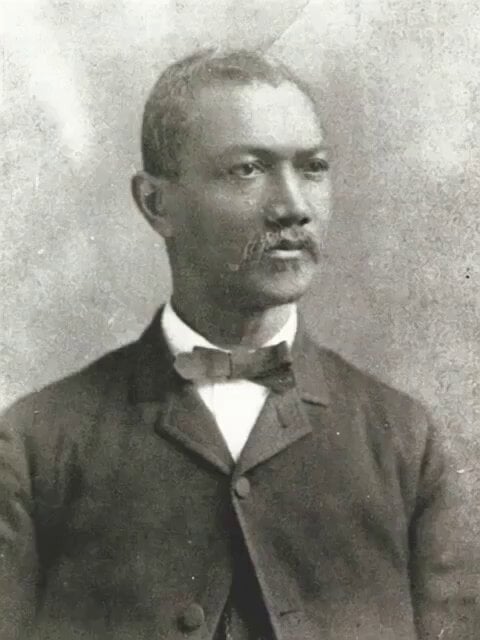
Venice scene with memorial caption video prompt
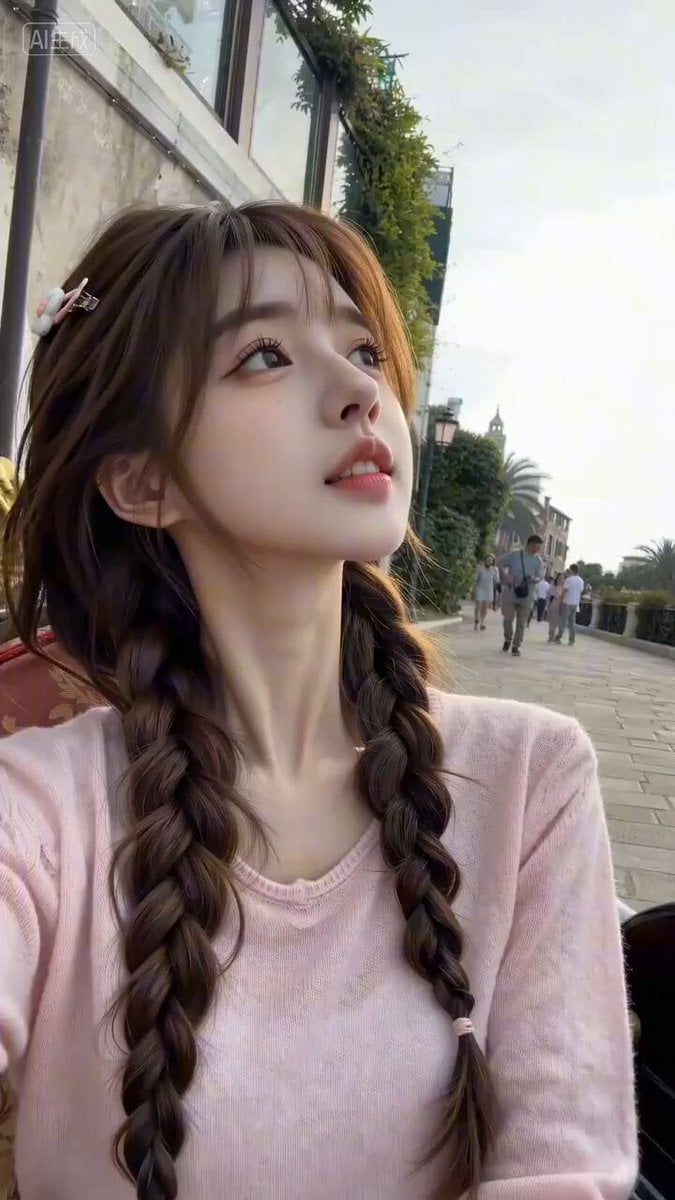
Seedance 2.0 Travel Vlog Prompt - Venice
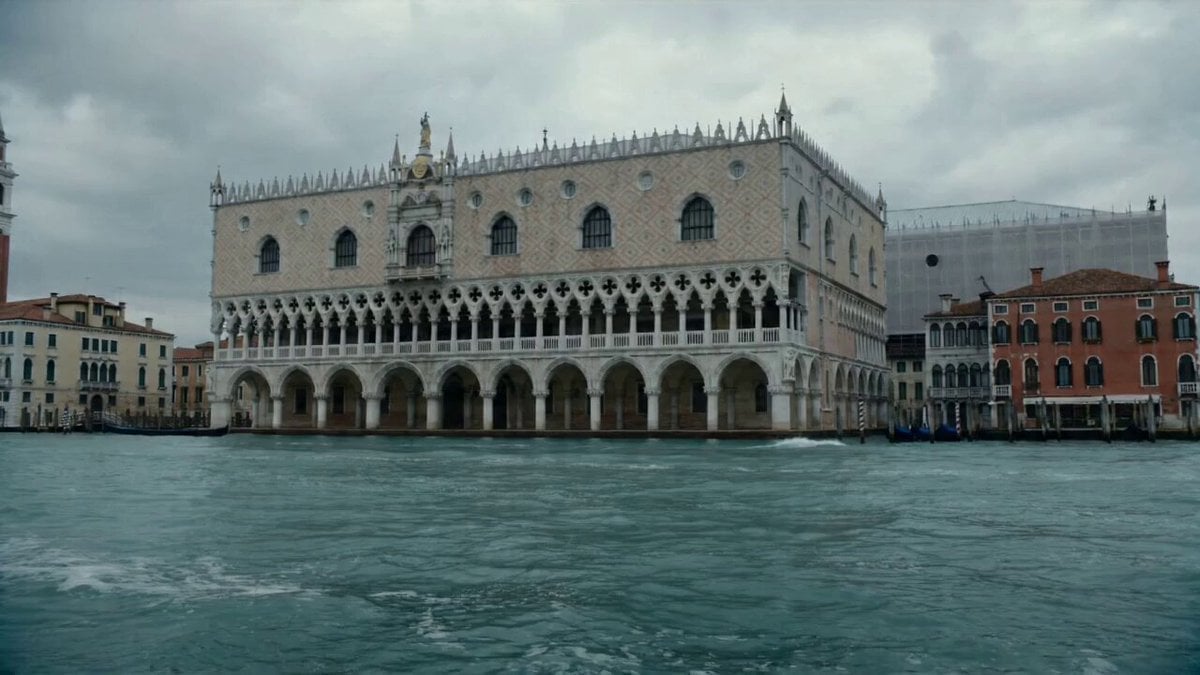
Hyper-realistic Cinematic Video of a Colossal Lobster in Venice
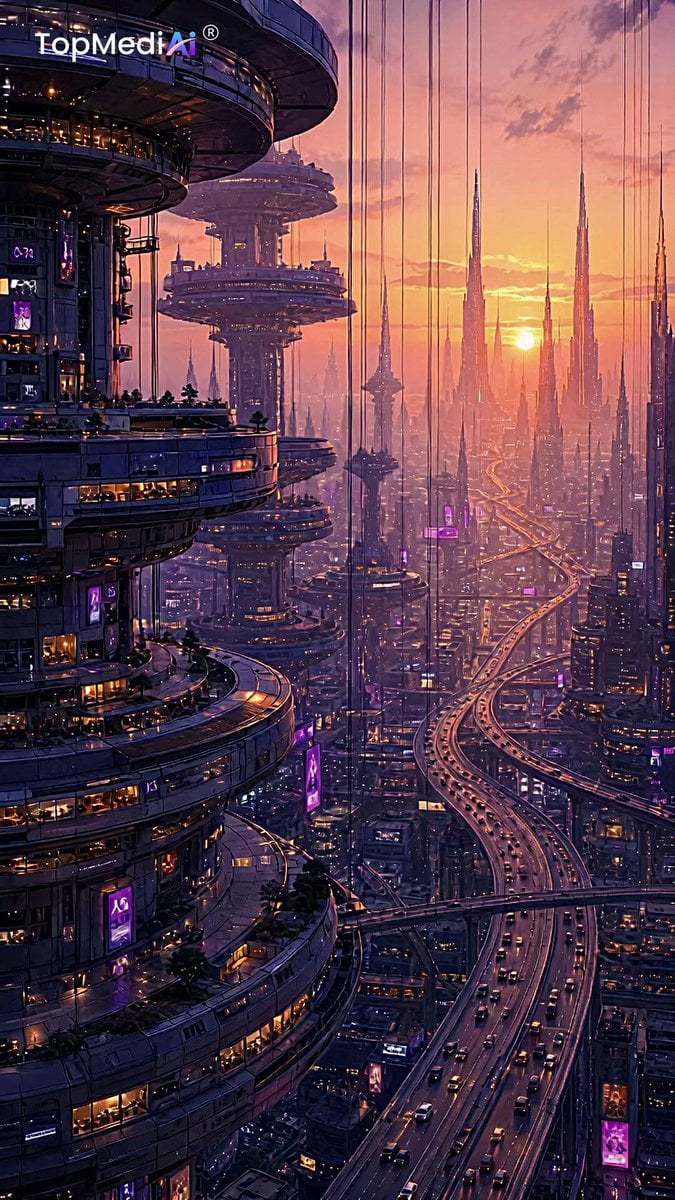
Futuristic Palace Architectural Tour
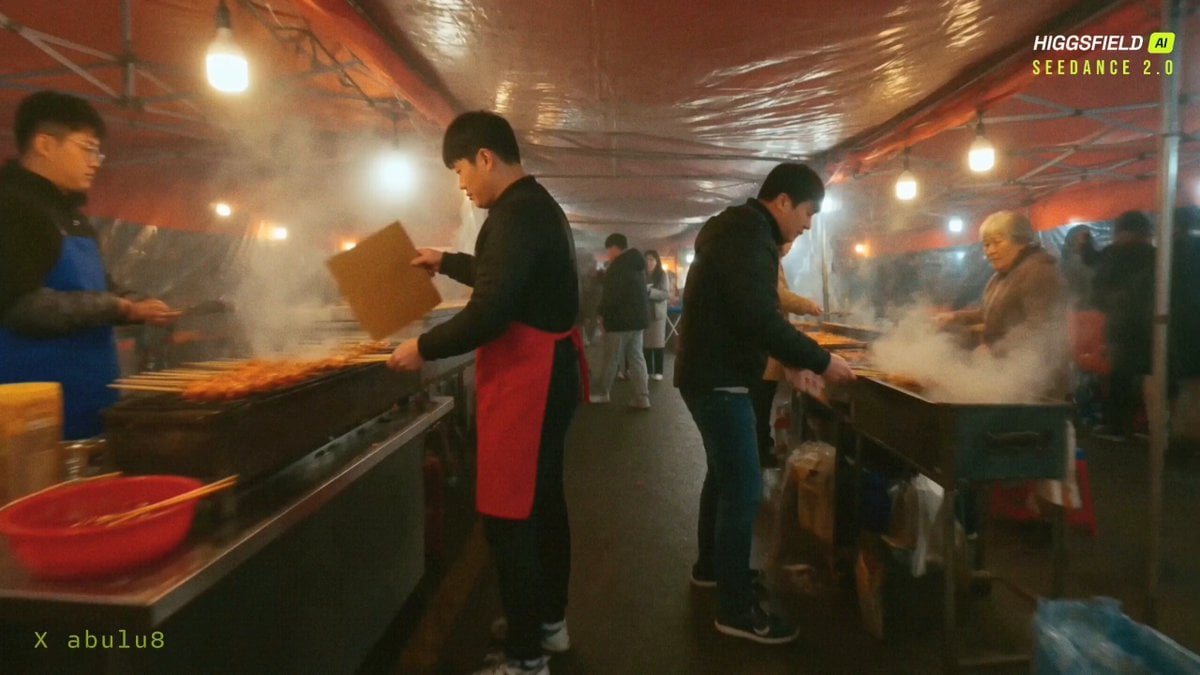
Seoul Night Market FPV Food Tour

Scandinavian Interior Real Estate Tour
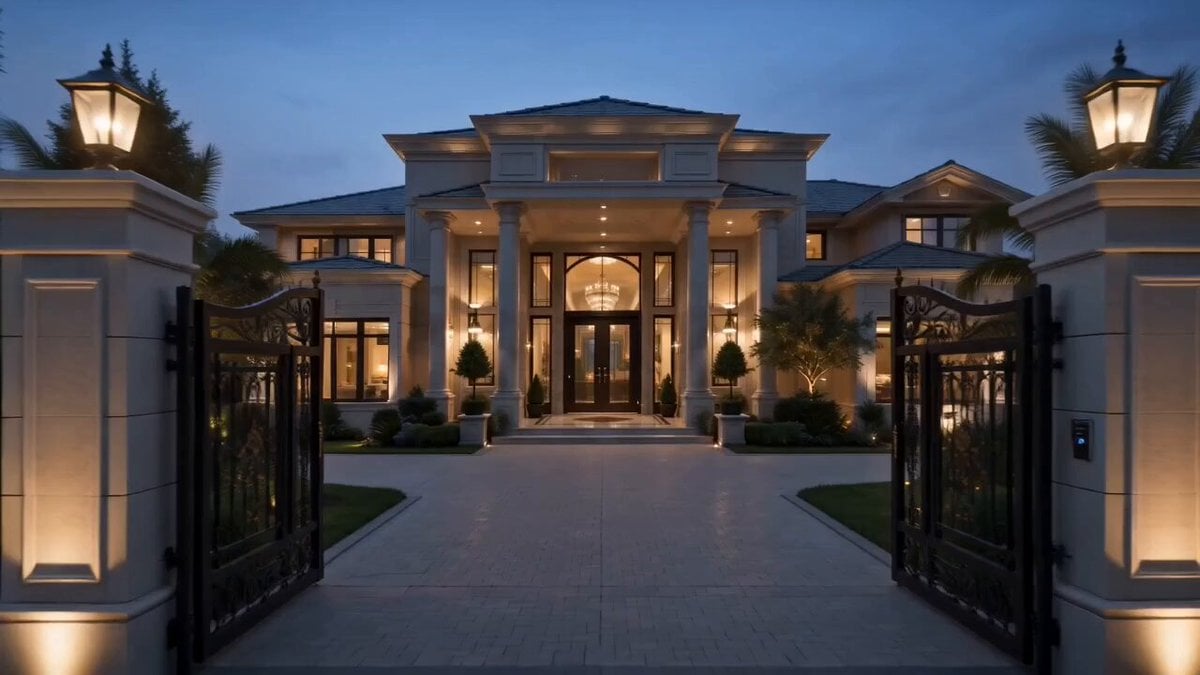
Luxury Mansion Interior Tour
Smartphone Selfie Vlog Market Tour
Celestial Palace MiniDV Tour
Cinematic 8K FPV Drone Tour of Senegal
Shanghai Night Tour Selfie Vlog
Make it yours
Reggie in Venice Canal Tour works as-is. These are the safest ways to change it without losing the look.
Change one field
Copy a single group, rewrite it, and generate again so you can see what that field is doing.
Keep the frame, change the subject
Hold the composition and light of Reggie in Venice Canal Tour, then swap wardrobe, props or the person for a new take.
| If the result… | Why | Fix |
|---|---|---|
| The result drifts from the preview | Too many fields changed at once. | Reuse Reggie in Venice Canal Tour as-is first, then change one group — subject, light, or setting. |
| The model over-stylizes the scene | The prose prompt leaves finish and camera underspecified. | Add one camera or lighting sentence and stay on Seedance 2.0. |
More Seedance 2.0 templates
Other prompts made for Seedance 2.0.

Comical Martial Arts Punch Scene

Maglev Train Action Sequence

Martial Arts Fight Sequence

Wuxia Protection and Trust Script

Vintage Korean Arcade MiniDV Vlog

Mercedes 190 SL Luxury Ad

Rainy Night Supernatural Reverse Comedy Video Script

Amazon Civilization Discovery

Futuristic South Asian City Transformation

Cozy Luxury Cafe Commercial
More video prompts
Fresh picks from across the catalog.

Street to Stadium Football Dream
Sci-Fi Mecha Angel Transformation Video Prompt for Seedance 2.0

Chinese Street Drama Buns Shop Scene
Tuscany Villa Vacation Cinematic
Epic fantasy movie scene generation using SJinn Seedance 2.0
Epic Battlefield King Cinematic
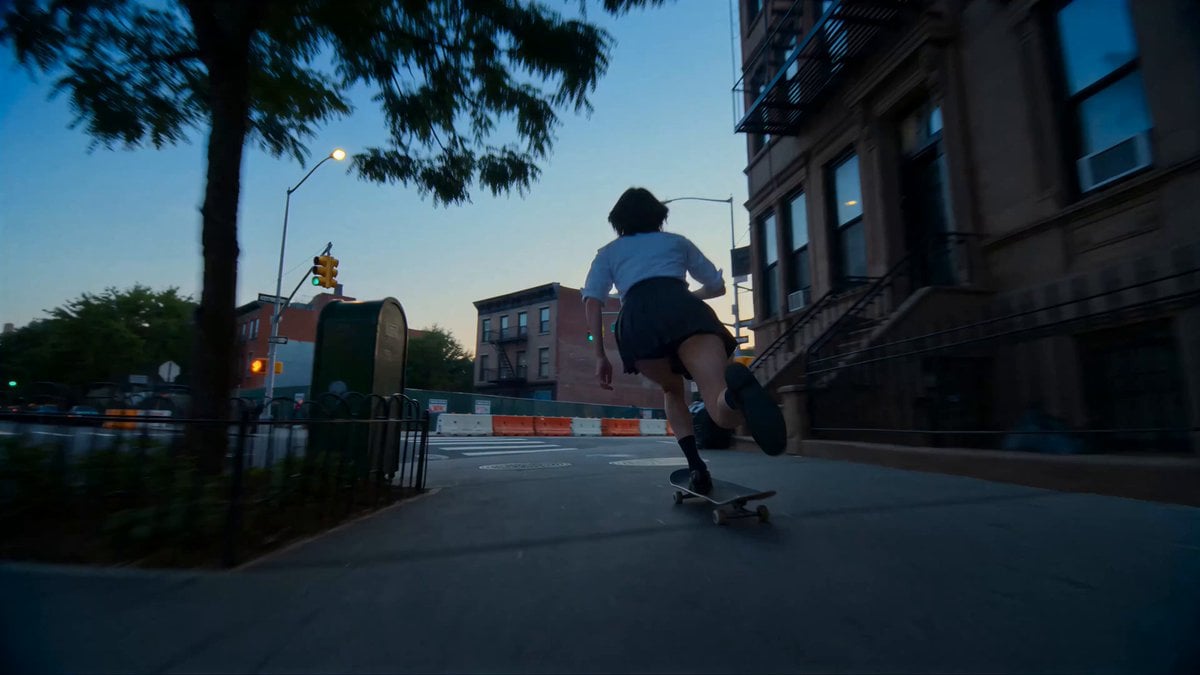
Cinematic NYC Street Skateboarding
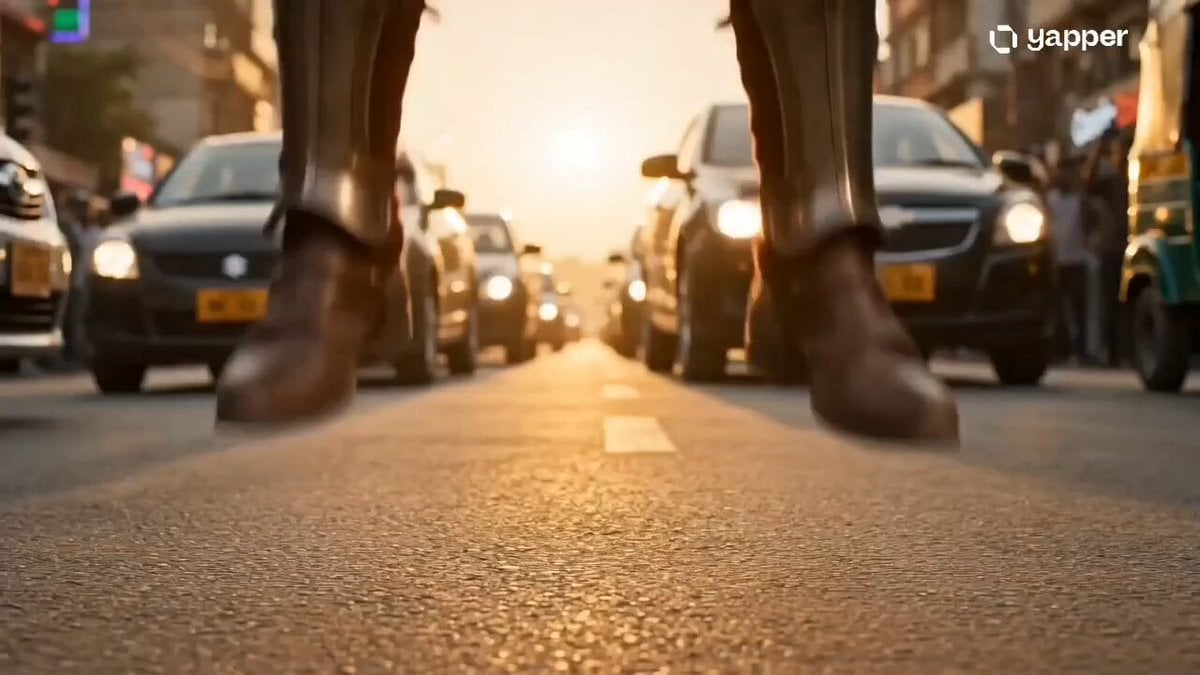
Time Collision Warrior in Lahore
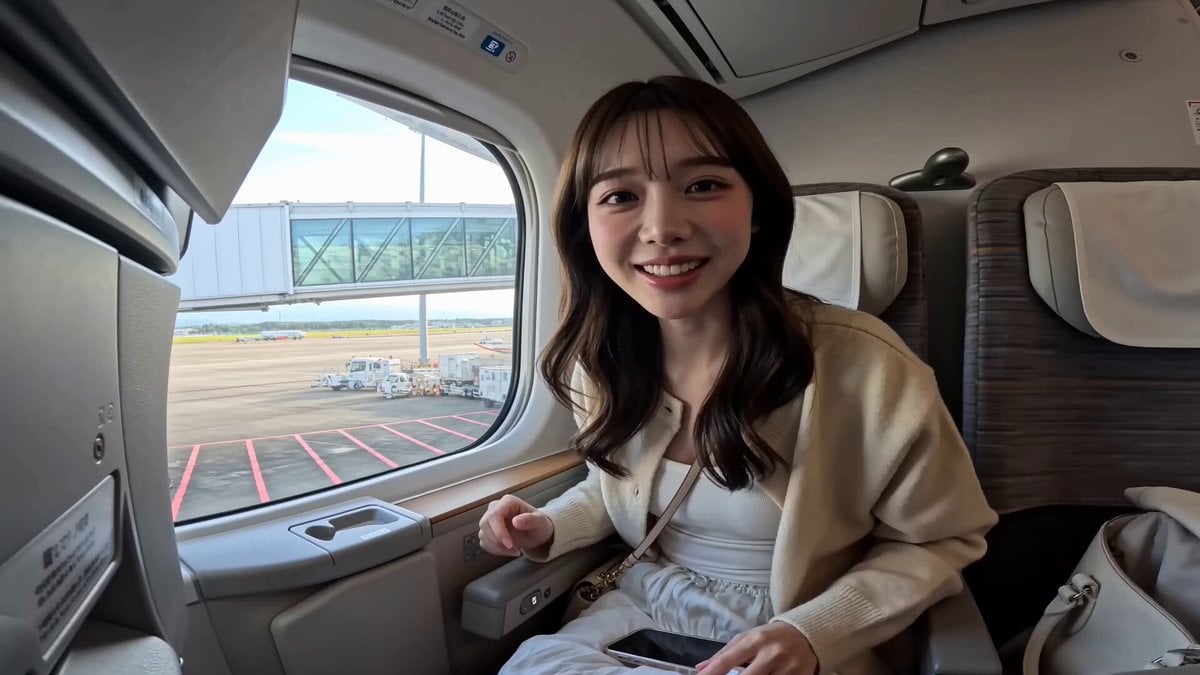
Japanese Airplane Travel Vlog
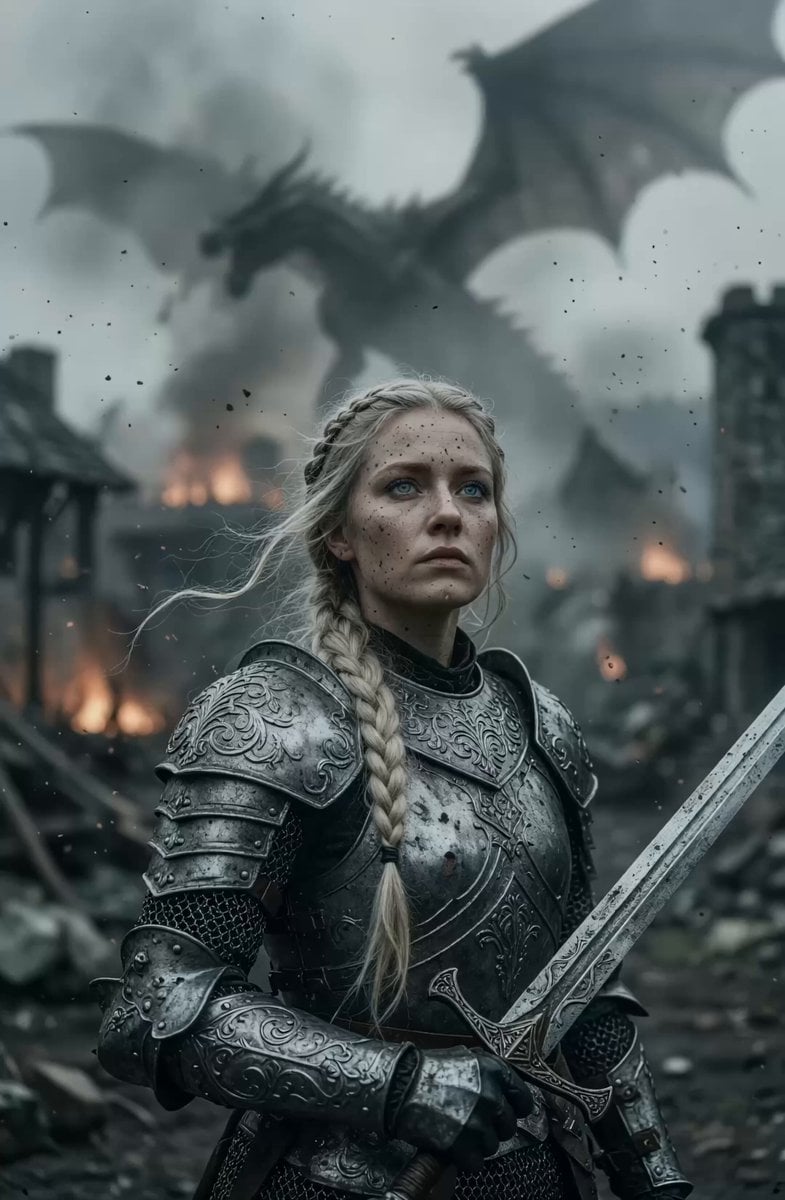
Cinematic Warrior Woman in Burning Village
Browse template categories
Reggie in Venice Canal Tour questions
How do I use the Reggie in Venice Canal Tour template?
Add your photo if the template asks for one, edit the prompt if you like — the template's model and format are already selected — and press Generate. Your version opens in PicX Studio.
Can I customize the Reggie in Venice Canal Tour template?
Yes. You can change the subject, setting, lighting, mood, format, and available model controls before creating your video.
Is the Reggie in Venice Canal Tour template free?
Opening and editing this template is free. Generating uses credits, shown on the Generate button when you are signed in.
Which AI model should I use?
Start with Seedance 2.0, which is the model associated with this template. You can compare another compatible model for a different finish.
Looking for something else? Browse all templates.

Your photo, any look
Thousands of ready templates for every top image and video model, from one credit balance.