
Venice Gondola to Dragon Fantasy Journey
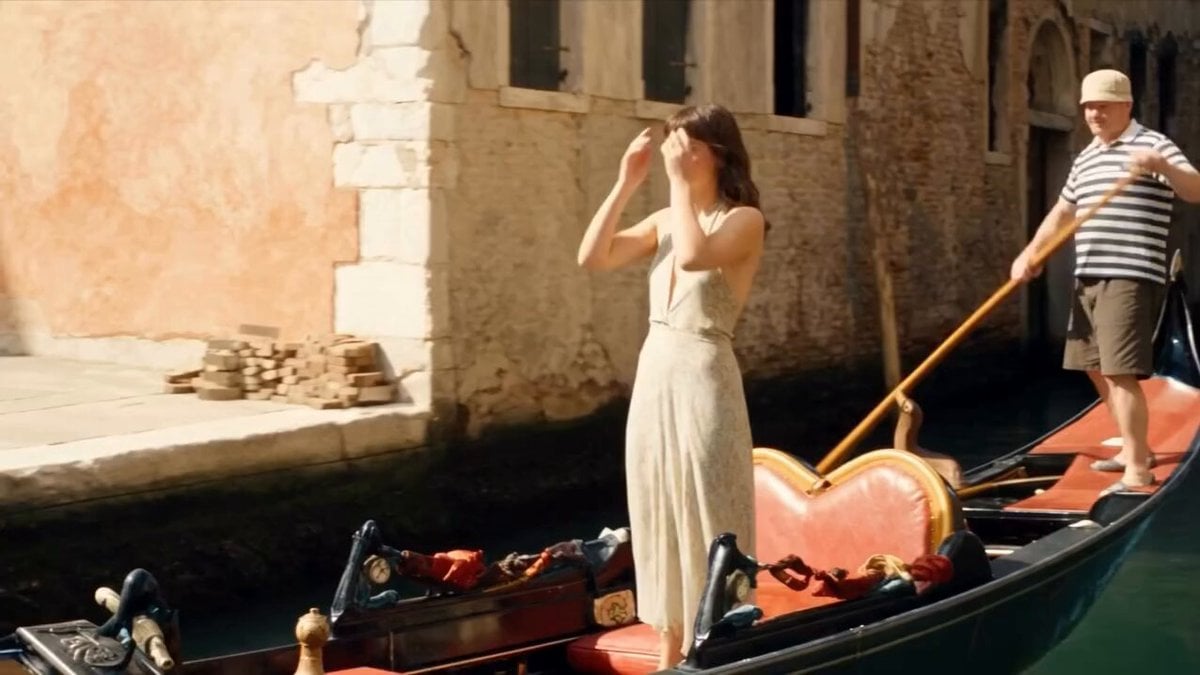
A complex cinematic sequence that transitions from a realistic Venice setting to an underwater dive and finally into an epic fantasy dragon battle.
- Prompt included
- Model and format preset
- Free template
The prompt behind this video
Copy the exact prompt behind Venice Gondola to Dragon Fantasy Journey, or open it in the studio and make it yours.
A cinematic sequence of a young woman with dark hair and bangs in a flowing cream-colored silk halter dress standing on a traditional Venetian gondola in a sunlit canal, hands covering her ears in distress, a gondolier in striped shirt and hat poling behind her. She suddenly jumps into the green canal water creating a massive splash. Underwater shot of her gracefully diving deeper, dress flowing, bubbles rising around her silhouette in murky emerald water. Seamless transition to her falling through bright white clouds in a blue sky, arms outstretched, hair and dress billowing. She lands on the back of a massive dark red and blue dragon flying through misty skies, clinging to its scales. The scene shifts to her now dressed as a fierce adventurer in a brown leather outfit with a quiver of arrows on her back, riding the dragon over a dramatic sea battle with burning wooden ships and smoke. She draws a bow and fires an arrow that causes a huge fiery explosion. Cut back to her underwater again, then dramatically emerging from the canal surface gasping for air, wet dress clinging to her body, as the gondolier reaches down to help pull her back into the gondola. Photorealistic, high detail, dramatic lighting, epic fantasy mixed with realistic Venice setting, cinematic camera movements, 4K quality.
How to use Venice Gondola to Dragon Fantasy Journey in 3 steps
- 1
Open
The prompt is already in the box next to the preview, with the template's model and format selected.
- 2…a portrait of your subject in softgolden-hour light, 85mm…
Personalize
Edit the subject and creative details for your destination.
- 3Generate
Generate
Press Generate — your video is created in PicX Studio, so you can compare it with the original and refine one variable at a time.
More like this
Templates with the same subject, style or setup. Open one to see its prompt.

Dragon Rider Cinematic Flight — Seedance 2.5
Dragon Rescue — Volcanic Kingdom Collapse (Seedance)
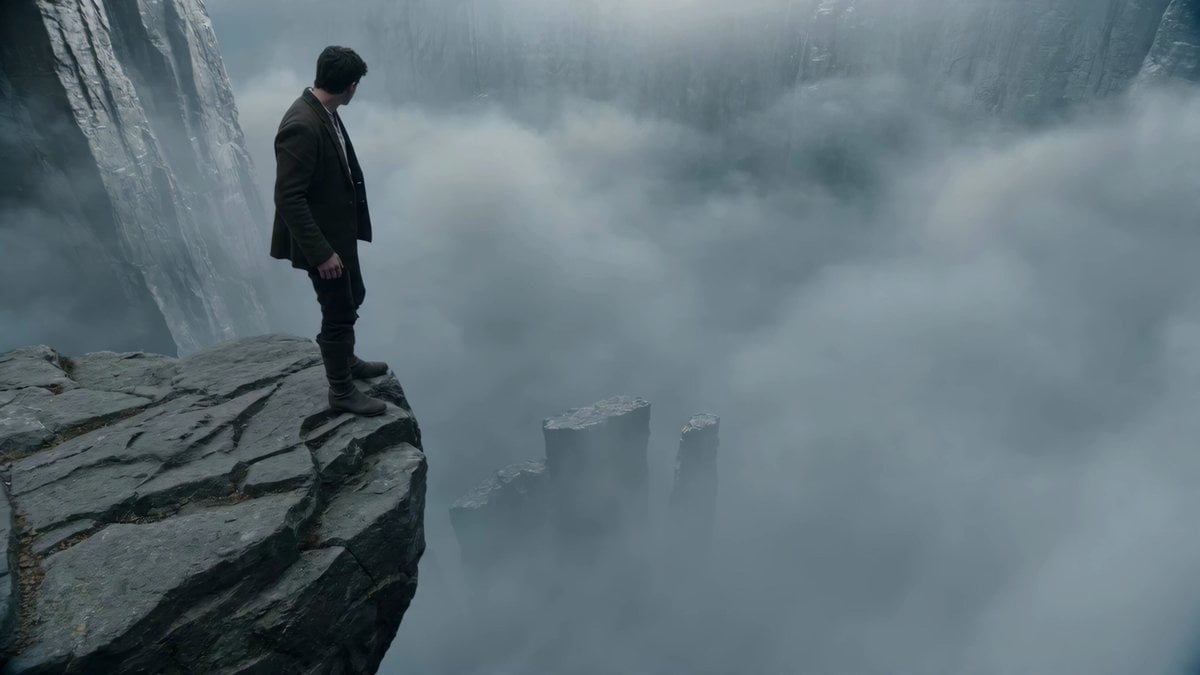
Adventurer Path Creator - Seedance 2
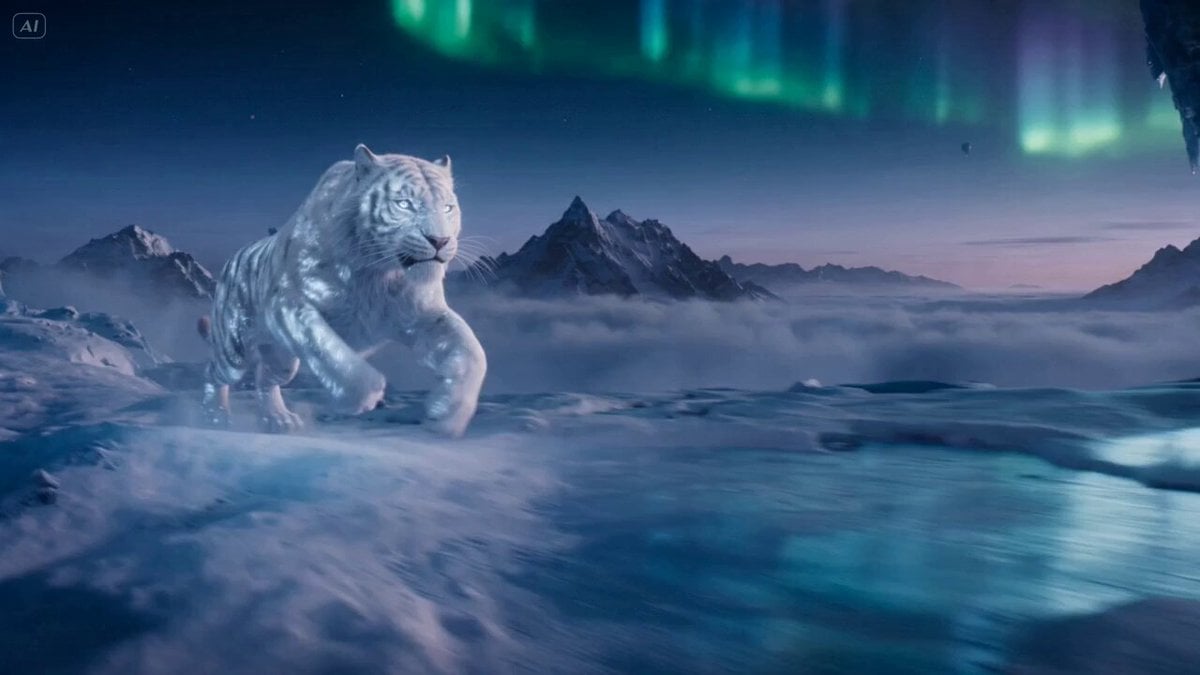
Ice Tiger vs Dragon - Seedance 2.0
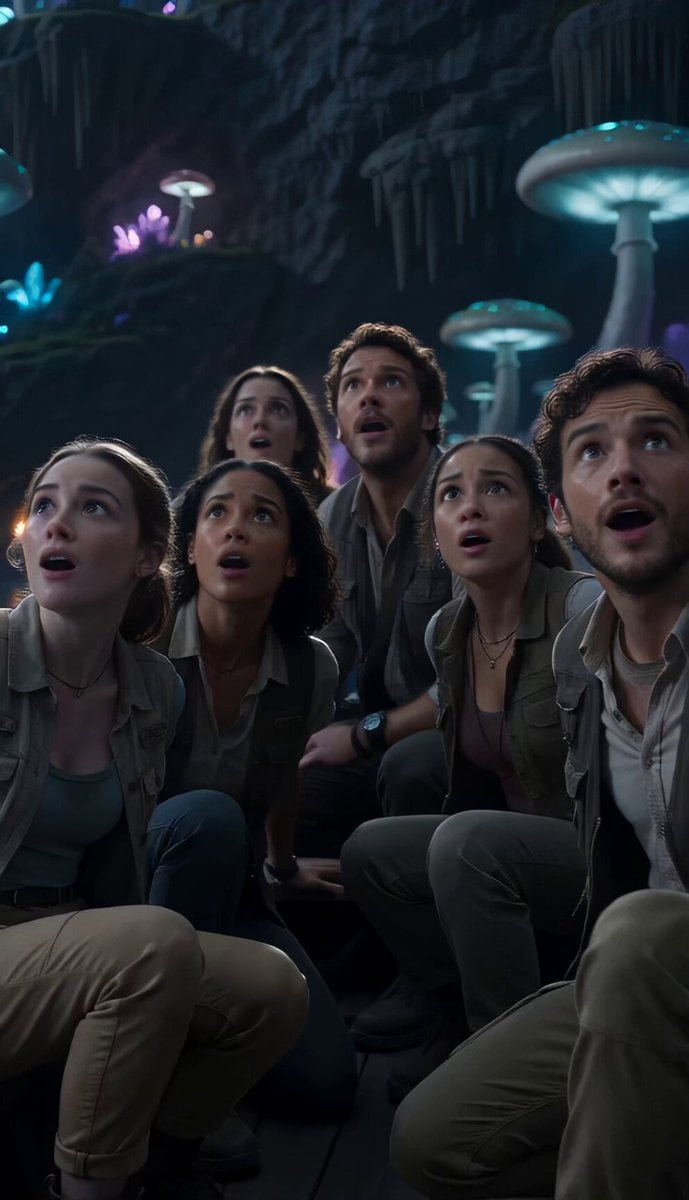
Underground Ocean Fantasy Journey

Forest Fantasy Girl Short Film

Necromancer Battlefield Orbit
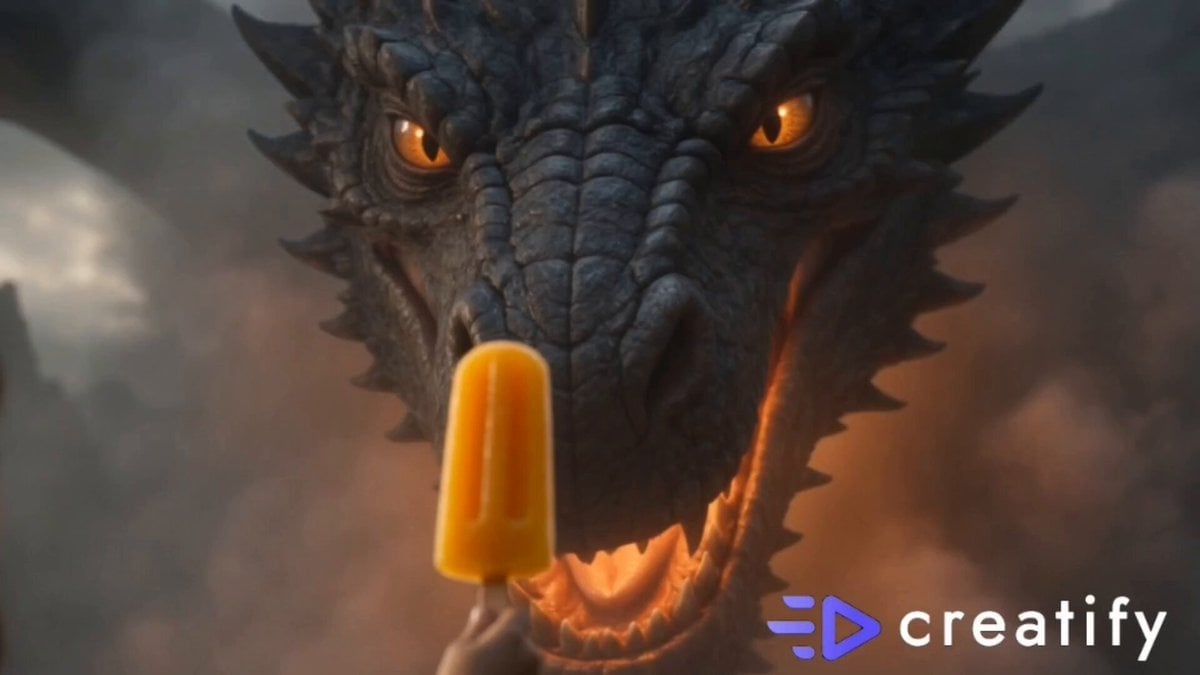
Dragon and Ice Cream Fantasy
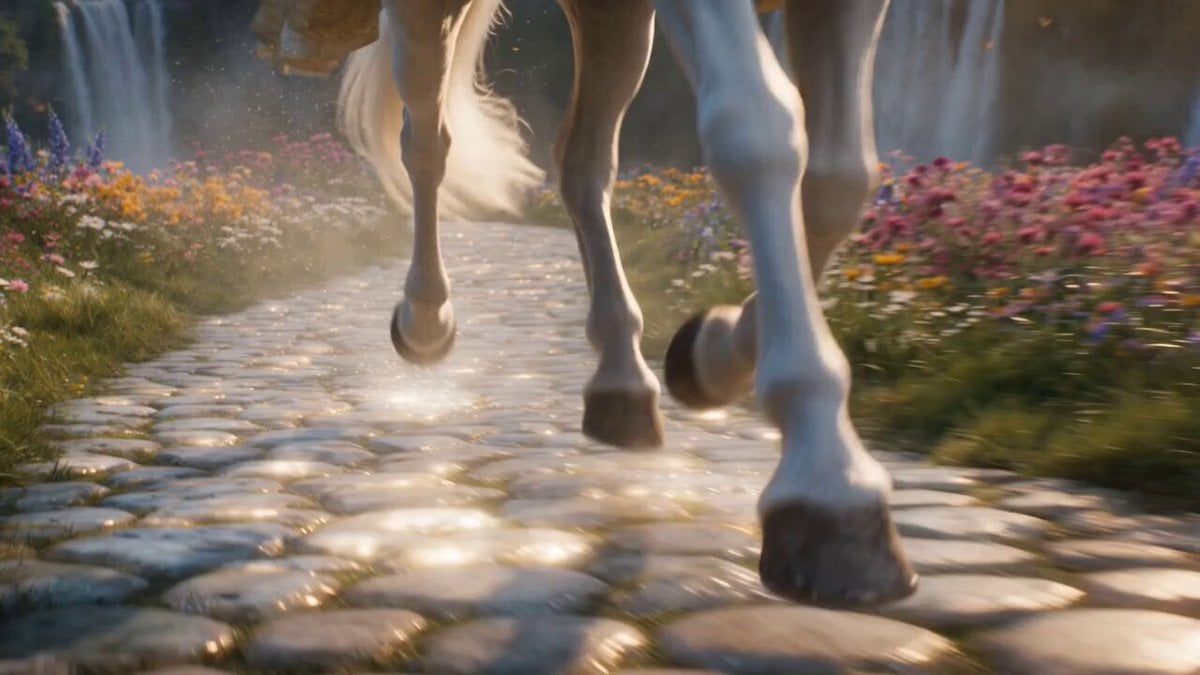
Cinematic Fantasy Princess Dragon Flight
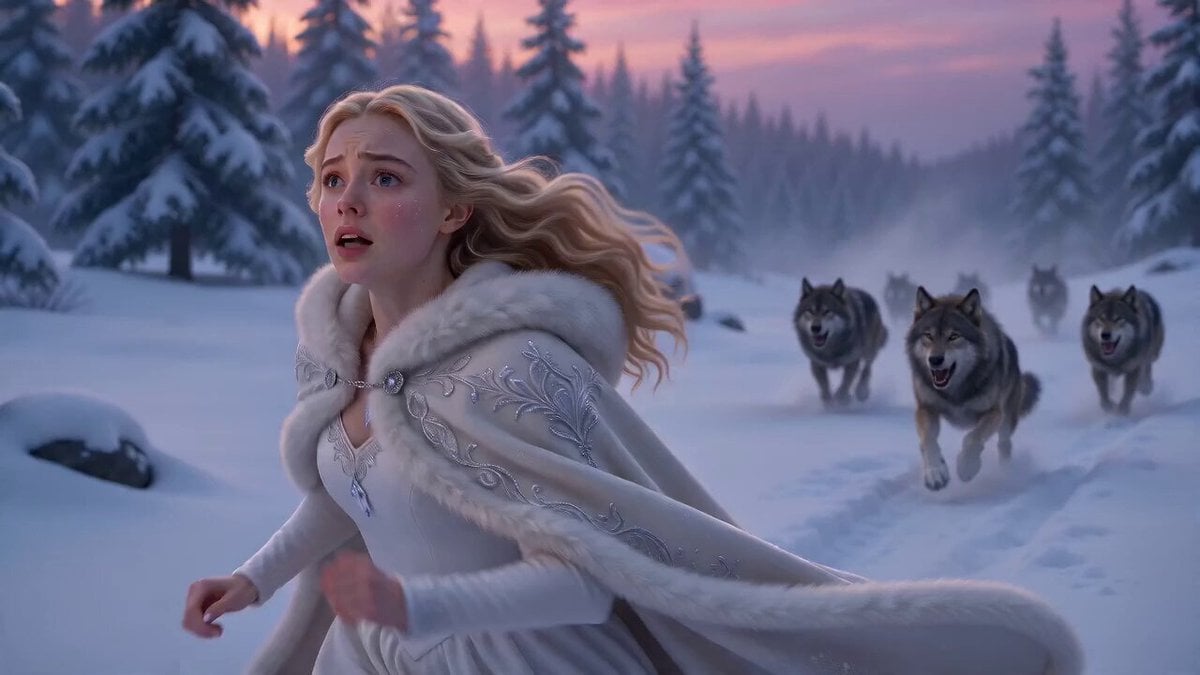
Ice Dragon Fantasy Encounter

Fantasy Dragon Chase Sequence
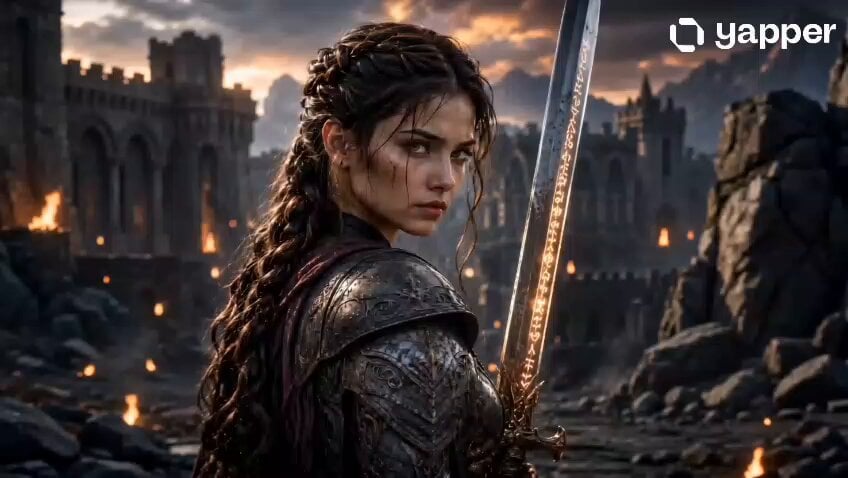
Fantasy Female Warrior Journey
Make it yours
Venice Gondola to Dragon Fantasy Journey works as-is. These are the safest ways to change it without losing the look.
Change one field
Copy a single group, rewrite it, and generate again so you can see what that field is doing.
Keep the frame, change the subject
Hold the composition and light of Venice Gondola to Dragon Fantasy Journey, then swap wardrobe, props or the person for a new take.
| If the result… | Why | Fix |
|---|---|---|
| The result drifts from the preview | Too many fields changed at once. | Reuse Venice Gondola to Dragon Fantasy Journey as-is first, then change one group — subject, light, or setting. |
| The model over-stylizes the scene | The prose prompt leaves finish and camera underspecified. | Add one camera or lighting sentence and stay on Seedance 2.0. |
More Seedance 2.0 templates
Other prompts made for Seedance 2.0.

Comical Martial Arts Punch Scene

Maglev Train Action Sequence

Martial Arts Fight Sequence

Wuxia Protection and Trust Script

Vintage Korean Arcade MiniDV Vlog

Mercedes 190 SL Luxury Ad

Rainy Night Supernatural Reverse Comedy Video Script

Amazon Civilization Discovery

Futuristic South Asian City Transformation

Cozy Luxury Cafe Commercial
More video prompts
Fresh picks from across the catalog.
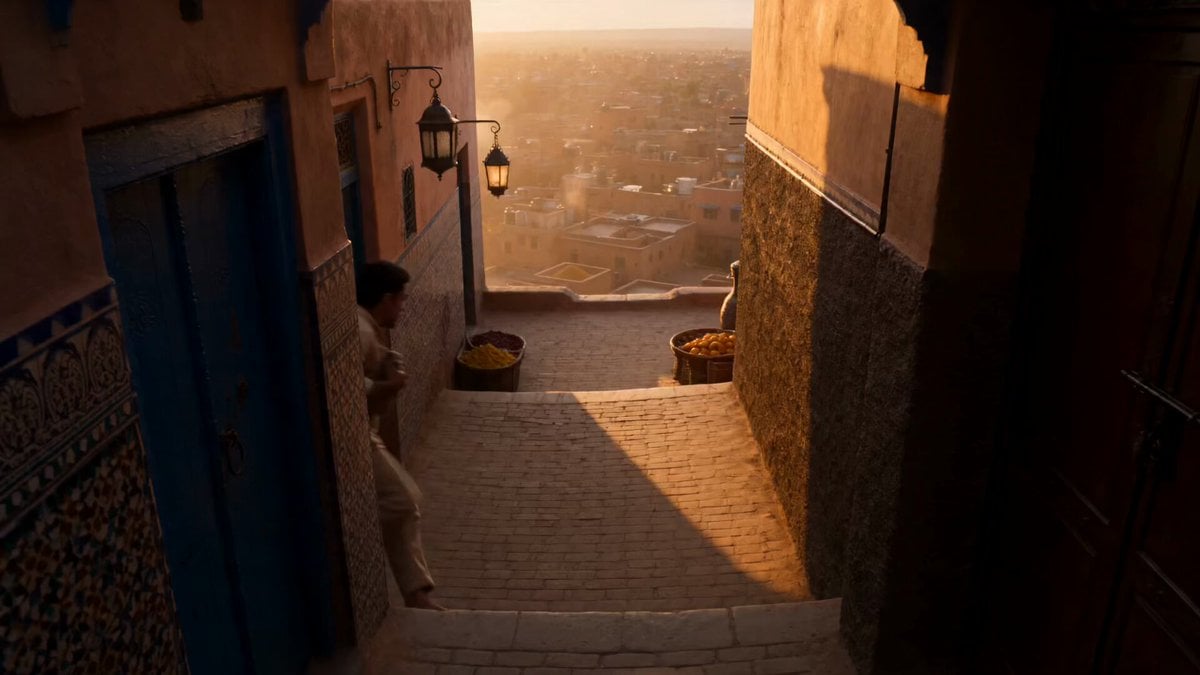
Marrakech Medina Heist Sequence
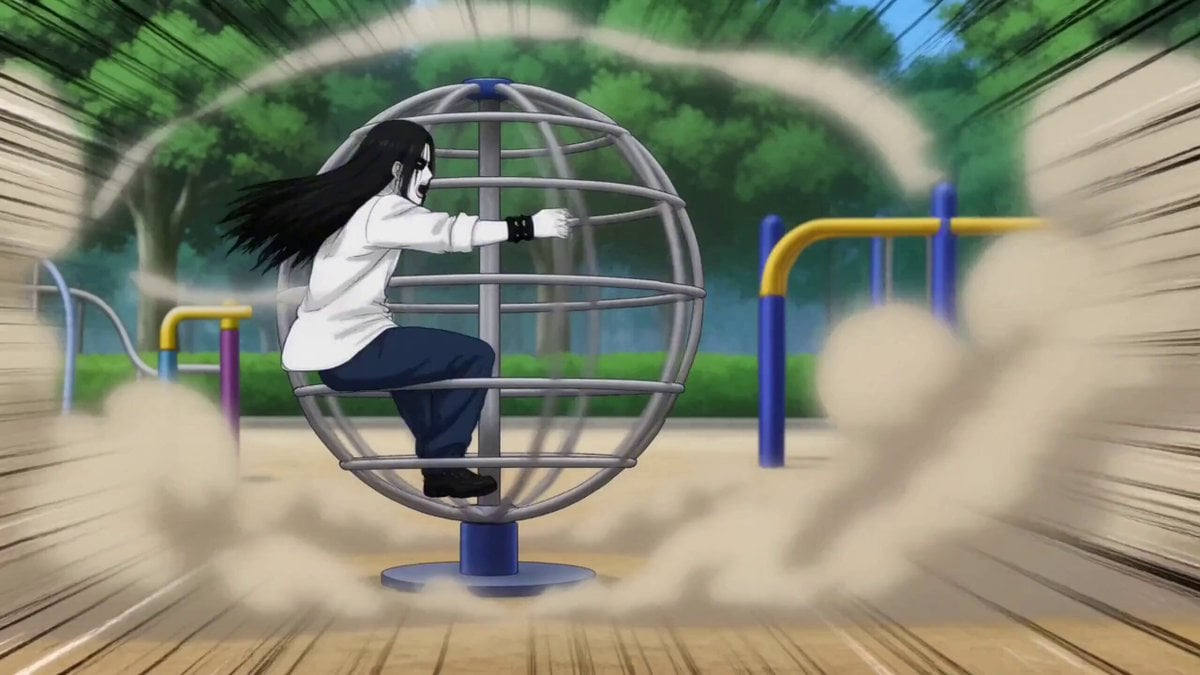
Gag Anime Comedy Reaction Scene
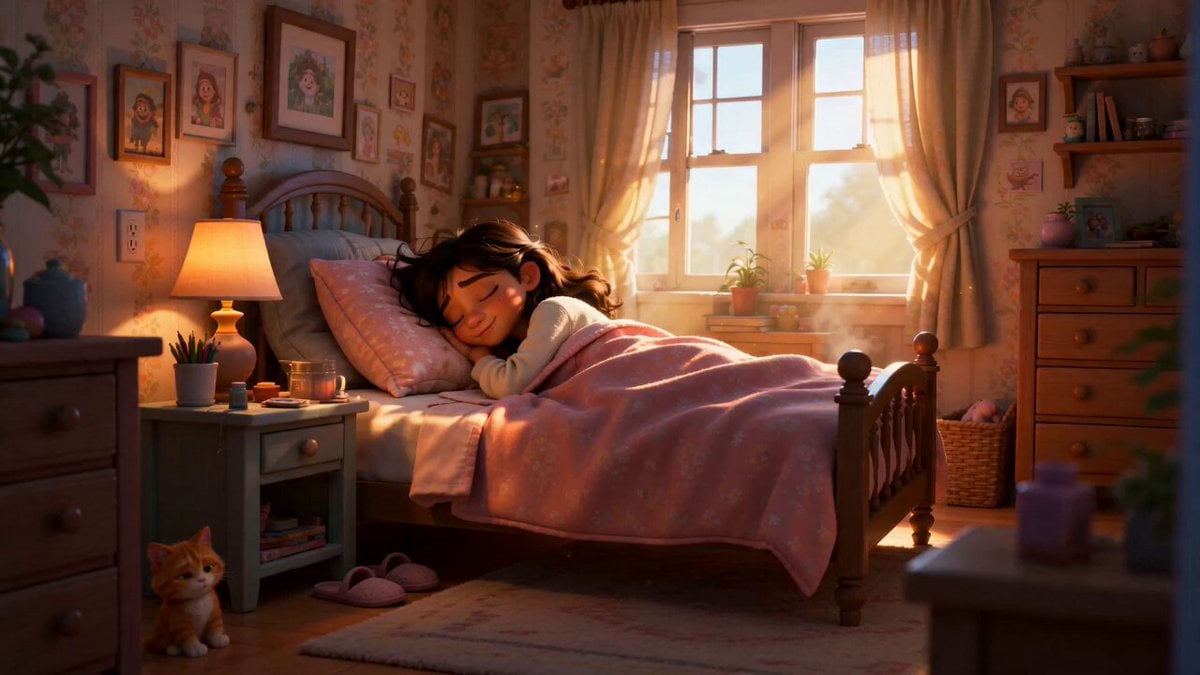
Pixar Style Sleeping Girl Animation
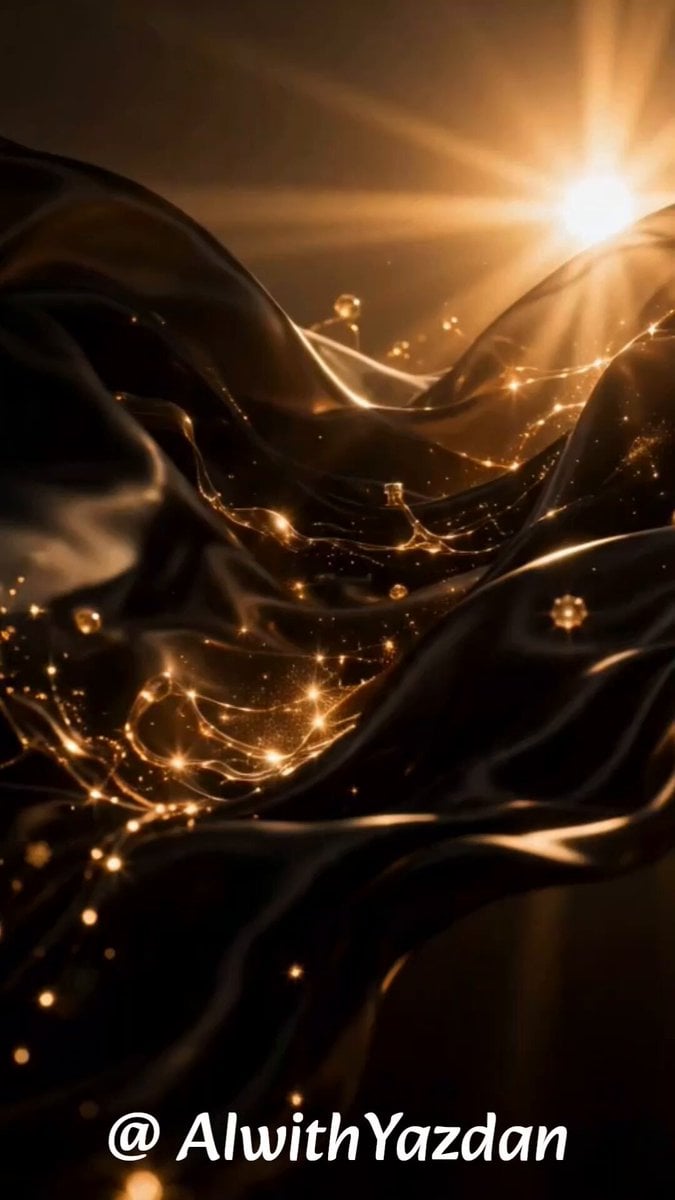
Premium Luxury Perfume Ad Sequence
Desert Mystic Queen Portrait
Japanese Couple in Parked Car During Heavy Rain
Elizabethan Woman and Knight Video Prompt
Grok Imagine Video Generation Prompt Pack
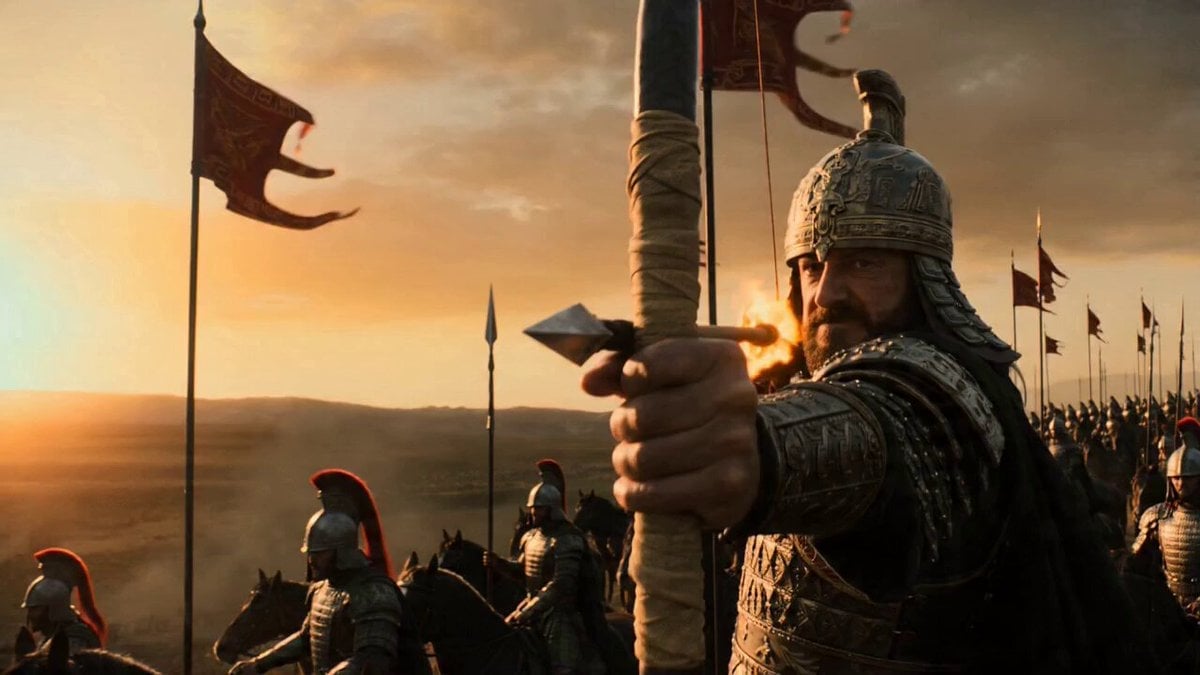
Flaming Arrow Camera Shot Prompt for Seedance 2.0
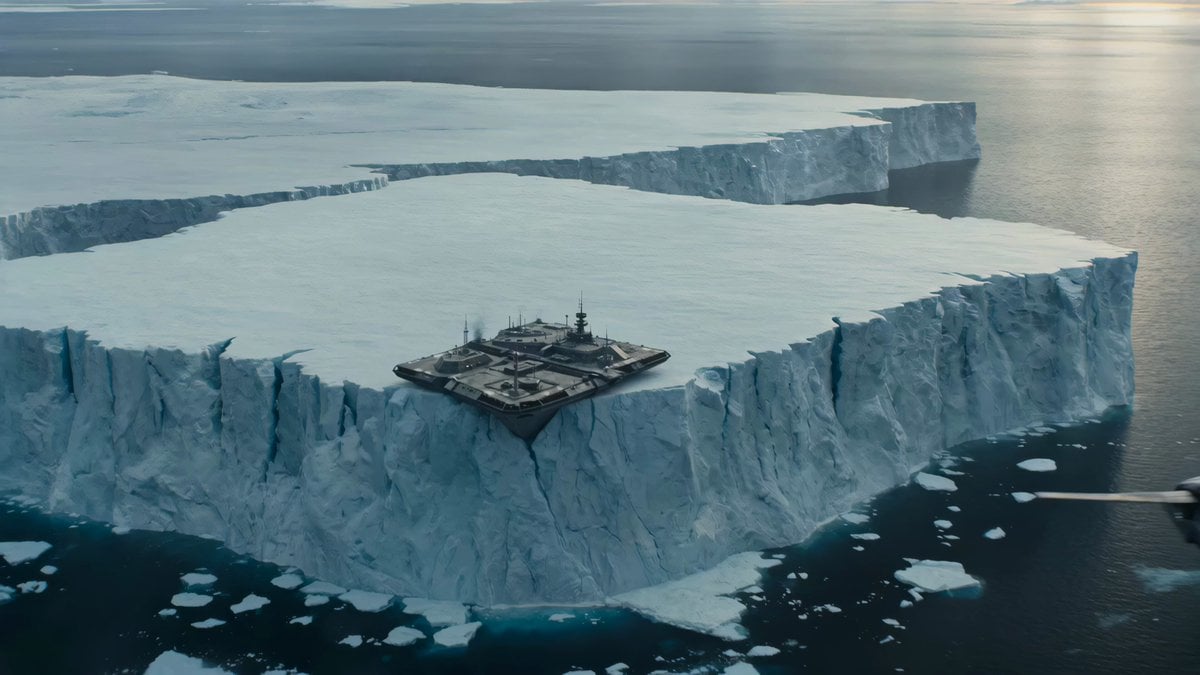
Iceberg Military Base Collapse
Browse template categories
Venice Gondola to Dragon Fantasy Journey questions
How do I use the Venice Gondola to Dragon Fantasy Journey template?
Add your photo if the template asks for one, edit the prompt if you like — the template's model and format are already selected — and press Generate. Your version opens in PicX Studio.
Can I customize the Venice Gondola to Dragon Fantasy Journey template?
Yes. You can change the subject, setting, lighting, mood, format, and available model controls before creating your video.
Is the Venice Gondola to Dragon Fantasy Journey template free?
Opening and editing this template is free. Generating uses credits, shown on the Generate button when you are signed in.
Which AI model should I use?
Start with Seedance 2.0, which is the model associated with this template. You can compare another compatible model for a different finish.
Looking for something else? Browse all templates.

Your photo, any look
Thousands of ready templates for every top image and video model, from one credit balance.