How do I use the Grok Imagine Video Generation Prompt Pack template?
Edit the prompt in the box under the preview — the template's model and format are already selected — and press Generate. Your version appears right on this page.
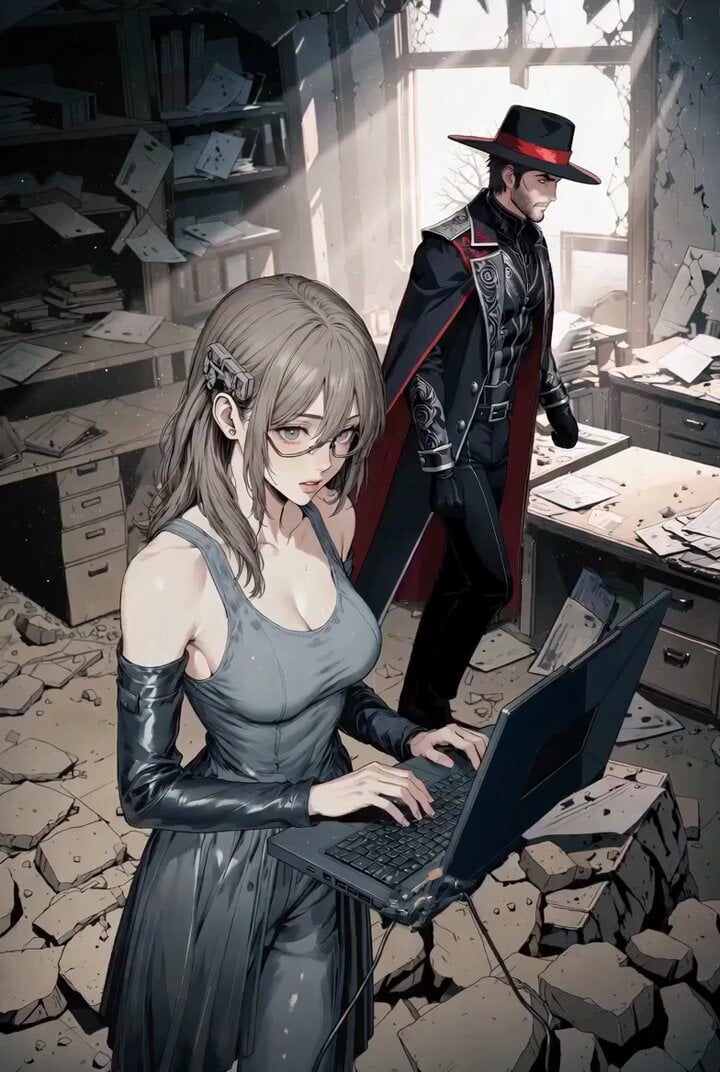
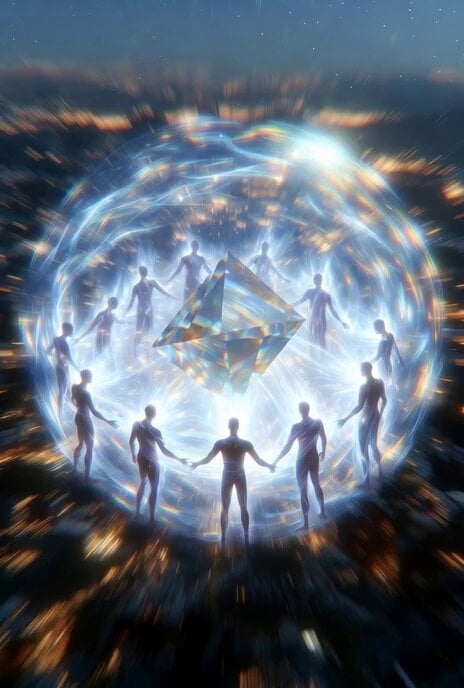
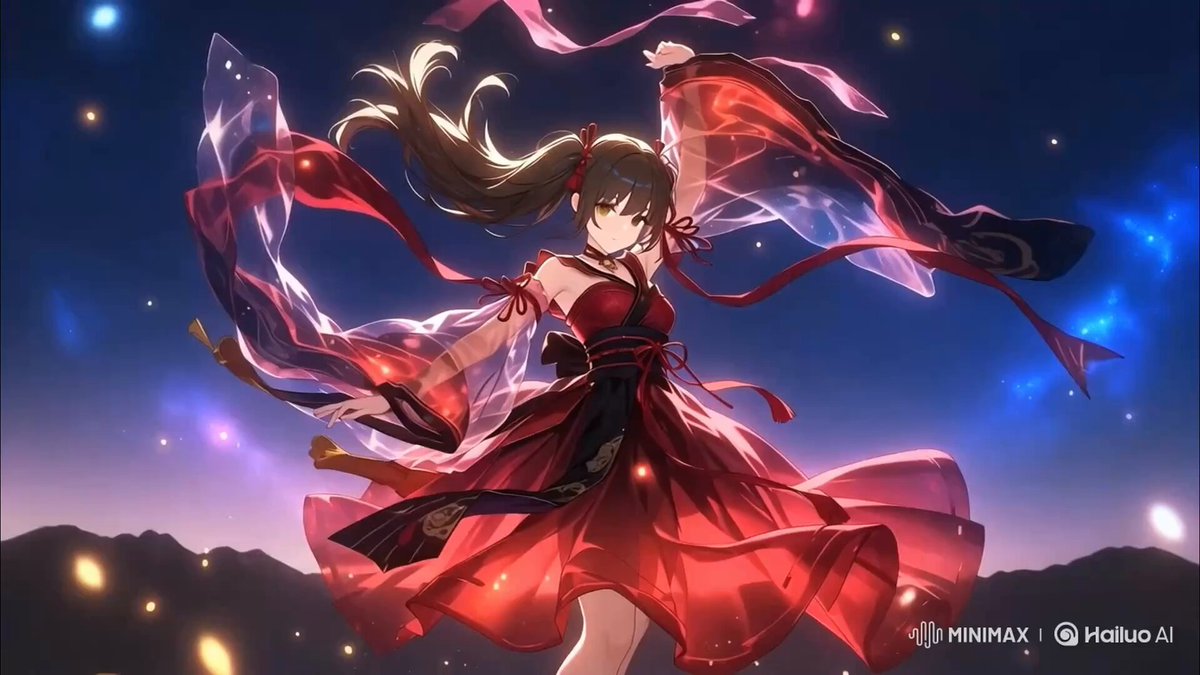
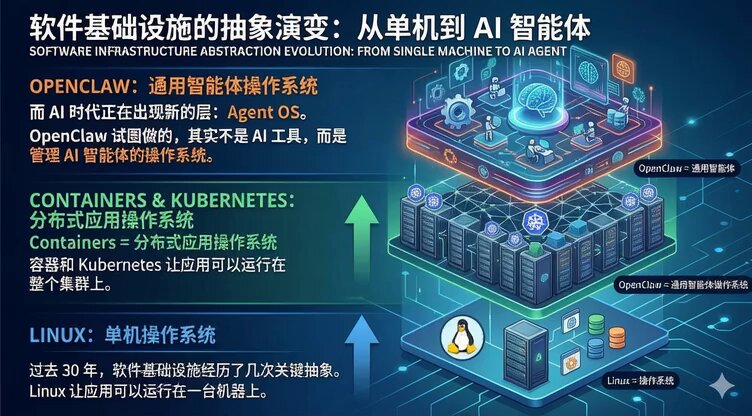
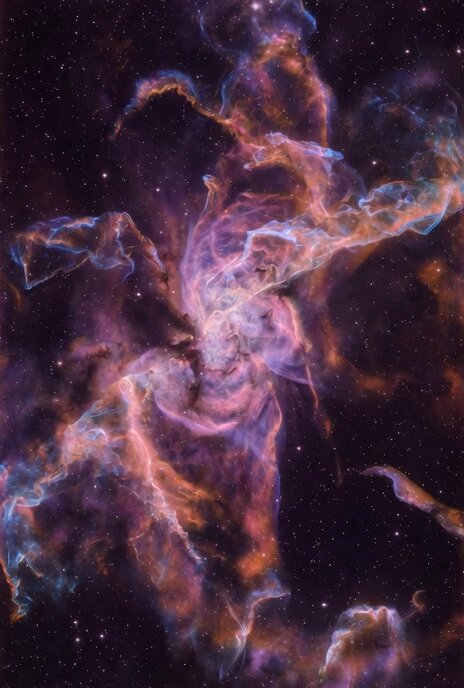
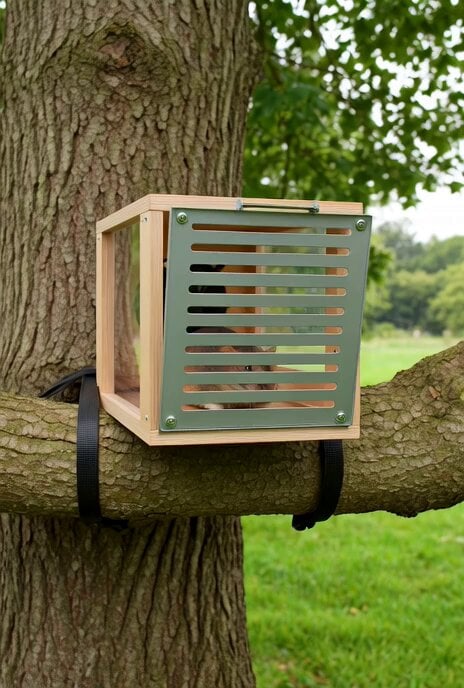
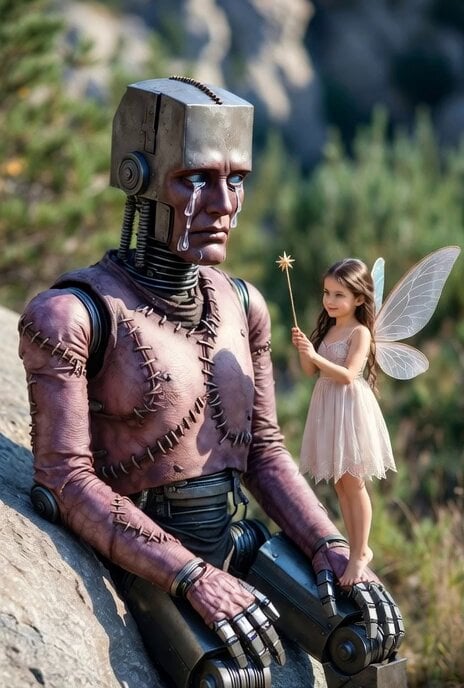
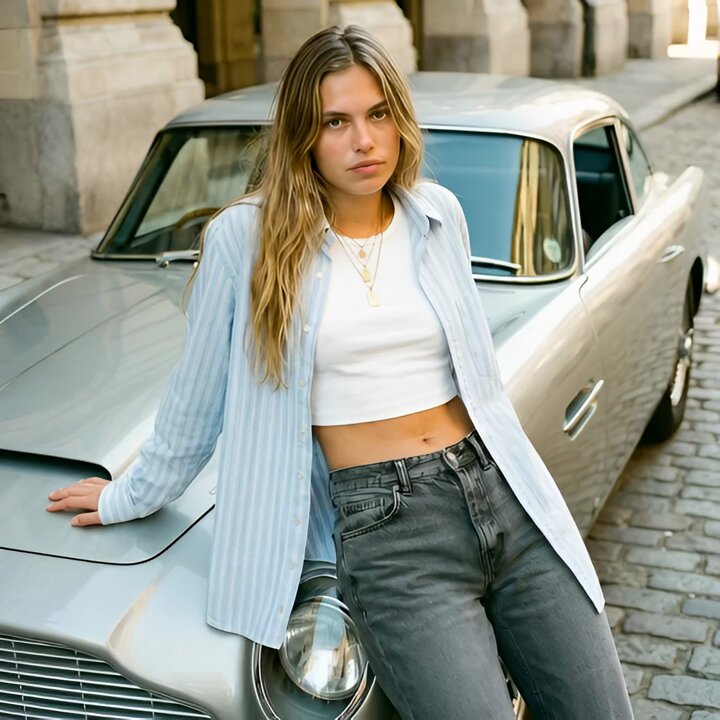
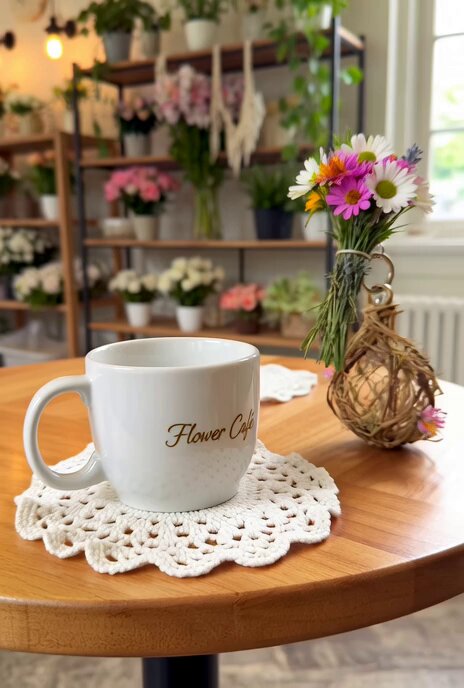
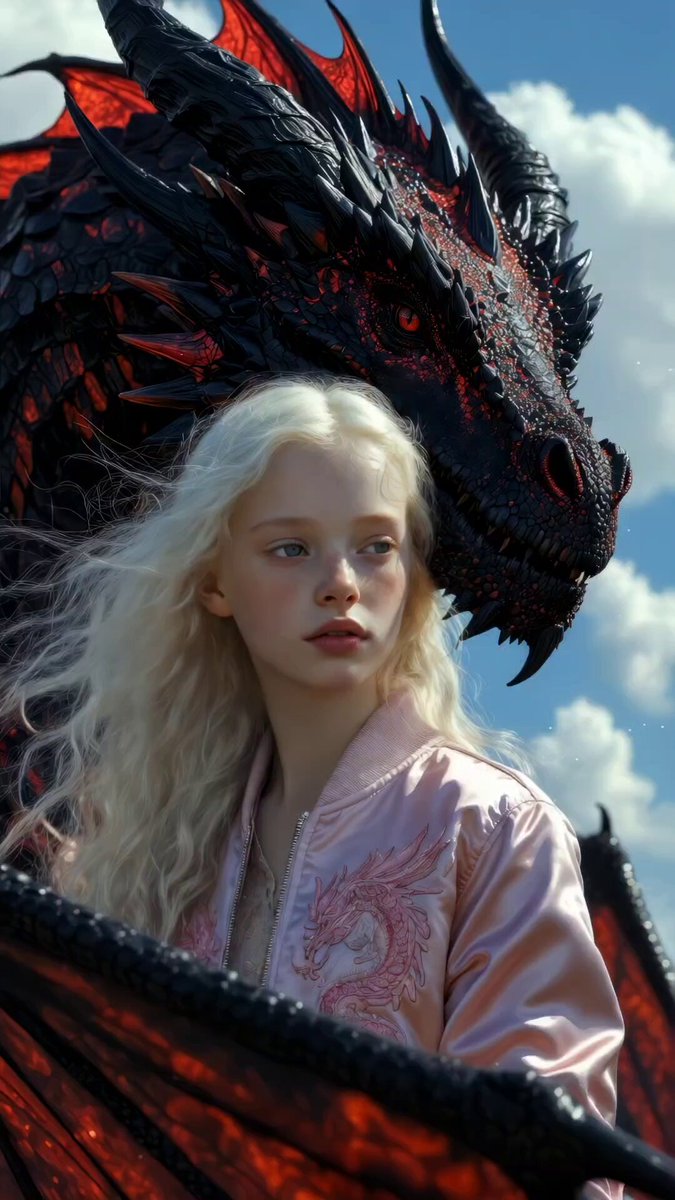
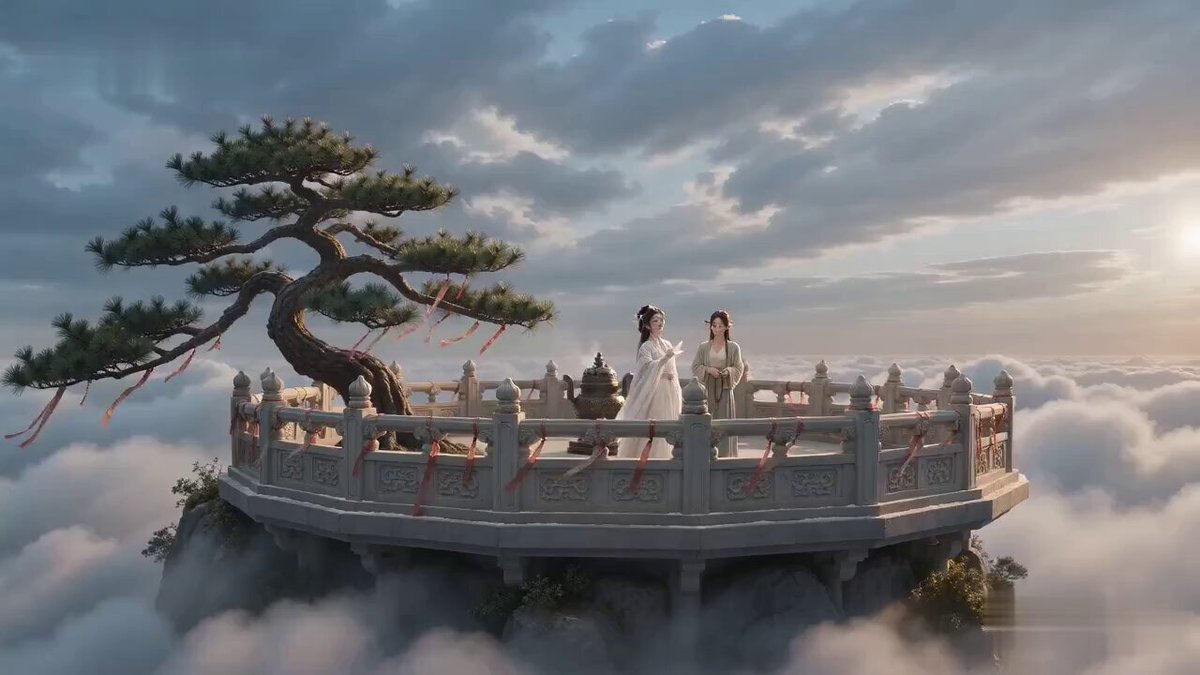
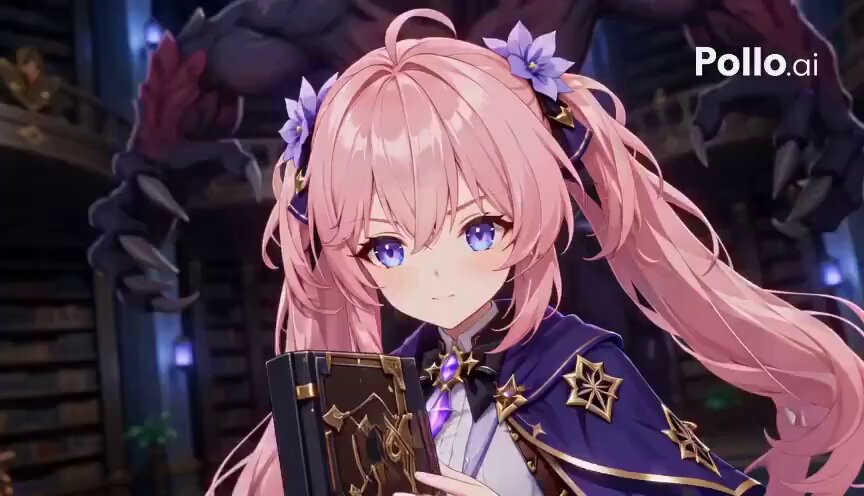
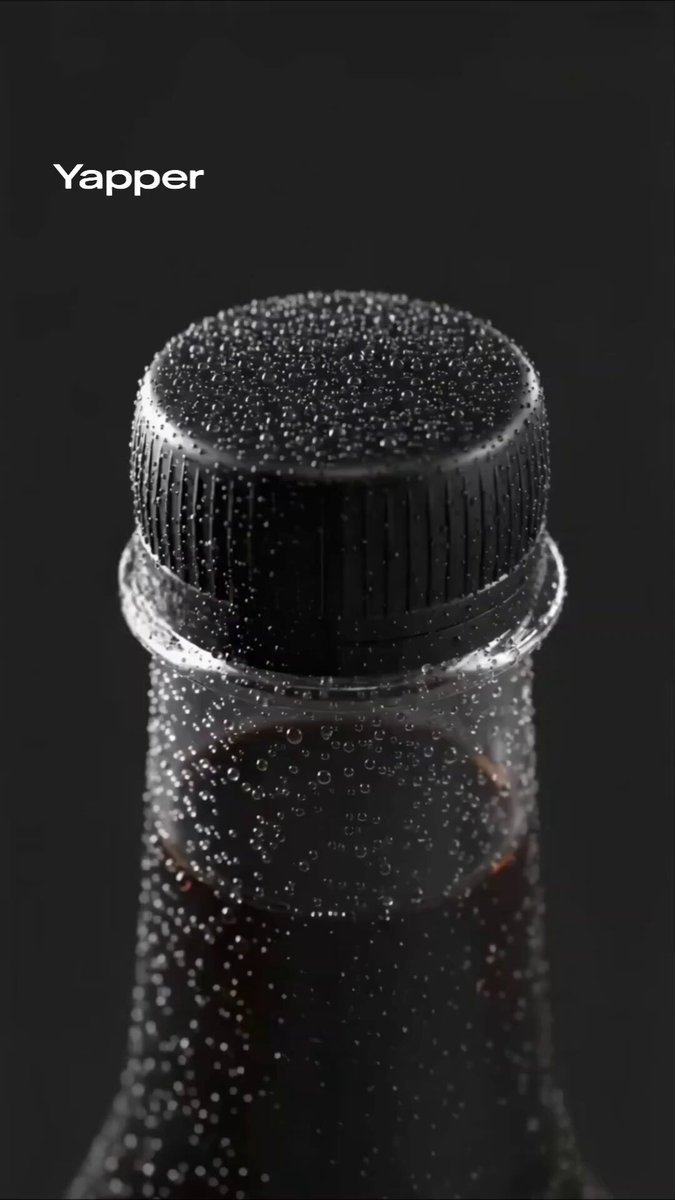
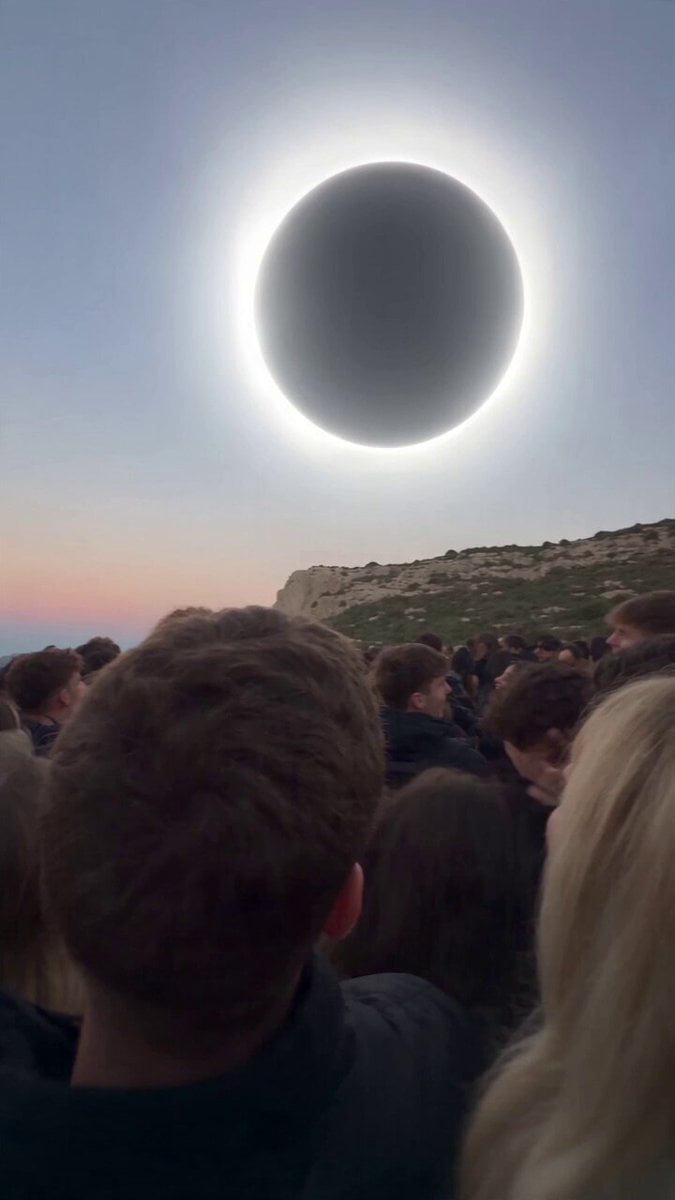
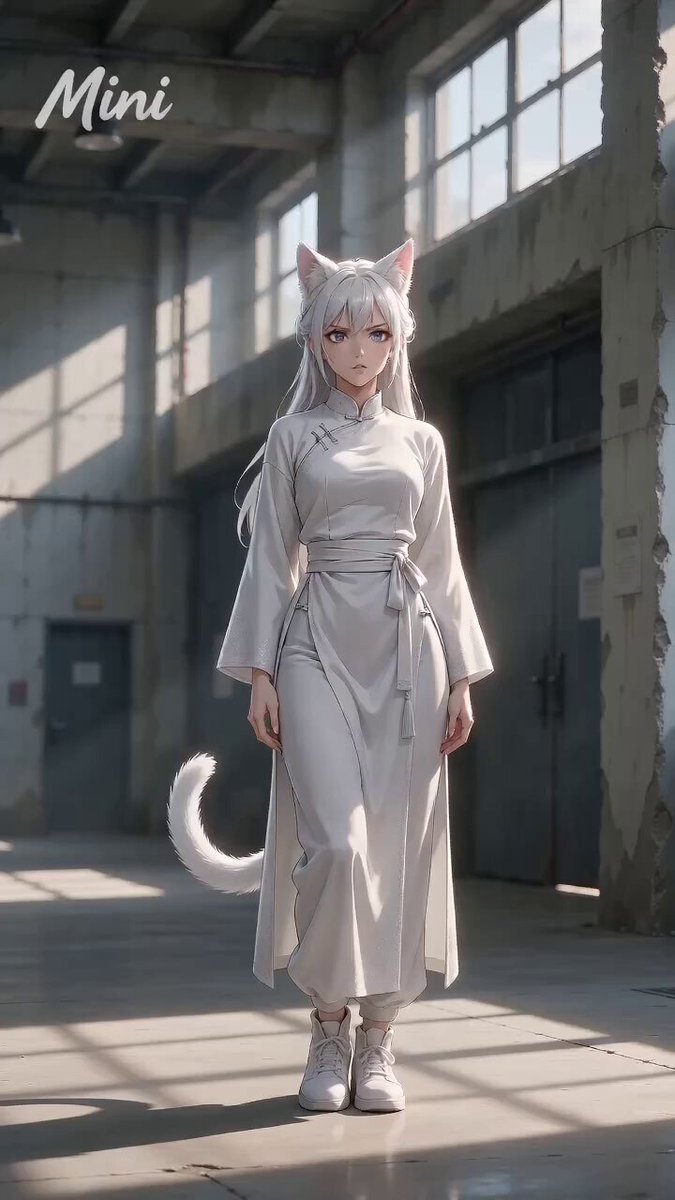
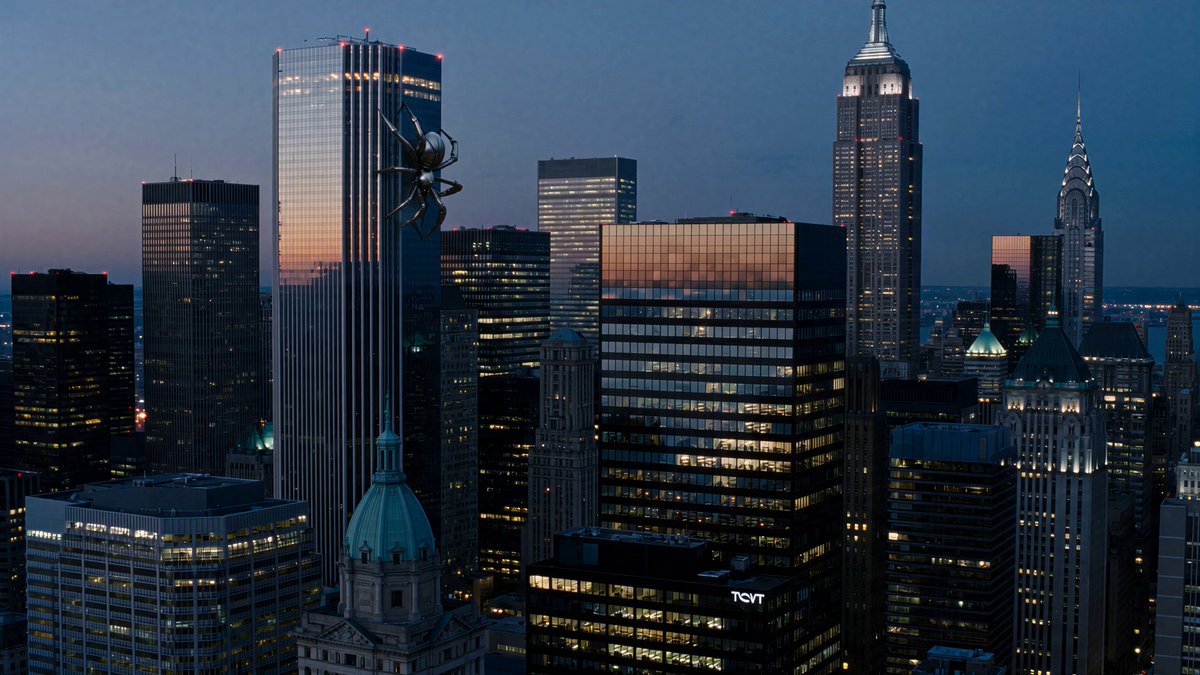
A collection of high-quality prompts for Grok Imagine Agent Mode including a futuristic fashion show, a dancing space cat, product photography, and night market ASMR.
紅髮女孩穿 Grok logo T 恤在未來城市走秀,電影級光影 一隻胖橘貓在太空站跳舞,15 秒可愛動畫 你的客製化商品專業產品攝影棚拍攝,4K 質感 台灣夜市小吃攤深夜美食 ASMR 短片
紅髮女孩穿 Grok logo T 恤在未來城市走秀,電影級光影 一隻胖橘貓在太空站跳舞,15 秒可愛動畫 你的客製化商品專業產品攝影棚拍攝,4K 質感 台灣夜市小吃攤深夜美食 ASMR 短片
Edit the prompt in the box under the preview — the template's model and format are already selected — and press Generate. Your version appears right on this page.
Yes. You can change the subject, setting, lighting, mood, format, and available model controls before creating your video.
Opening and editing this template is free. Generating uses credits, shown on the Generate button when you are signed in.
Start with Grok Imagine, which is the model associated with this template. You can compare another compatible model for a different finish.
Follow a topic to a crawlable collection of related PicX Studio templates.