
Grok Imagine Mechanical and Ethereal Creature Prompts
A set of detailed visual descriptions for generating a mechanical neon fox and a stained-glass spirit, designed for high-quality video generation in Grok Imagine.
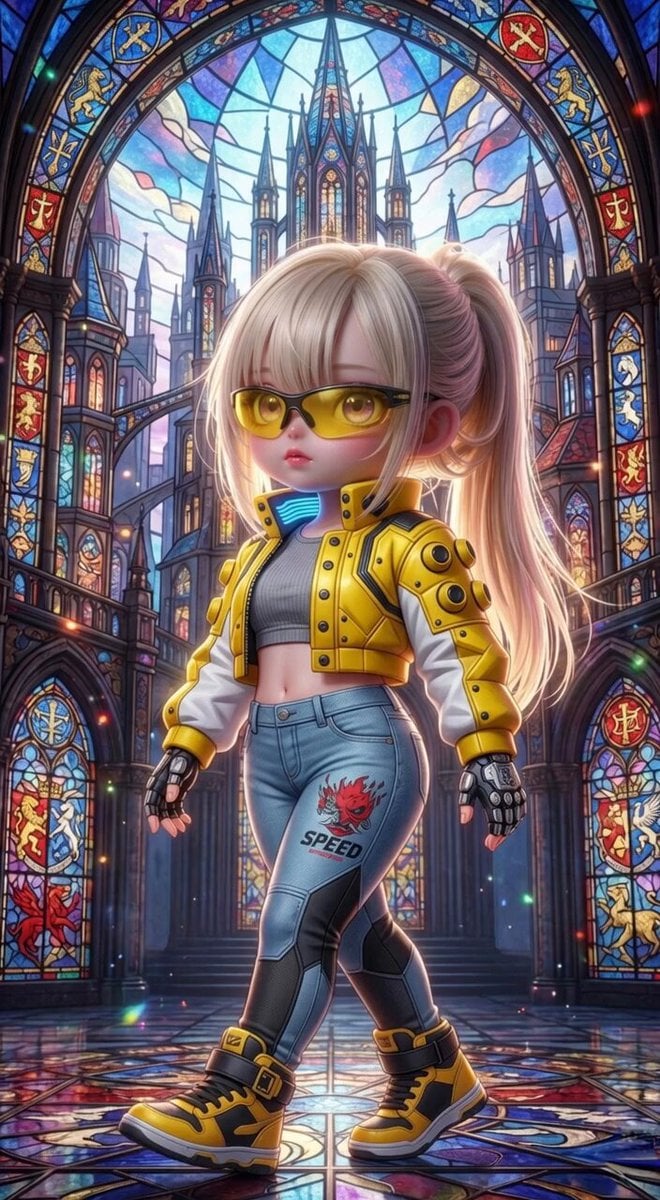
- Prompt included
- Model and format preset
- Free template
The prompt behind this video
Copy the exact prompt behind Grok Imagine Mechanical and Ethereal Creature Prompts, or open it in the studio and make it yours.
ネオン・フォックス(機械仕掛けの狐) コンセプト:俊敏さと知恵を象徴する小型の機械仕掛けの狐。高速通信のパートナーとしての役割を担う。 詳細:複雑な機械部品とネオン管(黄色)で構成された小さな狐。体の一部は透明で、内部を流れるデータストリーム(光のパルス)が透けて見える。レンズ状の目を持ち、視界に入ったものをデータとして取り込む。 ステンドグラスの精霊(光の精霊) コンセプト:教会のステンドグラスを透過した光が凝縮して生まれた、半透明で翼を持つ小さな精霊。 詳細:渦巻く多色の光(ステンドグラスの全色を反映)で構成された、人型の小さな精霊。体はガラスのように繊細でありながら、光のように実体を持たない。キャラクターが歩くと、ステンドグラスの光が引き寄せられ、これらの精霊が形成される。
How to use Grok Imagine Mechanical and Ethereal Creature Prompts in 3 steps
- 1
Open
The prompt is already in the box next to the preview, with the template's model and format selected.
- 2…a portrait of your subject in softgolden-hour light, 85mm…
Personalize
Edit the subject and creative details for your destination.
- 3Generate
Generate
Press Generate — your video is created in PicX Studio, so you can compare it with the original and refine one variable at a time.
More like this
Templates with the same subject, style or setup. Open one to see its prompt.
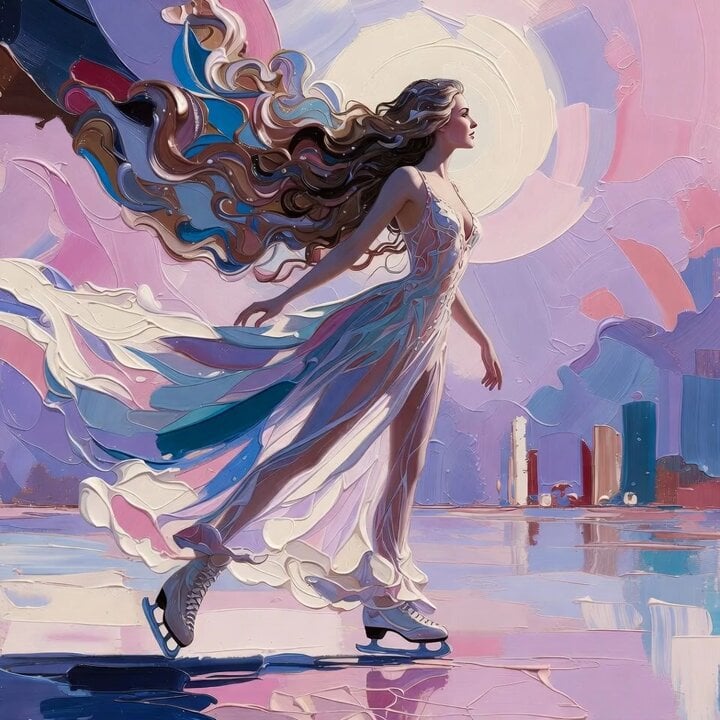
Grok Imagine Prompt: Ethereal 70s skating woman
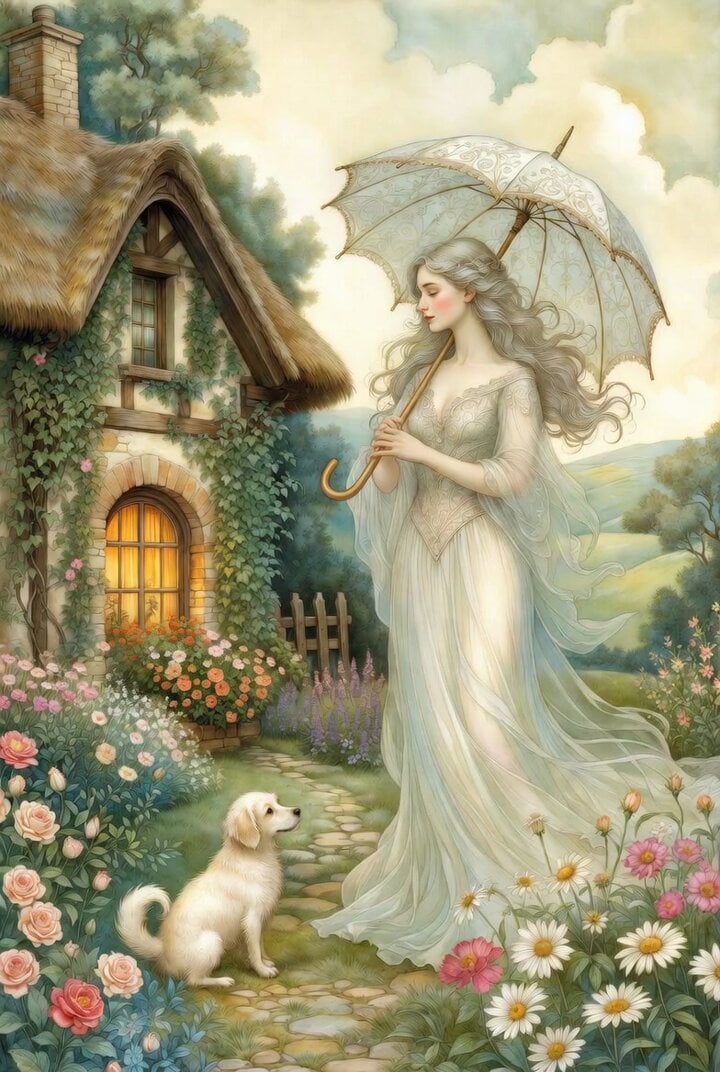
Grok Imagine Ethereal Woman and Bear Illustration Video Prompt
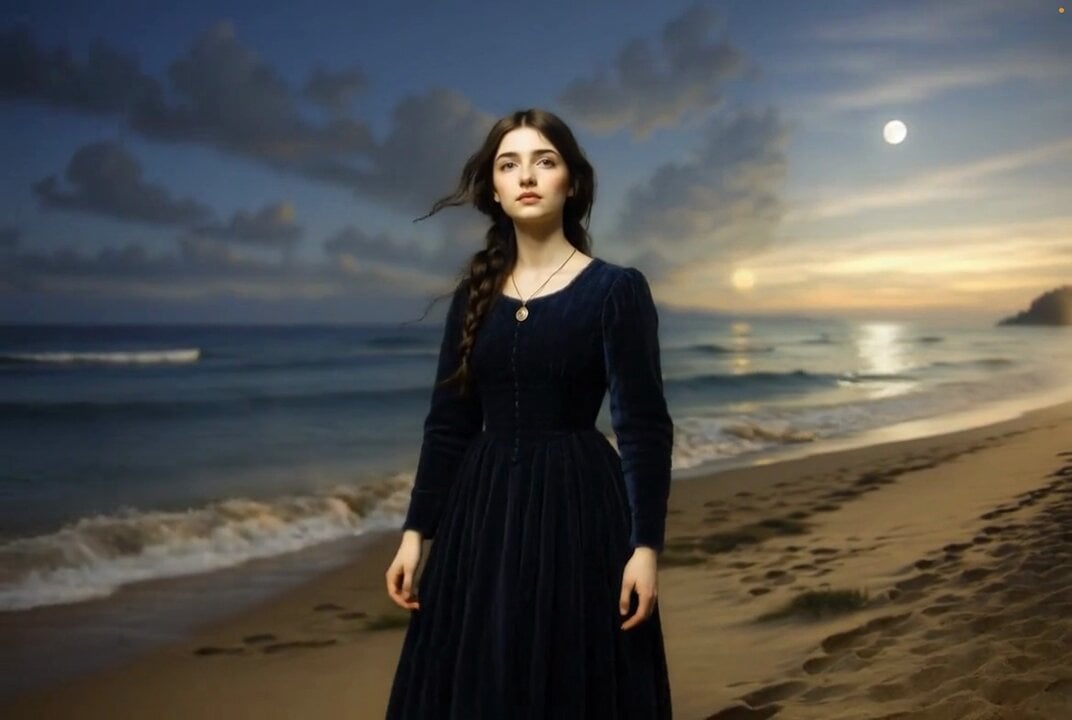
Grok Imagine prompt for ethereal lake scene
One-Word Prompts for Grok Imagine Video Generation
Grok-imagine 1.5 Digital Human Video Script
Mechanical Flower Bloom Brand Film
Grok Imagine Video of a Graceful Warrior
Grok Imagine prompt with negative constraints and scenario
Grok Imagine prompt for cinematic VFX scene (Scene 2 - Landing)
Grok Imagine video prompt part 1: Morning routine
Grok Imagine Prompt: Yurine Kingdom Apocalypse Day
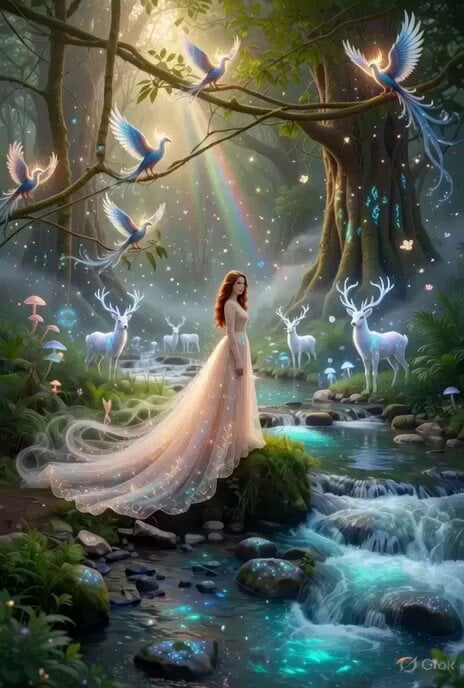
Enchanting Forest Grok Imagine Video Prompt
Make it yours
Grok Imagine Mechanical and Ethereal Creature Prompts works as-is. These are the safest ways to change it without losing the look.
Change one field
Copy a single group, rewrite it, and generate again so you can see what that field is doing.
Keep the frame, change the subject
Hold the composition and light of Grok Imagine Mechanical and Ethereal Creature Prompts, then swap wardrobe, props or the person for a new take.
| If the result… | Why | Fix |
|---|---|---|
| The result drifts from the preview | Too many fields changed at once. | Reuse Grok Imagine Mechanical and Ethereal Creature Prompts as-is first, then change one group — subject, light, or setting. |
| The model over-stylizes the scene | The prose prompt leaves finish and camera underspecified. | Add one camera or lighting sentence and stay on Grok Imagine. |
More Grok Imagine templates
Other prompts made for Grok Imagine.

Kaleidoscopic Cosmic Dolphin Video

Horror Daffy Duck Video Transition

America 250th Anniversary Celebration

Glowing Water Forest Night Prompt

Soft Pink Roses Dreamer Prompt

Ninja Wizard Levitation Jump

Coffee Cup Interaction Motion

Voice Controlled Water Animation

Pterodactyl Transformation Journey

Candle Mandala Mirror Video
More video prompts
Fresh picks from across the catalog.
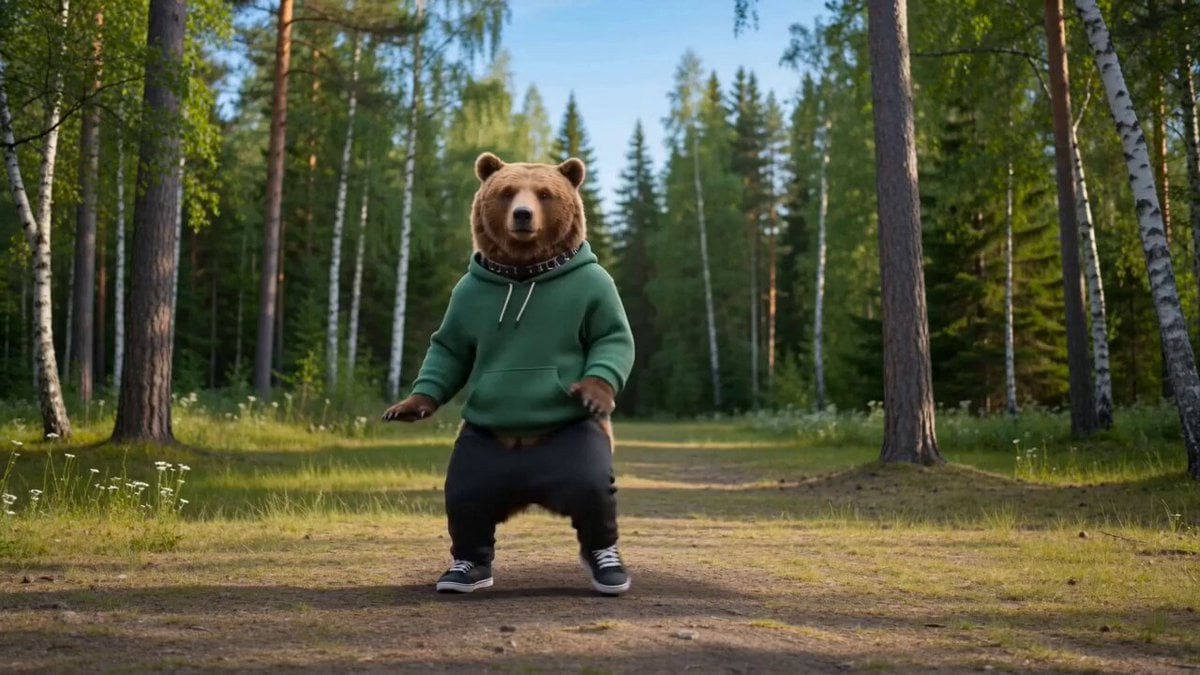
Animated Dancing Bear in Streetwear
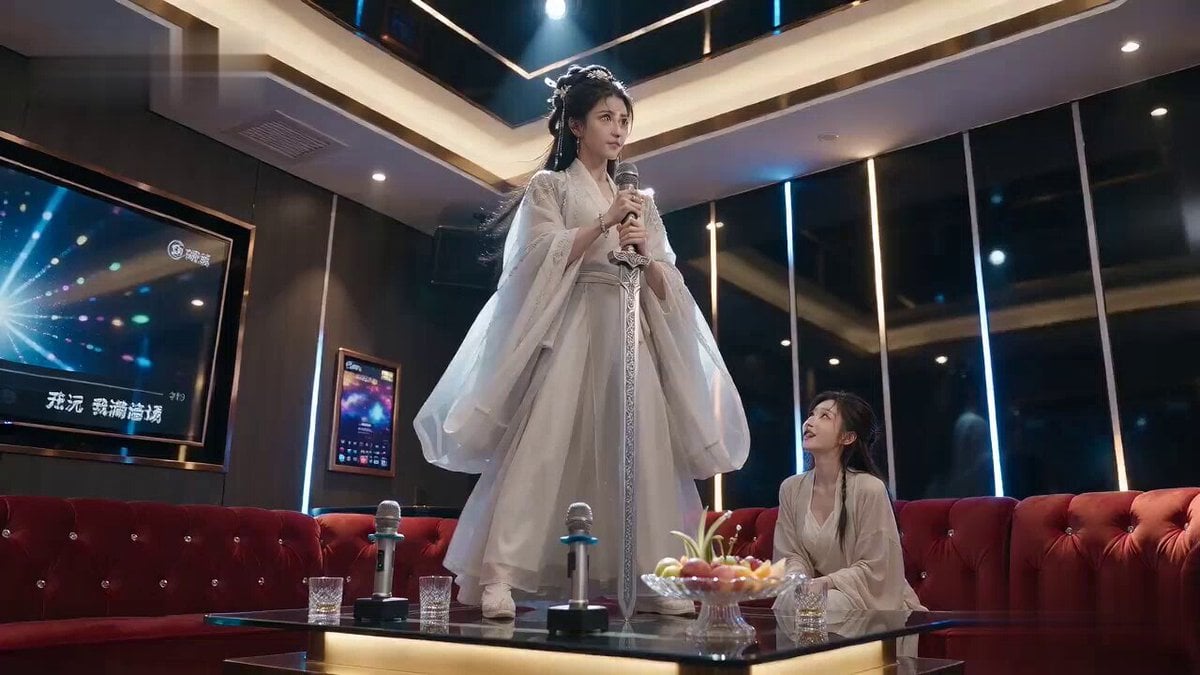
KTV Wuxia Comedy Concept Video
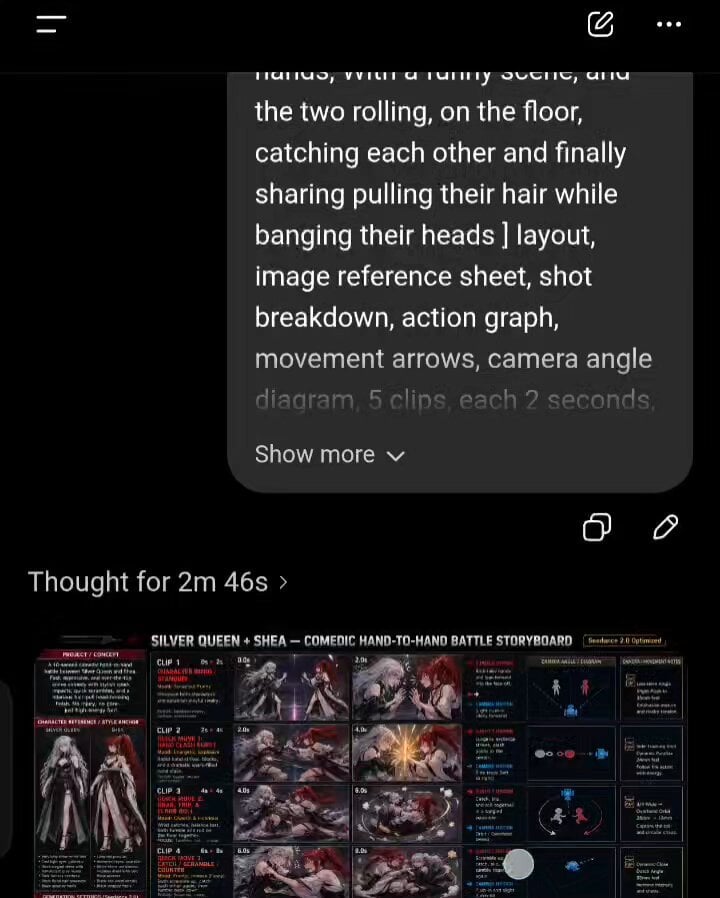
Over-the-Top Anime Comedy Battle
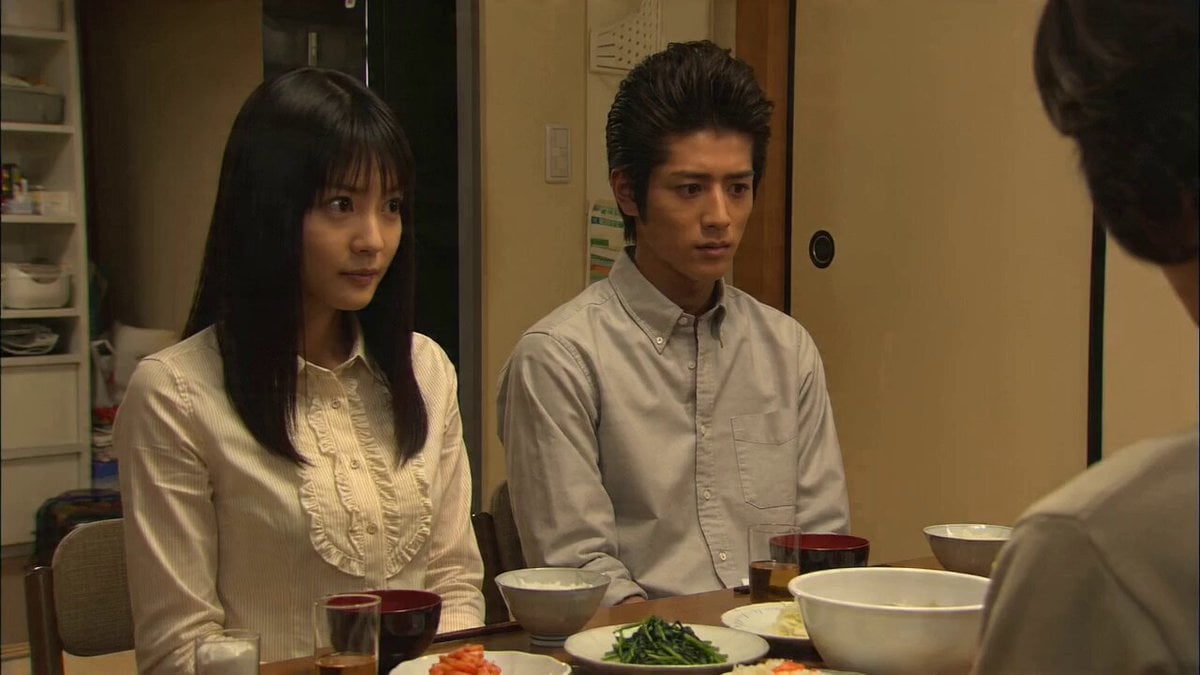
90s Japanese TV Drama Scene
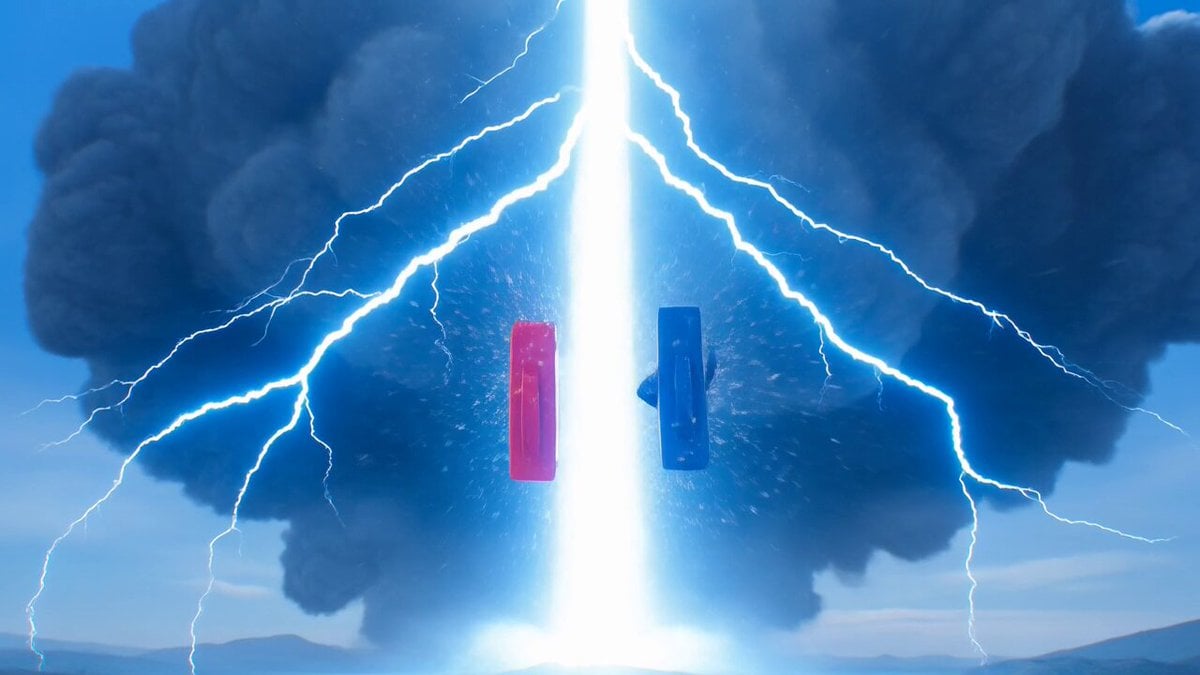
Grok Imagine prompt: Flying staplers hit by lightning
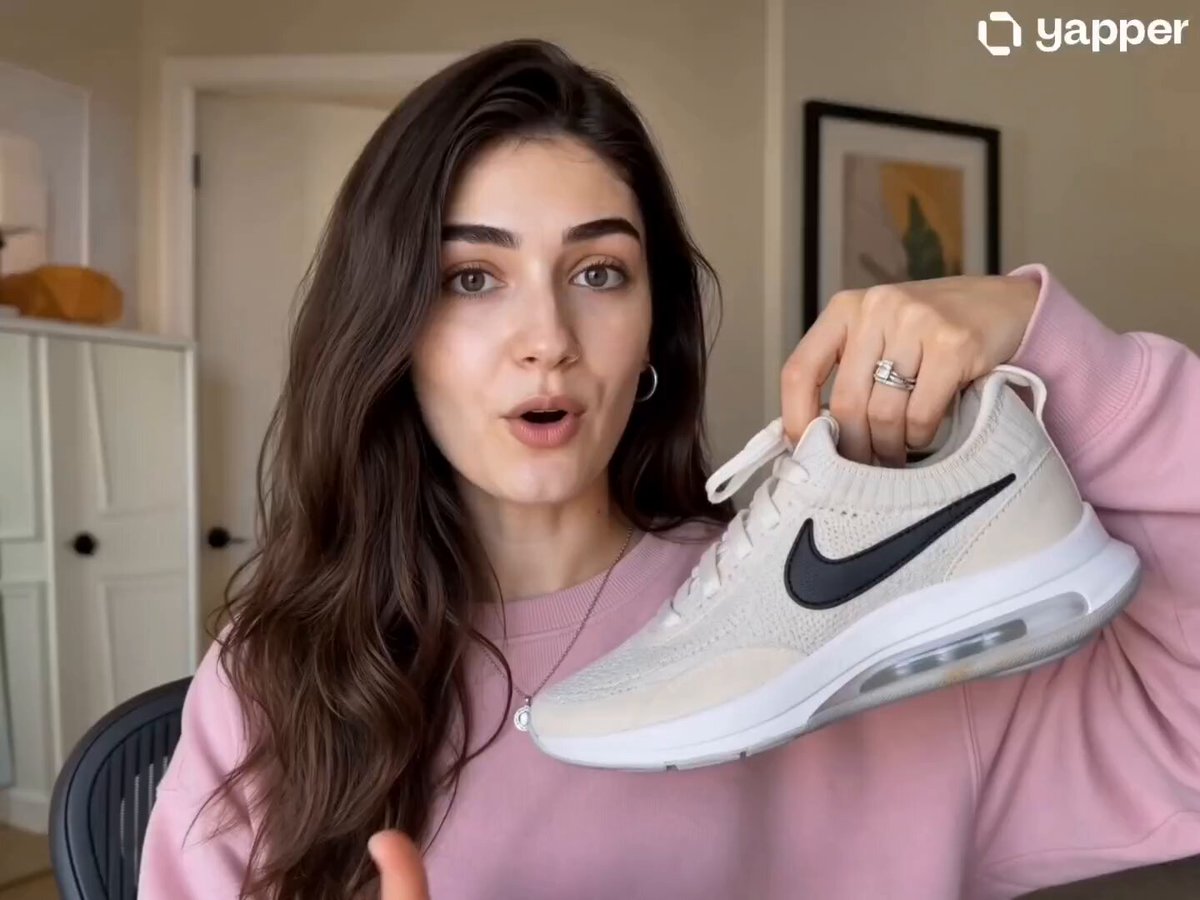
Nike Sneakers Lifestyle Campaign
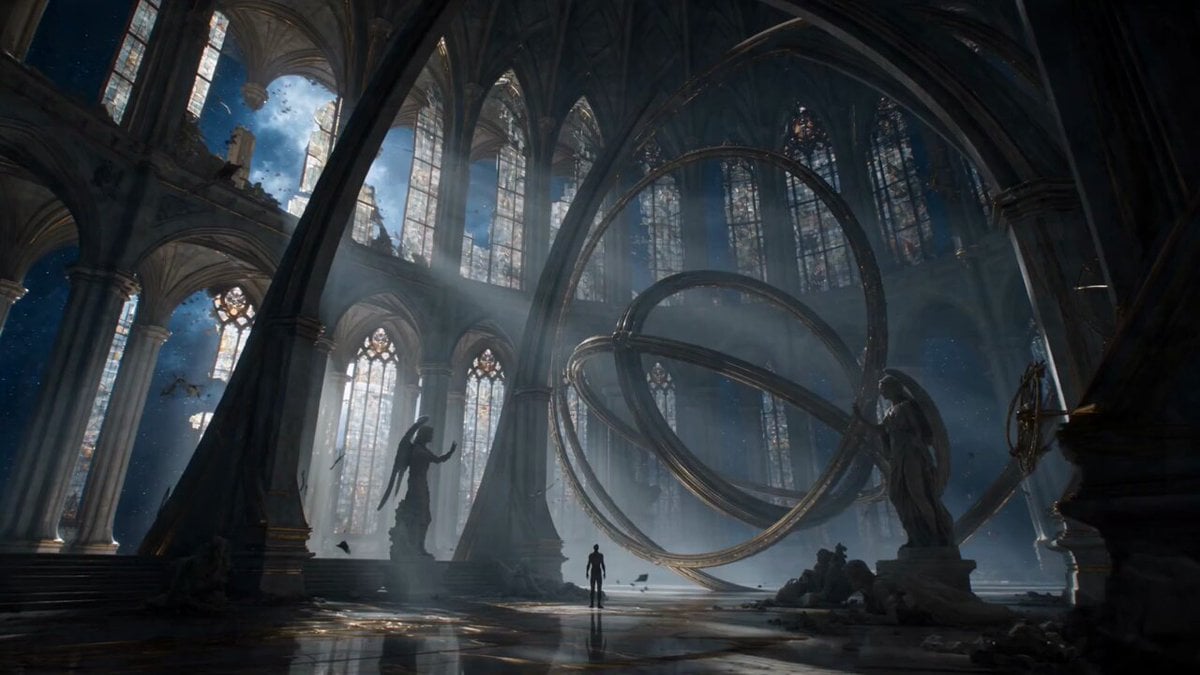
Biomechanical Angel Space Cathedral Transformation
Dragon Realm simulation video
Ultra-Refined Motion Design Sequence
Cat Jumping and Talking Video Prompt
Browse template categories
Grok Imagine Mechanical and Ethereal Creature Prompts questions
How do I use the Grok Imagine Mechanical and Ethereal Creature Prompts template?
Add your photo if the template asks for one, edit the prompt if you like — the template's model and format are already selected — and press Generate. Your version opens in PicX Studio.
Can I customize the Grok Imagine Mechanical and Ethereal Creature Prompts template?
Yes. You can change the subject, setting, lighting, mood, format, and available model controls before creating your video.
Is the Grok Imagine Mechanical and Ethereal Creature Prompts template free?
Opening and editing this template is free. Generating uses credits, shown on the Generate button when you are signed in.
Which AI model should I use?
Start with Grok Imagine, which is the model associated with this template. You can compare another compatible model for a different finish.
Looking for something else? Browse all templates.

Your photo, any look
Thousands of ready templates for every top image and video model, from one credit balance.