How do I use the KTV Wuxia Comedy Concept Video template?
Edit the prompt in the box under the preview — the template's model and format are already selected — and press Generate. Your version appears right on this page.
A complex multi-stage Seedance 2.0 prompt for a humorous music comedy video that blends grand Wuxia fantasy elements with a mundane KTV setting using character ID locking.
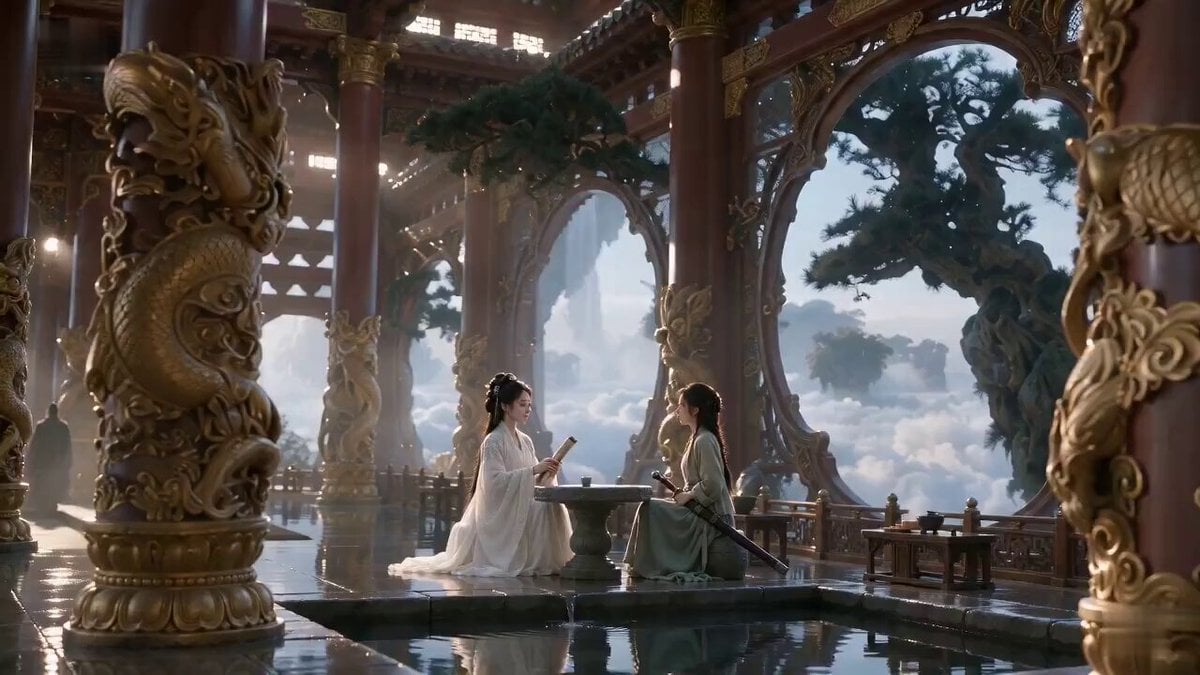
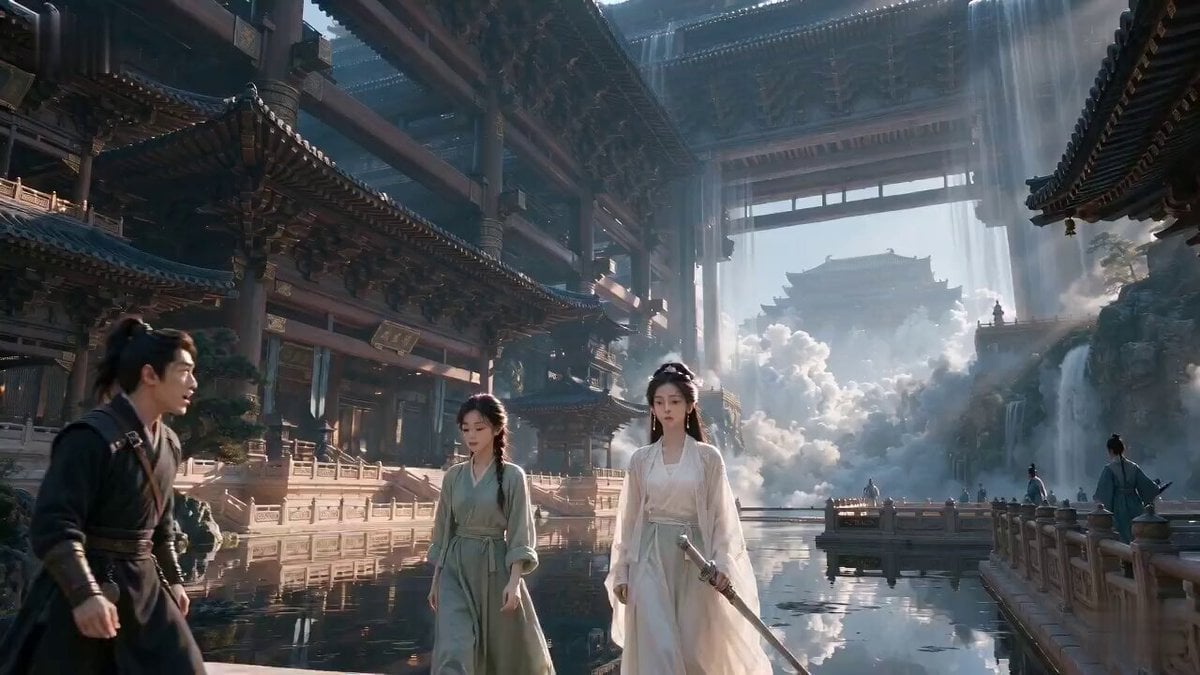
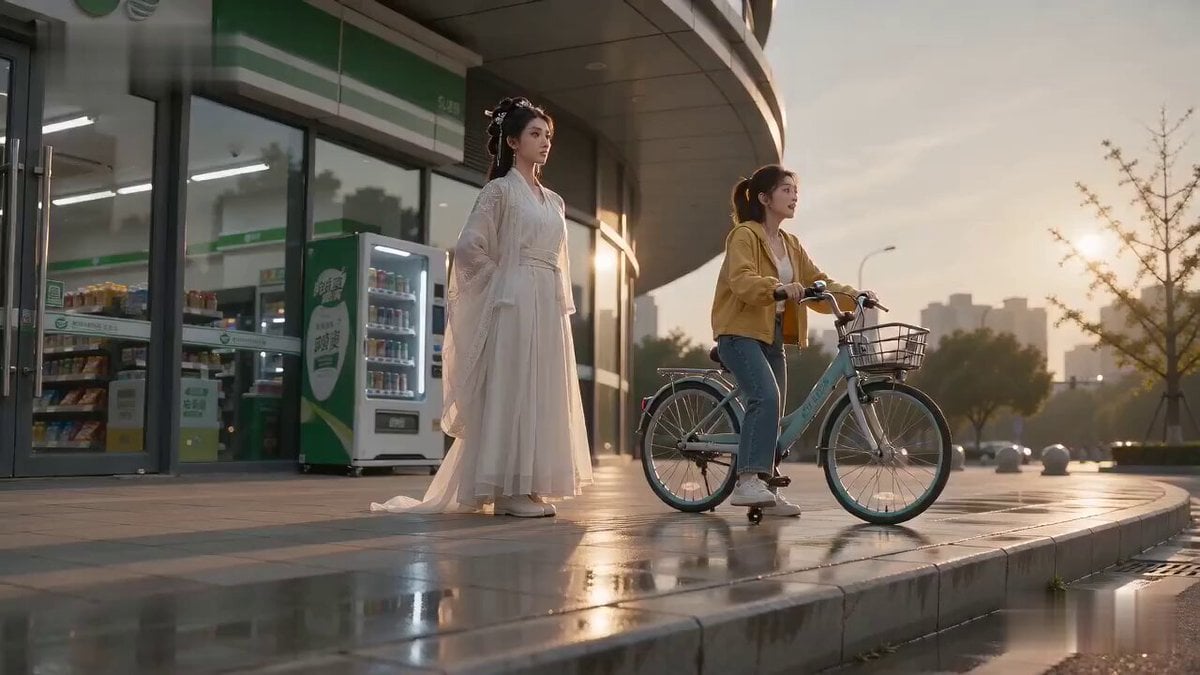
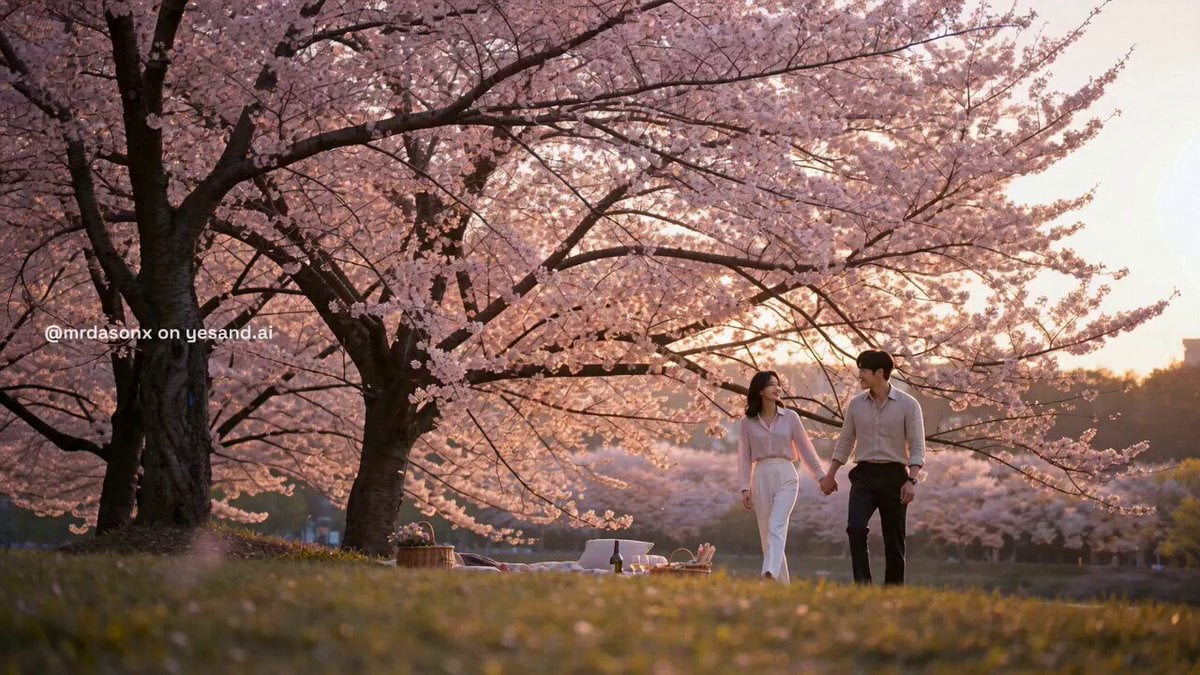
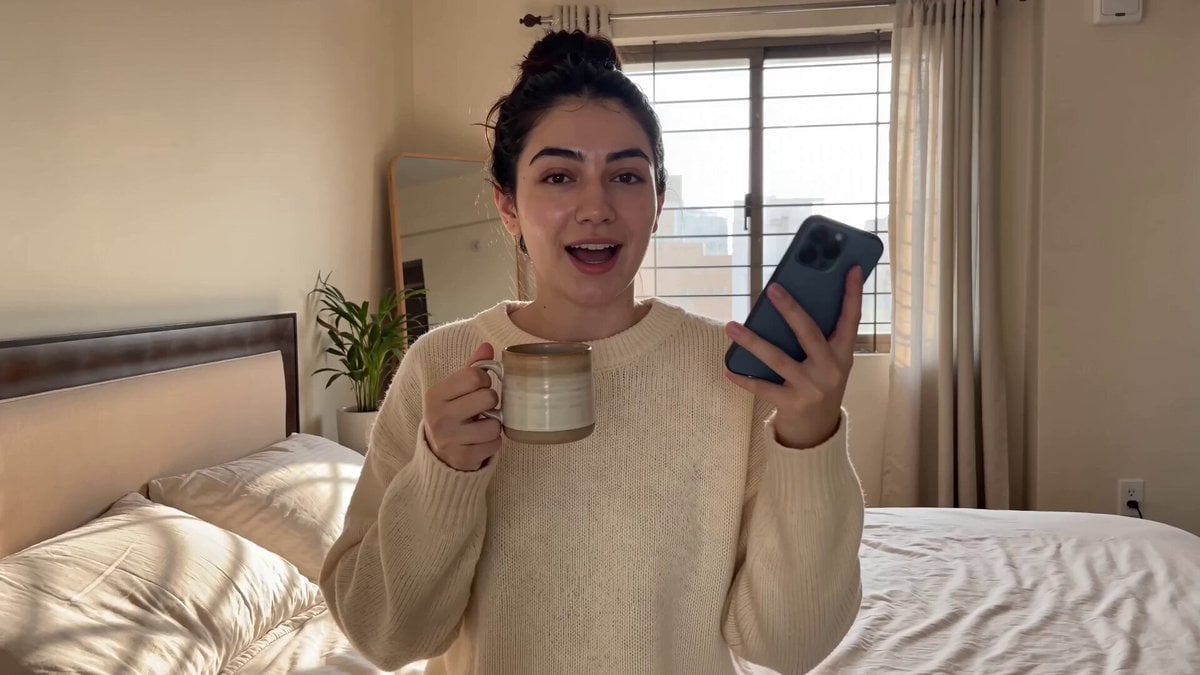
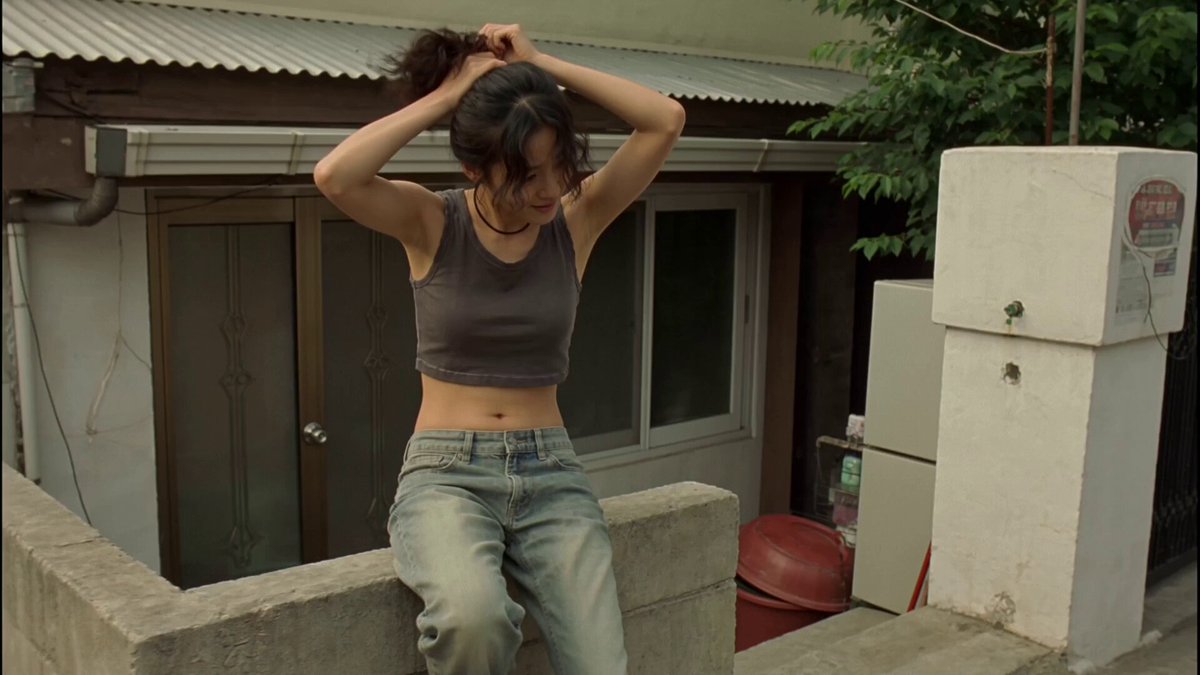
【整体风格】 电影级写实冷面音乐喜剧,精致商业电影质感,针对 Seedance 2.0 的多参考角色锁定、多镜头连续性、人物表演控制,以及普通话演唱、对白、环境声、音乐和动作音效的原生音画同步进行设计;华丽仙侠演唱会的幻觉逐步坍塌为尴尬普通的私人 KTV 包厢,依靠克制表演、逐层升级的环境反应和一句清晰的声音包袱完成反转。 【角色】 角色 ID A 同一个来自 @图片 1 的 25–30 岁东亚剑仙姐,严格保持参考图中的同一张脸、锐利深色眼睛、黑色长发、妆容、高挑纤细身材、玉簪、银色饰品、白色刺绣真丝汉服、半透明层叠宽袖、飘动长裙和白色布靴;她从鞋到头完整站在玻璃桌上,将同一柄银色长剑竖直握在嘴边,像握着麦克风。 角色 ID B 同一个来自 @图片 2 的单车姐,严格保持同一张脸、马尾、身材比例、服装、饰品,以及坐在沙发上的位置。 【镜头 1|0-5s|低角度 24mm 全景缓慢推轨】 高级私人 KTV 包厢,深色镜面墙、红色丝绒沙发、矮玻璃桌、水果盘、两支麦克风、旋转的蓝金色灯光和一块大型点歌屏清晰可见。 角色 ID A 为同一个来自 @图片 1 的 25–30 岁东亚剑仙姐,严格保持参考图中的同一张脸、锐利深色眼睛、黑色长发、妆容、高挑纤细身材、玉簪、银色饰品、白色刺绣真丝汉服、半透明层叠宽袖、飘动长裙 and 白色布靴;她从鞋到头完整站在玻璃桌上,将同一柄银色长剑竖直握在嘴边,像握着麦克风。 角色 ID B 为同一个来自 @图片 2 的单车姐,严格保持同一张脸、马尾、身材比例、服装、饰品,以及坐在沙发上的位置。 细小剑气粒子向剑身汇聚,恢宏弦乐逐渐增强,同一个 KTV 包厢始终清楚可见。 【镜头 2|5-10s|牛仔景中景】 摄影机缓慢进行一次半圆环绕:同一个穿白色刺绣真丝汉服的女人闭上眼睛,对着同一柄银色长剑唱出一个极其夸张、持续拉长的普通话戏腔高音;同一组长发、宽袖、剑穗、玻璃杯、水果盘、沙发和镜面墙全程保持一致。 她的长发与宽袖优雅漂浮,玻璃杯轻微震动,水果跟着颤抖,点歌屏逐渐变成恢宏的仙境云海;同一个单车姐的表情从期待逐渐变成真正震撼,随后偷偷瞥向评分屏幕。 【镜头 3|10-15s|特写进入极近特写】 最后一个高音结束,现场完全安静半秒。 同一个 KTV 系统用欢快语音播报:“本次演唱,十二分。” 仙境云海画面瞬间坍塌成廉价旋转彩色光点。 同一个单车姐缓慢鼓掌两下,挑起一侧眉毛,说:“姐,剑气很足,气息不够。” 同一个剑仙姐缓缓放下同一柄银色长剑,一侧眼皮轻微抽动,嘴唇僵硬收紧,却强行维持高冷微笑。 极近特写她锐利的深色眼睛和无声斜眼凝视;画面定格在英雄表情彻底破裂的准确瞬间。 【技术要求】 严格总时长 15 秒,16:9 横屏,24fps,三个干净切镜,普通话口型准确,真丝、头发、玻璃震动与灯光物理效果真实,不生成字幕,不增加额外人物,不出现角色身份漂移。
【整体风格】 电影级写实冷面音乐喜剧,精致商业电影质感,针对 Seedance 2.0 的多参考角色锁定、多镜头连续性、人物表演控制,以及普通话演唱、对白、环境声、音乐和动作音效的原生音画同步进行设计;华丽仙侠演唱会的幻觉逐步坍塌为尴尬普通的私人 KTV 包厢,依靠克制表演、逐层升级的环境反应和一句清晰的声音包袱完成反转。 【角色】 角色 ID A 同一个来自 @图片 1 的 25–30 岁东亚剑仙姐,严格保持参考图中的同一张脸、锐利深色眼睛、黑色长发、妆容、高挑纤细身材、玉簪、银色饰品、白色刺绣真丝汉服、半透明层叠宽袖、飘动长裙和白色布靴;她从鞋到头完整站在玻璃桌上,将同一柄银色长剑竖直握在嘴边,像握着麦克风。 角色 ID B 同一个来自 @图片 2 的单车姐,严格保持同一张脸、马尾、身材比例、服装、饰品,以及坐在沙发上的位置。 【镜头 1|0-5s|低角度 24mm 全景缓慢推轨】 高级私人 KTV 包厢,深色镜面墙、红色丝绒沙发、矮玻璃桌、水果盘、两支麦克风、旋转的蓝金色灯光和一块大型点歌屏清晰可见。 角色 ID A 为同一个来自 @图片 1 的 25–30 岁东亚剑仙姐,严格保持参考图中的同一张脸、锐利深色眼睛、黑色长发、妆容、高挑纤细身材、玉簪、银色饰品、白色刺绣真丝汉服、半透明层叠宽袖、飘动长裙 and 白色布靴;她从鞋到头完整站在玻璃桌上,将同一柄银色长剑竖直握在嘴边,像握着麦克风。 角色 ID B 为同一个来自 @图片 2 的单车姐,严格保持同一张脸、马尾、身材比例、服装、饰品,以及坐在沙发上的位置。 细小剑气粒子向剑身汇聚,恢宏弦乐逐渐增强,同一个 KTV 包厢始终清楚可见。 【镜头 2|5-10s|牛仔景中景】 摄影机缓慢进行一次半圆环绕:同一个穿白色刺绣真丝汉服的女人闭上眼睛,对着同一柄银色长剑唱出一个极其夸张、持续拉长的普通话戏腔高音;同一组长发、宽袖、剑穗、玻璃杯、水果盘、沙发和镜面墙全程保持一致。 她的长发与宽袖优雅漂浮,玻璃杯轻微震动,水果跟着颤抖,点歌屏逐渐变成恢宏的仙境云海;同一个单车姐的表情从期待逐渐变成真正震撼,随后偷偷瞥向评分屏幕。 【镜头 3|10-15s|特写进入极近特写】 最后一个高音结束,现场完全安静半秒。 同一个 KTV 系统用欢快语音播报:“本次演唱,十二分。” 仙境云海画面瞬间坍塌成廉价旋转彩色光点。 同一个单车姐缓慢鼓掌两下,挑起一侧眉毛,说:“姐,剑气很足,气息不够。” 同一个剑仙姐缓缓放下同一柄银色长剑,一侧眼皮轻微抽动,嘴唇僵硬收紧,却强行维持高冷微笑。 极近特写她锐利的深色眼睛和无声斜眼凝视;画面定格在英雄表情彻底破裂的准确瞬间。 【技术要求】 严格总时长 15 秒,16:9 横屏,24fps,三个干净切镜,普通话口型准确,真丝、头发、玻璃震动与灯光物理效果真实,不生成字幕,不增加额外人物,不出现角色身份漂移。
Edit the prompt in the box under the preview — the template's model and format are already selected — and press Generate. Your version appears right on this page.
Yes. You can change the subject, setting, lighting, mood, format, and available model controls before creating your video.
Opening and editing this template is free. Generating uses credits, shown on the Generate button when you are signed in.
Start with Seedance 2.0, which is the model associated with this template. You can compare another compatible model for a different finish.
Follow a topic to a crawlable collection of related PicX Studio templates.