How do I use the Epic Mountain Dragon Sequence template?
Edit the prompt in the box under the preview — the template's model and format are already selected — and press Generate. Your version appears right on this page.
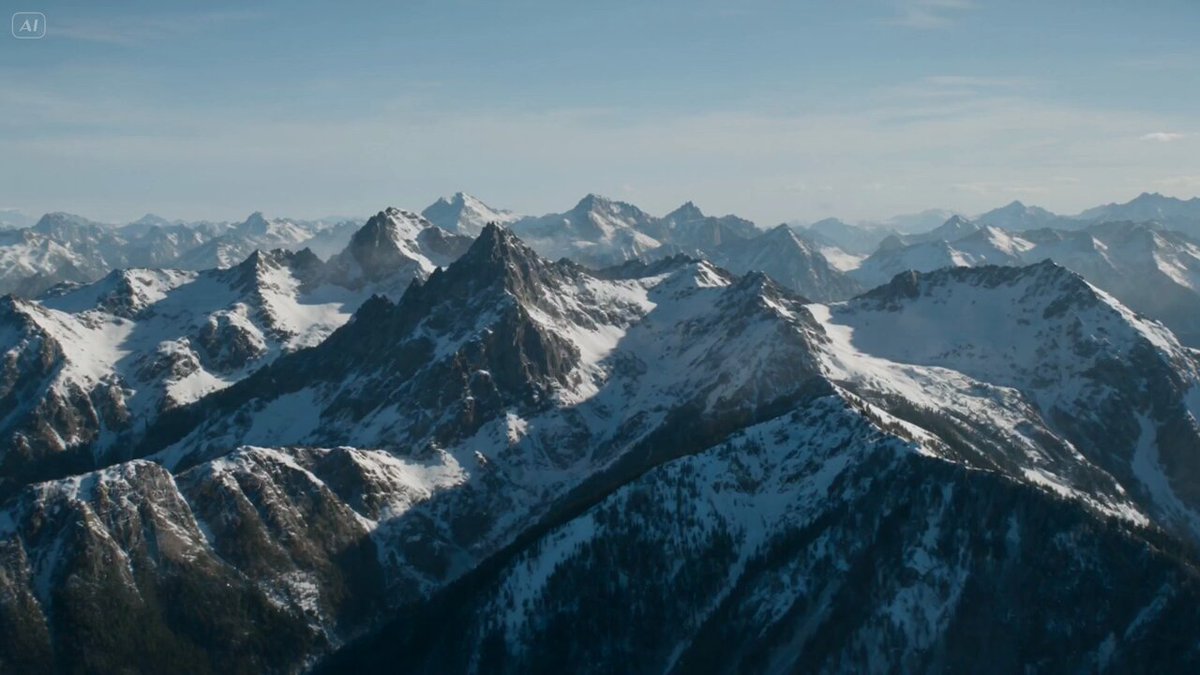
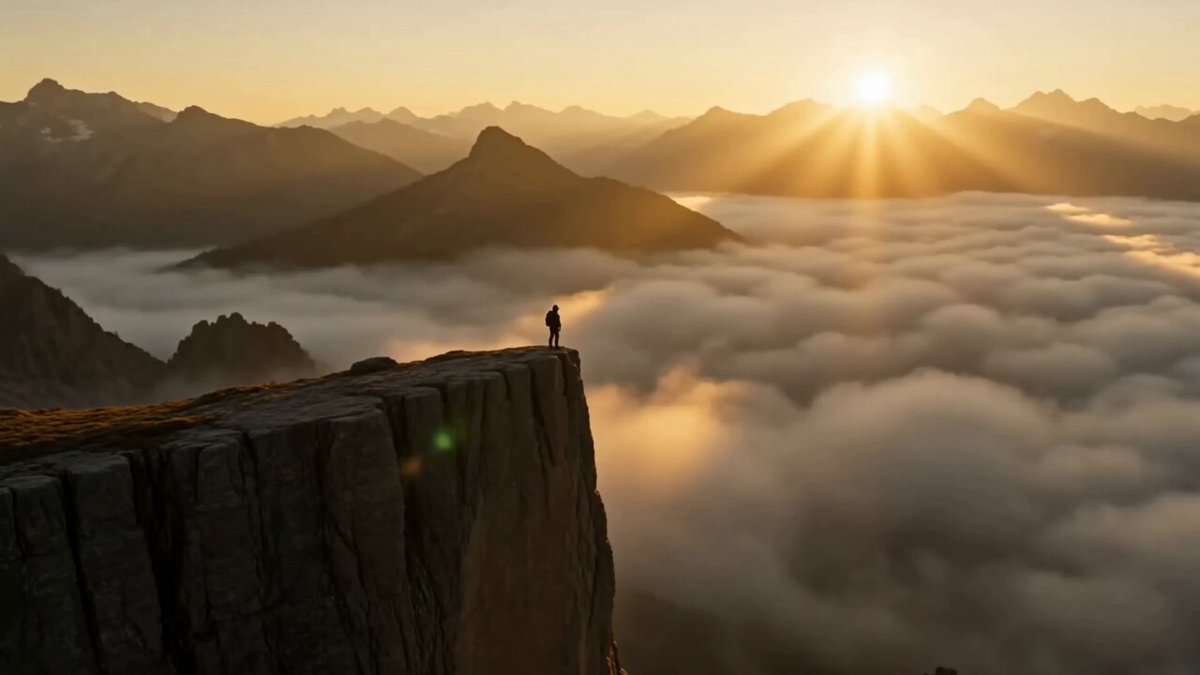
An ultra-cinematic fantasy sequence showing a massive dragon emerging from mountains at dusk, concluding with a powerful fire release.
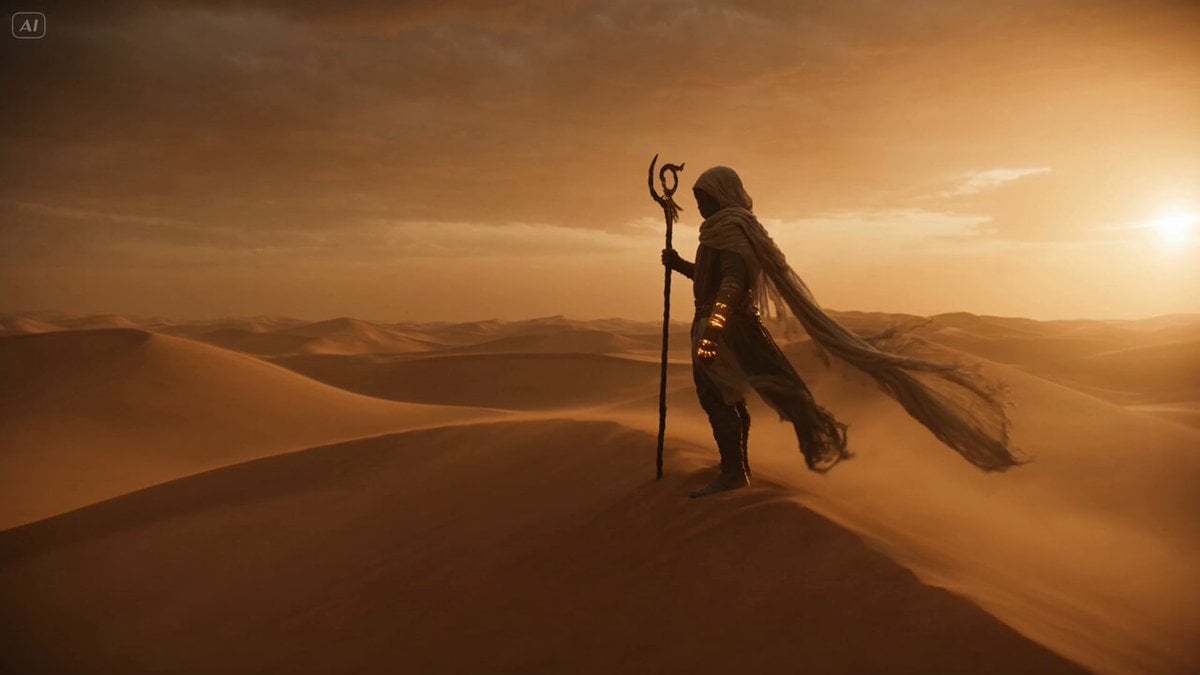
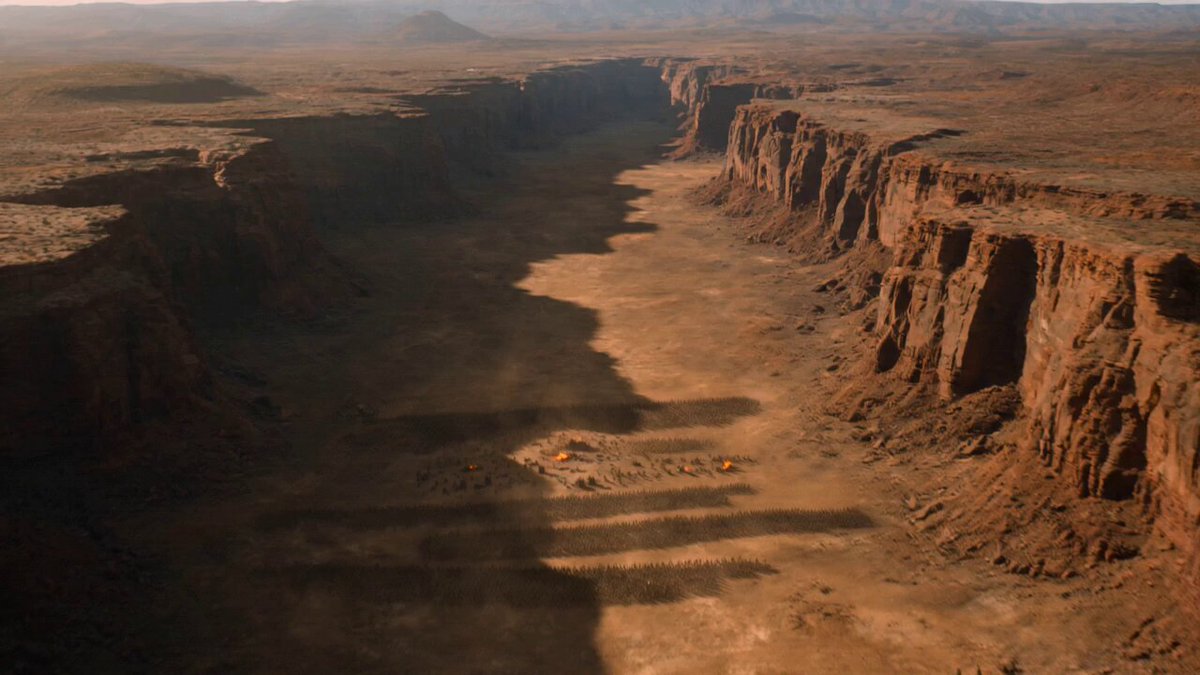
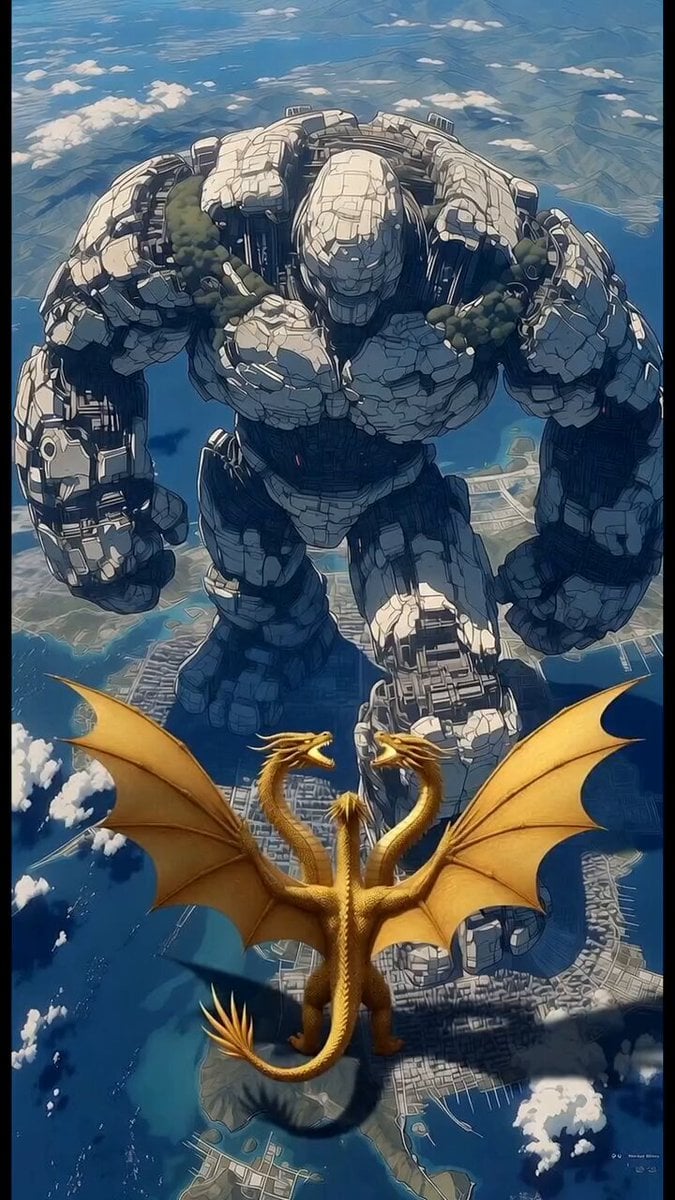
Ultra-cinematic fantasy sequence featuring a massive dragon emerging in a mountainous landscape at dusk. 0–2s: Wide establishing shot — a lone figure stands in a vast rocky valley, distant mountains under a darkening sky, wind blowing dust and mist. 2–4s: Subtle movement — shadows shift across the cliffs, a deep rumble echoes, tension builds. 4–6s: Reveal — a gigantic dragon rises from behind the mountains, wings unfolding slowly, silhouette massive against the sky. 6–8s: Close-up — the dragon’s head lowers, glowing eyes locking forward, smoke drifting from its nostrils. 8–10s: Power moment — wings beat heavily, creating strong wind gusts, debris and dust swirling violently across the ground. 10–12s: Fire build — the dragon inhales deeply, chest glowing from within, heat distortion visible in the air. 12–14s: Fire release — a massive stream of fire erupts forward, lighting the environment in intense orange glow, flames spreading outward. 14–15s: Final shot — dragon stands tall, wings partially open, smoke and embers drifting, dominant and unstoppable presence. Camera: cinematic wide shots, slow push-ins, dramatic scale emphasis, slight handheld vibration during impacts. Environment: rocky valley, mountains, dust, wind, atmospheric haze. Lighting: dusk tones shifting to intense fire glow, high contrast, volumetric light through smoke. Style: ultra-cinematic realism, epic fantasy tone, massive scale, fire and particle VFX, no text, no overlays, stable proportions without stretch.
Ultra-cinematic fantasy sequence featuring a massive dragon emerging in a mountainous landscape at dusk. 0–2s: Wide establishing shot — a lone figure stands in a vast rocky valley, distant mountains under a darkening sky, wind blowing dust and mist. 2–4s: Subtle movement — shadows shift across the cliffs, a deep rumble echoes, tension builds. 4–6s: Reveal — a gigantic dragon rises from behind the mountains, wings unfolding slowly, silhouette massive against the sky. 6–8s: Close-up — the dragon’s head lowers, glowing eyes locking forward, smoke drifting from its nostrils. 8–10s: Power moment — wings beat heavily, creating strong wind gusts, debris and dust swirling violently across the ground. 10–12s: Fire build — the dragon inhales deeply, chest glowing from within, heat distortion visible in the air. 12–14s: Fire release — a massive stream of fire erupts forward, lighting the environment in intense orange glow, flames spreading outward. 14–15s: Final shot — dragon stands tall, wings partially open, smoke and embers drifting, dominant and unstoppable presence. Camera: cinematic wide shots, slow push-ins, dramatic scale emphasis, slight handheld vibration during impacts. Environment: rocky valley, mountains, dust, wind, atmospheric haze. Lighting: dusk tones shifting to intense fire glow, high contrast, volumetric light through smoke. Style: ultra-cinematic realism, epic fantasy tone, massive scale, fire and particle VFX, no text, no overlays, stable proportions without stretch.
Edit the prompt in the box under the preview — the template's model and format are already selected — and press Generate. Your version appears right on this page.
Yes. You can change the subject, setting, lighting, mood, format, and available model controls before creating your video.
Opening and editing this template is free. Generating uses credits, shown on the Generate button when you are signed in.
Start with Seedance 2.0, which is the model associated with this template. You can compare another compatible model for a different finish.
Follow a topic to a crawlable collection of related PicX Studio templates.