
Epic Mountain Dragon Summoning
A long-form cinematic prompt featuring a man summoning three massive dragons on a mountain peak with complex camera movements and environmental effects.
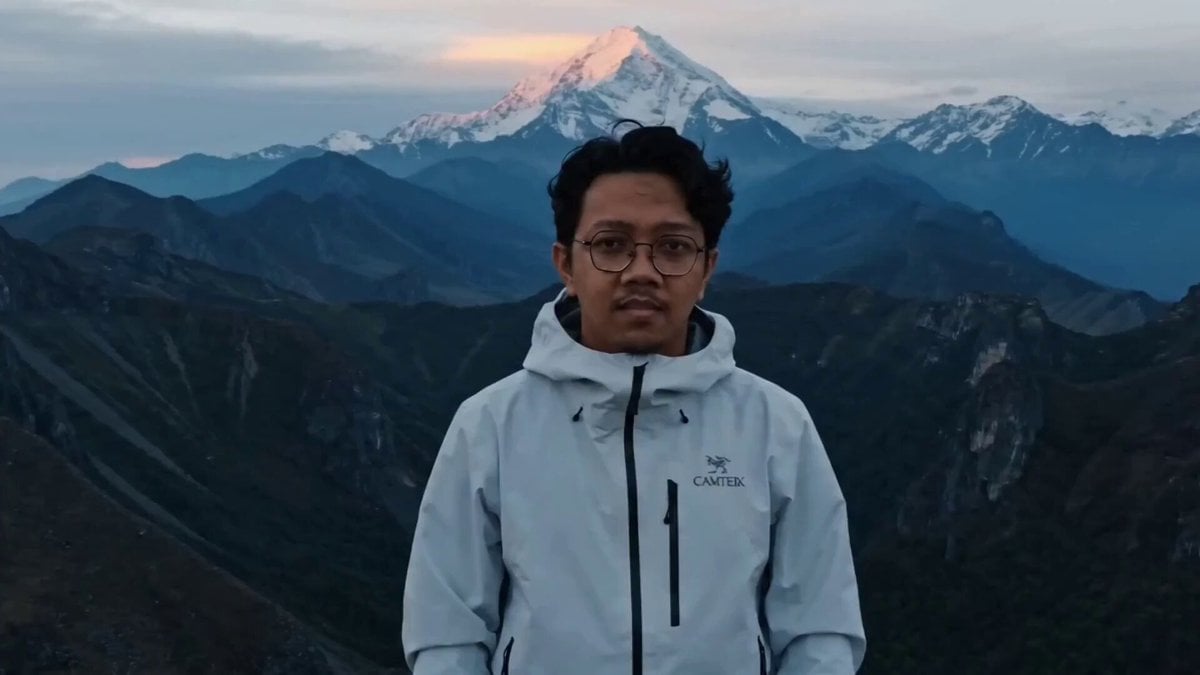
- Prompt included
- Model and format preset
- Premium template
The prompt behind this video
Copy the exact prompt behind Epic Mountain Dragon Summoning, or open it in the studio and make it yours.
Single shot, static camera framing a wide cinematic composition on a mountain summit at dawn, initially slightly close to the man’s upper body, a man [Image1] stands centered facing the camera, wearing a white mountain jacket, wind gently moving the fabric and his hair, soft cold light illuminating his face while vast layered blue mountains and distant snowy peaks stretch behind him under a dramatic cloudy sky, subtle mist drifting across the valleys. As the shot begins, the camera slowly and subtly pulls backward (slow dolly out) to widen the frame, revealing more of the expansive mountain landscape behind him, then slowly begins to raise both arms outward and upward but only to about shoulder height, not forming a full V, movement controlled and deliberate. As his hands reach mid-level, a sudden powerful shockwave erupts in the distant mountain behind him — a massive explosion without fire, only a violent burst of dust, rock, and pressure rippling outward, sending debris and thick clouds into the sky, the camera subtly shakes from the impact, adding intensity. From within the expanding dust cloud, two enormous dragons emerge, their massive silhouettes forming through smoke and light, detailed scales catching the cold daylight, their bodies anchored firmly on the mountain peaks, claws gripping the rock, wings partially spread but not flapping, they remain completely stationary. The man holds his arms steady at that height, unmoving. The first dragon lifts its head and releases a thunderous roar, followed by the second dragon roaring even louder, each roar causing visible environmental vibration — dust trembling, clouds swirling — and the camera shaking more intensely with each roar. Suddenly, from deeper within the dust and ruined mountain, a third dragon — significantly larger and more imposing — bursts into view behind them, its presence overwhelming, it immediately unleashes a massive, dominant roar, the strongest yet, causing a heavier camera shake and intensified atmospheric distortion. All three dragons remain fixed in their positions on the mountain, unmoving and dominant, dust and mist continuing to drift around them, the man stands firm in the foreground with arms partially raised, wind and particles flowing around him as the scene holds its dramatic tension. No Music
How to use Epic Mountain Dragon Summoning in 3 steps
- 1
Open
The prompt is already in the box next to the preview, with the template's model and format selected.
- 2…a portrait of your subject in softgolden-hour light, 85mm…
Personalize
Edit the subject and creative details for your destination.
- 3Generate
Generate
Press Generate — your video is created in PicX Studio, so you can compare it with the original and refine one variable at a time.
More like this
Templates with the same subject, style or setup. Open one to see its prompt.
Dragon Rescue — Volcanic Kingdom Collapse (Seedance)
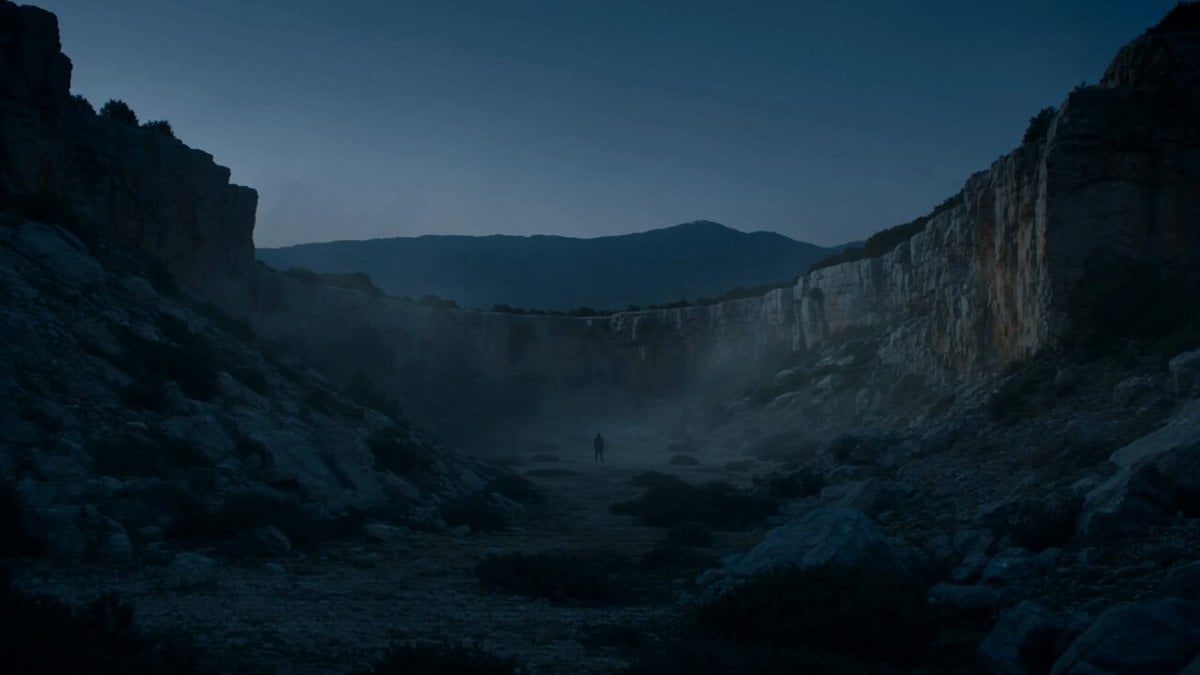
Epic Mountain Dragon Sequence
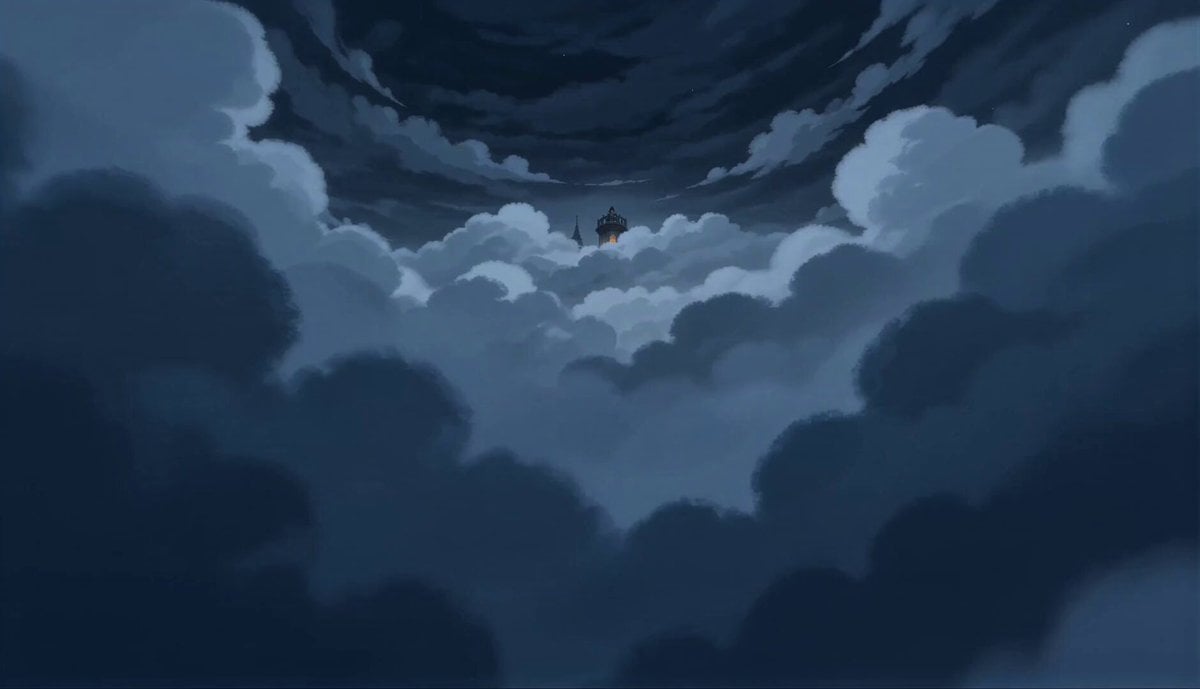
2D Fantasy Anime Wizard Dragon Summoning

Dragon Rider Cinematic Flight — Seedance 2.5

Oceanic Civilization Epic Sci-Fi Film
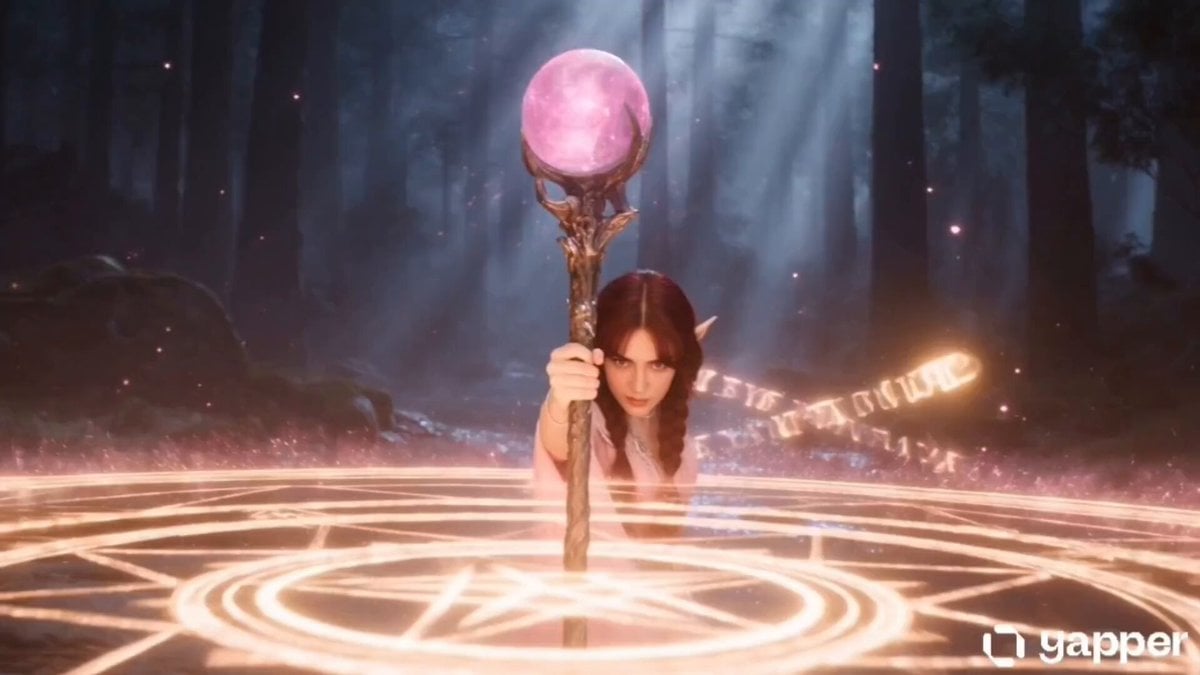
Elf Mage Dragon Summoning Ritual
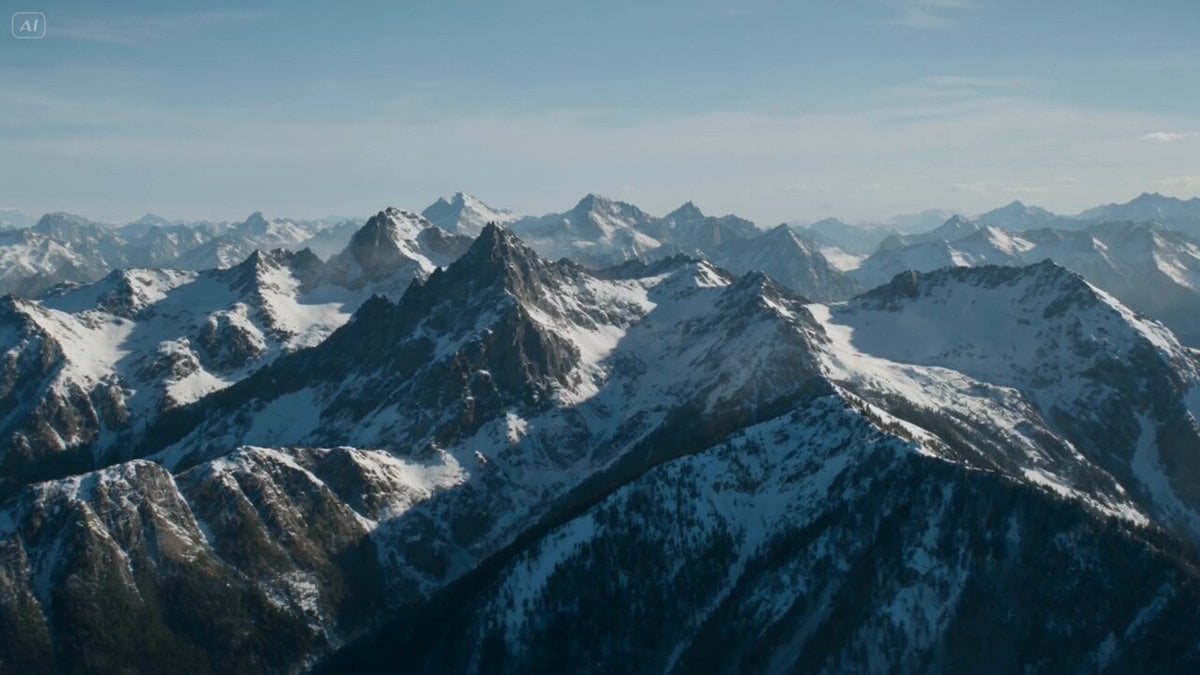
Dragon Rift in Mountain Sky

Shogi Animation: Summoning the Dragon of the Clear Stream
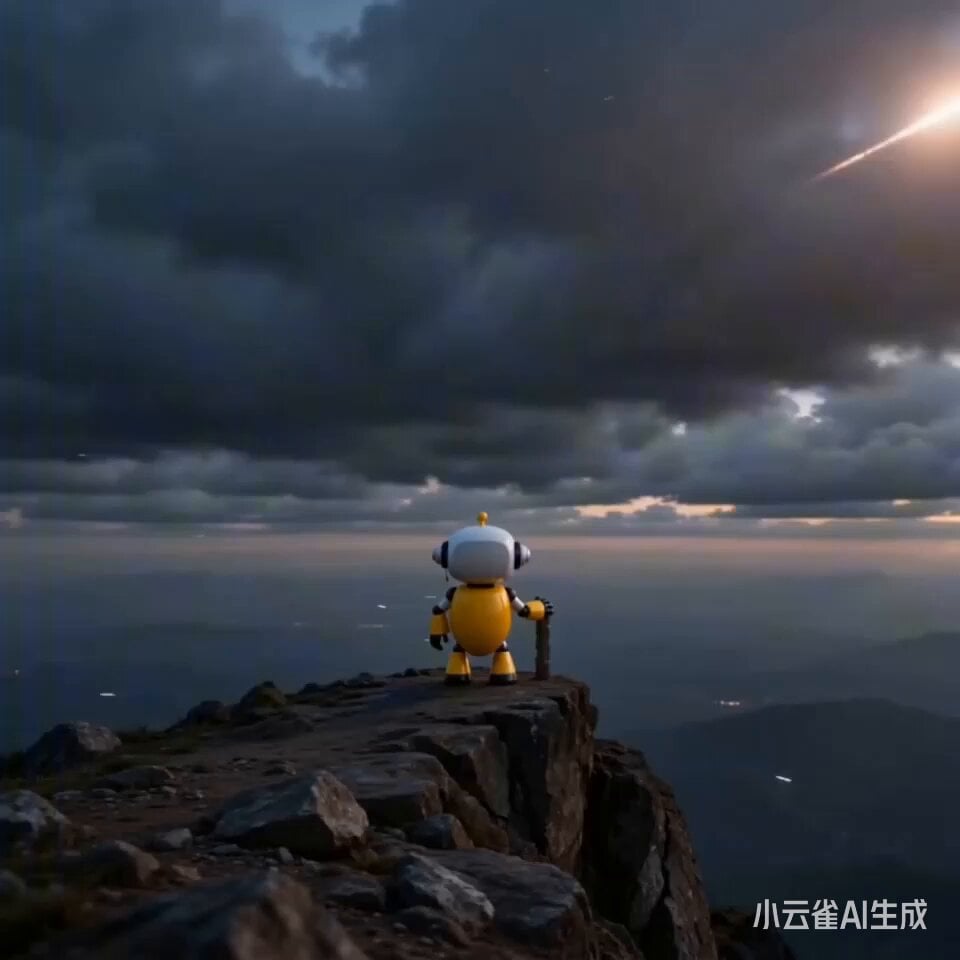
Epic Sci-Fi Scene Prompt: Robot on Mountain Peak
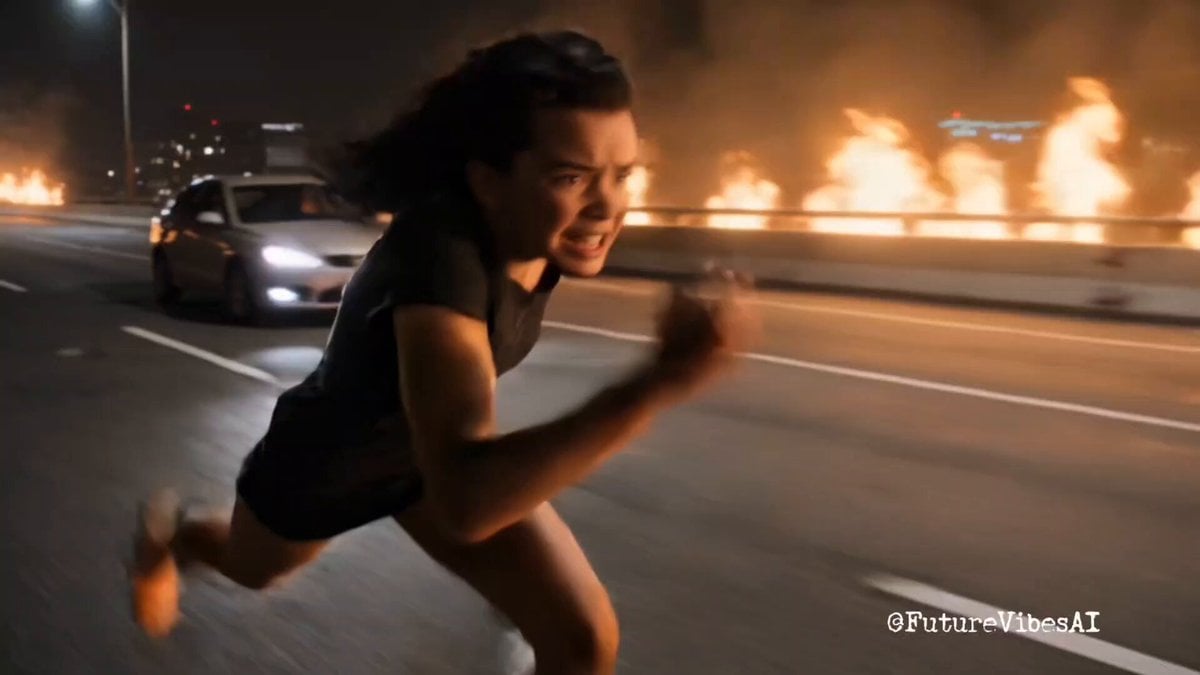
Epic Superhero Transformation and Dragon Fight Video Prompt
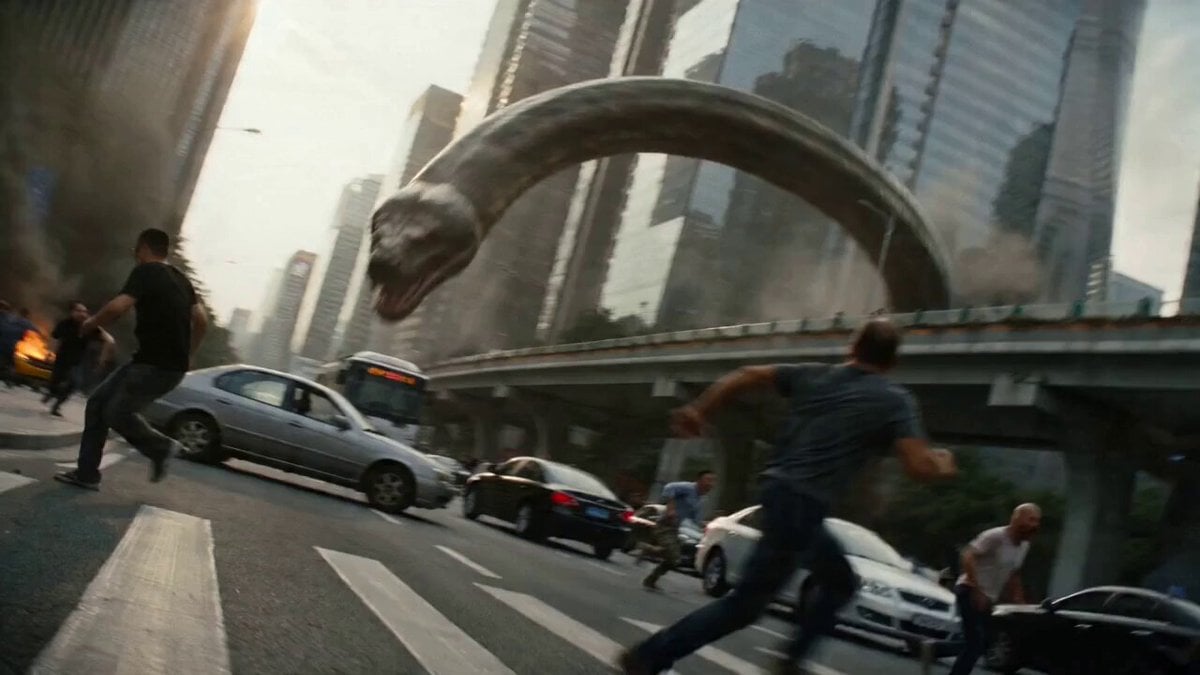
Epic Battle Between Giant Python and Chinese Dragon
Epic White Tiger Summoning Prompt
Make it yours
Epic Mountain Dragon Summoning works as-is. These are the safest ways to change it without losing the look.
Change one field
Copy a single group, rewrite it, and generate again so you can see what that field is doing.
Keep the frame, change the subject
Hold the composition and light of Epic Mountain Dragon Summoning, then swap wardrobe, props or the person for a new take.
| If the result… | Why | Fix |
|---|---|---|
| The result drifts from the preview | Too many fields changed at once. | Reuse Epic Mountain Dragon Summoning as-is first, then change one group — subject, light, or setting. |
| The model over-stylizes the scene | The prose prompt leaves finish and camera underspecified. | Add one camera or lighting sentence and stay on Seedance 2.0. |
More Seedance 2.0 templates
Other prompts made for Seedance 2.0.

Comical Martial Arts Punch Scene

Maglev Train Action Sequence

Martial Arts Fight Sequence

Wuxia Protection and Trust Script

Vintage Korean Arcade MiniDV Vlog

Mercedes 190 SL Luxury Ad

Rainy Night Supernatural Reverse Comedy Video Script

Amazon Civilization Discovery

Futuristic South Asian City Transformation

Cozy Luxury Cafe Commercial
More video prompts
Fresh picks from across the catalog.
Wild Horse Trainer Birthday Video Sequence Prompt
Giant Panda Sightseeing in Chengdu
Realistic Street Commercial Character Reveal
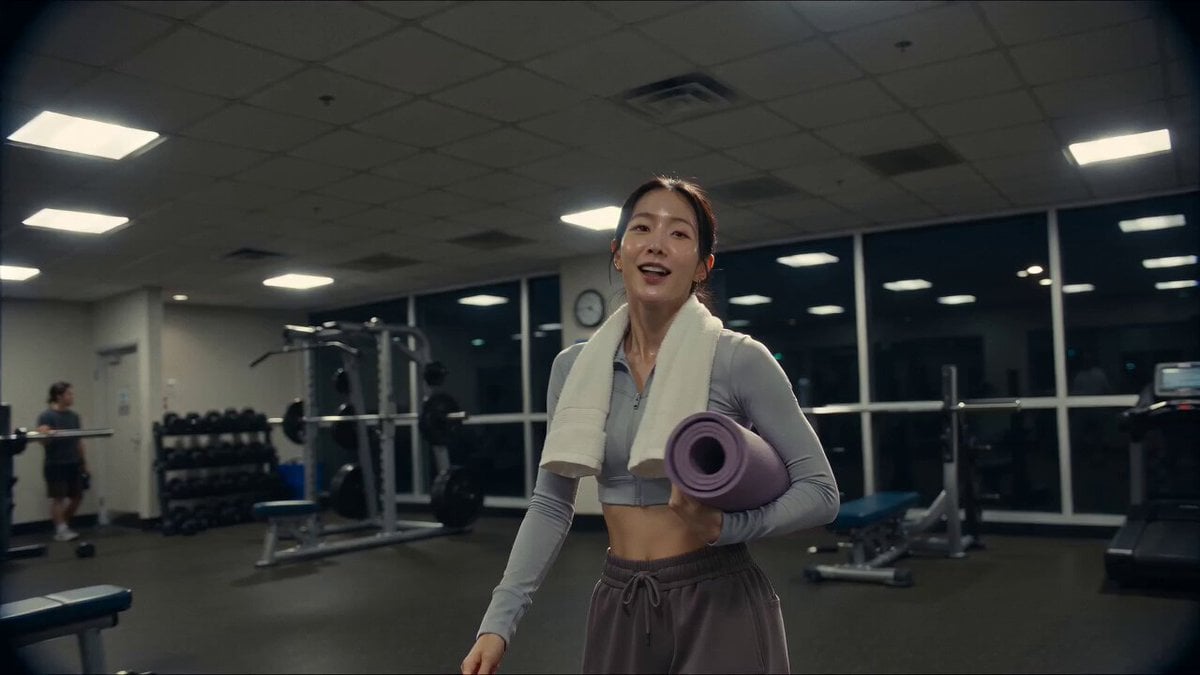
Vintage Camcorder Gym Vlog
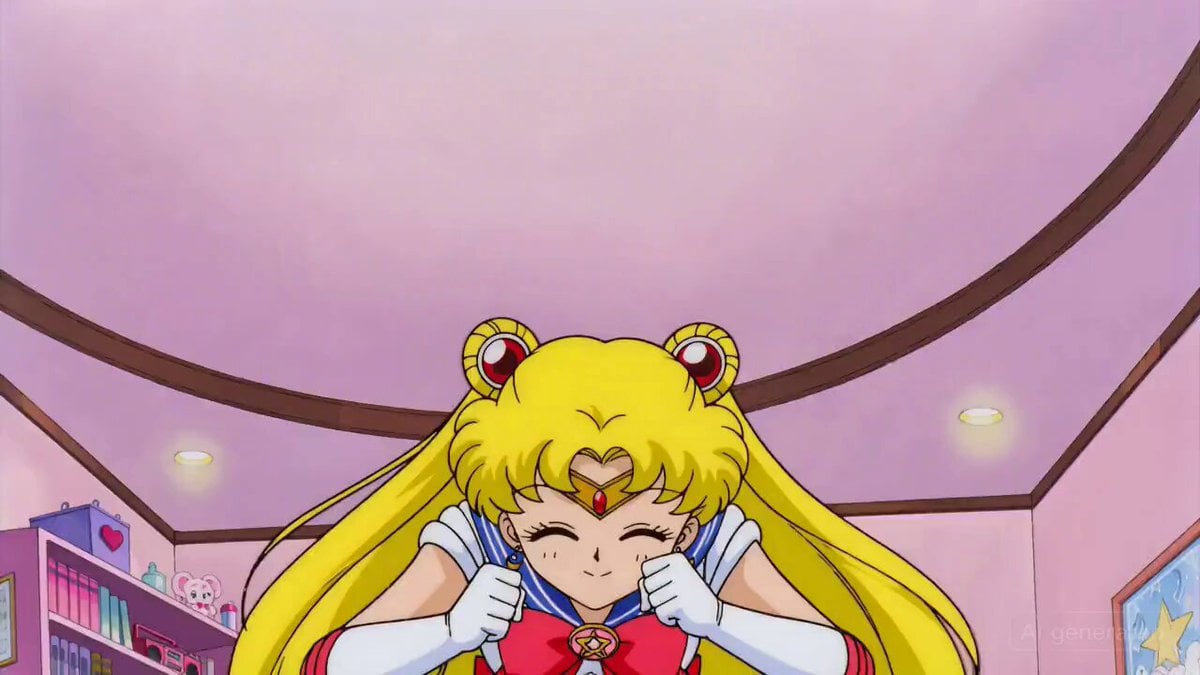
Sailor Moon Dialogue Scene

Anime Supermarket Checkout Video Prompt
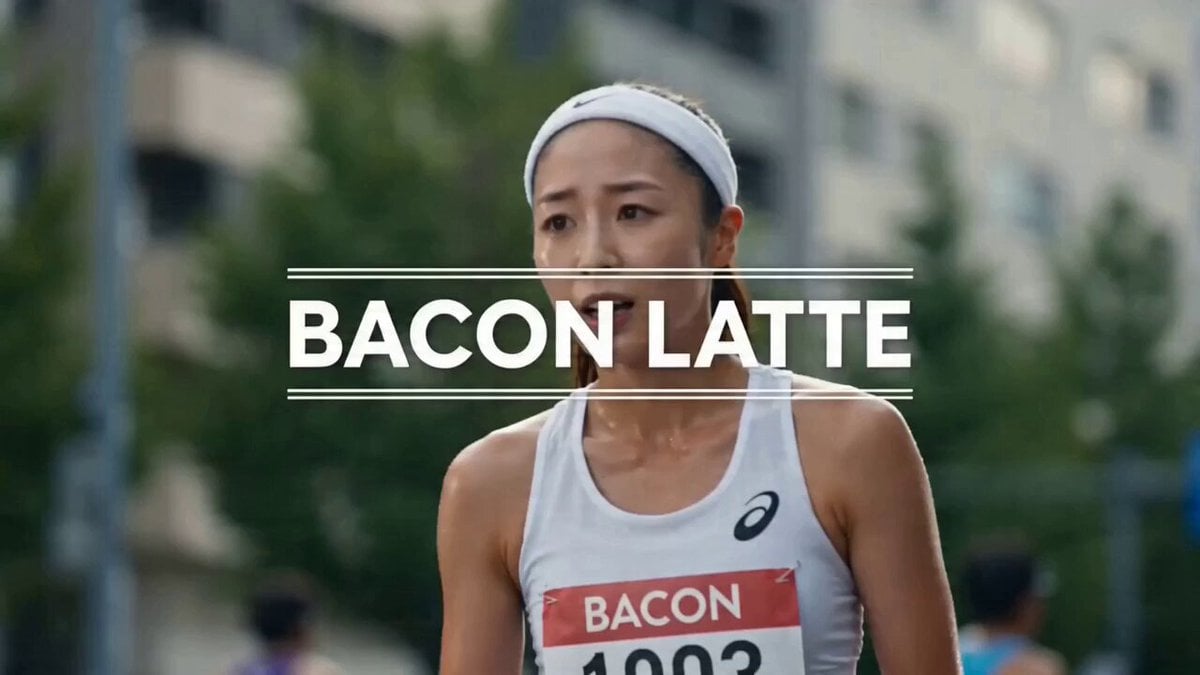
Bacon Latte Commercial Prompt
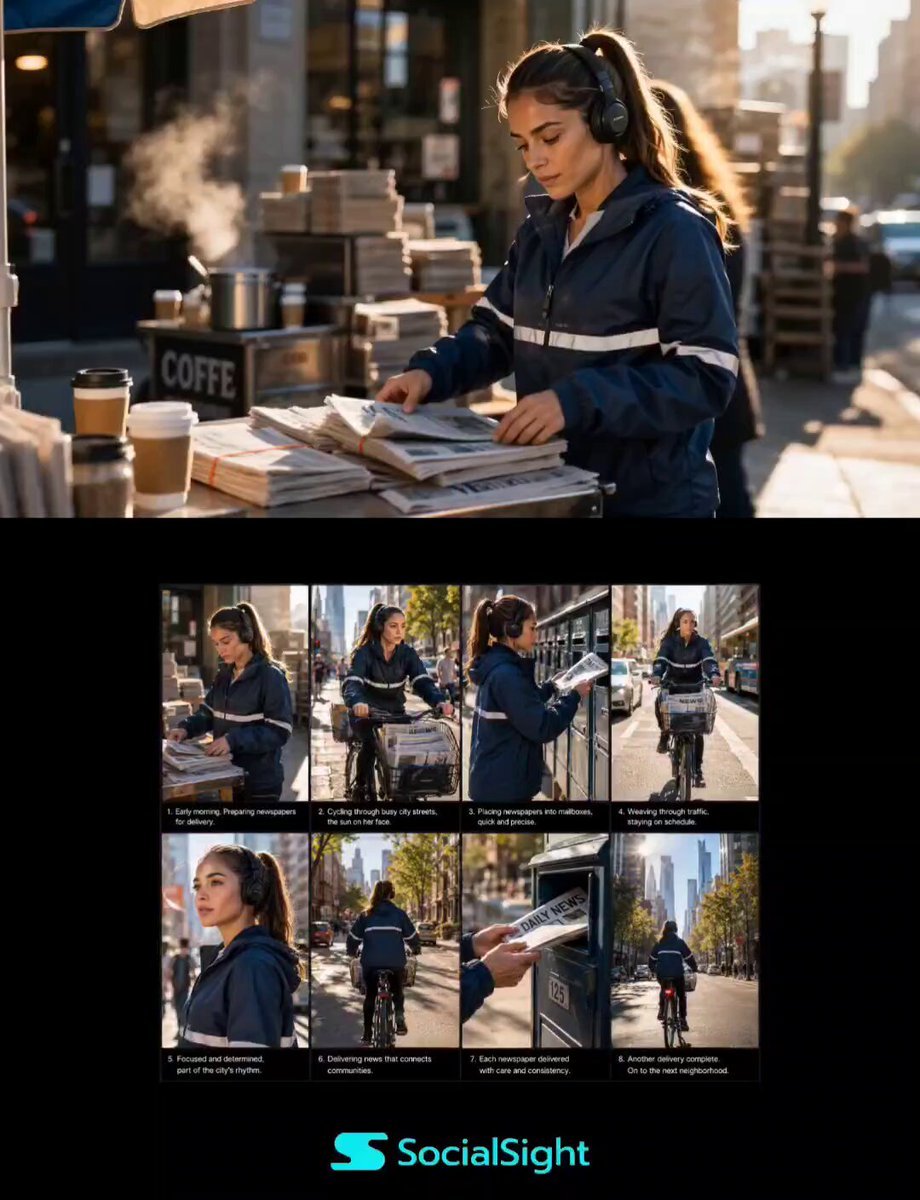
Urban Newspaper Courier Lifestyle Sequence
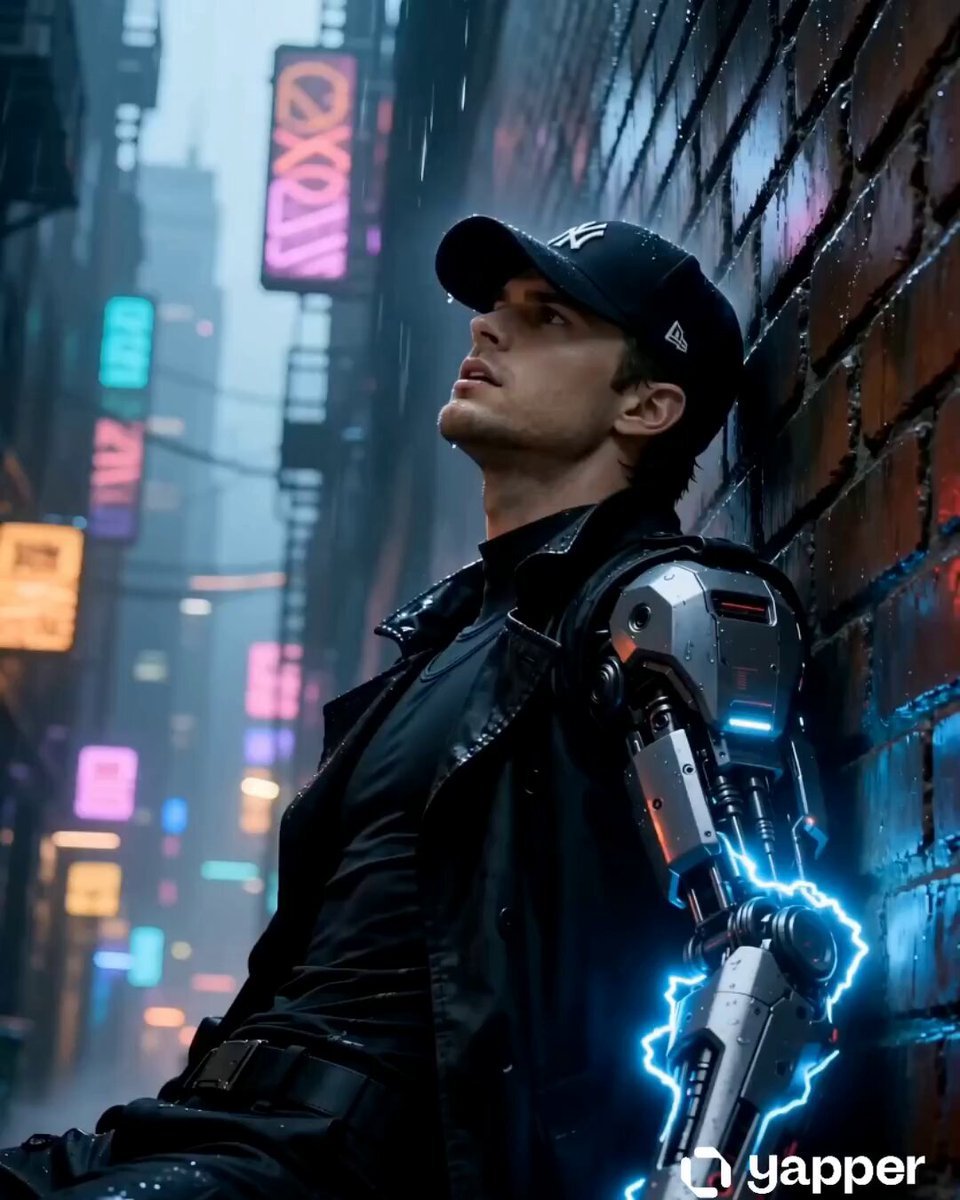
90s Cyberpunk Anime Rogue Courier Video
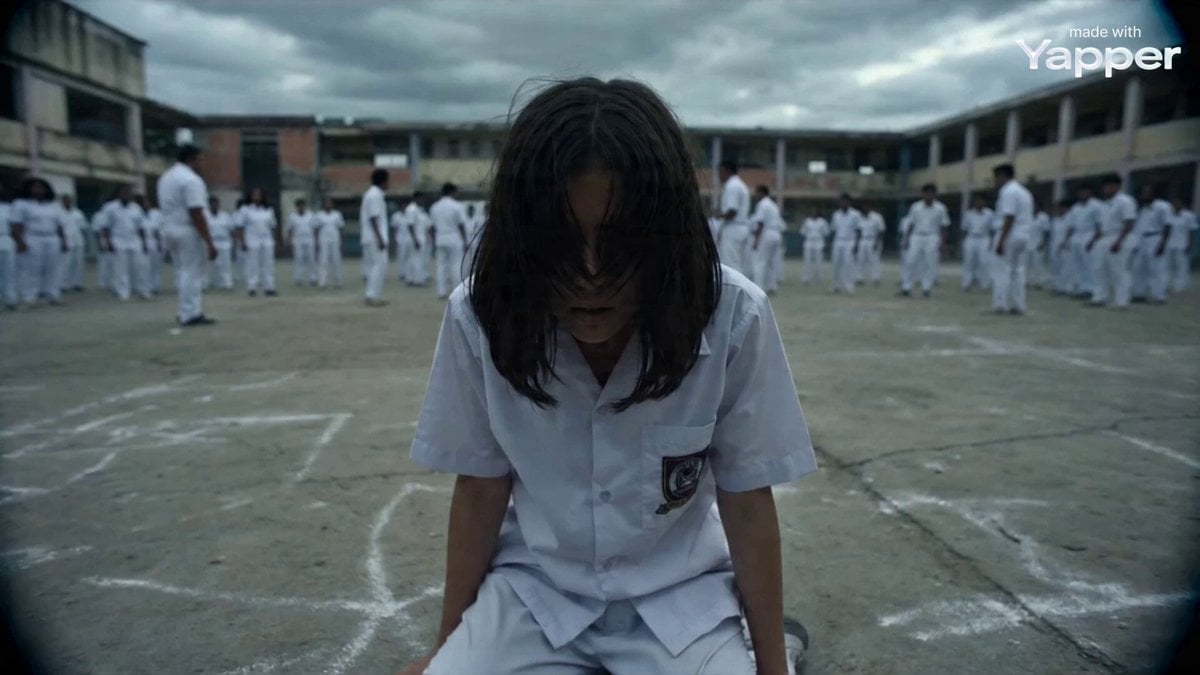
Documentary Style Video Prompt
Browse template categories
Epic Mountain Dragon Summoning questions
How do I use the Epic Mountain Dragon Summoning template?
Add your photo if the template asks for one, edit the prompt if you like — the template's model and format are already selected — and press Generate. Your version opens in PicX Studio.
Can I customize the Epic Mountain Dragon Summoning template?
Yes. You can change the subject, setting, lighting, mood, format, and available model controls before creating your video.
Is the Epic Mountain Dragon Summoning template free?
Opening and editing this template is free. Generating uses credits, shown on the Generate button when you are signed in.
Which AI model should I use?
Start with Seedance 2.0, which is the model associated with this template. You can compare another compatible model for a different finish.
Looking for something else? Browse all templates.

Your photo, any look
Thousands of ready templates for every top image and video model, from one credit balance.