How do I use the Shogi Animation: Summoning the Dragon of the Clear Stream template?
Edit the prompt in the box under the preview — the template's model and format are already selected — and press Generate. Your version appears right on this page.
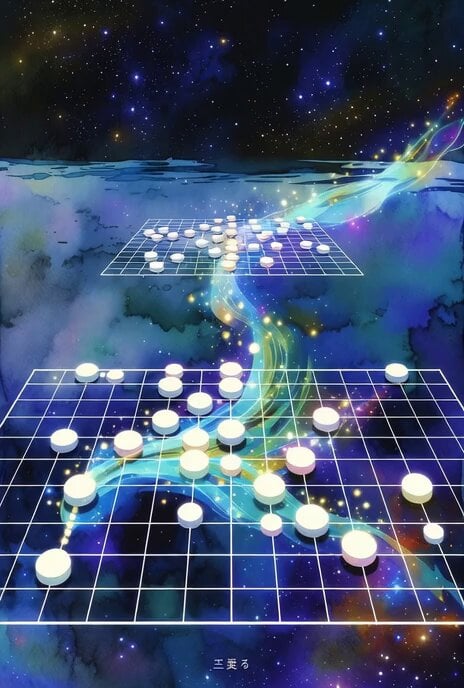
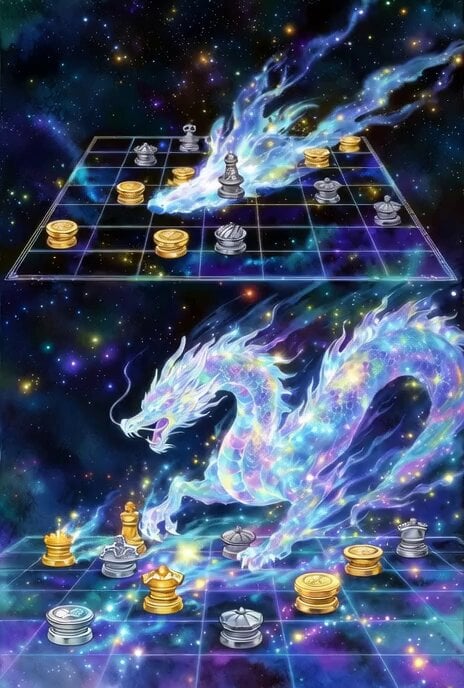
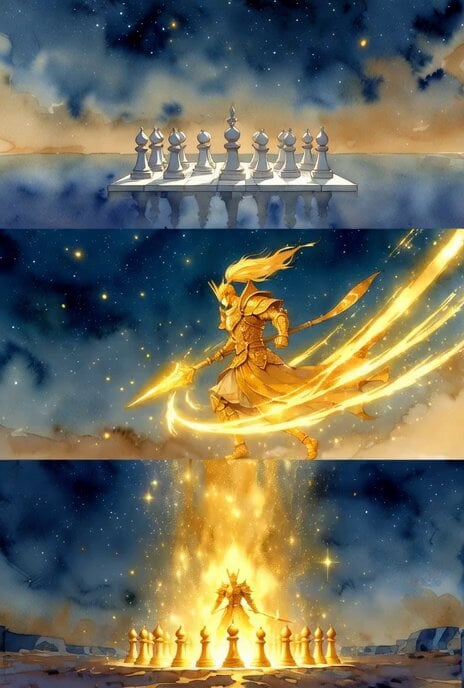
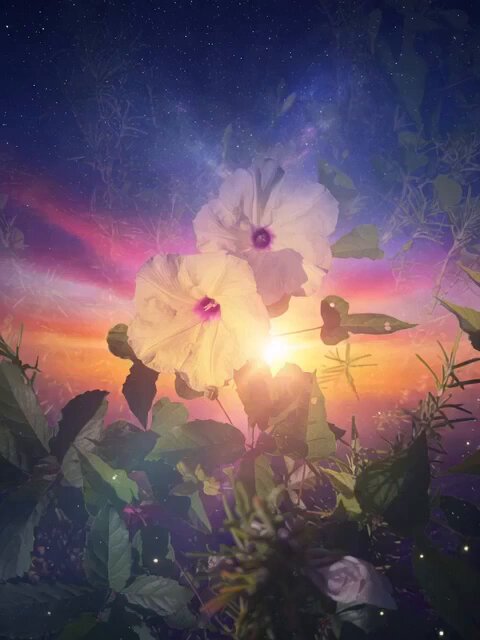
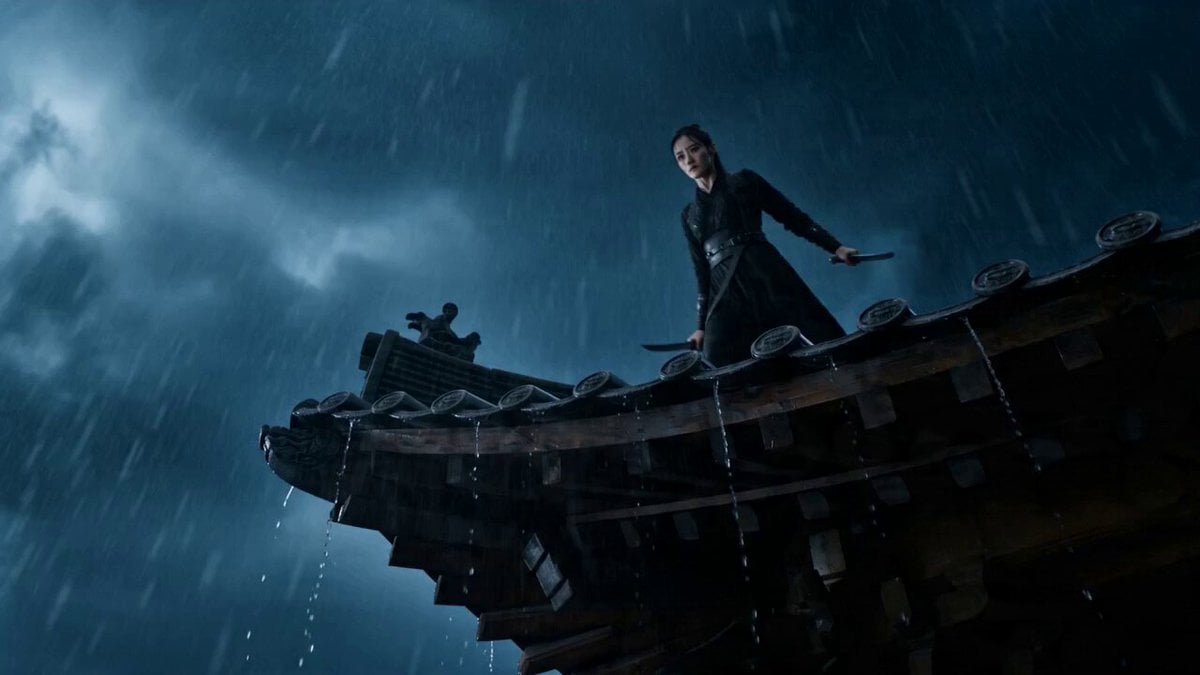
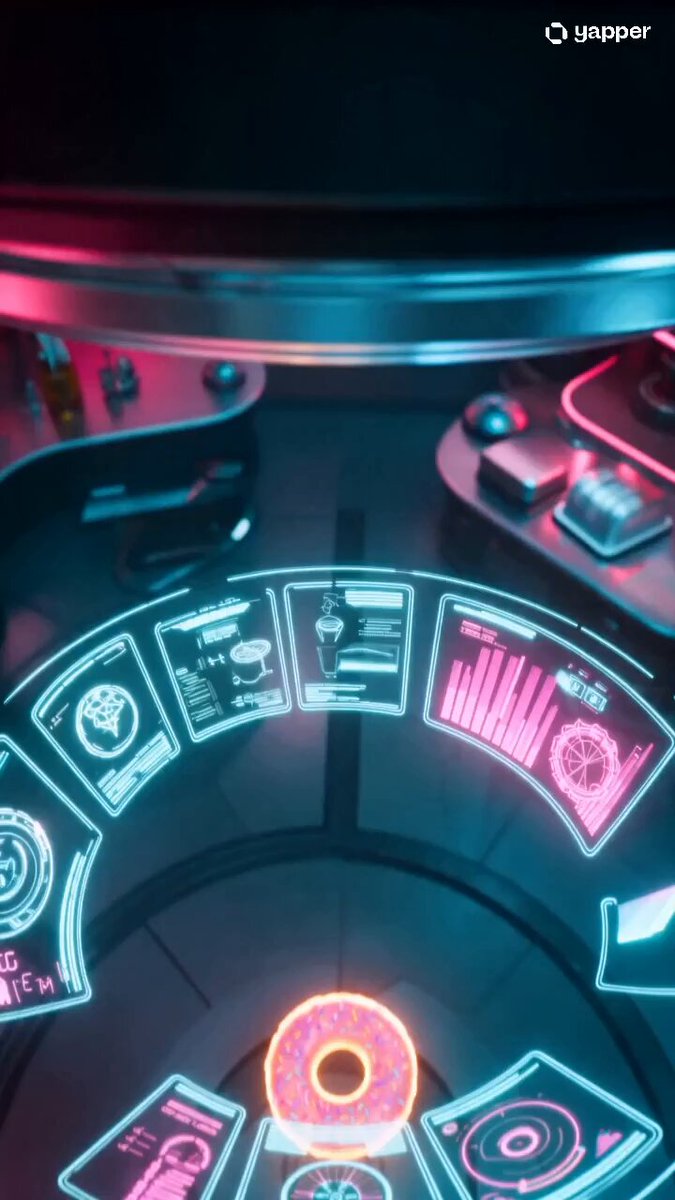
A detailed prompt for Grok Imagine to create a short, 15-20 second animated video in a watercolor/fantasy style, depicting a Shogi match focused on the '4-5 Pawn Quick Attack' formation.
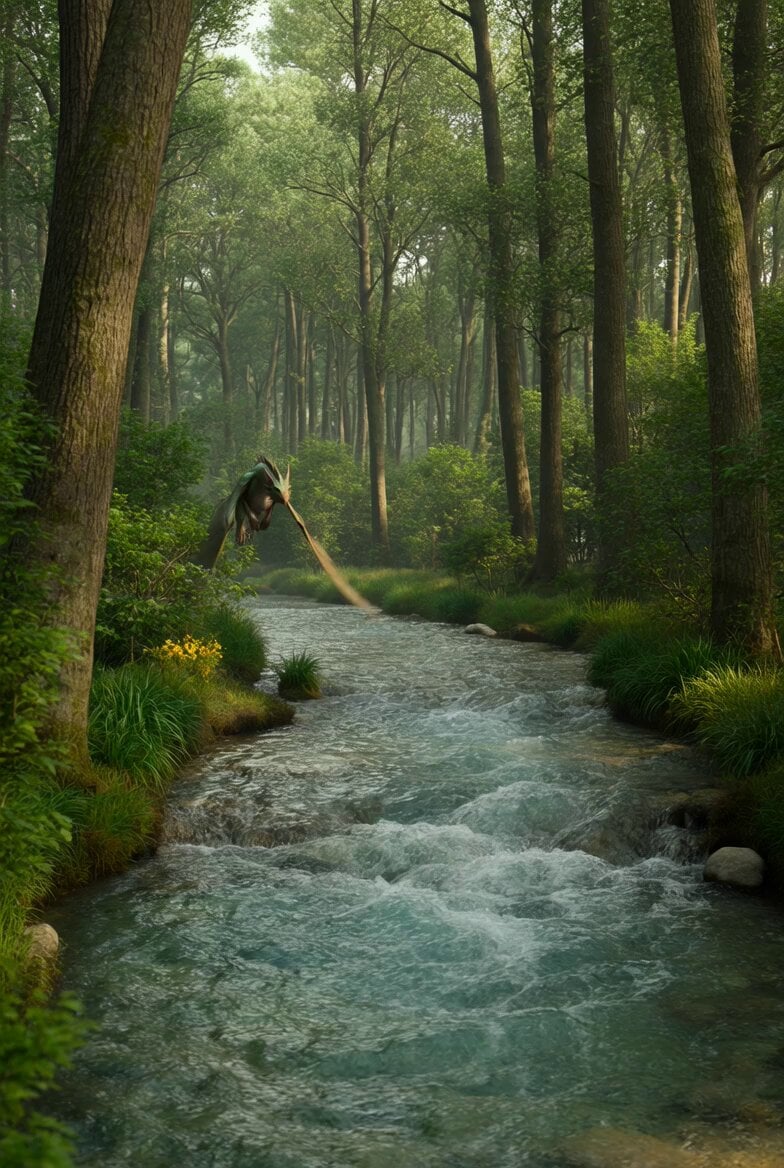
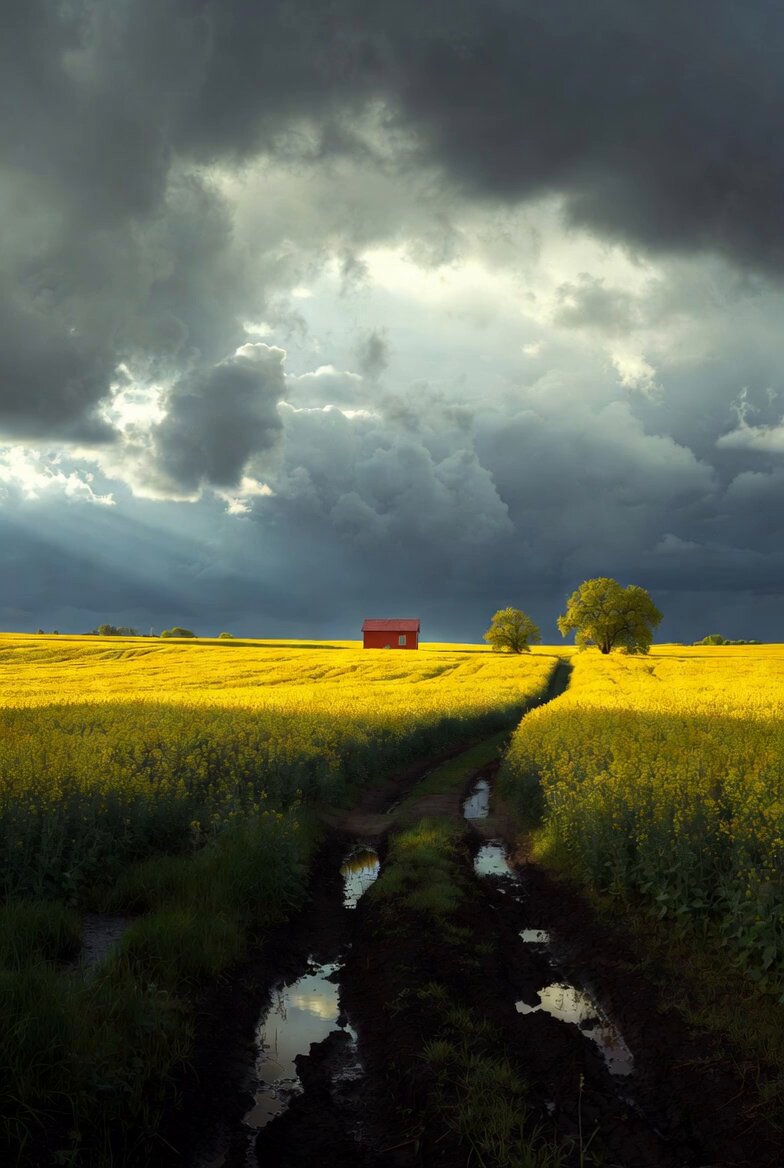
タイトル:「清流の竜召喚 ~遥か彼方より飛車が竜となり敵陣を制す~」 • スタイル:水彩画風+幻想的な光の粒子をふんだんに使ったSFファンタジー(優しくも力強い雰囲気) • 長さ:約15〜20秒のショートアニメーション動画 • 最大の見どころ: • 序盤:静かな宇宙空間に急戦4五歩早仕掛けの陣形が浮かぶ • 中盤:2二歩打ちで均衡が崩れる瞬間を、光の波紋のように美しく表現 • クライマックス:遥か遠くの4一飛車が光の尾を引きながら高速移動 → 7一竜化 → 銀将・金将を優雅に喰
タイトル:「清流の竜召喚 ~遥か彼方より飛車が竜となり敵陣を制す~」 • スタイル:水彩画風+幻想的な光の粒子をふんだんに使ったSFファンタジー(優しくも力強い雰囲気) • 長さ:約15〜20秒のショートアニメーション動画 • 最大の見どころ: • 序盤:静かな宇宙空間に急戦4五歩早仕掛けの陣形が浮かぶ • 中盤:2二歩打ちで均衡が崩れる瞬間を、光の波紋のように美しく表現 • クライマックス:遥か遠くの4一飛車が光の尾を引きながら高速移動 → 7一竜化 → 銀将・金将を優雅に喰
Edit the prompt in the box under the preview — the template's model and format are already selected — and press Generate. Your version appears right on this page.
Yes. You can change the subject, setting, lighting, mood, format, and available model controls before creating your video.
Opening and editing this template is free. Generating uses credits, shown on the Generate button when you are signed in.
Start with Grok Imagine, which is the model associated with this template. You can compare another compatible model for a different finish.
Follow a topic to a crawlable collection of related PicX Studio templates.