
Dynamic animation CG of Shogi strategy in space
A detailed Japanese prompt for Grok Imagine requesting a dynamic animated CG set in vast outer space, depicting a Shogi (Japanese chess) strategy called 'King Single-Unit Reverse Advance Strategy,' where the King…
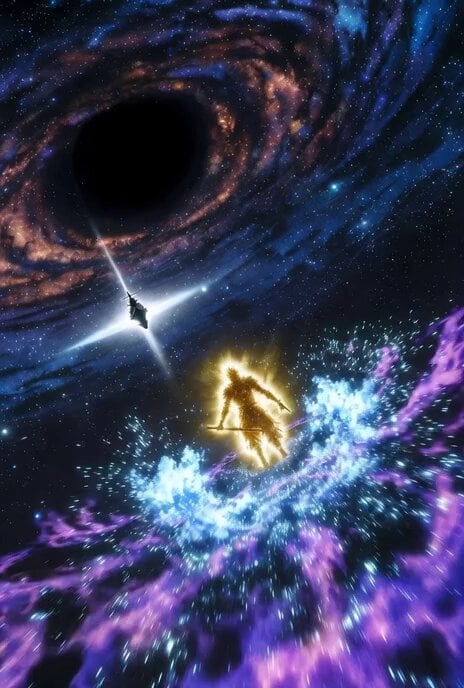
- Prompt included
- Model and format preset
- Premium template
The prompt behind this video
Copy the exact prompt behind Dynamic animation CG of Shogi strategy in space, or open it in the studio and make it yours.
広大な宇宙空間を舞台にしたダイナミックなアニメーションCG。後手の王が単騎で敵陣深くに突入し、敢えて逆行しながら敵の攻めを誘い、翻弄する『王単騎逆行戦法』。王は天照大神界王神様で、黄金の神々しいオーラを全身に纏い、姿を変えた👹化け物👹として輝きながら銀河を逆行する。敵陣は暗黒のブラックホールのような闇に包まれ、王の逆行ルートに沿って青白い光の粒子と紫の波動エネルギーが爆発的に広がり、星雲を切り裂く。背景には無限に広がる星河と銀河、遠くに浮かぶ宇宙戦艦機動隊大和のシルエットが光を放ち、波動バースト
How to use Dynamic animation CG of Shogi strategy in space in 3 steps
- 1
Open
The prompt is already in the box next to the preview, with the template's model and format selected.
- 2…a portrait of your subject in softgolden-hour light, 85mm…
Personalize
Edit the subject and creative details for your destination.
- 3Generate
Generate
Press Generate — your video is created in PicX Studio, so you can compare it with the original and refine one variable at a time.
More like this
Templates with the same subject, style or setup. Open one to see its prompt.

Space Scout Exit Strategy
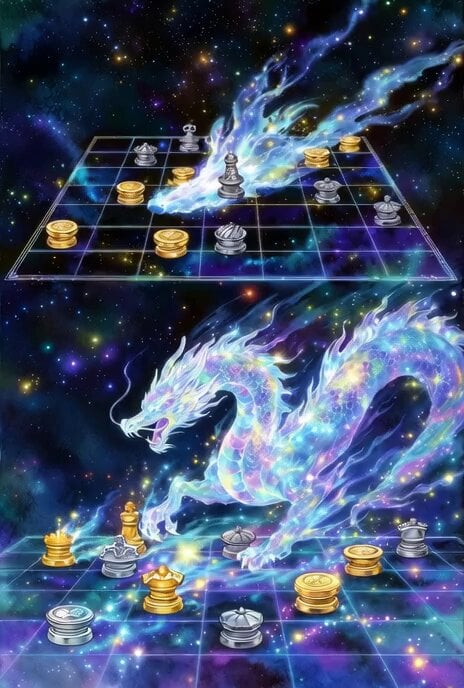
Shogi Piece Transforming into a Dragon in Space
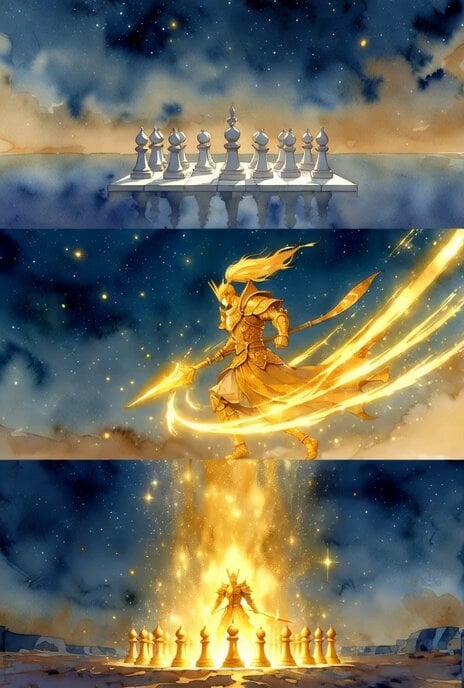
Shogi Gold General Charging Animation
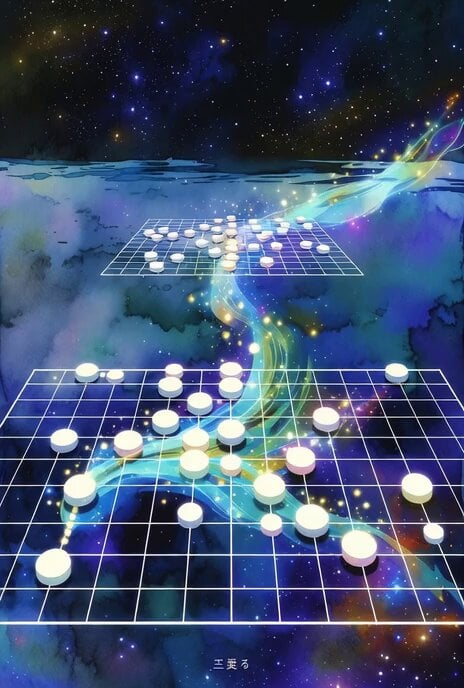
Shogi Animation: Cosmic Right Three-Tier King

Shogi Animation: Summoning the Dragon of the Clear Stream
Dynamic Sky Background Animation Prompt
Floating in Space Flight
Ancient Deep Space Structure
Evil Space Sci-Fi Power Threshold

Voice Controlled Water Animation
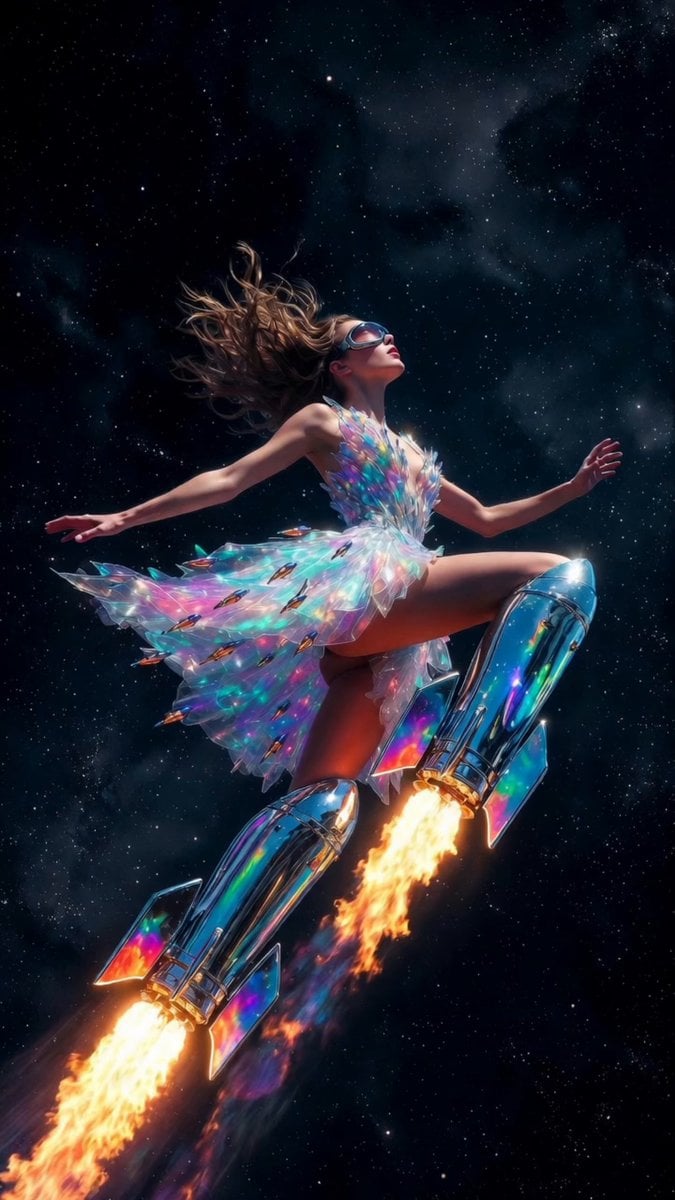
Rocket Boots Space Voyage

Advanced Character Consistency Prompt Strategy for Grok Imagine
Make it yours
Dynamic animation CG of Shogi strategy in space works as-is. These are the safest ways to change it without losing the look.
Change one field
Copy a single group, rewrite it, and generate again so you can see what that field is doing.
Keep the frame, change the subject
Hold the composition and light of Dynamic animation CG of Shogi strategy in space, then swap wardrobe, props or the person for a new take.
| If the result… | Why | Fix |
|---|---|---|
| The result drifts from the preview | Too many fields changed at once. | Reuse Dynamic animation CG of Shogi strategy in space as-is first, then change one group — subject, light, or setting. |
| The model over-stylizes the scene | The prose prompt leaves finish and camera underspecified. | Add one camera or lighting sentence and stay on Grok Imagine. |
More Grok Imagine templates
Other prompts made for Grok Imagine.

Kaleidoscopic Cosmic Dolphin Video

Horror Daffy Duck Video Transition

America 250th Anniversary Celebration

Glowing Water Forest Night Prompt

Soft Pink Roses Dreamer Prompt

Ninja Wizard Levitation Jump

Coffee Cup Interaction Motion

Pterodactyl Transformation Journey

Candle Mandala Mirror Video

Psychedelic Purple Disc World Video
More video prompts
Fresh picks from across the catalog.
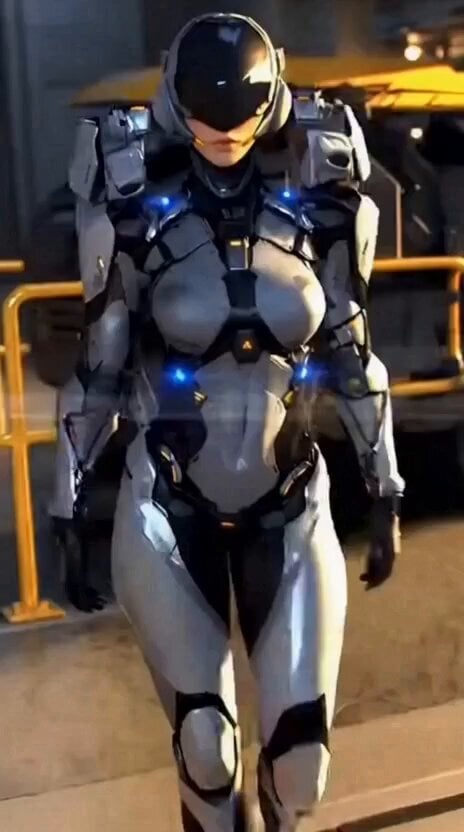
Futuristic Armor Heroine
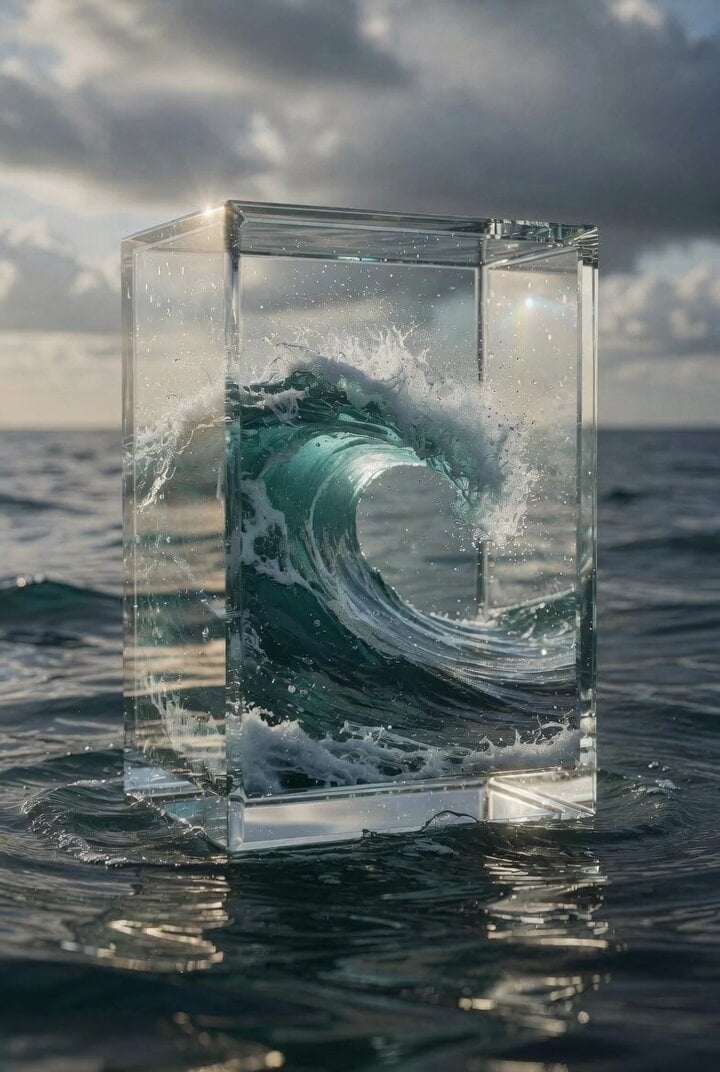
Hyper-Realistic Glass Box with Ocean Waves
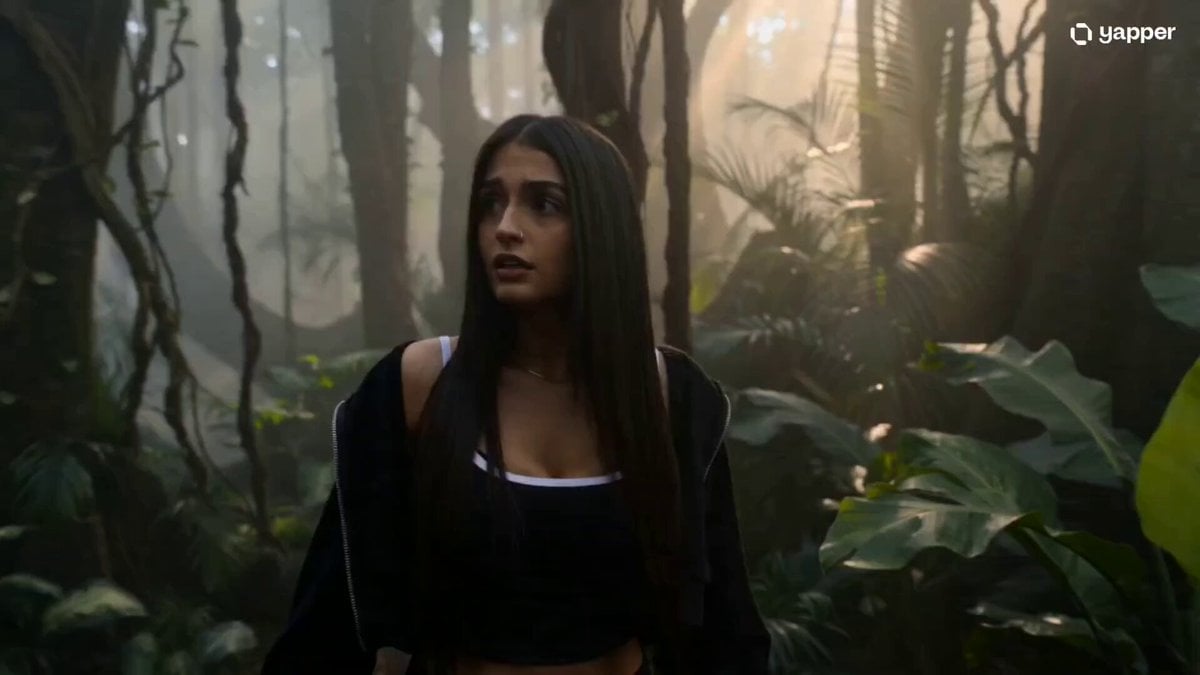
Mysterious Rainforest Tribal Encounter

Kit Kat Baseball Throw Video Prompt
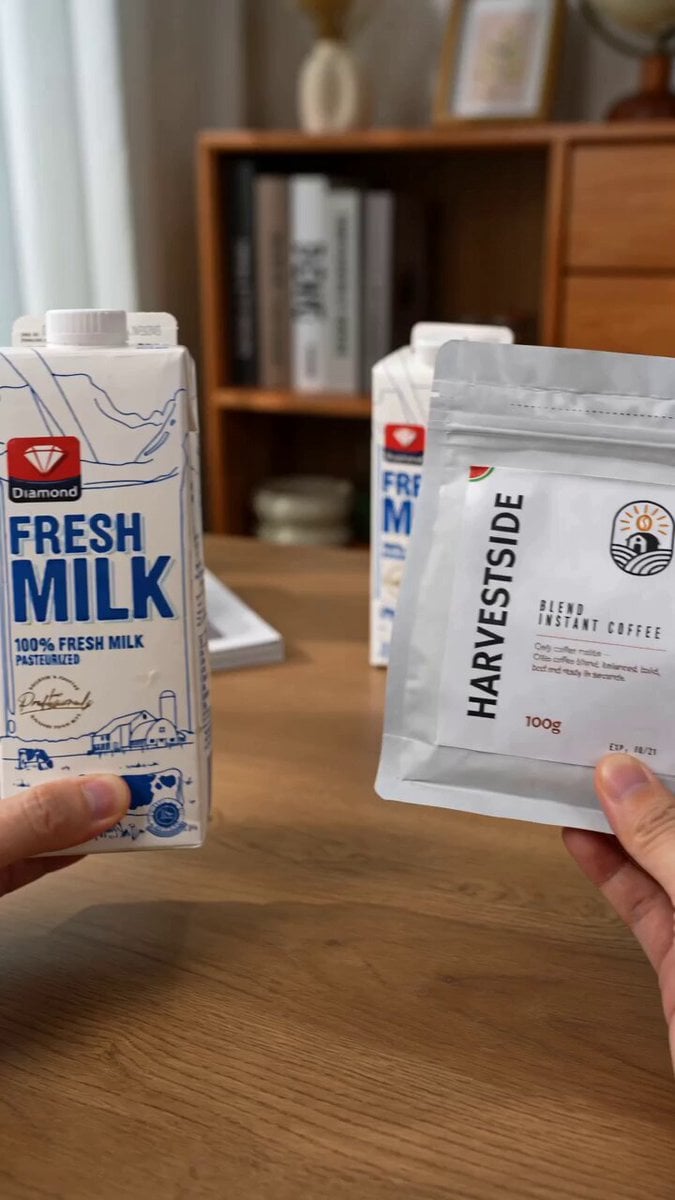
Indonesian Coffee UGC Video
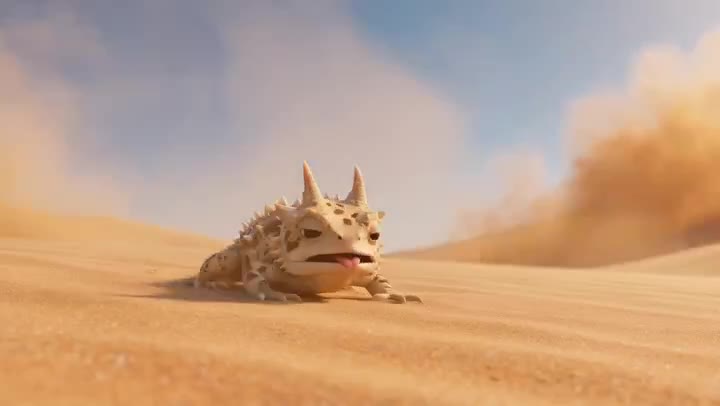
Desert Horned Lizard Grapefruit Ad
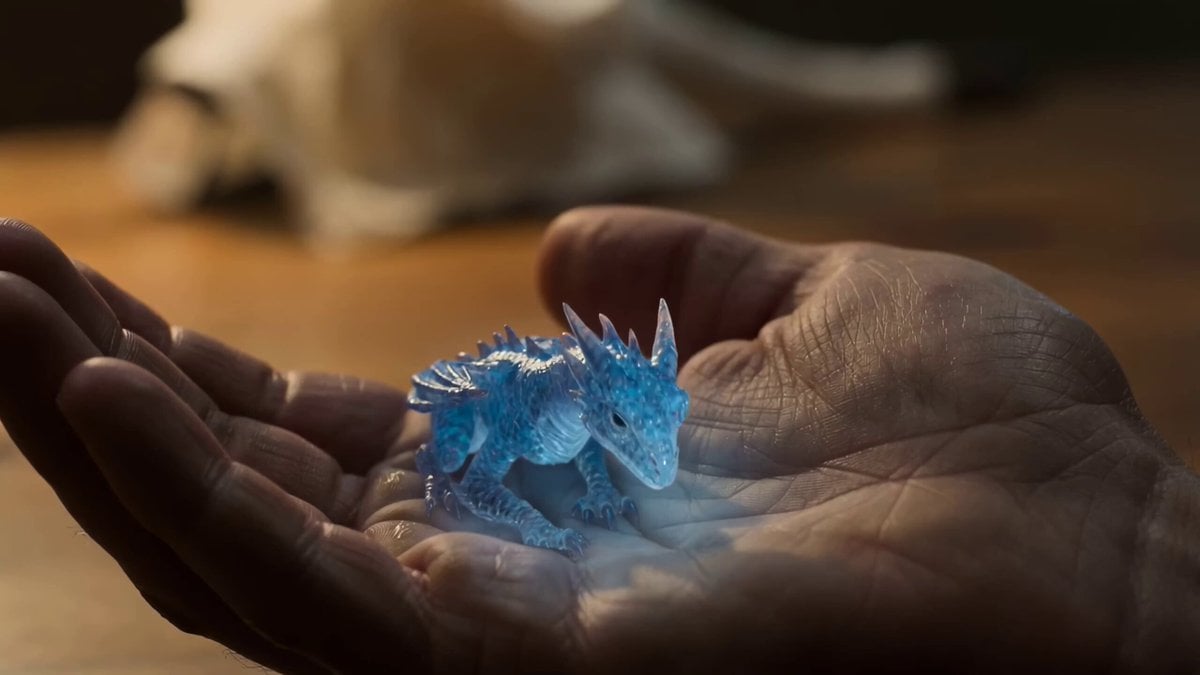
Seedance 2.0 Video Prompt: Crystal Tiny Dragon
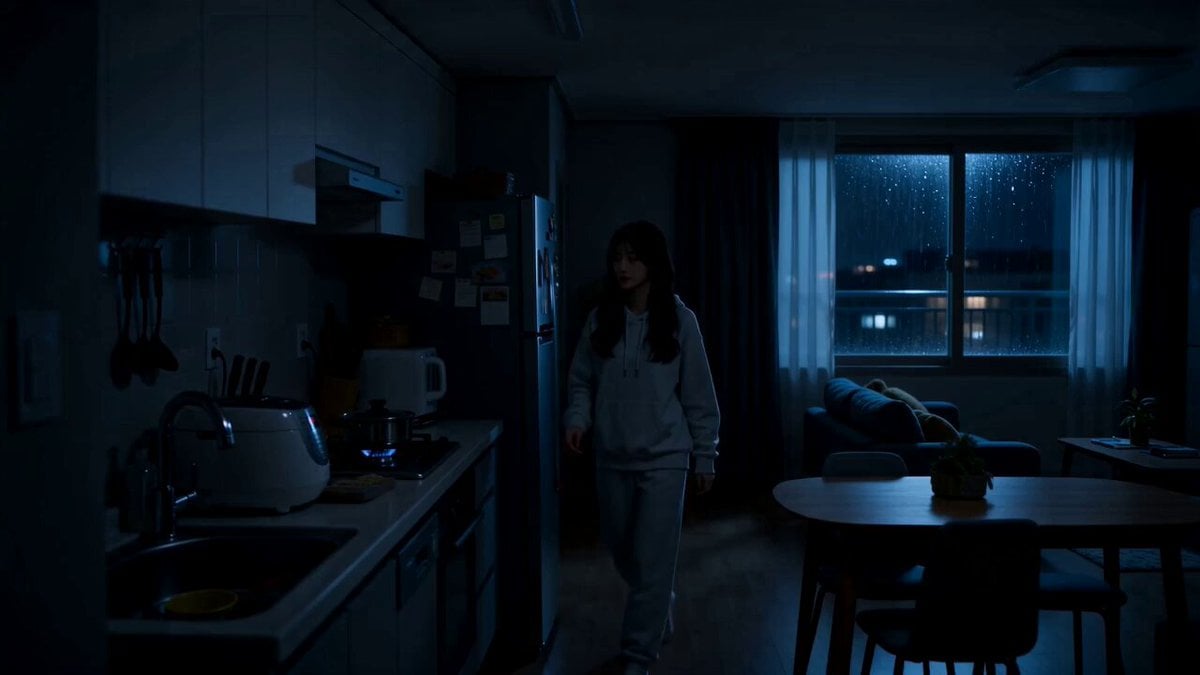
Midnight Apartment Cooking Scene
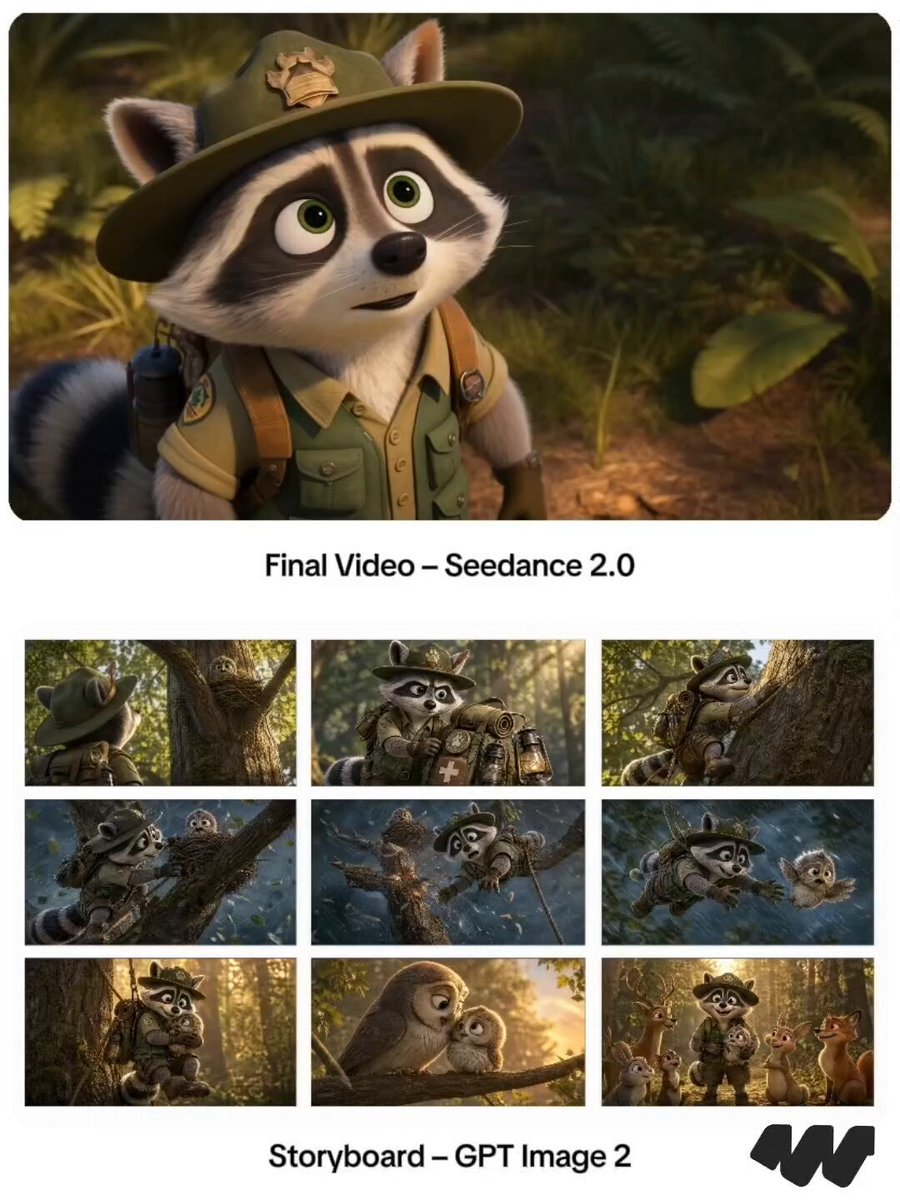
Pixar Raccoon Storyboard

Prompt Airways logo apparition video prompt
Browse template categories
Dynamic animation CG of Shogi strategy in space questions
How do I use the Dynamic animation CG of Shogi strategy in space template?
Add your photo if the template asks for one, edit the prompt if you like — the template's model and format are already selected — and press Generate. Your version opens in PicX Studio.
Can I customize the Dynamic animation CG of Shogi strategy in space template?
Yes. You can change the subject, setting, lighting, mood, format, and available model controls before creating your video.
Is the Dynamic animation CG of Shogi strategy in space template free?
Opening and editing this template is free. Generating uses credits, shown on the Generate button when you are signed in.
Which AI model should I use?
Start with Grok Imagine, which is the model associated with this template. You can compare another compatible model for a different finish.
Looking for something else? Browse all templates.

Your photo, any look
Thousands of ready templates for every top image and video model, from one credit balance.