How do I use the Kit Kat Baseball Throw Video Prompt template?
Edit the prompt in the box under the preview — the template's model and format are already selected — and press Generate. Your version appears right on this page.
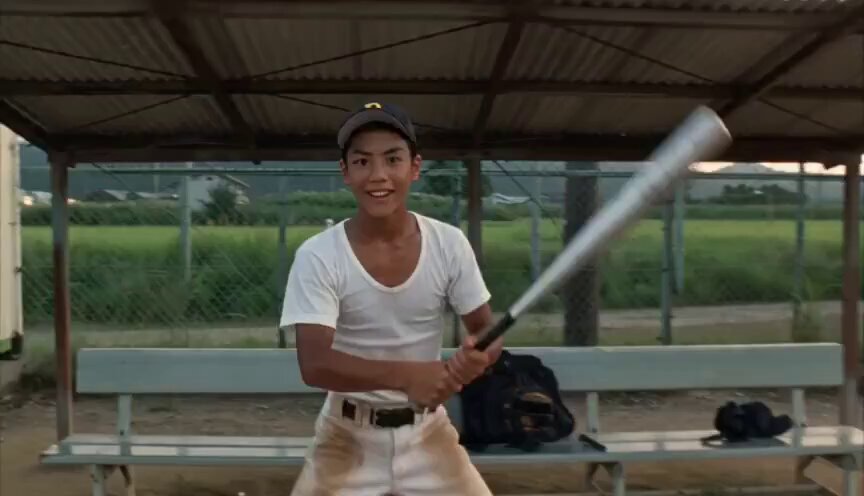
A structured prompt describing a cinematic shot following a baseball thrown by a young man on a wet urban street at golden hour, with the camera attached to the ball as it spins toward a building.
{ "description": "Over the shoulder of a young man in a beanie and jacket on a wet urban street at golden hour. He winds up and hurls a baseball toward the building across the street. The camera stays attached to the ball as it spins forward crossing the street,
{ "description": "Over the shoulder of a young man in a beanie and jacket on a wet urban street at golden hour. He winds up and hurls a baseball toward the building across the street. The camera stays attached to the ball as it spins forward crossing the street,
Edit the prompt in the box under the preview — the template's model and format are already selected — and press Generate. Your version appears right on this page.
Yes. You can change the subject, setting, lighting, mood, format, and available model controls before creating your video.
Opening and editing this template is free. Generating uses credits, shown on the Generate button when you are signed in.
Start with Seedance 2.0, which is the model associated with this template. You can compare another compatible model for a different finish.
Follow a topic to a crawlable collection of related PicX Studio templates.