
Korean Baseball Stadium Spectator Candid
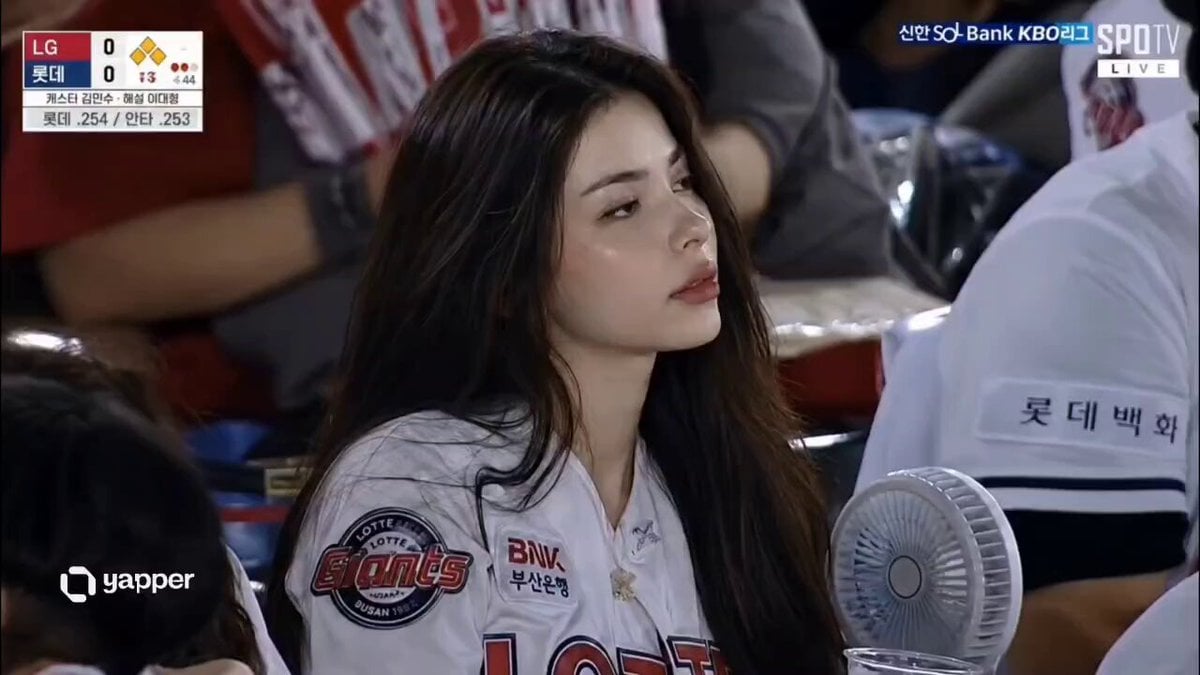
A detailed prompt for creating a realistic KBO baseball broadcast screenshot of a specific woman in the spectator seats using a reference image.
- Prompt included
- Model and format preset
- Free template
The prompt behind this video
Copy the exact prompt behind Korean Baseball Stadium Spectator Candid, or open it in the studio and make it yours.
Use the uploaded reference image as the strongest identity anchor. The woman must look like the exact same adult woman from the reference image, not just a similar Korean woman. Preserve her exact facial identity with high priority: same small oval face, same delicate jawline, same large clear eyes, same eye spacing, same eyelid shape, same straight nose, same soft muted pink lips, same pale clear skin tone, same refined calm expression, and same long black softly wavy hair. Create an ultra-realistic candid KBO baseball broadcast screenshot of the same woman accidentally caught by a live TV camera in the spectator seats. The team name is LG and F1. Her face should remain closer to the reference image than to a generic stadium fan. Do not change her into another person. Do not make her face wider, older, sharper, more westernized, or more idol-like. Keep the same delicate studio-portrait identity, but translated naturally into a real stadium environment. She is seated among a lively Korean baseball crowd, holding an iced drink and a cheering stick, wearing a clean white baseball jersey over a simple casual top. She is adjusting her hair with one hand .. She notices the camera and gives a small natural smile, slightly surprised but composed. Use a realistic far-distance broadcast camera look: telephoto compression, mild video softness, slight motion blur in the crowd, stadium lighting, natural skin texture, imperfect candid framing, 16:9 horizontal TV broadcast composition.
How to use Korean Baseball Stadium Spectator Candid in 3 steps
- 1Upload ImagePNG, JPG or paste
Add your photo
Upload the photo the template builds on. The prompt, model and format are already set.
- 2…a portrait of your subject in softgolden-hour light, 85mm…
Personalize
Edit the subject and creative details for your destination.
- 3Generate
Generate
Press Generate — your video is created in PicX Studio, so you can compare it with the original and refine one variable at a time.
More like this
Templates with the same subject, style or setup. Open one to see its prompt.
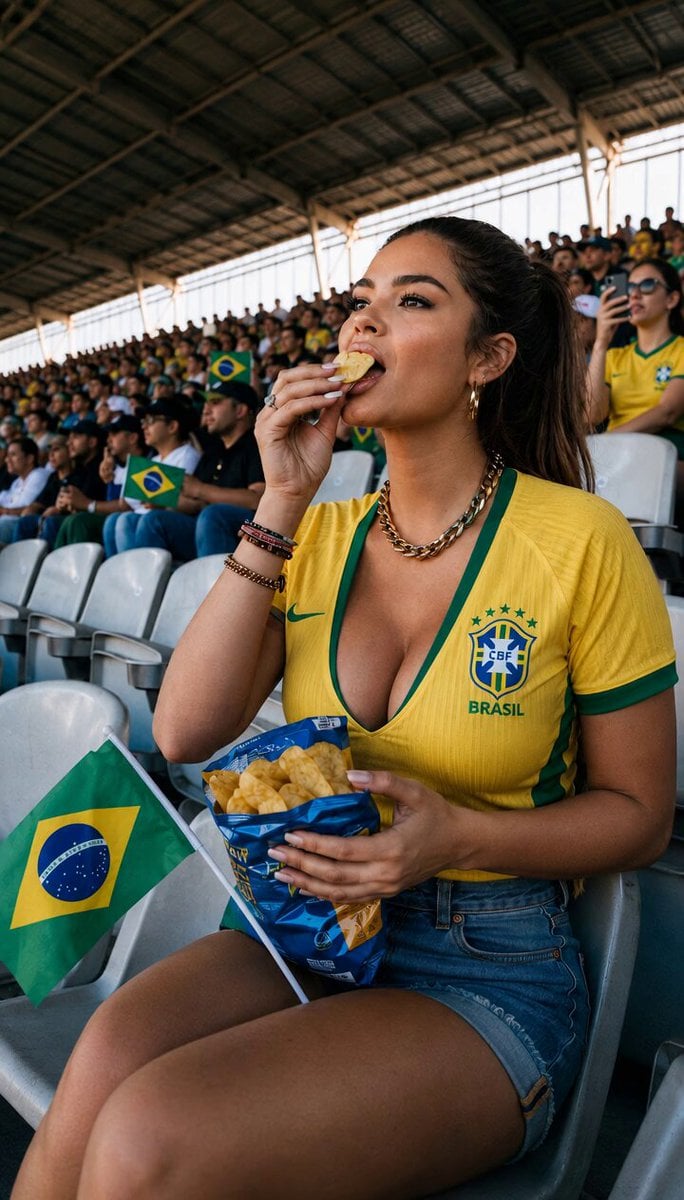
Candid Stadium Footage of a Quiet Spectator
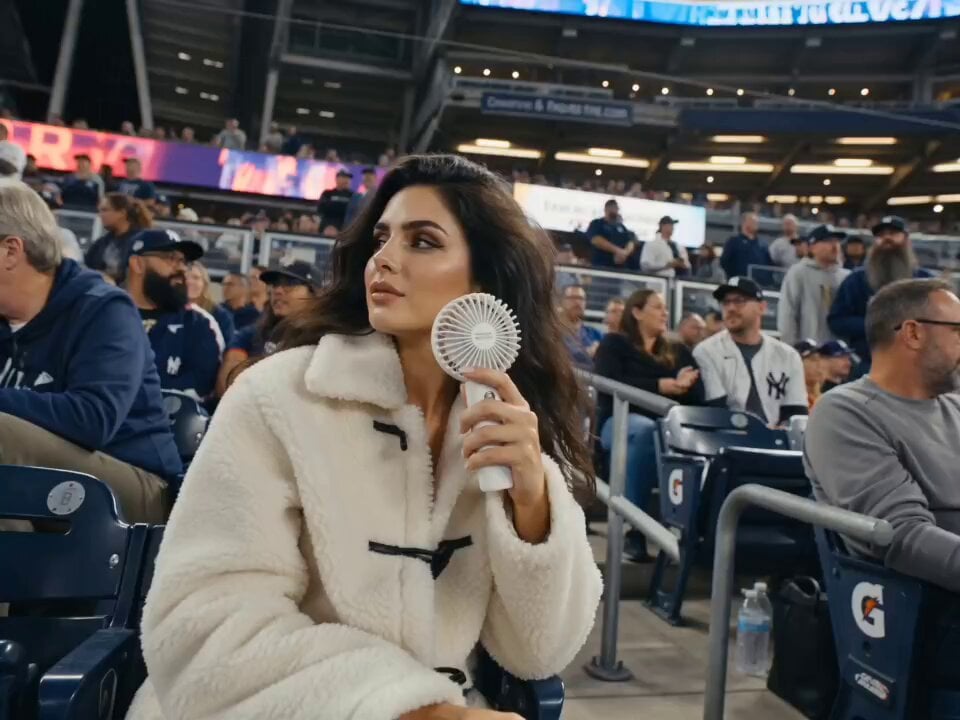
Korean Baseball Stadium Broadcast
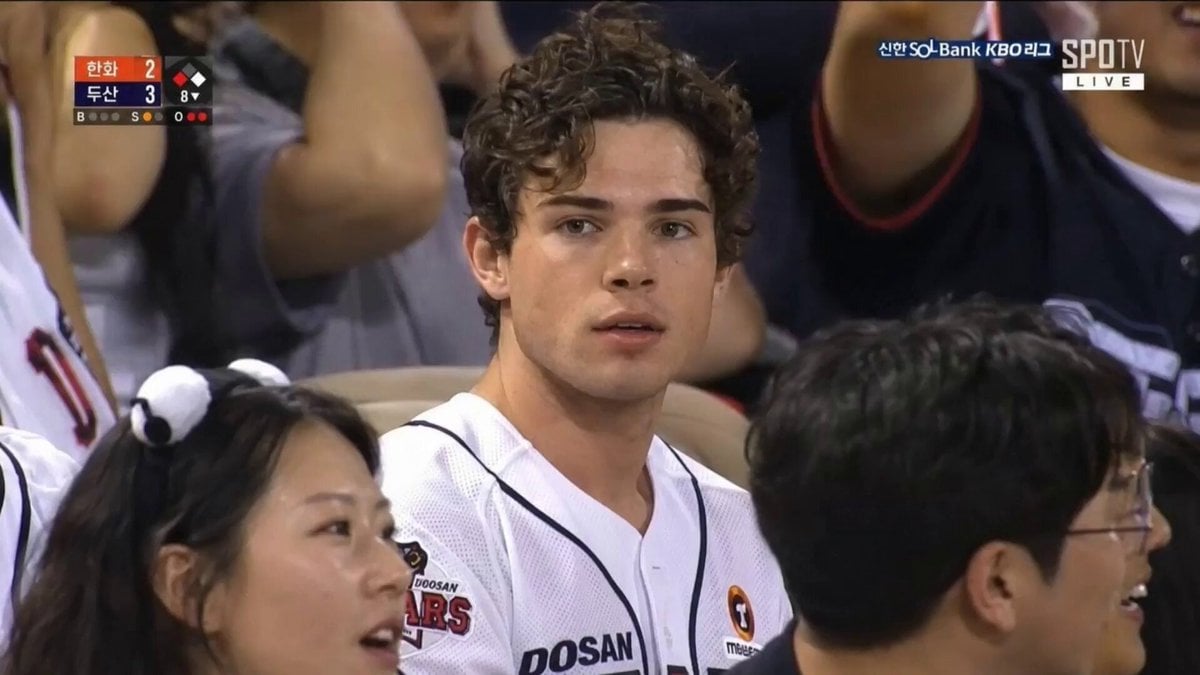
Korean Baseball Stadium Broadcast
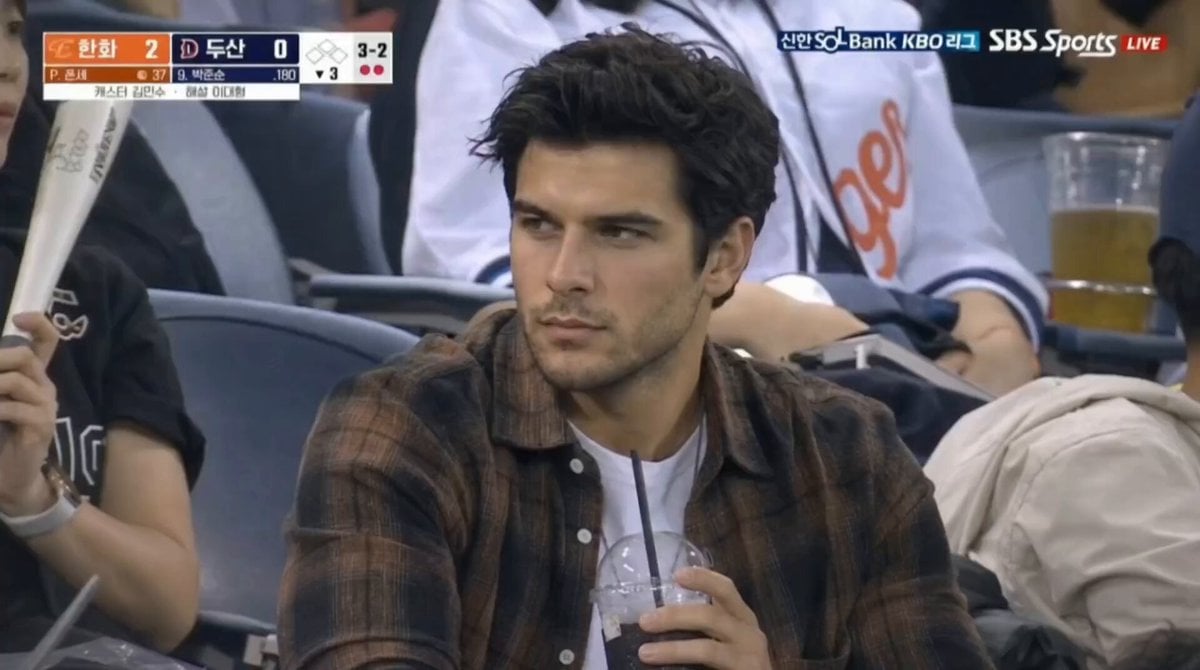
Baseball Stadium Spectator Shot

Korean Night Market Bullet-Time Scene - Seedance 2.5

Iced Coffee Dog Good-News Montage
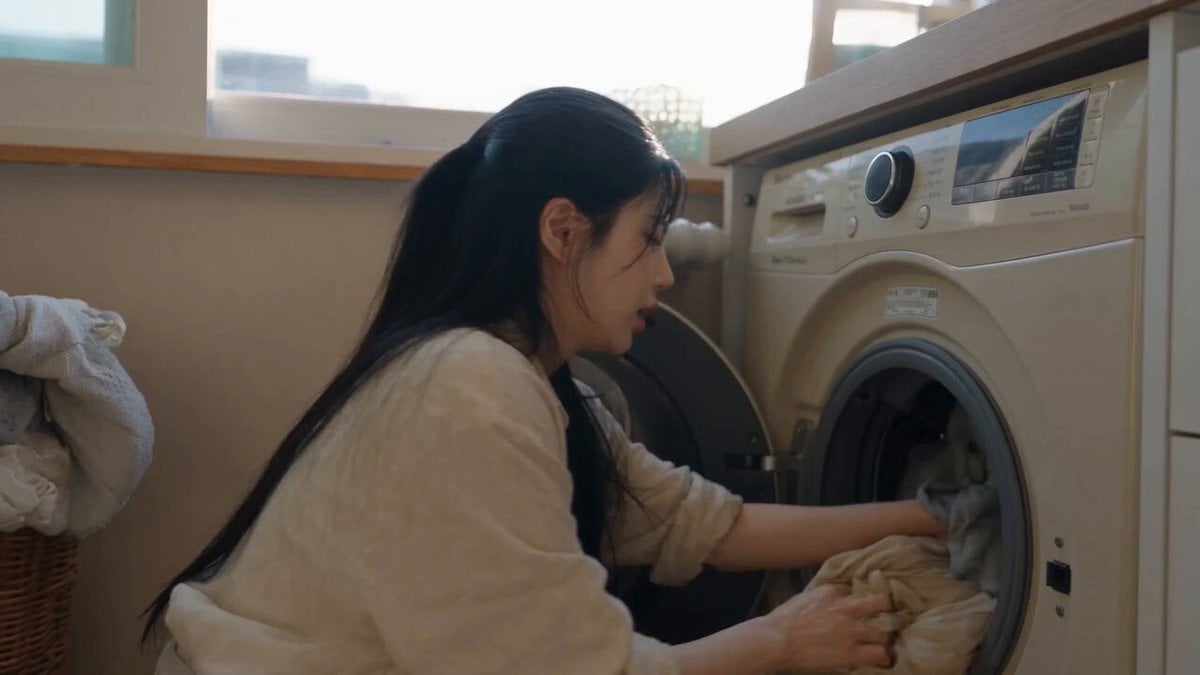
Sunny Morning Laundry Vlog

Korean Woman Laundry Folding DV Camcorder Morning

Candid Joyful Woman Football Stadium Portrait

Stadium Crowd Candid Broadcast
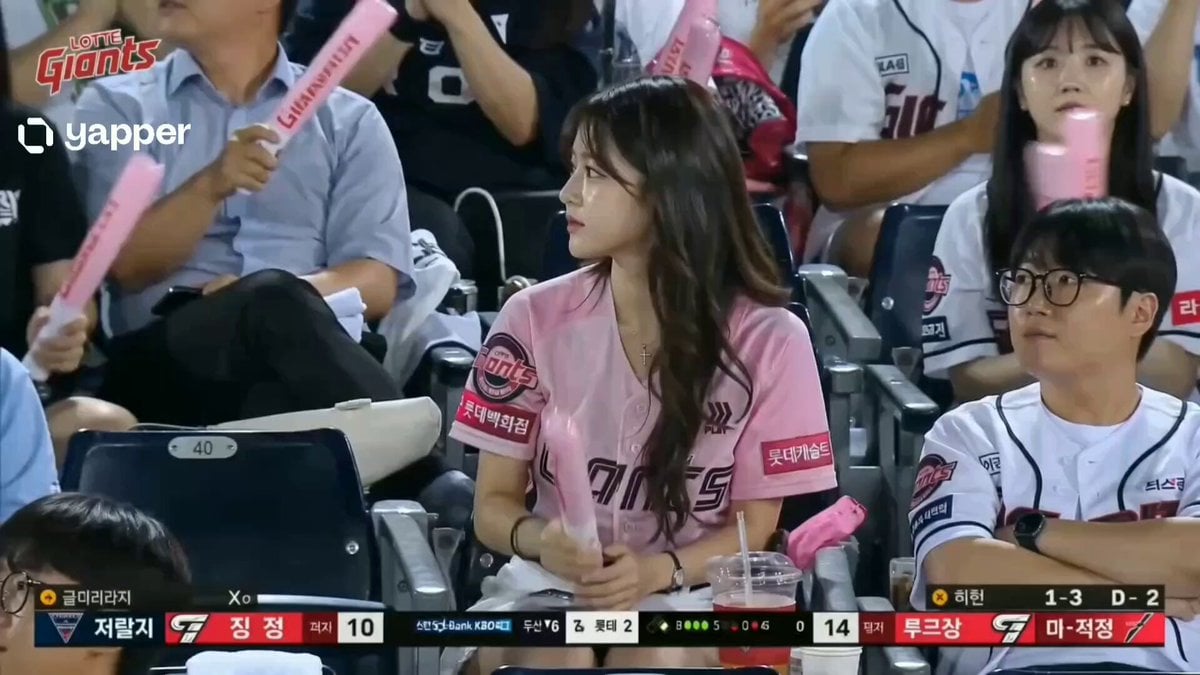
Korean Woman Baseball Fan Cam
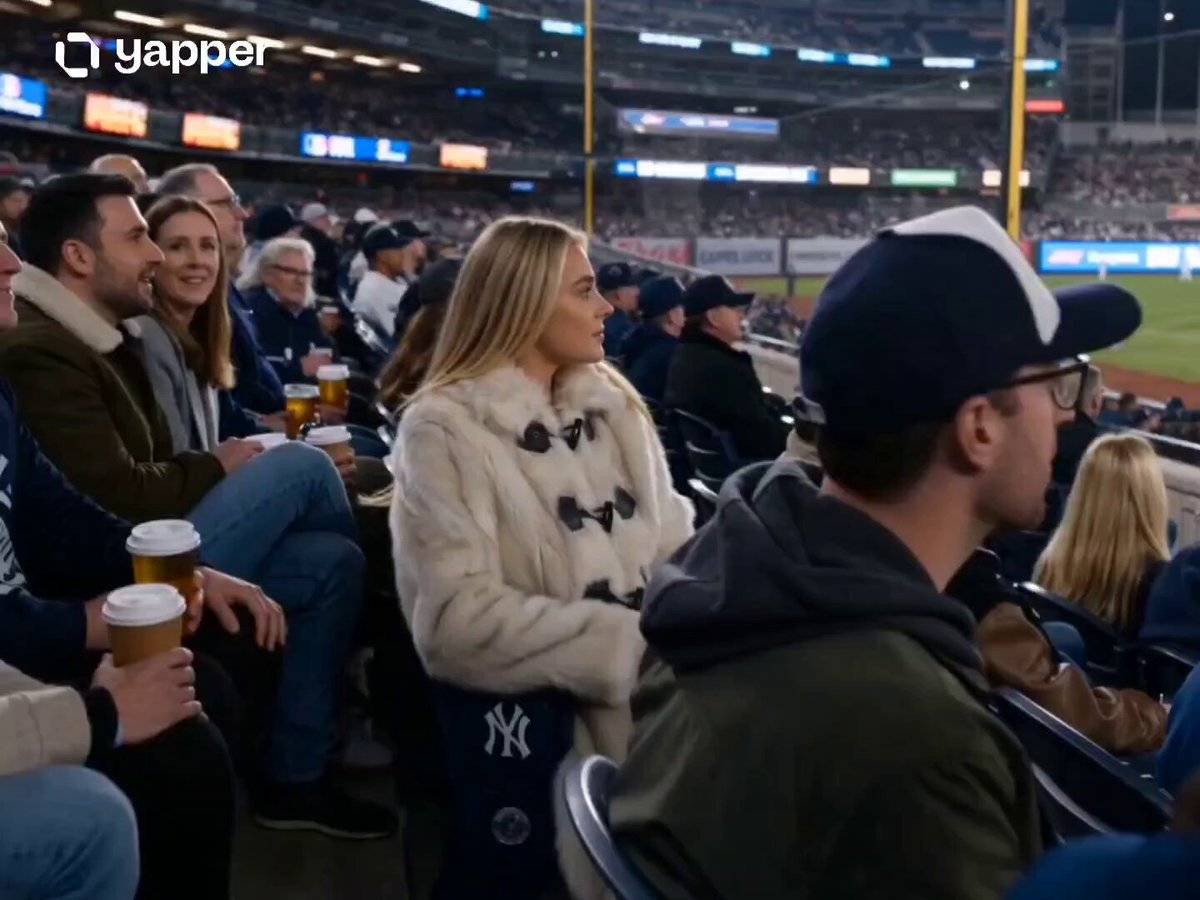
Nighttime Baseball Stadium Glamour Shot
Make it yours
Korean Baseball Stadium Spectator Candid works as-is. These are the safest ways to change it without losing the look.
Change one field
Copy a single group, rewrite it, and generate again so you can see what that field is doing.
Keep the frame, change the subject
Hold the composition and light of Korean Baseball Stadium Spectator Candid, then swap wardrobe, props or the person for a new take.
| If the result… | Why | Fix |
|---|---|---|
| The result drifts from the preview | Too many fields changed at once. | Reuse Korean Baseball Stadium Spectator Candid as-is first, then change one group — subject, light, or setting. |
| The model over-stylizes the scene | The prose prompt leaves finish and camera underspecified. | Add one camera or lighting sentence and stay on Seedance 2.0. |
More Seedance 2.0 templates
Other prompts made for Seedance 2.0.

Frozen Time Handycam Diorama

Mercedes 190 SL Luxury Ad

Rainy Night Supernatural Reverse Comedy Video Script
Tiger Zoo Selfie Vlog

Realistic UGC Lipstick Review Video
Anime Monster Classroom Battle

Pirate Ship To Desert Transition
Rainy Alley Fight Scene

Camera Focal Length Test
NJPW Women's Championship Match
More video prompts
Fresh picks from across the catalog.
Wings of Amethyst Fire
Industrial Elevator Combat Scene

Storyboard to Scene Generation
Futuristic Energy Device Prototype
SpaceX Starship Orbital Drop Pods
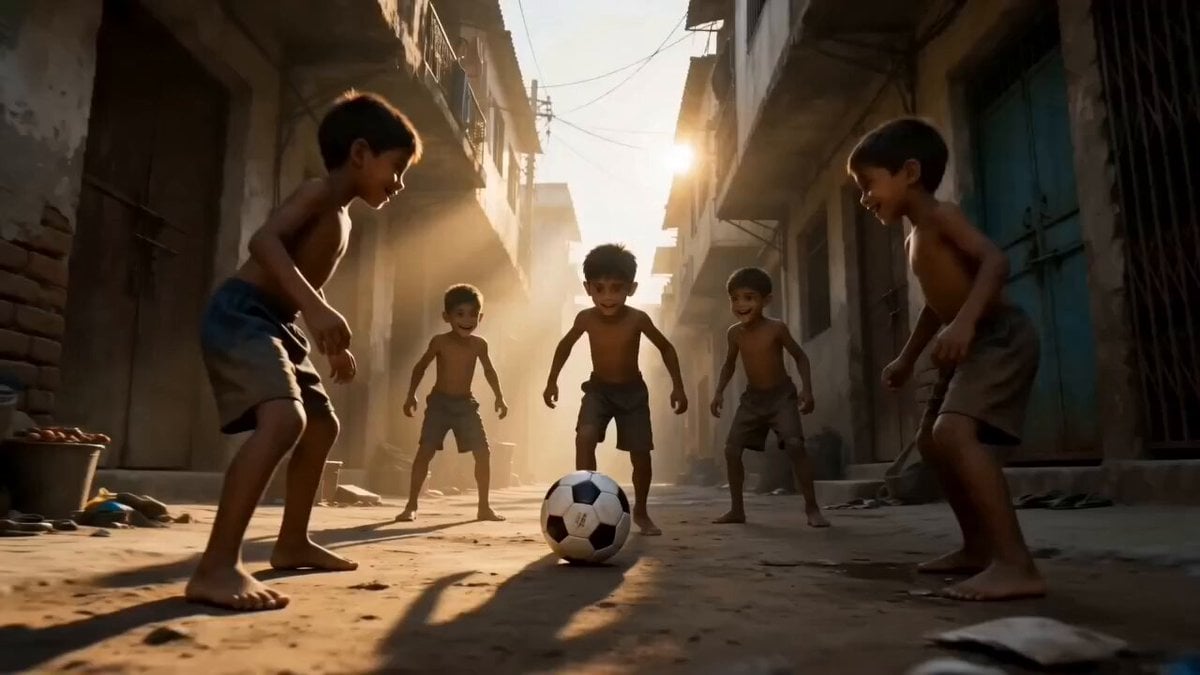
Global Football Cinematic Journey

Otter Mech Pilot Anime Scene

Pure Hand-Drawn 2D Cartoon Animation
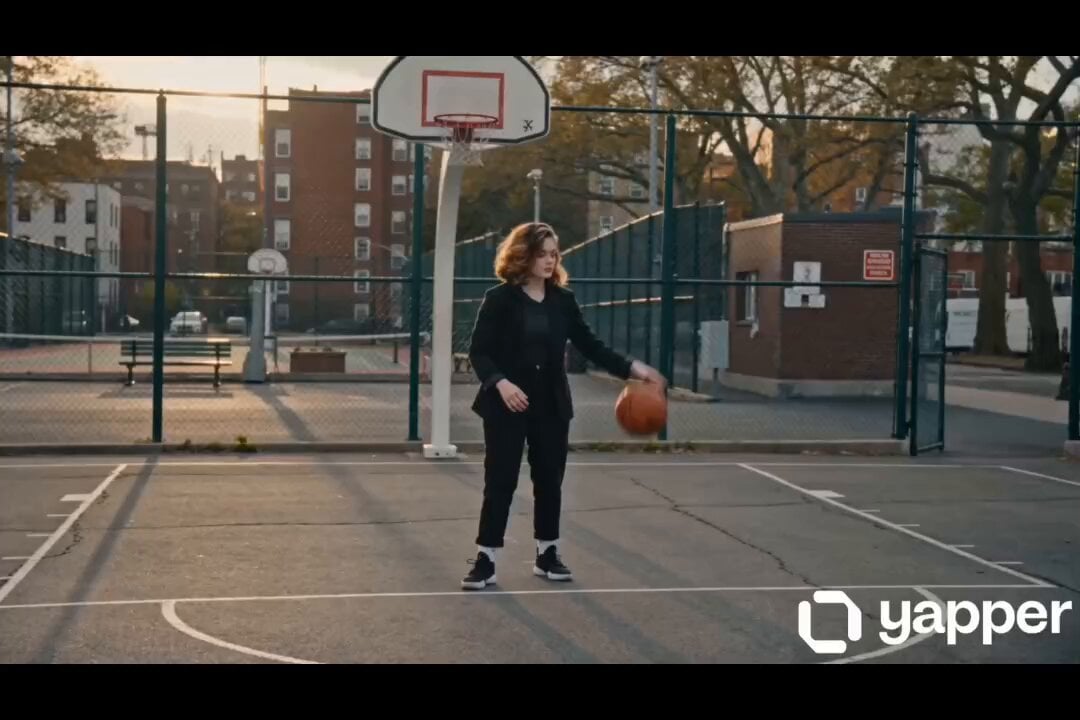
Female street basketball freestyle video
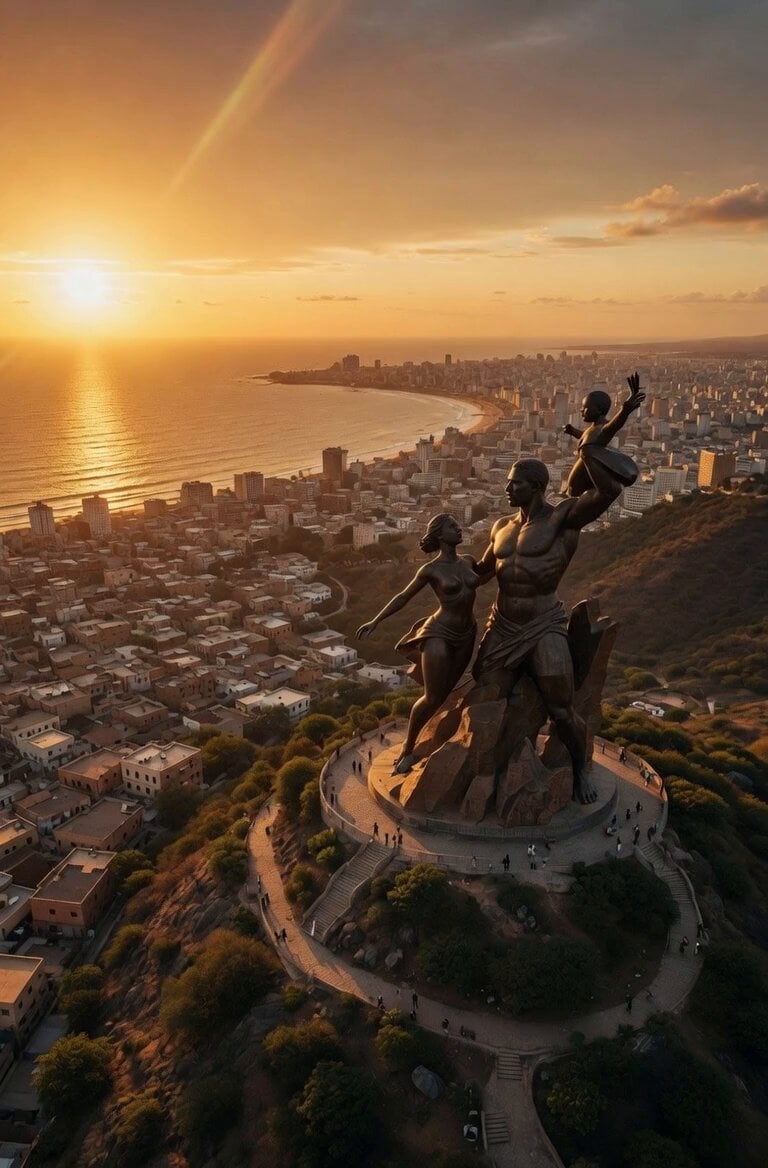
Cinematic 8K FPV Drone Tour of Senegal
Browse template categories
Korean Baseball Stadium Spectator Candid questions
How do I use the Korean Baseball Stadium Spectator Candid template?
Add your photo if the template asks for one, edit the prompt if you like — the template's model and format are already selected — and press Generate. Your version opens in PicX Studio.
Can I customize the Korean Baseball Stadium Spectator Candid template?
Yes. You can change the subject, setting, lighting, mood, format, and available model controls before creating your video.
Is the Korean Baseball Stadium Spectator Candid template free?
Opening and editing this template is free. Generating uses credits, shown on the Generate button when you are signed in.
Which AI model should I use?
Start with Seedance 2.0, which is the model associated with this template. You can compare another compatible model for a different finish.
Looking for something else? Browse all templates.

Your photo, any look
Thousands of ready templates for every top image and video model, from one credit balance.