
Korean Woman Baseball Fan Cam
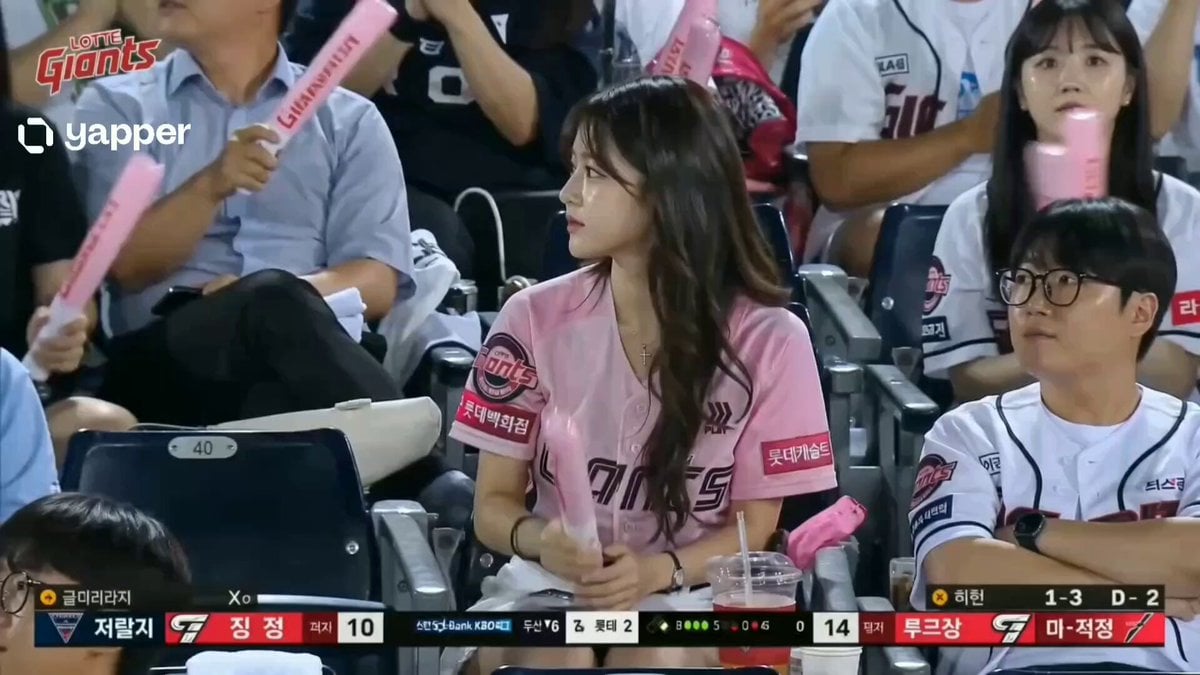
A detailed video prompt for generating a realistic Korean baseball broadcast fan cam sequence featuring a young woman in the stadium audience.
- Prompt included
- Model and format preset
- Premium template
The prompt behind this video
Copy the exact prompt behind Korean Woman Baseball Fan Cam, or open it in the studio and make it yours.
A young Korean woman sits naturally in the audience during a live baseball game. She appears calm and focused on the match. Fans around her wave cheering sticks and react to the game in a lively, authentic stadium environment. Real KBO telephoto broadcast camera style, shallow depth of field, subtle handheld micro shake, natural live TV framing, and authentic Korean stadium lighting with real broadcast overlays (scoreboard, team logos, sponsor graphics, compression artifacts). After a few seconds, she realizes the fan cam is focused on her. She slowly turns toward the camera with a shy, slightly surprised smile, gently tucks her hair behind her ear, then looks down briefly in an embarrassed way. Nearby fans notice and react naturally, smiling and laughing softly. Authentic stadium ambience with loud crowd noise, thunder sticks, announcer echo, and commentator presence. Korean commentator softly says: “와… 정말 아름다우시네요…” No cinematic look, no posing, no beauty filters, no dramatic lighting, no slow motion, no cuts, pure candid, unscripted live sports broadcast realism.
How to use Korean Woman Baseball Fan Cam in 3 steps
- 1
Open
The prompt is already in the box next to the preview, with the template's model and format selected.
- 2…a portrait of your subject in softgolden-hour light, 85mm…
Personalize
Edit the subject and creative details for your destination.
- 3Generate
Generate
Press Generate — your video is created in PicX Studio, so you can compare it with the original and refine one variable at a time.
More like this
Templates with the same subject, style or setup. Open one to see its prompt.
Korean Woman Laundry Folding DV Camcorder Morning
Korean Woman DV Camcorder Aesthetic

Korean Night Market Bullet-Time Scene - Seedance 2.5
Korean Idol Vlog Camcorder
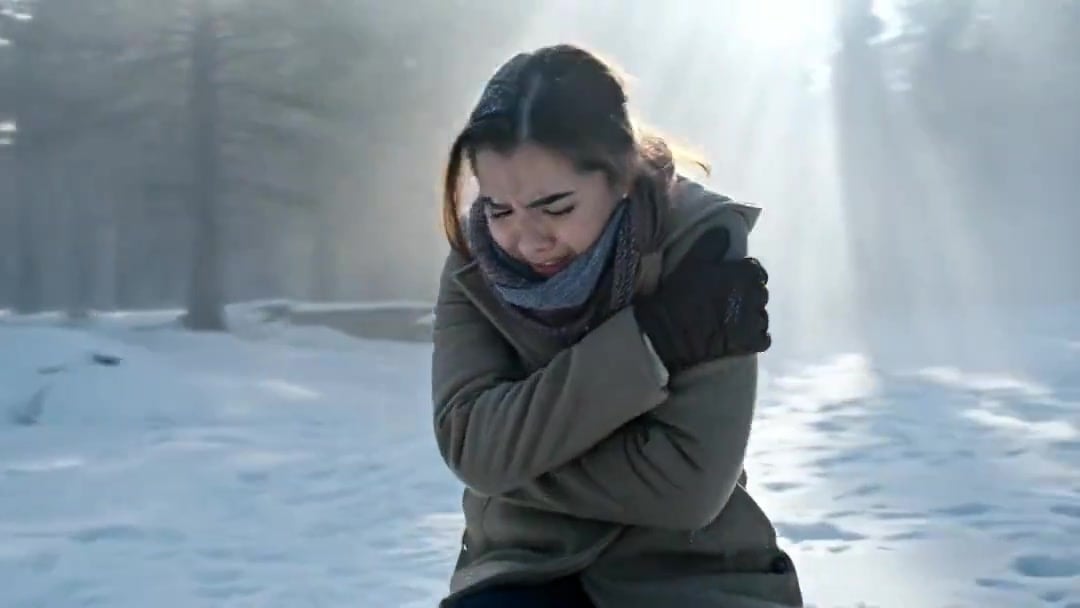
Arc Shot Frozen Woman Snow — Kling 3.0 v3 Pro
Arc Shot Frozen Woman Snow — Kling 3.0 v3 Pro

Iced Coffee Dog Good-News Montage
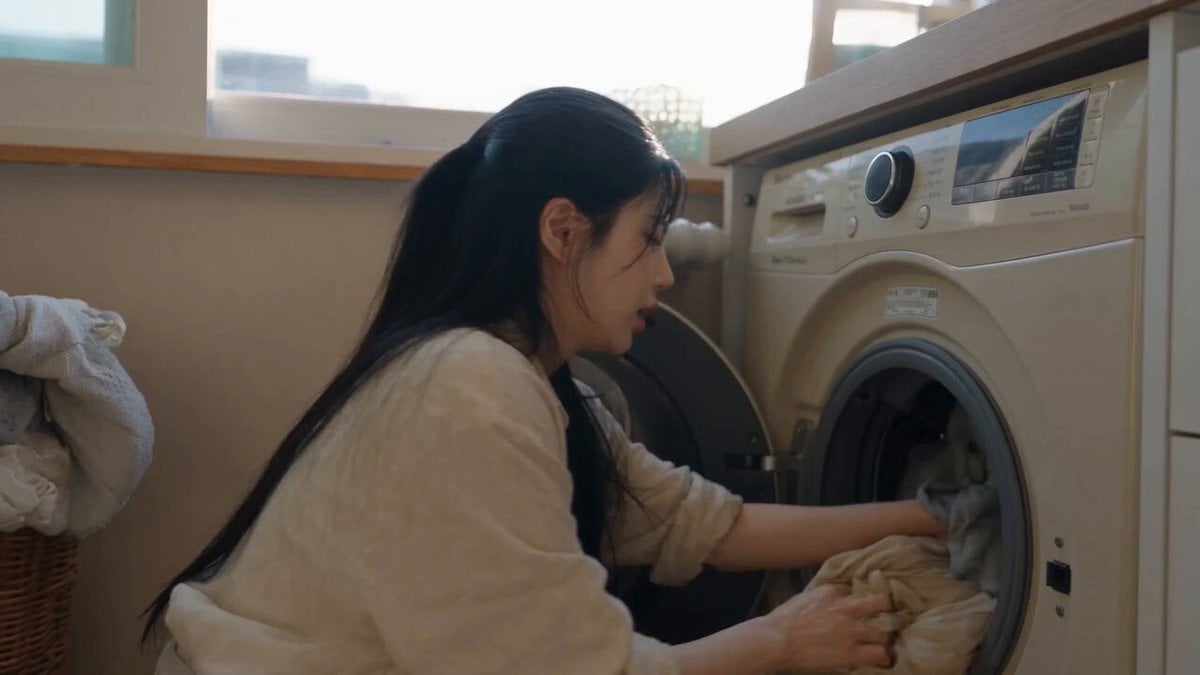
Sunny Morning Laundry Vlog

Blonde Woman Driving Green 1960s Mustang Golden Hour
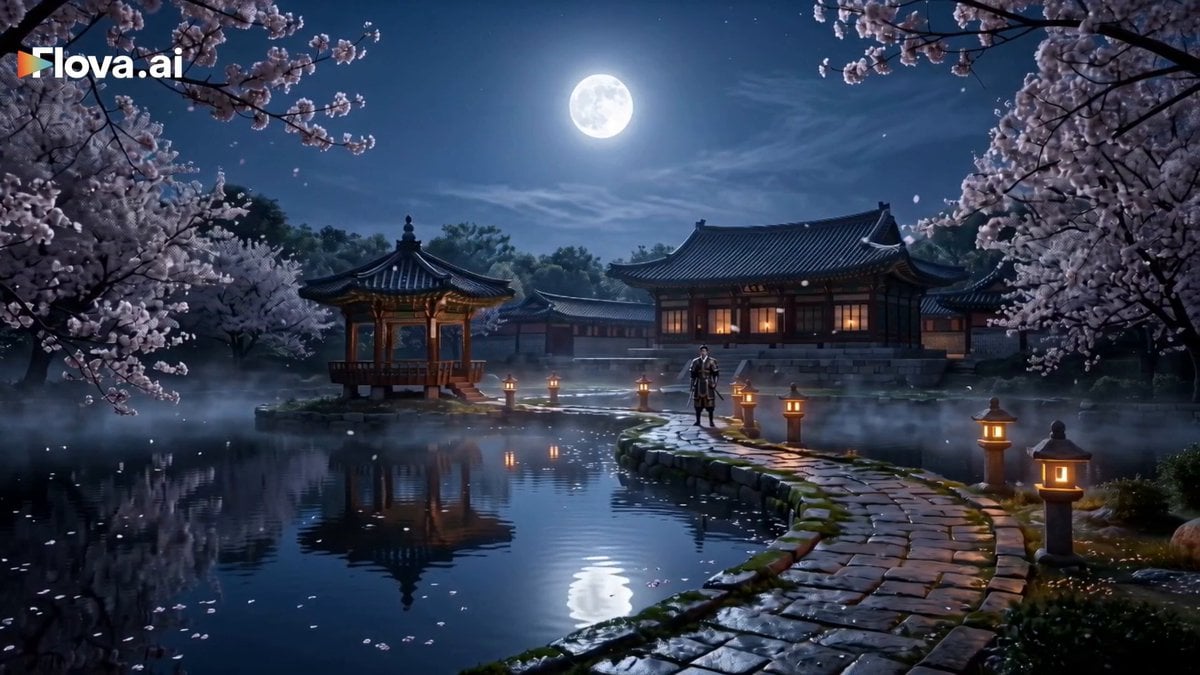
Korean Fantasy Romance Drama
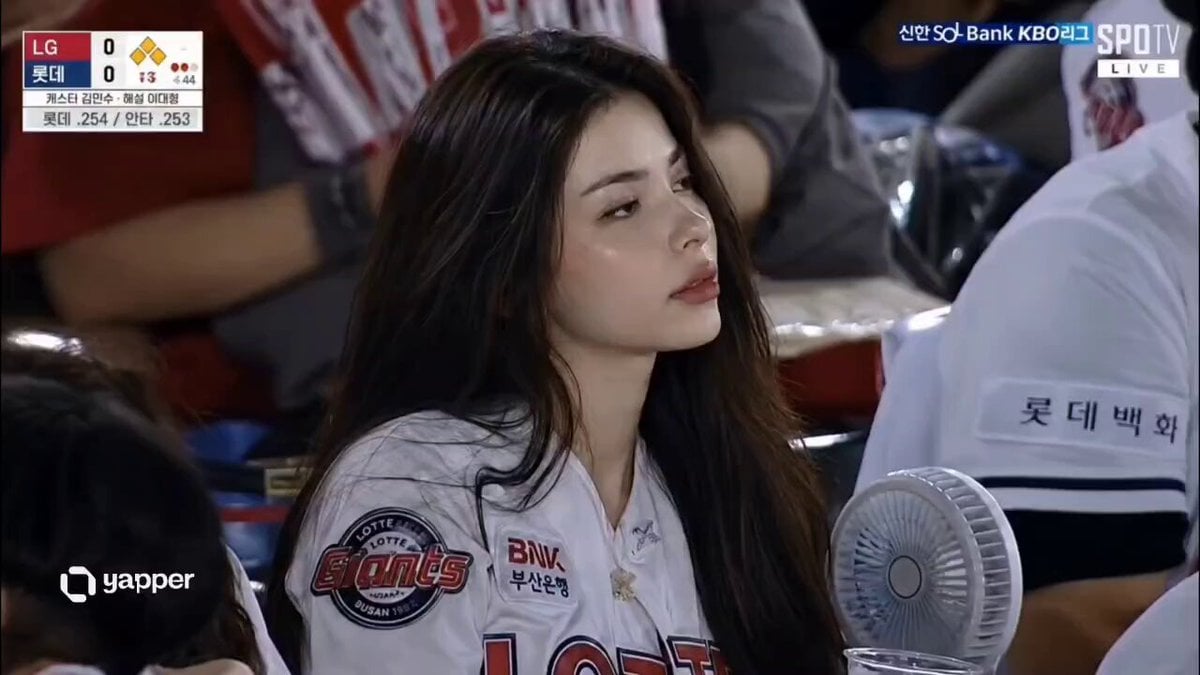
Korean Baseball Stadium Spectator Candid
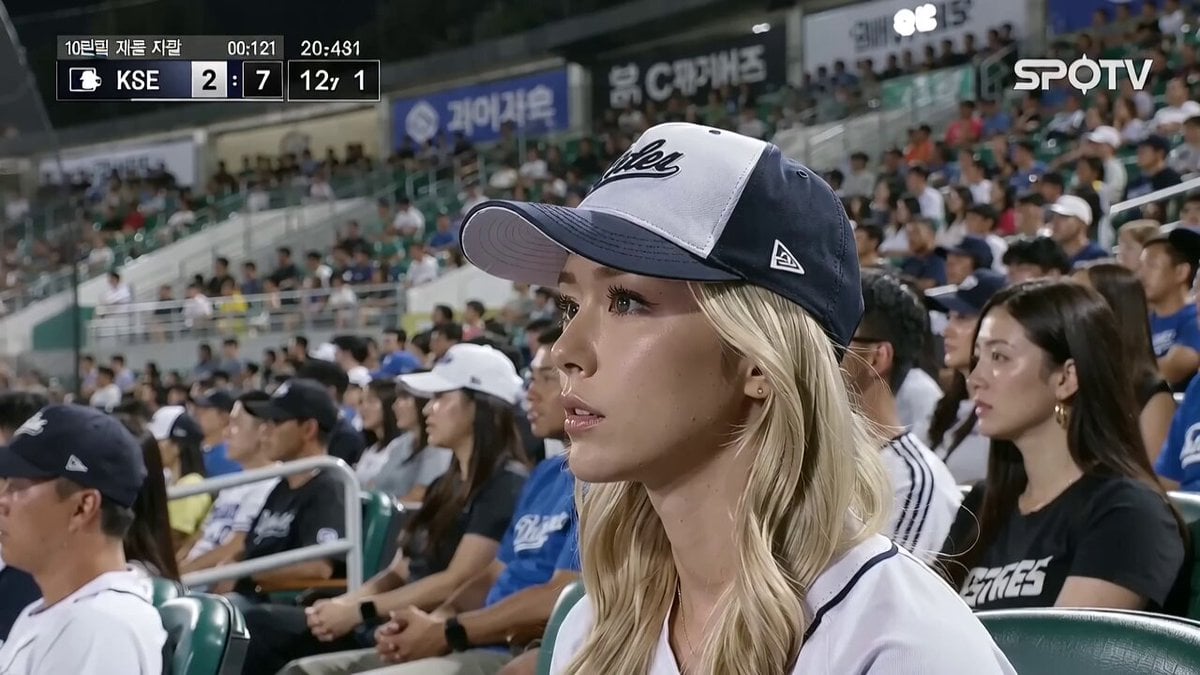
KBO Baseball Fan Surprise
Make it yours
Korean Woman Baseball Fan Cam works as-is. These are the safest ways to change it without losing the look.
Change one field
Copy a single group, rewrite it, and generate again so you can see what that field is doing.
Keep the frame, change the subject
Hold the composition and light of Korean Woman Baseball Fan Cam, then swap wardrobe, props or the person for a new take.
| If the result… | Why | Fix |
|---|---|---|
| The result drifts from the preview | Too many fields changed at once. | Reuse Korean Woman Baseball Fan Cam as-is first, then change one group — subject, light, or setting. |
| The model over-stylizes the scene | The prose prompt leaves finish and camera underspecified. | Add one camera or lighting sentence and stay on Seedance 2.0. |
More Seedance 2.0 templates
Other prompts made for Seedance 2.0.

Comical Martial Arts Punch Scene

Maglev Train Action Sequence

Martial Arts Fight Sequence

Wuxia Protection and Trust Script

Mercedes 190 SL Luxury Ad

Rainy Night Supernatural Reverse Comedy Video Script

Amazon Civilization Discovery

Futuristic South Asian City Transformation

Cozy Luxury Cafe Commercial

Cyber Ronin Nanotech Transformation Video
More video prompts
Fresh picks from across the catalog.

Pulsing Heart Animation with Disappearing Character

Martian Mecha Combat

Cinematic Spacecraft Launch Video Prompt
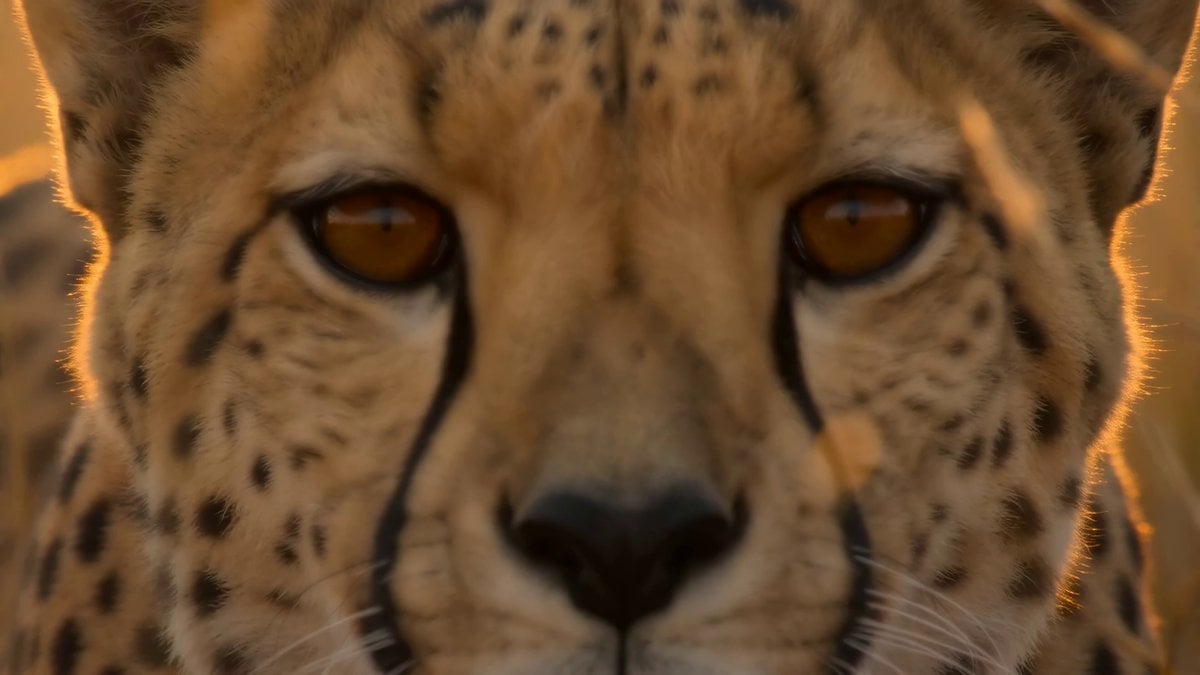
National Geographic African Cheetah Hunt Documentary

Cinematic Wuxia Suspense Scene Prompt
Korean Idol Backstage Vlog
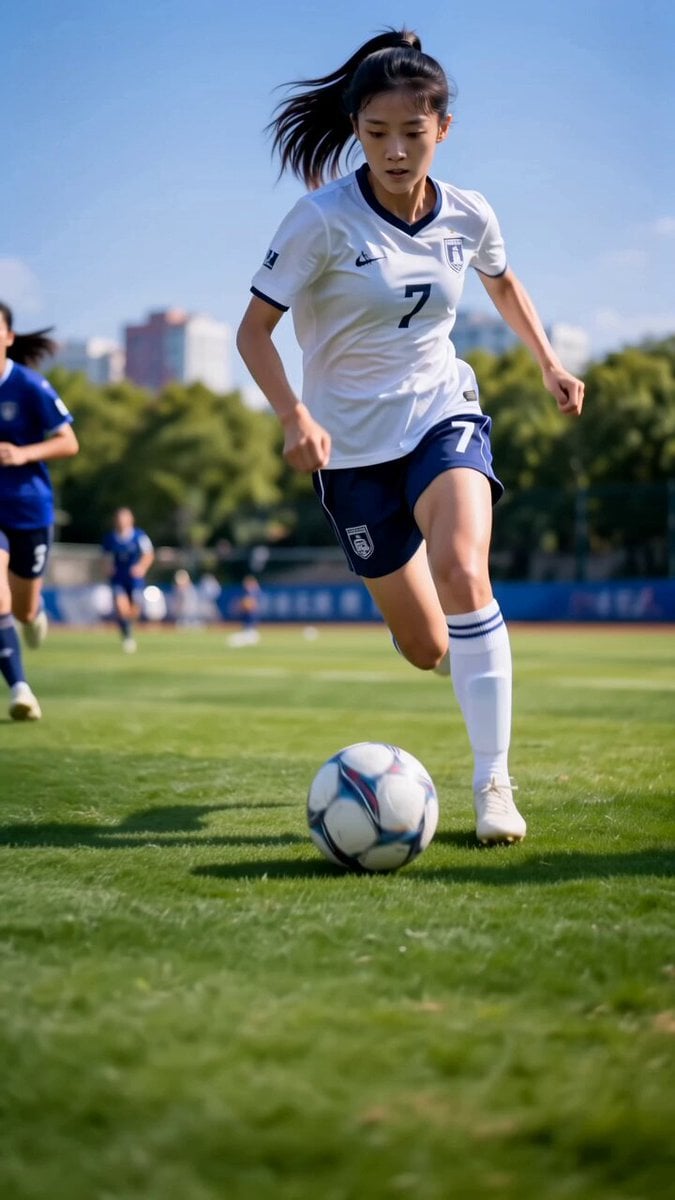
Asian Female Soccer Player Sports Ad
Time Stealer — Seedance 2.0

360 orbit camera movement prompt

Cyberpunk Boy and Goldfish Tank Scene
Browse template categories
Korean Woman Baseball Fan Cam questions
How do I use the Korean Woman Baseball Fan Cam template?
Add your photo if the template asks for one, edit the prompt if you like — the template's model and format are already selected — and press Generate. Your version opens in PicX Studio.
Can I customize the Korean Woman Baseball Fan Cam template?
Yes. You can change the subject, setting, lighting, mood, format, and available model controls before creating your video.
Is the Korean Woman Baseball Fan Cam template free?
Opening and editing this template is free. Generating uses credits, shown on the Generate button when you are signed in.
Which AI model should I use?
Start with Seedance 2.0, which is the model associated with this template. You can compare another compatible model for a different finish.
Looking for something else? Browse all templates.

Your photo, any look
Thousands of ready templates for every top image and video model, from one credit balance.