How do I use the Korean Fantasy Romance Drama template?
Edit the prompt in the box under the preview — the template's model and format are already selected — and press Generate. Your version appears right on this page.
A cinematic script prompt for a fantasy romance K-drama that follows two star-crossed lovers through different eras, from ancient kingdoms to modern Seoul.
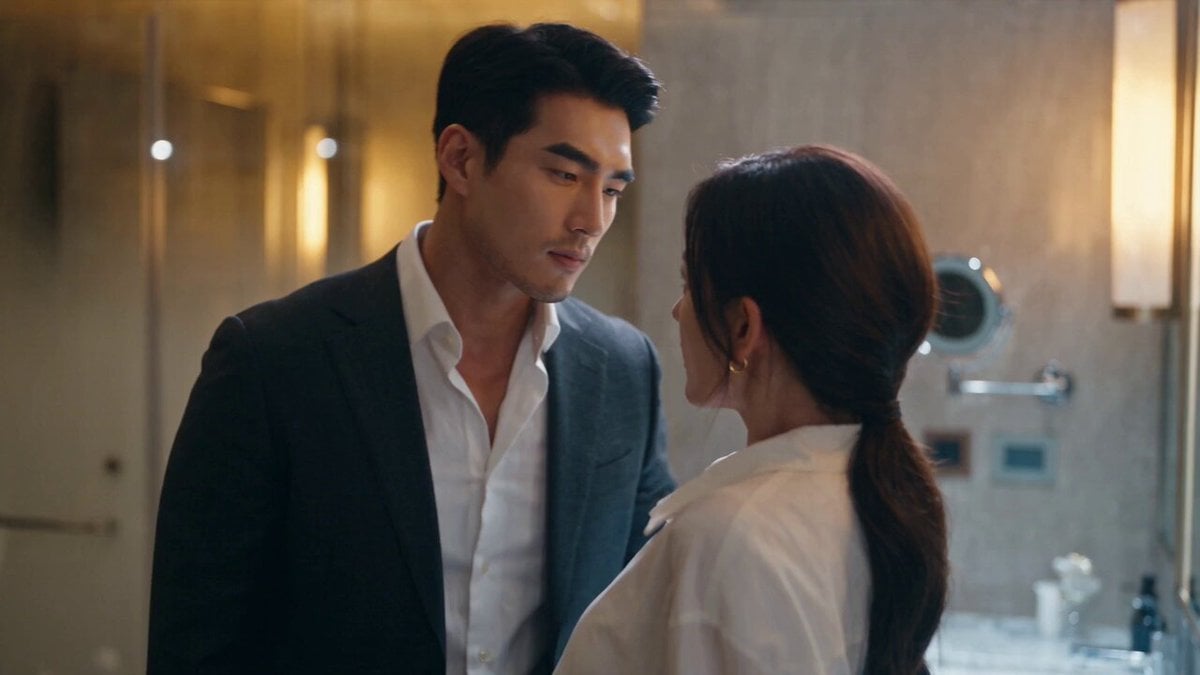
Create a 2-minute ultra-realistic Korean fantasy romance cinematic mini-series following the same two main characters throughout every scene. Begin in an ancient Korean kingdom where the immortal warrior Ji Han promises to find his lost love again, sealing his vow with a magical necklace. Transition to modern Seoul, where fate reunites him with Seo Ra, a woman who has no memory of their past life but feels an undeniable connection to him. Show their growing romance through quiet café moments, rainy walks, rooftop conversations, and joyful everyday memories. As love blossoms, an ancient enemy returns, forcing Ji Han to reveal his supernatural powers and sacrifice himself to protect Seo Ra. End years later with an emotional reunion at sunset, proving that true love can overcome time, death, and destiny. Ultra-realistic Korean actors, cinematic K-drama visuals, emotional performances, natural lighting, fantasy magic effects, professional movie camera, authentic Seoul locations, Korean dialogue with English subtitles, emotional OST, 4K cinematic masterpiece.
Create a 2-minute ultra-realistic Korean fantasy romance cinematic mini-series following the same two main characters throughout every scene. Begin in an ancient Korean kingdom where the immortal warrior Ji Han promises to find his lost love again, sealing his vow with a magical necklace. Transition to modern Seoul, where fate reunites him with Seo Ra, a woman who has no memory of their past life but feels an undeniable connection to him. Show their growing romance through quiet café moments, rainy walks, rooftop conversations, and joyful everyday memories. As love blossoms, an ancient enemy returns, forcing Ji Han to reveal his supernatural powers and sacrifice himself to protect Seo Ra. End years later with an emotional reunion at sunset, proving that true love can overcome time, death, and destiny. Ultra-realistic Korean actors, cinematic K-drama visuals, emotional performances, natural lighting, fantasy magic effects, professional movie camera, authentic Seoul locations, Korean dialogue with English subtitles, emotional OST, 4K cinematic masterpiece.
Edit the prompt in the box under the preview — the template's model and format are already selected — and press Generate. Your version appears right on this page.
Yes. You can change the subject, setting, lighting, mood, format, and available model controls before creating your video.
Opening and editing this template is free. Generating uses credits, shown on the Generate button when you are signed in.
Start with Seedance 2.0, which is the model associated with this template. You can compare another compatible model for a different finish.
Follow a topic to a crawlable collection of related PicX Studio templates.