How do I use the Korean Idol Backstage Vlog template?
Edit the prompt in the box under the preview — the template's model and format are already selected — and press Generate. Your version appears right on this page.
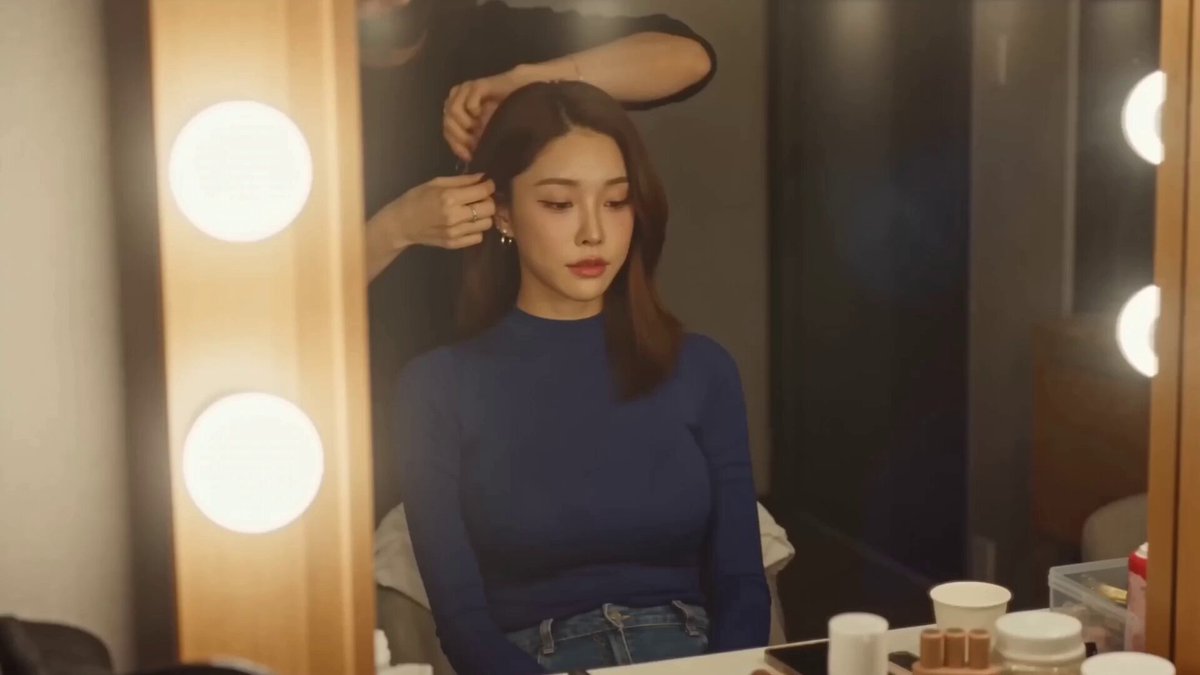
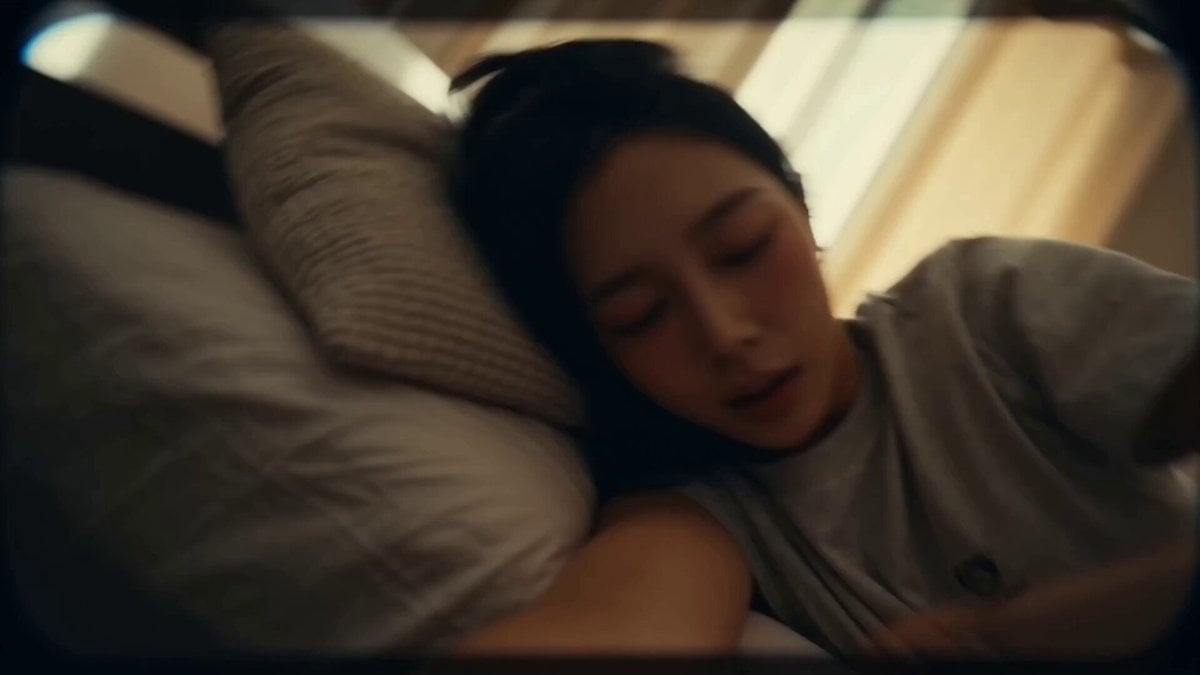
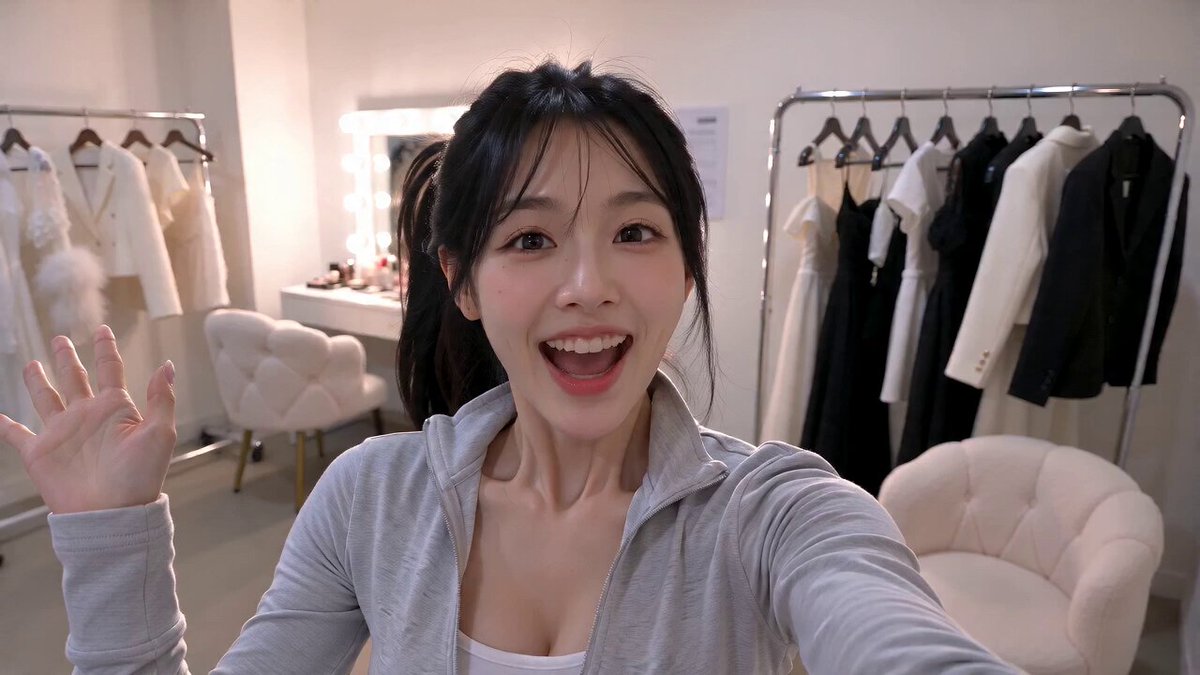
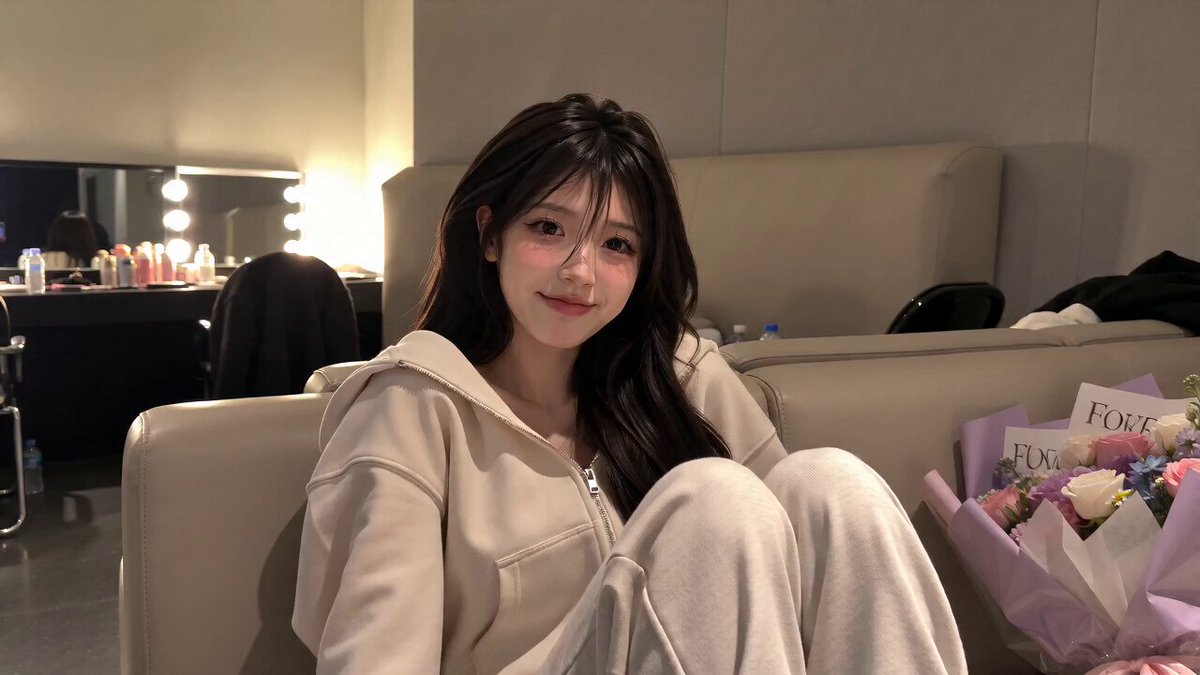
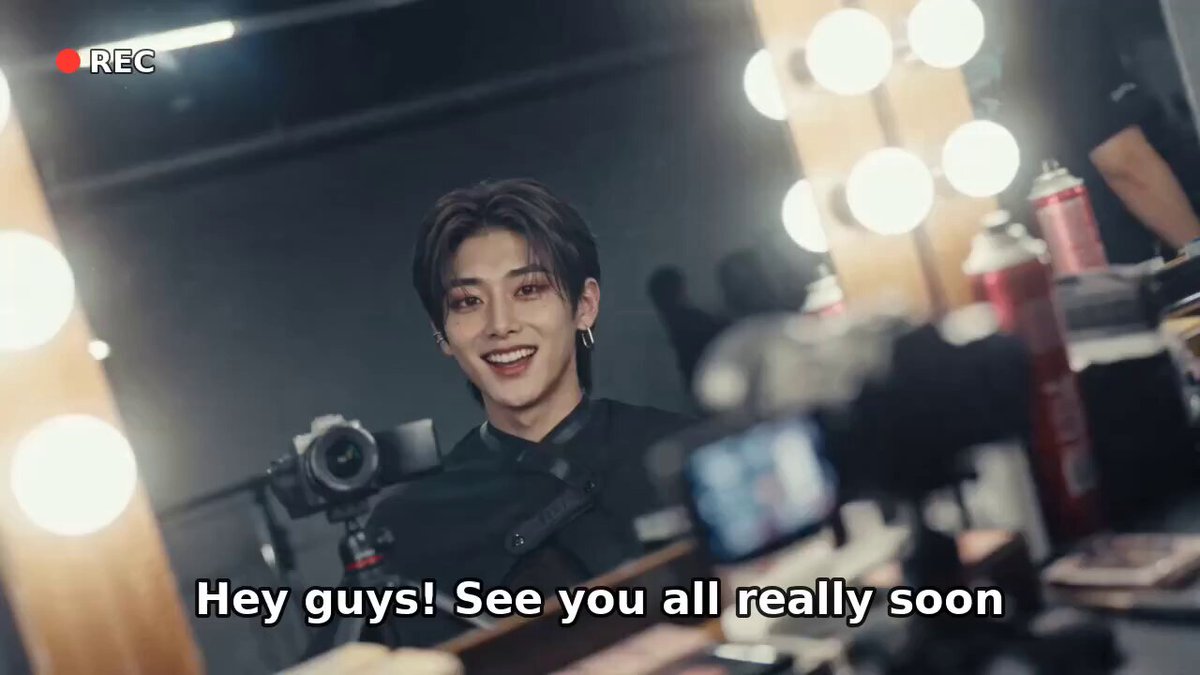
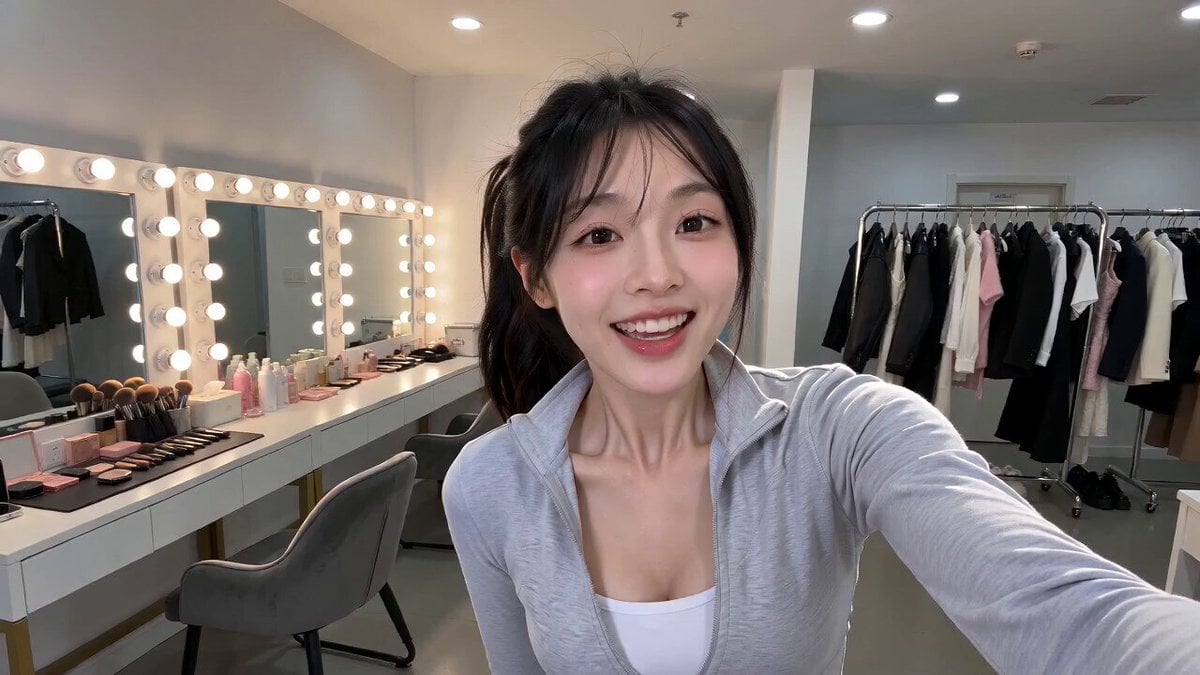
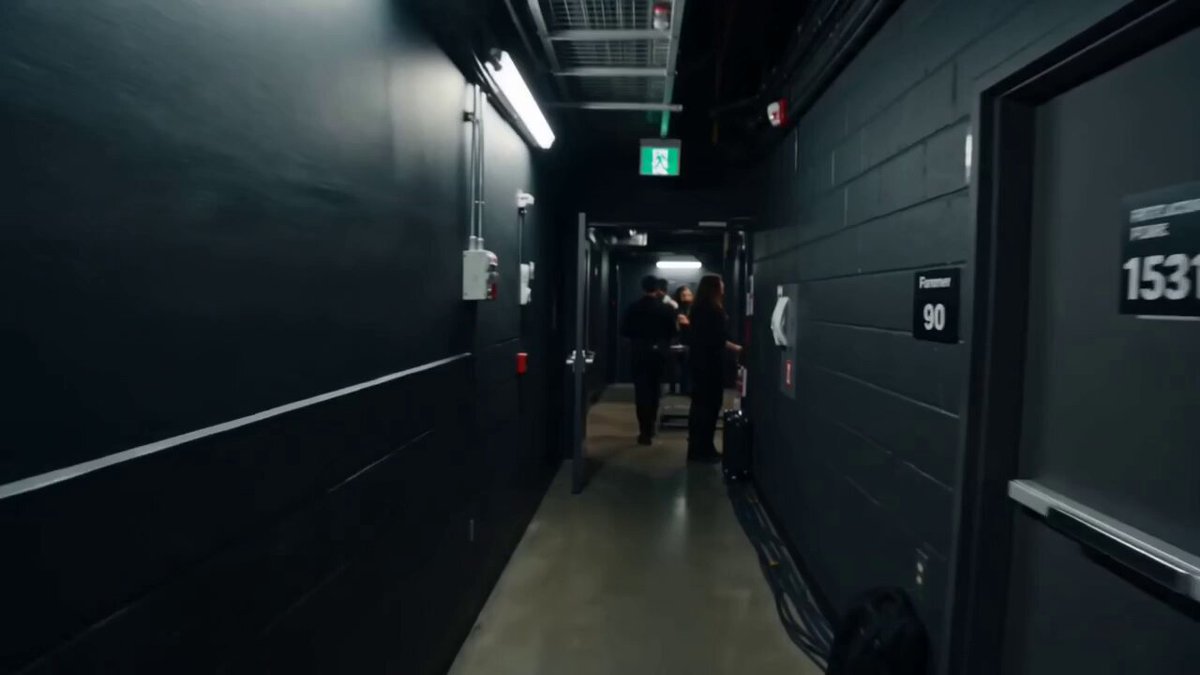
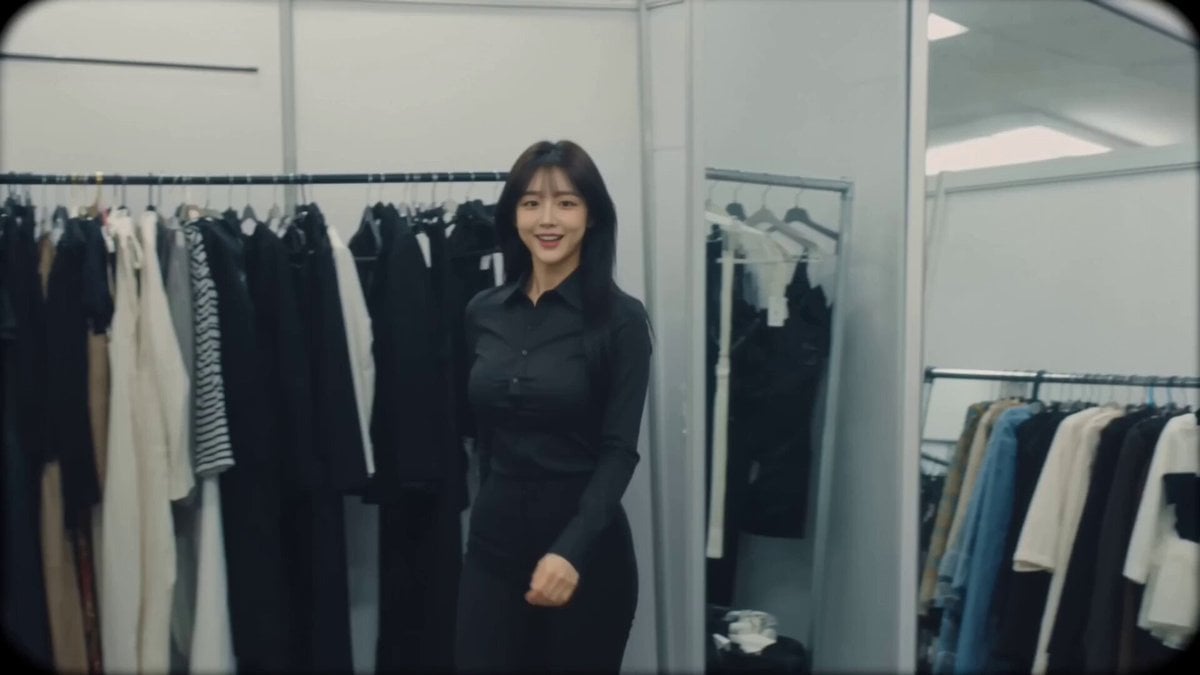
A detailed cinematic prompt for creating a realistic Korean idol backstage vlog with a vintage camcorder aesthetic and natural handheld motion.
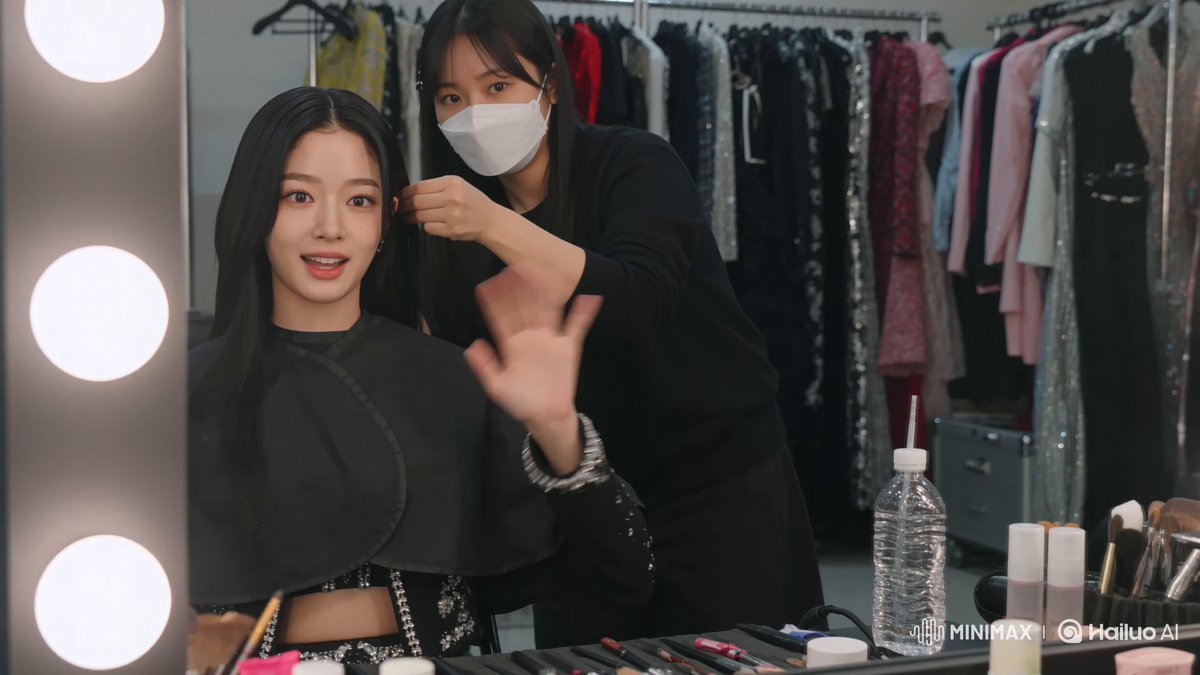
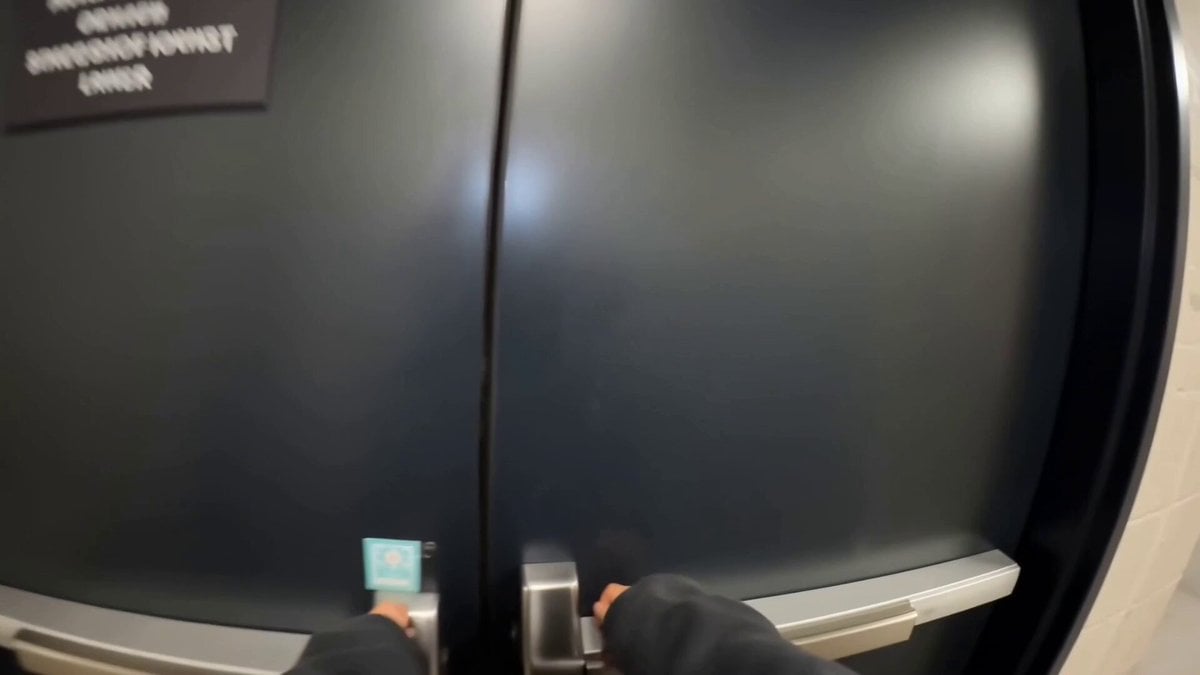
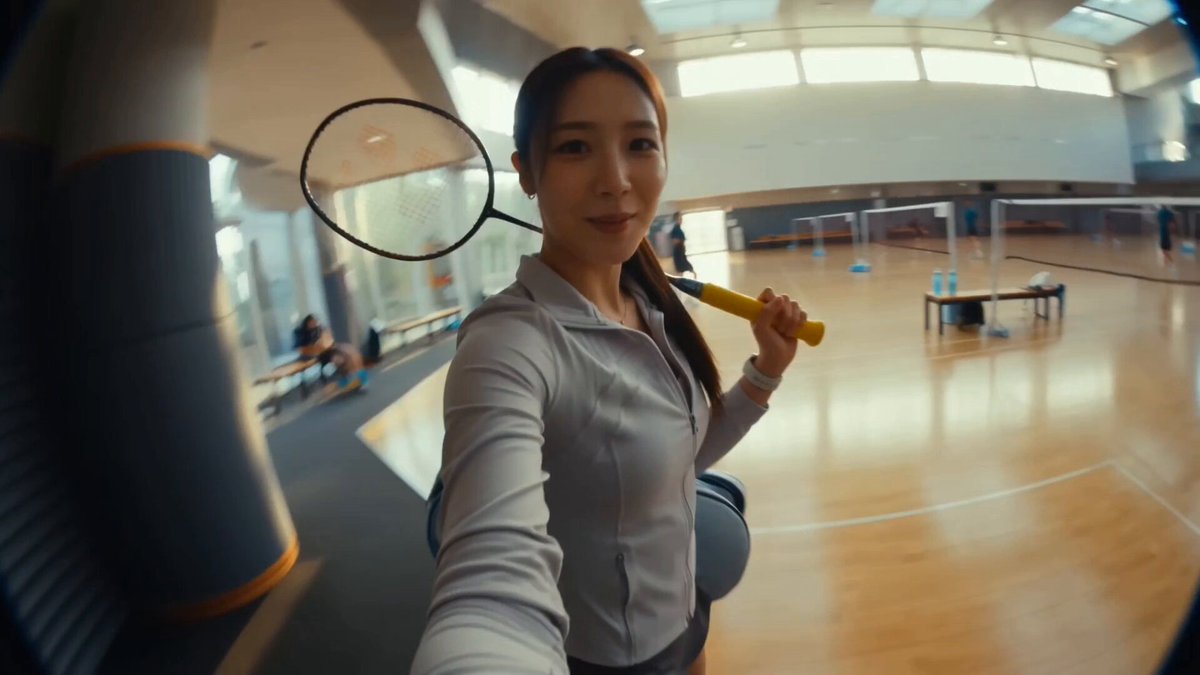
FORMAT: 16:9 VIDEO CONCEPT: "Hidden Rooftop Break" A highly realistic self-recorded backstage vlog captured entirely by a Korean female idol using a consumer camcorder. The footage should feel genuinely accidental and unscripted, like personal footage never intended for broadcast. Natural hand movement, realistic autofocus behavior, occasional slight framing mistakes, authentic walking motion, believable exposure adaptation, and smooth physical interactions with the environment. No glitches, no duplicated limbs, no warped objects, no facial distortion, no sudden appearance/disappearance of people or items. VISUAL STYLE Early digital camcorder realism. Soft detail, mild sensor noise, subtle compression artifacts, natural skin texture, realistic indoor-to-outdoor exposure transitions, accurate lighting physics, authentic motion blur. No cinematic effects, no artificial lens flares, no beauty filters, no exaggerated color grading. CHARACTER HANA, Korean female idol in her twenties. Long dark hair, natural makeup, clear skin, expressive eyes, slim figure. Wearing a comfortable oversized zip-up hoodie over her stage outfit, in-ear monitors around her neck. LOCATION Upper maintenance level of a large music-show building. Emergency stairwells, rooftop access doors, ventilation units, concrete walls, safety railings, distant city skyline, evening sunlight. Occasional staff members pass naturally in the background. The recording starts mid-walk inside a quiet stairwell. HANA pushes open a rooftop access door and steps outside into the evening air. She immediately smiles at the camera. "I come up here whenever I need two minutes of peace." She walks toward the railing overlooking the city. Wind lightly moves her hair and clothing. The camera naturally turns to reveal the skyline, traffic below, and the glowing broadcast building behind her. "Most people downstairs don't even know this spot exists." She leans casually against the railing while watching the sunset. For several seconds there is no dialogue. Only distant traffic, faint wind, and venue sounds below. She notices a small airplane crossing the sky and instinctively points the camera toward it. "I always get distracted up here." A vibration from her phone in her pocket causes her to laugh. She checks the message briefly. "Yep... they're looking for me." She starts walking back toward the rooftop door. Before entering, she turns around one last time and records the sunset. "Five minutes of freedom. That's all I needed." She opens the door and re-enters the building. The atmosphere immediately changes from quiet rooftop ambience to busy backstage noise. Crew members move through the hallway ahead. Someone calls her name from off-screen. She laughs and begins walking faster. "Okay, okay, I'm coming!" The recording continues naturally while she heads down the stairwell, then ends abruptly as if she simply stopped recording and put the camera away
FORMAT: 16:9 VIDEO CONCEPT: "Hidden Rooftop Break" A highly realistic self-recorded backstage vlog captured entirely by a Korean female idol using a consumer camcorder. The footage should feel genuinely accidental and unscripted, like personal footage never intended for broadcast. Natural hand movement, realistic autofocus behavior, occasional slight framing mistakes, authentic walking motion, believable exposure adaptation, and smooth physical interactions with the environment. No glitches, no duplicated limbs, no warped objects, no facial distortion, no sudden appearance/disappearance of people or items. VISUAL STYLE Early digital camcorder realism. Soft detail, mild sensor noise, subtle compression artifacts, natural skin texture, realistic indoor-to-outdoor exposure transitions, accurate lighting physics, authentic motion blur. No cinematic effects, no artificial lens flares, no beauty filters, no exaggerated color grading. CHARACTER HANA, Korean female idol in her twenties. Long dark hair, natural makeup, clear skin, expressive eyes, slim figure. Wearing a comfortable oversized zip-up hoodie over her stage outfit, in-ear monitors around her neck. LOCATION Upper maintenance level of a large music-show building. Emergency stairwells, rooftop access doors, ventilation units, concrete walls, safety railings, distant city skyline, evening sunlight. Occasional staff members pass naturally in the background. The recording starts mid-walk inside a quiet stairwell. HANA pushes open a rooftop access door and steps outside into the evening air. She immediately smiles at the camera. "I come up here whenever I need two minutes of peace." She walks toward the railing overlooking the city. Wind lightly moves her hair and clothing. The camera naturally turns to reveal the skyline, traffic below, and the glowing broadcast building behind her. "Most people downstairs don't even know this spot exists." She leans casually against the railing while watching the sunset. For several seconds there is no dialogue. Only distant traffic, faint wind, and venue sounds below. She notices a small airplane crossing the sky and instinctively points the camera toward it. "I always get distracted up here." A vibration from her phone in her pocket causes her to laugh. She checks the message briefly. "Yep... they're looking for me." She starts walking back toward the rooftop door. Before entering, she turns around one last time and records the sunset. "Five minutes of freedom. That's all I needed." She opens the door and re-enters the building. The atmosphere immediately changes from quiet rooftop ambience to busy backstage noise. Crew members move through the hallway ahead. Someone calls her name from off-screen. She laughs and begins walking faster. "Okay, okay, I'm coming!" The recording continues naturally while she heads down the stairwell, then ends abruptly as if she simply stopped recording and put the camera away
Edit the prompt in the box under the preview — the template's model and format are already selected — and press Generate. Your version appears right on this page.
Yes. You can change the subject, setting, lighting, mood, format, and available model controls before creating your video.
Opening and editing this template is free. Generating uses credits, shown on the Generate button when you are signed in.
Start with Seedance 2.0, which is the model associated with this template. You can compare another compatible model for a different finish.
Follow a topic to a crawlable collection of related PicX Studio templates.