How do I use the Korean Idol Childhood Photo Vlog template?
Edit the prompt in the box under the preview — the template's model and format are already selected — and press Generate. Your version appears right on this page.
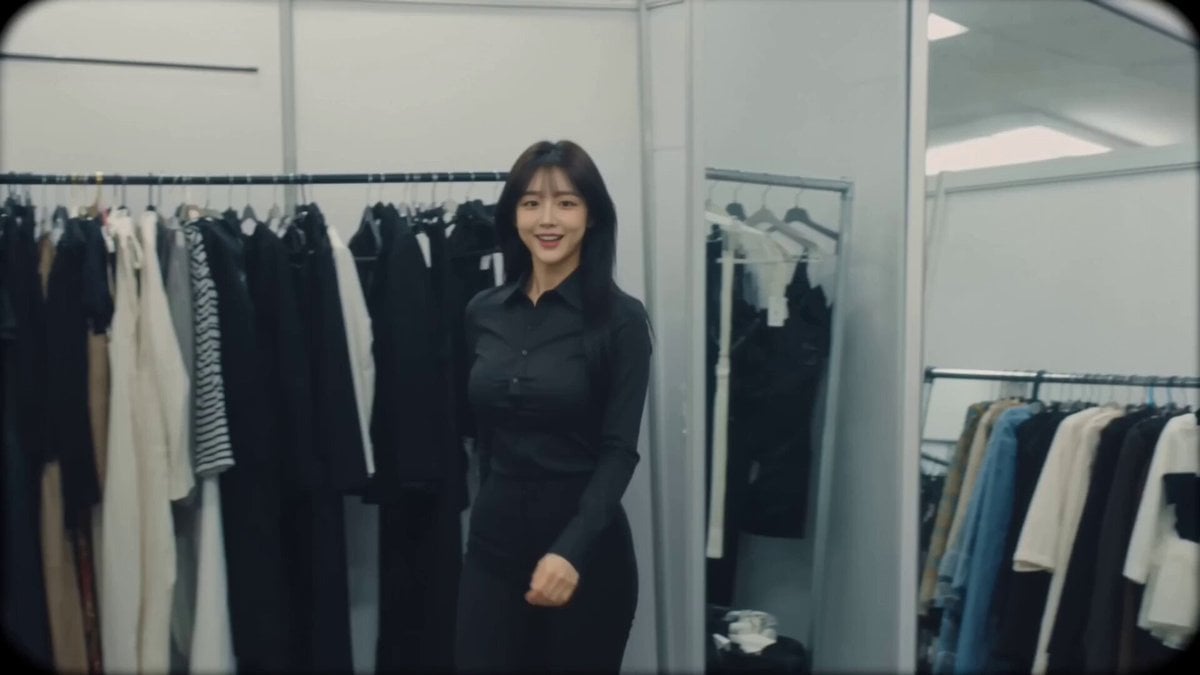
A wholesome behind-the-scenes video prompt of a Korean idol recreating her childhood photo in a dressing room setting.
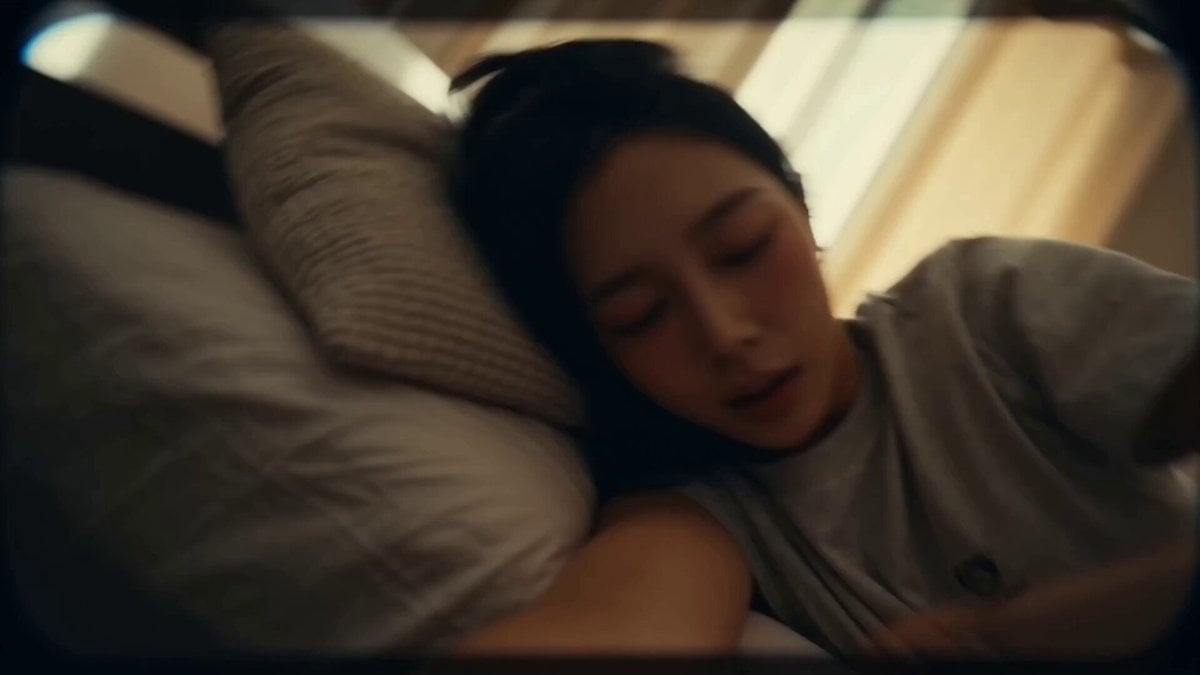
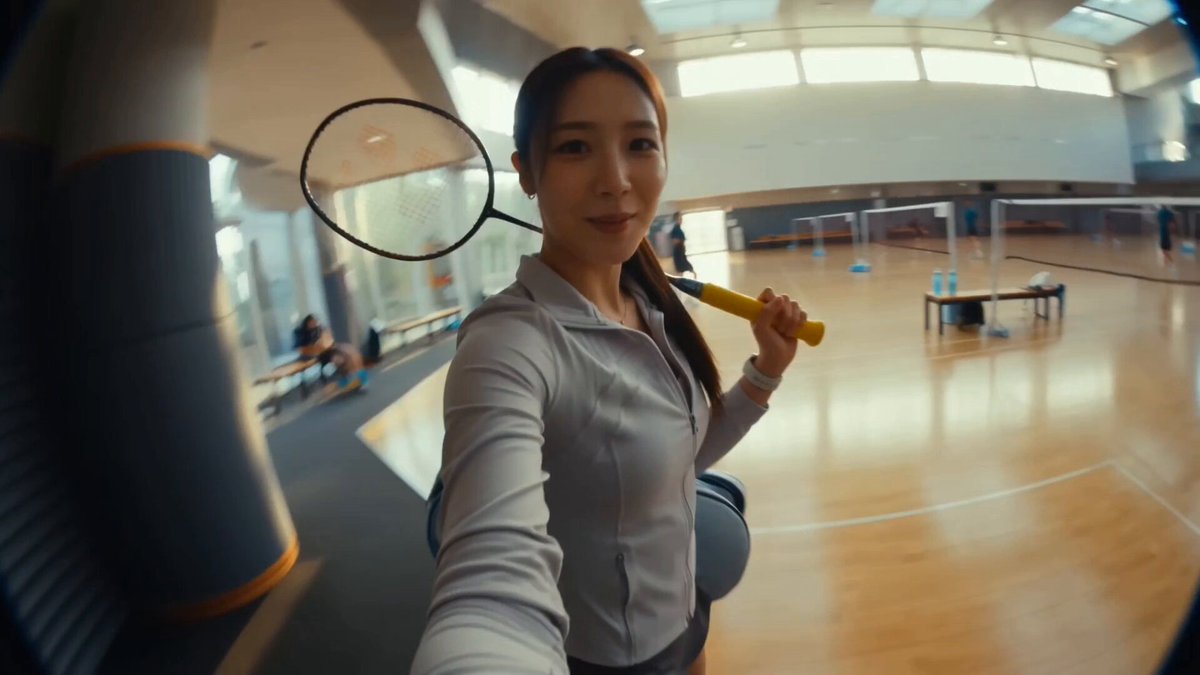
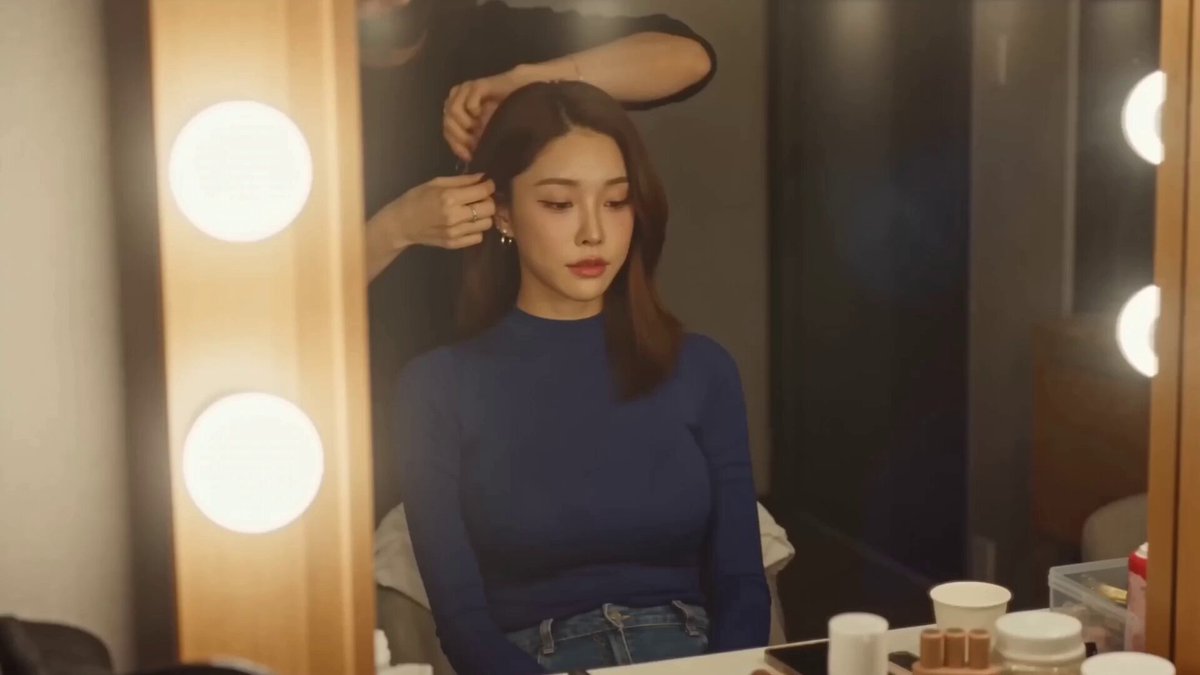
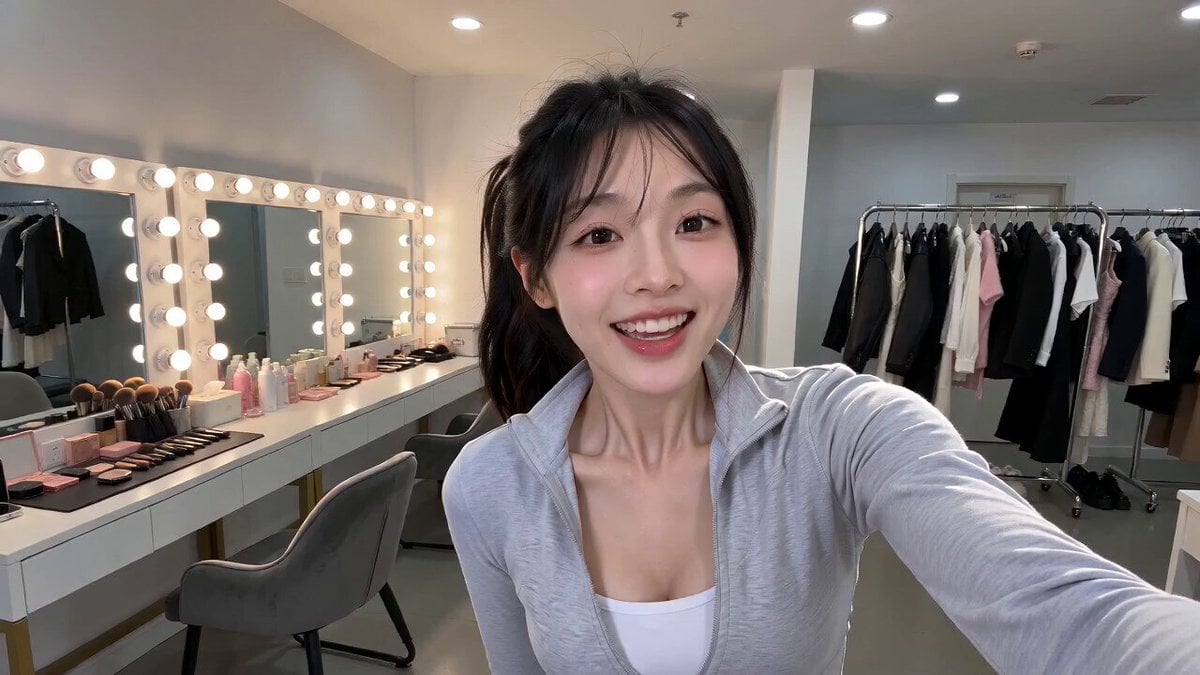
Cozy idol dressing room at an MV filming studio, midday. A cheerful Korean female idol (@ image) films a heartwarming behind-the-scenes vlog entirely on her phone with natural handheld selfie shots, smooth close-ups, and authentic backstage energy. Smiling brightly, she greets the camera and excitedly says she's going to recreate one of her favorite childhood photos. She holds up a small printed childhood picture to the lens, showing her younger self with an adorable pose and expression. Standing in front of the vanity mirror, she carefully recreates the exact same pose, facial expression, hairstyle, and body language while laughing at how cute it looks. The vlog features cinematic close-up shots of the childhood photo in her hands, her playful attempts to match every tiny detail, and warm reactions as she compares the old and new versions. She then places the childhood photo beside her face so both can be seen together in the frame, smiling proudly before showing a side-by-side comparison to the camera. Unable to stop laughing, she giggles at the resemblance, thanks her fans for growing up with her, gives a sweet finger heart and a warm wave, then grabs her phone and happily heads out toward the filming set, ending the vlog with nostalgic, wholesome, and genuine idol energy.
Cozy idol dressing room at an MV filming studio, midday. A cheerful Korean female idol (@ image) films a heartwarming behind-the-scenes vlog entirely on her phone with natural handheld selfie shots, smooth close-ups, and authentic backstage energy. Smiling brightly, she greets the camera and excitedly says she's going to recreate one of her favorite childhood photos. She holds up a small printed childhood picture to the lens, showing her younger self with an adorable pose and expression. Standing in front of the vanity mirror, she carefully recreates the exact same pose, facial expression, hairstyle, and body language while laughing at how cute it looks. The vlog features cinematic close-up shots of the childhood photo in her hands, her playful attempts to match every tiny detail, and warm reactions as she compares the old and new versions. She then places the childhood photo beside her face so both can be seen together in the frame, smiling proudly before showing a side-by-side comparison to the camera. Unable to stop laughing, she giggles at the resemblance, thanks her fans for growing up with her, gives a sweet finger heart and a warm wave, then grabs her phone and happily heads out toward the filming set, ending the vlog with nostalgic, wholesome, and genuine idol energy.
Edit the prompt in the box under the preview — the template's model and format are already selected — and press Generate. Your version appears right on this page.
Yes. You can change the subject, setting, lighting, mood, format, and available model controls before creating your video.
Opening and editing this template is free. Generating uses credits, shown on the Generate button when you are signed in.
Start with Seedance 2.0, which is the model associated with this template. You can compare another compatible model for a different finish.
Follow a topic to a crawlable collection of related PicX Studio templates.