
Epic Villain 3D Showcase
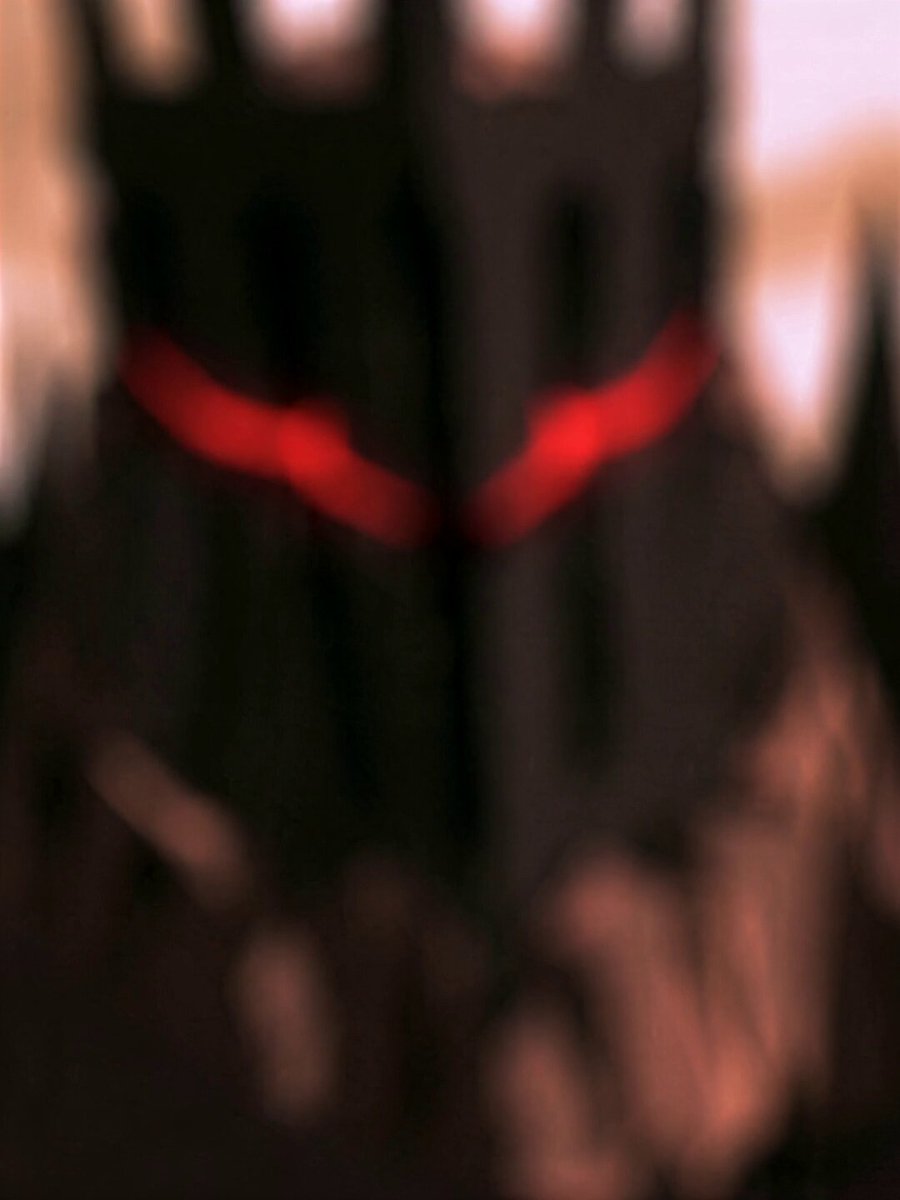
A 15-second cinematic 3D character showcase featuring complex camera movements and energy effects for an epic villain introduction.
- Prompt included
- Model and format preset
- Free template
The prompt behind this video
Copy the exact prompt behind Epic Villain 3D Showcase, or open it in the studio and make it yours.
一段15秒的角色展示片段,通过15种不同的镜头角度呈现盔甲、面部、武器及身形轮廓;采用史诗级反派风格的电影化3D动画质感,结合多种镜头稳定性(如手持抖动、平滑移动等)与运镜方式,着重刻画角色细节。包含剑身蓄积白色能量的画面。环境风效生动,带有动态模糊效果,并运用从虚焦到实焦的镜头切换技巧。结尾处呈现一个角色全身的电影感镜头。帧率为24fps,采用“隔帧”(2帧或3帧一画)的非平滑帧率效果。包含角色登场、低沉嘶吼以及面具后的呼吸声效,无背景音乐。
How to use Epic Villain 3D Showcase in 3 steps
- 1
Open
The prompt is already in the box next to the preview, with the template's model and format selected.
- 2…a portrait of your subject in softgolden-hour light, 85mm…
Personalize
Edit the subject and creative details for your destination.
- 3Generate
Generate
Press Generate — your video is created in PicX Studio, so you can compare it with the original and refine one variable at a time.
More like this
Templates with the same subject, style or setup. Open one to see its prompt.
Oceanic Civilization Epic Sci-Fi Film
The Ark — Seedance 2.0 Epic Trailer
Thornmaw Monarch — Crimson Glass Desert Beast
Colossal Sea Creature — Stormy Shore Charge (Seedance)
Skybridge Rescue — Supertall Tower Collapse (Seedance)
FPV Ancient Kuru Kingdom — Hastinapura Golden Hour (Seedance)
Dragon Rescue — Volcanic Kingdom Collapse (Seedance)
Swordsman vs Shadow Monster — Bamboo Forest Battle
Stone Colossus Desert Riders — Golden Fire Reveal
Tiger vs Gorilla — Jungle Canyon Clash
Subway Flood — Epic Tunnel Chaos
Mecha Transformation vs Kaiju — 4-Scene Epic
Make it yours
Epic Villain 3D Showcase works as-is. These are the safest ways to change it without losing the look.
Change one field
Copy a single group, rewrite it, and generate again so you can see what that field is doing.
Keep the frame, change the subject
Hold the composition and light of Epic Villain 3D Showcase, then swap wardrobe, props or the person for a new take.
| If the result… | Why | Fix |
|---|---|---|
| The result drifts from the preview | Too many fields changed at once. | Reuse Epic Villain 3D Showcase as-is first, then change one group — subject, light, or setting. |
| The model over-stylizes the scene | The prose prompt leaves finish and camera underspecified. | Add one camera or lighting sentence and stay on Seedance 2.0. |
More Seedance 2.0 templates
Other prompts made for Seedance 2.0.

Comical Martial Arts Punch Scene

Maglev Train Action Sequence

Martial Arts Fight Sequence

Wuxia Protection and Trust Script

Vintage Korean Arcade MiniDV Vlog

Mercedes 190 SL Luxury Ad

Rainy Night Supernatural Reverse Comedy Video Script

Amazon Civilization Discovery

Futuristic South Asian City Transformation

Cozy Luxury Cafe Commercial
More video prompts
Fresh picks from across the catalog.

Live Soccer TV Broadcast Simulation
Brazilian Soccer Player Bicycle Kick Video Prompt

Retro GRWM Film Vlog
🌟Prompt: 1️⃣GPTimage2提示词: Create a single vertica

Chibi Character Phoebe Pizza Scene
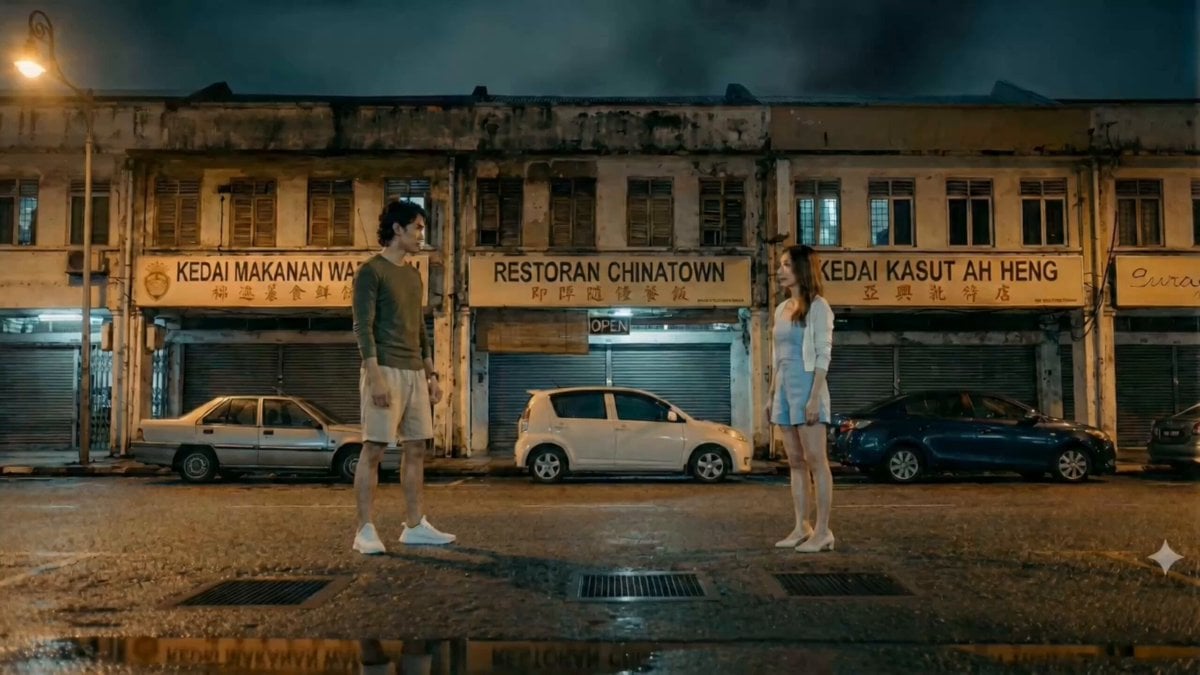
Hand-to-Hand Skill Clash Cinematic Prompt
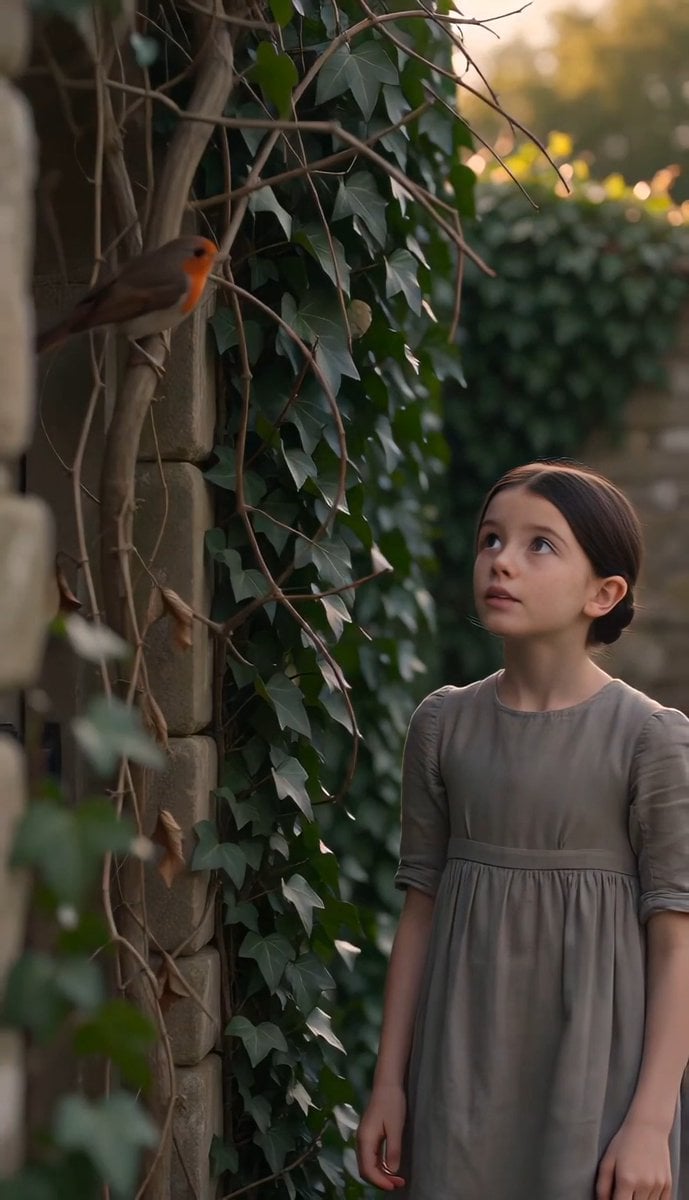
The Secret Garden Hidden Door

Watercolor Storybook Animated Short
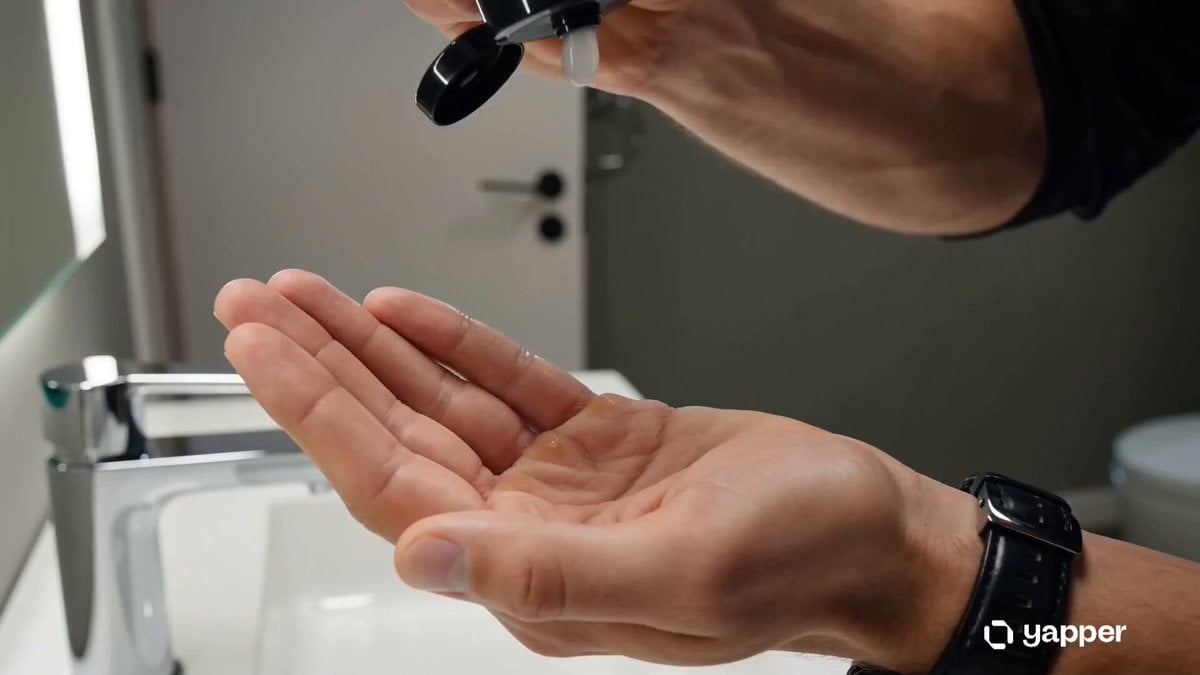
Skincare Commercial Macro Foam Detail

Excited Japanese Announcement Lip-Sync
Browse template categories
Epic Villain 3D Showcase questions
How do I use the Epic Villain 3D Showcase template?
Add your photo if the template asks for one, edit the prompt if you like — the template's model and format are already selected — and press Generate. Your version opens in PicX Studio.
Can I customize the Epic Villain 3D Showcase template?
Yes. You can change the subject, setting, lighting, mood, format, and available model controls before creating your video.
Is the Epic Villain 3D Showcase template free?
Opening and editing this template is free. Generating uses credits, shown on the Generate button when you are signed in.
Which AI model should I use?
Start with Seedance 2.0, which is the model associated with this template. You can compare another compatible model for a different finish.
Looking for something else? Browse all templates.

Your photo, any look
Thousands of ready templates for every top image and video model, from one credit balance.