
The Secret Garden Hidden Door
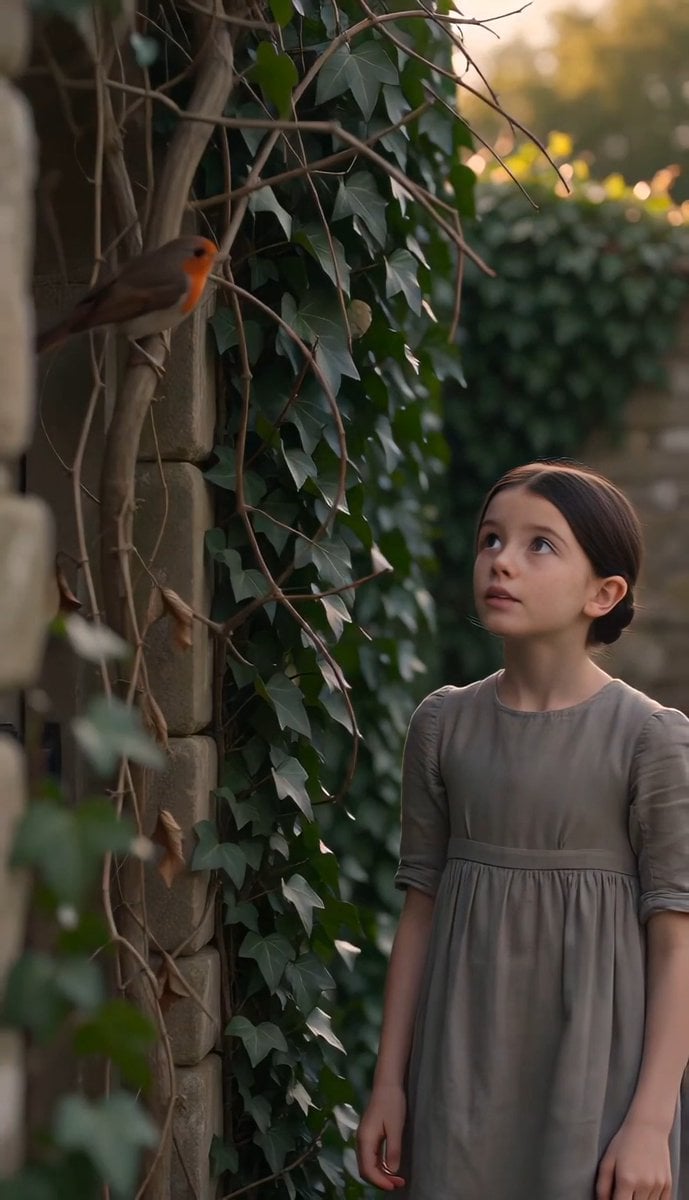
A cinematic prompt depicting Mary Lennox finding a hidden garden door, following a robin through a soft morning setting.
- Prompt included
- Model and format preset
- Free template
The prompt behind this video
Copy the exact prompt behind The Secret Garden Hidden Door, or open it in the studio and make it yours.
The Secret Garden — The Hidden Door Characters: * Mary Lennox — thin ten-year-old girl with dark hair and a plain gray dress. * Robin — small red-breasted bird. Scene: Soft morning light fills a quiet English garden. Mary slowly follows a robin that repeatedly lands a few meters ahead of her. The bird finally perches beside an old ivy-covered wall where Mary notices the outline of a forgotten wooden door hidden beneath climbing vines. She brushes the leaves aside, finds a rusty key already in her hand, unlocks the door, and gently pushes it open to reveal a beautiful garden untouched for years. No music. Pay attention to maintain spatial consistency and respect 180 degree rule in cinematography.
How to use The Secret Garden Hidden Door in 3 steps
- 1
Open
The prompt is already in the box next to the preview, with the template's model and format selected.
- 2…a portrait of your subject in softgolden-hour light, 85mm…
Personalize
Edit the subject and creative details for your destination.
- 3Generate
Generate
Press Generate — your video is created in PicX Studio, so you can compare it with the original and refine one variable at a time.
More like this
Templates with the same subject, style or setup. Open one to see its prompt.
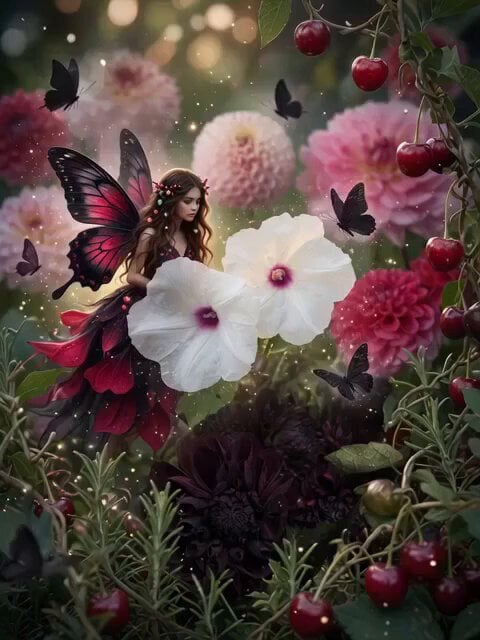
Fountain of Youth Secret Garden
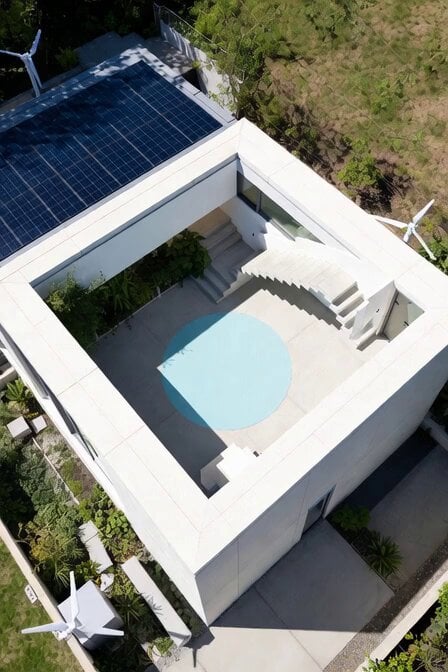
Rooftop secret garden creation prompt
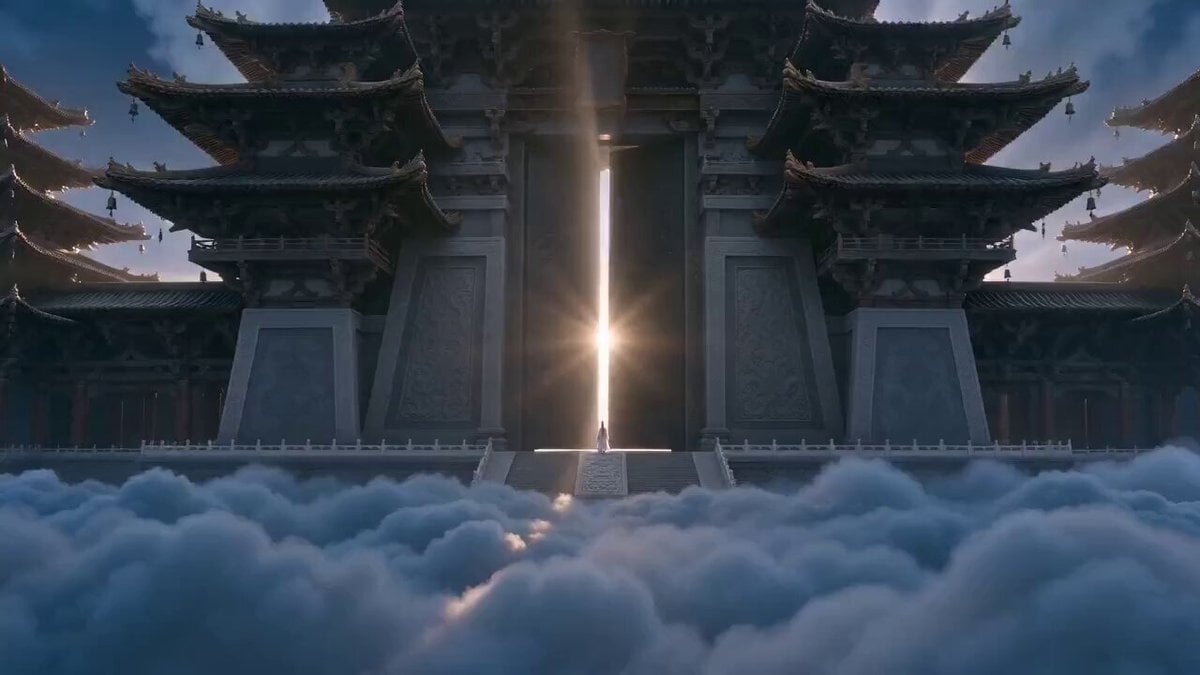
Xianxia Heavenly Gate Side Door Comedy
Hidden Cam Bedroom Dance
Martial Arts Comedy: The Echoing Secret
Automatic Door Sensor Comedy
Victoria's Secret Runway Walk

Greenhouse Door Wind Chimes
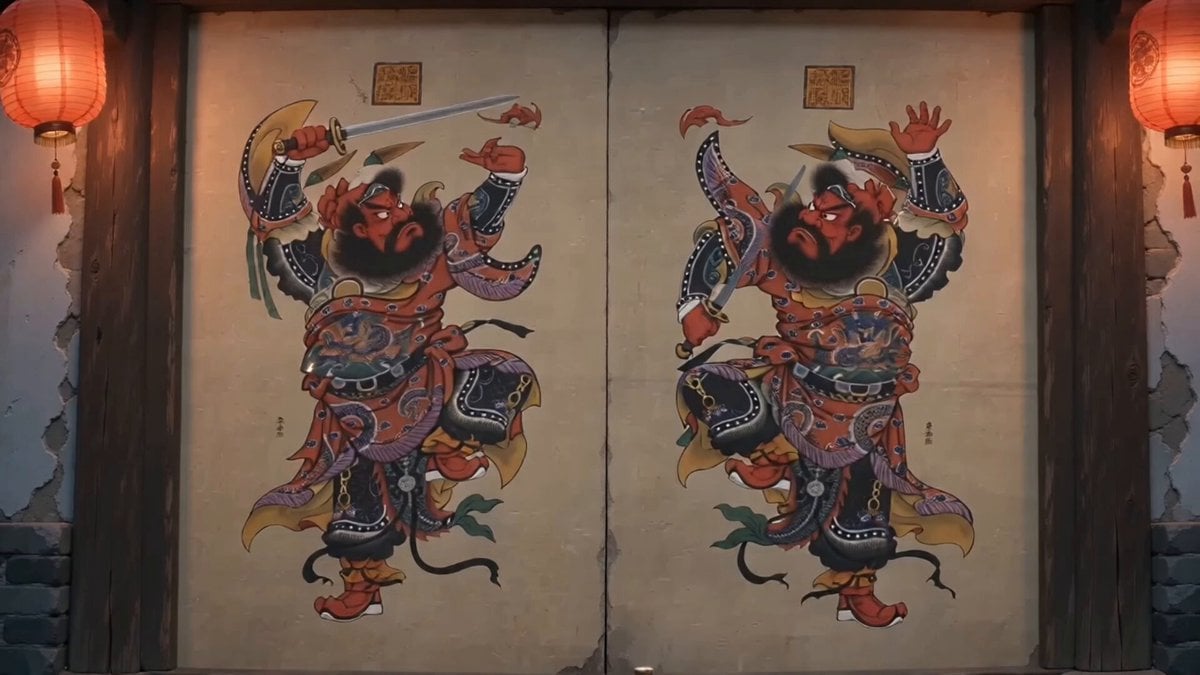
Traditional Chinese Door God Surveillance View
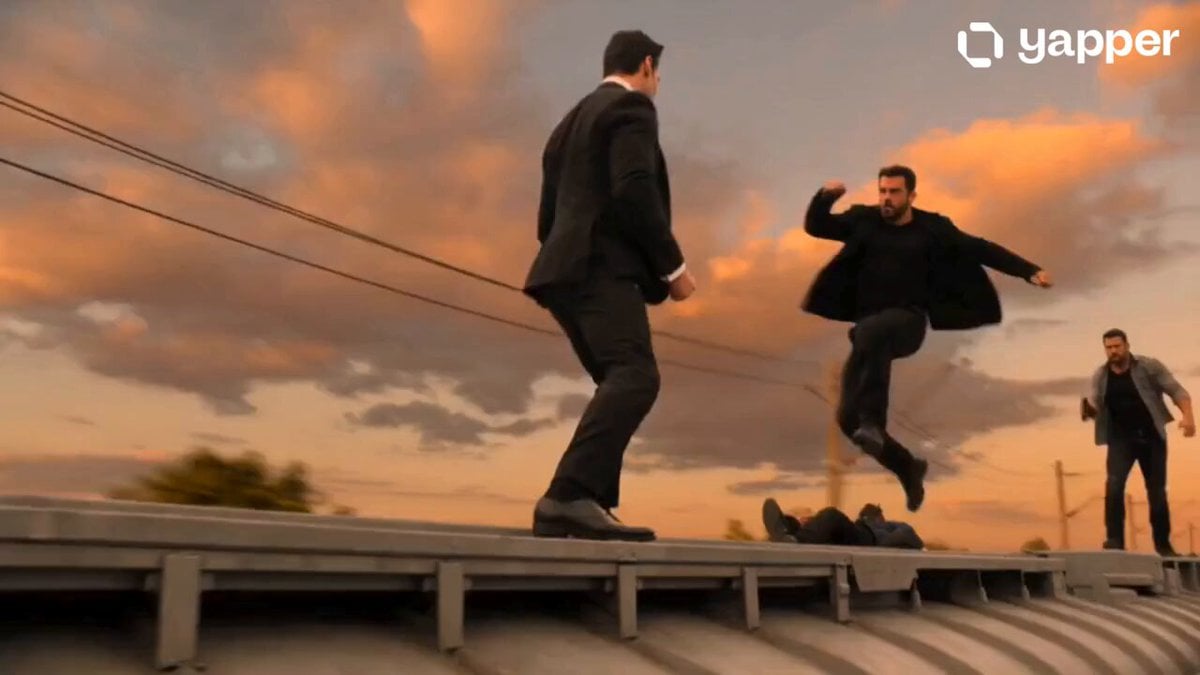
Secret Agent Train Fight
Lara Secret Agent VFX Story

Mechanical Keyboard Hidden Miniature World
Make it yours
The Secret Garden Hidden Door works as-is. These are the safest ways to change it without losing the look.
Change one field
Copy a single group, rewrite it, and generate again so you can see what that field is doing.
Keep the frame, change the subject
Hold the composition and light of The Secret Garden Hidden Door, then swap wardrobe, props or the person for a new take.
| If the result… | Why | Fix |
|---|---|---|
| The result drifts from the preview | Too many fields changed at once. | Reuse The Secret Garden Hidden Door as-is first, then change one group — subject, light, or setting. |
| The model over-stylizes the scene | The prose prompt leaves finish and camera underspecified. | Add one camera or lighting sentence and stay on Seedance 2.0. |
More Seedance 2.0 templates
Other prompts made for Seedance 2.0.

Comical Martial Arts Punch Scene

Maglev Train Action Sequence

Martial Arts Fight Sequence

Wuxia Protection and Trust Script

Vintage Korean Arcade MiniDV Vlog

Mercedes 190 SL Luxury Ad

Rainy Night Supernatural Reverse Comedy Video Script

Amazon Civilization Discovery

Futuristic South Asian City Transformation

Cozy Luxury Cafe Commercial
More video prompts
Fresh picks from across the catalog.
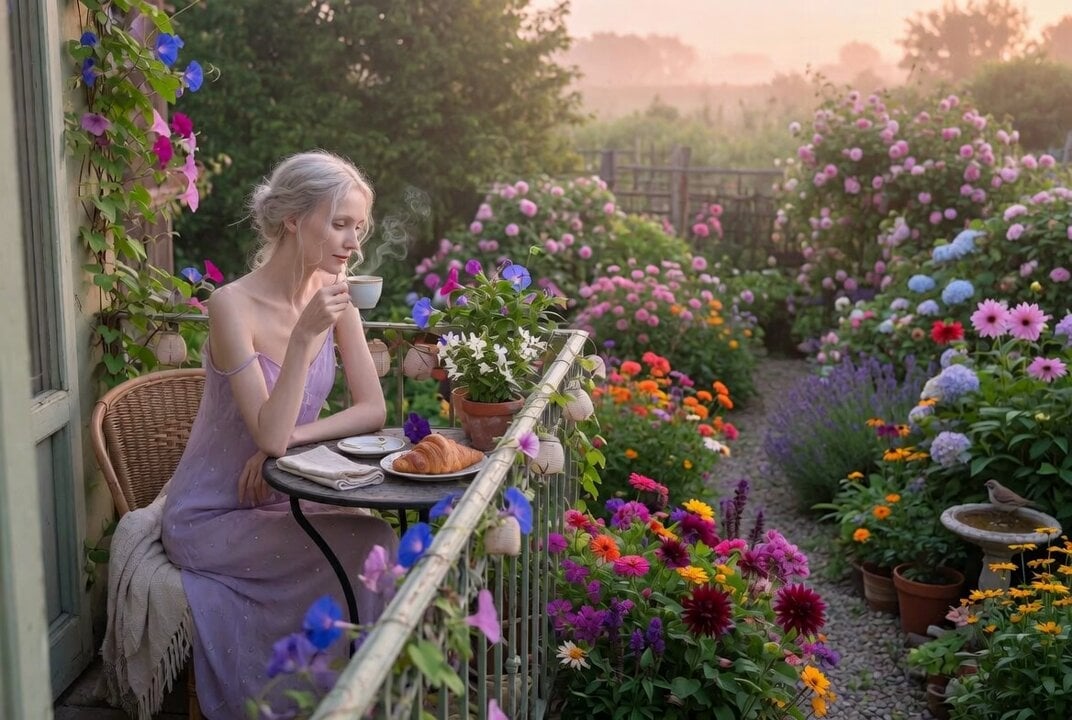
Ethereal Woman on Balcony Video Prompt
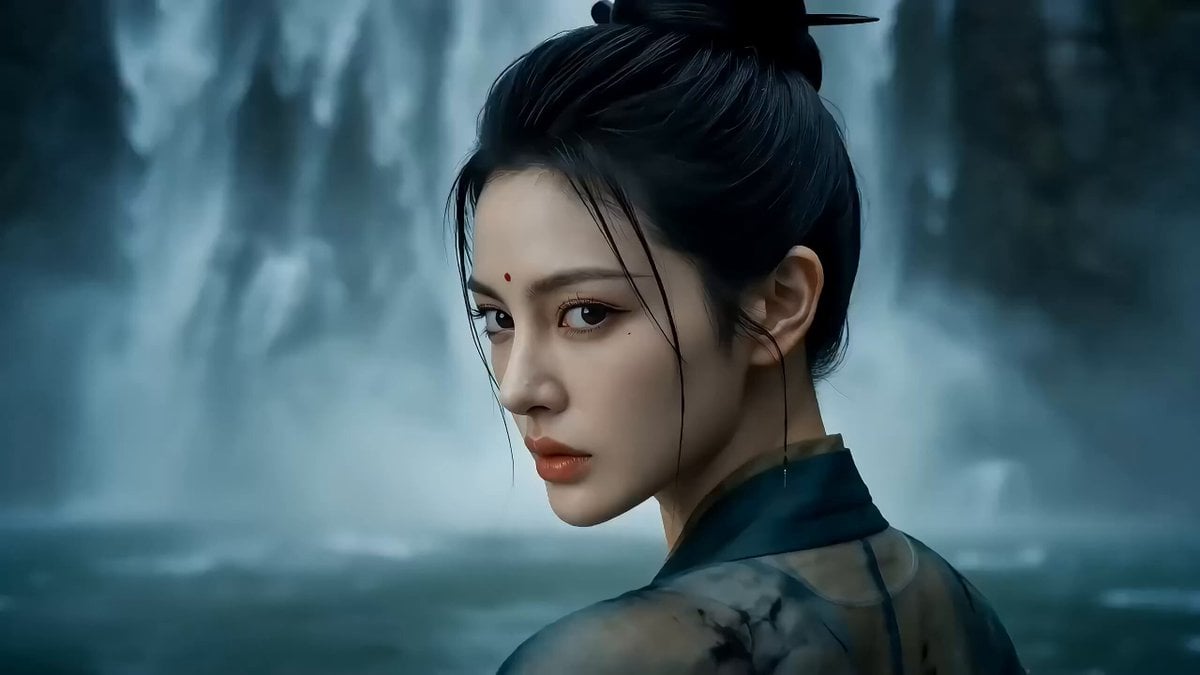
One-shot Wuxia epic with cinematic camera work

Cinematic Soccer Goal Sequence
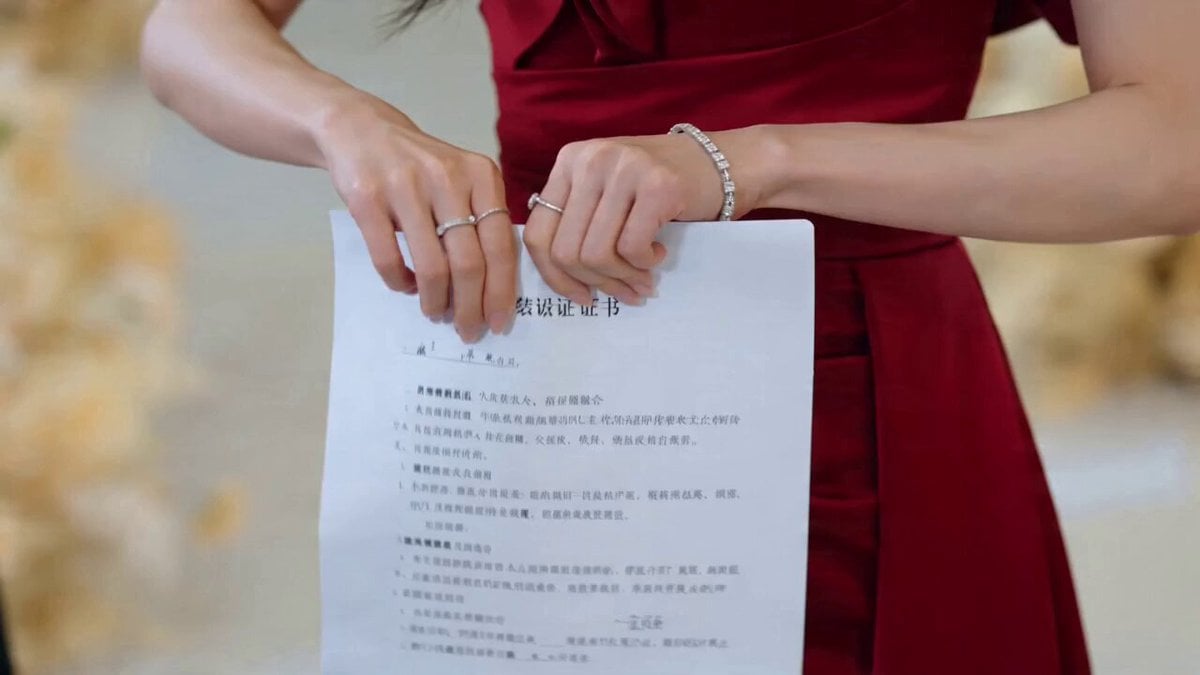
CEO Romance Drama: Contract Breakup (15s)

Dried Fruit Snack 3D Commercial
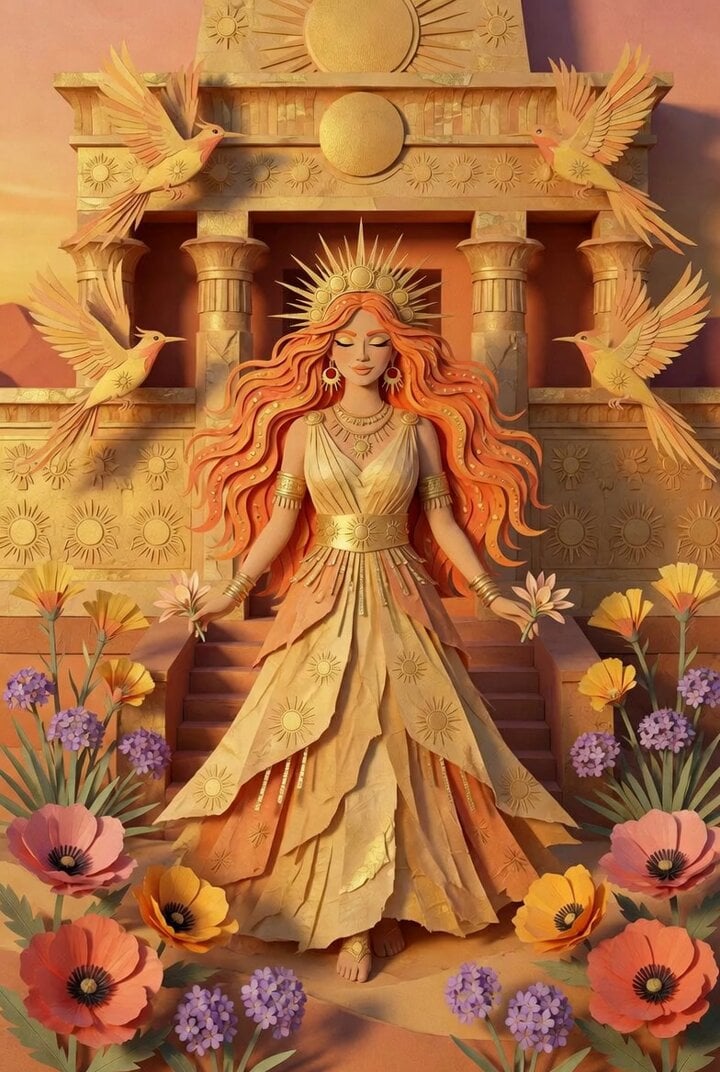
Paper Art Sun Goddess

Cinematic Cosmic Panorama Video Prompt
FPV Ancient Kuru Kingdom — Hastinapura Golden Hour (Seedance)
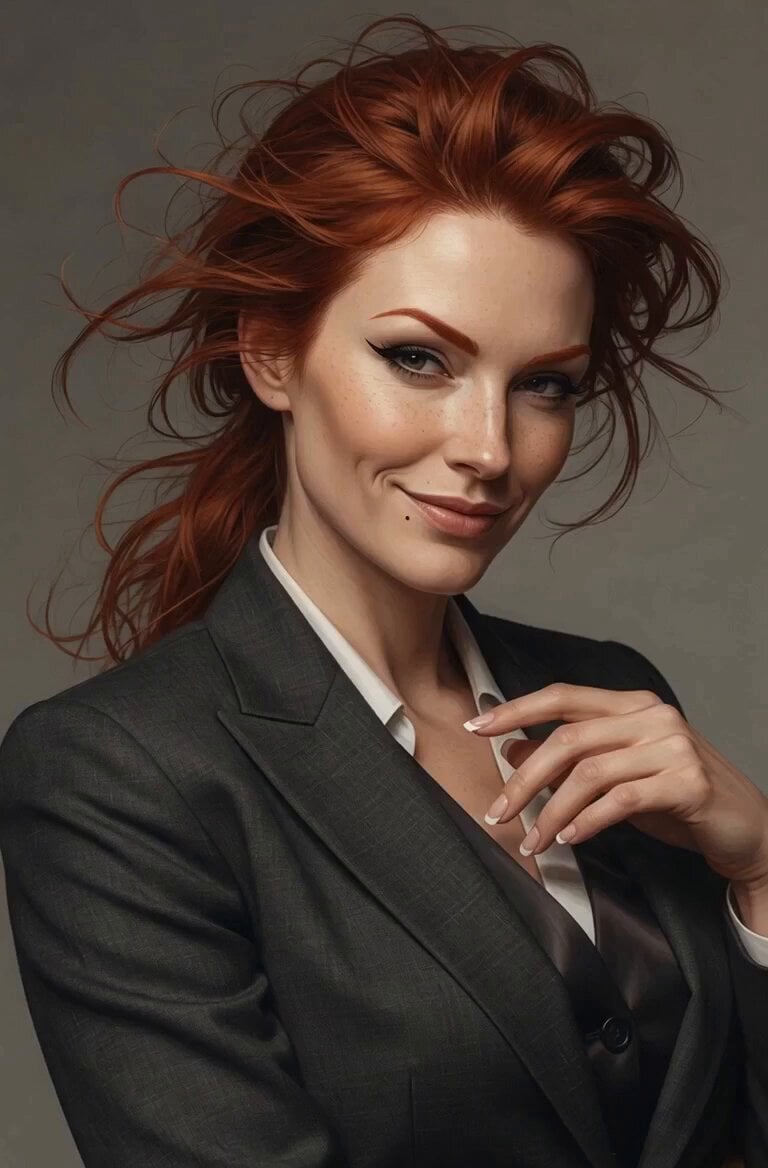
Luxurious Red Silk Sash in Wind
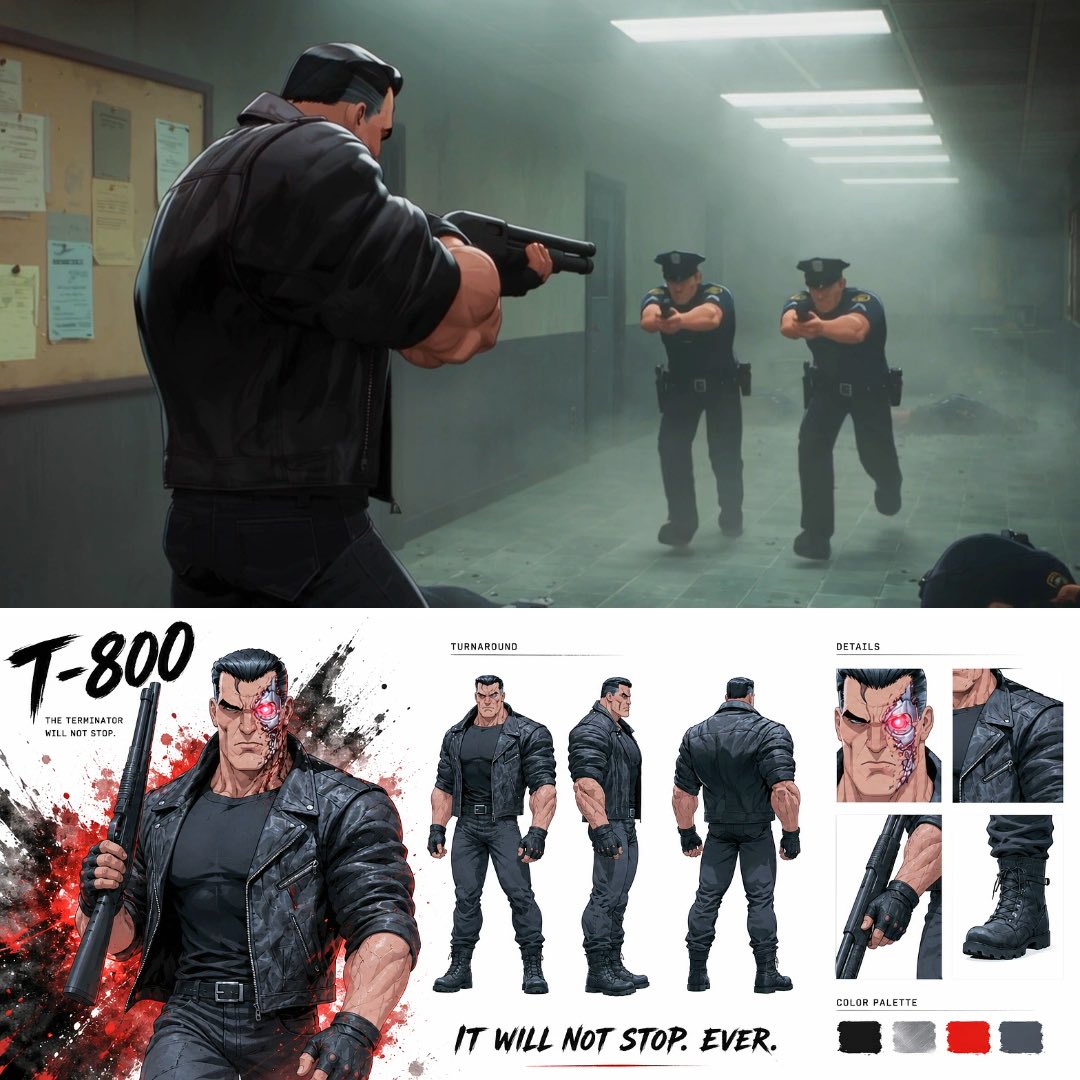
Noir Anime Police Station Interior
Browse template categories
The Secret Garden Hidden Door questions
How do I use the The Secret Garden Hidden Door template?
Add your photo if the template asks for one, edit the prompt if you like — the template's model and format are already selected — and press Generate. Your version opens in PicX Studio.
Can I customize the The Secret Garden Hidden Door template?
Yes. You can change the subject, setting, lighting, mood, format, and available model controls before creating your video.
Is the The Secret Garden Hidden Door template free?
Opening and editing this template is free. Generating uses credits, shown on the Generate button when you are signed in.
Which AI model should I use?
Start with Seedance 2.0, which is the model associated with this template. You can compare another compatible model for a different finish.
Looking for something else? Browse all templates.

Your photo, any look
Thousands of ready templates for every top image and video model, from one credit balance.