How do I use the Cinematic Cosmic Panorama Video Prompt template?
Edit the prompt in the box under the preview — the template's model and format are already selected — and press Generate. Your version appears right on this page.
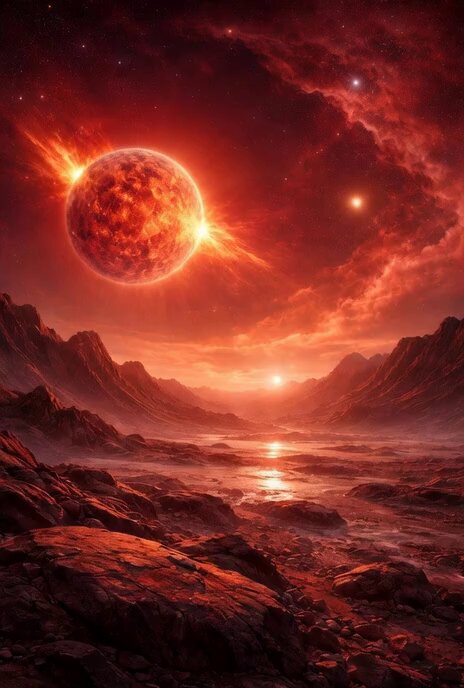
A detailed Grok Imagine prompt for generating a cinematic, ultra-wide video panorama of deep space, featuring a razor-sharp horizon, a detailed full moon, and swirling, vibrant nebulae with dramatic lighting effects.
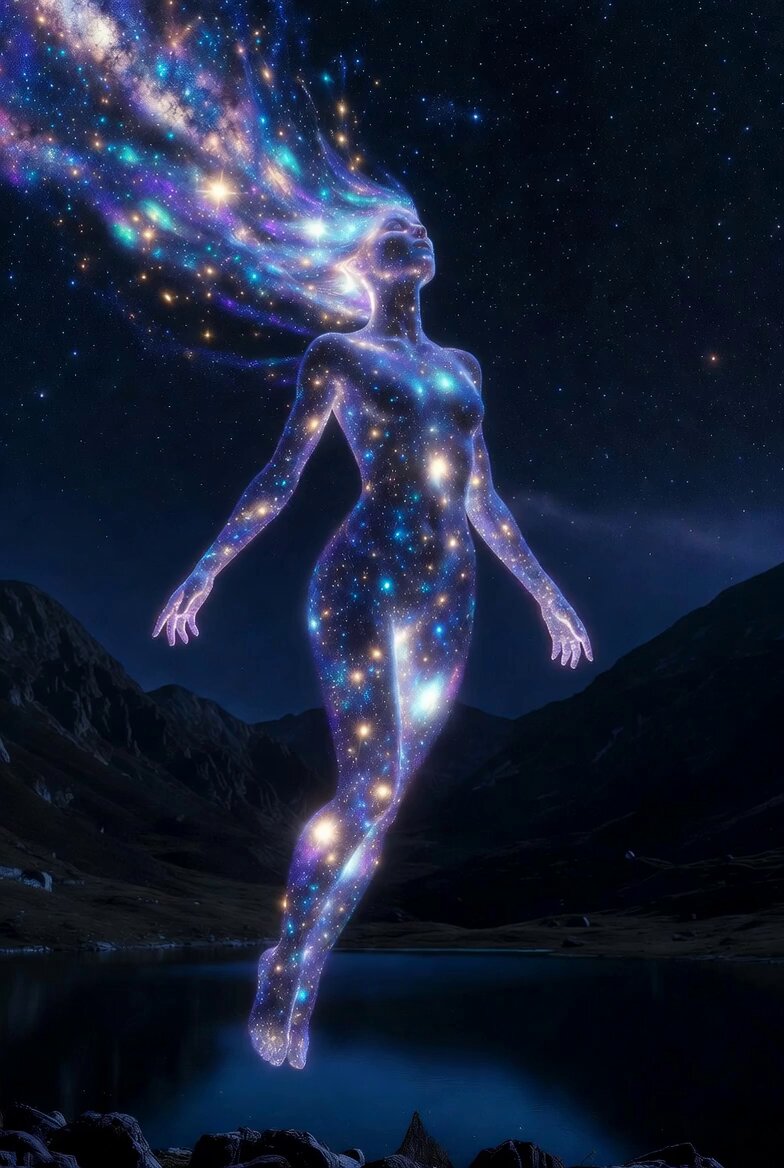
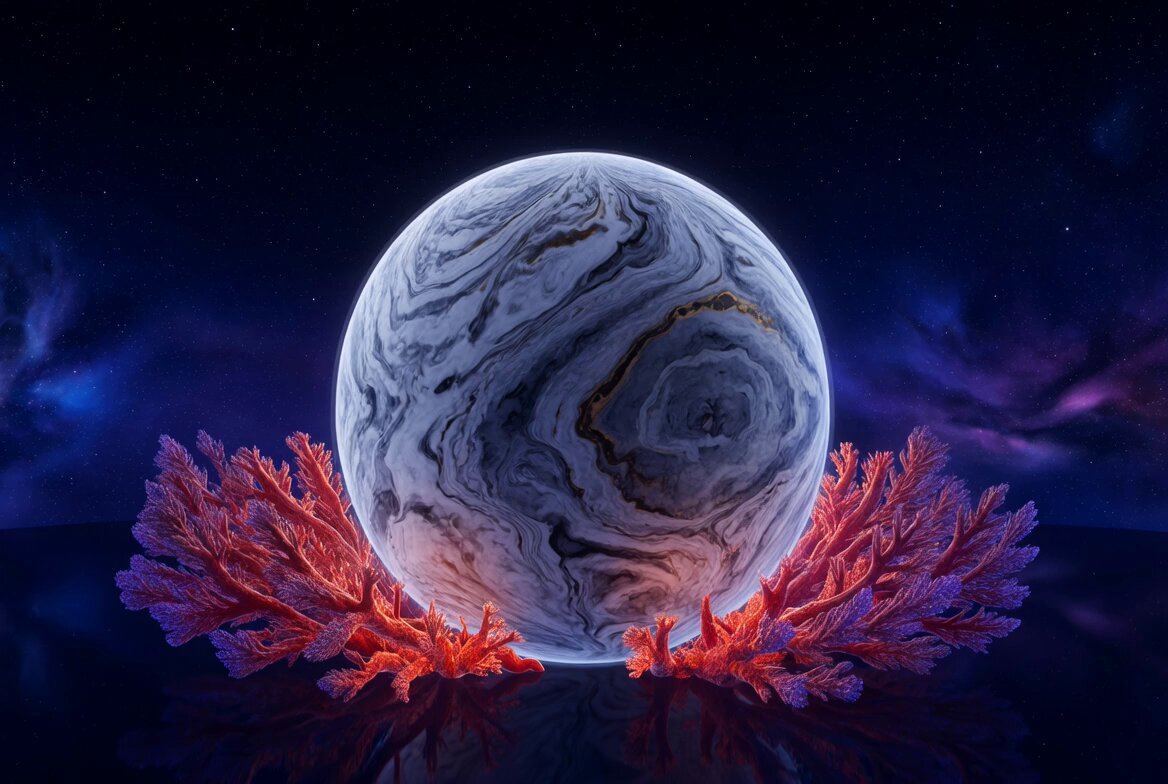
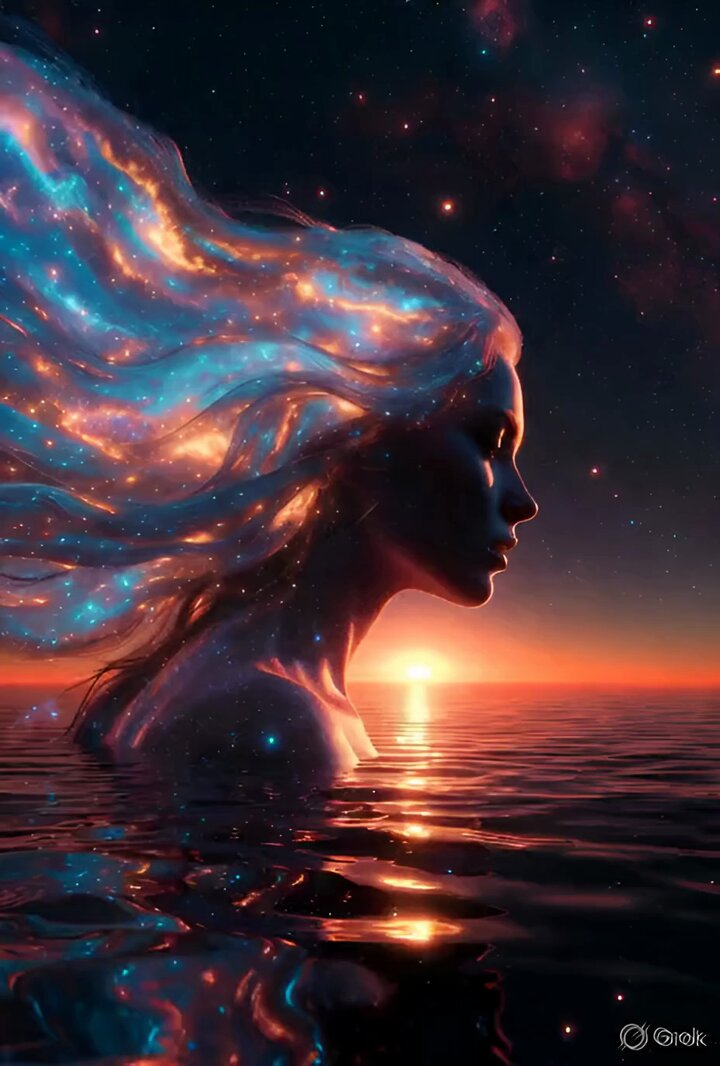
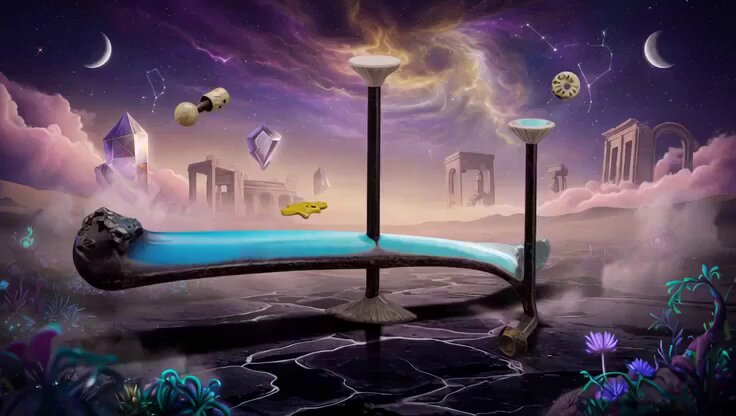
Cinematic ultra-wide panorama from deep space, razor-sharp perfect horizon slicing the frame exactly in half, breathtaking scene of cosmic grandeur, the majestic full moon positioned just inside the horizon in the lower half with hyper-detailed cratered silver surface catching dramatic side lighting, above the horizon an explosive tapestry of vibrant swirling nebulae in rich crimson reds, electric teals, deep indigos and molten golds, countless pinpoint stars and distant galaxies glittering across the infinite black void, powerful volumetric and crepuscular beams slicing through cosmic dust clouds, subtle anamorphic lens flares and delicate bokeh highlights, immense scale and majestic silence, core emotional tone of tranquil wonder, as if rising into the nebulae sea,
Cinematic ultra-wide panorama from deep space, razor-sharp perfect horizon slicing the frame exactly in half, breathtaking scene of cosmic grandeur, the majestic full moon positioned just inside the horizon in the lower half with hyper-detailed cratered silver surface catching dramatic side lighting, above the horizon an explosive tapestry of vibrant swirling nebulae in rich crimson reds, electric teals, deep indigos and molten golds, countless pinpoint stars and distant galaxies glittering across the infinite black void, powerful volumetric and crepuscular beams slicing through cosmic dust clouds, subtle anamorphic lens flares and delicate bokeh highlights, immense scale and majestic silence, core emotional tone of tranquil wonder, as if rising into the nebulae sea,
Edit the prompt in the box under the preview — the template's model and format are already selected — and press Generate. Your version appears right on this page.
Yes. You can change the subject, setting, lighting, mood, format, and available model controls before creating your video.
Opening and editing this template is free. Generating uses credits, shown on the Generate button when you are signed in.
Start with Grok Imagine, which is the model associated with this template. You can compare another compatible model for a different finish.
Follow a topic to a crawlable collection of related PicX Studio templates.