How do I use the Surreal Material-Shifting Anime Run template?
Edit the prompt in the box under the preview — the template's model and format are already selected — and press Generate. Your version appears right on this page.
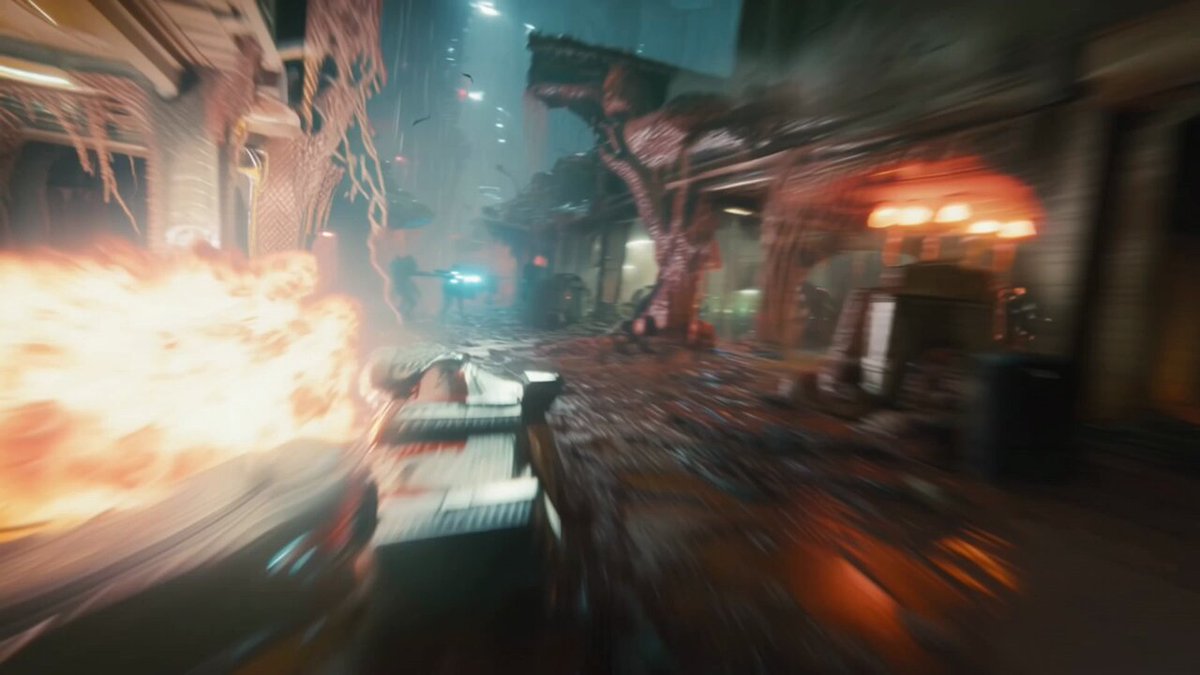
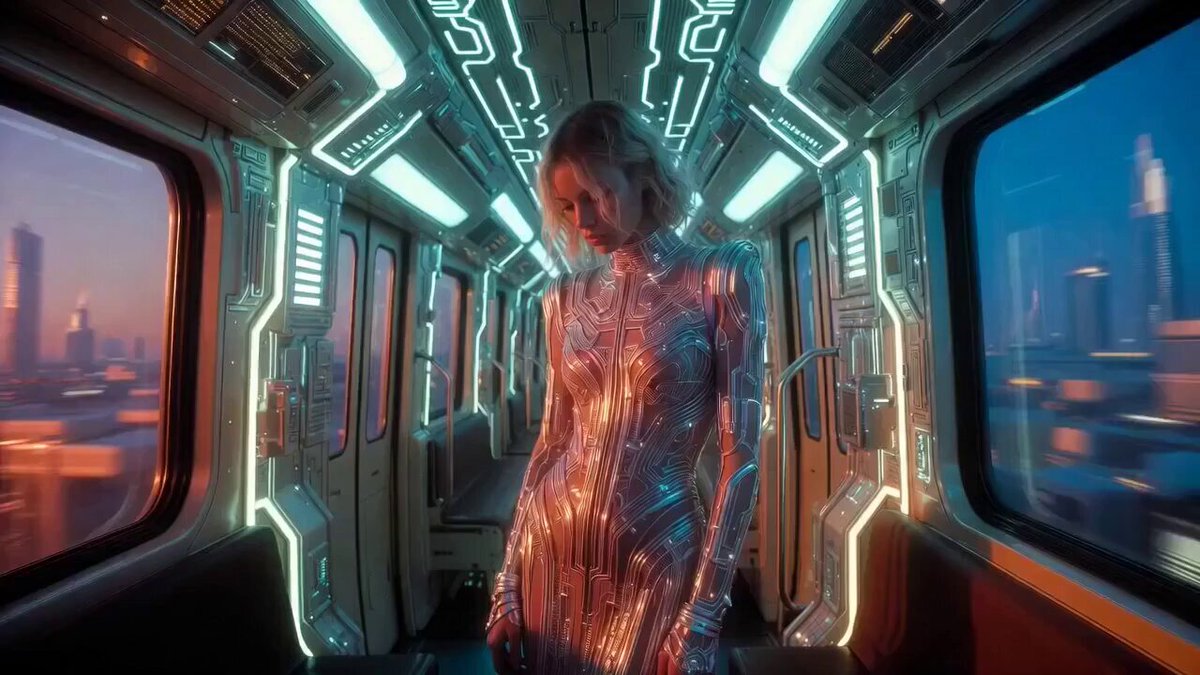
A creative prompt for a high-budget anime sequence where a character runs through a subway, with the ground material changing at every step.
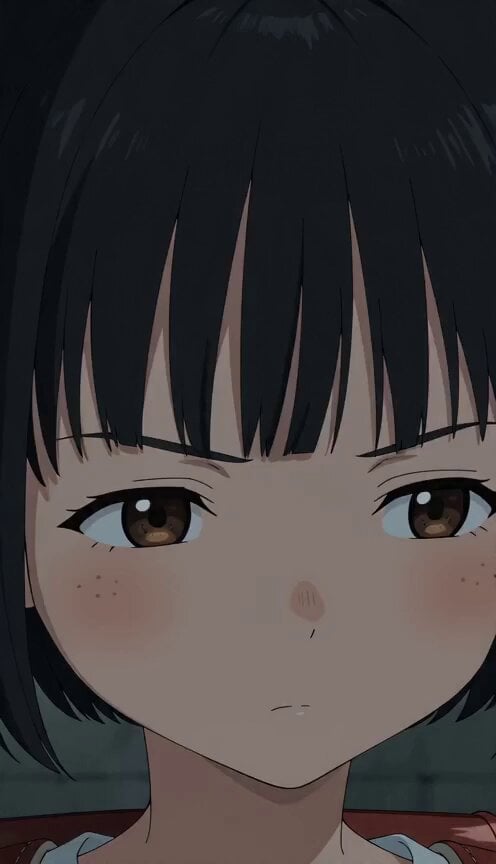
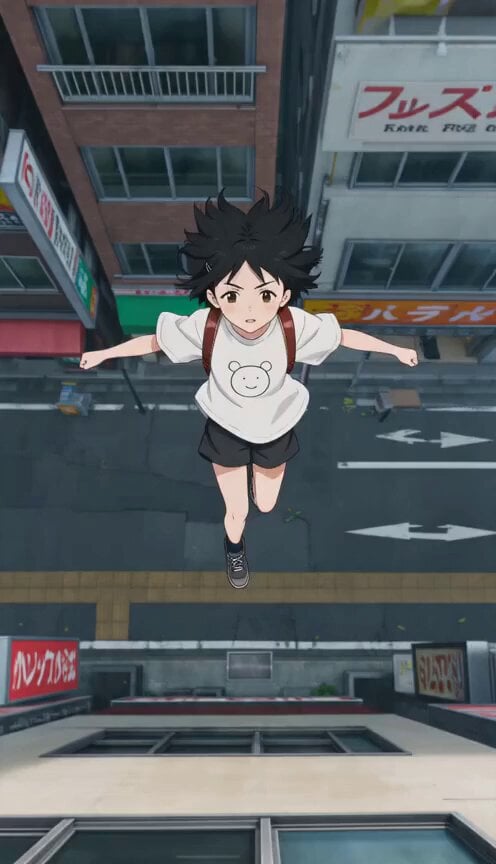
【主役】黒髪ボブの小学2年生 【舞台】高架下の地下道 【ギミック】足元の素材 【動画スタイル】 15秒。日本のフルカラーアニメ。予算5億円規模の高密度2Dアニメーション。緻密な背景美術、なめらかな中割り、映画品質の撮影処理。 同じような絵が続かないように、構図、カメラアングル、画面サイズ、キャラクターの距離感を変えて魅力的に展開する。字幕なし、透かしなし、BGMなし。環境音あり。 【映像構成】主役キャラが走る一本道は、一歩ごとに足元の素材が切り替わる。そのたびフォームを変えて速度を保ち、途中の「何もない」一歩は空中で次の一歩を先に踏んで越える。最後の一歩だけ普通の道に戻る。 Shot1(切替フック): 高架下の地下道。主役キャラが一歩進むたび、足元の素材がまるごと切り替わる。驚きつつも興味津々の表情。 Shot2(連続): 二歩目、三歩目。踏むたびに足元の素材が変わり、景色と音が追いかけて切り替わる。主役の目が忙しく辺りを追う。 Shot3(適応): 主役はフォームを変えながら速度を保ち。切り替わりの継ぎ目で髪が二種類の風に揺れる。冷静に順応する表情。 Shot4(接写): 足元の接写。一歩の中に二つの世界の境界線が走っている。真剣に足元を見極める眼差し。 Shot5(無の一歩): 次の一歩の位置に何もない。主役は空中で次の一歩を先に踏み、光の床を呼び出す。とっさの判断に緊張が走る。 Shot6(ラッシュ): 最後の十歩を全力で駆ける。足元の素材が高速で切り替わり、足音が打楽器のリズムになる。高揚した表情で駆け抜ける。 Shot7(普通): 最後の一歩は普通の道。主役が拍子抜けした顔で「普通がいちばん難しい」と言う。
【主役】黒髪ボブの小学2年生 【舞台】高架下の地下道 【ギミック】足元の素材 【動画スタイル】 15秒。日本のフルカラーアニメ。予算5億円規模の高密度2Dアニメーション。緻密な背景美術、なめらかな中割り、映画品質の撮影処理。 同じような絵が続かないように、構図、カメラアングル、画面サイズ、キャラクターの距離感を変えて魅力的に展開する。字幕なし、透かしなし、BGMなし。環境音あり。 【映像構成】主役キャラが走る一本道は、一歩ごとに足元の素材が切り替わる。そのたびフォームを変えて速度を保ち、途中の「何もない」一歩は空中で次の一歩を先に踏んで越える。最後の一歩だけ普通の道に戻る。 Shot1(切替フック): 高架下の地下道。主役キャラが一歩進むたび、足元の素材がまるごと切り替わる。驚きつつも興味津々の表情。 Shot2(連続): 二歩目、三歩目。踏むたびに足元の素材が変わり、景色と音が追いかけて切り替わる。主役の目が忙しく辺りを追う。 Shot3(適応): 主役はフォームを変えながら速度を保ち。切り替わりの継ぎ目で髪が二種類の風に揺れる。冷静に順応する表情。 Shot4(接写): 足元の接写。一歩の中に二つの世界の境界線が走っている。真剣に足元を見極める眼差し。 Shot5(無の一歩): 次の一歩の位置に何もない。主役は空中で次の一歩を先に踏み、光の床を呼び出す。とっさの判断に緊張が走る。 Shot6(ラッシュ): 最後の十歩を全力で駆ける。足元の素材が高速で切り替わり、足音が打楽器のリズムになる。高揚した表情で駆け抜ける。 Shot7(普通): 最後の一歩は普通の道。主役が拍子抜けした顔で「普通がいちばん難しい」と言う。
Edit the prompt in the box under the preview — the template's model and format are already selected — and press Generate. Your version appears right on this page.
Yes. You can change the subject, setting, lighting, mood, format, and available model controls before creating your video.
Opening and editing this template is free. Generating uses credits, shown on the Generate button when you are signed in.
Start with Seedance 2.0, which is the model associated with this template. You can compare another compatible model for a different finish.
Follow a topic to a crawlable collection of related PicX Studio templates.