How do I use the One-Shot Rooms With Shifting Worlds template?
Edit the prompt in the box under the preview — the template's model and format are already selected — and press Generate. Your version appears right on this page.
reference-guided generation, scene continuity, and multimodal prompting.
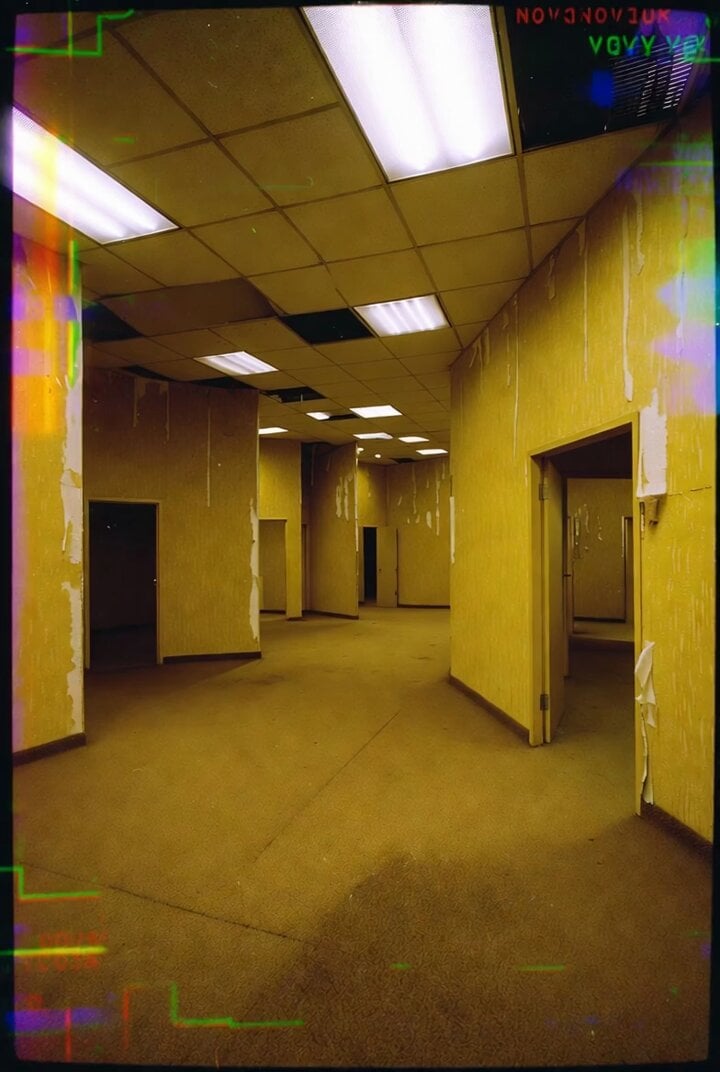
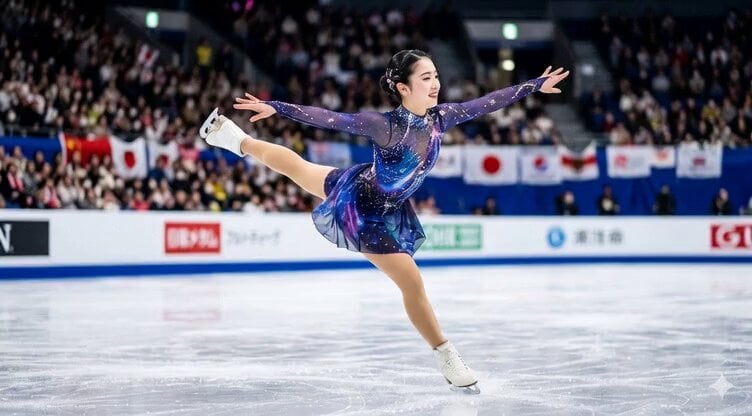
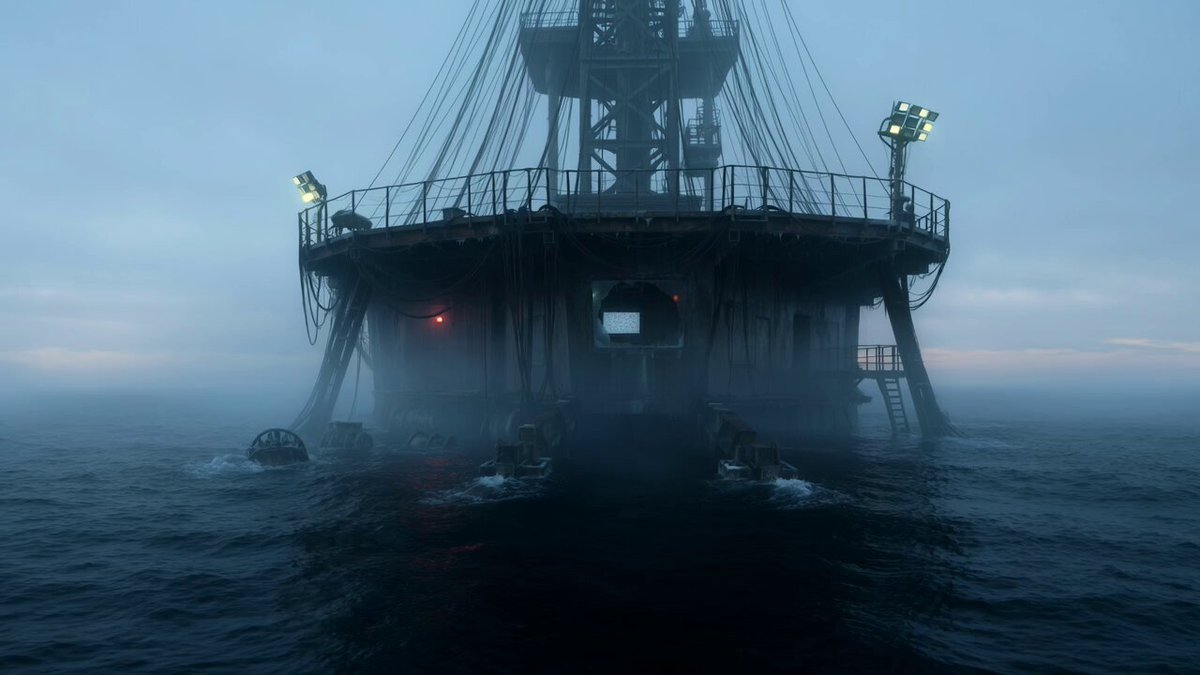
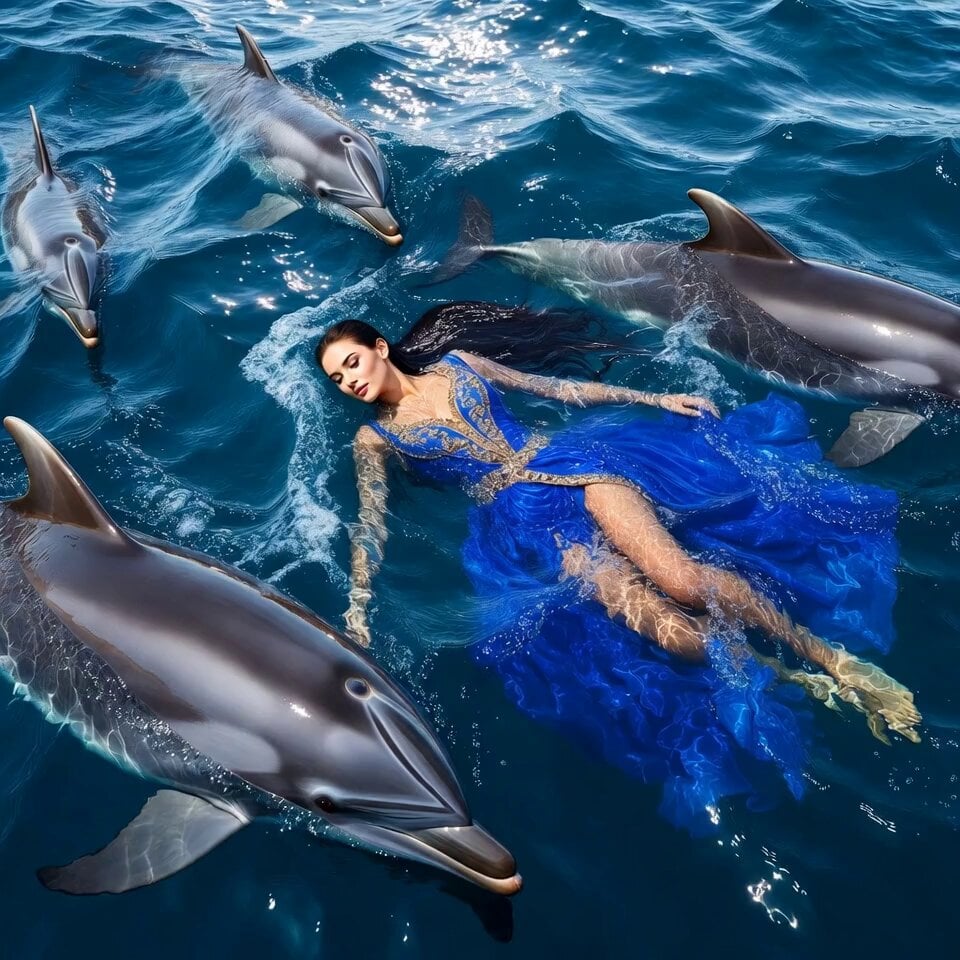
One continuous shot. The camera smoothly follows a person in a black coat (refer to <<<image_1_1>>>) walking from left to right through six connected rooms with different tones and atmospheres. Every room has the same structure: white walls, light herringbone wood floors, French double floor-to-ceiling windows, and white sheer curtains, based on <<<image_2_2>>>. Only the scenery outside the window and the indoor mood change. The protagonist walks at a constant speed and passes through every open doorway in the walls. 0-5s: First room, American-comic fight theme. The protagonist enters and fights a character (<<<image_3_3>>>), who is defeated. 5-10s: Second room, warm felt style. Outside the window is a sunflower field (<<<image_4_4>>>). The room has warm orange soft light, and a painter is painting sunflowers (<<<image_5_5>>>). After entering, the protagonist also becomes felt-style. 10-15s: Third room, sadness theme. The entire image becomes black-and-white comic freeze-frame animation. Rain falls outside, and the interior is cold, gray, and low-key. A person sits alone in an empty room. 15-20s: Fourth room, cyberpunk neon city. The windows reveal rain-soaked skyscrapers and colorful lights. Reflections slide across the floor and the protagonist's coat. 20-25s: Fifth room, festival night. Fireworks fill the sky outside, colorful indoor light flickers, and the protagonist is pulled into a cheering atmosphere. 25-30s: Final room, blank white space. The protagonist stands in the center and snaps their fingers. With the snap sound, the screen turns black and the word "seedance" appears in the center. Overall: cinematic, high-fashion advertising style, with lighting determined entirely by the outside scene, strong emotional contrast, and no extra text.
One continuous shot. The camera smoothly follows a person in a black coat (refer to <<<image_1_1>>>) walking from left to right through six connected rooms with different tones and atmospheres. Every room has the same structure: white walls, light herringbone wood floors, French double floor-to-ceiling windows, and white sheer curtains, based on <<<image_2_2>>>. Only the scenery outside the window and the indoor mood change. The protagonist walks at a constant speed and passes through every open doorway in the walls. 0-5s: First room, American-comic fight theme. The protagonist enters and fights a character (<<<image_3_3>>>), who is defeated. 5-10s: Second room, warm felt style. Outside the window is a sunflower field (<<<image_4_4>>>). The room has warm orange soft light, and a painter is painting sunflowers (<<<image_5_5>>>). After entering, the protagonist also becomes felt-style. 10-15s: Third room, sadness theme. The entire image becomes black-and-white comic freeze-frame animation. Rain falls outside, and the interior is cold, gray, and low-key. A person sits alone in an empty room. 15-20s: Fourth room, cyberpunk neon city. The windows reveal rain-soaked skyscrapers and colorful lights. Reflections slide across the floor and the protagonist's coat. 20-25s: Fifth room, festival night. Fireworks fill the sky outside, colorful indoor light flickers, and the protagonist is pulled into a cheering atmosphere. 25-30s: Final room, blank white space. The protagonist stands in the center and snaps their fingers. With the snap sound, the screen turns black and the word "seedance" appears in the center. Overall: cinematic, high-fashion advertising style, with lighting determined entirely by the outside scene, strong emotional contrast, and no extra text.
Edit the prompt in the box under the preview — the template's model and format are already selected — and press Generate. Your version appears right on this page.
Yes. You can change the subject, setting, lighting, mood, format, and available model controls before creating your video.
Opening and editing this template is free. Generating uses credits, shown on the Generate button when you are signed in.
Start with seedance-2.5, which is the model associated with this template. You can compare another compatible model for a different finish.
Follow a topic to a crawlable collection of related PicX Studio templates.